
已儲存
選擇要顯示在你的已儲存選單中的名稱。
完成!
描述

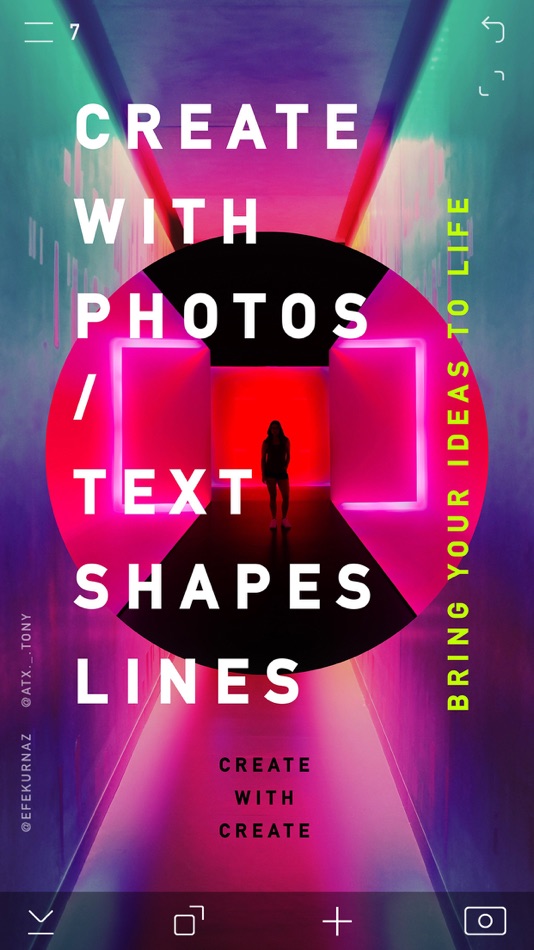
Use photos, fonts, lines, shapes; create graphics, UIs, logos, social media, vector art, photo collages, mood boards, geofilters, and much more…
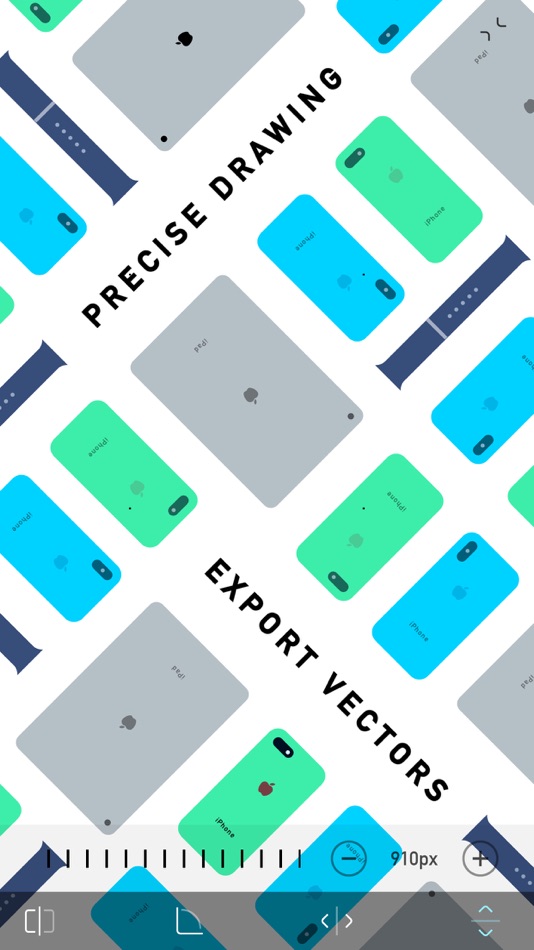
Design with precision
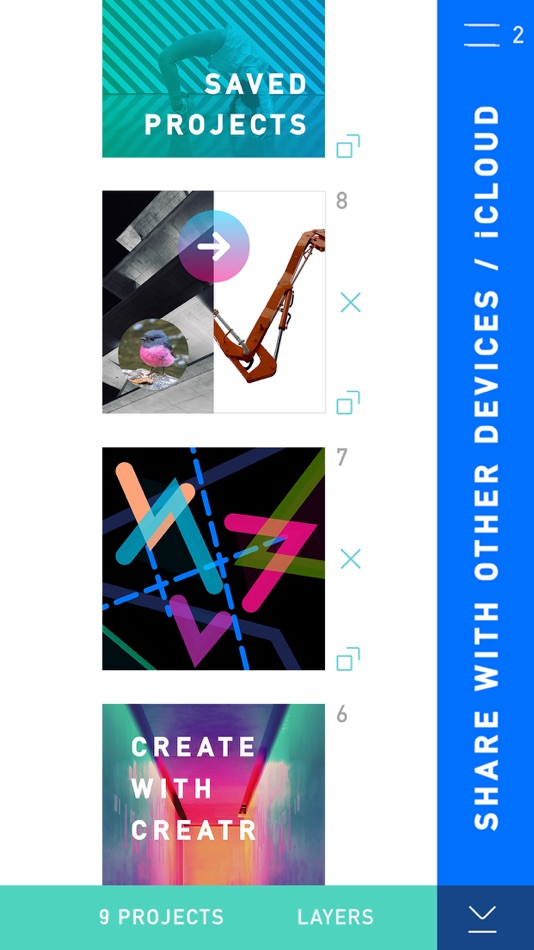
Save + share editable projects
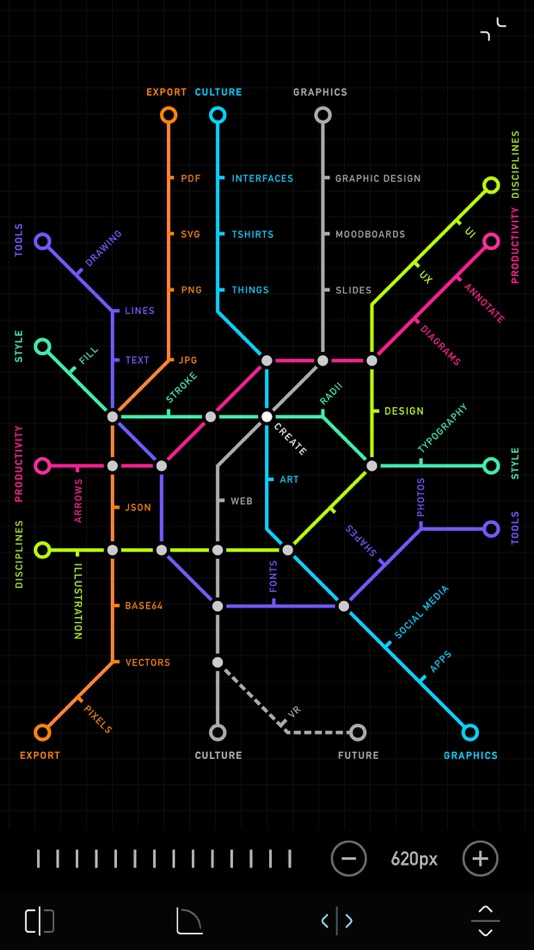
Import / export vectors
Add fonts + graphics to photos / PDFs
Markup, annotate, share ideas — fast
Creativity + productivity!
CREATE gives you the power of desktop design tools on an iPhone / iPad.
The CREATE app is designed using CREATE!
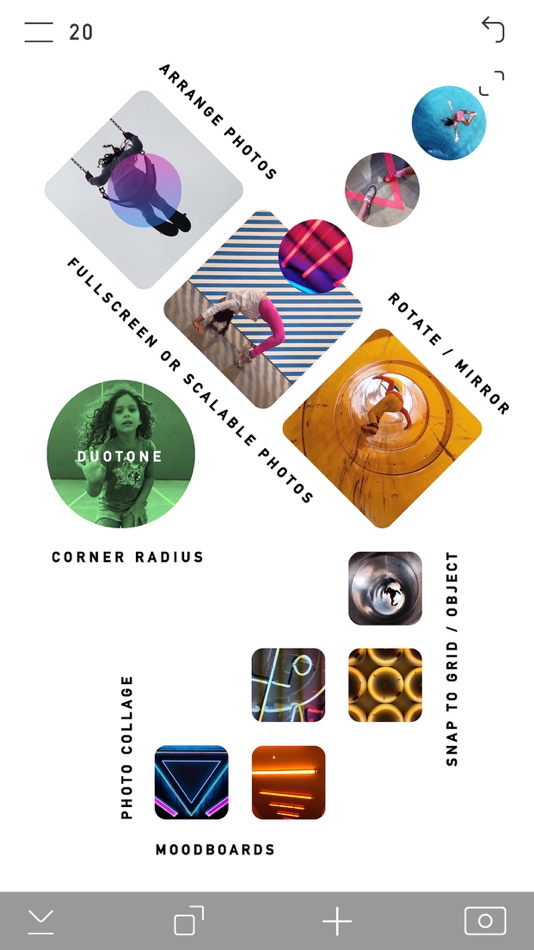
- Arrange multiple photo layers
- Edit text, typography, fonts
- Edit photos: contrast, exposure, etc
- Blur photos
- Draw lines, edit stroke / fill
- Transform shapes - stretch, scale, rotate
- Add rounded corners
- Group layers, add / subtract layers
- Save reusable components
- Share and collaborate on projects
- Import editable .create files to other devices
- Backup projects to iCloud
- Precise dimensions / positioning
- Reorder layers
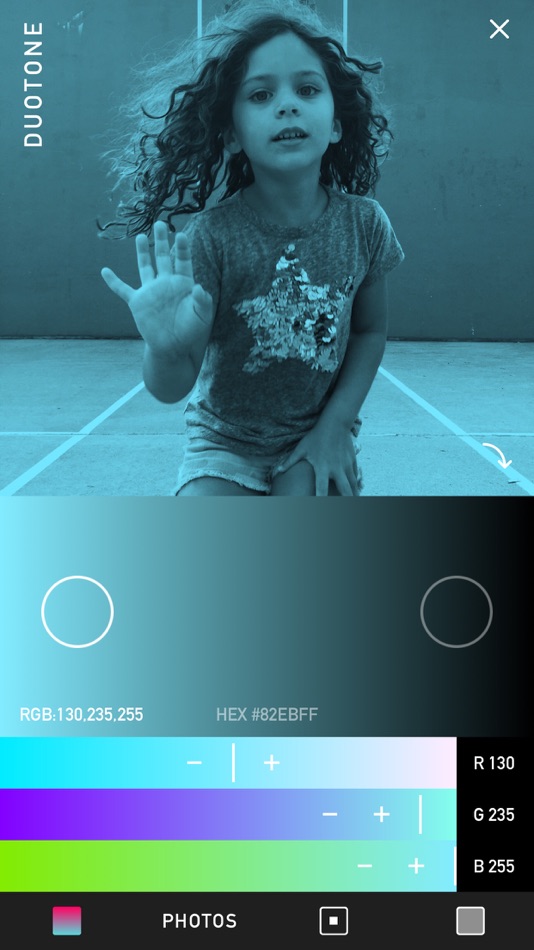
- Hex / RGB colors, save colors
- Custom color gradients
- Make duotone photos
- Add transparent backgrounds - PNG
- Export vectors - SVG, PDF
- Make Snapchat Geofilters
- Set canvas size, grid spacing
- Zoom canvas
- Snap to grid / object
- Install fonts
- Supports Apple Pencil
- Comprehensive help, videos
Work creatively anywhere – improve the world!
For the volume purchasing (VPP) version of CREATE for educational institutions, search in the App Store for ‘CREATE Pro’
-
CREATE includes an optional subscription:
CREATE PRO for $ 1.99 per month. Payment will be charged to your iTunes Account at the confirmation of purchase. Your subscription will automatically renew unless auto-renew is turned off within your Account Settings, at least 24-hours before the end of the current month. Your iTunes account will be charged for renewal within 24-hours prior to the end of the current period. View our Privacy Policy / Terms of Use here:
http://create.mobi/privacy
http://create.mobi/terms
螢幕擷取畫面




Ad
價格歷史
- 目前價格: 免費
- 最小值: 免費
- 最大值: $4.99
追蹤票價
AppAgg 評價
21,900
AppAgg 預估評價:
CREATE: Graphic Design + Fonts
21,900 白金
評價越高,通常代表在 AppAgg 上的信號越強。
基於: 人氣 · 使用者評分 · 新鮮度 · 優惠 · 商店資料 · 社群活躍度
根據最新 AppAgg 資料每日重新計算。
縮短網址: 已複製!
新功能
- 版本: 6.1
- 最後更新:
- Check out the updated CREATE!
- The drawing tool UI now features a vertical list of lines and brushes that can be expended and collapsed
- Set any line or brush as the default line type that will be used when the drawing tool is opened. To set the default line type: open the drawing tool, tap on the line type button (the squiggle icon in the top left corner of the drawing tool); then tap on the settings icon (on the right side above the Photos button); tap the checkbox next to the line that should be the new default line
- Within the the new drawing tool settings, you can now hide lines from the list by tapping the ‘x’ button next to a line; tap the ‘x’ button again to unhide.
- A new pressure sensitive brush tool has been added to the drawing tool. If you want to use CREATE mostly for freehand drawing, set this brush as the default line type. More brushes will be added soon
- A second ‘Save color’ button is now displayed within the color picker when you attempt to save the color of an object that uses different colors for its stroke and fill. You can save each of these colors independently. To save a color: add an object on the canvas; apply a custom color; tap the colors icon (above the Photos in the bottom toolbar) to open the color picker; then tap the elipsis (3 dots) on the right side to open the save color tool; the save color buttons are located at the top of the left column.
Some fixed bugs:
- Fixed an issue importing a json file (editable .create file) from the Files app, if the file is unsynced to the current device, CREATE might previously get stuck fetching from iCloud
- Fixed an issue when setting and resetting the default canvas size
- Fixed an issue when dragging the cursor to select multiple words within a text box that contains multiple rows of text, the text box now remains stationary
- the auto-suggested text row is only displayed when a CJK keyboard is selected; you can override this in the device settings
Lots of other minor UI edits:
- There’s an updated order of the list of settings in the side menu
- A new icon is used to delete a layer in the right side menu
- There’s a fade effect at the bottom of the canvas size picker
- There are many other edits and tweaks throughout the app
Check out the help center for instructions or email questions to: we@create.mobi
Check out projects made with CREATE at: twitter.com/Content
Keep exploring, learning, creating!
其他資訊
- 發行日期:
- 類別 :
iOS 應用程式›攝影 - OS:
iPad,iPhone,iOS 9.0 以上版本 - 大小:
114 Mb - 支援的語言 :
Chinese,English,French,German,Indonesian,Italian,Japanese,Korean,Portuguese,Russian,Spanish,Thai,Vietnamese - 內容分級:
4+ - App Store 評分:
4.6(3,114) - X: Content
- 個人網站:
 http://create.mobi
開發人員
- Anything is
- 平台: iOS 應用程式 (3)
- 清單: 2 + 1
- 點數: 4 + 3,119 ¡
- 排名: 0
- 註釋: 0
- 折扣: 0
- 影片: 0
- RSS: 訂閱
清單 (2)
- CREATE: Graphic Design + Fonts


點數 (4)
-

- 549 Justin Jimenez
- +1
-
- 1,131 Johonson
- +1
-
- 30 Taylor
- +1
-
- 434 Денис
- +1


排名 (0)
0
註釋 (0)
成為第一個發表評論的人
簡要
CREATE: Graphic Design + Fonts 縮短網址: 已複製!- 分享
- App Store
«CREATE: Graphic Design + Fonts». 平台: iOS. 類別: 攝影. 開發商: «Anything is». 首次發布: . 最後更新: . 目前價格: 免費. 此項目尚未在 AppAgg 上獲得評分或評論。 列表: 公開: 2, 私人: 1. 追蹤點: 已確認: 4, 間接: 3,114. 商店: App Store. 店家評價: 4.6. 投票數: 3,114. 可用語言: Chinese, English, French, German, Indonesian, Italian, Japanese, Korean, Portuguese, Russian, Spanish, Thai, Vietnamese. AppAgg 會追蹤 «CREATE: Graphic Design + Fonts»的價格歷史、評分和用戶回饋。 AppAgg 不託管應用程式或分發軟體。 所有商標、標誌和螢幕截圖均屬於其各自所有者。 關注未來折扣和更新: RSS
類似
-
- Bazaart AI Photo Editor Design
- iOS 應用程式: 攝影 由: Bazaart Ltd.
- 免費
- 清單: 2 0 0
- 點數: 4 + 257,694 123K 版本: 26.2.0 Bazaart is an easy-to-use AI photo editor, video editor, and design app. No design background needed. Create fast for online selling, digital marketing, and social media. Get your ... ⥯
-
- Flow Studio: AI Photo & Design
- iOS 應用程式: 攝影 由: Ubiquiti Labs, LLC
- 免費
- 清單: 0 0 0
- 點數: 3 + 2,070 55K 版本: 1.29.1 Creativity Flows. Flow is an easy-to-use Photo & Graphic design app. Boost your social media influence by creating engaging visual content effortlessly! Easy to Use Available on your ... ⥯
-
- Logo Maker SOS: Design Creator
- iOS 應用程式: 攝影 由: OrangeBay Information Technology Co., Ltd.
- 免費
- 清單: 0 0 0
- 點數: 2 + 1,288 28K 版本: 3.3.11 Logo Maker SOS makes it easy to create stunning logos for your business from your iPhone, iPad, and iPod, even if you have no logo design experience. Logo Maker SOS can create logo ... ⥯
-
- Andalusi AI Design Photo Video
- iOS 應用程式: 攝影 由: AppChief Ltd
- 免費
- 清單: 1 0 0
- 點數: 7 + 12,565 49K 版本: 9.7.2 Design Beautifully in Arabic & English Photos, Videos Andalusi is the ultimate creative app for modern designers, marketers, content creators, and everyday users who want to create ... ⥯
-
- PicMonkey Photo + Video Design
- iOS 應用程式: 攝影 由: Shutterstock Inc.
- 免費
- 清單: 1 5 (1) 0
- 點數: 2 + 28,350 71K 版本: 1.43.9 PicMonkey is a photo editor, design maker, sticker maker, collage maker, ad maker, and background eraser, all rolled into one. CREATE STUNNING DESIGNS Make a photo into a design or ... ⥯
-
- Final Cut Pro: Create Video
- iOS 應用程式: 攝影 由: Apple
- 免費
- 清單: 1 + 3 0 0
- 點數: 3 + 2,815 54K 版本: 3.2 Final Cut Pro is now part of Apple Creator Studio, an amazing collection of Apple s most powerful creative apps designed to help you bring your ideas to life. The suite includes Final ... ⥯
-
- Screen Recorder: Create & Edit
- iOS 應用程式: 攝影 由: AppSmartz
- 免費
- 清單: 0 + 1 0 0
- 點數: 6 + 3,129 40K 版本: 2.14.48 Screen Recorder helps you to record screen on iPhone, or iPad. TOP FEATURES + Record the entire screen with audio & facecam + Record full HD videos(720p/1080p/4k) + Recorder internal ... ⥯
-
- Font Maker: Create Your Font
- iOS 應用程式: 攝影 由: Burak Eray Kayis
- 免費
- 清單: 0 0 0
- 點數: 1 + 1,705 29K 版本: 5.0.5 Amazing Features in Font Maker: Create Your Font app: - Create & Save Forever: Design your handwriting fonts and save them permanently. - Multilingual Support: Supports 40+ languages ... ⥯
-
- Sticker Maker: Make & Create
- iOS 應用程式: 攝影 由: AlgoTwist Ltd
- 免費
- 清單: 0 + 2 0 0
- 點數: 1 + 1,021 31K 版本: 1.15.2 Unleash Your Creativity with Custom Stickers on iOS Discover a world where your creativity knows no bounds with Sticker Maker: Create & Make, the ultimate sticker maker app designed ... ⥯
-
- Carat - Create Anything
- iOS 應用程式: 攝影 由: Paradot Corp.
- * 免費
- 清單: 0 0 0
- 點數: 8 + 655 36K 版本: 2.253.0 Your AI Agent, Your Creative Partner. Chat like you would with a teammate your agent handles the tools and gets it done. Create Anything with AI Tell your AI agent what you want to ... ⥯
-
- Jane - AI Design & Collage
- iOS 應用程式: 攝影 由: Shanghai Ruishixinyan Information Technology Co., Ltd
- 免費
- 清單: 0 + 1 0 0
- 點數: 2 + 1,522 30K 版本: 4.6.5 In Jane, Aesthetics Are Productivity and Lifestyle. In Jane, weekdays fuel your design prowess, weekends ignite your artistic expression. Jane Feature Panorama Guide Core Creative ... ⥯
-
- Lala Kids: Create Life Story
- iOS 應用程式: 攝影 由: 江 邱
- 免費
- 清單: 0 0 0
- 點數: 1 + 722 16K 版本: 2.3.9 Simple yet powerful, [Lala Kids] makes it easy to create Kids Video professional-looking videos on your iPhone or iPad. Just tap to select background, trim clips, add kids characters, ... ⥯
-
- Interior with AI - Home Design
- iOS 應用程式: 攝影 由: Dylan Oliver
- 免費
- 清單: 0 0 0
- 點數: 0 + 1,374 18K 版本: 2.0.3 Introducing Interio withr AI - the ultimate app for anyone looking to transform their home into a stunning and original space. With Interior with AI, you can easily redesign your home ... ⥯
-
- Vimeo Create
- iOS 應用程式: 攝影 由: Vimeo.com, Inc.
- 免費
- 清單: 1 0 0
- 點數: 2 + 48,916 56K 版本: 1.27.5 Start creating with our easy video maker anytime, anywhere. Depending on your subscription, Vimeo Plus will renew monthly or annually, and pricing will vary by the subscription type ... ⥯