
| 개발자: | Rekono d.o.o. (1) | ||
| 가격: | 무료 | ||
| 순위: | 0 | ||
| 리뷰: | 0 리뷰 작성 | ||
| 목록: | 0 + 0 | ||
| 포인트: | 0 + 33 (4.8) ¡ | ||
| App Store | |||
기술

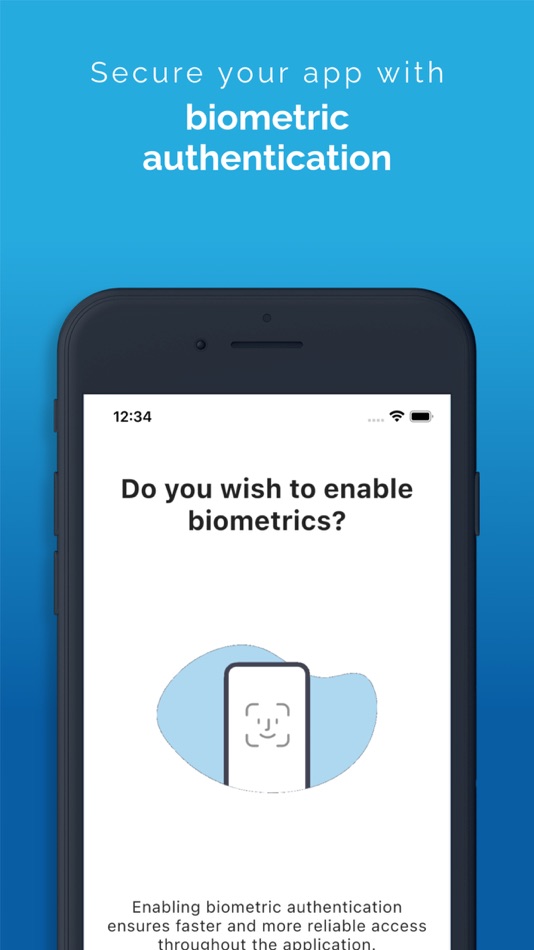
It is implemented to support the latest development standards, so it includes and utilizes all of the device’s functionalities and sensors (biometric authentication, QR code scanning using device’s camera, push notifications and other security features).
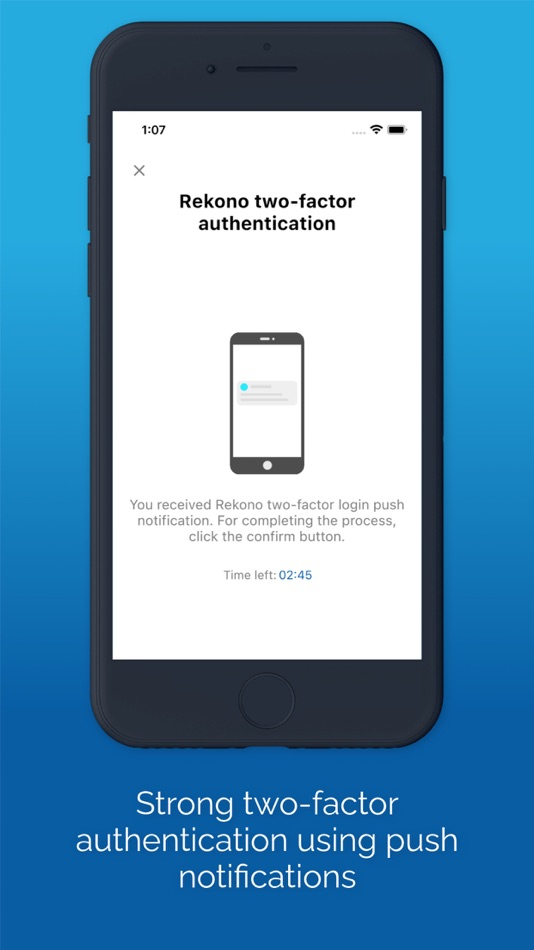
Two-factor PUSH authentication
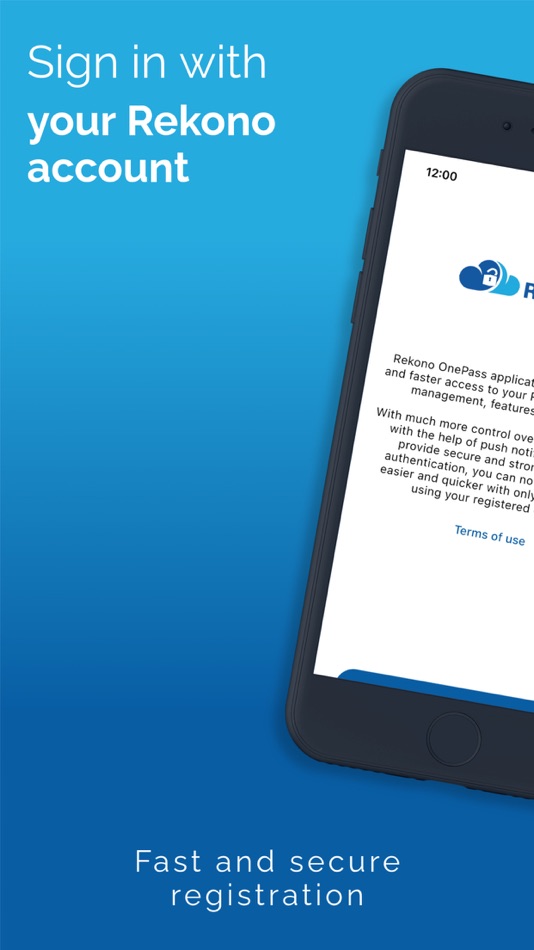
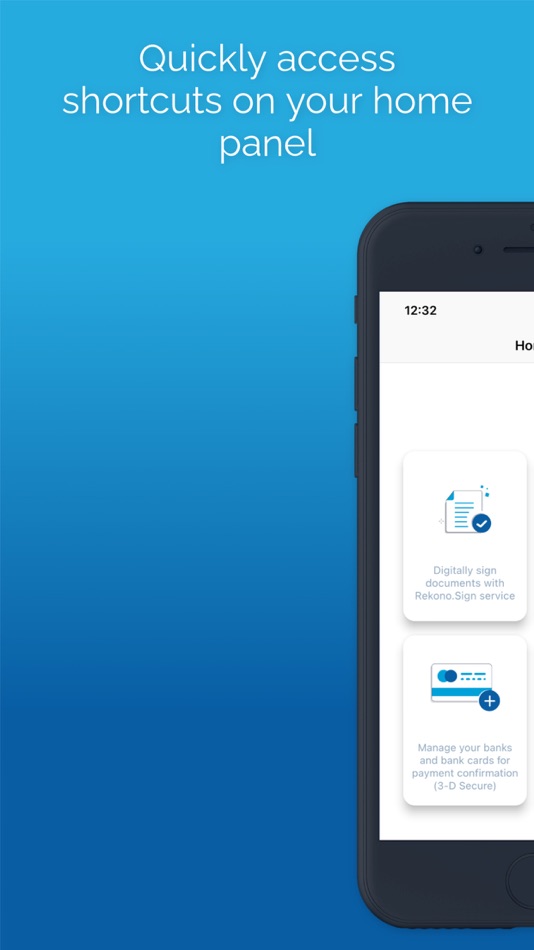
You can now have much more control over your Rekono account as well as an improved and faster 2-factor authentication mechanism. With the implementation of push notifications, you can sign in to your Rekono accounts with your devices by simply clicking a button, which provides faster, if not even the fastest 2-factor authentication mechanism which is thoroughly secured by your device application’s PIN code or biometric authentication, if the device supports it. Rekono OnePass provides a simple and user-friendly design with a comfortable overview of your Rekono account information, OTP codes and settings, which you can freely adapt to your likes and needs.
OTPs
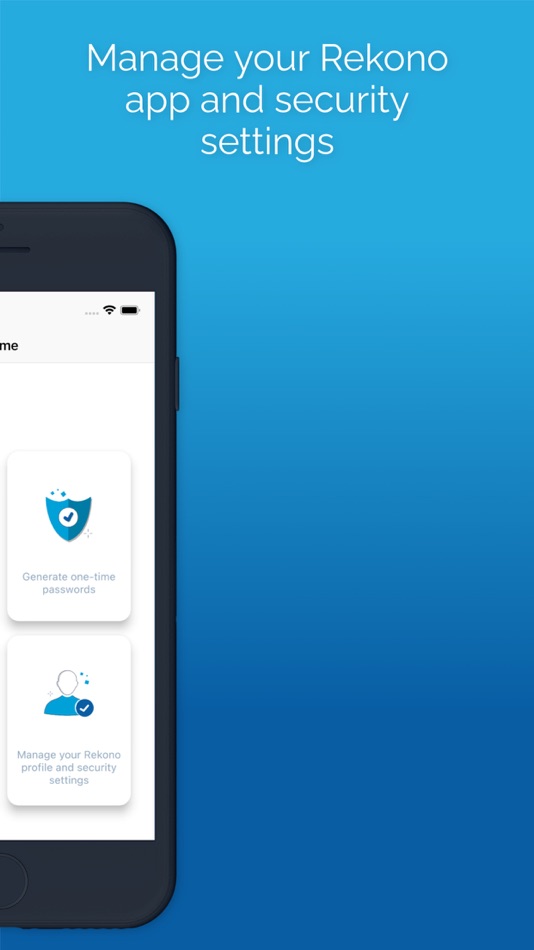
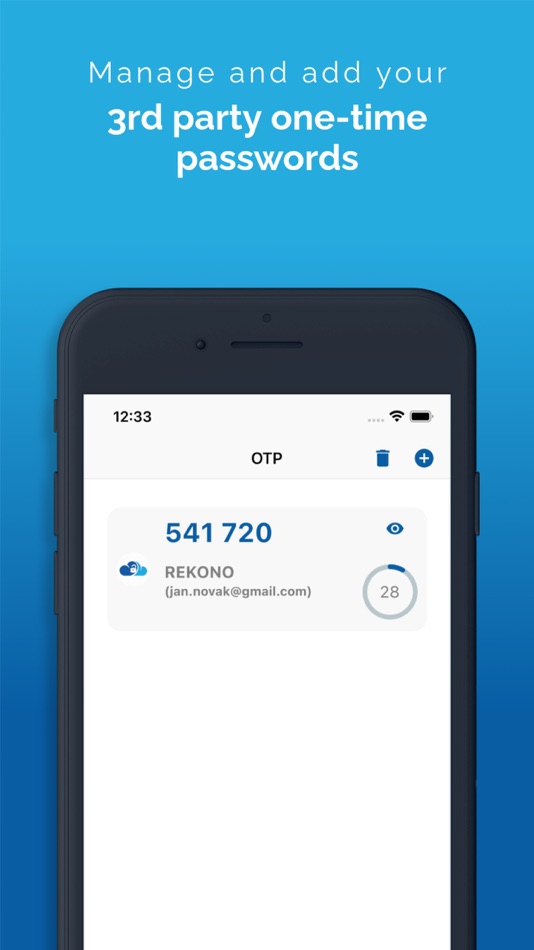
One-time passwords (OTPs) are now more clearly displayed on the main application screen when you log in to your Rekono account. By default, Rekono OTP code is automatically enrolled the moment you log in to the application and register your device, so OTP code cannot be deleted or erased. OTPs can now be added manually or automatically when scanning QR code with the QR code camera application scanner. This provides a simpler and faster way of adding OTP codes to the Rekono OnePass application. Manually adding OTPs is still supported in the application, when you must add OTP’s issuer shared secret and name with which OTP will be presented on the main screen.
Due to various user’s likes and needs, you have the possibility to modify the application settings, themes, languages and security provisions to your own taste.
Bank card enrollment using PIN/PAN
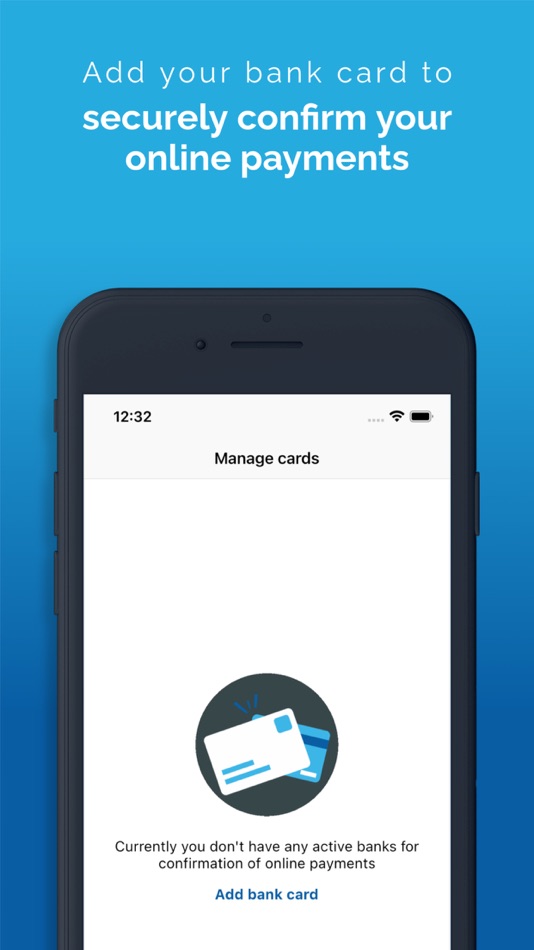
You will now be able to enroll your bank provider for online transactions in the application by using your bank card credentials. The intuitive process of adding the bank is short and consists of simple understandable steps.
3-D Secure PUSH notifications
With Rekono OnePass, you can now confirm online payments within the application, in quick and easy steps. To begin with, you make an online payment at a specific internet provider or merchant. After successfully executing the transaction, you then receive push notification to your device, which you click and navigate to the confirmation screen in the app.
You then authenticate yourself with biometrics or a PIN code that you have set up in your application. A few moments later the transaction screen is displayed with all the information about the transaction. By confirming/rejecting the transaction, the 3-D Secure transaction process is completed.
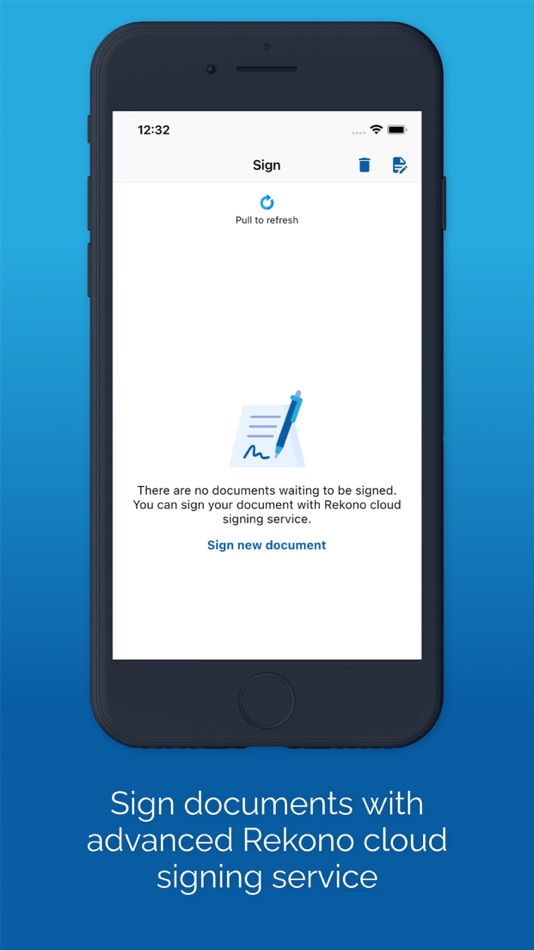
Local document signing and signing documents by using Push notifications
One of the most prominent features in 2.0.0 release is the document signing.
You can now digitally sign local documents right from the device's file system by simply selecting a file or a document from your device's storage and loading it in the app. With a click of a button the document will be securely signed by using Rekono Sign services on our secure servers. By means of PUSH notifications, you will be able to digitally sign documents on-the-fly when a service provider or a customer submits a document to the Rekono.Sign services. A few moments later you will receive a push notification informing you that there are documents waiting to be signed. After interacting with the notification, you will receive a detailed preview of the submitted documents, so you can decide to sign or reject the selected documents. After successful signing, the documents can be downloaded to your device or you can share them across other platforms or applications.
스크린샷
새로운 기능
- 버전: 4.5.2
- 업데이트:
- [SLO]
Verzija 4.5.2
- manjši popravki in izboljšave
[EN]
Version 4.5.2
- minor changes and improvements
가격
- 오늘: 무료
- 최소: 무료
- 최대: 무료
가격 추적
개발자
- Rekono d.o.o.
- 플랫폼: iOS 앱 (1)
- 목록: 0 + 0
- 포인트: 0 + 33 ¡
- 순위: 0
- 리뷰: 0
- 할인: 0
- 동영상: 0
- RSS: 구독
포인트
0 ☹️
순위
0 ☹️
목록
0 ☹️
리뷰
첫 번째 리뷰를 남겨보세요 🌟
추가 정보
주소록
- 웹사이트:
 https://www.rekono.si
Rekono OnePass 단축 URL: 복사됨!- 🌟 공유하기
- App Store
당신은 또한 같은 수 있습니다
-
- OnePass by Satelkom
- iOS 앱: 유틸리티 게시자: Gtech Digital Asia, PT
- 무료
- 목록: 0 + 0 순위: 0 리뷰: 0
- 포인트: 0 + 0 버전: 1.6 2-Step Verification provides stronger security for your Satelkom Account by requiring a second step of verification when you sign in. In addition to your password, you ll also need a ... ⥯
-
- Clavister OnePass
- iOS 앱: 유틸리티 게시자: Clavister Security AB
- 무료
- 목록: 0 + 0 순위: 0 리뷰: 0
- 포인트: 0 + 0 버전: 4.9.0 Clavister OnePass generates one-time passwords. ⥯
-
- Mogok Browser 2
- iOS 앱: 유틸리티 게시자: Big IMPACT Media Company Limited
- 무료
- 목록: 0 + 0 순위: 0 리뷰: 0
- 포인트: 0 + 32 (4.3) 버전: 0.6 Minimal Browser for browsing Burmese sites without worrying about Myanmar font issues. - Reader Mode - Autocomplete search bar - History - Bookmarks - Fill with LastPass/OnePass - ... ⥯
-
- 密码管家-专业保护个人账号安全
- iOS 앱: 유틸리티 게시자: 松 戢
- * 무료
- 목록: 0 + 0 순위: 0 리뷰: 0
- 포인트: 0 + 4 (5.0) 버전: 5.1.7 "Password manager - Security" #Application Introduction# Do you often forget your password? Is it unsafe for all accounts to use the same password? Is password stored on a third-party ... ⥯