
| デベロッパー: | Verto Studio LLC (8) | ||
| 価格: | フリー | ||
| ランキング: | 0 | ||
| レビュー: | 0 レビューを書く | ||
| コメント: | 0 コメントを投稿する | ||
| リスト: | 1 + 0 | ||
| ポイント: | 1 + 0 ¡ | ||
| Mac App Store | |||
説明

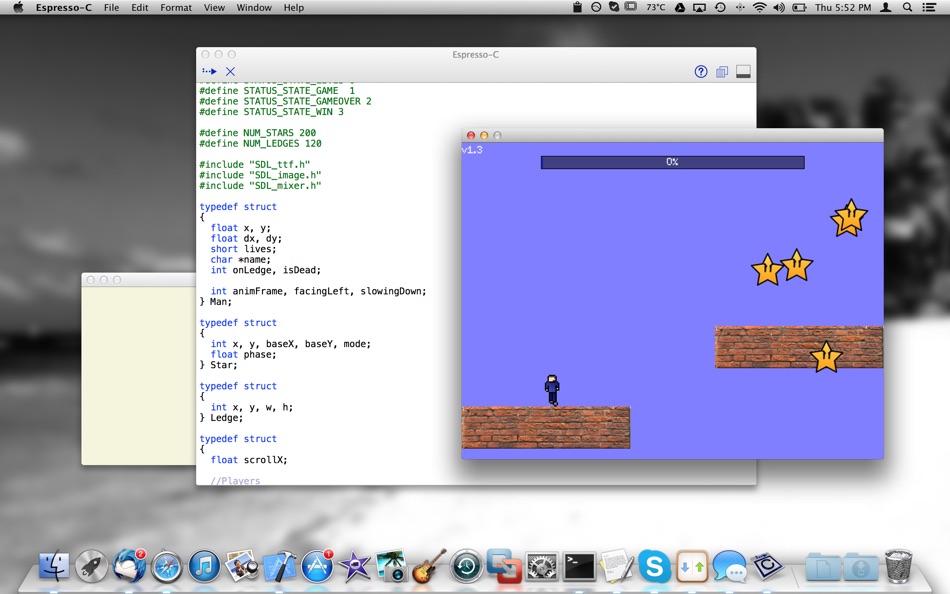
Espresso-C is a compiler and learning tool designed to execute code very quickly without the need to use a linker.
The C programming language is still today, one of the most popular programming languages in existence. Many popular programming languages today owe their roots to C. Video games, operating systems, popular graphics APIs such as OpenGL, and countless other large-scale code systems have been written in C.
Espresso C doesn't require a linker or any frameworks to function! Just write code and click play!
The following libraries are pre-linked into Espresso-C and are thus available to your code:
- SDL 2.0.2
- SDL2-mixer
- SDL2-image
- SDL2-ttf
- libz
- OpenGL
- stdlib (standard C library)
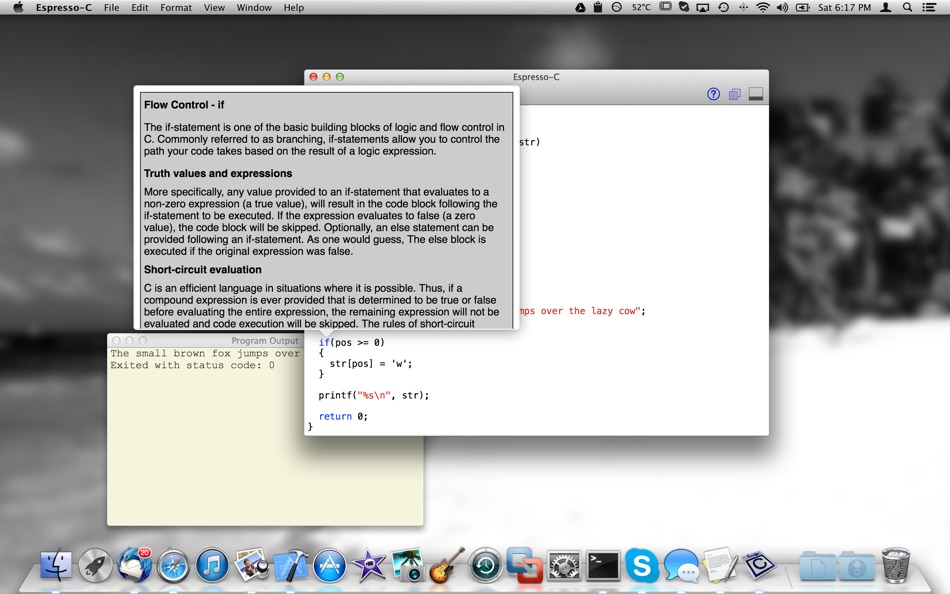
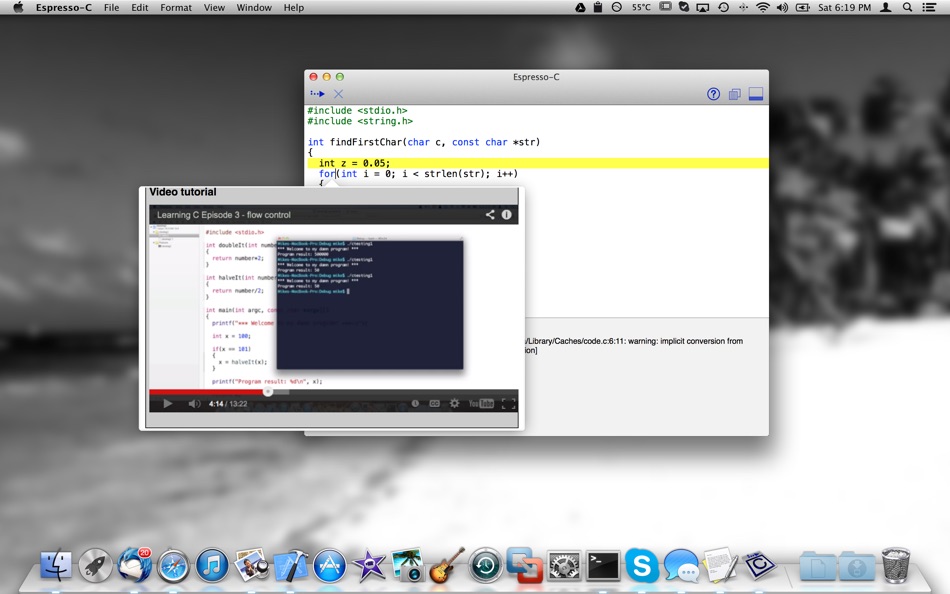
Espresso-C is a tool designed to run C programs very quickly - without all the hassle of creating projects, and configuring compiler settings. Its purpose is two-fold. First, to serve as a quick scratchpad, to allow programmers to quickly try out an idea without creating a new source file/project and invoking the compiler manually. Second, to serve as a learning tool for newcomers to the C programming language.
Learning the C programming language is one of the most beneficial things a computer programming professional can do to enhance his/her understanding of how computer software works, and why the conventions and mechanisms that are in place in higher level languages are the way they are.
Jump in!
Ad
スクリーンショット

新機能
- バージョン: 1.2
- アップデート:
- - Massively improved the stability of running SDL/OpenGL programs within Espresso-C
- New simple "Build & Combine" menu setting to build all open files into one executable (like a project)
- Ability to create header files within Espresso-C
- Other bug fixes
価格履歴
- 今日: フリー
- 最小値: フリー
- 最大: フリー
料金のチェック
Ad
デベロッパー
- Verto Studio LLC
- プラットフォーム: iOS アプリ (1) iOS ゲーム (1) macOS アプリ (3) Windows アプリ (1) Steam ゲーム (2)
- リスト: 3 + 2
- ポイント: 3 + 38 ¡
- ランキング: 0
- レビュー: 0
- コメント: 0
- 割引: 0
- 動画: 2
- RSS: 購読する
ポイント (1)
-

- 523 expat4i
- +1

ランキング (0)
0 ☹️
リスト (1)
- Espresso-C
レビュー (0)
最初のクチコミを書こう 🌟
コメント (0)
最初にコメントしてください 🌟
情報
«Espresso-C». プラットフォーム: macOS. カテゴリ: 開発ツール. 開発者: «Verto Studio LLC». 最初のリリース: . 最終更新日: . 現在の価格: 無料. このタイトルはまだ AppAgg で評価やレビューを受けていません。 リスト: 公開: 1, 非公開: 0. 追跡ポイント: 確認済み: 1, 間接: 0. 利用可能な言語: English. AppAgg は «Espresso-C»の価格履歴、評価、ユーザーフィードバックを追跡します。 今後の値下げと更新をフォロー: RSS で確認できます. AppAgg はアプリケーションをホストしたり、ソフトウェアを配布したりしません。 すべての商標、ロゴ、スクリーンショットはそれぞれの所有者に帰属します。
Espresso-C 短縮 URL: コピーしました!- 🌟 シェア
- Mac App Store
あなたも好きかも
-
- Jot by espresso
- macOS アプリ: グラフィック&デザイン 作者: Espresso Displays Pty Ltd
- フリー
- リスト: 0 + 0 ランキング: 0 レビュー: 0
- ポイント: 1 + 0 コメント: 0 バージョン: 1.2.2 Jot by espresso is one of the easiest ways to take notes, communicate visually, and share feedback and markups on projects. Simple and effective, Jot helps you to unlock your ... ⥯
-
- Espresso - Prevent Sleep
- macOS アプリ: ユーティリティ 作者: Kevin Merz
- $1.99
- リスト: 0 + 0 ランキング: 0 レビュー: 0
- ポイント: 0 + 0 コメント: 0 バージョン: 1.0 Espresso keeps your Mac awake so your downloads, presentations, and long-running tasks never get interrupted by sleep. SMART SLEEP PREVENTION No more waking up to stalled downloads or ... ⥯
-
- Espresso Ray
- macOS アプリ: 医学 作者: Verto Studio LLC
- $4.99
- リスト: 0 + 0 ランキング: 0 レビュー: 0
- ポイント: 0 + 0 コメント: 0 バージョン: 1.1.1 A low-fat, to the point, DICOM viewer and converter. Espresso Ray is a viewer and batch converter for DICOM images. It supports 3D volumetric and 2D formats. It also supports both ... ⥯
-
- Coffee
- macOS アプリ: ライフスタイル 作者: Kai Bruchmann
- $0.99
- リスト: 0 + 0 ランキング: 0 レビュー: 0
- ポイント: 0 + 0 コメント: 0 バージョン: 1.3 The program describes 43 coffee preparations from all over the world. With the help of the ingredients and the description can you do the preparations easy by yourself and enjoy. 43 ... ⥯
-
- Karnaugh and Boolean Minimizer
- macOS アプリ: 教育 作者: Ketan Appa
- $6.99
- リスト: 0 + 0 ランキング: 0 レビュー: 0
- ポイント: 0 + 0 コメント: 0 バージョン: 2.8 Karnaugh & Boolean Minimizer is an innovative and versatile application for simplifying Karnaugh Maps and Boolean expressions. It is geared for those involved in engineering fields, ... ⥯
-
- App Icon Set Creator
- macOS アプリ: 開発ツール 作者: Erik Wegener
- フリー
- リスト: 1 + 1 ランキング: 0 レビュー: 0
- ポイント: 7 + 0 コメント: 0 バージョン: 1.6 App Icon Set Creator makes it easier than ever before to generate your app icons. Simply drag and drop your large icon, select your platform and let us do the magic. We'll resize your ... ⥯