
| デベロッパー: | Takashi Kishida (1) | ||
| 価格: | フリー | ||
| ランキング: | 0 | ||
| レビュー: | 0 レビューを書く | ||
| コメント: | 0 コメントを投稿する | ||
| リスト: | 0 + 0 | ||
| ポイント: | 0 + 0 ¡ | ||
| Mac App Store | |||
説明

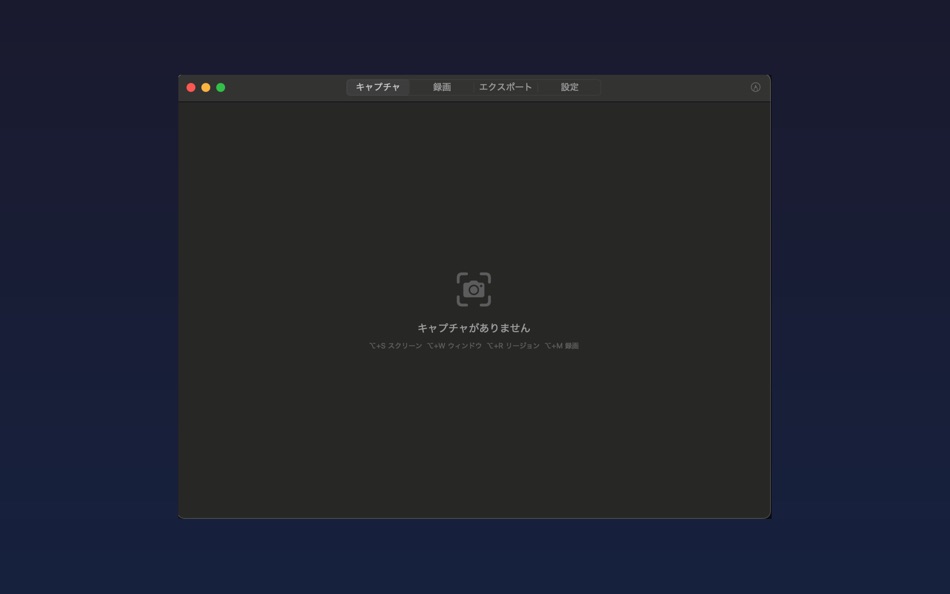
【キャプチャ機能】
• フルスクリーンキャプチャ(マルチディスプレイ対応)
• ウィンドウキャプチャ(フロントウィンドウ自動検出)
• リージョンキャプチャ(ドラッグで範囲選択)
• カーソルインジケータ表示(円/四角/矢印、サイズ・色カスタマイズ)
• JPEG / PNG / WebP形式に対応
【録画機能】
• ウィンドウ単位で録画(MOV形式)
• サムネイル付きウィンドウ選択
• 録画時間リアルタイム表示
• メニューバーから即座に停止
【アノテーション】
• ペン、矩形、楕円、直線、矢印、テキスト
• モザイク処理で個人情報を保護
• クロップで必要な部分だけ切り出し
• Undo/Redo対応(最大50回)
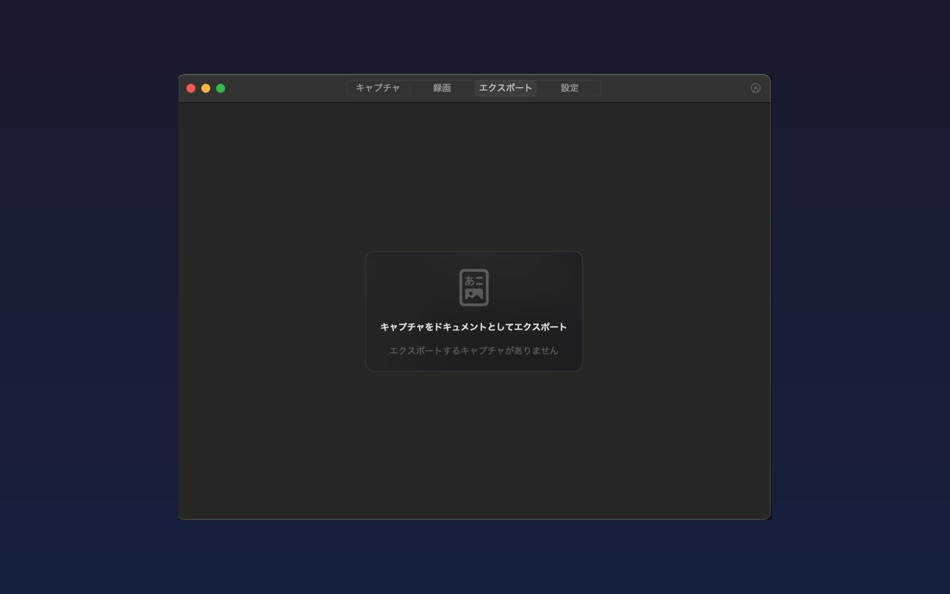
【エクスポート】
• HTML形式(ステップバイステップのマニュアル向け)
• PDF形式(タイトルページ付き)
【便利機能】
• メニューバー常駐でいつでもアクセス
• グローバルショートカットで瞬時にキャプチャ
• 撮影後自動でクリップボードにコピー
• macOS通知でキャプチャ完了をお知らせ
ソフトウェア開発者、テクニカルライター、サポート担当者のための、シンプルで強力なキャプチャツールです。
Ad
スクリーンショット


コメント (0)
最初にコメントしてください 🌟
価格
- 今日: フリー
- 最小値: フリー
- 最大: フリー
料金のチェック
Ad
デベロッパー
- Takashi Kishida
- プラットフォーム: macOS アプリ (1)
- リスト: 0 + 0
- ポイント: 0 + 0 ¡
- ランキング: 0
- レビュー: 0
- コメント: 0
- 割引: 0
- 動画: 0
- RSS: 購読する
ポイント (0)
0 ☹️
ランキング (0)
0 ☹️
リスト (0)
0 ☹️
- QuickCapture
レビュー (0)
最初のクチコミを書こう 🌟
情報
QuickCapture 短縮 URL: コピーしました!- 🌟 シェア
- Mac App Store
あなたも好きかも
-
- Quick Capture - Markdown notes
- macOS アプリ: 仕事効率化 作者: Pradeep Burugu
- * フリー
- リスト: 0 + 0 ランキング: 0 レビュー: 0
- ポイント: 0 + 0 コメント: 0 バージョン: 1.6 Quick Capture - Markdown Notes It's an app designed for taking notes throughout your day in markdown files, allowing you to capture notes instantly from anywhere on macOS. You don't ... ⥯
-
- Capture Note - Note On Screen
- macOS アプリ: 仕事効率化 作者: Jaeil Roh
- フリー
- リスト: 0 + 0 ランキング: 0 レビュー: 0
- ポイント: 2 + 0 コメント: 0 バージョン: 0.1.15 "Capture Note" provides fastest and easiest way to make notes over the screenshot. You can easily take screenshots and writes notes on them. You can easily save it image file or copy ... ⥯
-
- Quick Notes
- macOS アプリ: 仕事効率化 作者: loay setrak
- $0.99
- リスト: 0 + 0 ランキング: 0 レビュー: 0
- ポイント: 0 + 0 コメント: 0 バージョン: 2.0.1 Quick Notes is a simple note taking App and Menu bar widget Features: - 15 Notes - Today View Widget - 13 Font Colours - 27 Font Sizes - Text Alignment options - iCloud Sync - App and ... ⥯
-
- Quick Join: Google Meet & Zoom
- macOS アプリ: 仕事効率化 作者: Erik Wegener
- フリー
- リスト: 0 + 1 ランキング: 0 レビュー: 0
- ポイント: 4 + 0 コメント: 0 バージョン: 1.7.1 Quick Join lets you join your meetings faster - no more digging around for that invite link! Quick Join retrieves the upcoming events over the next seven days from your calendar and ... ⥯
-
- Quick Note Taking – Type
- macOS アプリ: 仕事効率化 作者: Papercones Inc.
- * フリー
- リスト: 1 + 1 ランキング: 0 レビュー: 0
- ポイント: 11 + 0 コメント: 0 バージョン: 1.5.1 Type lets you quickly capture notes from anywhere. Type does quick note-taking better than Quick Notes Justin Pot, Lifehacker Being able to quickly note without being taken out of my ... ⥯
-
- Quick Blackout Redactor
- macOS アプリ: 仕事効率化 作者: Teus Benschop
- フリー
- リスト: 0 + 0 ランキング: 0 レビュー: 0
- ポイント: 2 + 0 コメント: 0 バージョン: 1.01 Use Quick Blackout Redactor to quickly and safely black out certain parts of your images and PDF files. Drag and drop an image file or a PDF file into the application. Use the mouse to ⥯
-
- Quick Reminder: ADHD-friendly
- macOS アプリ: 仕事効率化 作者: Digital Hole Pvt. Ltd.
- $1.99
- リスト: 0 + 1 ランキング: 0 レビュー: 0
- ポイント: 6 + 0 コメント: 0 バージョン: 1.0 Quick Reminder is a fast, simple menu bar app designed to help you stay on track throughout the day. When a task is due, it shows a full-screen reminder that appears above all other ... ⥯
-
- Quick Note
- macOS アプリ: 仕事効率化 作者: Diigo Inc.
- フリー
- リスト: 0 + 1 ランキング: 0 レビュー: 0
- ポイント: 2 + 0 コメント: 0 バージョン: 1.3.11 Quick Note is especially designed for lightweight note-taking. 【Quick to add and edit 】 Add and edit note in the app 【Quick to search 】 Instant search for all notes 【Quick to access ... ⥯
-
- Quick Apps Launcher
- macOS アプリ: 仕事効率化 作者: Harshad Jadav
- $0.99
- リスト: 0 + 0 ランキング: 0 レビュー: 0
- ポイント: 2 + 0 コメント: 0 バージョン: 1.3 Quick App Launcher Open your favorite Mac apps instantly Quick App Launcher helps you launch apps faster using custom keyboard shortcuts. Stop digging through folders or Dock open what ⥯
-
- Quick Sticky Notes
- macOS アプリ: 仕事効率化 作者: Prakash Joshi
- * フリー
- リスト: 0 + 0 ランキング: 0 レビュー: 0
- ポイント: 1 + 0 コメント: 0 バージョン: 1.32 Quick Sticky Notes brings modern note-taking to your Mac. Create floating notes that stay visible while you work. KEY FEATURES: Always-on-top notes Beautiful color themes Markdown ... ⥯
-
- Quick Translate - Fast & Smart
- macOS アプリ: 仕事効率化 作者: Veysel Bozkurt
- * フリー
- リスト: 0 + 0 ランキング: 0 レビュー: 0
- ポイント: 0 + 0 コメント: 0 バージョン: 1.4 Quick Translator lives quietly in your menu bar, ready the moment you need it. Press Cmd+C twice on any text, anywhere on your Mac, and the translation appears instantly. No need to ... ⥯
-
- Quick App Launcher (QAL) Lite
- macOS アプリ: 仕事効率化 作者: Baser Kandehir
- フリー
- リスト: 0 + 0 ランキング: 0 レビュー: 0
- ポイント: 1 + 0 コメント: 0 バージョン: 1.4.9 Quick App Launcher (QAL) is a fast, minimalistic, customizable app launcher. There are 2 versions available: QAL Lite, the free version, has the core functionality and then some. QAL ... ⥯
-
- Quick Switcher-Set Resolution
- macOS アプリ: 仕事効率化 作者: 雅 田
- $1.99
- リスト: 1 + 1 ランキング: 0 レビュー: 0
- ポイント: 10 + 0 コメント: 0 バージョン: 1.4.2 Use Quick Switcher to hide desktop icons with one click, prevent computer from sleeping, modify computer screen resolution (support HIDPI (Retina) and non-HIPID (non-Retina) settings), ⥯
-
- Quick Launcher - Easy Launch
- macOS アプリ: 仕事効率化 作者: 经纬 宛
- フリー
- リスト: 2 + 1 ランキング: 0 レビュー: 0
- ポイント: 3 + 0 コメント: 0 バージョン: 1.1 Are you upset about the messy icons on the Dock? Quick Launcher can solve this problem very well. Place a floating window on your desktop, add "applications, system preferences, ... ⥯