
북마크
이 북마크의 제목을 입력하세요.
북마크가 저장되었습니다
요약
DBMan: Monk74에서 만든 ‘개발자 도구’ 카테고리의 앱이에요.
따끈따끈한 새 앱, 에 나왔어요. 아직 새 코드 냄새가 솔솔 나요.
무료. 광고도 인앱 구매도 없어요. 앱에만 집중하면 돼요.
Microsoft Store는 Windows에 기본으로 들어 있어서 클릭 몇 번이면 설치돼요.
AppAgg 점수는 930. 실버 등급, 이 정도면 꽤 괜찮아요.
연령 등급은 ‘EVERYONE’, 아이들에게도 괜찮아요.
지원 언어는 딱 하나, 그런데 한국어는 아니에요.
사용해 보셨나요? 여기서 첫 리뷰의 주인공이 되어 주세요.
AppAgg에 있는 이 개발자의 유일한 앱이에요. 아직까지는요.
업데이트와 새 앱 소식을 가장 먼저 받고 싶나요? 개발자를 팔로우하거나 RSS 피드를 구독하세요. 푸시 알림은 Android와 iOS용 AppAgg Alerts 앱으로 받을 수 있어요.
광고
다른 플랫폼 0
 | DBManWindows Store930 실버Windows | 무료 |
현재 이 스토어에서만 이용할 수 있습니다.
가격 기록 0
- 현재 가격: 무료
- 최소: 무료
- 최대: 무료
홈 화면의 나만의 피드
“신규 및 업데이트” 피드의 플랫폼을 선택하면 홈 화면에 필요한 앱과 게임만 표시됩니다.
스크린샷 6
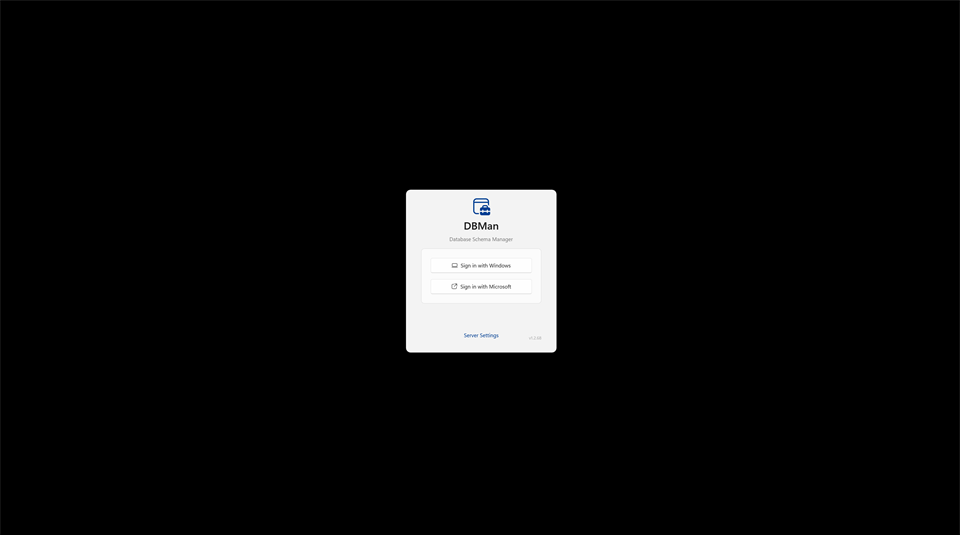
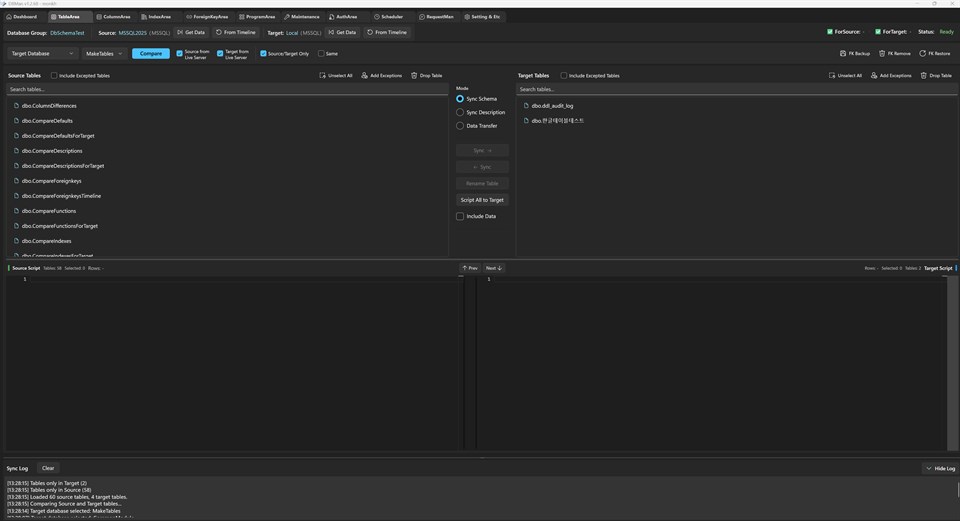
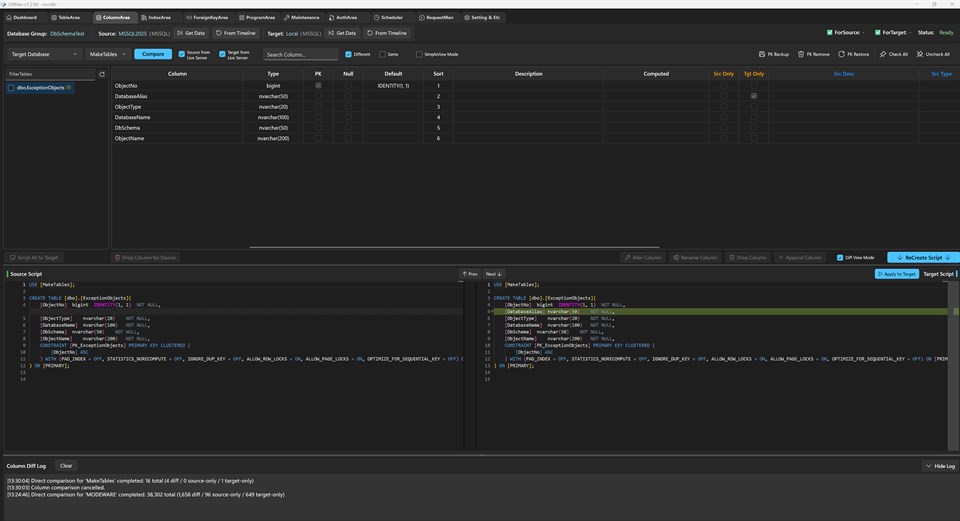
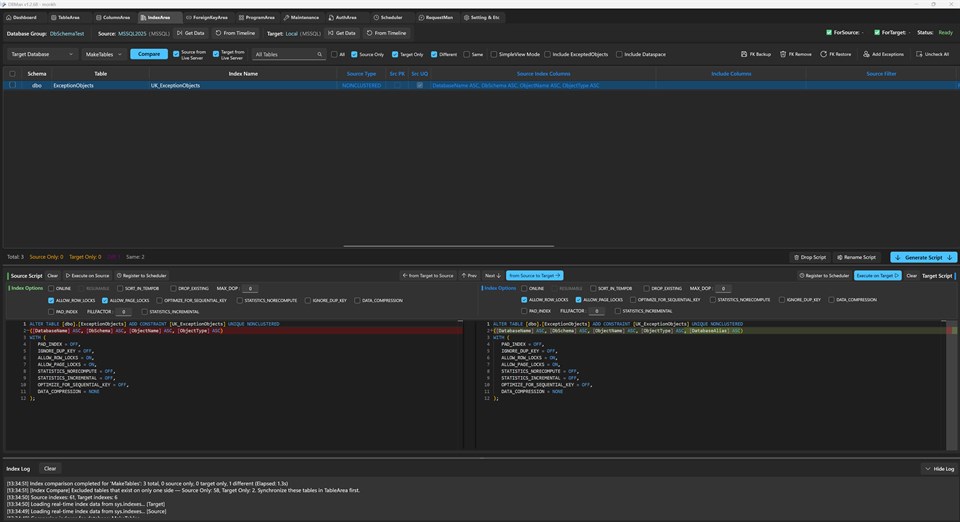
설명
Key features
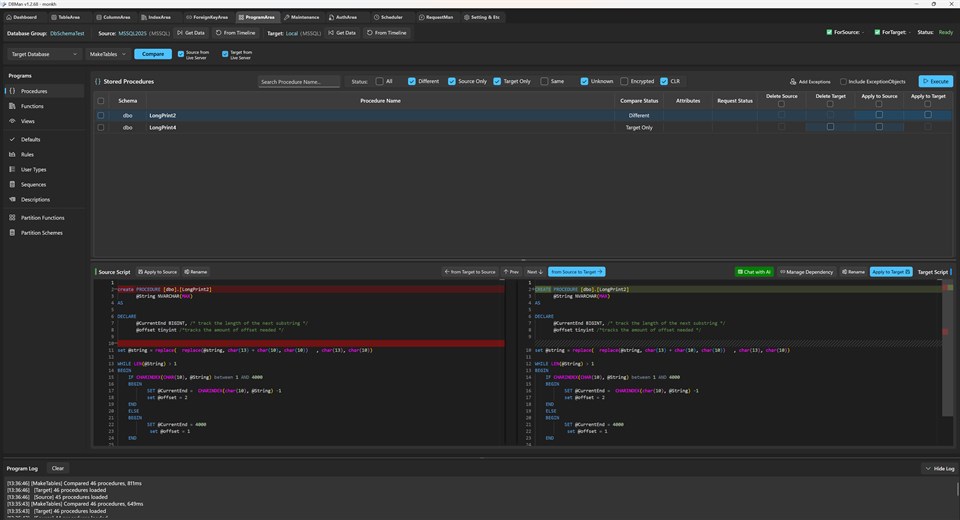
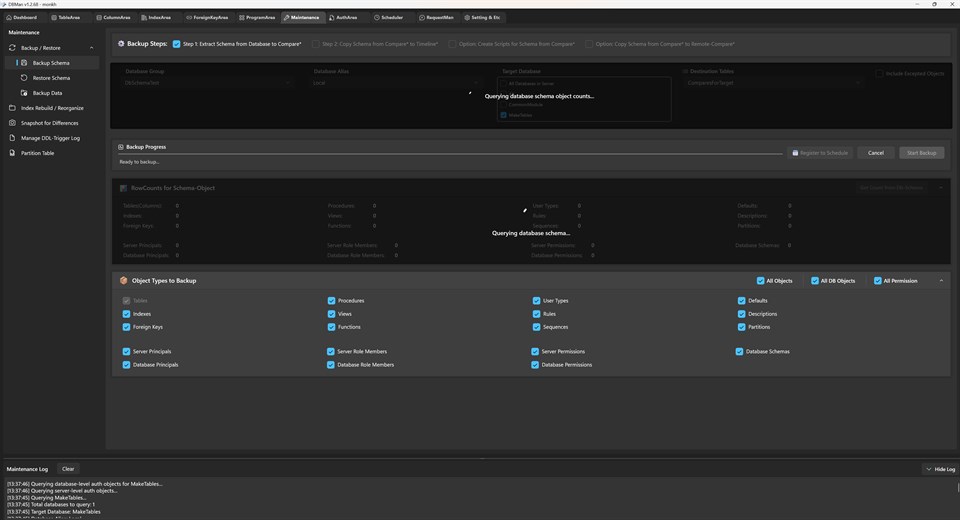
SQL Server Enterprise focus: Built to support and align with Microsoft SQL Server Enterprise Edition workflows and objects.
Schema comparison: Compare database objects side by side and see exactly what differs.
Built-in SQL editor: View and edit scripts with a Monaco-based editor.
Git-based history: Keep a versioned record of schema scripts and changes.
Approval workflow: Route changes through developer, manager, and DBA review.
Local-first: App settings are stored in a local SQLite database on your PC.
DBMan is built for SQL Server developers, DBAs, and teams who want a lightweight, traceable way to handle database changes. It connects only to the servers and repositories you configure, and it does not send your data to the publisher.
개발자 소식
개발자이신가요?
페이지 맨 위에 소식을 올리면 팔로워에게 이메일로 전달됩니다. YouTube 동영상을 추가하면 “동영상” 블록 맨 앞에 표시됩니다.
목록 0
-
 DBMan
포인트 0
-

- +1 포인트

순위 0
-
- 내 평점
새로운 기능
- 버전: PC
- 마지막 업데이트:
- 1. Added an option to choose whether to cascade changes to related data when updating a Database Alias or deleting DBConnections.
2. Added a database selection feature for the ExceptionObjects table used in comparison tasks.
3. Changed the deployment method for modified Procedures, Views, and Functions from DROP + CREATE to CREATE OR ALTER to preserve object descriptions and permissions.
추가 정보
AppAgg 점수
930
AppAgg 예상 점수:
DBMan
개발자: Monk74
930 실버
점수가 높을수록 대체로 AppAgg의 여러 지표에서 좋은 결과를 보인다는 뜻입니다.
기준: 인기 · 사용자 평점 · 최신성 · 할인 · 스토어 데이터 · 커뮤니티 활동
최신 AppAgg 데이터를 바탕으로 매일 다시 계산됩니다.
웹사이트용 배지:  복사됨!
댓글 0 ¡
가장 먼저 댓글을 남겨주세요
공유하기
DBMan 단축 URL: 복사됨!- Windows Store


