
บุ๊กมาร์ก
| ผู้พัฒนา: | QA Bulls (1) | ||
| ราคา: | ฟรี | ||
| คะแนน: | 950 เงิน | ||
| การจัดอันดับ: | 0 | ||
| ความคิดเห็น: | 0 โพสต์ความคิดเห็น | ||
| รายการ: | 0 0 | ||
| แต้ม: | 0 | ||
| +1 แต้ม | |||
สรุป
GroundView เป็นแอปในหมวด “เครื่องมือสำหรับนักพัฒนา” จาก QA Bulls
ออกเมื่อ ยังสดใหม่อยู่เลย
ฟรี ไม่มีโฆษณา ไม่มีการซื้อภายในแอป มีแค่คุณกับแอป
Microsoft Store มีมาในตัว Windows อยู่แล้ว ติดตั้งได้ในไม่กี่คลิก
คะแนน AppAgg คือ 950 ระดับ “เงิน” ถือว่าไม่เลวเลย
จัดเรต “EVERYONE” เหมาะกับเด็ก ๆ ด้วย
รองรับ 2 ภาษา แต่ยังไม่มีภาษาไทย
เคยใช้แล้วเหรอ? รีวิวของคุณจะเป็นรีวิวแรกที่นี่
เป็นแอปเดียวของผู้พัฒนารายนี้บน AppAgg อย่างน้อยก็ตอนนี้
อยากรู้เรื่องอัปเดตและแอปใหม่ก่อนใครไหม? ติดตาม ผู้พัฒนา หรือกดติดตาม ฟีด RSS ได้เลย การแจ้งเตือนแบบพุชส่งผ่านแอป AppAgg Alerts สำหรับ Android และ iOS
แพลตฟอร์มอื่น 0
ประวัติราคา 0
- ราคาปัจจุบัน: ฟรี
- ต่ำสุด: ฟรี
- สูงสุด: ฟรี
ฟีดของคุณเองบนหน้าแรก
ภาพหน้าจอ 7
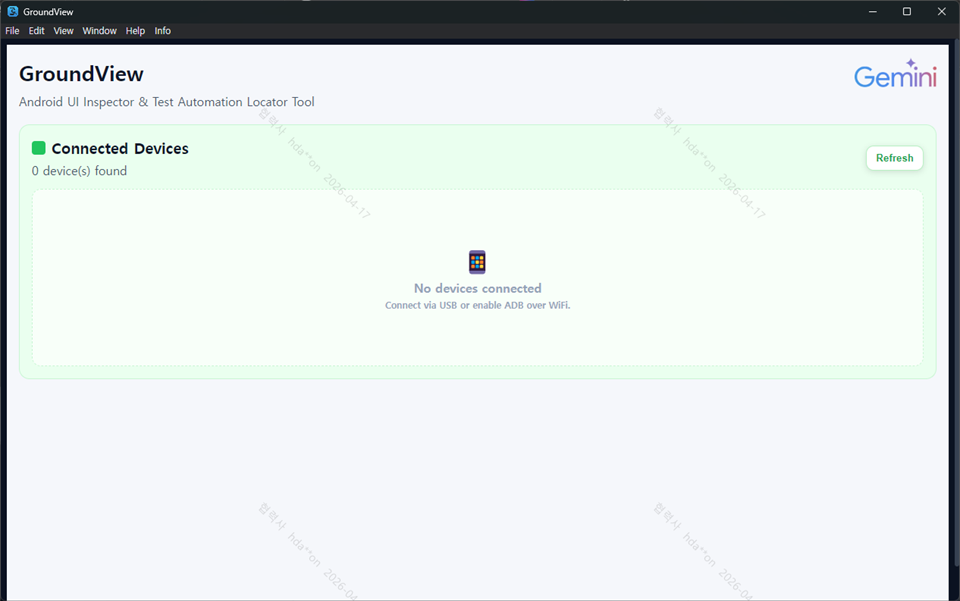
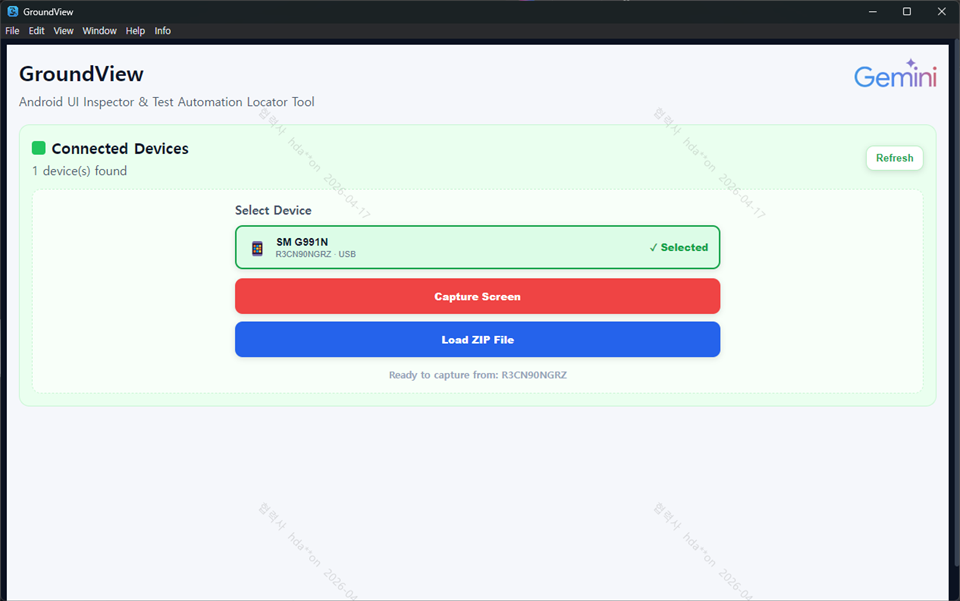
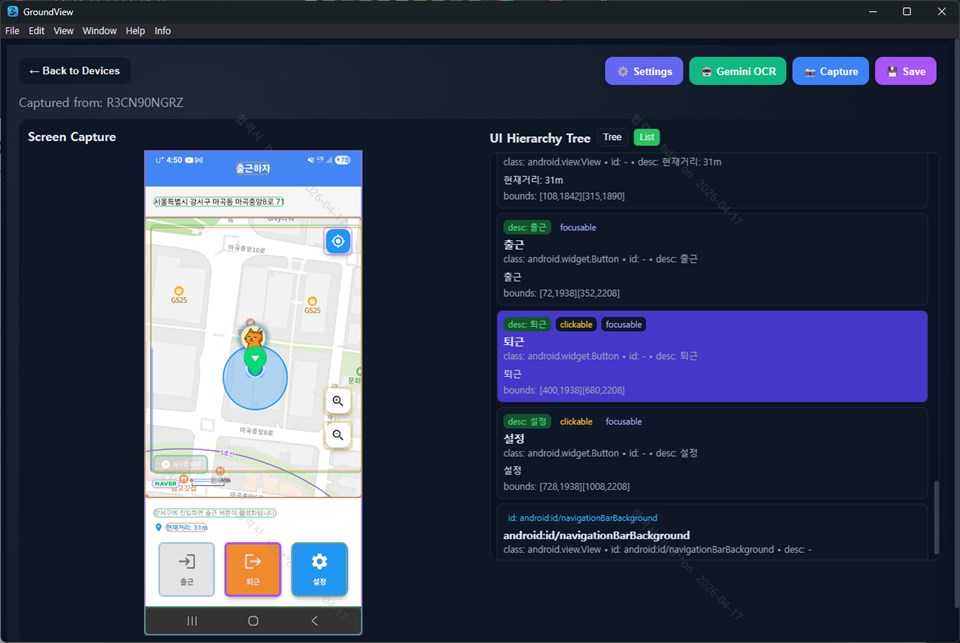
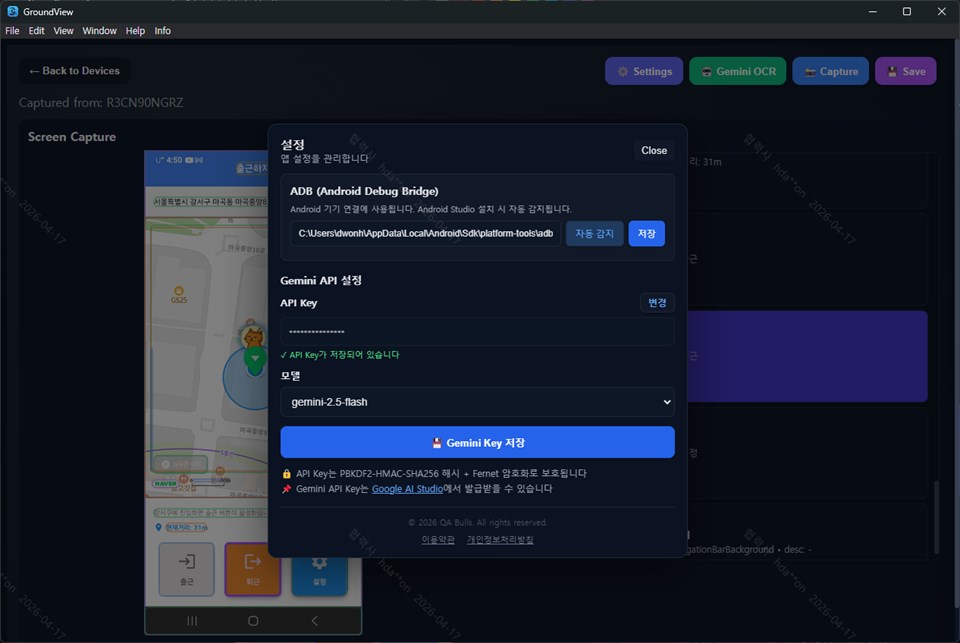
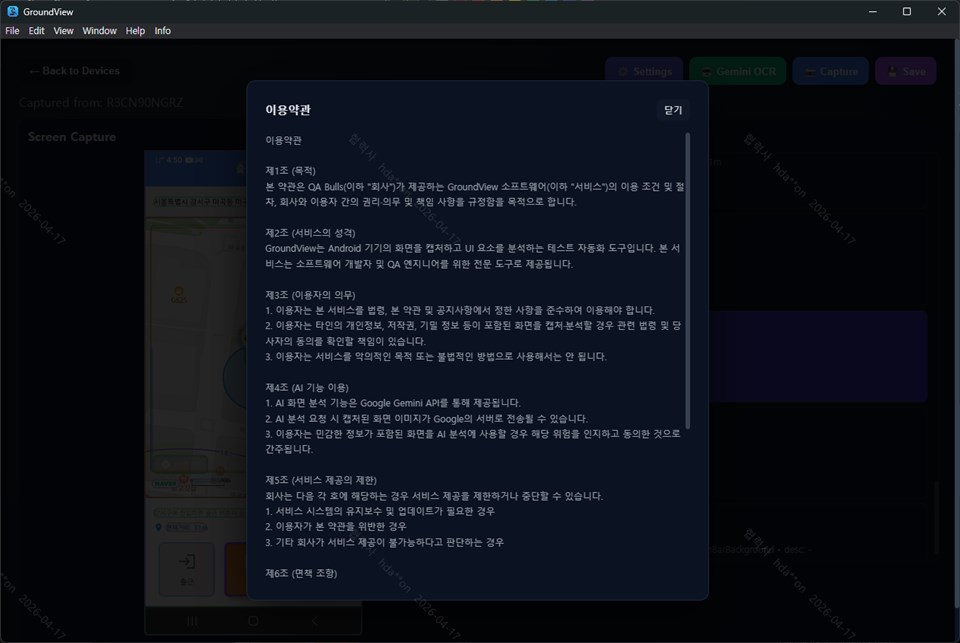
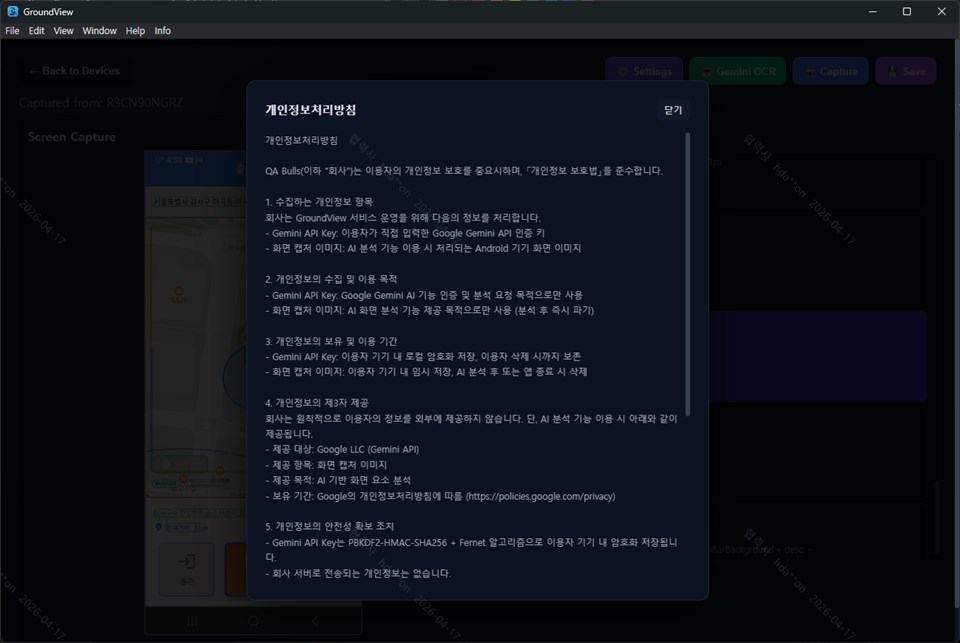
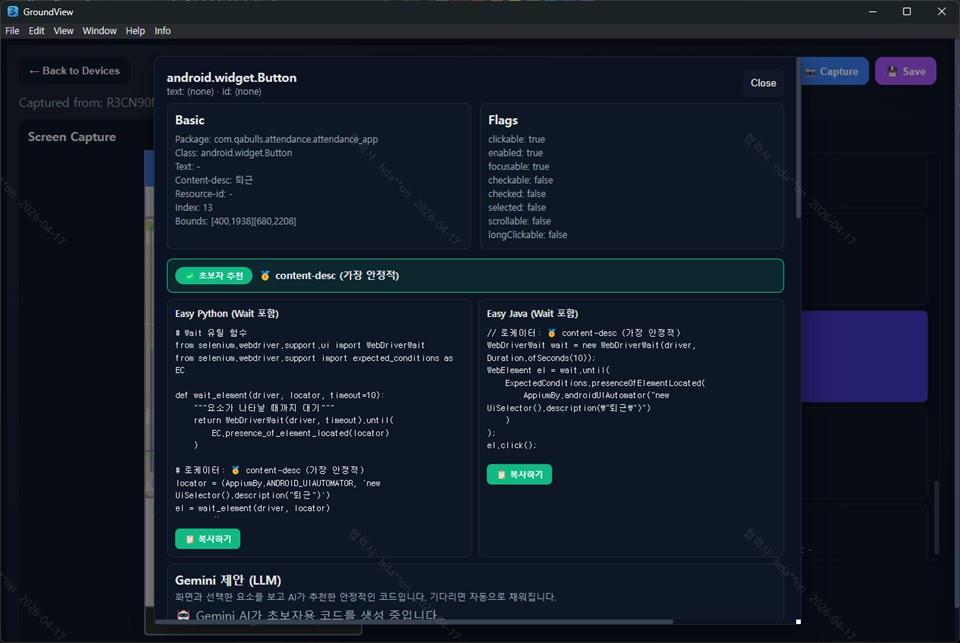
คำอธิบาย

Key Features:
• Automatically captures the screen of connected Android/iOS devices
• Visualizes UI elements (buttons, inputs, text, etc.) in a hierarchy tree
• Uses Google Gemini AI to instantly generate test locators (XPath, Accessibility ID, etc.)
• Compatible with Appium, UIAutomator2, and other major test frameworks
How to Use:
1. Connect an Android device via USB or iOS device via Wi-Fi
2. Press the Capture button to capture the current screen and UI hierarchy
3. Select any UI element to have AI generate the optimal locator
4. Copy and paste the generated locator directly into your test code
For Android connectivity, GroundView uses ADB (Android Debug Bridge) and installs
an accessibility service (GroundView Service) on the device for more accurate UI tree capture.
The service installed on the device is used solely for UI data collection
and does not collect or transmit any personal data.
A Google AI API key is required for the Gemini AI feature (free tier available)
จากนักพัฒนา
รายการ 0
-
 GroundView
แต้ม 0
-

- +1 แต้ม

การจัดอันดับ 0
-
- คะแนนของคุณ
ผู้พัฒนา 1
- QA Bulls
- ผู้ติดตาม: 0
- แพลตฟอร์ม: Windows แอป (1)
- ลดราคา: 0
- รายการ: 0 0
- แต้ม: 0
- การจัดอันดับ: 0
- ความคิดเห็น: 0
- วิดีโอ: 0
- RSS: ติดตาม
มีอะไรใหม่
- เวอร์ชัน: PC
- อัปเดตล่าสุด:
- • Automatically captures the screen of connected Android/iOS devices
• Visualizes UI elements (buttons, inputs, text, etc.) in a hierarchy tree
• Uses Google Gemini AI to instantly generate test locators (XPath, Accessibility ID, etc.)
• Compatible with Appium, UIAutomator2, and other major test frameworks
ข้อมูลเพิ่มเติม
- วันที่วางจำหน่าย:
- หมวดหมู่:
แอปสำหรับ Windows›เครื่องมือสำหรับนักพัฒนา - ระบบปฏิบัติการ:
PC - ขนาด:
146 Mb - ภาษาที่รองรับ:
อังกฤษ,เกาหลี - การจัดประเภทเนื้อหา:
EVERYONE - Windows Store คะแนน: ¡
0
คะแนน AppAgg
คะแนน AppAgg โดยประมาณของ
GroundView
ผู้พัฒนา: QA Bulls
คะแนนที่สูงขึ้นมักสะท้อนตัวชี้วัดที่ดีกว่าบน AppAgg
อิงจาก: ความนิยม · คะแนนจากผู้ใช้ · ความสดใหม่ · ดีล · ข้อมูลร้านค้า · กิจกรรมชุมชน
คำนวณใหม่ทุกวันจากข้อมูล AppAgg ล่าสุด
ความคิดเห็น 0 ¡
แชร์
GroundView URL แบบสั้น: คัดลอกแล้ว!- Windows Store

