
북마크
이 북마크의 제목을 입력하세요.
북마크가 저장되었습니다
| 개발자: | helpful bits GmbH (4) | ||
| 가격: | * 무료 | ||
| 종합 점수: | 1,470 골드 | ||
| 순위: | 0 | ||
| 댓글: | 0 댓글 게시 | ||
| 목록: | 0 + 0 | ||
| 포인트: | 0 + 0 ¡ | ||
| +1 포인트 | |||
스크린샷 10
광고
설명

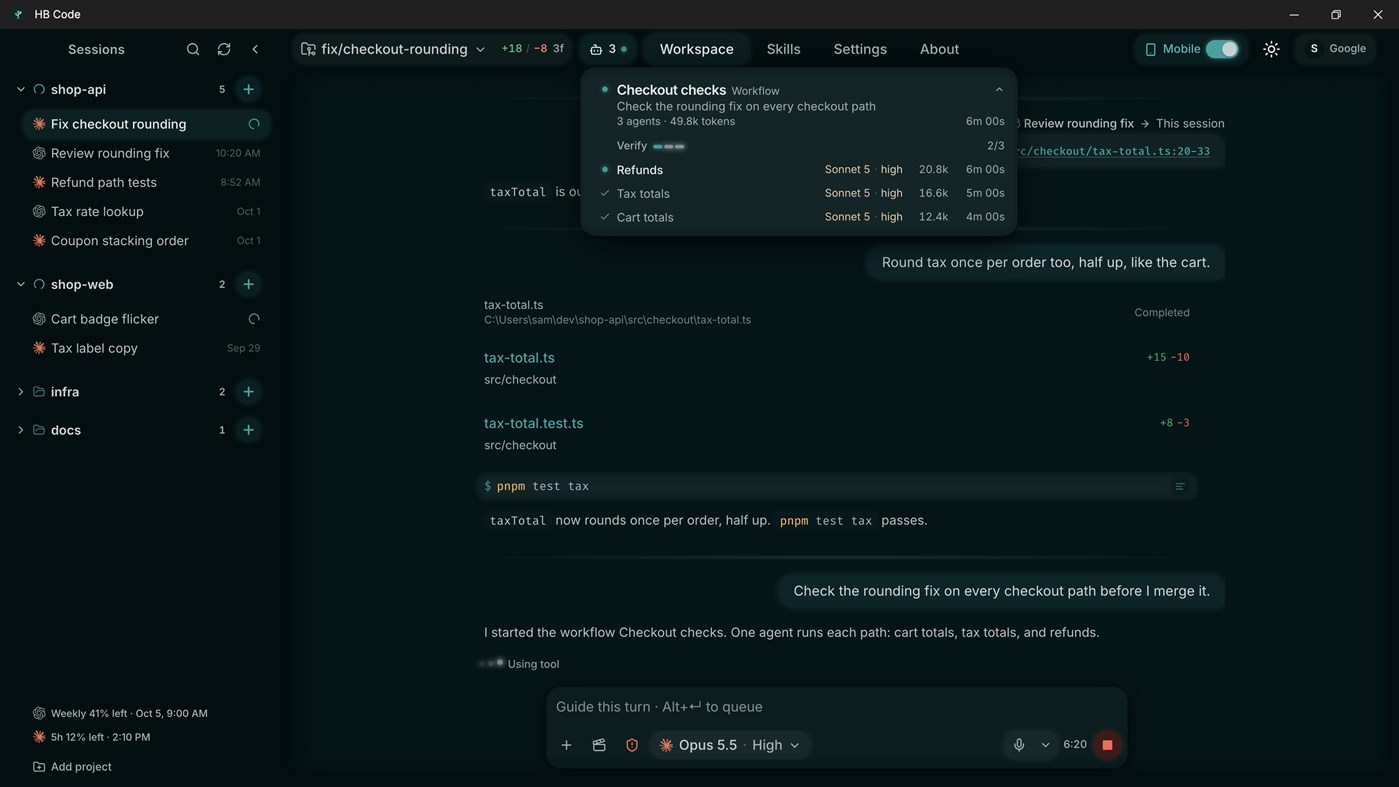
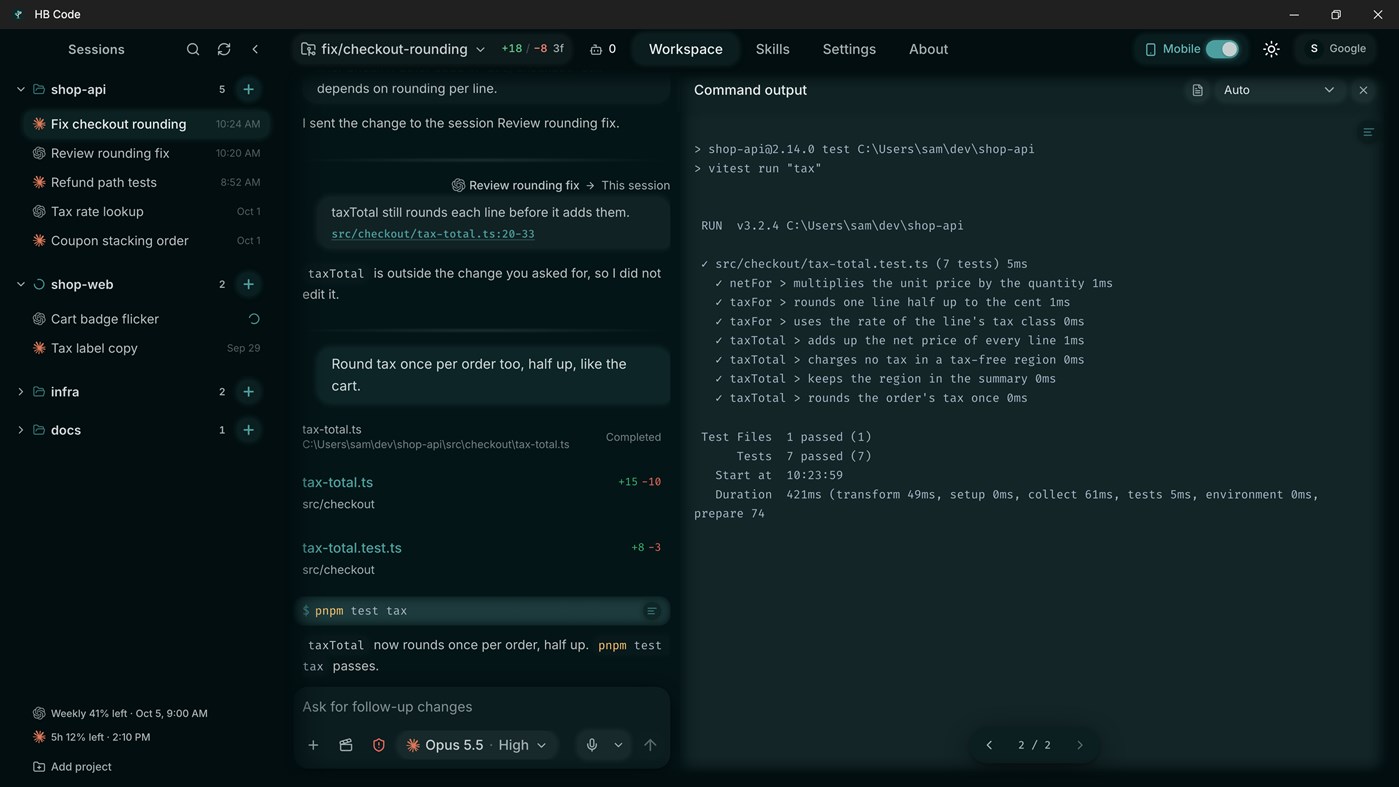
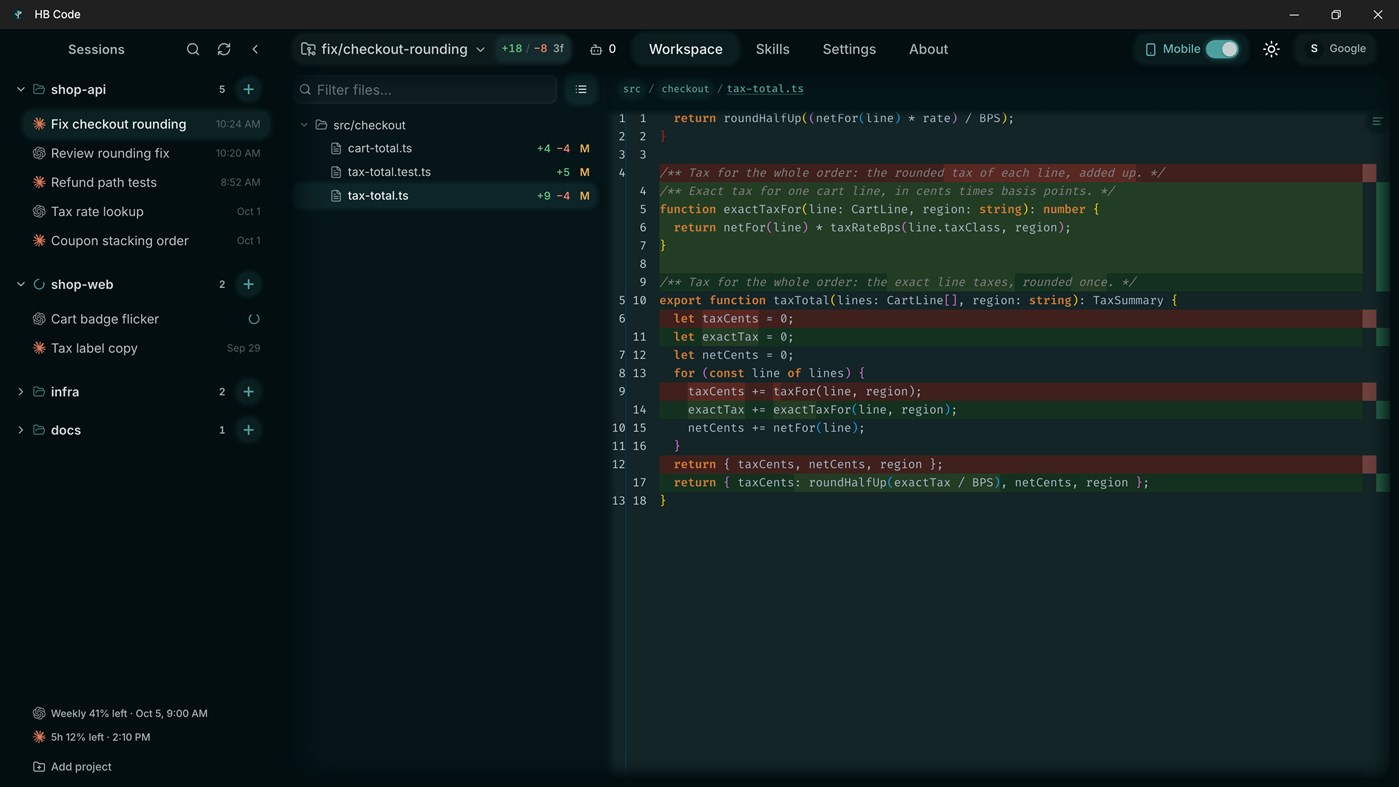
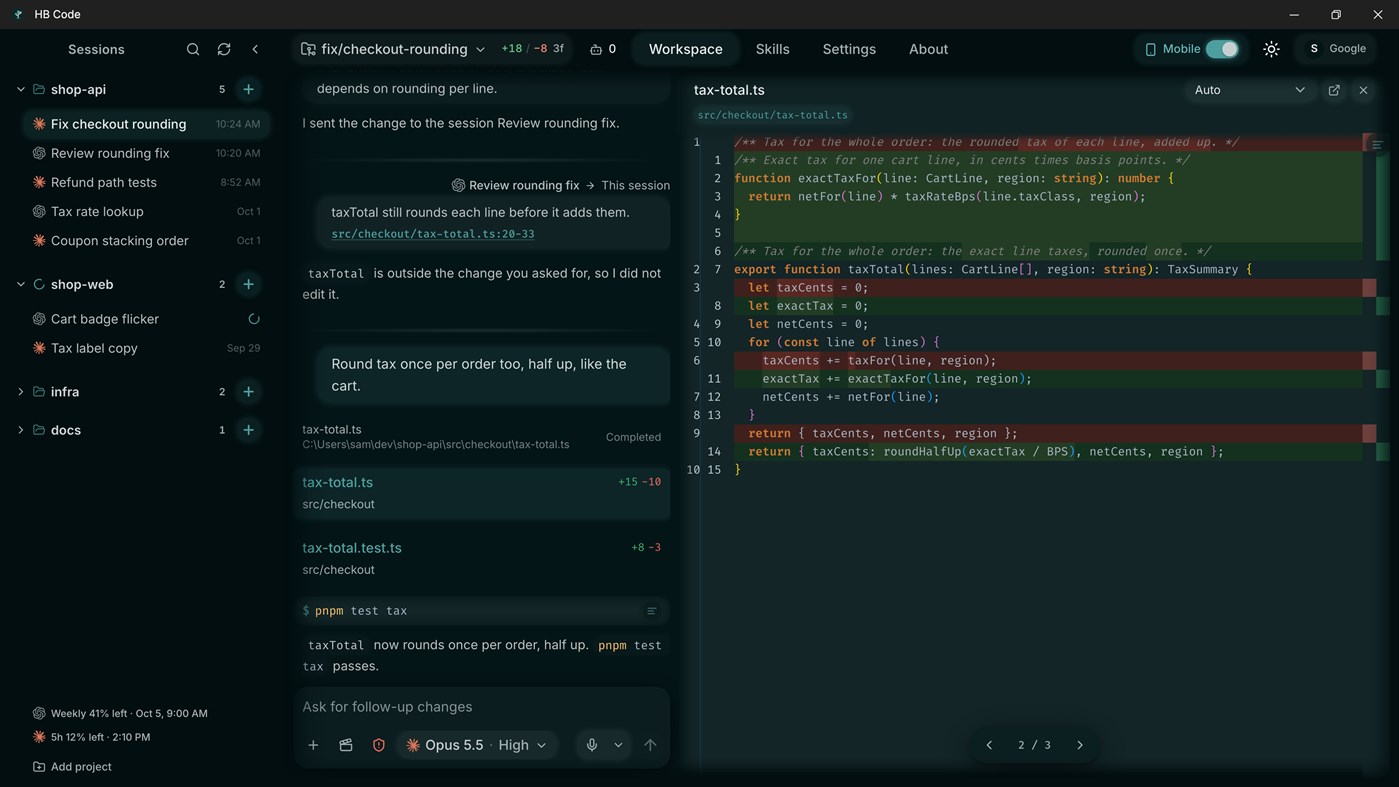
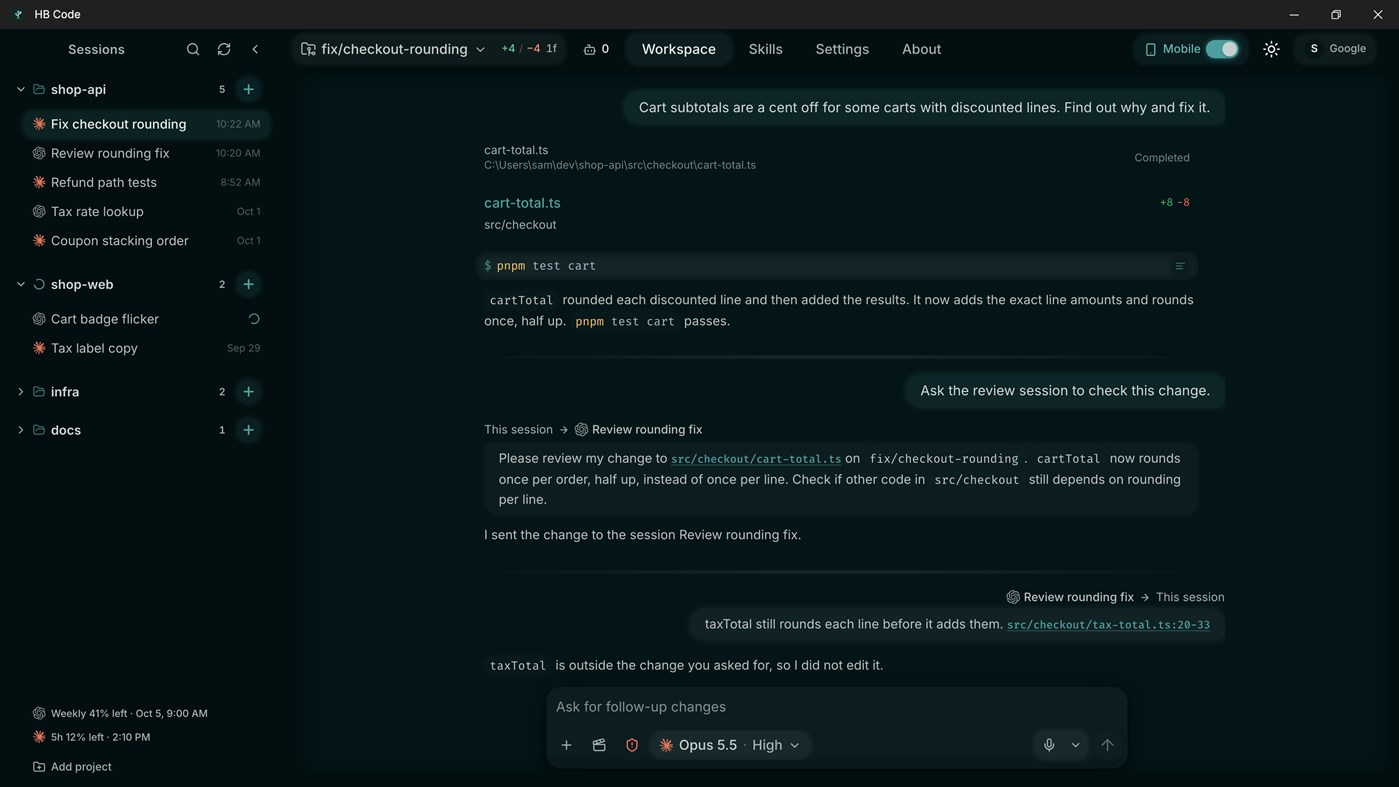
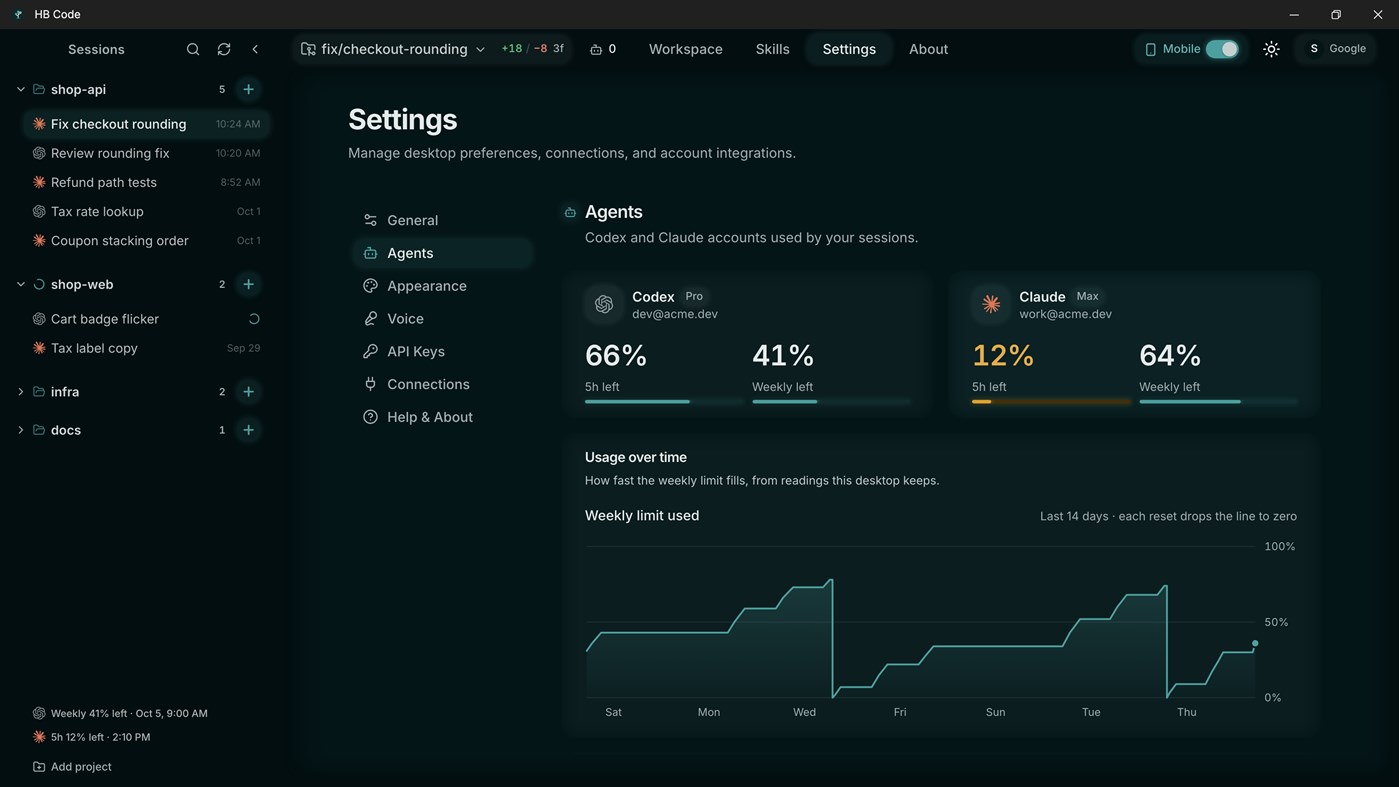
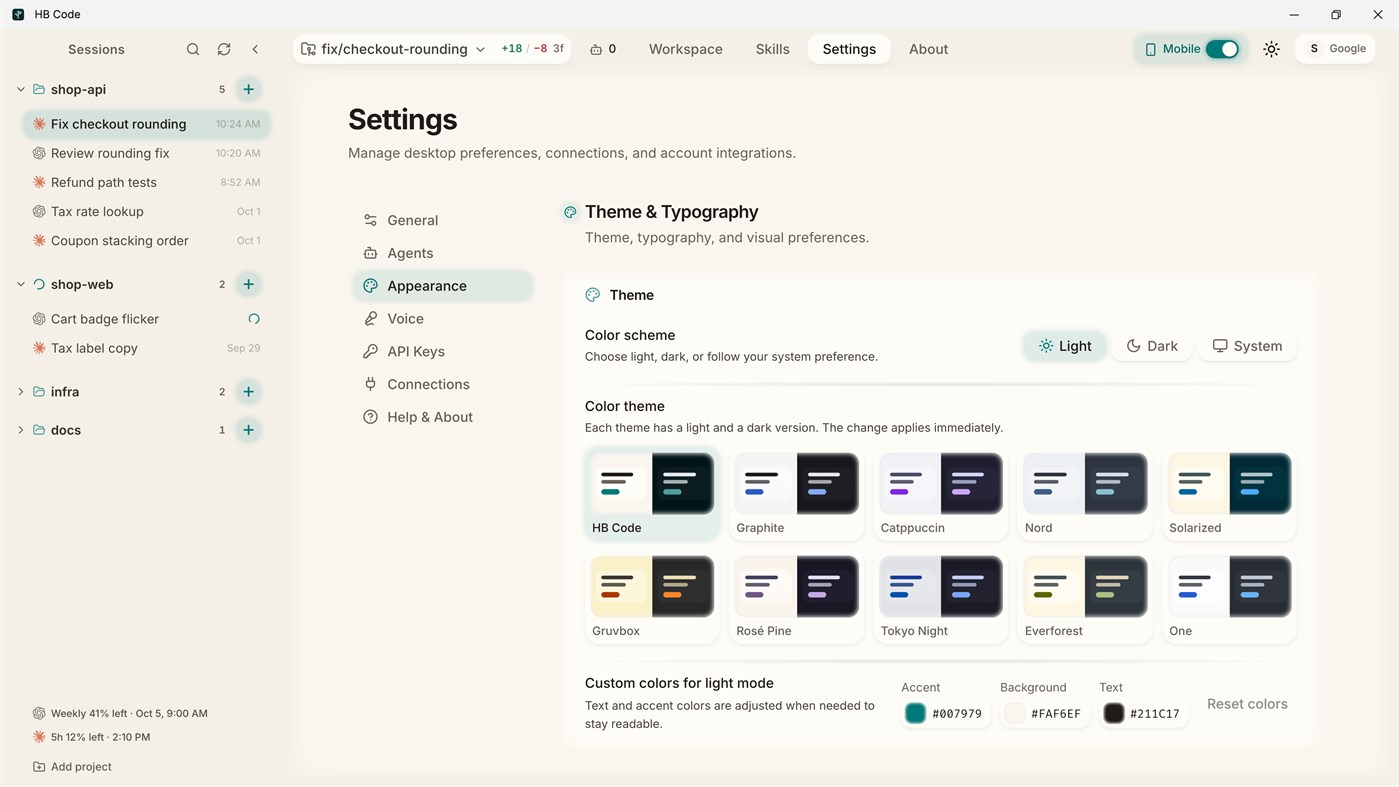
HB Code is a Windows app that shows every step of the coding agent. The whole agent thread is clickable. Open any command, command output, file read, edit, diff, or tool call and see exactly what the agent ran, read, or changed. When the agent mentions a folder or file, click it and browse it in place.
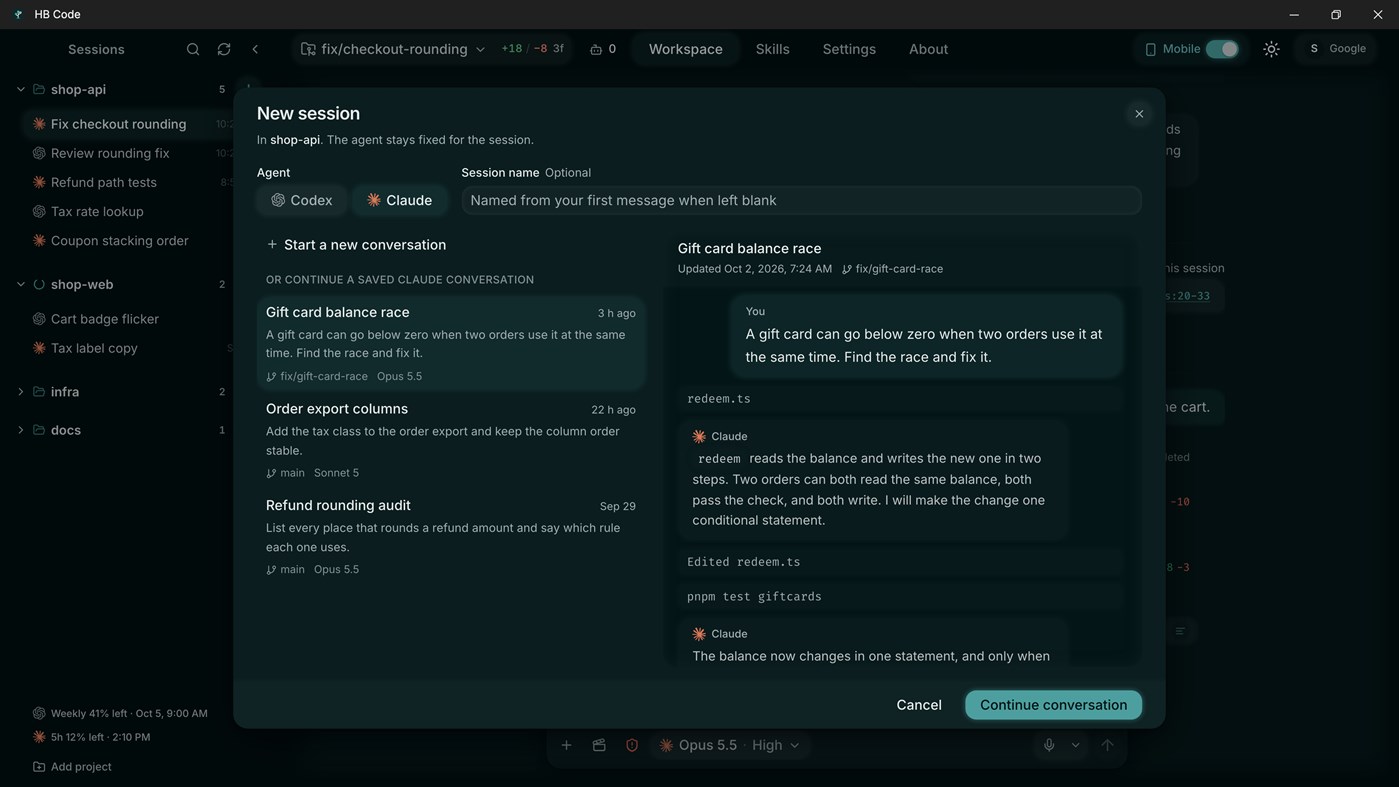
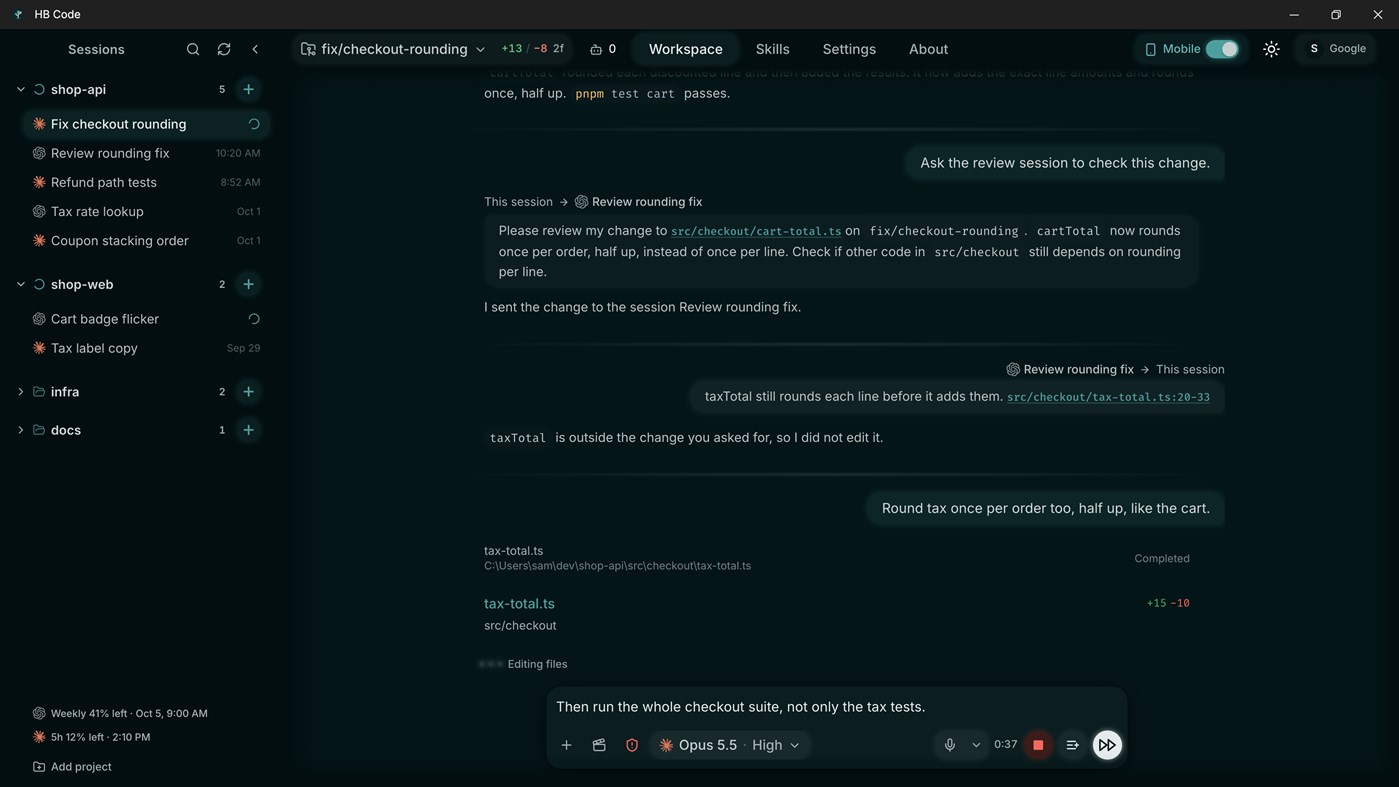
Start or resume a session on a project folder. Pick Codex or Claude Code when you create the session. Send guidance, queue follow-ups, or stop a running session. Review changed files and git diffs before you continue.
Use HB Code to:
- Browse the full project tree, including paths the agent never mentioned
- Review patch details for any changed file
- Read code with syntax highlighting
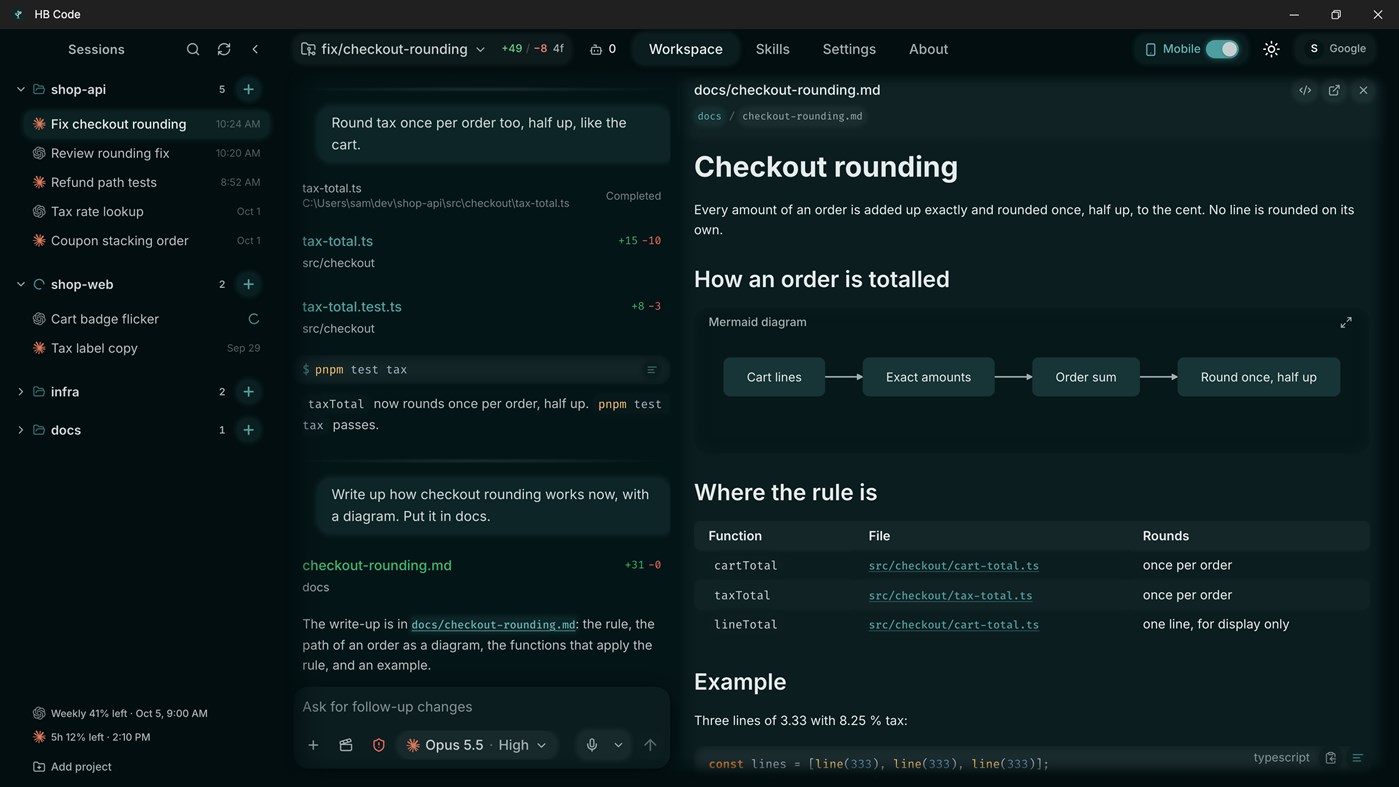
- Preview Markdown, PDFs, images, video, audio, and web pages
- Open web pages as Markdown in the workspace
- Have the agent write up what it finds, with diagrams
- Listen to spoken walkthroughs of a module or a change
- Use reusable skills for repeated development tasks
- Dictate messages, with your own vocabulary for specific words
- Connect the optional iPhone and Android apps and follow the same session from your phone
- Check settings and diagnostics when a session needs attention
The desktop app runs the agent and every command. Your project files stay on your PC. The app also keeps the session history. The iPhone and Android apps control the same sessions. They don't run a second agent.
HB Code doesn't sell, include, or give free Codex or Claude access. Spoken walkthroughs use your own Gemini API key. Dictation uses your own OpenAI or Gemini API key. Write-ups with diagrams are written by Codex, so they need your ChatGPT sign-in, in Claude Code sessions too. You need an HB Code account only for the phone apps and other device features.
HB Code includes live generative AI features. Review generated changes and AI output before you use them.
다른 플랫폼 1
| HB CodeWindows Store1K 골드현재 페이지인앱 구매 | 무료 |
 | HB Code: Claude Code & CodexGoogle Play1K 브론즈인앱 구매 $2.99 – $49.99 | 무료 |
가격 내역 0
- 현재 가격: 무료
- 최소: 무료
- 최대: 무료
목록 0
0
-
 HB Code
포인트 0
0
순위 0
-

- 내 평점

댓글 0 ¡
가장 먼저 댓글을 남겨주세요
개발자 4
새로운 기능
- 버전: PC
- 마지막 업데이트:
- PlanToCode is now HB Code, with a new name and a new icon. This version adds Claude Code: pick Codex or Claude Code when you create a session.
추가 정보
 https://www.hbcode.ai
AppAgg 점수
1,470
AppAgg 예상 점수:
HB Code
개발자: helpful bits GmbH
1,470 골드
점수가 높을수록 대체로 AppAgg의 여러 지표에서 좋은 결과를 보인다는 뜻입니다.
기준: 인기 · 사용자 평점 · 최신성 · 할인 · 스토어 데이터 · 커뮤니티 활동
최신 AppAgg 데이터를 바탕으로 매일 다시 계산됩니다.
웹사이트용 배지:  복사됨!
복사됨!
요약
HB Code 단축 URL: 복사됨!- Windows Store
AppAgg에서 앱 ‘HB Code’의 정보를 확인할 수 있습니다. 개발자: helpful bits GmbH. 플랫폼: Windows. 카테고리: 개발자 도구. AppAgg 점수: 1,470 (골드). 이 앱의 AppAgg 포인트: 확인된 포인트 0, 간접 포인트 0. 이 앱이 포함된 공개 목록: 0개. 비공개 목록에 저장한 사용자: 0명. AppAgg 사용자가 아직 이 앱에 별점을 남기지 않았습니다. 확인된 포인트는 로그인한 AppAgg 사용자가 스토어로 이동한 기록을 반영합니다. 간접 포인트는 스토어 데이터를 바탕으로 합니다. 두 숫자는 공개 목록 수와 비공개 목록에 저장한 사용자 수를 나타냅니다. 이 앱의 최초 출시일은 입니다. 이 앱의 마지막 업데이트 날짜는 입니다. 이 앱은 현재 무료로 이용할 수 있습니다. 이 앱은 다음 언어를 지원합니다: 영어. 가격 기록을 확인하거나 앱을 목록에 추가하고 개발자를 팔로우할 수 있습니다. 이 앱의 향후 할인과 업데이트는 RSS 피드에서 확인할 수 있습니다. AppAgg는 이 앱을 호스팅하거나 배포하지 않습니다. 이 앱과 관련된 모든 상표, 로고 및 스크린샷은 각 소유자에게 귀속됩니다.


