
الإشارات المرجعية
| المطوّر: | netDesk.IT - Massimo Pagano (4) | ||
| السعر: | $3.69 جديد | ||
| الدرجة: | 600 فضة | ||
| الترتيب: | 0 | ||
| تعليقات: | 0 انشر تعليقًا | ||
| قوائم: | 0 0 | ||
| النقاط: | 0 | ||
| +1 نقطة | |||
ملخص
Hide Users تطبيق من netDesk.IT - Massimo Pagano ضمن فئة «أدوات المطور».
إصدار جديد: صدر ، فأنت من الأوائل.
$3.69. لم يحصل أي خصم على AppAgg ولا مرة. فعّل تنبيه السعر. لن ننسى، حتى لو نسيت أنت.
متجر Microsoft مدمج في Windows، فالتثبيت يتم بنقرتين.
درجة AppAgg هي 600. فضة، وهذا ليس سيئًا أبدًا.
التصنيف العمري «EVERYONE»، أي أنه مناسب للأطفال أيضًا.
يعرف 5 لغات، لكنه لم يتعلم العربية بعد.
لم يقيّمه أحد على AppAgg بعد. فرصتك لتكون الأول الآن.
لدى هذا المطوّر 3 تطبيقات أخرى على AppAgg. ألقِ نظرة.
تريد أن تعرف بالخصومات والتحديثات والتطبيقات الجديدة أولًا؟ فعّل تنبيه السعر أو تابع المطور أو اشترك في موجز RSS. تصلك الإشعارات عبر تطبيق AppAgg Alerts لنظامي Android وiOS.
لقطات الشاشة 5
منصات أخرى 0
سجل الأسعار 0
- السعر الحالي: $3.69
- الحد الأدنى: $3.69
- الحد الأقصى: $3.69
خلاصتك الخاصة في الصفحة الرئيسية
الوصف

What it does
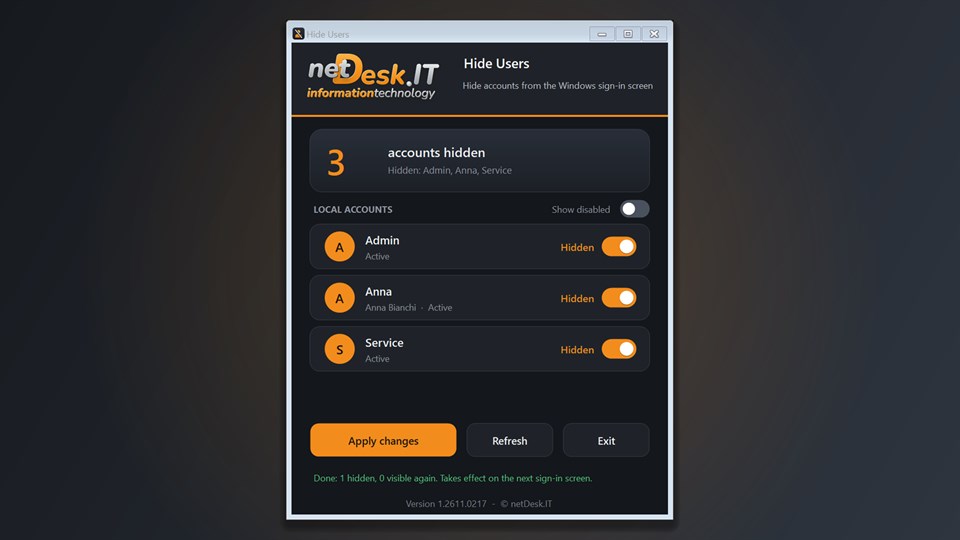
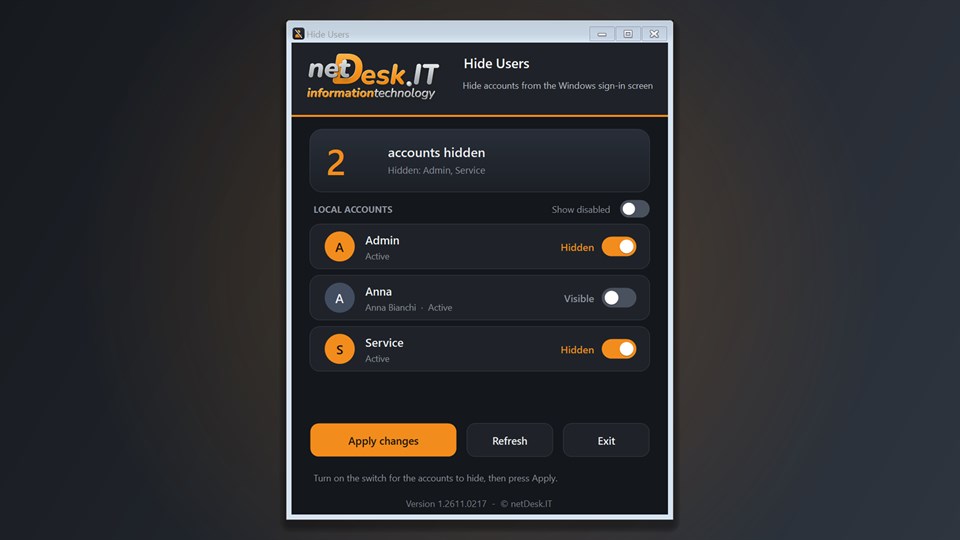
• List of local accounts: for each one you see the name, the full name and the status (active, disabled or no longer present).
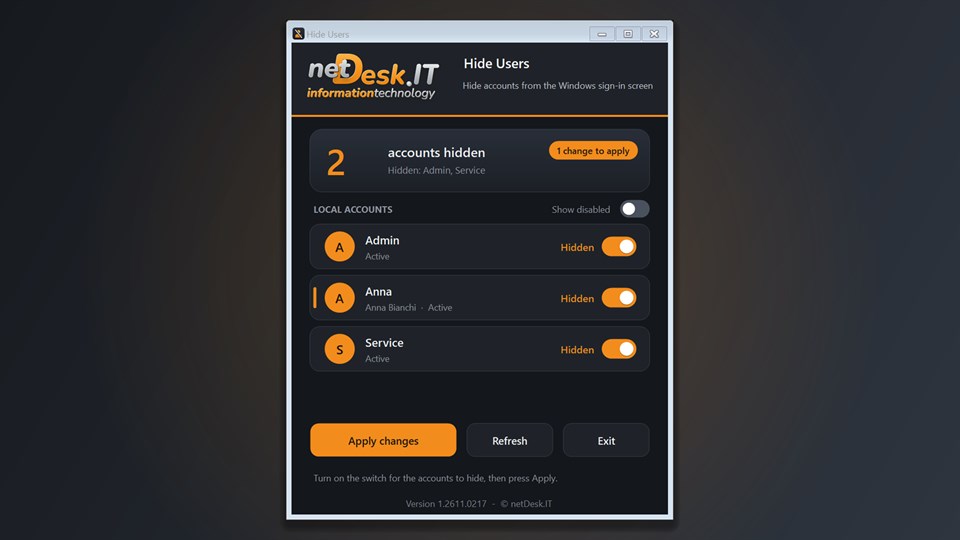
• One switch per account: turn it on to hide the account, turn it off to show it again.
• Several changes at once: choose as many accounts as you like, a summary shows the changes still to apply, and one button confirms them.
• A safeguard: at least one enabled administrator account always stays visible. If a change would hide them all, Hide Users does not apply it and explains why; it also warns you if no enabled account would appear on the sign-in screen.
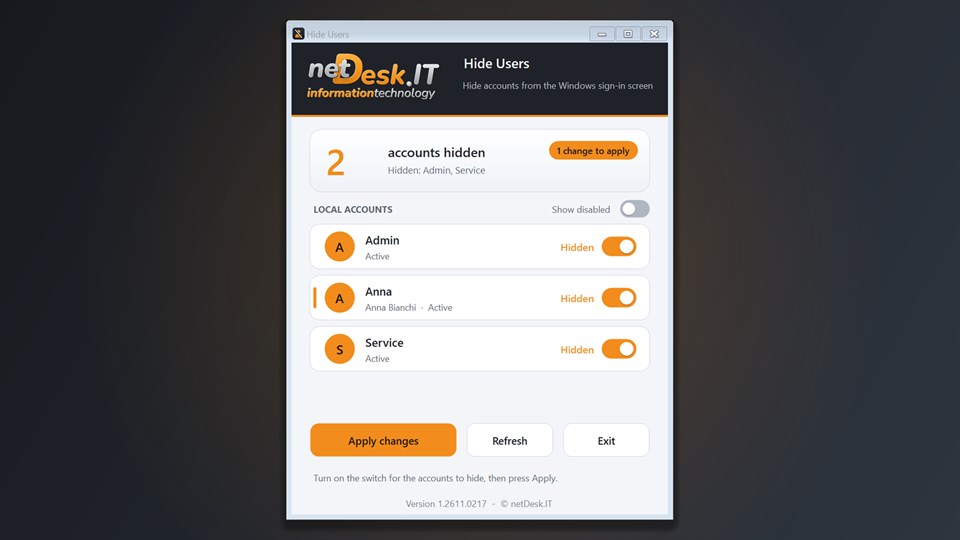
• Adaptive window: it grows to show all the accounts without a scroll bar, within the limits of the screen, and it can be resized.
• Easy to undo: to make an account visible again, just turn its switch off.
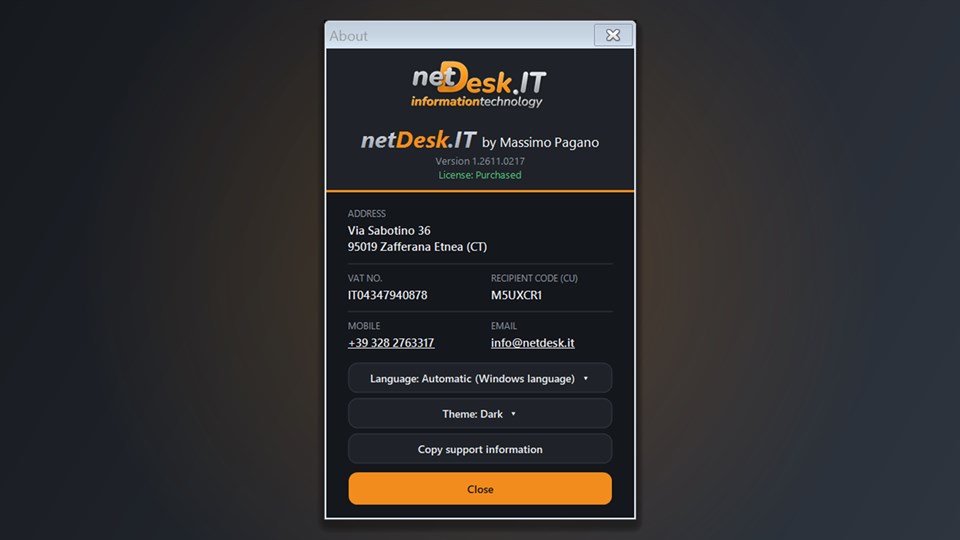
• 5 languages: Italian, English, French, German and Spanish. The app starts in the Windows language and you can change it from the About window.
How to sign in to a hidden account
If the sign-in screen offers it, choose “Other user” and type the user name and password: this depends on the Windows configuration (sign-in policies, PIN, Microsoft account). The change takes effect from the next sign-in screen.
Privacy and security
The app has no network features and sends no data to anyone. Changing the list of hidden accounts requires administrator privileges: if you start Hide Users as a normal user, you can view the list and the app offers to reopen as administrator (Windows asks for confirmation); if you decline, the list stays read-only and nothing is changed.
Who it is for
For anyone who manages a shared PC, a fixed workstation, a counter or a home PC and wants a tidier sign-in screen, without service or administration accounts in view.
Note: hiding an account is not a security measure. It tidies the sign-in screen; protection still depends on passwords.
7-day free trial; after it, hiding or showing accounts requires buying the app from the Store. Accounts already hidden stay hidden until you buy it.
من المطوّر
قوائم 0
-
 Hide Users
النقاط 0
-

- +1 نقطة

الترتيب 0
-
- تقييمك
المطوّر 4
- netDesk.IT - Massimo Pagano
- المتابعون: 0
- المنصات: Windows تطبيقات (4)
- العروض: 0
- قوائم: 0 0
- النقاط: 0
- الترتيب: 0
- تعليقات: 0
- الفيديوهات: 0
- RSS: اشتراك
ما الجديد
- الإصدار: PC
- آخر تحديث:
- • Hide local accounts from the Windows sign-in screen.
• One switch per account, with a summary of the changes to apply.
• Interface in 5 languages.
معلومات إضافية
- تاريخ الإصدار:
- الفئة:
تطبيقات Windows›أدوات المطور - نظام التشغيل:
PC - الحجم:
675 Kb - اللغات المدعومة:
الألمانية,الإسبانية,الإنجليزية,الإيطالية,الفرنسية - تقييم المحتوى:
EVERYONE - Windows Store تقييم: ¡
0 - الموقع الإلكتروني:
 https://www.netdesk.it
درجة AppAgg
درجة AppAgg التقديرية لـ
Hide Users
المطوّر: netDesk.IT - Massimo Pagano
تشير الدرجة الأعلى عادةً إلى أداء أفضل في مؤشرات AppAgg.
استنادًا إلى: الشعبية · تقييمات المستخدمين · الحداثة · العروض · بيانات المتاجر · نشاط المجتمع
يُعاد حسابها يوميًا بناءً على أحدث بيانات AppAgg.
تعليقات 0 ¡
مشاركة
Hide Users عنوان URL مختصر: تم النسخ!- Windows Store

