
Σελιδοδείκτες
| Προγραμματιστής: | netDesk.IT - Massimo Pagano (4) | ||
| Τιμή: | $3.69 Νέα | ||
| Βαθμολογία: | 600 Ασημένιο | ||
| Κατατάξεις: | 0 | ||
| Σχόλια: | 0 Δημοσίευση σχολίου | ||
| Λίστες: | 0 0 | ||
| Πόντοι: | 0 | ||
| +1 Πόντος | |||
Σύνοψη
Το Hide Users είναι μια εφαρμογή της κατηγορίας «Εργαλεία προγραμματισμού» από netDesk.IT - Massimo Pagano.
Νέα κυκλοφορία: βγήκε , οπότε είσαι από τους πρώτους.
$3.69. Ποτέ σε προσφορά στο AppAgg, ούτε μία φορά. Όρισε ειδοποίηση τιμής. Εμείς δεν θα ξεχάσουμε, ακόμα κι αν ξεχάσεις εσύ.
Το Microsoft Store είναι ενσωματωμένο στα Windows, οπότε η εγκατάσταση γίνεται με δυο κλικ.
Η Βαθμολογία AppAgg είναι 600. «Ασημένιο», και αυτό δεν είναι καθόλου άσχημο.
Ηλικιακή κατάταξη «EVERYONE»: ταιριάζει και σε παιδιά.
Ξέρει 5 γλώσσες, αλλά ελληνικά δεν έμαθε ακόμα.
Κανείς στο AppAgg δεν την έχει βαθμολογήσει ακόμα. Η ευκαιρία σου να γίνεις ο πρώτος είναι τώρα.
Ο προγραμματιστής έχει ακόμα 3 εφαρμογές στο AppAgg. Αξίζει μια ματιά.
Μάθε πρώτος για προσφορές, ενημερώσεις και νέες εφαρμογές. Όρισε ειδοποίηση τιμής, ακολούθησε τον προγραμματιστή ή κάνε εγγραφή στη ροή RSS. Οι ειδοποιήσεις push έρχονται μέσω της εφαρμογής AppAgg Alerts για Android και iOS.
Στιγμιότυπα οθόνης 5
Άλλες πλατφόρμες 0
Ιστορικό τιμών 0
- Τρέχουσα τιμή: $3.69
- Ελάχιστο: $3.69
- Μέγιστο: $3.69
Η δική σας ροή στην αρχική σελίδα
Περιγραφή

What it does
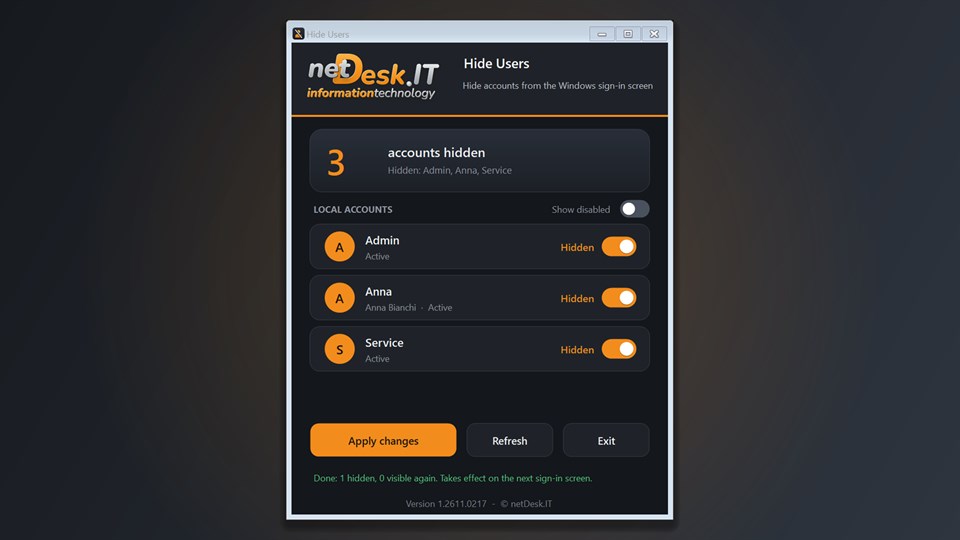
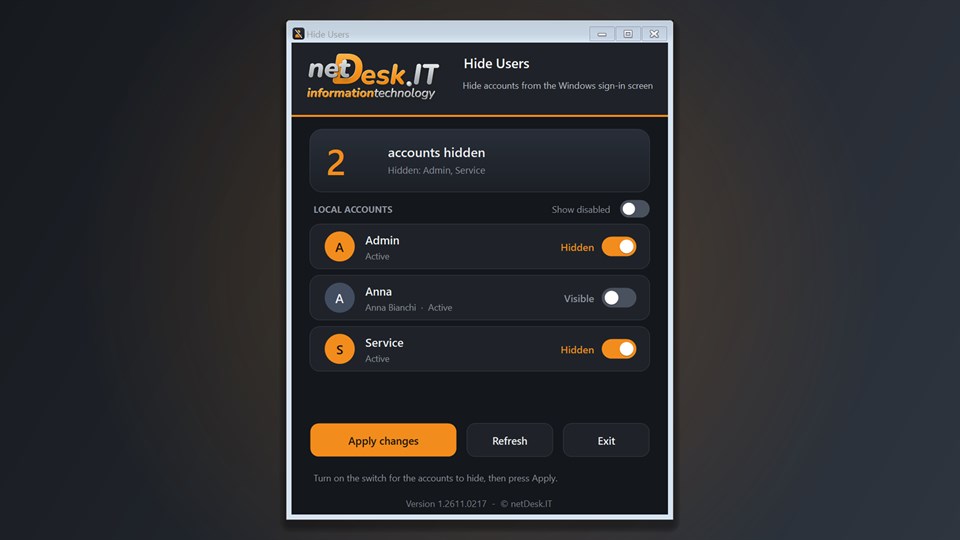
• List of local accounts: for each one you see the name, the full name and the status (active, disabled or no longer present).
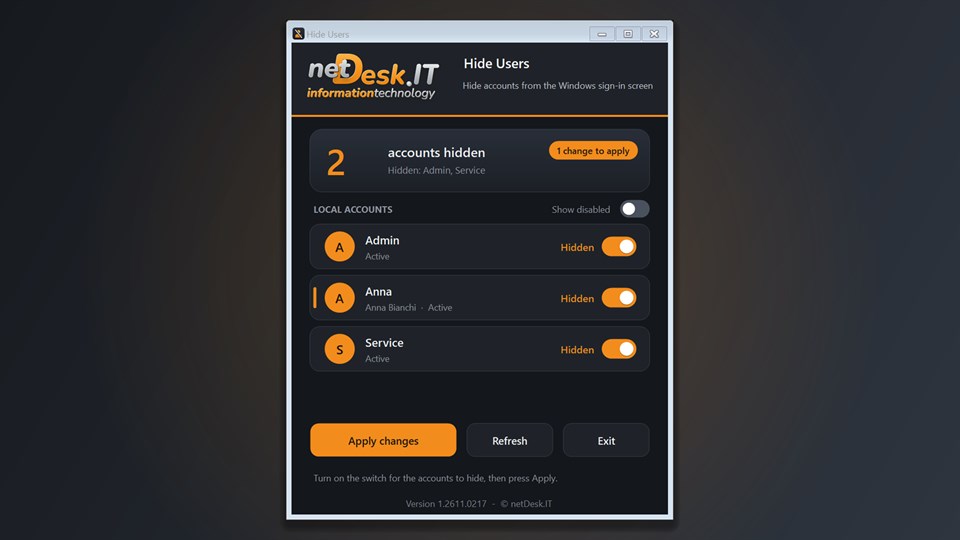
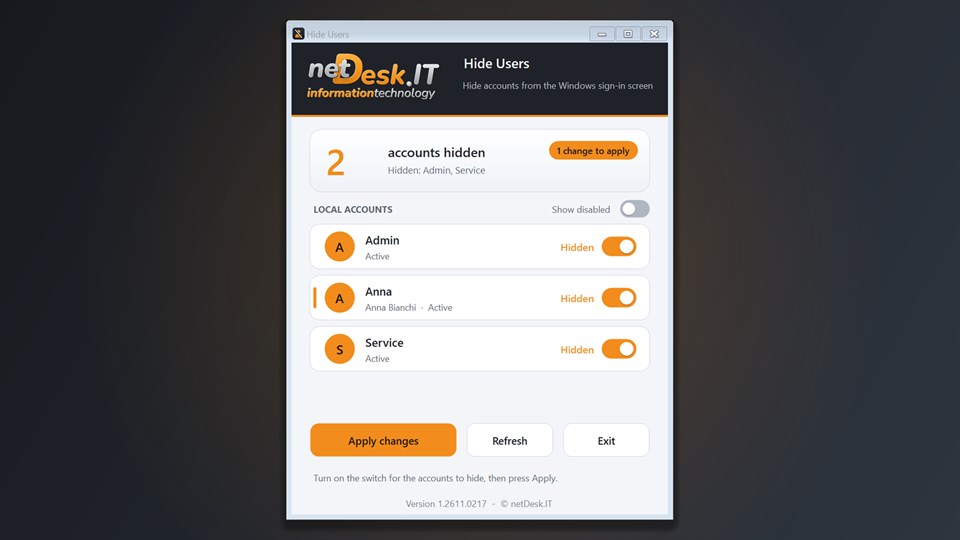
• One switch per account: turn it on to hide the account, turn it off to show it again.
• Several changes at once: choose as many accounts as you like, a summary shows the changes still to apply, and one button confirms them.
• A safeguard: at least one enabled administrator account always stays visible. If a change would hide them all, Hide Users does not apply it and explains why; it also warns you if no enabled account would appear on the sign-in screen.
• Adaptive window: it grows to show all the accounts without a scroll bar, within the limits of the screen, and it can be resized.
• Easy to undo: to make an account visible again, just turn its switch off.
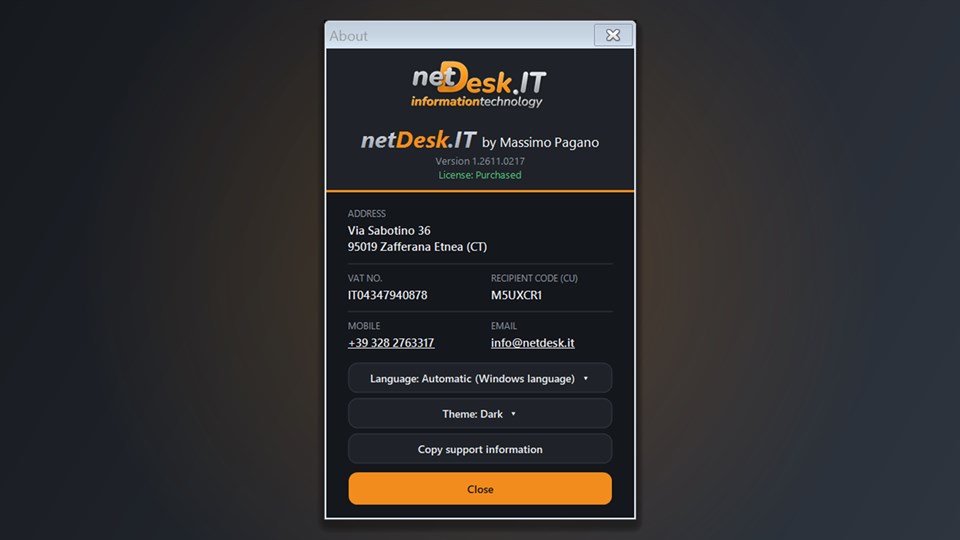
• 5 languages: Italian, English, French, German and Spanish. The app starts in the Windows language and you can change it from the About window.
How to sign in to a hidden account
If the sign-in screen offers it, choose “Other user” and type the user name and password: this depends on the Windows configuration (sign-in policies, PIN, Microsoft account). The change takes effect from the next sign-in screen.
Privacy and security
The app has no network features and sends no data to anyone. Changing the list of hidden accounts requires administrator privileges: if you start Hide Users as a normal user, you can view the list and the app offers to reopen as administrator (Windows asks for confirmation); if you decline, the list stays read-only and nothing is changed.
Who it is for
For anyone who manages a shared PC, a fixed workstation, a counter or a home PC and wants a tidier sign-in screen, without service or administration accounts in view.
Note: hiding an account is not a security measure. It tidies the sign-in screen; protection still depends on passwords.
7-day free trial; after it, hiding or showing accounts requires buying the app from the Store. Accounts already hidden stay hidden until you buy it.
Από τον προγραμματιστή
Λίστες 0
-
 Hide Users
Πόντοι 0
-

- +1 Πόντος

Κατατάξεις 0
-
- Η βαθμολογία σας
Προγραμματιστής 4
- netDesk.IT - Massimo Pagano
- Ακόλουθοι: 0
- Πλατφόρμες: Windows Εφαρμογές (4)
- Προσφορές: 0
- Λίστες: 0 0
- Πόντοι: 0
- Κατατάξεις: 0
- Σχόλια: 0
- Βίντεο: 0
- RSS: Εγγραφή
Τι νέο υπάρχει
- Έκδοση: PC
- Τελευταία ενημέρωση:
- • Hide local accounts from the Windows sign-in screen.
• One switch per account, with a summary of the changes to apply.
• Interface in 5 languages.
Πρόσθετες πληροφορίες
- Ημερομηνία κυκλοφορίας:
- Κατηγορία:
Εφαρμογές για Windows›Εργαλεία προγραμματισμού - Λειτουργικό σύστημα:
PC - Μέγεθος:
675 Kb - Υποστηριζόμενες γλώσσες:
Αγγλικά,Γαλλικά,Γερμανικά,Ισπανικά,Ιταλικά - Αξιολόγηση περιεχομένου:
EVERYONE - Windows Store Βαθμολογία: ¡
0 - Ιστοσελίδα:
 https://www.netdesk.it
Βαθμολογία AppAgg
Εκτιμώμενη βαθμολογία AppAgg για
Hide Users
Προγραμματιστής: netDesk.IT - Massimo Pagano
Η υψηλότερη βαθμολογία συνήθως αντανακλά ισχυρότερους δείκτες στο AppAgg.
Βασισμένο σε: δημοτικότητα · αξιολογήσεις χρηστών · επικαιρότητα · προσφορές · δεδομένα καταστημάτων · δραστηριότητα κοινότητας
Υπολογίζεται εκ νέου καθημερινά με βάση τα πιο πρόσφατα δεδομένα του AppAgg.
Σχόλια 0 ¡
Κοινή χρήση
Hide Users Σύντομο URL: Αντιγράφηκε!- Windows Store

