
Marque-pages
| Développeur: | netDesk.IT - Massimo Pagano (4) | ||
| Prix: | $3.69 Nouveauté | ||
| Score: | 600 Argent | ||
| Classements: | 0 | ||
| Commentaires: | 0 Publier un commentaire | ||
| Listes: | 0 0 | ||
| Points: | 0 | ||
| +1 Point | |||
Résumé
Hide Users est une application de netDesk.IT - Massimo Pagano, dans la catégorie « Outils de développement ».
Nouveauté : elle est sortie , vous êtes donc parmi les premiers.
$3.69. Jamais en promo sur AppAgg, pas une seule fois. Créez une alerte de prix. Nous, on n’oubliera pas, même si vous oubliez.
Le Microsoft Store est intégré à Windows, ça s’installe en deux clics.
Son Score AppAgg est de 600. Niveau Argent, et c’est déjà pas mal du tout.
Classification « EVERYONE » : ça convient aussi aux enfants.
Parle 5 langues, dont le français.
Personne ne l’a encore notée sur AppAgg. À vous d’ouvrir le bal !
Ce développeur a encore 3 applications sur AppAgg. Ça vaut le coup d’œil.
Envie de connaître les promos, les mises à jour et les nouvelles apps avant tout le monde ? Créez une alerte prix, suivez le développeur ou abonnez-vous au Flux RSS. Les notifications push arrivent via l’app AppAgg Alerts pour Android et iOS.
Captures d'écran 5
Autres plateformes 0
Historique des prix 0
- Prix actuel : $3.69
- Minimum: $3.69
- Maximum: $3.69
Votre propre fil sur la page d’accueil
Description

What it does
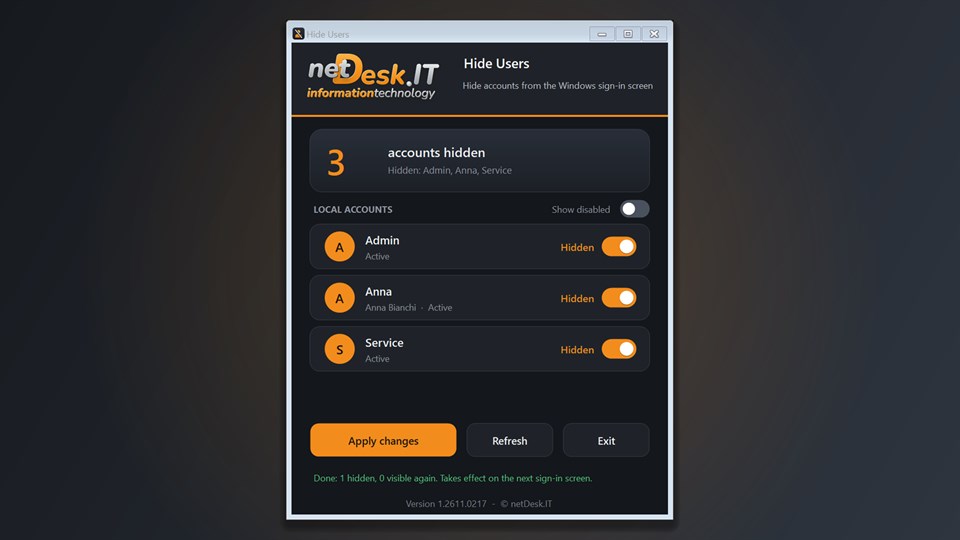
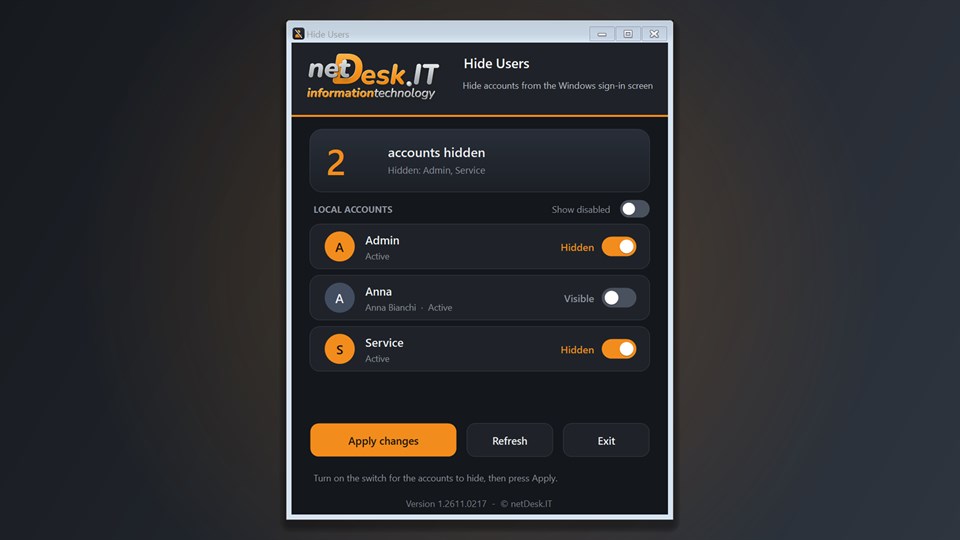
• List of local accounts: for each one you see the name, the full name and the status (active, disabled or no longer present).
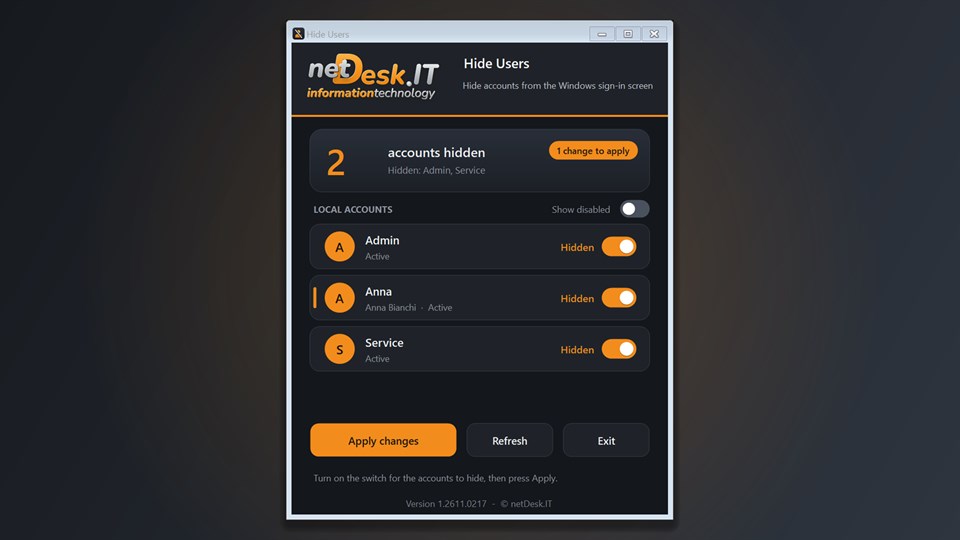
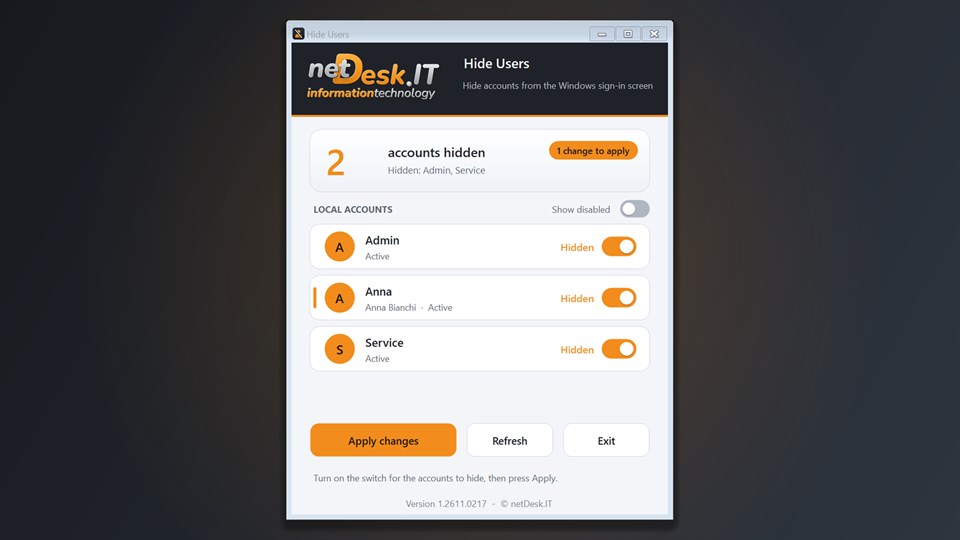
• One switch per account: turn it on to hide the account, turn it off to show it again.
• Several changes at once: choose as many accounts as you like, a summary shows the changes still to apply, and one button confirms them.
• A safeguard: at least one enabled administrator account always stays visible. If a change would hide them all, Hide Users does not apply it and explains why; it also warns you if no enabled account would appear on the sign-in screen.
• Adaptive window: it grows to show all the accounts without a scroll bar, within the limits of the screen, and it can be resized.
• Easy to undo: to make an account visible again, just turn its switch off.
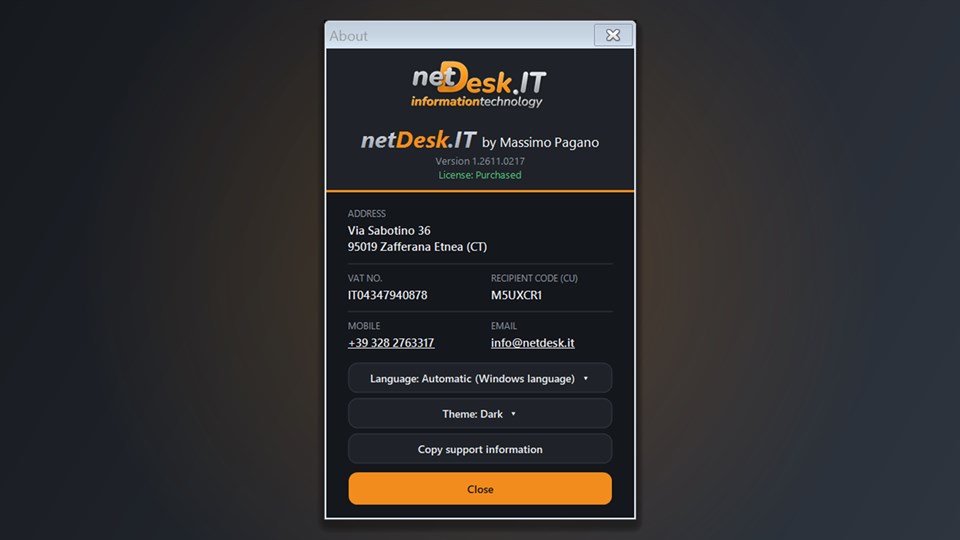
• 5 languages: Italian, English, French, German and Spanish. The app starts in the Windows language and you can change it from the About window.
How to sign in to a hidden account
If the sign-in screen offers it, choose “Other user” and type the user name and password: this depends on the Windows configuration (sign-in policies, PIN, Microsoft account). The change takes effect from the next sign-in screen.
Privacy and security
The app has no network features and sends no data to anyone. Changing the list of hidden accounts requires administrator privileges: if you start Hide Users as a normal user, you can view the list and the app offers to reopen as administrator (Windows asks for confirmation); if you decline, the list stays read-only and nothing is changed.
Who it is for
For anyone who manages a shared PC, a fixed workstation, a counter or a home PC and wants a tidier sign-in screen, without service or administration accounts in view.
Note: hiding an account is not a security measure. It tidies the sign-in screen; protection still depends on passwords.
7-day free trial; after it, hiding or showing accounts requires buying the app from the Store. Accounts already hidden stay hidden until you buy it.
Du développeur
Listes 0
-
 Hide Users
Points 0
-

- +1 Point

Classements 0
-
- Votre note
Développeur 4
- netDesk.IT - Massimo Pagano
- Abonnés: 0
- Plateformes: Windows Applications (4)
- Promotions: 0
- Listes: 0 0
- Points: 0
- Classements: 0
- Commentaires: 0
- Vidéos: 0
- RSS: S'abonner
Nouveautés
- Version: PC
- Dernière mise à jour:
- • Hide local accounts from the Windows sign-in screen.
• One switch per account, with a summary of the changes to apply.
• Interface in 5 languages.
Informations supplémentaires
- Date de sortie:
- Catégorie:
Applications pour Windows›Outils de développement - Systèmes d'exploitation:
PC - Taille:
675 Kb - Langues prises en charge:
Français,Allemand,Anglais,Espagnol,Italien - Classification du contenu:
EVERYONE - Windows Store Note: ¡
0 - Site Web:
 https://www.netdesk.it
Score AppAgg
Score AppAgg estimé pour
Hide Users
Développeur: netDesk.IT - Massimo Pagano
Un score plus élevé reflète généralement de meilleurs résultats selon les indicateurs d’AppAgg.
Basé sur : popularité · notes des utilisateurs · actualité · promos · données des boutiques · activité de la communauté
Recalculé chaque jour à partir des données AppAgg les plus récentes.
Commentaires 0 ¡
Partager
Hide Users URL courte: Copié!- Windows Store

