
Bookmark
| Pengembang: | netDesk.IT - Massimo Pagano (4) | ||
| Harga: | $3.69 Baru | ||
| Skor: | 600 Perak | ||
| Peringkat: | 0 | ||
| Komentar: | 0 Kirimkan komentar | ||
| Daftar: | 0 0 | ||
| Poin: | 0 | ||
| +1 Poin | |||
Ringkasan
Hide Users adalah aplikasi buatan netDesk.IT - Massimo Pagano di kategori Alat pengembang.
Rilisan baru, keluar , jadi kamu termasuk yang pertama.
$3.69. Belum pernah diskon di AppAgg, sekali pun tidak. Pasang notifikasi harga. Kami tidak akan lupa, meski kamu lupa.
Microsoft Store sudah jadi bawaan Windows, jadi bisa dipasang dalam beberapa klik.
Skor AppAgg-nya 600. Perak, dan itu sama sekali tidak buruk.
Rating usia “EVERYONE”, jadi aman juga untuk anak-anak.
Menguasai 5 bahasa, tapi bahasa Indonesia belum termasuk.
Belum ada yang menilainya di AppAgg. Kesempatanmu jadi yang pertama ada sekarang.
Pengembang ini punya 3 aplikasi lagi di AppAgg. Layak dilihat.
Mau jadi yang pertama tahu soal diskon, pembaruan, dan aplikasi baru? Pasang notifikasi harga, ikuti pengembang, atau berlangganan lewat Umpan RSS. Notifikasi push dikirim lewat aplikasi AppAgg Alerts untuk Android dan iOS.
Jepretan layar 5
Platform lain 0
Riwayat harga 0
- Harga saat ini: $3.69
- Minimum: $3.69
- Maksimum: $3.69
Feed Anda sendiri di beranda
Deskripsi

What it does
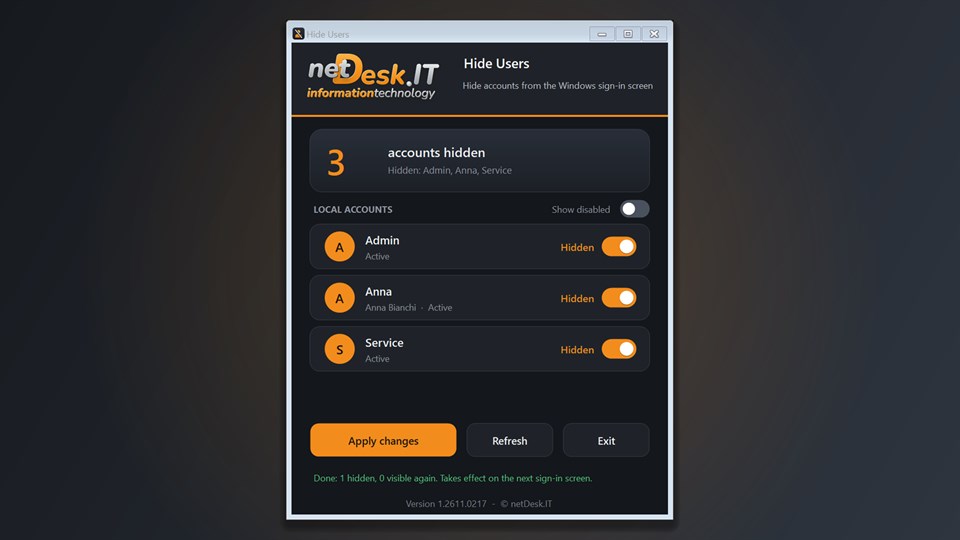
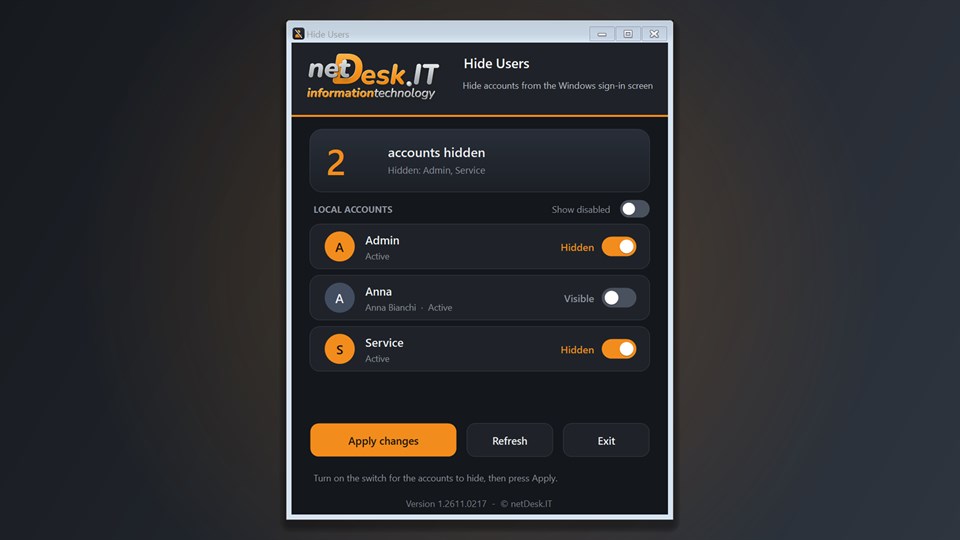
• List of local accounts: for each one you see the name, the full name and the status (active, disabled or no longer present).
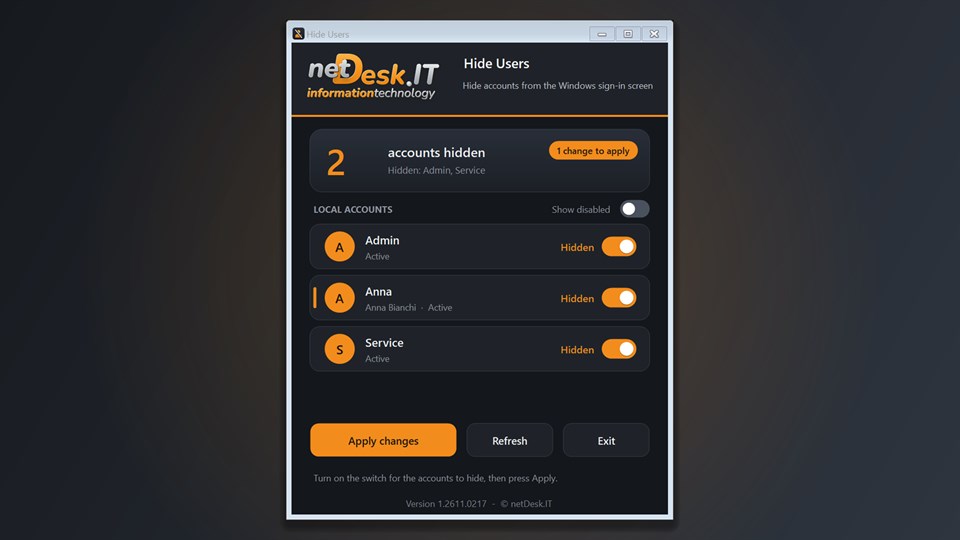
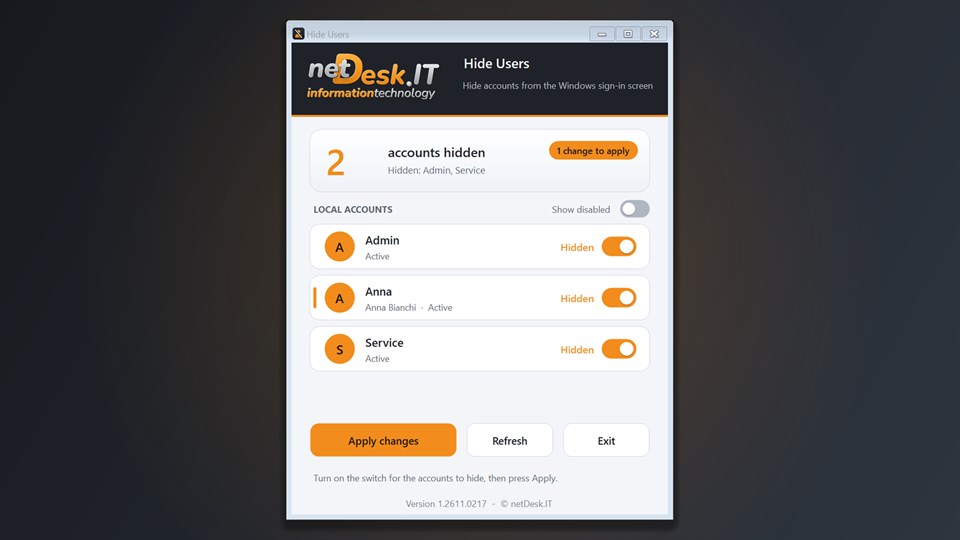
• One switch per account: turn it on to hide the account, turn it off to show it again.
• Several changes at once: choose as many accounts as you like, a summary shows the changes still to apply, and one button confirms them.
• A safeguard: at least one enabled administrator account always stays visible. If a change would hide them all, Hide Users does not apply it and explains why; it also warns you if no enabled account would appear on the sign-in screen.
• Adaptive window: it grows to show all the accounts without a scroll bar, within the limits of the screen, and it can be resized.
• Easy to undo: to make an account visible again, just turn its switch off.
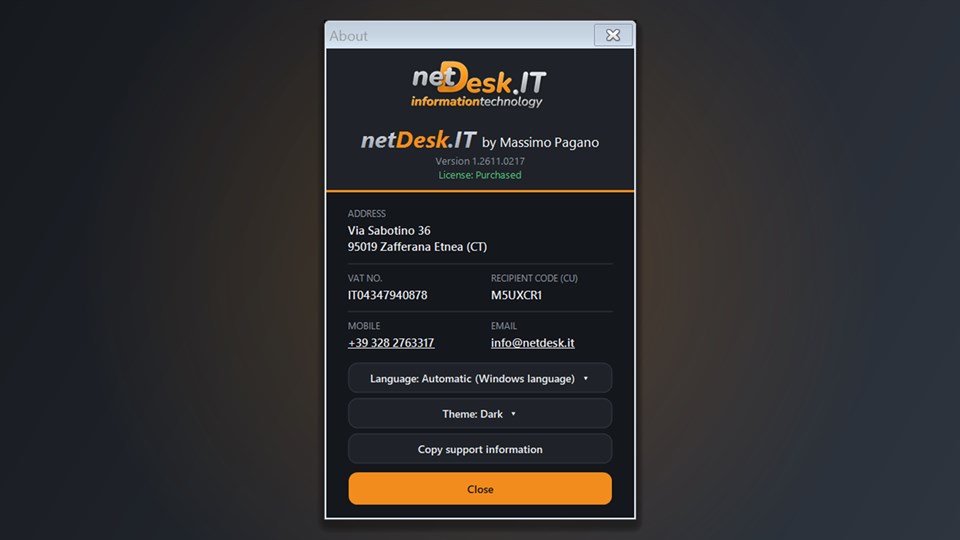
• 5 languages: Italian, English, French, German and Spanish. The app starts in the Windows language and you can change it from the About window.
How to sign in to a hidden account
If the sign-in screen offers it, choose “Other user” and type the user name and password: this depends on the Windows configuration (sign-in policies, PIN, Microsoft account). The change takes effect from the next sign-in screen.
Privacy and security
The app has no network features and sends no data to anyone. Changing the list of hidden accounts requires administrator privileges: if you start Hide Users as a normal user, you can view the list and the app offers to reopen as administrator (Windows asks for confirmation); if you decline, the list stays read-only and nothing is changed.
Who it is for
For anyone who manages a shared PC, a fixed workstation, a counter or a home PC and wants a tidier sign-in screen, without service or administration accounts in view.
Note: hiding an account is not a security measure. It tidies the sign-in screen; protection still depends on passwords.
7-day free trial; after it, hiding or showing accounts requires buying the app from the Store. Accounts already hidden stay hidden until you buy it.
Dari developer
Daftar 0
-
 Hide Users
Poin 0
-

- +1 Poin

Peringkat 0
-
- Rating Anda
Pengembang 4
- netDesk.IT - Massimo Pagano
- Pengikut: 0
- Platform: Windows Aplikasi (4)
- Diskon: 0
- Daftar: 0 0
- Poin: 0
- Peringkat: 0
- Komentar: 0
- Video: 0
- RSS: Berlangganan
Yang Baru
- Versi: PC
- Terakhir diperbarui:
- • Hide local accounts from the Windows sign-in screen.
• One switch per account, with a summary of the changes to apply.
• Interface in 5 languages.
Info tambahan
- Tanggal rilis:
- Kategori:
Aplikasi Windows›Alat pengembang - OS:
PC - Ukuran:
675 Kb - Bahasa yang didukung:
Inggris,Italia,Jerman,Prancis,Spanyol - Rating Konten:
EVERYONE - Windows Store Rating: ¡
0 - Situs Web:
 https://www.netdesk.it
Skor AppAgg
Perkiraan Skor AppAgg untuk
Hide Users
Pengembang: netDesk.IT - Massimo Pagano
Skor yang lebih tinggi biasanya menunjukkan indikator yang lebih kuat di AppAgg.
Berdasarkan: popularitas · rating pengguna · kebaruan · promo · data toko · aktivitas komunitas
Dihitung ulang setiap hari dari data AppAgg terbaru.
Komentar 0 ¡
Bagikan
Hide Users URL singkat: Disalin!- Windows Store

