
Yer imleri
| Geliştirici: | netDesk.IT - Massimo Pagano (4) | ||
| Fiyat: | $3.69 Yeni | ||
| Skor: | 600 Gümüş | ||
| Sıralamalar: | 0 | ||
| Yorumlar: | 0 Yorum gönder | ||
| Listeler: | 0 0 | ||
| Puanlar: | 0 | ||
| +1 Puan | |||
Özet
Hide Users, netDesk.IT - Massimo Pagano imzalı, Geliştirici araçları kategorisinde bir uygulama.
Yeni çıktı. yayınlandı, yani ilk deneyenlerden birisin.
$3.69. AppAgg’de bir kez bile indirime girmedi. Fiyat alarmı kur. Sen unutsan da biz unutmayız.
Microsoft Store, Windows’a yerleşik. Birkaç tıkla kuruluyor.
AppAgg skoru 600. Gümüş, hiç de fena değil.
Yaş sınırı “EVERYONE”, yani çocuklar için de uygun.
5 dil biliyor ama Türkçe henüz aralarında yok.
AppAgg’de henüz kimse puan vermedi. İlk olma şansın tam şu an.
Geliştiricinin AppAgg’de 3 uygulaması daha var. Bir göz at.
İndirimleri, güncellemeleri ve yeni uygulamaları ilk sen mi duymak istiyorsun? Bir fiyat alarmı kur, geliştiriciyi takip et ya da RSS akışı ile haberdar ol. Push bildirimleri Android ve iOS için AppAgg Alerts uygulamasıyla gelir.
Ekran görüntüleri 5
Diğer platformlar 0
Fiyat Geçmişi 0
- Güncel fiyat: $3.69
- En az: $3.69
- En fazla: $3.69
Ana sayfada kendi akışınız
Açıklama

What it does
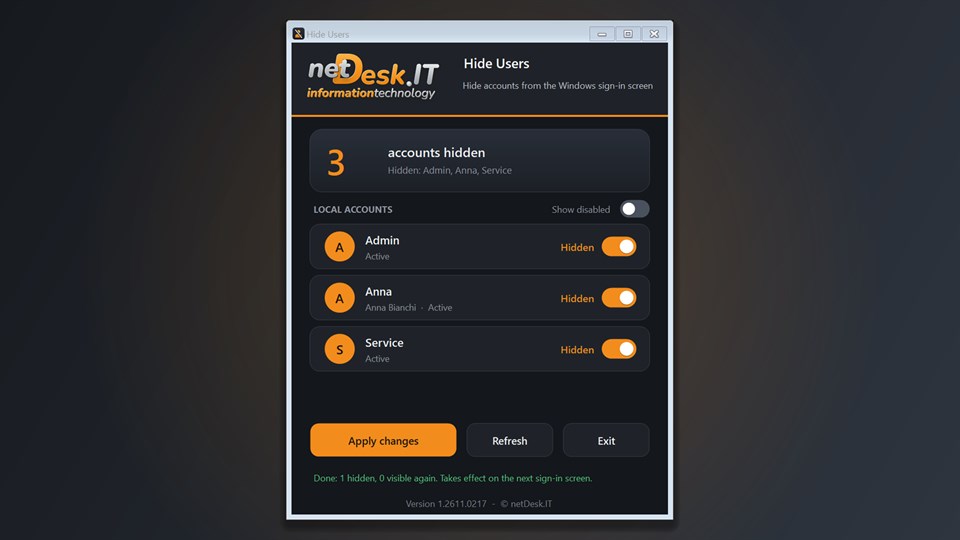
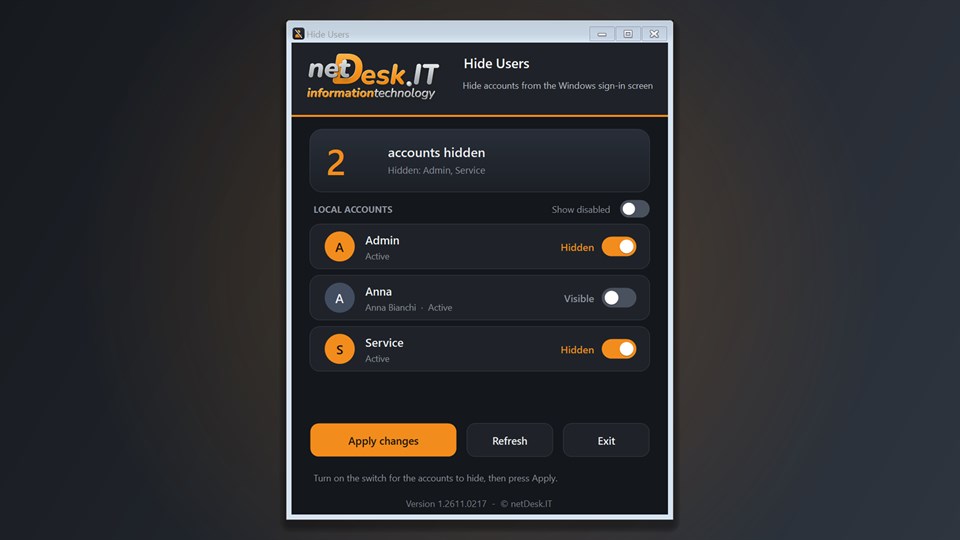
• List of local accounts: for each one you see the name, the full name and the status (active, disabled or no longer present).
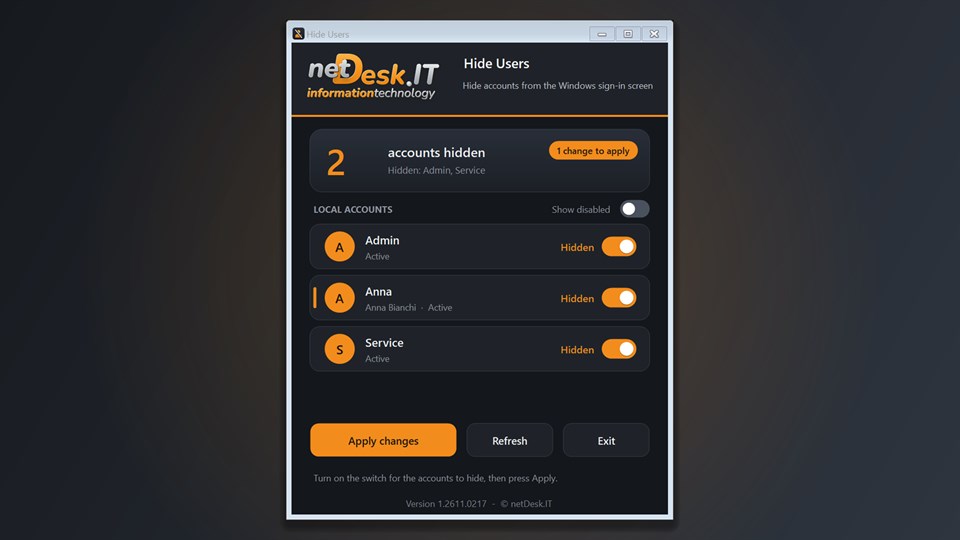
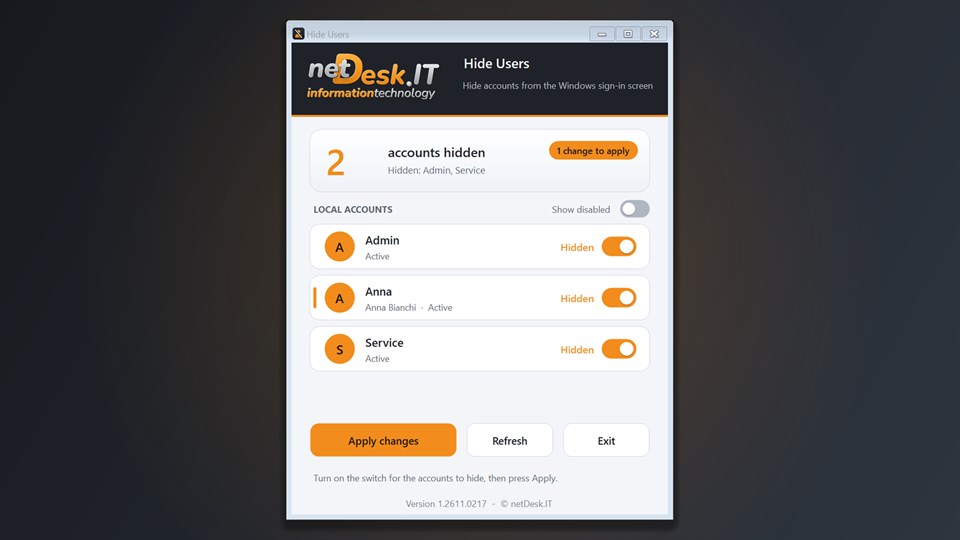
• One switch per account: turn it on to hide the account, turn it off to show it again.
• Several changes at once: choose as many accounts as you like, a summary shows the changes still to apply, and one button confirms them.
• A safeguard: at least one enabled administrator account always stays visible. If a change would hide them all, Hide Users does not apply it and explains why; it also warns you if no enabled account would appear on the sign-in screen.
• Adaptive window: it grows to show all the accounts without a scroll bar, within the limits of the screen, and it can be resized.
• Easy to undo: to make an account visible again, just turn its switch off.
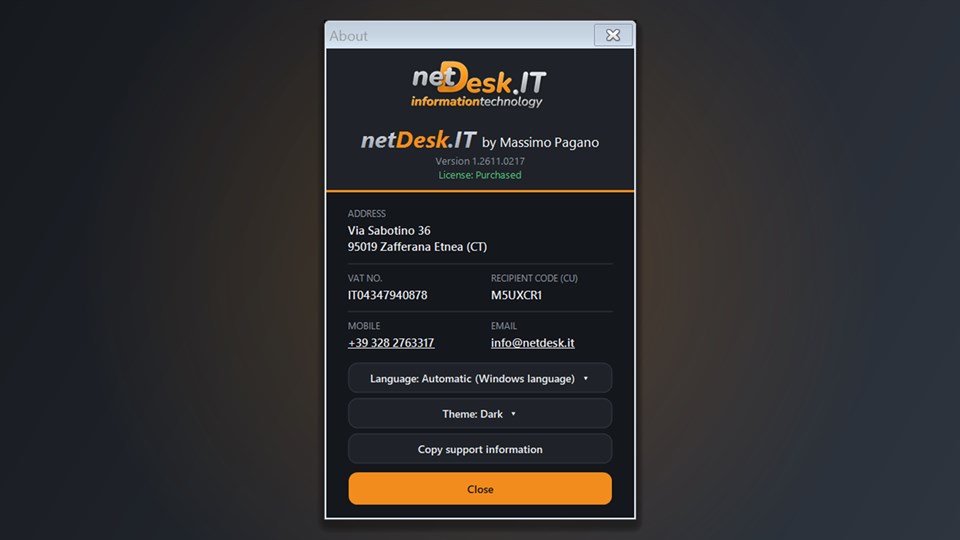
• 5 languages: Italian, English, French, German and Spanish. The app starts in the Windows language and you can change it from the About window.
How to sign in to a hidden account
If the sign-in screen offers it, choose “Other user” and type the user name and password: this depends on the Windows configuration (sign-in policies, PIN, Microsoft account). The change takes effect from the next sign-in screen.
Privacy and security
The app has no network features and sends no data to anyone. Changing the list of hidden accounts requires administrator privileges: if you start Hide Users as a normal user, you can view the list and the app offers to reopen as administrator (Windows asks for confirmation); if you decline, the list stays read-only and nothing is changed.
Who it is for
For anyone who manages a shared PC, a fixed workstation, a counter or a home PC and wants a tidier sign-in screen, without service or administration accounts in view.
Note: hiding an account is not a security measure. It tidies the sign-in screen; protection still depends on passwords.
7-day free trial; after it, hiding or showing accounts requires buying the app from the Store. Accounts already hidden stay hidden until you buy it.
Geliştiriciden
Listeler 0
-
 Hide Users
Puanlar 0
-

- +1 Puan

Sıralamalar 0
-
- Puanınız
Geliştirici 4
- netDesk.IT - Massimo Pagano
- Takipçiler: 0
- Platformlar: Windows Uygulamalar (4)
- İndirimler: 0
- Listeler: 0 0
- Puanlar: 0
- Sıralamalar: 0
- Yorumlar: 0
- Video: 0
- RSS: Abone ol
Yenilikler
- Sürüm: PC
- Son güncelleme:
- • Hide local accounts from the Windows sign-in screen.
• One switch per account, with a summary of the changes to apply.
• Interface in 5 languages.
Ek Bilgi
- Çıkış tarihi:
- Kategori:
Windows uygulamaları›Geliştirici araçları - İşletim Sistemleri:
PC - Boyut:
675 Kb - Desteklenen diller:
Almanca,Fransızca,İngilizce,İspanyolca,İtalyanca - İçerik Derecelendirmesi:
EVERYONE - Windows Store Puan: ¡
0 - Web sitesi:
 https://www.netdesk.it
AppAgg Skoru
Tahmini AppAgg skoru:
Hide Users
Geliştirici: netDesk.IT - Massimo Pagano
Daha yüksek skorlar genellikle AppAgg’deki göstergelerin daha güçlü olduğunu belirtir.
Şunlara göre: popülerlik · kullanıcı puanları · güncellik · fırsatlar · mağaza verileri · topluluk etkinliği
Güncel AppAgg verileriyle her gün yeniden hesaplanır.
Yorumlar 0 ¡
Paylaş
Hide Users Kısa URL: Kopyalandı!- Windows Store

