
已儲存
選擇要顯示在你的已儲存選單中的名稱。
完成!
描述

that provides a one-stop document processing experience. Whether you are a
technical writer, researcher, or everyday office user, MDoc helps you efficiently
create, edit, convert, and manage documents.
—— Core Features ——
■ Multi-View Editing
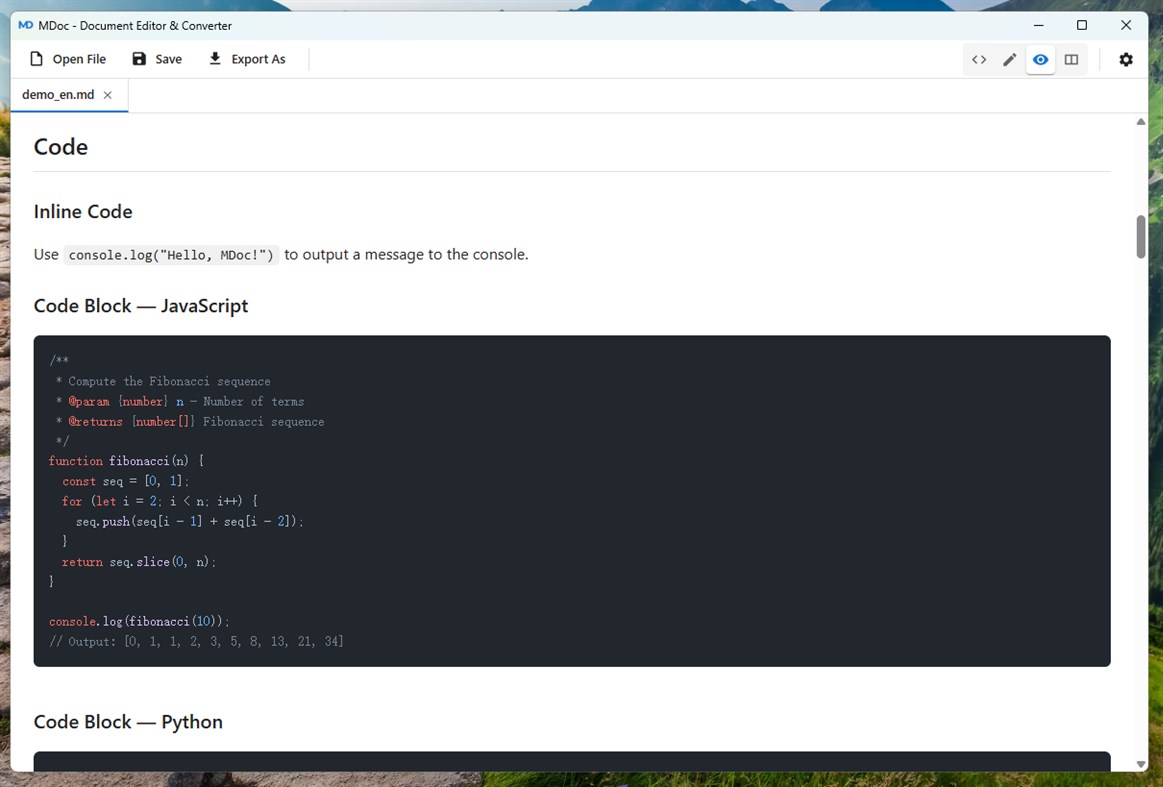
• Source Mode: Edit Markdown source with Monaco Editor, featuring syntax
highlighting (current-line highlight, bracket matching)
• Visual Mode: WYSIWYG rich-text editing experience
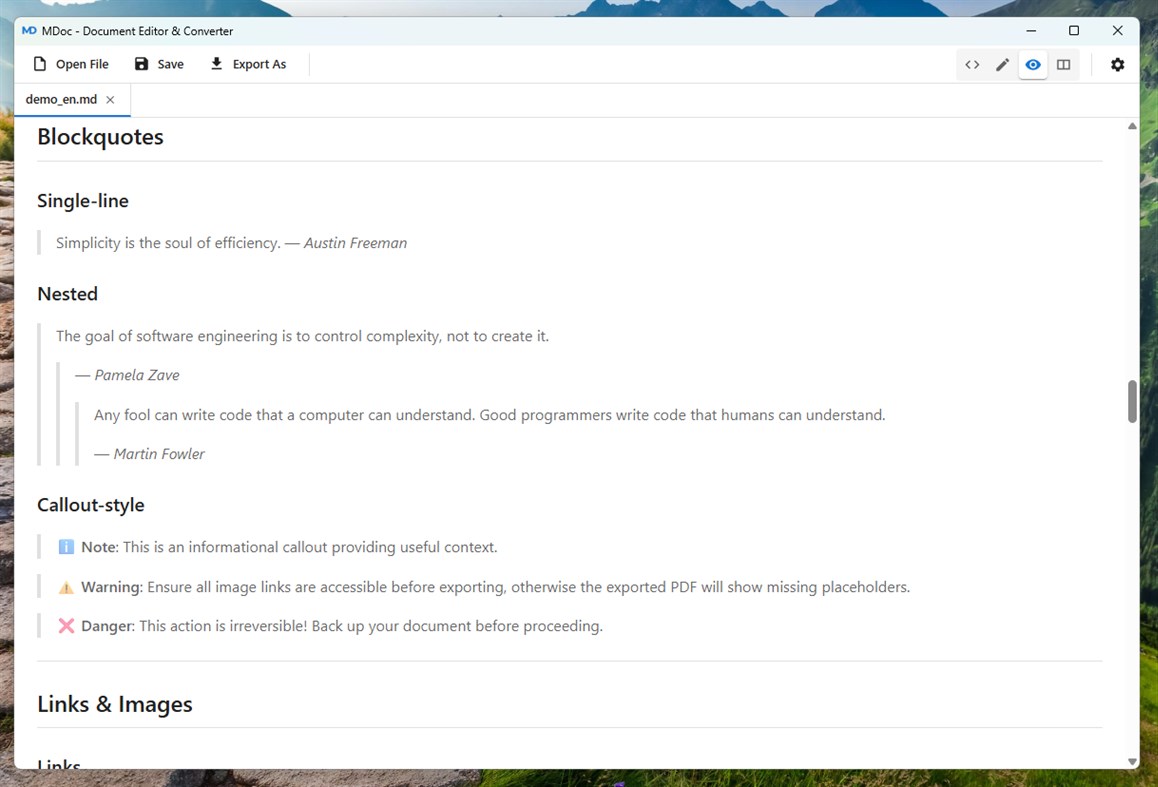
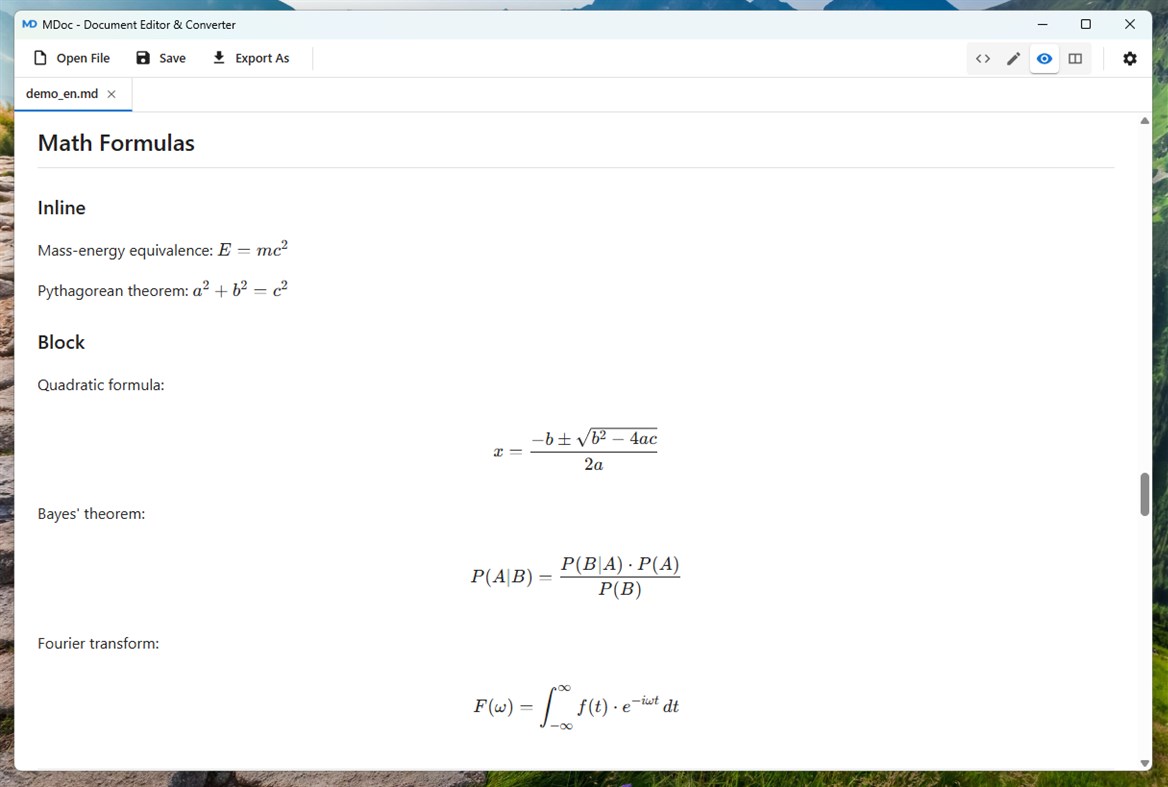
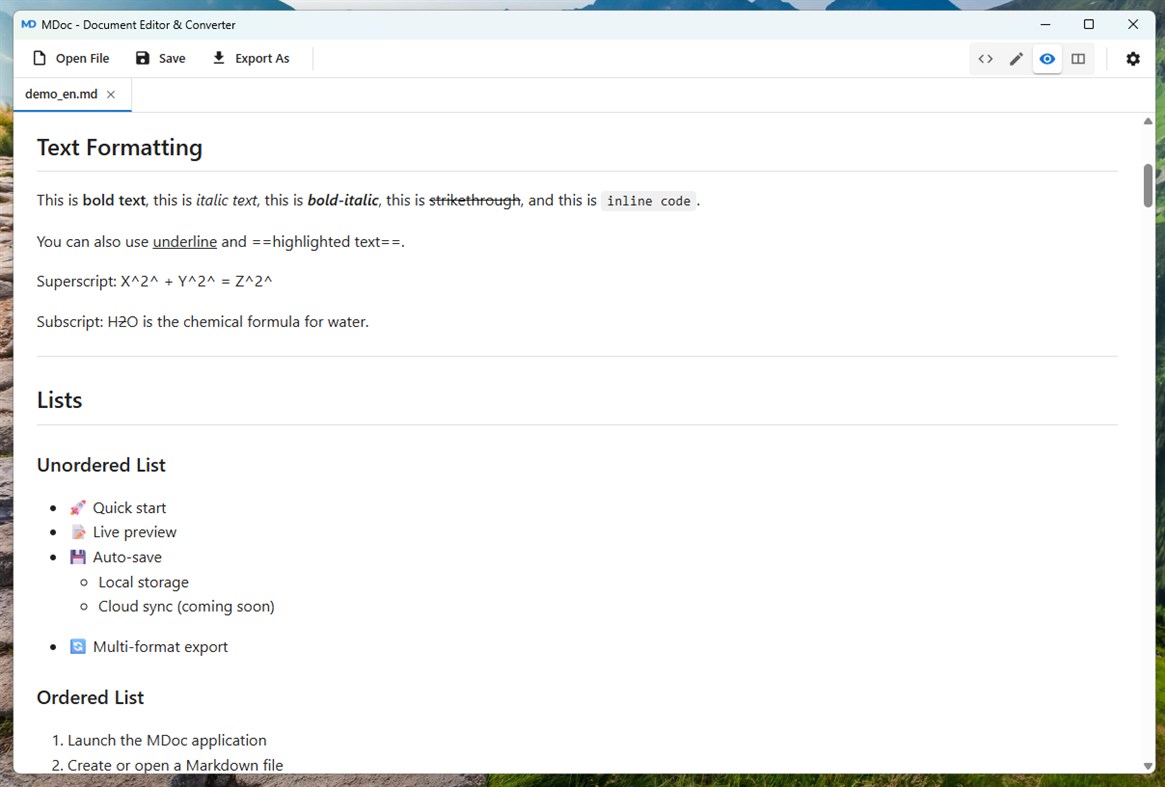
• Preview Mode: Real-time rendered read-only preview with GitHub Flavored
Markdown support
• Split Mode: Editor and preview side by side — edit and see results instantly
■ Multi-Format Support
• Input Formats: Markdown, PDF, DOCX, HTML, PPTX, XLSX, TXT,
PNG, JPG, BMP, TIFF, WebP
• Output Formats: Markdown, PDF, DOCX, HTML, Plain Text
• Drag & Drop: Drop files directly to open, supports batch import
■ Enhanced Markdown Editing
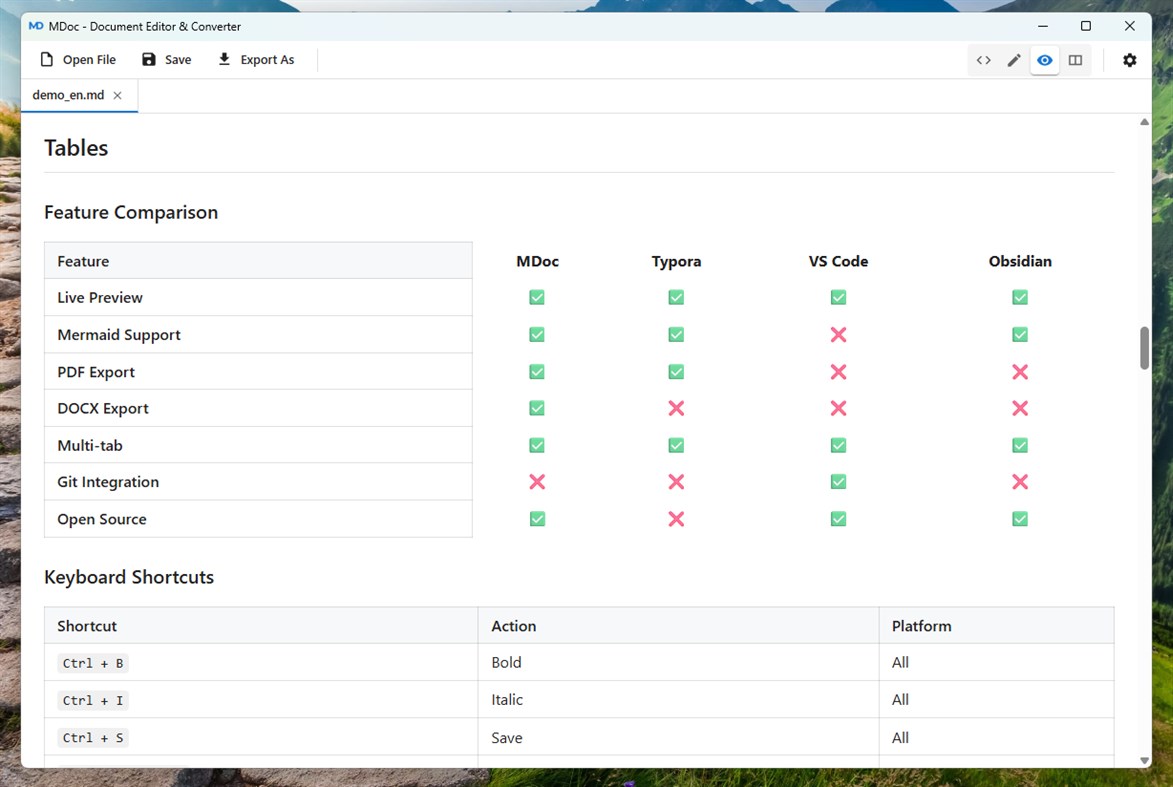
• Rich editing toolbar: Bold, Italic, Strikethrough, 6 heading levels, lists,
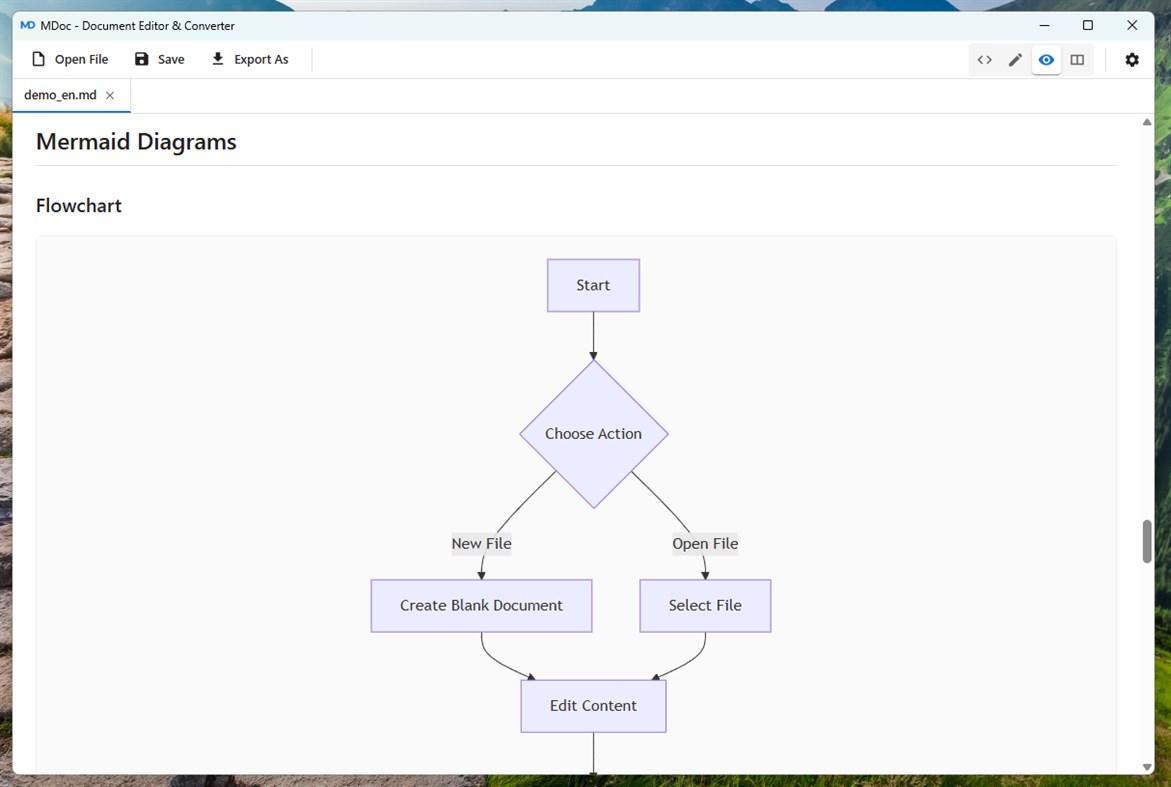
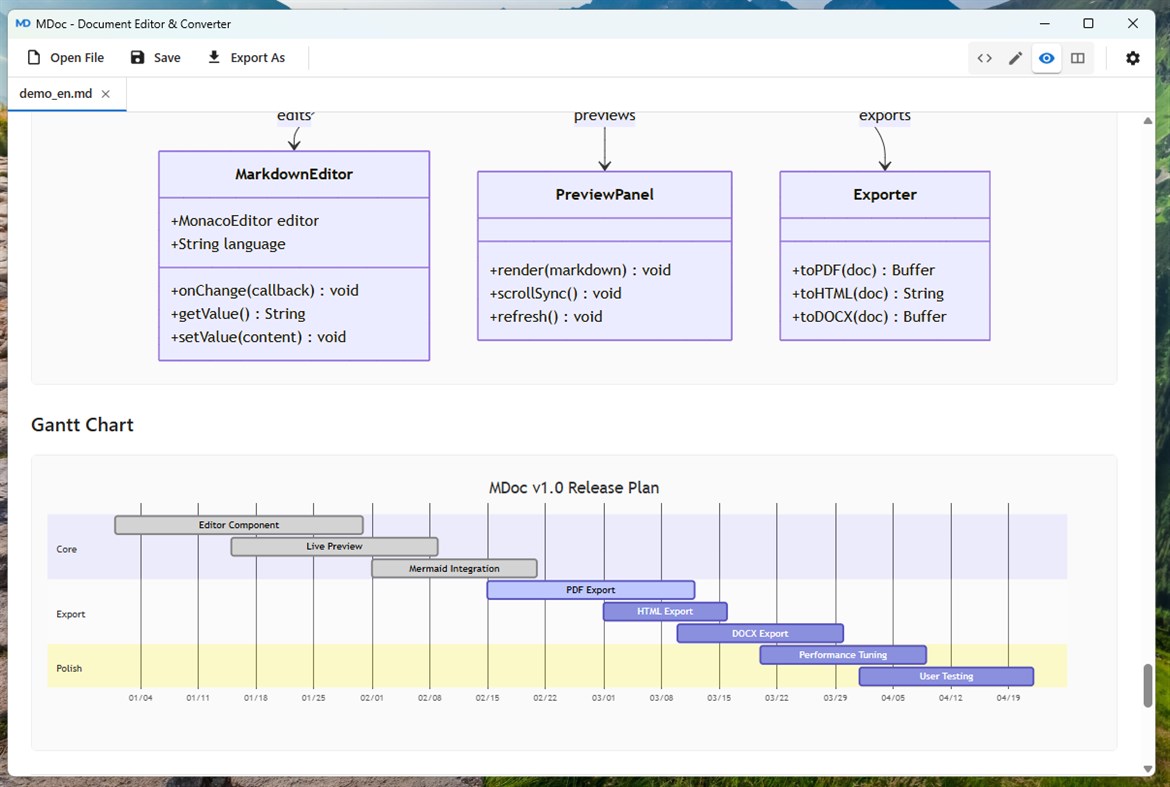
blockquote, code blocks, links, images, tables, Mermaid diagrams
• Full undo/redo support
• Full GitHub Flavored Markdown (GFM) compatibility (tables, task lists,
strikethrough)
■ PDF Document Processing
• PDF Merge: Combine multiple PDFs into a single document
• PDF Split: Split PDFs by page
• PDF Annotation: Add text annotations to PDFs
• PDF Reorder: Rearrange page order
• Built-in PDF viewer (powered by pdf.js) with zoom and page navigation
■ Document Extraction Engines
• Basic Engine: Markdown editing/preview, PDF preview, image viewing
(always available)
• Lightweight Engine: Based on markitdown + pandoc, quickly converts
PDF/DOCX/PPTX/XLSX to Markdown
• High-Precision Engine (MinerU): Deep learning based, supports layout
analysis, table/formula/image extraction and OCR. Automatically selects
the optimal backend based on your hardware
■ Document Conversion
• MarkItDown Integration: Convert PPTX/XLSX to Markdown
• Multi-format Export: Markdown, PDF, DOCX, HTML, Plain Text
• Image to Markdown: Extract text and content from images via the
high-precision engine
■ User Experience
• Multi-Tab: Open up to 20 documents simultaneously with fast tab switching
• 10 Interface Languages: 简体中文, 繁體中文, English, 日本語, 한국어,
Deutsch, Français, Español, Português, Русский
• Three Themes: Light, Dark, Follow System
• Adaptive Layout: Freely adjustable panel sizes
• Crash Recovery: Auto-saves editing drafts; recover progress after an
unexpected exit
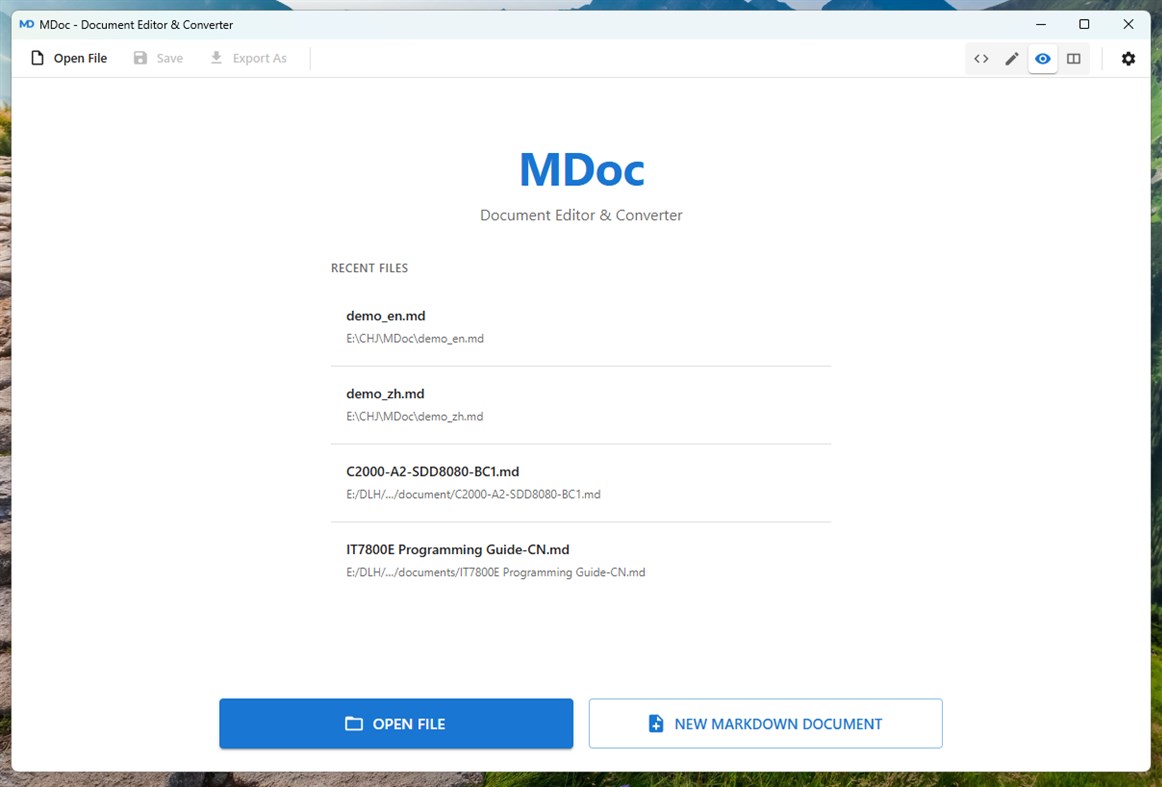
• Recent Files: Quick access to your last 20 opened files
■ Privacy & Security
• Fully Offline: All document processing is performed locally — no data
is ever uploaded
• No Telemetry: No usage analytics, crash reporting, or user behavior tracking
• Ad-Free: A clean desktop application experience
• Local Storage: Preferences, logs, and recovery files are stored locally only
■ Portable Environment (Optional Components)
• No system-level Python required — the app can auto-download and manage
a standalone runtime environment
• Customizable pip mirror and network proxy for accelerated downloads
• Component Manager: Visually install/uninstall/reinstall Python, markitdown,
pandoc, MinerU, CUDA PyTorch, and more
■ Hardware-Aware Adaptation
• Automatically detects system RAM, GPU type, and VRAM capacity
• Selects the optimal document extraction strategy based on your hardware
• NVIDIA GPU acceleration via CUDA
螢幕擷取畫面
Ad
價格歷史
- 目前價格: $0.99
- 最小值: $0.99
- 最大值: $0.99
追蹤票價
AppAgg 評價
1,290
AppAgg 預估評價:
MDoc
1,290 白銀
評價越高,通常代表在 AppAgg 上的信號越強。
基於: 人氣 · 使用者評分 · 新鮮度 · 優惠 · 商店資料 · 社群活躍度
根據最新 AppAgg 資料每日重新計算。
縮短網址: 已複製!
新功能
- 版本: PC
- 最後更新:
其他資訊
開發人員
- 程俊
- 平台: Windows 應用程式 (1)
- 清單: 0 + 0
- 點數: 0 + 0 ¡
- 排名: 0
- 註釋: 0
- 折扣: 0
- 影片: 0
- RSS: 訂閱
清單 (0)
0
- MDoc
點數 (0)
0
排名 (0)
0
註釋 (0)
成為第一個發表評論的人
簡要
MDoc 縮短網址: 已複製!- 分享
- Windows Store
«MDoc». 平台: Windows. 類別: 開發人員工具. 開發商: «程俊». 首次發布: . 最後更新: . 目前價格: $0.99. 最低記錄價格: $0.99. 最高記錄價格: $0.99. 此項目尚未在 AppAgg 上獲得評分或評論。 可用語言: Chinese, English, French, German, Japanese, Korean, Portuguese, Russian, Spanish. AppAgg 會追蹤 «MDoc»的價格歷史、評分和用戶回饋。 AppAgg 不託管應用程式或分發軟體。 所有商標、標誌和螢幕截圖均屬於其各自所有者。 關注未來折扣和更新: RSS
類似
-
- Windows Terminal
- Windows 應用程式: 開發人員工具 由: Microsoft Corporation
- 免費
- 清單: 7 + 3 0 0
- 點數: 5 + 9,458 13K · 黃金 版本: PC The Windows Terminal is a modern, fast, efficient, powerful, and productive terminal application for users of command-line tools and shells like Command Prompt, PowerShell, and WSL. ...
-
- App Installer (Mobile) - WinUI 3
- Windows 應用程式: 開發人員工具 由: wherewhere
- 免費
- 清單: 3 + 2 0 0
- 點數: 20 + 3,251 8K · 黃金 版本: PC Android™ App Installer for Windows 10/11 makes sideloading Android applications easy for WSA, Anbox, etc.: Just double-click the app package, and you won't have to run Android Debug ...
-
- Arduino IDE
- Windows 應用程式: 開發人員工具 由: Arduino LLC
- 免費
- 清單: 0 + 2 0 0
- 點數: 2 + 929 4K · 白銀 版本: PC Arduino is an open-source electronics platform based on easy-to-use hardware and software. It's intended for anyone making interactive projects. IMPORTANT: This app performs with core ...
-
- Ubuntu on Windows
- Windows 應用程式: 開發人員工具 由: Canonical Group Limited
- 免費
- 清單: 2 0 0
- 點數: 11 + 832 5K · 白銀 版本: PC Ubuntu on Windows allows you to use Ubuntu Terminal and run Ubuntu command line utilities including bash, ssh, git, apt and many more. Please note that Windows 10 S does not support ...
-
- DevToys
- Windows 應用程式: 開發人員工具 由: etiennebaudoux
- 免費
- 清單: 3 + 1 0 0
- 點數: 5 + 699 7K · 黃金 版本: PC An Open-Source Swiss Army knife for developers. DevToys helps in everyday tasks like formatting JSON, comparing text, testing RegExp. No need to use many untruthful websites to do ...
-
- Termius - Modern SSH Client
- Windows 應用程式: 開發人員工具 由: Termius Corporation
- * 免費
- 清單: 0 + 4 0 0
- 點數: 8 + 542 39K · 傳奇 版本: PC Termius is a modern SSH client designed for productivity and collaboration. Connect with one click from desktop and mobile no re-entering IP addresses, ports, and passwords. With a ...
-
- TurboWarp
- Windows 應用程式: 開發人員工具 由: Thomas Weber
- 免費
- 清單: 0 0 0
- 點數: 1 + 544 6K · 黃金 版本: PC TurboWarp is a mod of the Scratch programming language with a compiler to run projects faster, dark mode, new extensions, a bunch of addons, and more. - Runs projects up to 100x faster
-
- Python 3.12
- Windows 應用程式: 開發人員工具 由: Python Software Foundation
- 免費
- 清單: 0 0 0
- 點數: 1 + 413 4K · 白銀 版本: PC Python is an easy to learn, powerful programming language. It has efficient high-level data structures and a simple but effective approach to object-oriented programming. Python s ...