
Σελιδοδείκτες
| Προγραμματιστής: | Orbyss (1) | ||
| Τιμή: | * Δωρεάν | ||
| Βαθμολογία: | 1.270 Χρυσό | ||
| Κατατάξεις: | 0 | ||
| Σχόλια: | 0 Δημοσίευση σχολίου | ||
| Λίστες: | 0 0 | ||
| Πόντοι: | 0 | ||
| +1 Πόντος | |||
Σύνοψη
Το Orbyss Admin είναι μια εφαρμογή της κατηγορίας «Εργαλεία προγραμματισμού» από Orbyss.
Λειτουργεί ακόμα και σε HoloLens: Windows σε μικτή πραγματικότητα.
Υπάρχει ακόμα και έκδοση για Windows Mobile. Χαιρετίσματα από το παρελθόν.
Η είσοδος είναι δωρεάν, αλλά το μαγαζάκι μέσα είναι ανοιχτό.
Κυκλοφόρησε , ακόμα αρκετά φρέσκια.
Λειτουργεί ακόμα και σε Surface Hub, για μεγάλες αίθουσες συσκέψεων.
Η Βαθμολογία AppAgg είναι 1.270. Αυτό σημαίνει «Χρυσό».
Μόνο 20 megabyte, χωράει ακόμα και σε γεμάτο δίσκο.
Ηλικιακή κατάταξη «EVERYONE»: ταιριάζει και σε παιδιά.
Μιλάει μόνο μία γλώσσα, και δεν είναι τα ελληνικά.
Τη χρησιμοποίησες; Η κριτική σου θα ήταν η πρώτη εδώ.
Είναι η μοναδική εφαρμογή του προγραμματιστή στο AppAgg. Προς το παρόν.
Μάθε πρώτος για ενημερώσεις και νέες εφαρμογές. Ακολούθησε τον προγραμματιστή ή κάνε εγγραφή στη ροή RSS. Οι ειδοποιήσεις push έρχονται μέσω της εφαρμογής AppAgg Alerts για Android και iOS.
Άλλες πλατφόρμες 0
 | Orbyss AdminWindows Store1K ΧρυσόWindowsΑγορές εντός εφαρμογής | Δωρεάν |
Προς το παρόν μόνο σε αυτό το κατάστημα.
Ιστορικό τιμών 0
- Τρέχουσα τιμή: Δωρεάν
- Ελάχιστο: Δωρεάν
- Μέγιστο: Δωρεάν
Η δική σας ροή στην αρχική σελίδα
Στιγμιότυπα οθόνης 9
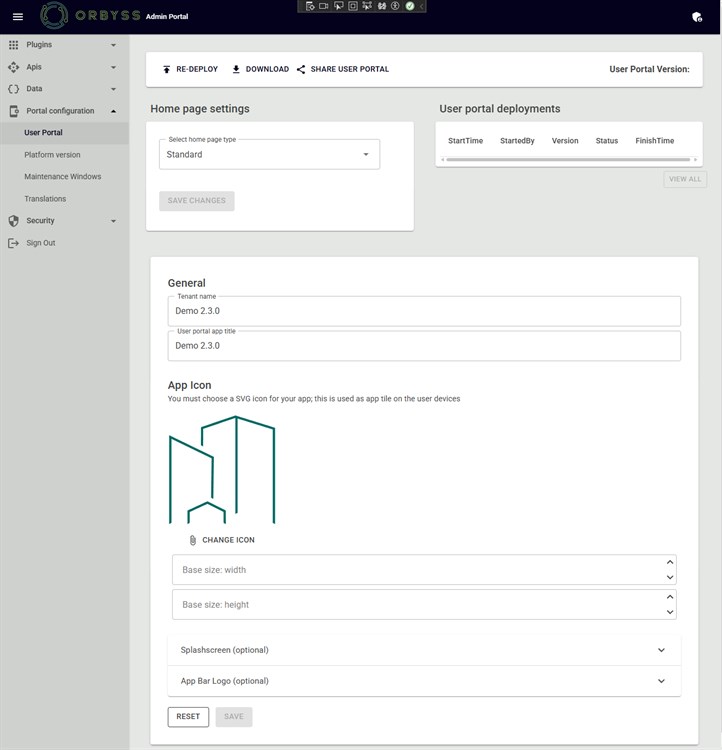
Περιγραφή
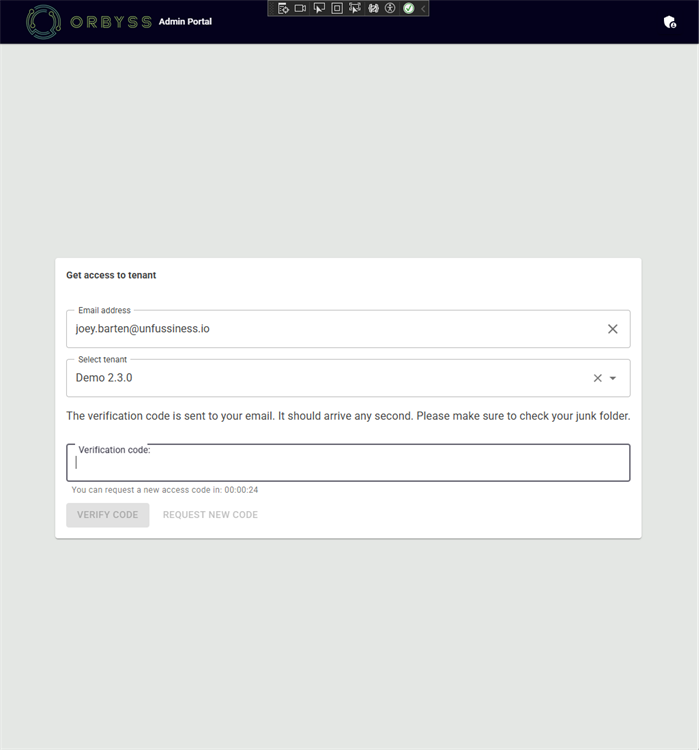
An Orbyss account is required to use this application. Accounts are not created automatically.
Access is granted by a tenant administrator or after a manual access request handled by Orbyss.
User will not be able to sign in without prior account provisioning and tenant authorization.
If you are interested in requesting access, please contact Orbyss by email: joey.barten@unfussiness.io.
Orbyss is a B2B software development company. On request, Orbyss can provision an environment and, within that environment, develop applications using the Orbyss platform for its customers.
What is the Orbyss Admin Portal?
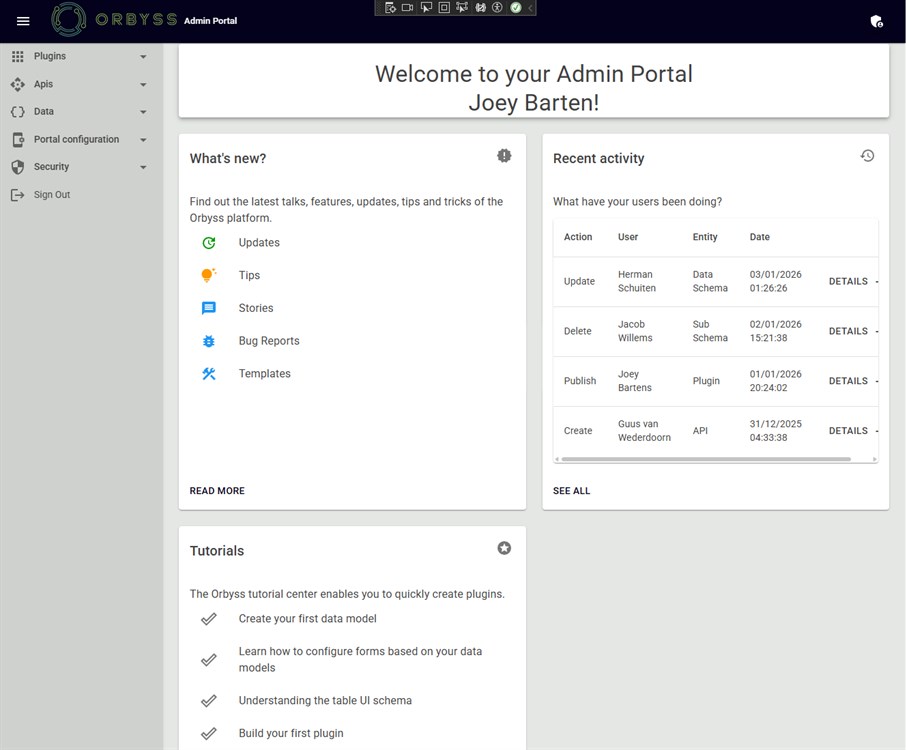
Orbyss Admin Portal is a multi-tenant developer platform for configuring, deploying, and operating Orbyss-powered applications. It centralizes data modeling, plugin management, access control, and deployment, while the platform handles authentication, APIs, and infrastructure.
Getting started in 4 steps
1. Request access
Request the creation of a tenant and receive an admin account. You then obtain secure access to the Admin Portal and sign into a tenant.
2. Configure branding
Configure the logo and title of the User Portal (your application).
3. Model data and build plugins
Define data schemas and build Razor-based plugins that consume the platform’s Data API.
4. Configure and deploy
Configure access, settings, and versions, then deploy the User Portal directly from the Admin Portal.
What can you do with the Orbyss Admin Portal?
- Manage multi-tenant environments
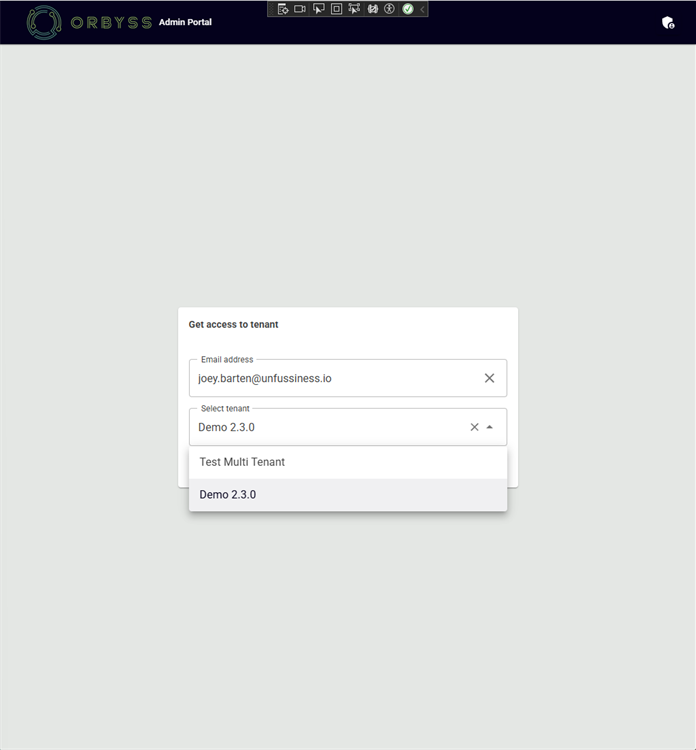
Securely access and administer multiple tenants, each representing a fully isolated User Portal application.
- Model and version data visually
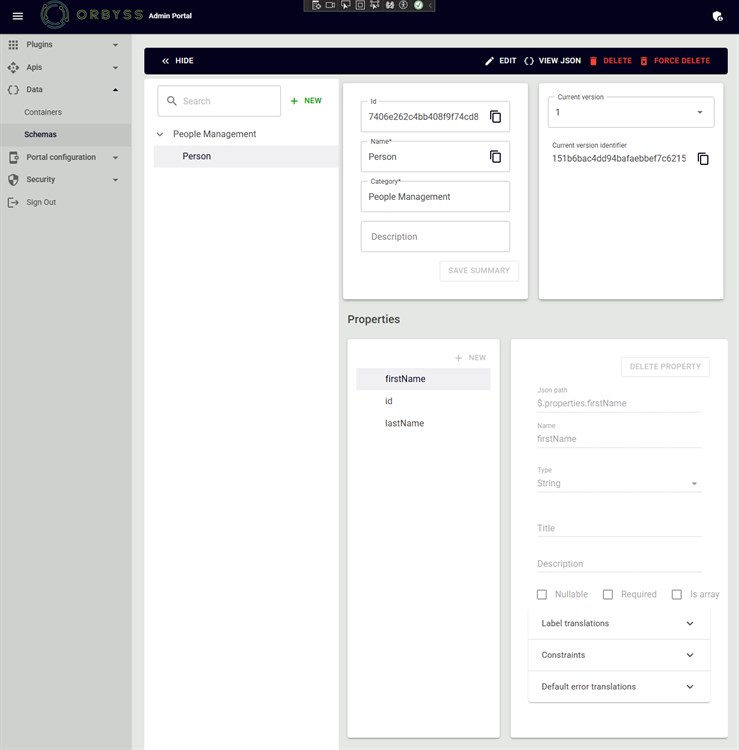
Design data schemas, properties, constraints, translations, and sub-schemas without writing boilerplate API code.
- Configure data storage and containers
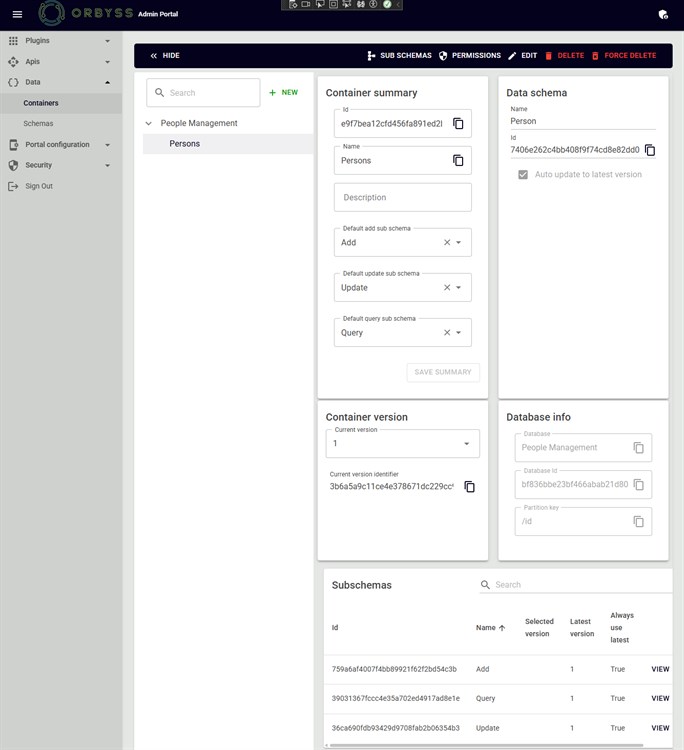
Bind schemas to managed data containers with versioning, partitioning, and controlled update behaviour.
- Develop and deploy plugins
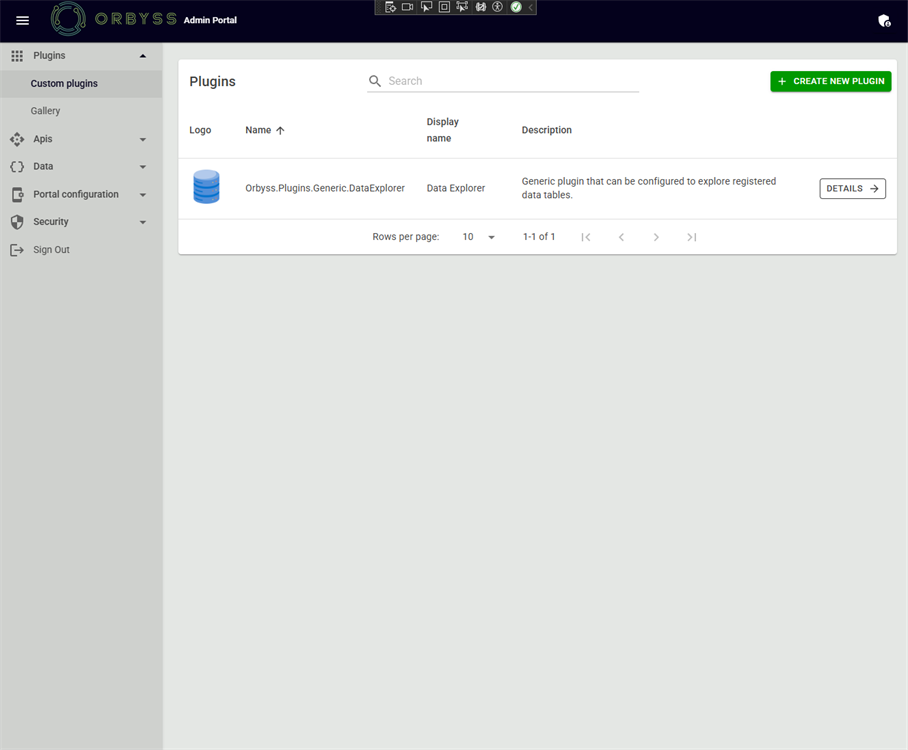
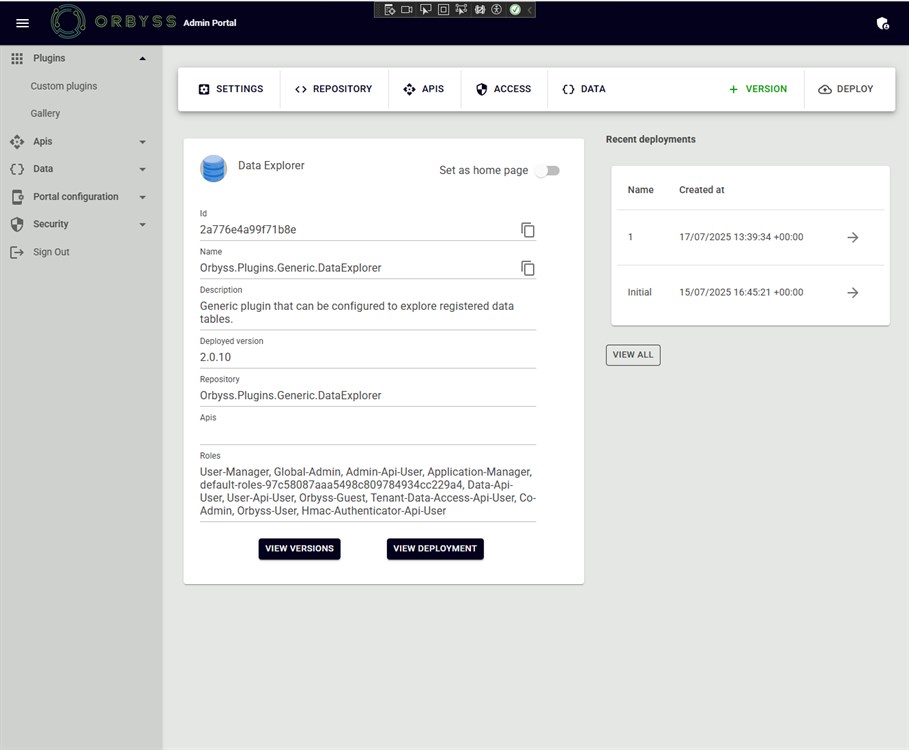
Build application functionality as plugins, manage versions, configure access roles, and deploy them to User Portals with full lifecycle control.
- Control application versions and deployments
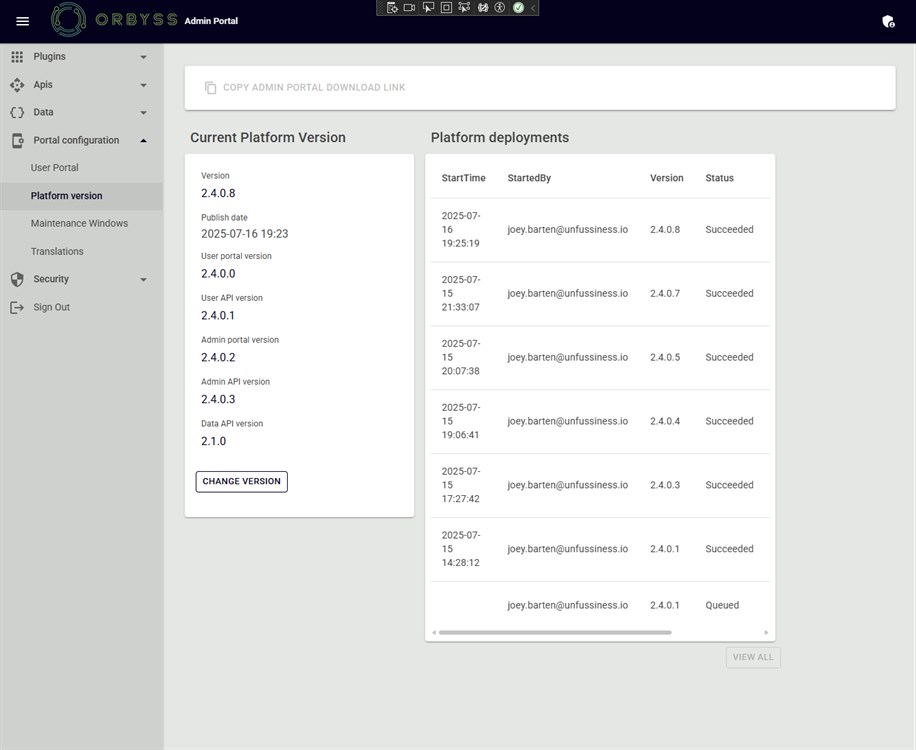
Track platform versions, User Portal versions, deployment history, and deployment status from a single interface.
- Configure User Portal behavior and branding
Manage home page configuration, application metadata, icons, and deployment settings for end-user applications.
Why Orbyss vs traditional application development
Traditional application development requires teams to repeatedly build and maintain the same foundational layers:
- Authentication and authorization
- Tenant isolation and access control
- API design and data CRUD endpoints
- Application bootstrapping and platform setup
- Deployment orchestration and version tracking
The Admin Portal removes operational complexity while keeping developers firmly in control of architecture, UI, and business logic.
Orbyss eliminates these repetitive concerns without becoming low-code. This minimal-code approach dramatically reduces development time and maintenance effort while preserving full developer flexibility and architectural control.
With Orbyss:
- Authentication, authorization, and tenant security are preconfigured
- A single, central Data API replaces custom CRUD APIs
- Data schemas are versioned and managed visually
- Application infrastructure is handled by the platform
- Developers focus on building UI and business logic
What do developers actually build?
Developers create Razor components and pages inside plugins. These plugins are configured, versioned, secured, and deployed through the Admin Portal.
Developers can create APIs without managing infrastructure, authentication, or authorization. Bootstrapping is handled by a utility library, and authentication and authorization settings are injected by the Admin Portal during deployment. The Admin Portal manages Docker images and deploys them to containers, allowing developers to focus solely on application logic and required endpoints.
Due to the Data API provisioned for each environment, developers no longer need to create APIs solely to interact with a database. Data is modeled, access is configured, and plugins interact with it through a uniform Data API interface. Custom APIs are only required for secure operations, expensive processing, or tasks that require software not compatible with each user device.
Από τον προγραμματιστή
Λίστες 0
-
 Orbyss Admin
Πόντοι 0
-

- +1 Πόντος

Κατατάξεις 0
-
- Η βαθμολογία σας
Προγραμματιστής 1
- Orbyss
- Ακόλουθοι: 0
- Πλατφόρμες: Windows Εφαρμογές (1)
- Προσφορές: 0
- Λίστες: 0 0
- Πόντοι: 0
- Κατατάξεις: 0
- Σχόλια: 0
- Βίντεο: 0
- RSS: Εγγραφή
Τι νέο υπάρχει
- Έκδοση: PC
- Τελευταία ενημέρωση:
Πρόσθετες πληροφορίες
- Ημερομηνία κυκλοφορίας:
- Κατηγορία:
Εφαρμογές για Windows›Εργαλεία προγραμματισμού - Λειτουργικό σύστημα:
HoloLensMobilePCSurface Hub - Μέγεθος:
20 Mb - Υποστηριζόμενες γλώσσες:
Αγγλικά - Αξιολόγηση περιεχομένου:
EVERYONE - Windows Store Βαθμολογία: ¡
0 - Ιστοσελίδα:
 https://orbyss.io
Βαθμολογία AppAgg
Εκτιμώμενη βαθμολογία AppAgg για
Orbyss Admin
Προγραμματιστής: Orbyss
Η υψηλότερη βαθμολογία συνήθως αντανακλά ισχυρότερους δείκτες στο AppAgg.
Βασισμένο σε: δημοτικότητα · αξιολογήσεις χρηστών · επικαιρότητα · προσφορές · δεδομένα καταστημάτων · δραστηριότητα κοινότητας
Υπολογίζεται εκ νέου καθημερινά με βάση τα πιο πρόσφατα δεδομένα του AppAgg.
Σχόλια 0 ¡
Κοινή χρήση
Orbyss Admin Σύντομο URL: Αντιγράφηκε!- Windows Store

