
Favoritos
| Desenvolvedor: | Orbyss (1) | ||
| Preço: | * Grátis | ||
| Pontuação: | 1.270 Ouro | ||
| Classificações: | 0 | ||
| Comentários: | 0 Postar comentário | ||
| Listas: | 0 0 | ||
| Pontos: | 0 | ||
| +1 Ponto | |||
Resumo
Orbyss Admin é um app da categoria “Ferramentas de desenvolvedor”, criado por Orbyss.
Funciona até no HoloLens: Windows em realidade mista.
Tem até versão para Windows Mobile. Um alô direto do passado.
Entrar é grátis, mas a lojinha lá dentro está aberta.
Lançado , ainda bem fresquinho.
Funciona até no Surface Hub, para as grandes salas de reunião.
A Pontuação AppAgg é 1.270. É nível Ouro.
Só 20 megabytes, cabe até num disco lotado.
Classificação indicativa “EVERYONE”: serve para crianças também.
Fala só um idioma, e não é português.
Já usou? Sua avaliação seria a primeira aqui.
É o único app do desenvolvedor no AppAgg. Por enquanto.
Quer saber das atualizações e dos apps novos antes de todo mundo? Siga o desenvolvedor ou assine o feed RSS. As notificações push chegam pelo app AppAgg Alerts para Android e iOS.
Outras plataformas 0
Histórico de preços 0
- Preço atual: Grátis
- Mínimo: Grátis
- Máximo: Grátis
Seu próprio feed na página inicial
Capturas de tela 9
Descrição

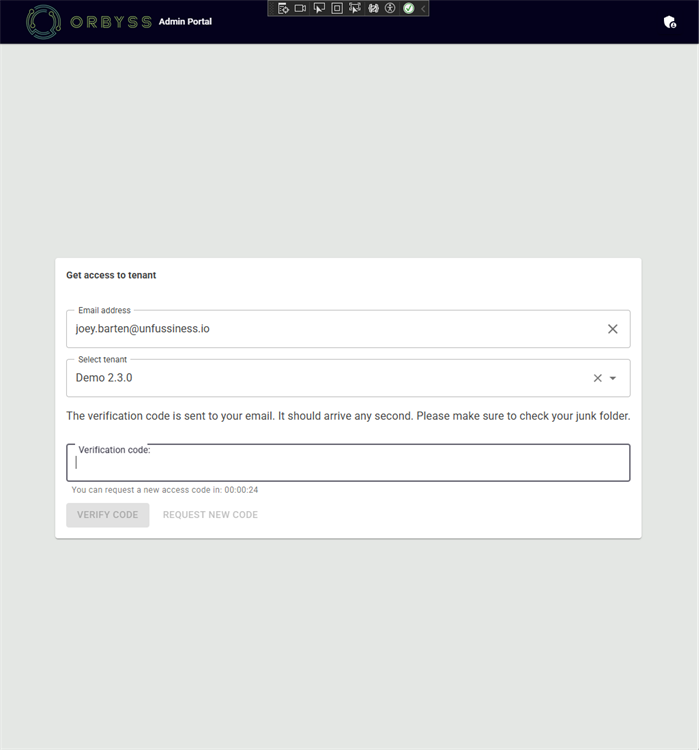
An Orbyss account is required to use this application. Accounts are not created automatically.
Access is granted by a tenant administrator or after a manual access request handled by Orbyss.
User will not be able to sign in without prior account provisioning and tenant authorization.
If you are interested in requesting access, please contact Orbyss by email: joey.barten@unfussiness.io.
Orbyss is a B2B software development company. On request, Orbyss can provision an environment and, within that environment, develop applications using the Orbyss platform for its customers.
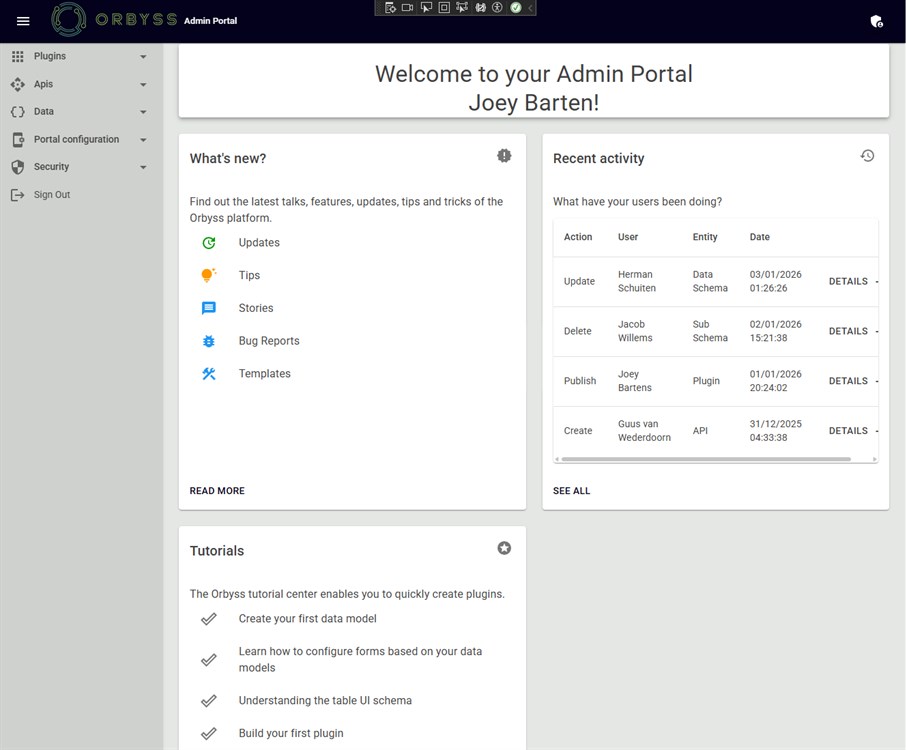
What is the Orbyss Admin Portal?
Orbyss Admin Portal is a multi-tenant developer platform for configuring, deploying, and operating Orbyss-powered applications. It centralizes data modeling, plugin management, access control, and deployment, while the platform handles authentication, APIs, and infrastructure.
Getting started in 4 steps
1. Request access
Request the creation of a tenant and receive an admin account. You then obtain secure access to the Admin Portal and sign into a tenant.
2. Configure branding
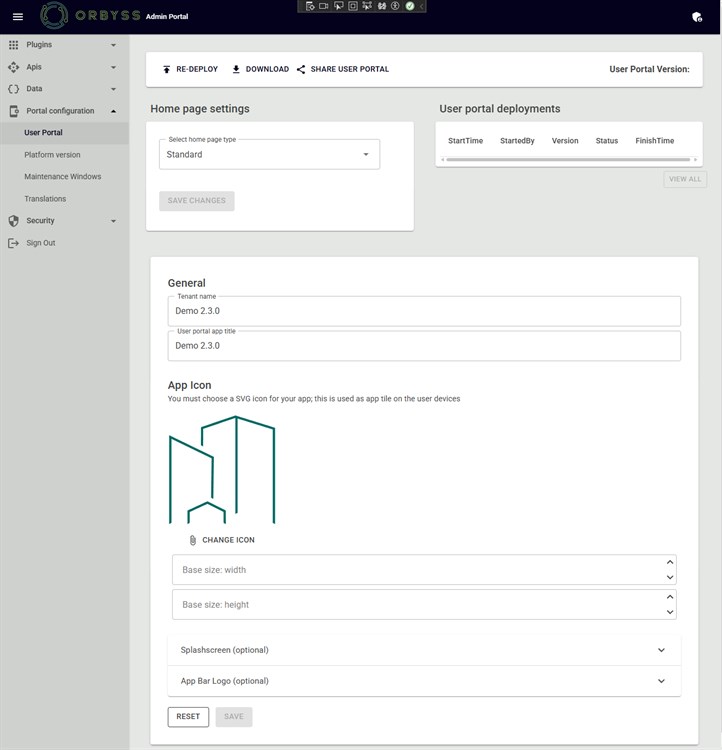
Configure the logo and title of the User Portal (your application).
3. Model data and build plugins
Define data schemas and build Razor-based plugins that consume the platform’s Data API.
4. Configure and deploy
Configure access, settings, and versions, then deploy the User Portal directly from the Admin Portal.
What can you do with the Orbyss Admin Portal?
- Manage multi-tenant environments
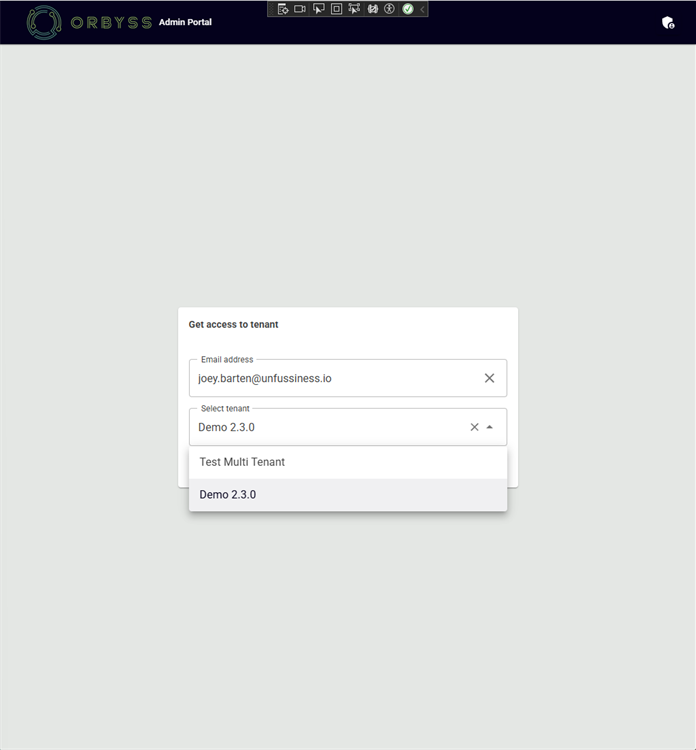
Securely access and administer multiple tenants, each representing a fully isolated User Portal application.
- Model and version data visually
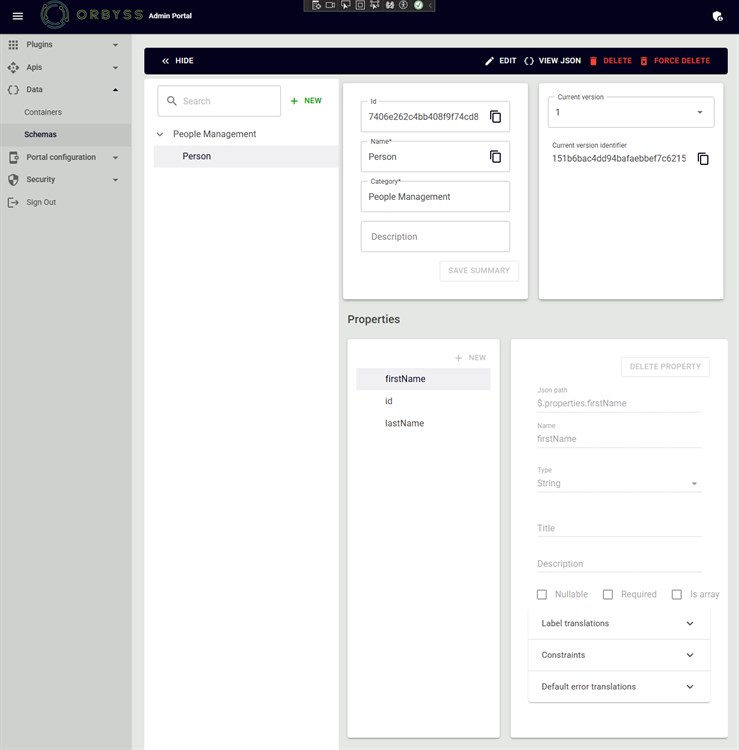
Design data schemas, properties, constraints, translations, and sub-schemas without writing boilerplate API code.
- Configure data storage and containers
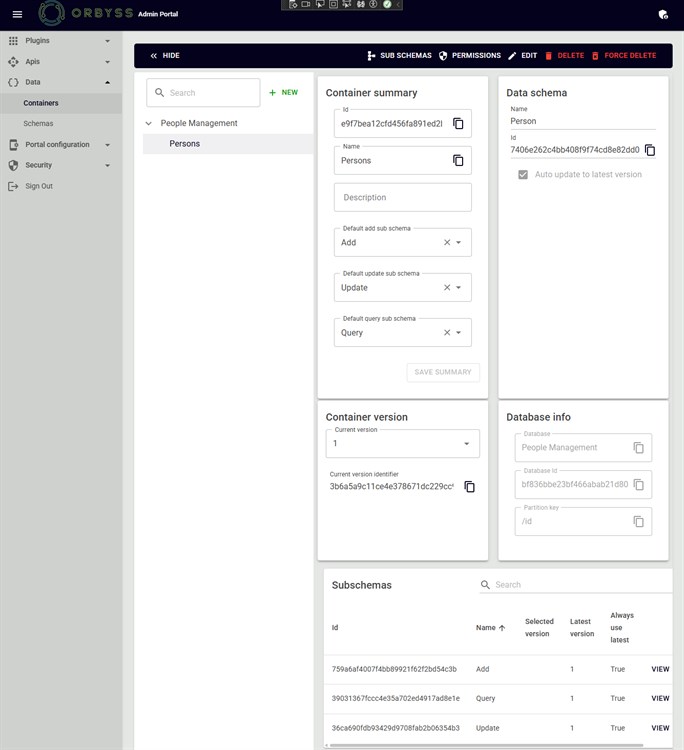
Bind schemas to managed data containers with versioning, partitioning, and controlled update behaviour.
- Develop and deploy plugins
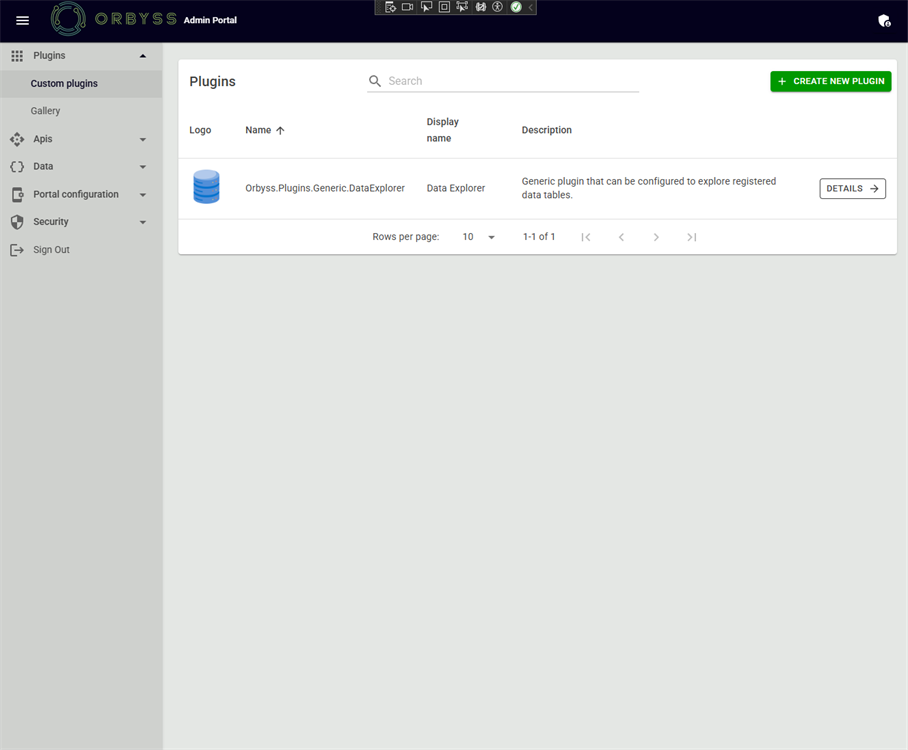
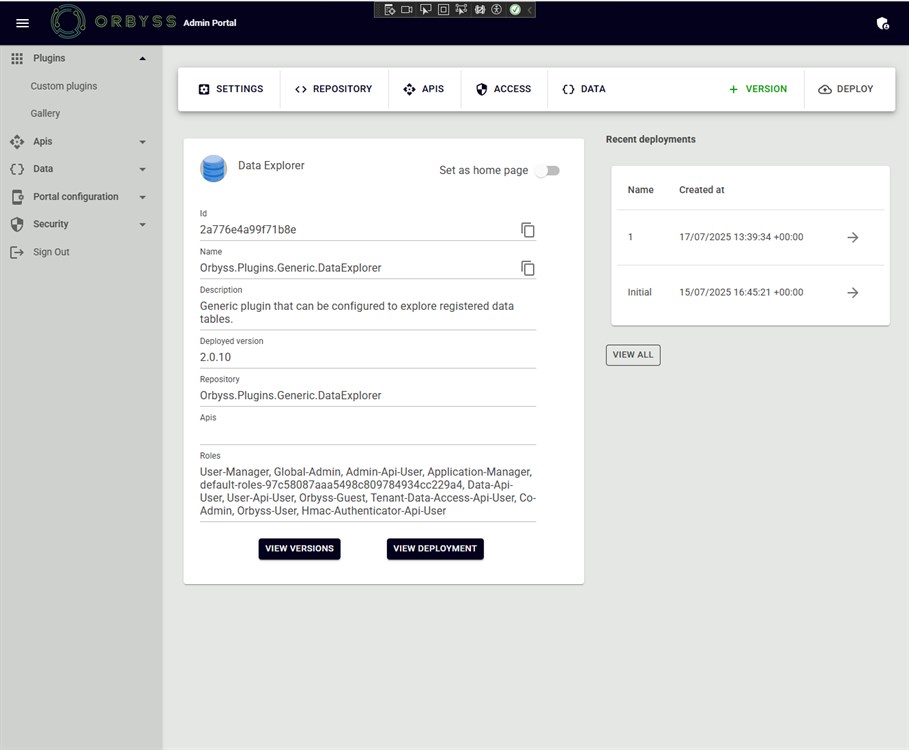
Build application functionality as plugins, manage versions, configure access roles, and deploy them to User Portals with full lifecycle control.
- Control application versions and deployments
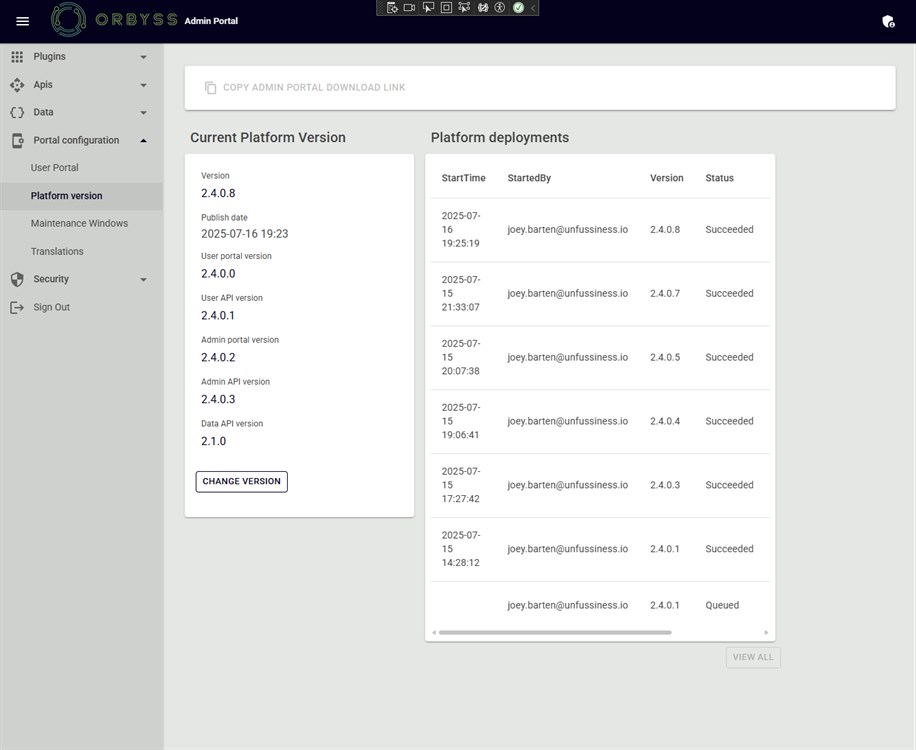
Track platform versions, User Portal versions, deployment history, and deployment status from a single interface.
- Configure User Portal behavior and branding
Manage home page configuration, application metadata, icons, and deployment settings for end-user applications.
Why Orbyss vs traditional application development
Traditional application development requires teams to repeatedly build and maintain the same foundational layers:
- Authentication and authorization
- Tenant isolation and access control
- API design and data CRUD endpoints
- Application bootstrapping and platform setup
- Deployment orchestration and version tracking
The Admin Portal removes operational complexity while keeping developers firmly in control of architecture, UI, and business logic.
Orbyss eliminates these repetitive concerns without becoming low-code. This minimal-code approach dramatically reduces development time and maintenance effort while preserving full developer flexibility and architectural control.
With Orbyss:
- Authentication, authorization, and tenant security are preconfigured
- A single, central Data API replaces custom CRUD APIs
- Data schemas are versioned and managed visually
- Application infrastructure is handled by the platform
- Developers focus on building UI and business logic
What do developers actually build?
Developers create Razor components and pages inside plugins. These plugins are configured, versioned, secured, and deployed through the Admin Portal.
Developers can create APIs without managing infrastructure, authentication, or authorization. Bootstrapping is handled by a utility library, and authentication and authorization settings are injected by the Admin Portal during deployment. The Admin Portal manages Docker images and deploys them to containers, allowing developers to focus solely on application logic and required endpoints.
Due to the Data API provisioned for each environment, developers no longer need to create APIs solely to interact with a database. Data is modeled, access is configured, and plugins interact with it through a uniform Data API interface. Custom APIs are only required for secure operations, expensive processing, or tasks that require software not compatible with each user device.
Do desenvolvedor
Listas 0
-
 Orbyss Admin
Pontos 0
-

- +1 Ponto

Classificações 0
-
- Sua nota
Desenvolvedor 1
- Orbyss
- Seguidores: 0
- Plataformas: Windows Apps (1)
- Promoções: 0
- Listas: 0 0
- Pontos: 0
- Classificações: 0
- Comentários: 0
- Vídeos: 0
- RSS: Assinar
Novidades
- Versão: PC
- Última atualização:
Informações adicionais
- Data de lançamento:
- Categoria:
Aplicativos para Windows›Ferramentas de desenvolvedor - Sistemas operacionais:
HoloLensMobilePCSurface Hub - Tamanho:
20 Mb - Idiomas disponíveis:
Inglês - Classificação indicativa:
EVERYONE - Windows Store Nota: ¡
0 - Site:
 https://orbyss.io
Pontuação AppAgg
Pontuação AppAgg estimada de
Orbyss Admin
Desenvolvedor: Orbyss
Uma pontuação mais alta geralmente reflete resultados melhores nos indicadores do AppAgg.
Com base em: popularidade · avaliações dos usuários · atualidade · ofertas · dados das lojas · atividade da comunidade
Recalculado diariamente com dados AppAgg atualizados.
Comentários 0 ¡
Compartilhar
Orbyss Admin URL curta: Copiado!- Windows Store

