
บุ๊กมาร์ก
| ผู้พัฒนา: | Aether Forge (6) | ||
| ราคา: | ฟรี | ||
| คะแนน: | 1,230 ทอง | ||
| การจัดอันดับ: | 0 | ||
| ความคิดเห็น: | 0 โพสต์ความคิดเห็น | ||
| รายการ: | 0 0 | ||
| แต้ม: | 0 | ||
| +1 แต้ม | |||
สรุป
Paste MD เป็นแอปในหมวด “เครื่องมือสำหรับนักพัฒนา” จาก Aether Forge
ออกเมื่อ ยังสดใหม่อยู่เลย
ฟรี ไม่มีโฆษณา ไม่มีการซื้อภายในแอป มีแค่คุณกับแอป
Microsoft Store มีมาในตัว Windows อยู่แล้ว ติดตั้งได้ในไม่กี่คลิก
คะแนน AppAgg คือ 1,230 อยู่ระดับ “ทอง”
แค่ 8 เมกะไบต์ ต่อให้ไดรฟ์เต็มก็ยังลงได้
จัดเรต “EVERYONE” เหมาะกับเด็ก ๆ ด้วย
รองรับแค่ภาษาเดียว และไม่ใช่ภาษาไทย
ตอนนี้ที่นี่ยังเงียบกริบ ไม่มีคะแนน ไม่มีความคิดเห็น มาทำลายความเงียบกันเถอะ
ผู้พัฒนารายนี้มีแอปอื่นบน AppAgg อีก 5 แอป ลองไปดูกัน
อีกอย่าง ตอนนี้ผู้พัฒนารายนี้มี ดีลลดราคา 1 รายการ ด้วยนะ
อยากรู้เรื่องอัปเดตและแอปใหม่ก่อนใครไหม? ติดตาม ผู้พัฒนา หรือกดติดตาม ฟีด RSS ได้เลย การแจ้งเตือนแบบพุชส่งผ่านแอป AppAgg Alerts สำหรับ Android และ iOS
แพลตฟอร์มอื่น 0
ประวัติราคา 0
- ราคาปัจจุบัน: ฟรี
- ต่ำสุด: ฟรี
- สูงสุด: ฟรี
ฟีดของคุณเองบนหน้าแรก
ภาพหน้าจอ 10
วิดีโอ 1
คำอธิบาย

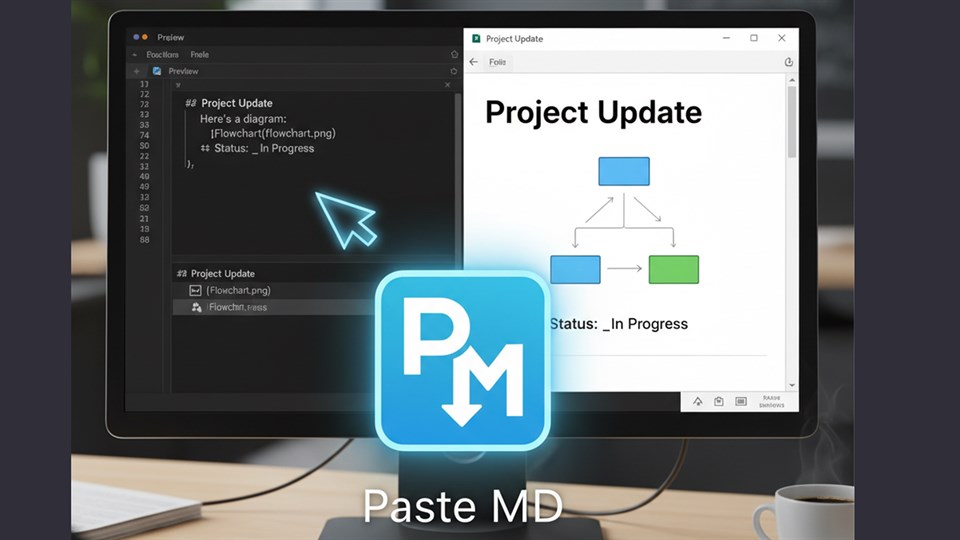
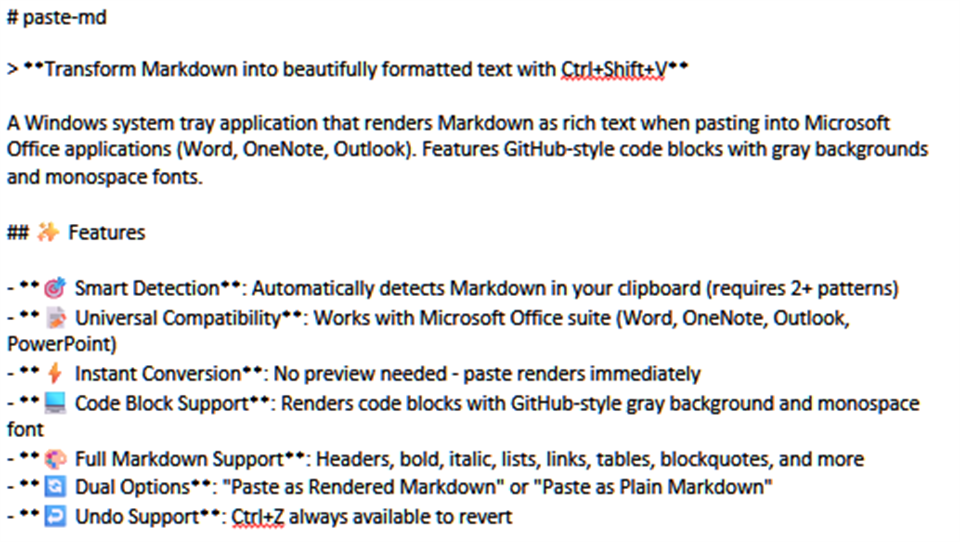
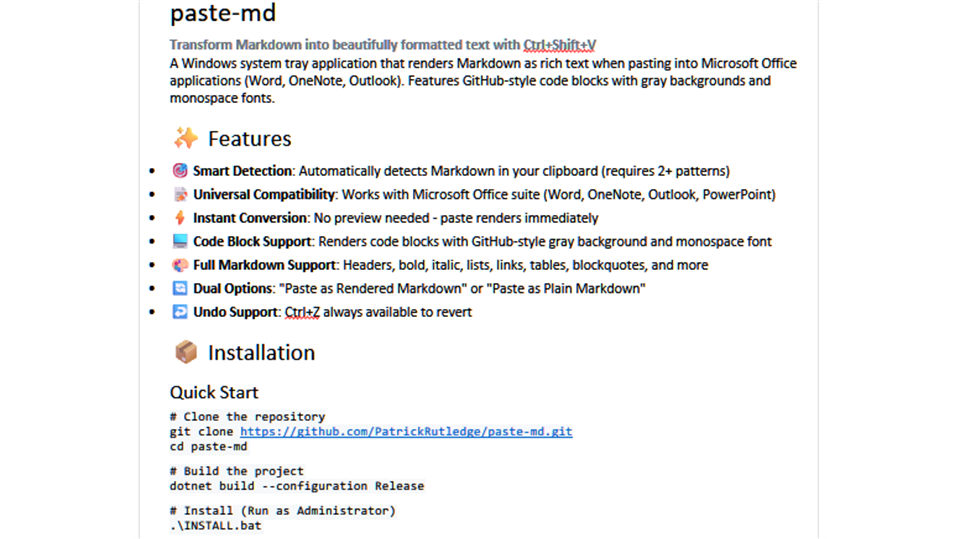
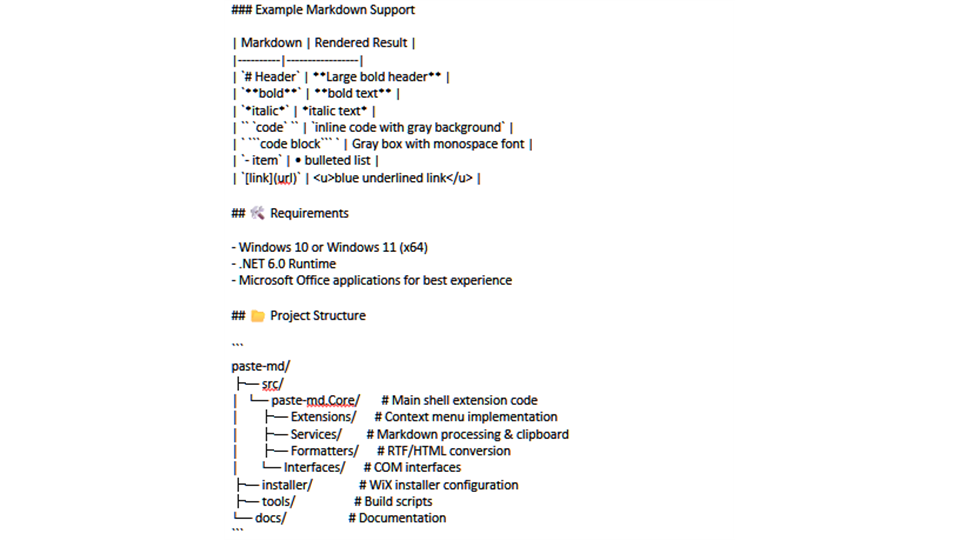
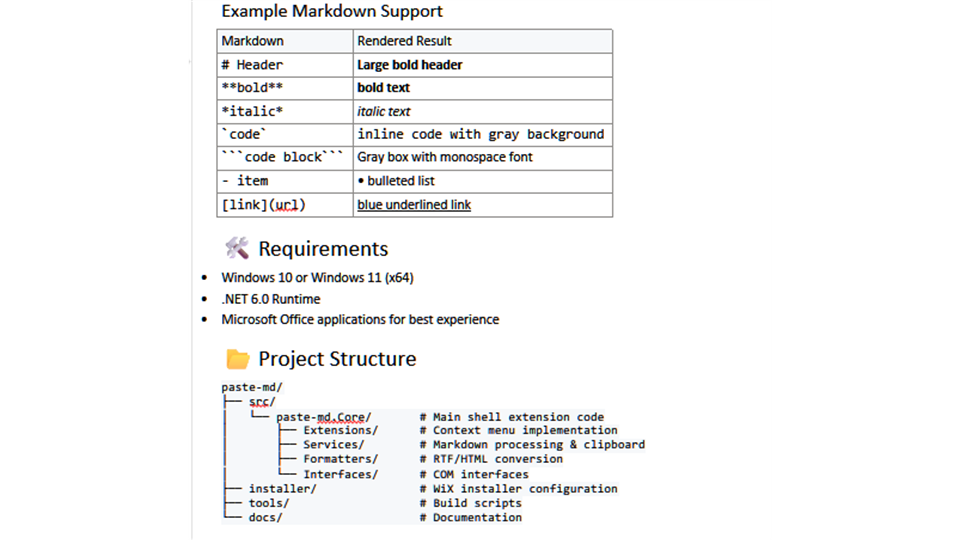
Stop wrestling with messy formatting. Paste MD is a lightweight Windows tray app that automatically converts Markdown into clean, rich text when you paste. Copy from GitHub, VS Code, Notion, ChatGPT, or any Markdown source, then just
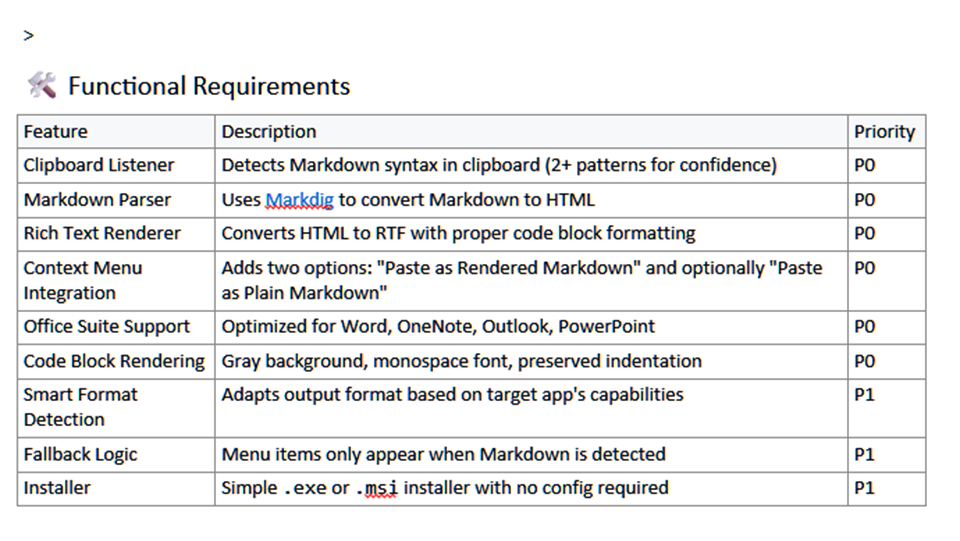
paste—and your content drops into Word, OneNote, Outlook, or PowerPoint perfectly formatted, with headers, lists, links, tables, and code blocks intact.
Why You'll Love It
- No hotkey to remember — Copy Markdown, then paste normally with Ctrl+V. Formatting happens automatically.
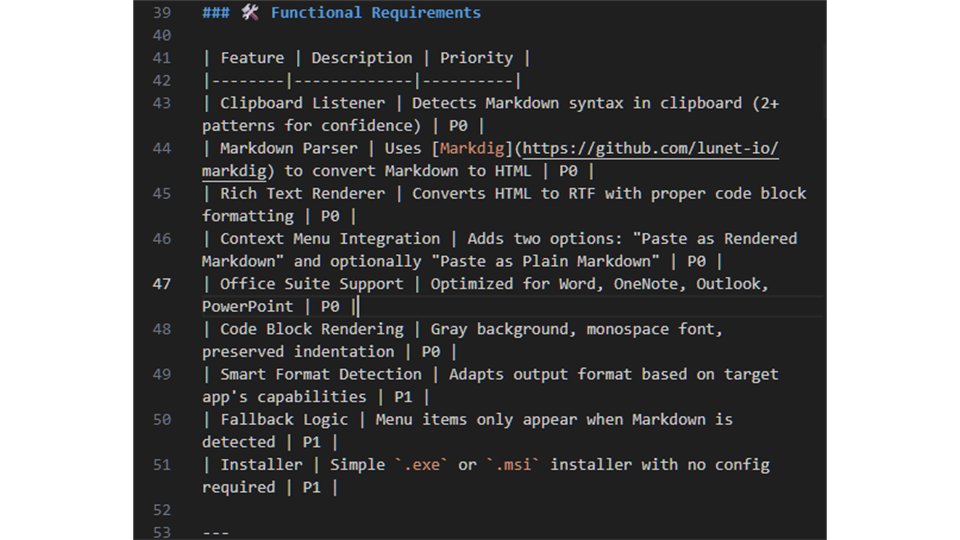
- Smart detection — paste-md recognizes Markdown in your clipboard and enriches it in the background.
- Office-native results — Output looks like you typed it directly into Word, with proper styles and spacing.
- GitHub-style code blocks — Monospace fonts and subtle gray backgrounds keep your snippets readable.
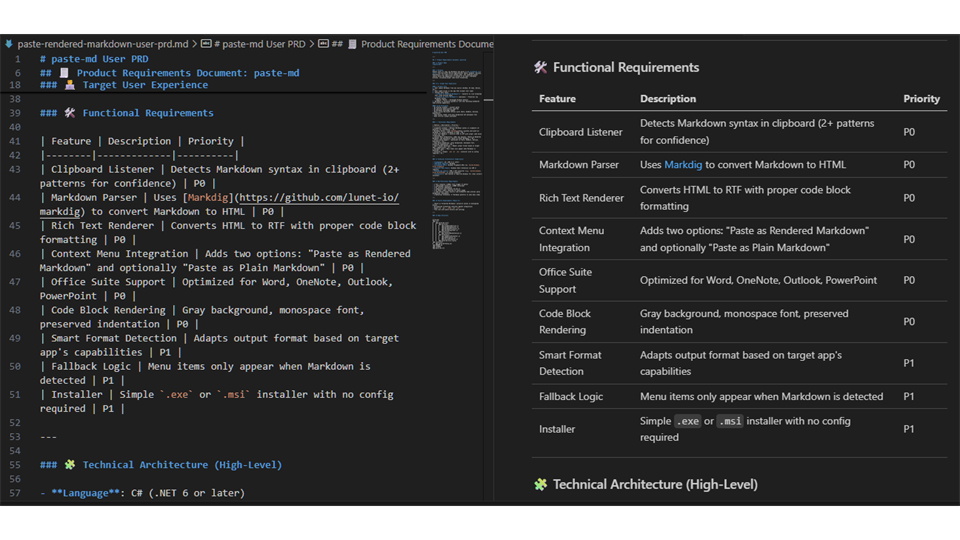
- Full Markdown support — Headers, bold, italic, lists, links, tables, blockquotes, and more.
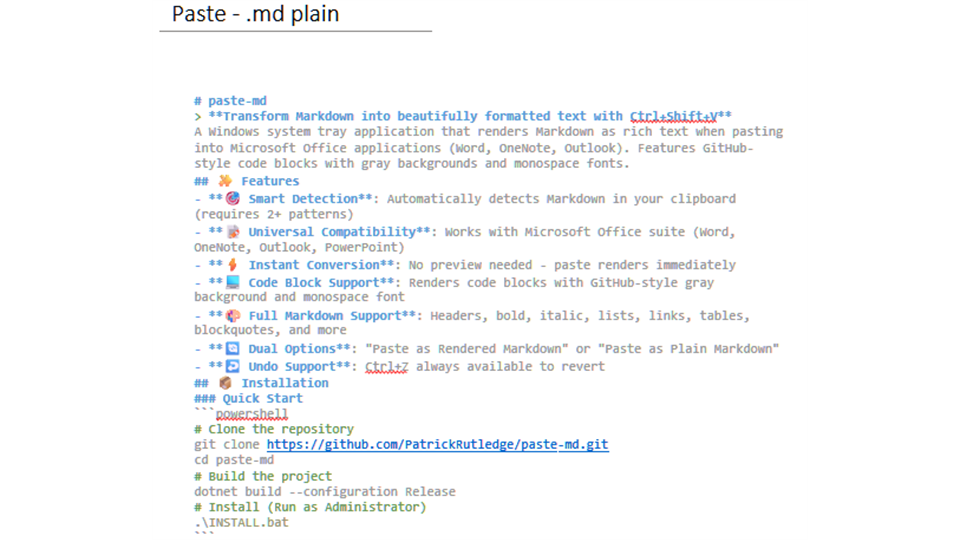
- Need the raw Markdown? — Use Paste Special → "Keep Text Only," and the original Markdown is always preserved.
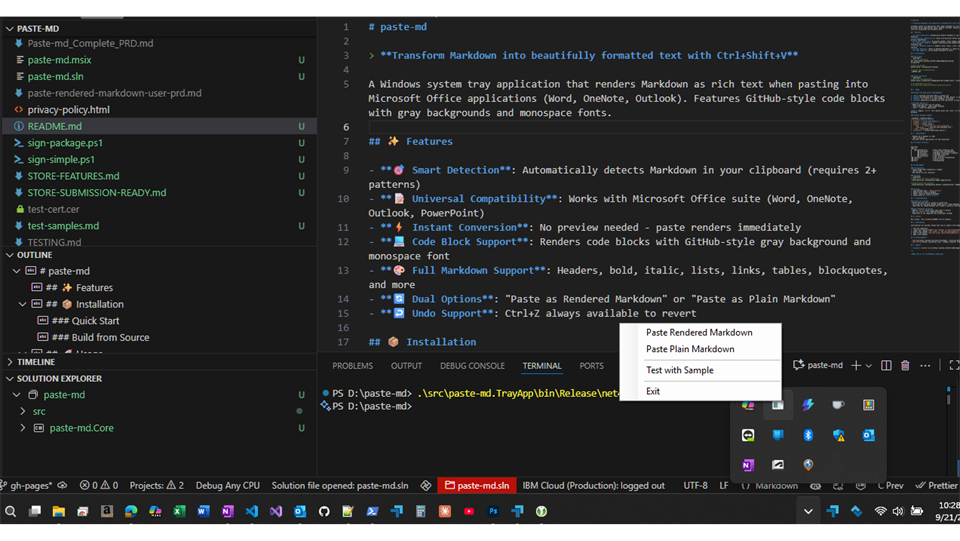
- Quiet and out of your way — Runs in the system tray, starts with Windows, and can be paused anytime from the tray menu.
Get Started in Seconds
1. Launch Paste MD—it lives quietly in your system tray.
2. Copy Markdown from any app or website.
3. Paste with Ctrl+V into your Office application.
4. Enjoy clean, professional formatting instantly.
System Requirements
- Windows 10 or Windows 11 (64-bit)
- .NET 6.0 Runtime
- Microsoft Office (Word, OneNote, Outlook, or PowerPoint) recommended
Support & Feedback
Questions, ideas, or bug reports? Visit our GitHub Issues page:
https://github.com/PatrickRutledge/paste-md/issues
Microsoft, Word, OneNote, PowerPoint, and Outlook are trademarks of Microsoft Corporation. Paste MD is an independent app and is not affiliated with or endorsed by Microsoft.
จากนักพัฒนา
รายการ 0
-
 Paste MD
แต้ม 0
-

- +1 แต้ม

การจัดอันดับ 0
-
- คะแนนของคุณ
ผู้พัฒนา 6
- Aether Forge
- ผู้ติดตาม: 0
- แพลตฟอร์ม: Windows แอป (6)
- ลดราคา: 1
- รายการ: 0 0
- แต้ม: 0
- การจัดอันดับ: 0
- ความคิดเห็น: 0
- วิดีโอ: 3
- RSS: ติดตาม
มีอะไรใหม่
- เวอร์ชัน: PC
- อัปเดตล่าสุด:
- What's New
- Simpler than ever — no shortcut to remember. Just copy Markdown and paste normally with Ctrl+V. Formatting now happens automatically, with no special hotkey.
- Improved reliability and stability. Reworked clipboard handling for smoother, more dependable pasting across Office apps.
- Raw Markdown is always preserved. Use Paste Special → "Keep Text Only" anytime you want the original Markdown source.
- Lighter and quieter. Runs unobtrusively in the system tray and starts with Windows.
ข้อมูลเพิ่มเติม
- วันที่วางจำหน่าย:
- หมวดหมู่:
แอปสำหรับ Windows›เครื่องมือสำหรับนักพัฒนา - ระบบปฏิบัติการ:
PC - ขนาด:
8 Mb - คุณสมบัติที่มีให้ใช้งาน:
Mixed reality - ภาษาที่รองรับ:
อังกฤษ - การจัดประเภทเนื้อหา:
EVERYONE - Windows Store คะแนน: ¡
0
 https://patrickrutledge.github.io/aether-forge/
คะแนน AppAgg
คะแนน AppAgg โดยประมาณของ
Paste MD
ผู้พัฒนา: Aether Forge
คะแนนที่สูงขึ้นมักสะท้อนตัวชี้วัดที่ดีกว่าบน AppAgg
อิงจาก: ความนิยม · คะแนนจากผู้ใช้ · ความสดใหม่ · ดีล · ข้อมูลร้านค้า · กิจกรรมชุมชน
คำนวณใหม่ทุกวันจากข้อมูล AppAgg ล่าสุด
ความคิดเห็น 0 ¡
แชร์
Paste MD URL แบบสั้น: คัดลอกแล้ว!- Windows Store

