
บุ๊กมาร์ก
| ผู้พัฒนา: | Alex Nordin (1) | ||
| ราคา: | ฟรี | ||
| คะแนน: | 590 บรอนซ์ | ||
| การจัดอันดับ: | 0 | ||
| ความคิดเห็น: | 0 โพสต์ความคิดเห็น | ||
| รายการ: | 0 0 | ||
| แต้ม: | 0 | ||
| +1 แต้ม | |||
สรุป
PicConvert เป็นแอปในหมวด “เครื่องมือสำหรับนักพัฒนา” จาก Alex Nordin
ใช้ได้แม้แต่บน HoloLens (Windows ในโลกความเป็นจริงผสม)
ออกเมื่อ ไม่ใช่ของใหม่แล้ว แต่ก็ยังไม่ถึงขั้นตัวเก๋า
ฟรี ไม่มีโฆษณา ไม่มีการซื้อภายในแอป มีแค่คุณกับแอป
รองรับแม้แต่ Surface Hub เหมาะกับห้องประชุมใหญ่ ๆ
คะแนน AppAgg คือ 590 ตอนนี้อยู่ระดับ “บรอนซ์” ยังไปได้อีกไกล
แค่ 50 เมกะไบต์ ต่อให้ไดรฟ์เต็มก็ยังลงได้
จัดเรต “EVERYONE” เหมาะกับเด็ก ๆ ด้วย
รองรับ 2 ภาษา แต่ยังไม่มีภาษาไทย
เคยใช้แล้วเหรอ? รีวิวของคุณจะเป็นรีวิวแรกที่นี่
เป็นแอปเดียวของผู้พัฒนารายนี้บน AppAgg อย่างน้อยก็ตอนนี้
อยากรู้เรื่องอัปเดตและแอปใหม่ก่อนใครไหม? ติดตาม ผู้พัฒนา หรือกดติดตาม ฟีด RSS ได้เลย การแจ้งเตือนแบบพุชส่งผ่านแอป AppAgg Alerts สำหรับ Android และ iOS
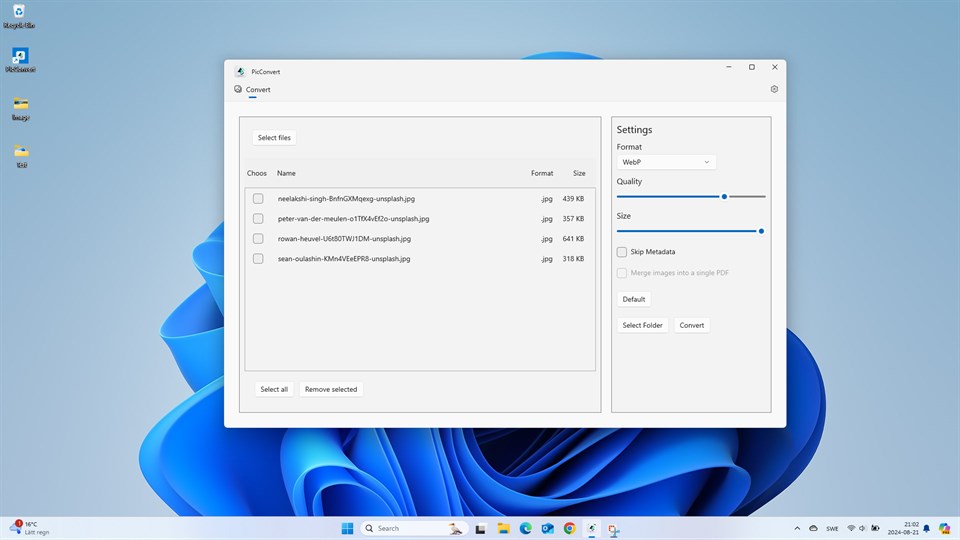
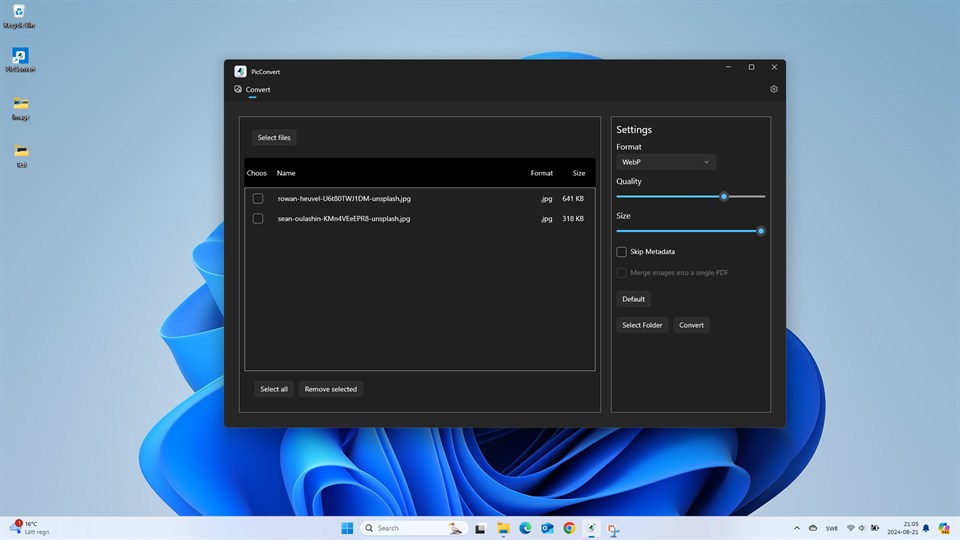
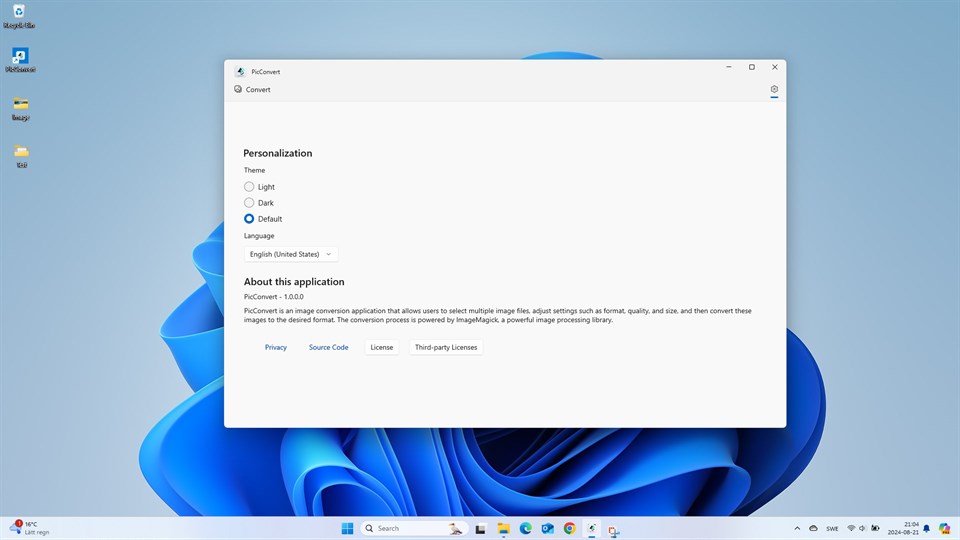
ภาพหน้าจอ 3
แพลตฟอร์มอื่น 0
ประวัติราคา 0
- ราคาปัจจุบัน: ฟรี
- ต่ำสุด: ฟรี
- สูงสุด: ฟรี
ฟีดของคุณเองบนหน้าแรก
คำอธิบาย

Important: If the app does not function correctly, please install .NET Desktop Runtime 8.
Key Features:
Support for multiple formats: Easily convert your images to and from popular formats like JPEG, PNG, WebP, and PDF.
Merge to PDF: Combine multiple images into a single PDF file with just a few clicks.
Adjustable quality and size settings: Customize image quality and size to meet your specific needs.
Metadata support: Choose whether to keep or remove metadata from your images during conversion.
Intuitive user interface: A user-friendly design suitable for both beginners and advanced users.
Batch conversion: Streamline your work by converting multiple images at once.
Why choose PicConvert?
PicConvert is a free, ad-free application compatible with Windows 10 and later versions. We value your privacy and do not collect any personal data. PicConvert is the perfect companion for managing and converting your images.
Download now and discover how easy it can be to work with images!
จากนักพัฒนา
ผู้พัฒนา
- Alex Nordin
- ผู้ติดตาม: 0
- แพลตฟอร์ม: Windows แอป (1)
- ลดราคา: 0
- รายการ: 0 0
- แต้ม: 0
- การจัดอันดับ: 0
- ความคิดเห็น: 0
- วิดีโอ: 0
- RSS: ติดตาม
รายการ 0
-
 PicConvert
แต้ม 0
-

- +1 แต้ม

การจัดอันดับ 0
-
- คะแนนของคุณ
มีอะไรใหม่
- เวอร์ชัน: PC
- อัปเดตล่าสุด:
- Improved user experience
ข้อมูลเพิ่มเติม
- วันที่วางจำหน่าย:
- หมวดหมู่:
แอปสำหรับ Windows›เครื่องมือสำหรับนักพัฒนา - ระบบปฏิบัติการ:
HoloLensPCSurface Hub - ขนาด:
50 Mb - ภาษาที่รองรับ:
สวีเดน,อังกฤษ - การจัดประเภทเนื้อหา:
EVERYONE - Windows Store คะแนน: ¡
0 - เว็บไซต์:
 https://nordinalex.github.io/PicConvert
ความคิดเห็น 0 ¡
คะแนน AppAgg
คะแนน AppAgg โดยประมาณของ
PicConvert
ผู้พัฒนา: Alex Nordin
คะแนนที่สูงขึ้นมักสะท้อนตัวชี้วัดที่ดีกว่าบน AppAgg
อิงจาก: ความนิยม · คะแนนจากผู้ใช้ · ความสดใหม่ · ดีล · ข้อมูลร้านค้า · กิจกรรมชุมชน
คำนวณใหม่ทุกวันจากข้อมูล AppAgg ล่าสุด
PicConvert URL แบบสั้น: คัดลอกแล้ว!- Windows Store

