
الإشارات المرجعية
| المطوّر: | LaunchGrid Apps (3) | ||
| السعر: | مجاني | ||
| الدرجة: | 690 فضة | ||
| الترتيب: | 0 | ||
| تعليقات: | 0 انشر تعليقًا | ||
| قوائم: | 0 0 | ||
| النقاط: | 0 | ||
| +1 نقطة | |||
ملخص
تعرّف على ReplayFlow، تطبيق من LaunchGrid Apps ضمن فئة «أدوات المطور».
صدر ، وما زال حديثًا نسبيًا.
بلا مقابل، لا إعلانات ولا مشتريات داخلية. فقط أنت والتطبيق.
متجر Microsoft مدمج في Windows، فالتثبيت يتم بنقرتين.
درجة AppAgg هي 690. فضة، وهذا ليس سيئًا أبدًا.
التصنيف العمري «EVERYONE»، أي أنه مناسب للأطفال أيضًا.
يتحدث لغة واحدة فقط، وليست العربية.
صمت تام هنا حتى الآن: لا تقييمات ولا تعليقات. اكسر الصمت.
لدى هذا المطوّر 2 تطبيقان آخران على AppAgg. ألقِ نظرة.
تريد أن تعرف بالتحديثات والتطبيقات الجديدة أولًا؟ تابع المطور أو اشترك في موجز RSS. تصلك الإشعارات عبر تطبيق AppAgg Alerts لنظامي Android وiOS.
لقطات الشاشة 4
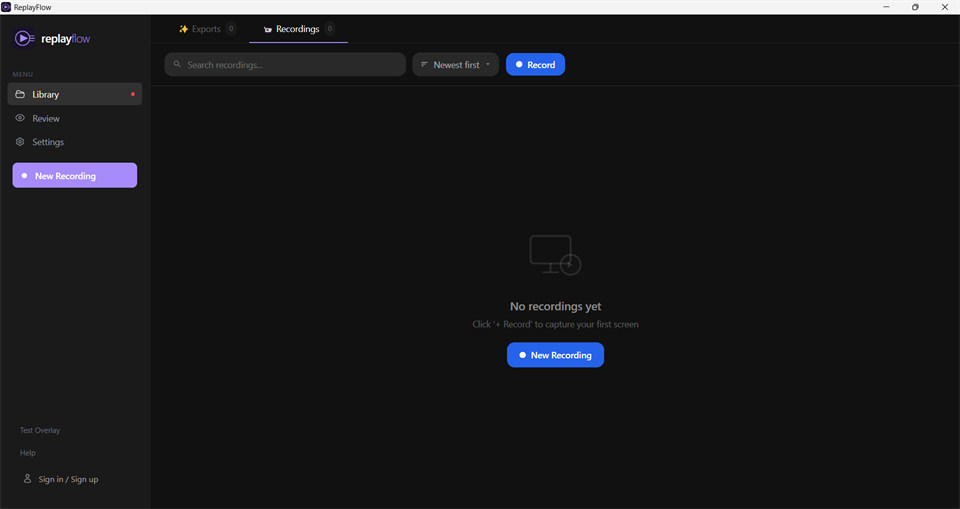
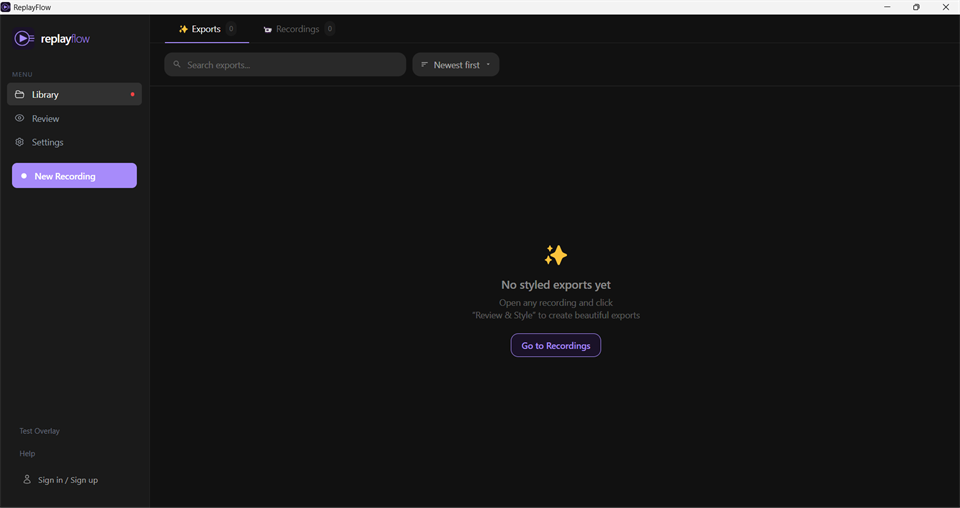
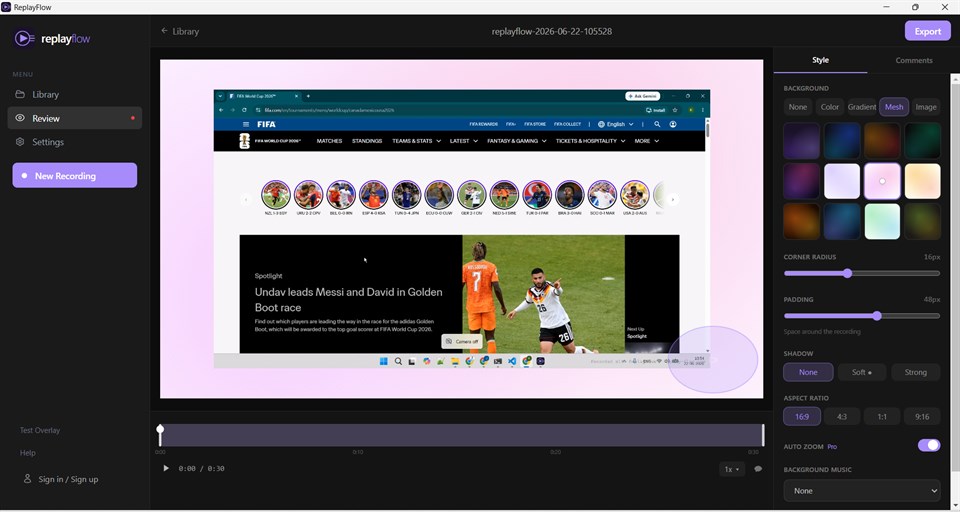
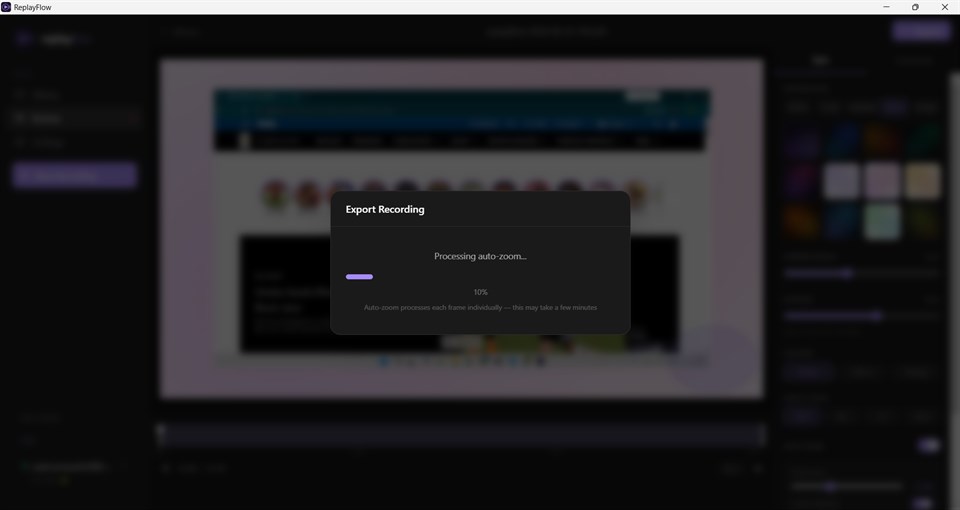
منصات أخرى 0
سجل الأسعار 0
- السعر الحالي: مجاني
- الحد الأدنى: مجاني
- الحد الأقصى: مجاني
خلاصتك الخاصة في الصفحة الرئيسية
الوصف

tutorials, and bug reports — without spending time in a video editor.
Most screen recordings leave viewers confused about where to look or what
just happened. ReplayFlow automatically adds visual context so your
recordings communicate clearly from the first frame.
KEY CAPABILITIES:
🎬 Smart Screen Recording
Record your full screen or a specific application window. ReplayFlow
captures everything cleanly and efficiently.
🖱️ Automatic Visual Guidance
Cursor-following zoom, click highlights, and click animations draw
viewer attention to exactly what matters — automatically.
⌨️ Keyboard Shortcut Display
Keystroke overlays appear on screen as you type, making tutorials and
walkthroughs easy to follow.
✏️ Annotation Tools
Add arrows, text callouts, comments, and notes to guide viewers through
your recording.
✂️ Timeline Editing
Trim, refine, and arrange your recording segments without needing a
separate video editor.
☁️ Cloud Sharing
Upload and share recordings instantly via a shareable link — no file
transfers needed.
PERFECT FOR:
- Developers explaining a bug or feature
- Founders creating product demos
- Product managers sharing walkthroughs
- QA engineers reporting issues
- Support teams answering customer questions
- Anyone who needs to explain software visually
One-time purchase. No subscription. Works on Windows and macOS.
من المطوّر
قوائم 0
-
 ReplayFlow
النقاط 0
-

- +1 نقطة

الترتيب 0
-
- تقييمك
المطوّر 3
- LaunchGrid Apps
- المتابعون: 0
- المنصات: Android تطبيقات (2) Windows تطبيقات (1)
- العروض: 0
- قوائم: 0 0
- النقاط: 0
- الترتيب: 0
- تعليقات: 0
- الفيديوهات: 0
- RSS: اشتراك
ما الجديد
- الإصدار: PC
- آخر تحديث:
- Initial release of ReplayFlow on the Microsoft Store.
معلومات إضافية
- تاريخ الإصدار:
- الفئة:
تطبيقات Windows›أدوات المطور - نظام التشغيل:
PC - الحجم:
283 Mb - اللغات المدعومة:
الإنجليزية - تقييم المحتوى:
EVERYONE - Windows Store تقييم: ¡
0 - الموقع الإلكتروني:
 https://www.replay-flow.com
درجة AppAgg
درجة AppAgg التقديرية لـ
ReplayFlow
المطوّر: LaunchGrid Apps
تشير الدرجة الأعلى عادةً إلى أداء أفضل في مؤشرات AppAgg.
استنادًا إلى: الشعبية · تقييمات المستخدمين · الحداثة · العروض · بيانات المتاجر · نشاط المجتمع
يُعاد حسابها يوميًا بناءً على أحدث بيانات AppAgg.
تعليقات 0 ¡
مشاركة
ReplayFlow عنوان URL مختصر: تم النسخ!- Windows Store

