
북마크
이 북마크의 제목을 입력하세요.
북마크가 저장되었습니다
| 개발자: | LaunchGrid Apps (3) | ||
| 가격: | 무료 | ||
| 종합 점수: | 690 실버 | ||
| 순위: | 0 | ||
| 댓글: | 0 댓글 게시 | ||
| 목록: | 0 0 | ||
| 포인트: | 0 | ||
| +1 포인트 | |||
요약
소개합니다. LaunchGrid Apps에서 만든 ‘개발자 도구’ 카테고리 앱, ReplayFlow.
에 출시됐어요. 아직 꽤 따끈따끈해요.
무료. 광고도 인앱 구매도 없어요. 앱에만 집중하면 돼요.
Microsoft Store는 Windows에 기본으로 들어 있어서 클릭 몇 번이면 설치돼요.
AppAgg 점수는 690. 실버 등급, 이 정도면 꽤 괜찮아요.
연령 등급은 ‘EVERYONE’, 아이들에게도 괜찮아요.
지원 언어는 딱 하나, 그런데 한국어는 아니에요.
아직 여기는 조용해요. 평점도, 댓글도 없어요. 침묵을 깨 주세요.
이 개발자의 앱이 AppAgg에 2개 더 있어요. 한번 둘러보세요.
업데이트와 새 앱 소식을 가장 먼저 받고 싶나요? 개발자를 팔로우하거나 RSS 피드를 구독하세요. 푸시 알림은 Android와 iOS용 AppAgg Alerts 앱으로 받을 수 있어요.
광고
다른 플랫폼 0
가격 기록 0
- 현재 가격: 무료
- 최소: 무료
- 최대: 무료
홈 화면의 나만의 피드
“신규 및 업데이트” 피드의 플랫폼을 선택하면 홈 화면에 필요한 앱과 게임만 표시됩니다.
스크린샷 4
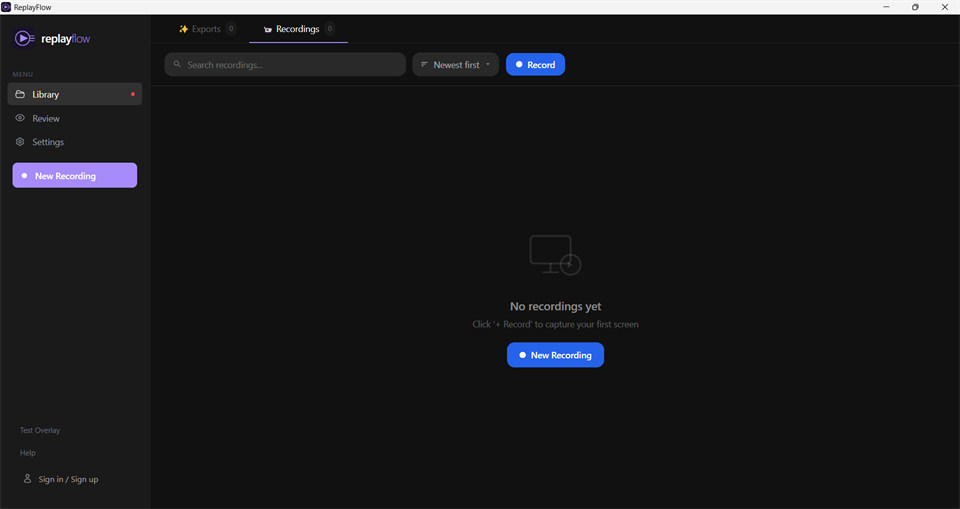
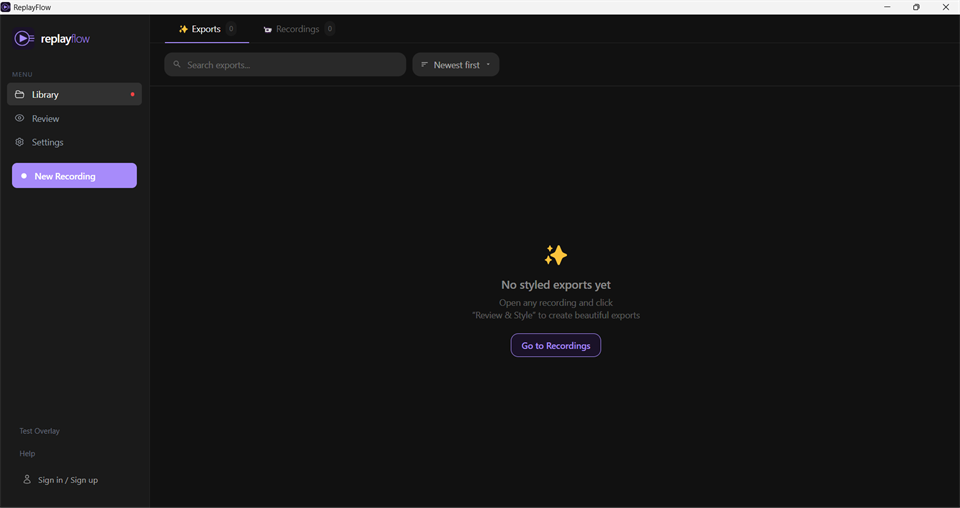
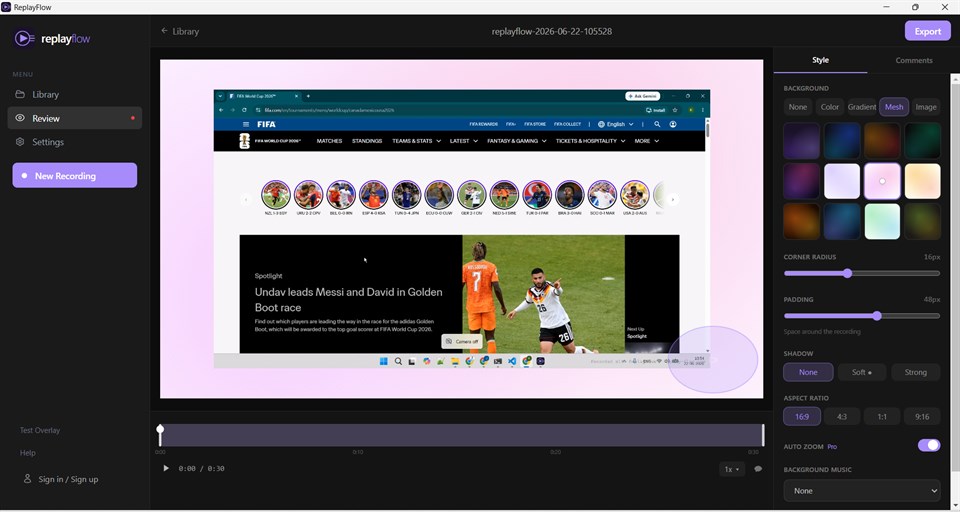
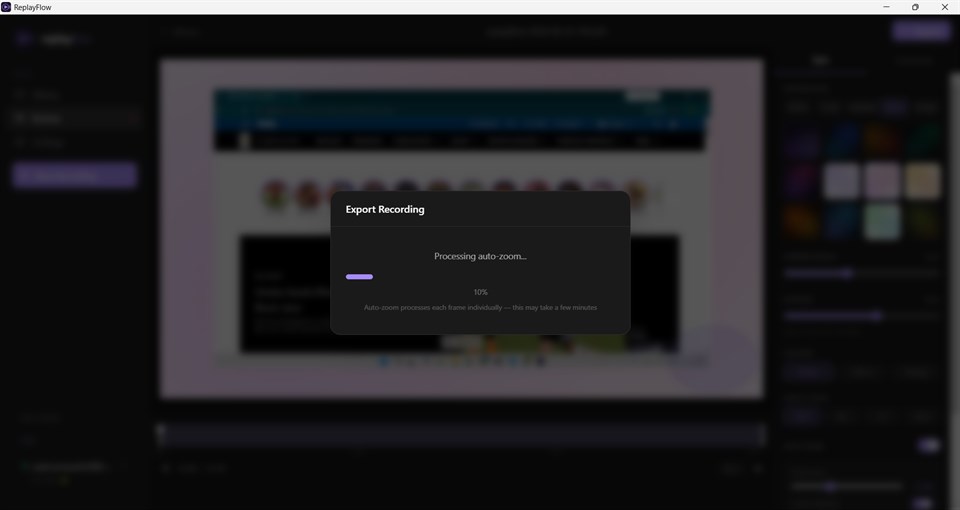
설명

tutorials, and bug reports — without spending time in a video editor.
Most screen recordings leave viewers confused about where to look or what
just happened. ReplayFlow automatically adds visual context so your
recordings communicate clearly from the first frame.
KEY CAPABILITIES:
🎬 Smart Screen Recording
Record your full screen or a specific application window. ReplayFlow
captures everything cleanly and efficiently.
🖱️ Automatic Visual Guidance
Cursor-following zoom, click highlights, and click animations draw
viewer attention to exactly what matters — automatically.
⌨️ Keyboard Shortcut Display
Keystroke overlays appear on screen as you type, making tutorials and
walkthroughs easy to follow.
✏️ Annotation Tools
Add arrows, text callouts, comments, and notes to guide viewers through
your recording.
✂️ Timeline Editing
Trim, refine, and arrange your recording segments without needing a
separate video editor.
☁️ Cloud Sharing
Upload and share recordings instantly via a shareable link — no file
transfers needed.
PERFECT FOR:
- Developers explaining a bug or feature
- Founders creating product demos
- Product managers sharing walkthroughs
- QA engineers reporting issues
- Support teams answering customer questions
- Anyone who needs to explain software visually
One-time purchase. No subscription. Works on Windows and macOS.
개발자 소식
개발자이신가요?
페이지 맨 위에 소식을 올리면 팔로워에게 이메일로 전달됩니다. YouTube 동영상을 추가하면 “동영상” 블록 맨 앞에 표시됩니다.
목록 0
-
 ReplayFlow
포인트 0
-

- +1 포인트

순위 0
-
- 내 평점
개발자 3
- LaunchGrid Apps
- 팔로워: 0
- 플랫폼: Android 앱 (2) Windows 앱 (1)
- 할인: 0
- 목록: 0 0
- 포인트: 0
- 순위: 0
- 댓글: 0
- 동영상: 0
- RSS: 구독
새로운 기능
- 버전: PC
- 마지막 업데이트:
- Initial release of ReplayFlow on the Microsoft Store.
추가 정보
 https://www.replay-flow.com
AppAgg 점수
690
AppAgg 예상 점수:
ReplayFlow
개발자: LaunchGrid Apps
690 실버
점수가 높을수록 대체로 AppAgg의 여러 지표에서 좋은 결과를 보인다는 뜻입니다.
기준: 인기 · 사용자 평점 · 최신성 · 할인 · 스토어 데이터 · 커뮤니티 활동
최신 AppAgg 데이터를 바탕으로 매일 다시 계산됩니다.
웹사이트용 배지:  복사됨!
댓글 0 ¡
가장 먼저 댓글을 남겨주세요
공유하기
ReplayFlow 단축 URL: 복사됨!- Windows Store


