
บุ๊กมาร์ก
| ผู้พัฒนา: | LaunchGrid Apps (3) | ||
| ราคา: | ฟรี | ||
| คะแนน: | 690 เงิน | ||
| การจัดอันดับ: | 0 | ||
| ความคิดเห็น: | 0 โพสต์ความคิดเห็น | ||
| รายการ: | 0 0 | ||
| แต้ม: | 0 | ||
| +1 แต้ม | |||
สรุป
มาทำความรู้จัก ReplayFlow แอปในหมวด “เครื่องมือสำหรับนักพัฒนา” จาก LaunchGrid Apps
ออกเมื่อ ยังสดใหม่อยู่เลย
ฟรี ไม่มีโฆษณา ไม่มีการซื้อภายในแอป มีแค่คุณกับแอป
Microsoft Store มีมาในตัว Windows อยู่แล้ว ติดตั้งได้ในไม่กี่คลิก
คะแนน AppAgg คือ 690 ระดับ “เงิน” ถือว่าไม่เลวเลย
จัดเรต “EVERYONE” เหมาะกับเด็ก ๆ ด้วย
รองรับแค่ภาษาเดียว และไม่ใช่ภาษาไทย
ตอนนี้ที่นี่ยังเงียบกริบ ไม่มีคะแนน ไม่มีความคิดเห็น มาทำลายความเงียบกันเถอะ
ผู้พัฒนารายนี้มีแอปอื่นบน AppAgg อีก 2 แอป ลองไปดูกัน
อยากรู้เรื่องอัปเดตและแอปใหม่ก่อนใครไหม? ติดตาม ผู้พัฒนา หรือกดติดตาม ฟีด RSS ได้เลย การแจ้งเตือนแบบพุชส่งผ่านแอป AppAgg Alerts สำหรับ Android และ iOS
แพลตฟอร์มอื่น 0
ประวัติราคา 0
- ราคาปัจจุบัน: ฟรี
- ต่ำสุด: ฟรี
- สูงสุด: ฟรี
ฟีดของคุณเองบนหน้าแรก
ภาพหน้าจอ 4
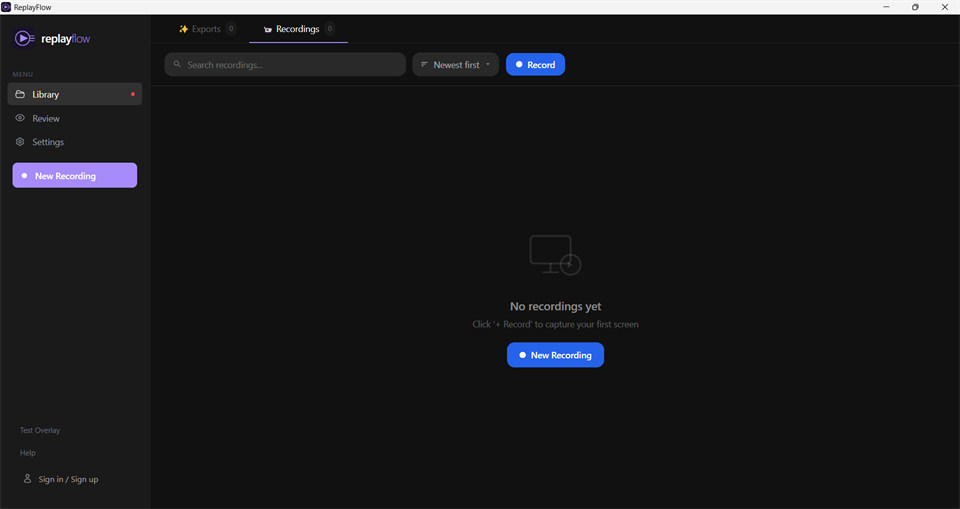
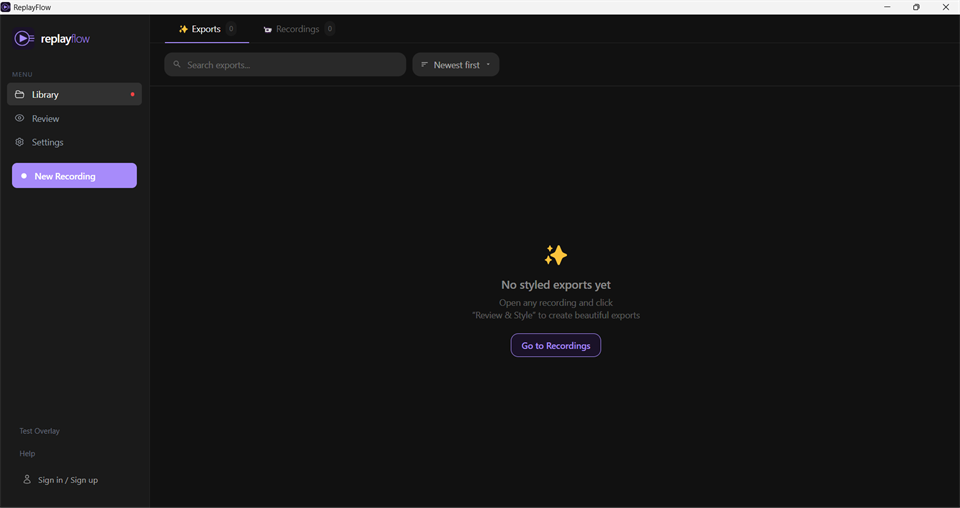
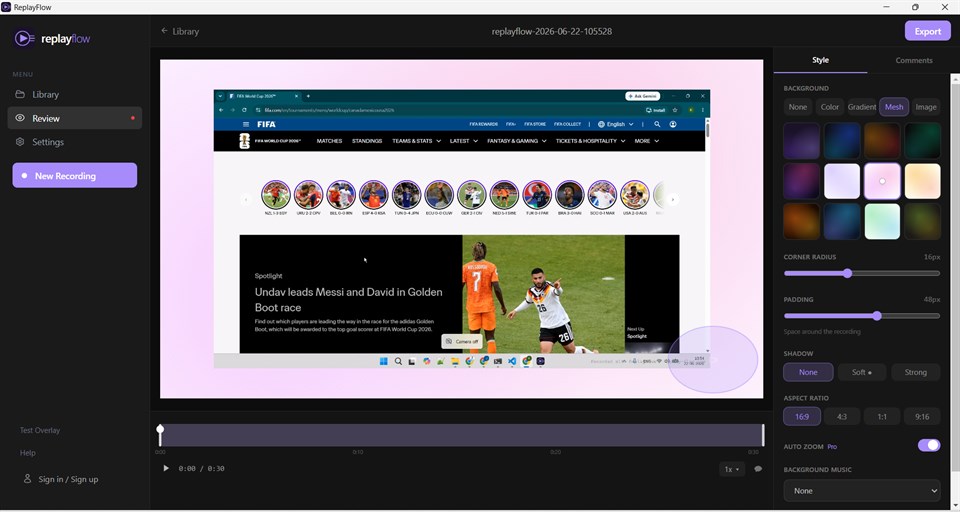
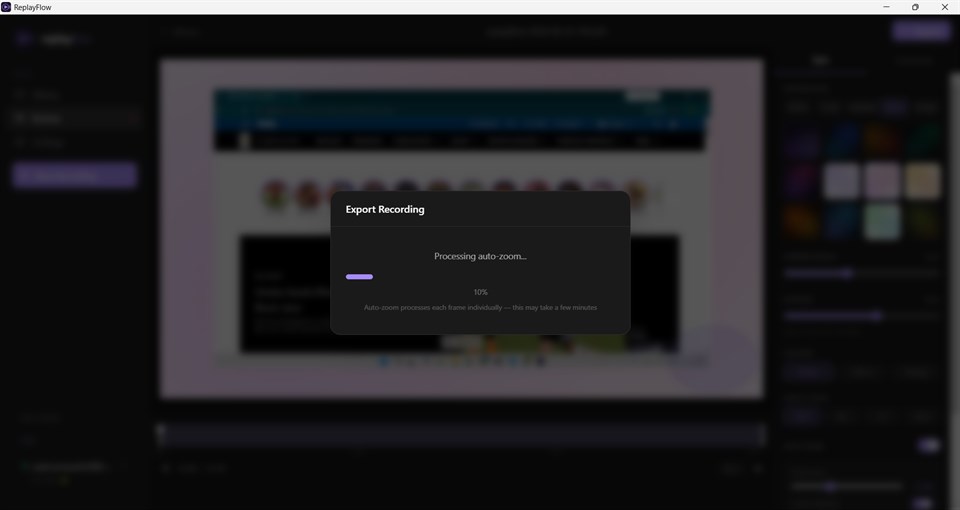
คำอธิบาย

tutorials, and bug reports — without spending time in a video editor.
Most screen recordings leave viewers confused about where to look or what
just happened. ReplayFlow automatically adds visual context so your
recordings communicate clearly from the first frame.
KEY CAPABILITIES:
🎬 Smart Screen Recording
Record your full screen or a specific application window. ReplayFlow
captures everything cleanly and efficiently.
🖱️ Automatic Visual Guidance
Cursor-following zoom, click highlights, and click animations draw
viewer attention to exactly what matters — automatically.
⌨️ Keyboard Shortcut Display
Keystroke overlays appear on screen as you type, making tutorials and
walkthroughs easy to follow.
✏️ Annotation Tools
Add arrows, text callouts, comments, and notes to guide viewers through
your recording.
✂️ Timeline Editing
Trim, refine, and arrange your recording segments without needing a
separate video editor.
☁️ Cloud Sharing
Upload and share recordings instantly via a shareable link — no file
transfers needed.
PERFECT FOR:
- Developers explaining a bug or feature
- Founders creating product demos
- Product managers sharing walkthroughs
- QA engineers reporting issues
- Support teams answering customer questions
- Anyone who needs to explain software visually
One-time purchase. No subscription. Works on Windows and macOS.
จากนักพัฒนา
รายการ 0
-
 ReplayFlow
แต้ม 0
-

- +1 แต้ม

การจัดอันดับ 0
-
- คะแนนของคุณ
ผู้พัฒนา 3
- LaunchGrid Apps
- ผู้ติดตาม: 0
- แพลตฟอร์ม: Android แอป (2) Windows แอป (1)
- ลดราคา: 0
- รายการ: 0 0
- แต้ม: 0
- การจัดอันดับ: 0
- ความคิดเห็น: 0
- วิดีโอ: 0
- RSS: ติดตาม
มีอะไรใหม่
- เวอร์ชัน: PC
- อัปเดตล่าสุด:
- Initial release of ReplayFlow on the Microsoft Store.
ข้อมูลเพิ่มเติม
- วันที่วางจำหน่าย:
- หมวดหมู่:
แอปสำหรับ Windows›เครื่องมือสำหรับนักพัฒนา - ระบบปฏิบัติการ:
PC - ขนาด:
283 Mb - ภาษาที่รองรับ:
อังกฤษ - การจัดประเภทเนื้อหา:
EVERYONE - Windows Store คะแนน: ¡
0 - เว็บไซต์:
 https://www.replay-flow.com
คะแนน AppAgg
คะแนน AppAgg โดยประมาณของ
ReplayFlow
ผู้พัฒนา: LaunchGrid Apps
คะแนนที่สูงขึ้นมักสะท้อนตัวชี้วัดที่ดีกว่าบน AppAgg
อิงจาก: ความนิยม · คะแนนจากผู้ใช้ · ความสดใหม่ · ดีล · ข้อมูลร้านค้า · กิจกรรมชุมชน
คำนวณใหม่ทุกวันจากข้อมูล AppAgg ล่าสุด
ความคิดเห็น 0 ¡
แชร์
ReplayFlow URL แบบสั้น: คัดลอกแล้ว!- Windows Store

