
الإشارات المرجعية
| المطوّر: | VRAM Check (1) | ||
| السعر: | مجاني | ||
| الدرجة: | 720 فضة | ||
| الترتيب: | 0 | ||
| تعليقات: | 0 انشر تعليقًا | ||
| قوائم: | 0 0 | ||
| النقاط: | 0 | ||
| +1 نقطة | |||
ملخص
تعرّف على VRAM Check CLI، تطبيق من VRAM Check ضمن فئة «أدوات المطور».
صدر ، وما زال حديثًا نسبيًا.
بلا مقابل، لا إعلانات ولا مشتريات داخلية. فقط أنت والتطبيق.
متجر Microsoft مدمج في Windows، فالتثبيت يتم بنقرتين.
درجة AppAgg هي 720. فضة، وهذا ليس سيئًا أبدًا.
43 ميغابايت فقط، حجم يناسب حتى القرص الممتلئ.
التصنيف العمري «EVERYONE»، أي أنه مناسب للأطفال أيضًا.
يتحدث لغة واحدة فقط، وليست العربية.
لم يقيّمه أحد على AppAgg بعد. فرصتك لتكون الأول الآن.
إنه التطبيق الوحيد لهذا المطوّر على AppAgg. حتى الآن.
تريد أن تعرف بالتحديثات والتطبيقات الجديدة أولًا؟ تابع المطور أو اشترك في موجز RSS. تصلك الإشعارات عبر تطبيق AppAgg Alerts لنظامي Android وiOS.
منصات أخرى 0
سجل الأسعار 0
- السعر الحالي: مجاني
- الحد الأدنى: مجاني
- الحد الأقصى: مجاني
خلاصتك الخاصة في الصفحة الرئيسية
لقطات الشاشة 5
الوصف

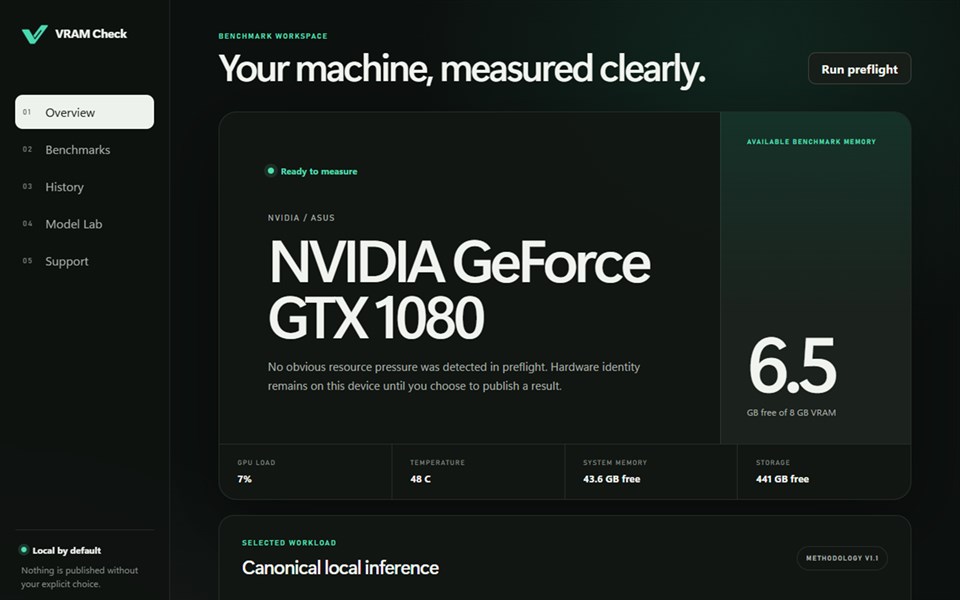
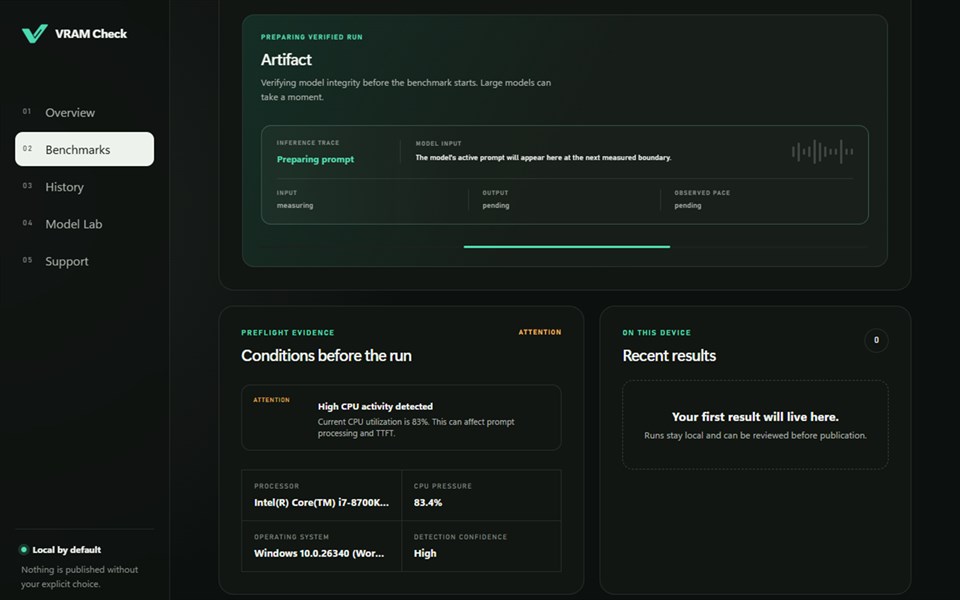
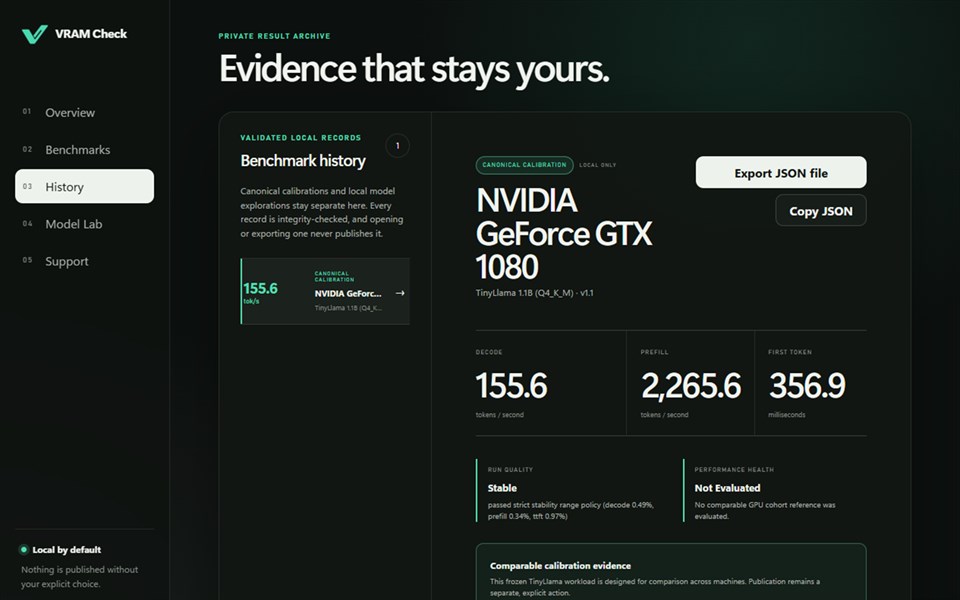
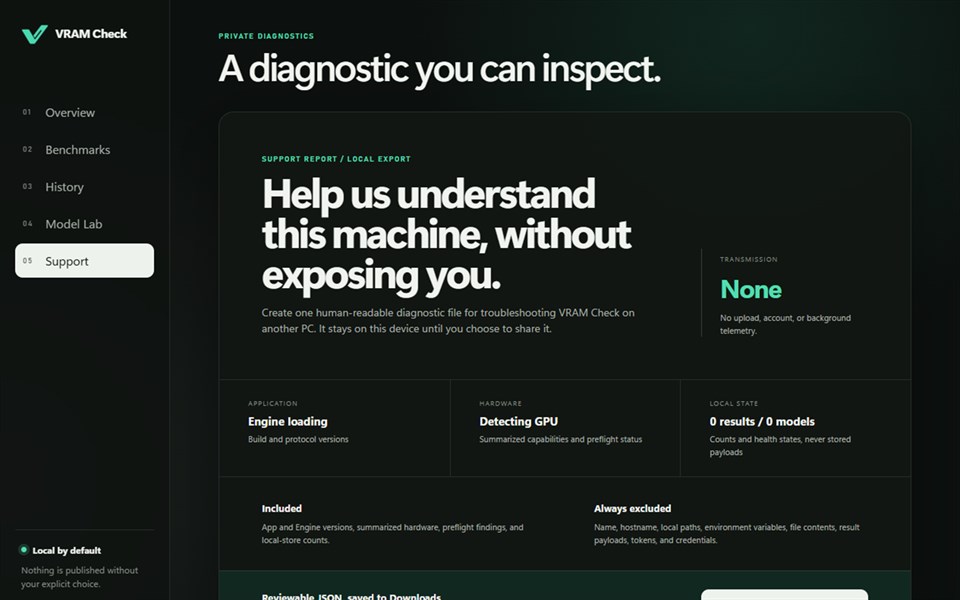
Start with a guided hardware preflight that checks the inference runtime, GPU, VRAM, system memory, storage, temperature, and competing GPU load. The canonical benchmark then runs real TinyLlama 1.1B inference through llama.cpp and Vulkan using three measured passes. The result explains decode speed, prompt-processing speed, time to first token, repeatability, available benchmark memory, and the practical limits of the machine.
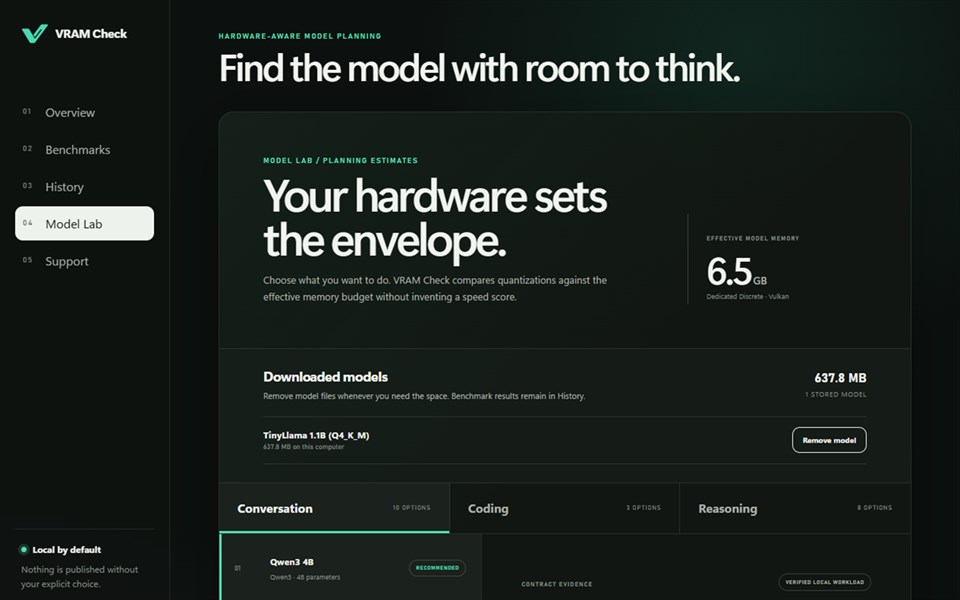
Model Lab compares detected hardware with additional model and quantization profiles. It shows requirements before downloading a model, identifies options that fit the current machine, and keeps measured results separate from compatibility estimates. Downloaded benchmark models remain visible in local storage controls and can be removed without deleting benchmark history.
Results are saved locally first. Publishing is optional and always requires an explicit user action. Optional telemetry is disabled by default. Benchmark submissions exclude the hostname, local username, file contents, credentials, and local filesystem paths. A privacy-safe support report can be reviewed and exported locally without transmitting it.
The first canonical benchmark may download approximately 670 MB. Internet access is required for model acquisition, release verification, and optional result publication. No account is required.
من المطوّر
قوائم 0
-
 VRAM Check CLI
النقاط 0
-

- +1 نقطة

الترتيب 0
-
- تقييمك
المطوّر 1
- VRAM Check
- المتابعون: 0
- المنصات: Windows تطبيقات (1)
- العروض: 0
- قوائم: 0 0
- النقاط: 0
- الترتيب: 0
- تعليقات: 0
- الفيديوهات: 0
- RSS: اشتراك
ما الجديد
- الإصدار: PC
- آخر تحديث:
- New experimental Model Lab measurement: run a local model response over four passes (one preparation pass and three resident passes). Inspect preparation time, time to first token, later-token speed, and per-pass warnings. You can cancel safely; completed, cancelled, and interrupted sessions remain in local History with checkpoint-integrity status. These sessions are separate from the canonical benchmark and do not create leaderboard scores or publish data.
The guided Windows app still offers hardware preflight, the canonical TinyLlama benchmark, model-fit guidance, downloaded-model cleanup, and optional result publication. The companion CLI remains available through the vramcheck.exe app execution alias.
معلومات إضافية
- تاريخ الإصدار:
- الفئة:
تطبيقات Windows›أدوات المطور - نظام التشغيل:
PC - الحجم:
43 Mb - اللغات المدعومة:
الإنجليزية - تقييم المحتوى:
EVERYONE - Windows Store تقييم: ¡
0 - الموقع الإلكتروني:
 https://vramcheck.com
درجة AppAgg
درجة AppAgg التقديرية لـ
VRAM Check CLI
المطوّر: VRAM Check
تشير الدرجة الأعلى عادةً إلى أداء أفضل في مؤشرات AppAgg.
استنادًا إلى: الشعبية · تقييمات المستخدمين · الحداثة · العروض · بيانات المتاجر · نشاط المجتمع
يُعاد حسابها يوميًا بناءً على أحدث بيانات AppAgg.
تعليقات 0 ¡
مشاركة
VRAM Check CLI عنوان URL مختصر: تم النسخ!- Windows Store

