
Yer imleri
| Geliştirici: | VRAM Check (1) | ||
| Fiyat: | Ücretsiz | ||
| Skor: | 720 Gümüş | ||
| Sıralamalar: | 0 | ||
| Yorumlar: | 0 Yorum gönder | ||
| Listeler: | 0 0 | ||
| Puanlar: | 0 | ||
| +1 Puan | |||
Özet
Karşında VRAM Check CLI, VRAM Check imzalı, Geliştirici araçları kategorisinde bir uygulama.
çıktı, hâlâ epey taze.
Ücretsiz, reklam yok, uygulama içi satın alma yok. Sadece sen ve uygulama.
Microsoft Store, Windows’a yerleşik. Birkaç tıkla kuruluyor.
AppAgg skoru 720. Gümüş, hiç de fena değil.
Sadece 43 megabayt, dolu bir diske bile sığar.
Yaş sınırı “EVERYONE”, yani çocuklar için de uygun.
Tek bir dil konuşuyor, o da Türkçe değil.
AppAgg’de henüz kimse puan vermedi. İlk olma şansın tam şu an.
Bu, geliştiricinin AppAgg’deki tek uygulaması. Şimdilik.
Güncellemeleri ve yeni uygulamaları ilk sen mi duymak istiyorsun? Hemen geliştiriciyi takip et ya da RSS akışı ile haberdar ol. Push bildirimleri Android ve iOS için AppAgg Alerts uygulamasıyla gelir.
Diğer platformlar 0
Fiyat Geçmişi 0
- Güncel fiyat: Ücretsiz
- En az: Ücretsiz
- En fazla: Ücretsiz
Ana sayfada kendi akışınız
Ekran görüntüleri 5
Açıklama

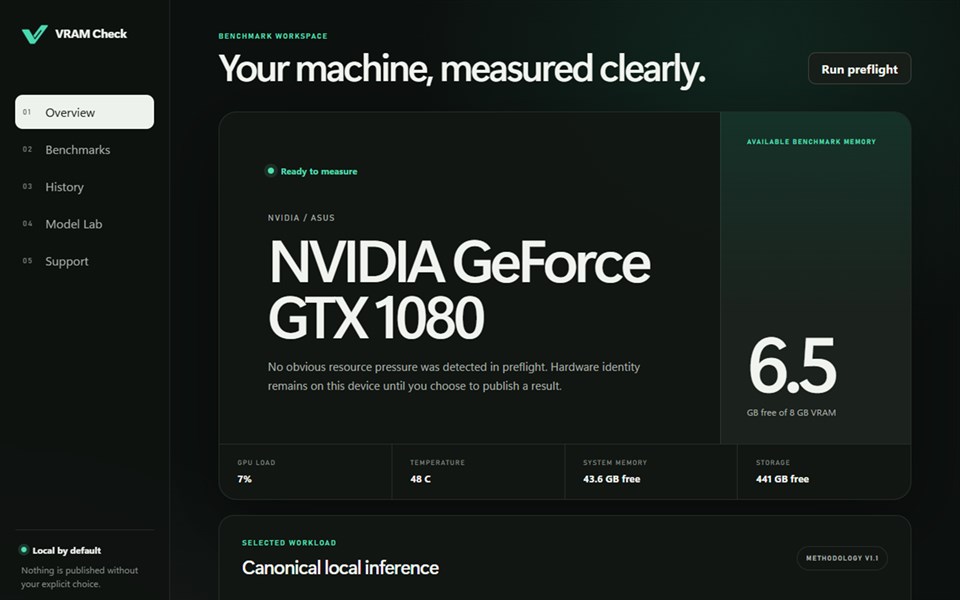
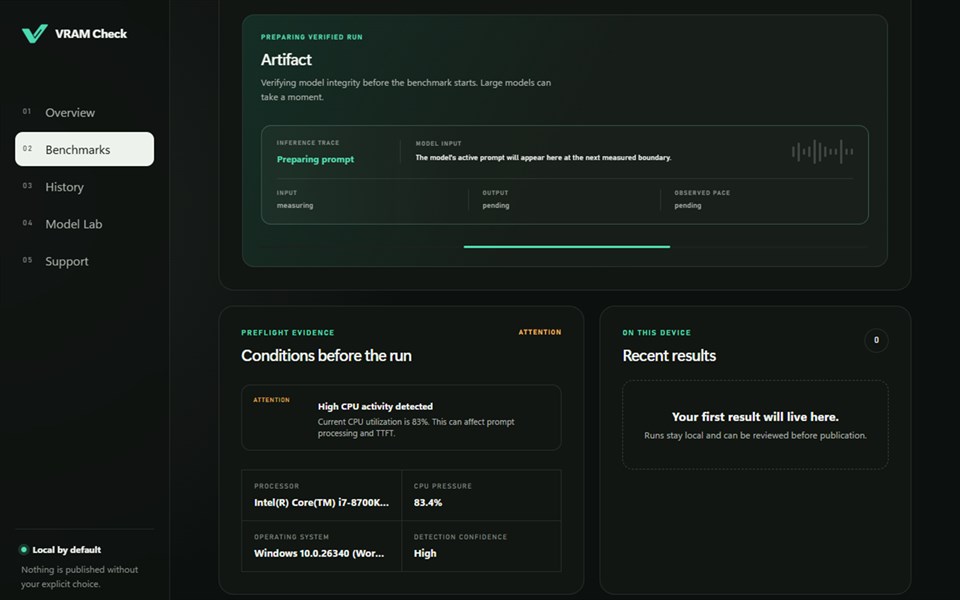
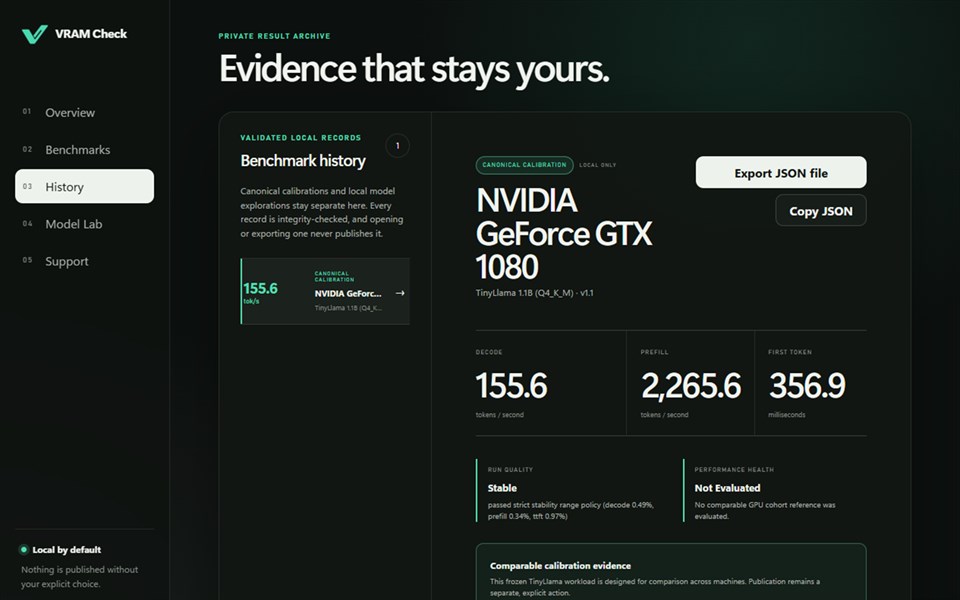
Start with a guided hardware preflight that checks the inference runtime, GPU, VRAM, system memory, storage, temperature, and competing GPU load. The canonical benchmark then runs real TinyLlama 1.1B inference through llama.cpp and Vulkan using three measured passes. The result explains decode speed, prompt-processing speed, time to first token, repeatability, available benchmark memory, and the practical limits of the machine.
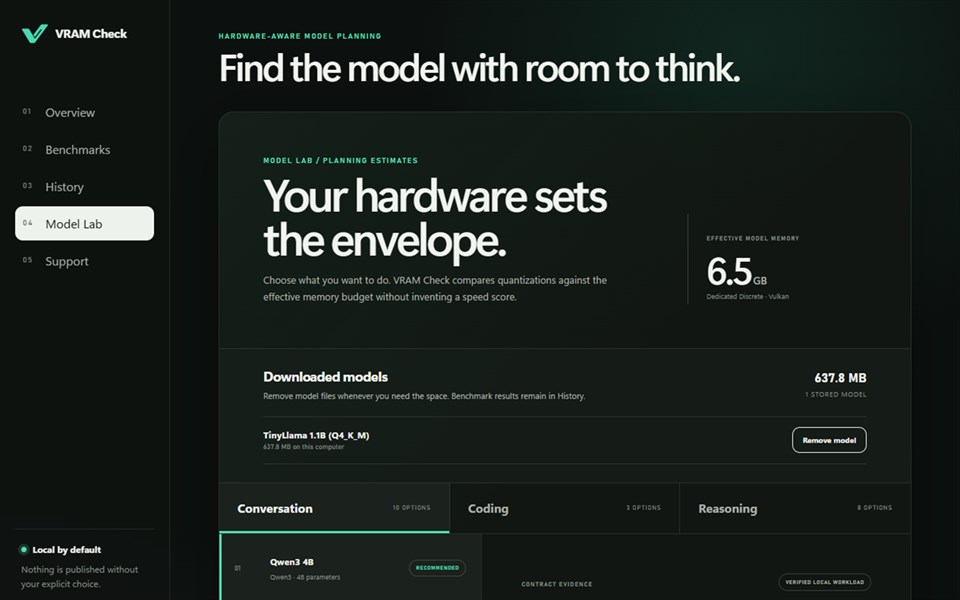
Model Lab compares detected hardware with additional model and quantization profiles. It shows requirements before downloading a model, identifies options that fit the current machine, and keeps measured results separate from compatibility estimates. Downloaded benchmark models remain visible in local storage controls and can be removed without deleting benchmark history.
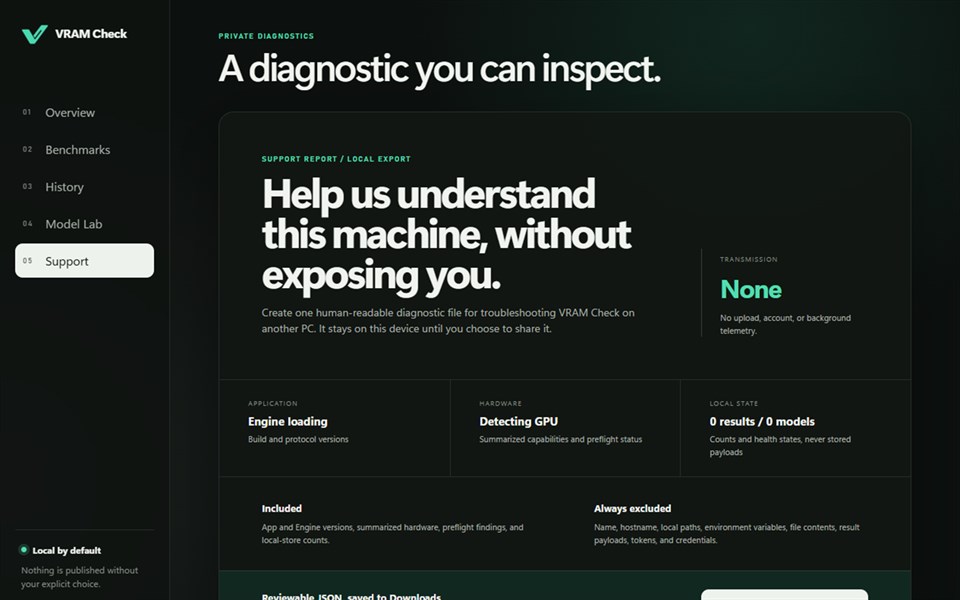
Results are saved locally first. Publishing is optional and always requires an explicit user action. Optional telemetry is disabled by default. Benchmark submissions exclude the hostname, local username, file contents, credentials, and local filesystem paths. A privacy-safe support report can be reviewed and exported locally without transmitting it.
The first canonical benchmark may download approximately 670 MB. Internet access is required for model acquisition, release verification, and optional result publication. No account is required.
Geliştiriciden
Listeler 0
-
 VRAM Check CLI
Puanlar 0
-

- +1 Puan

Sıralamalar 0
-
- Puanınız
Geliştirici 1
- VRAM Check
- Takipçiler: 0
- Platformlar: Windows Uygulamalar (1)
- İndirimler: 0
- Listeler: 0 0
- Puanlar: 0
- Sıralamalar: 0
- Yorumlar: 0
- Video: 0
- RSS: Abone ol
Yenilikler
- Sürüm: PC
- Son güncelleme:
- New experimental Model Lab measurement: run a local model response over four passes (one preparation pass and three resident passes). Inspect preparation time, time to first token, later-token speed, and per-pass warnings. You can cancel safely; completed, cancelled, and interrupted sessions remain in local History with checkpoint-integrity status. These sessions are separate from the canonical benchmark and do not create leaderboard scores or publish data.
The guided Windows app still offers hardware preflight, the canonical TinyLlama benchmark, model-fit guidance, downloaded-model cleanup, and optional result publication. The companion CLI remains available through the vramcheck.exe app execution alias.
Ek Bilgi
- Çıkış tarihi:
- Kategori:
Windows uygulamaları›Geliştirici araçları - İşletim Sistemleri:
PC - Boyut:
43 Mb - Desteklenen diller:
İngilizce - İçerik Derecelendirmesi:
EVERYONE - Windows Store Puan: ¡
0 - Web sitesi:
 https://vramcheck.com
AppAgg Skoru
Tahmini AppAgg skoru:
VRAM Check CLI
Geliştirici: VRAM Check
Daha yüksek skorlar genellikle AppAgg’deki göstergelerin daha güçlü olduğunu belirtir.
Şunlara göre: popülerlik · kullanıcı puanları · güncellik · fırsatlar · mağaza verileri · topluluk etkinliği
Güncel AppAgg verileriyle her gün yeniden hesaplanır.
Yorumlar 0 ¡
Paylaş
VRAM Check CLI Kısa URL: Kopyalandı!- Windows Store

