
Bookmarks
Choose a title for this bookmark.
Bookmark saved
| Developer: | 赖有源 (1) | ||
| Price: | Free | ||
| Score: | 1,040 Silver | ||
| Rankings: | 0 | ||
| Comments: | 0 Add a comment | ||
| Lists: | 0 + 0 | ||
| Points: | 0 + 0 ¡ | ||
| +1 Point | |||
Screenshots 7
Advertisement
Description

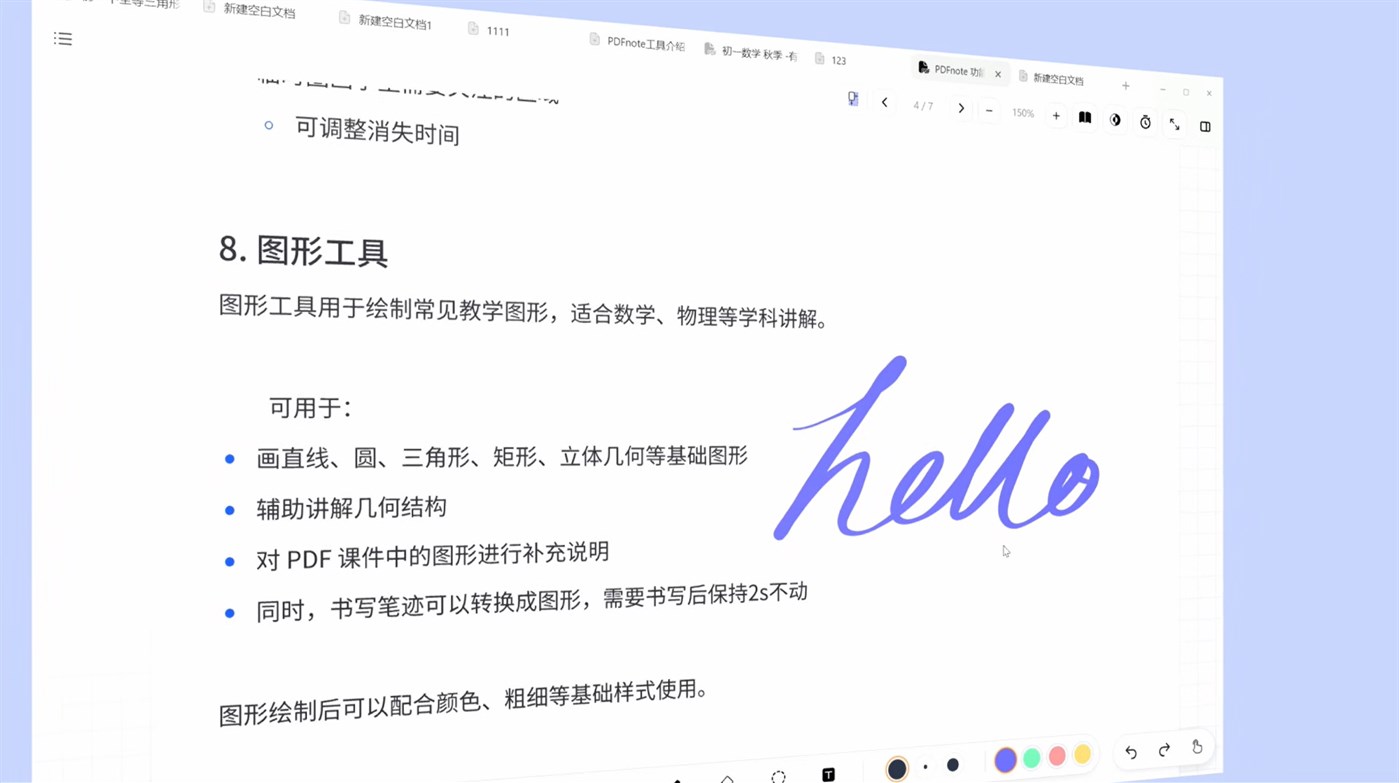
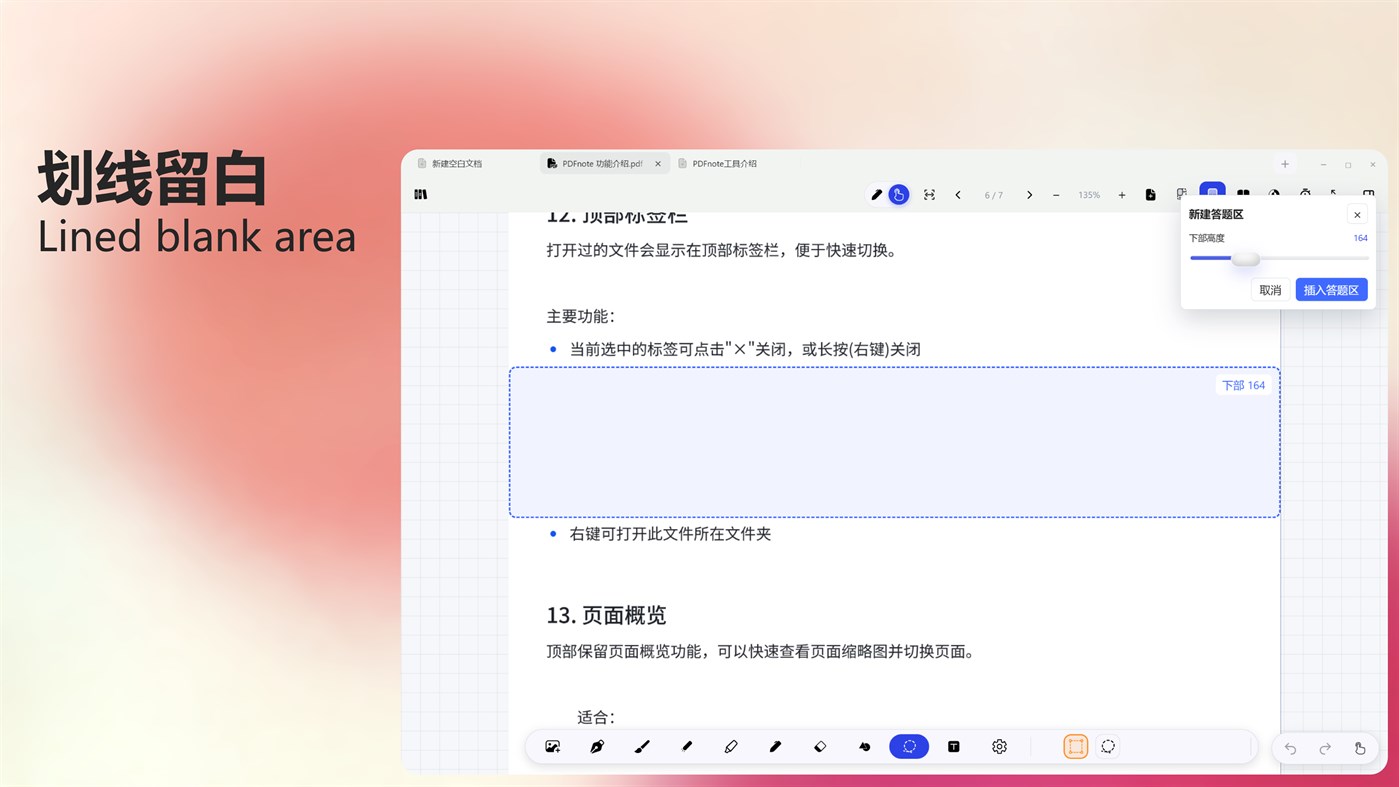
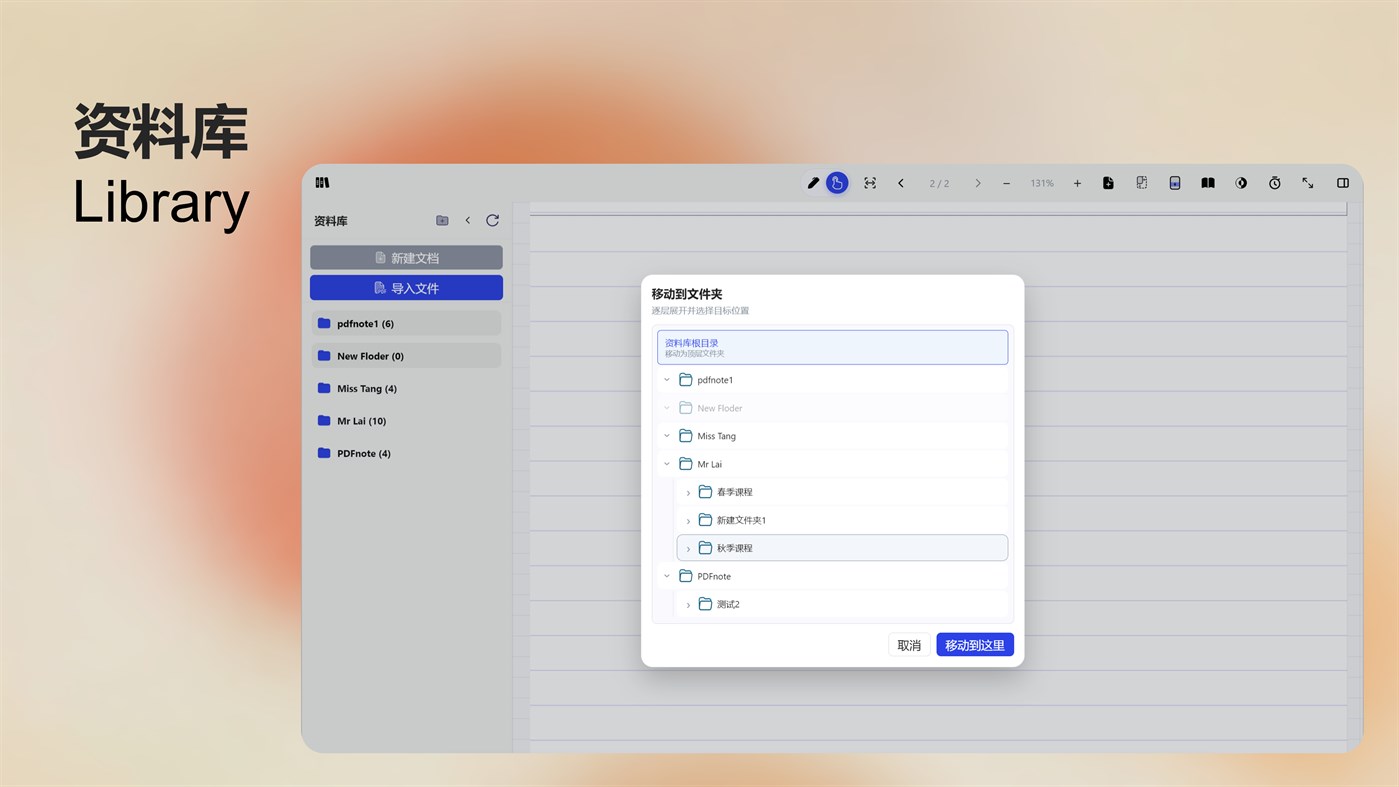
Read PDF documents comfortably, write naturally with a stylus or mouse, and organize your files in folders. PDFnote supports responsive handwriting, pens, soft brushes, highlighters, laser pointers, shapes, text boxes, image insertion, selection, and multiple eraser tools.
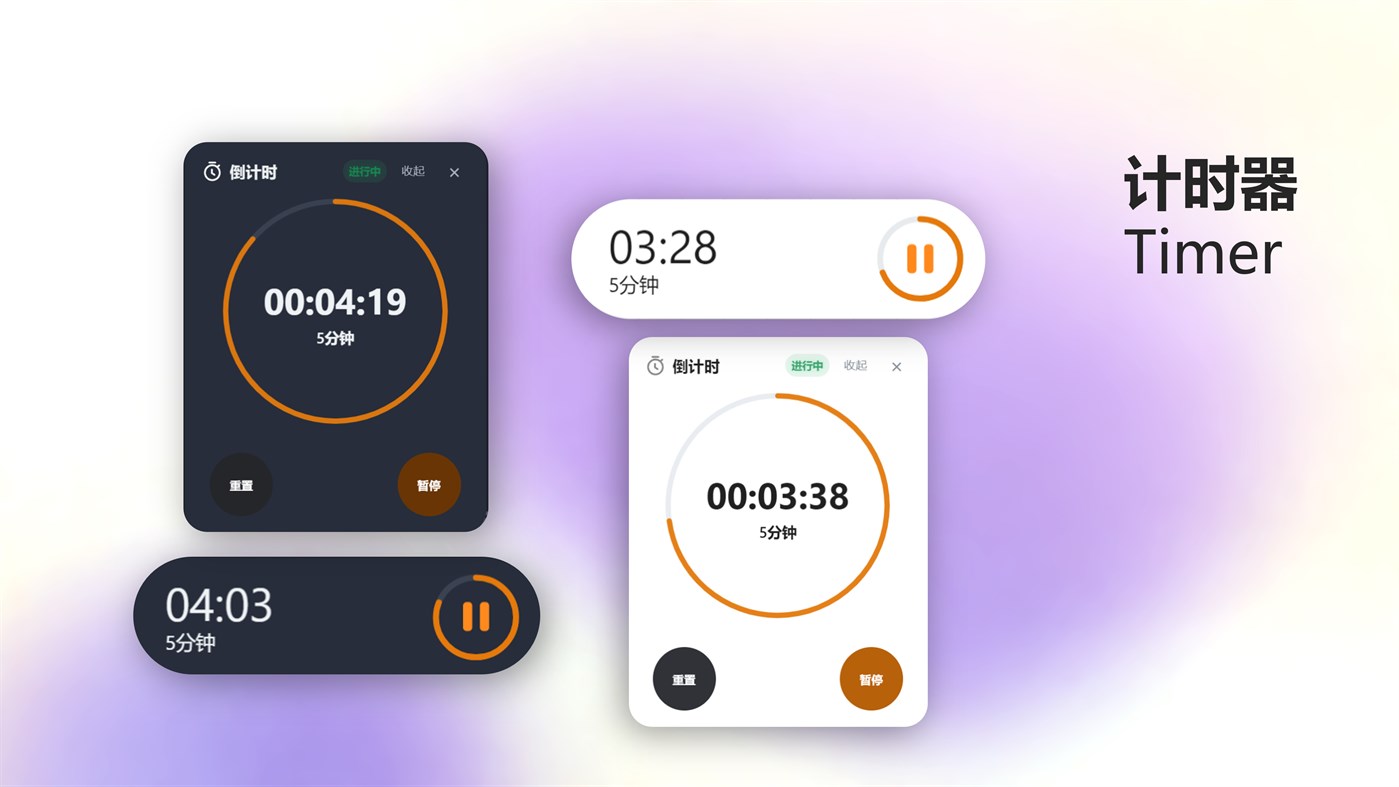
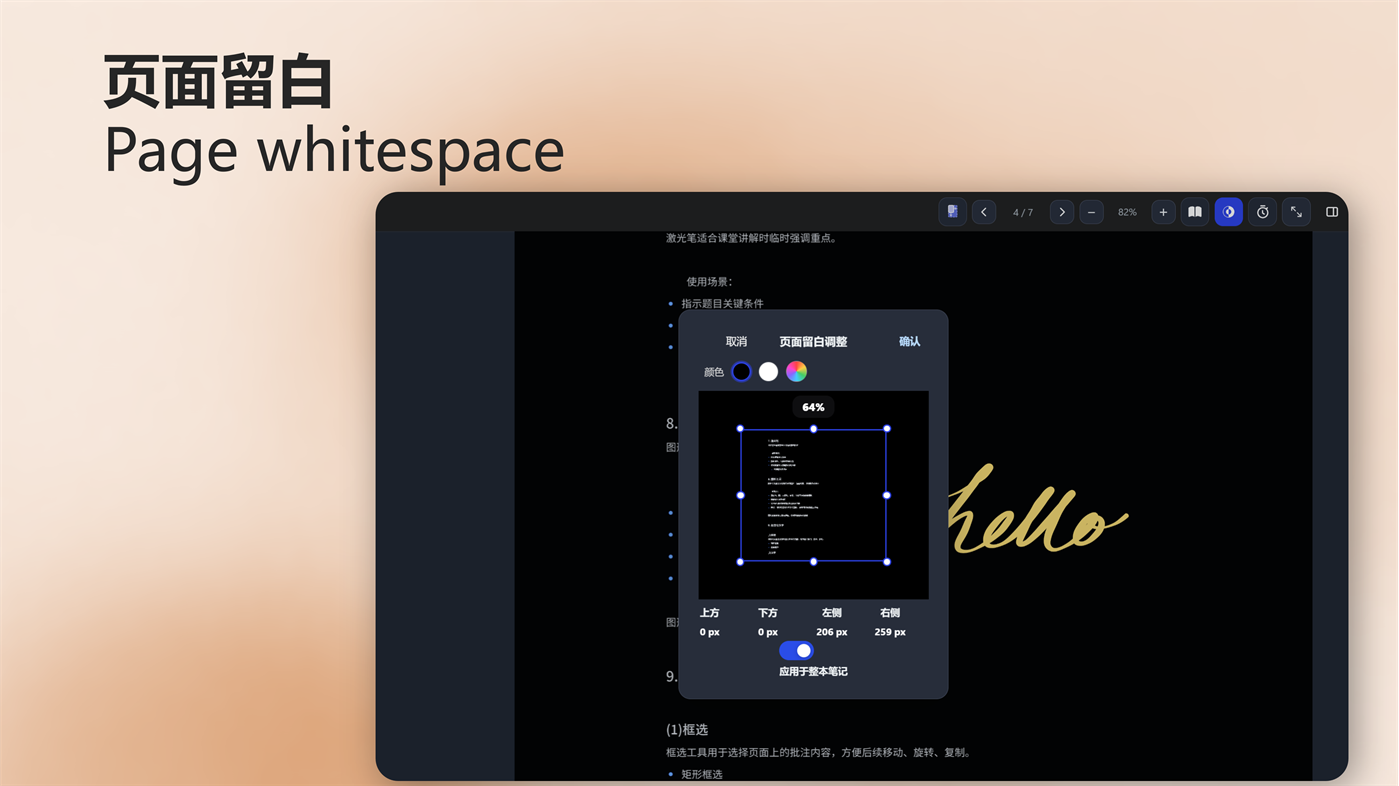
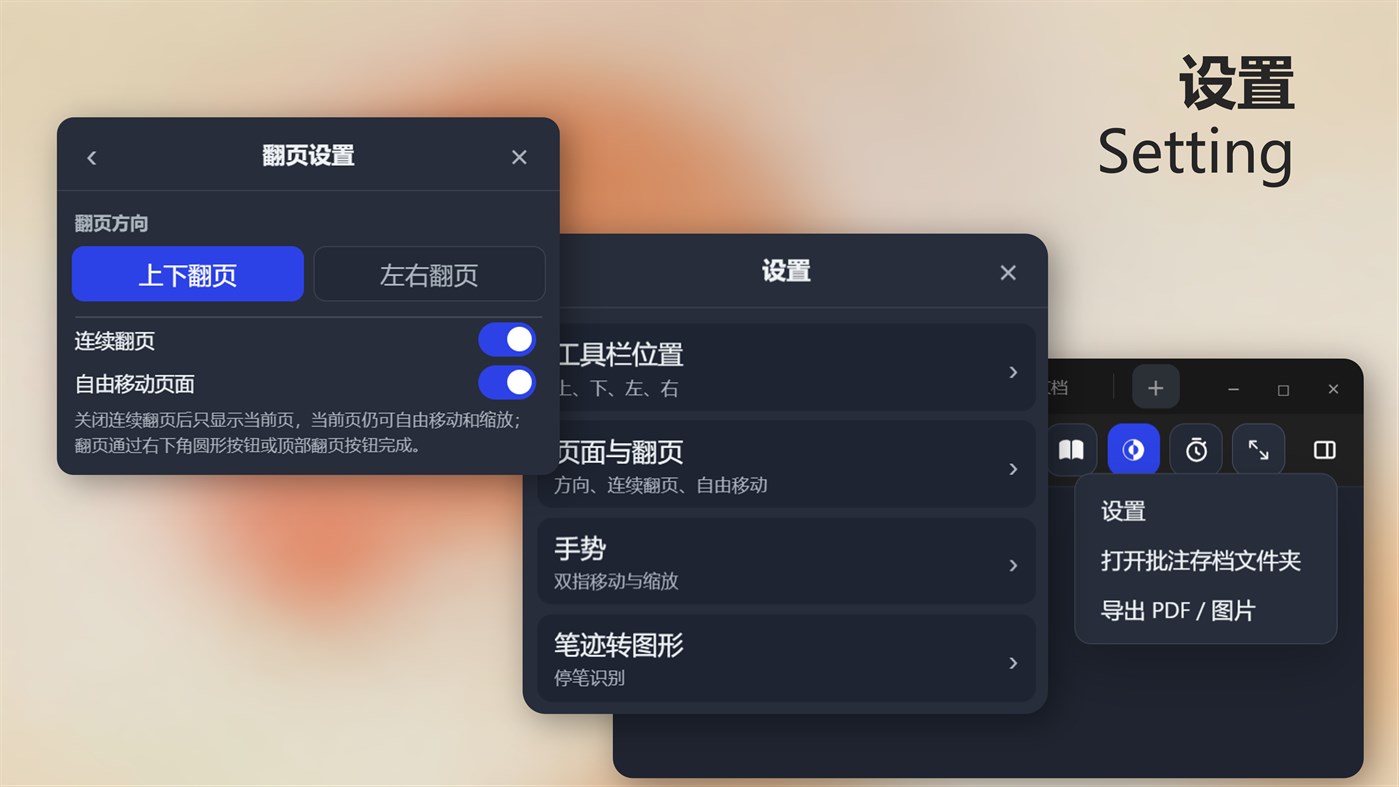
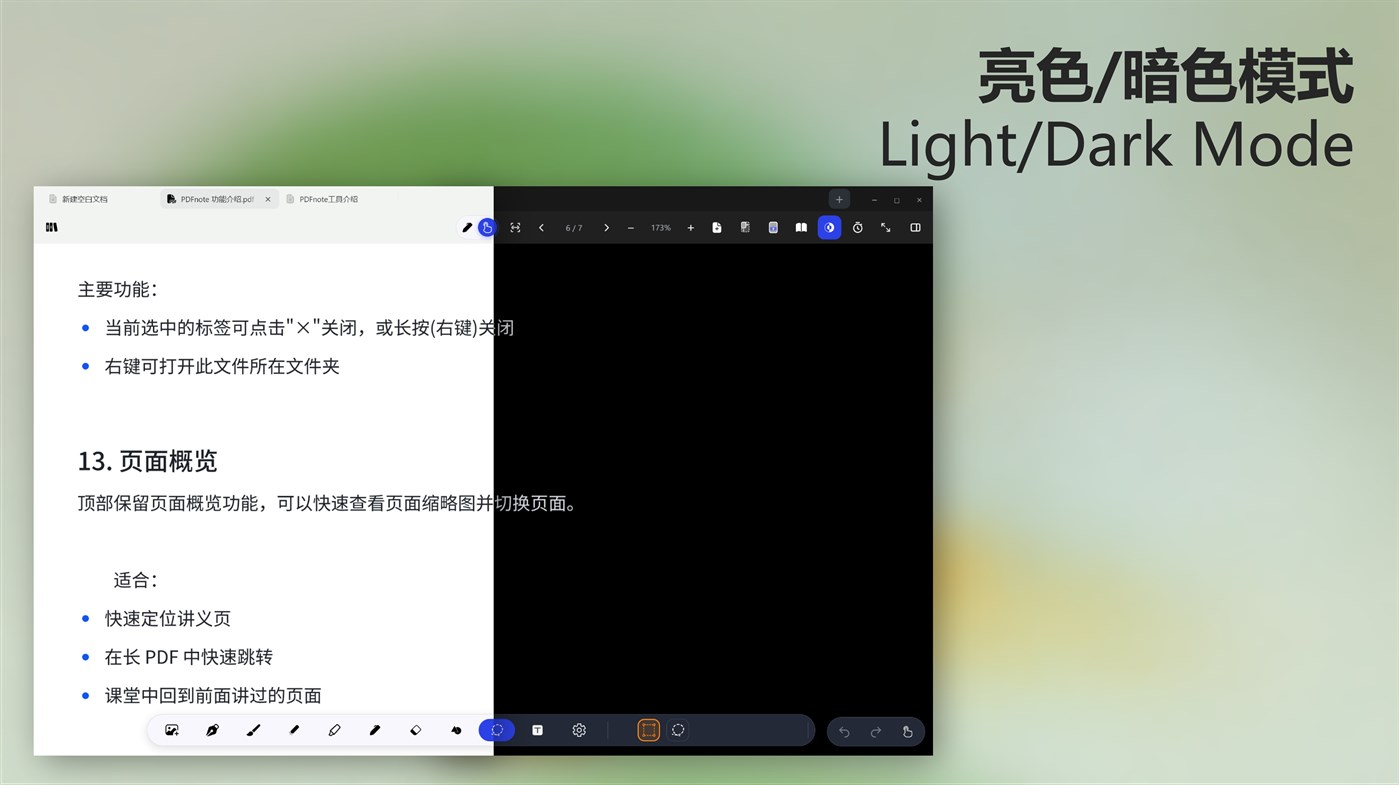
You can customize page margins, switch between light and dark themes, navigate documents smoothly, and use the built-in timer while studying or presenting. Your annotations stay organized with the document so you can review and edit them whenever you need.
PDFnote is designed to provide a focused, flexible, and efficient PDF annotation experience on Windows.
From the developer ¡
Are you the developer?
Your news at the top of the page, sent to followers by e-mail
Other platforms 0
| PDFnoteWindows Store1K SilverWindows | Free |
Only in this store right now.
Price History 0
- Current price: Free
- Minimum: Free
- Maximum: Free
Track prices Add to a list to get discount alerts by email or push
Lists 0
-
 PDFnote
Points 0
-

- +1 Point

Rankings 0
-
- Your rating
Comments 0 ¡
Be the first to comment
Developer 1
- 赖有源
- Followers: 0
- Platforms: Windows Apps (1)
- Deals: 0
- Lists: 0 + 0
- Points: 0 + 0 ¡
- Rankings: 0
- Comments: 0
- Videos: 0
- RSS: Subscribe
What's new
- Version: PC
- Last Updated:
- v1.2.6.0 Update:
Added a minimalist toolbar, black-background export, folder selection on import, and page-turning support via a presentation pen and PageUp/PageDown.
Optimized brush speed dynamics and stability for soft brushes, as well as curve and parabola recognition and editing.
Fixed issues such as the frosted-glass display of the toolbar and pen tray, shape selection controls, and sliders and timer windows that could not be dragged.
v1.2.5.0 Update:
Added a pen tray.
Added the ability to split the answer area into columns.
Added alignment to object edges or vertices.
Added document layouts and background colors.
Fixed some known issues.
v1.2.3.0 Update:
Fixed the overlap between the top tool popup and the right-side pen toolbar.
Fixed the pen tool toggles in settings not working when the pen toolbar is on the left or right side.
Fixed the calculator popup being movable.
Fixed windows that could not be dragged: hold the icon in the upper-left corner to move the window.
Added: underline, highlight, strikethrough, and other options for selected text.
Fixed the crosshair cursor flickering while writing; it now always uses the pen style.
Fixed the fine eraser's thickness adjustment not working.
v1.2.1.0 Added: Function graphing, frosted-glass toolbar style, handwriting text and formula recognition, zoom ratio lock.
v1.1.2.0 Added: Regional screenshot, color favorites; fixed the issue where answer areas were lost in exported documents; fixed the "not responding" issue
Version history
- V1.2.1.0 New features: function graphs, frosted glass toolbar style, handwriting recognition for text and formulas, and zoom ratio lock.
Version 1.1.0.0: Updated lined blank area,page whitespace, brush optimization, added blank pages, handwriting recognition for geometric shapes, and more.
Additional Information
AppAgg Score
1,040
Estimated AppAgg Score for
PDFnote
Developer: 赖有源
1,040 Silver
Higher scores usually reflect better results across AppAgg’s indicators.
Based on: popularity · ratings · freshness · deals · store data · community signals
Recalculated daily using fresh AppAgg data.
Website badge:  Copied!
Summary
PDFnote Short URL: Copied!- Windows Store
On AppAgg, you can track the Windows app “PDFnote” by 赖有源, listed under Education. AppAgg Score: 1,040 (Silver). AppAgg Points for the app — confirmed: 0; indirect: 0. Public lists containing the app: 0. Users who have saved it in private lists: 0. AppAgg users have not rated the app yet. Confirmed Points record visits to a store by signed-in AppAgg users; indirect Points are based on store data. AppAgg counts public lists containing an app or game and users who have saved it in private lists. The app was first released on . The app was last updated on . The app is currently available for free. The app is available in these languages: English, Chinese. Explore the price history, add the app to a list, or follow its developer. Follow future deals and updates for the app via its RSS feed. AppAgg does not host or distribute the app. All trademarks, logos, and screenshots related to the app belong to their respective owners.
You may also like
Recent discussions
 AppSpark Motion Create 26 The graphics are amazing! Now I can design my ball layouts and watch then spin in 3D animation.
 Jim Kirker40
 AppLocalDub – Real-Time Game Dubbing Hello Kırtay Interactive, I am using LocalDub - Real-Time Game Dubbing. I would like to know if Hind...
 rashid game53
 AppNauticPlayer This app is absolute cinema. Honestly, it’s one of the best media players I’ve ever tried, and I’m s...
 Manuel92
 AppScreen Beings This is my app so I’m a little bias but as someone from the ADHD community that teaches ADHD and neu...
 Tarelle Irwin54
 AppAadi vault good it ia a encrypter and good you my work on office
 Aditya Rai50
 AppTyping 365 | Daily Typing Trainer The best typing app ever. With Typing 365 you don’t have to force yourself for couple minutes traini...
 Ahmad Mozaffar50
 AppZefir Calendar — Calendar in the Taskbar excelente app! Superando todas as espectativas!
 Diógenes Magnus50
 AppBlazin IPTV Player This compact IPTV player is amazing. I threw multiple playlists at it and it handles it with no issu...
 Mike Anderson40
 AppCN Vault I Love this app CN Vault is a user-friendly app that helps keep your passwords safe and secure. If y...
 Marjuk Amin50
Recently viewed
AppAgg users ¡More →
Weekly questsSign in to get 3 quests every week and earn XP for them.

