
Bookmarks
Choose a title for this bookmark.
Bookmark saved
| Developer: | Jaken Chan (1) | ||
| Price: | Free | ||
| Score: | 1,270 Gold | ||
| Rankings: | 0 | ||
| Comments: | 0 Add a comment | ||
| Lists: | 0 + 0 | ||
| Points: | 0 | ||
| +1 Point | |||
Your own feed on the home page
Pick your platforms for the New & Updated feed, and the home page will show only the apps and games you need.
Screenshots 8
Advertisement
Description

I originally built this app for my own note-reading practice, and I'm sharing it in case it helps you too.
HOW IT WORKS
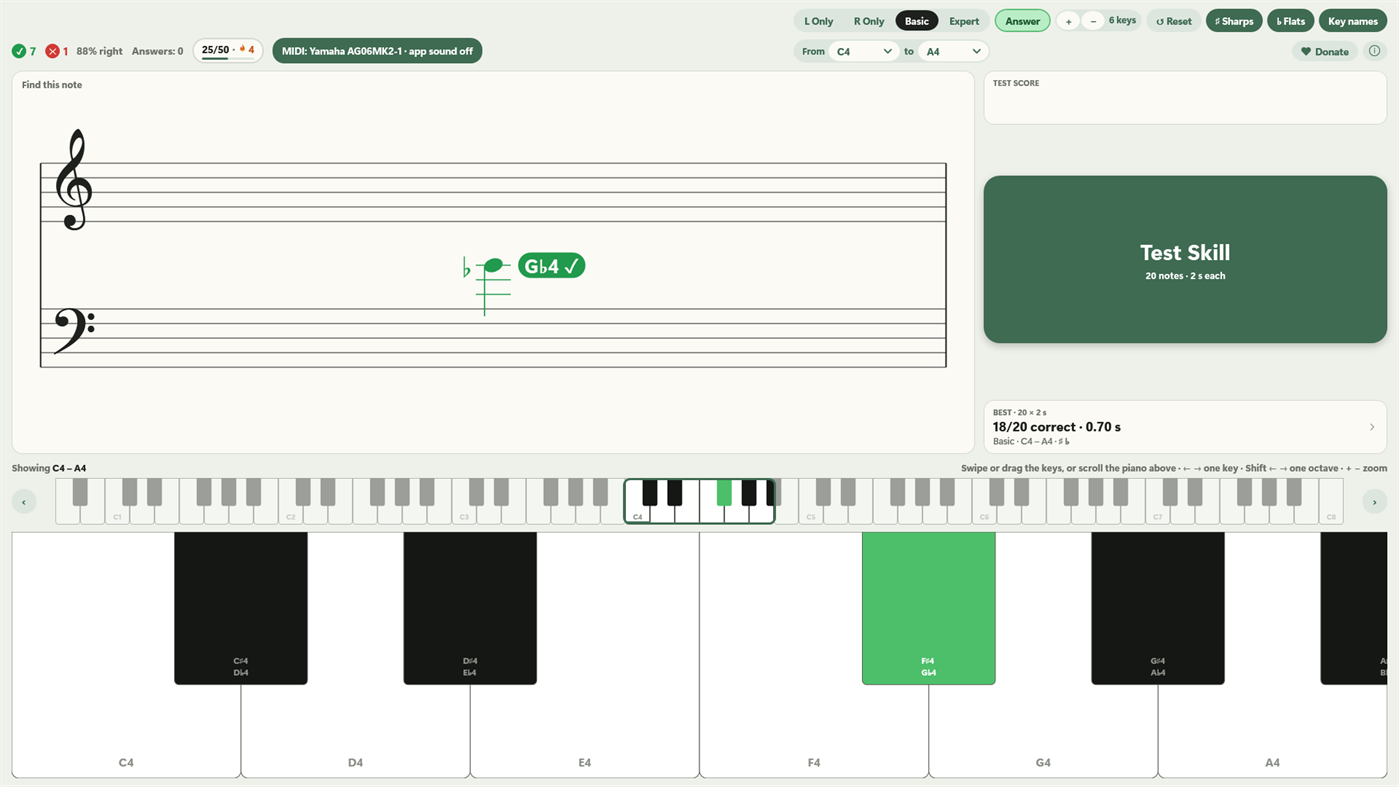
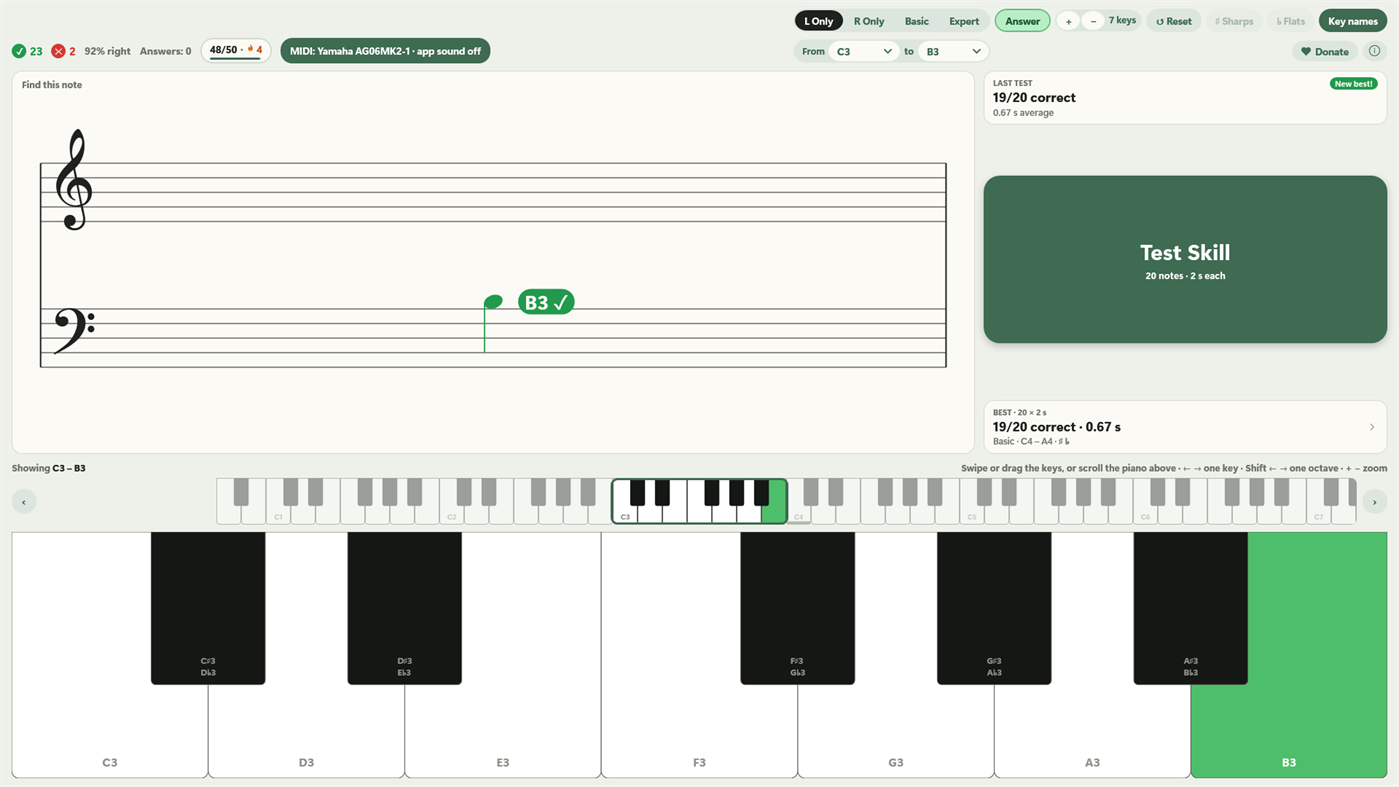
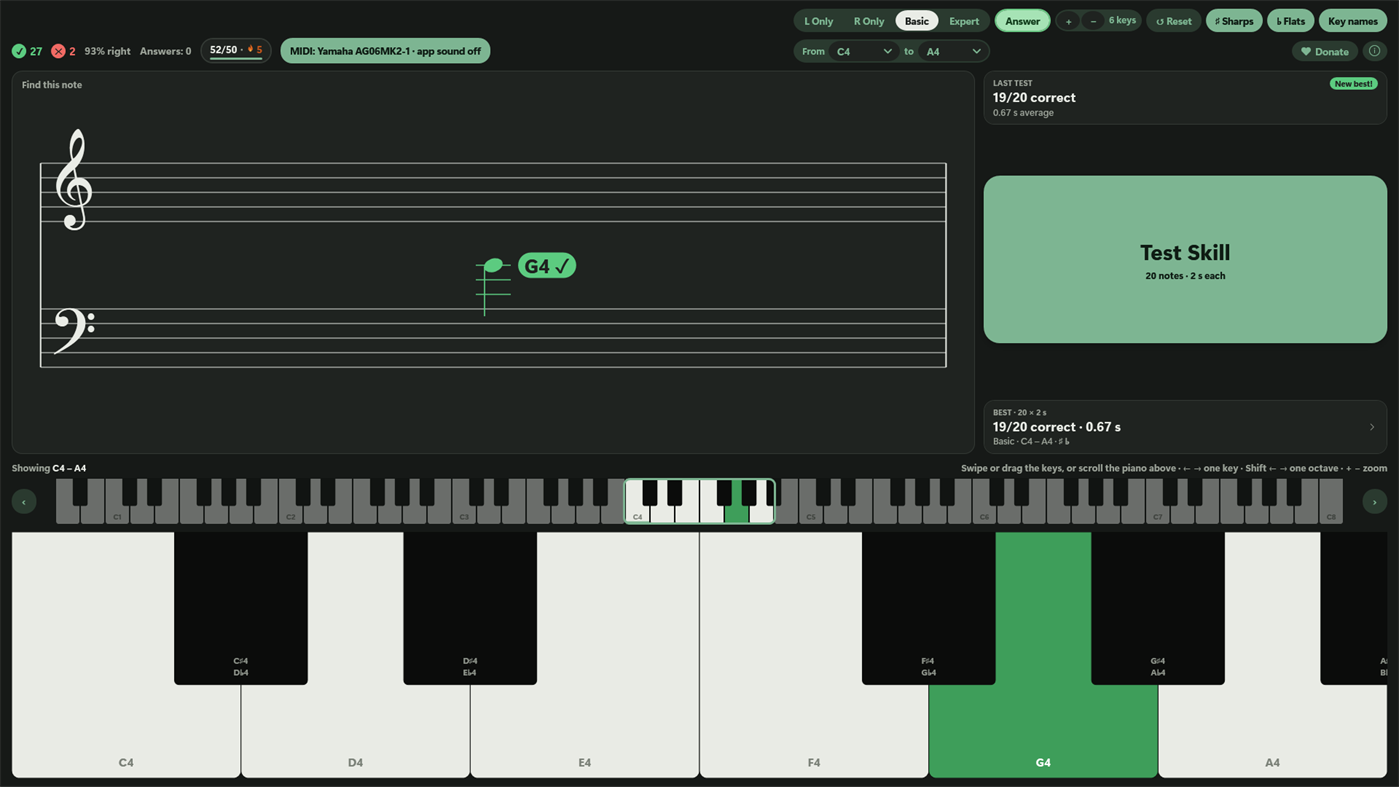
A note (or a chord) appears on the grand staff. Press the matching key on the on-screen piano. Right answers turn green, wrong ones turn red, and the app keeps your score.
CHOOSE YOUR LEVEL
• L Only: left hand. One note on the bass staff.
• R Only: right hand. One note on the treble staff.
• Basic: one note at a time.
• Expert: one to three notes at once, as chords or separate notes, anywhere on the piano.
• Choose the keys you practise: any range from A0 to C8 (at least 7 keys) for L Only, R Only and Basic.
TEST YOUR SKILL
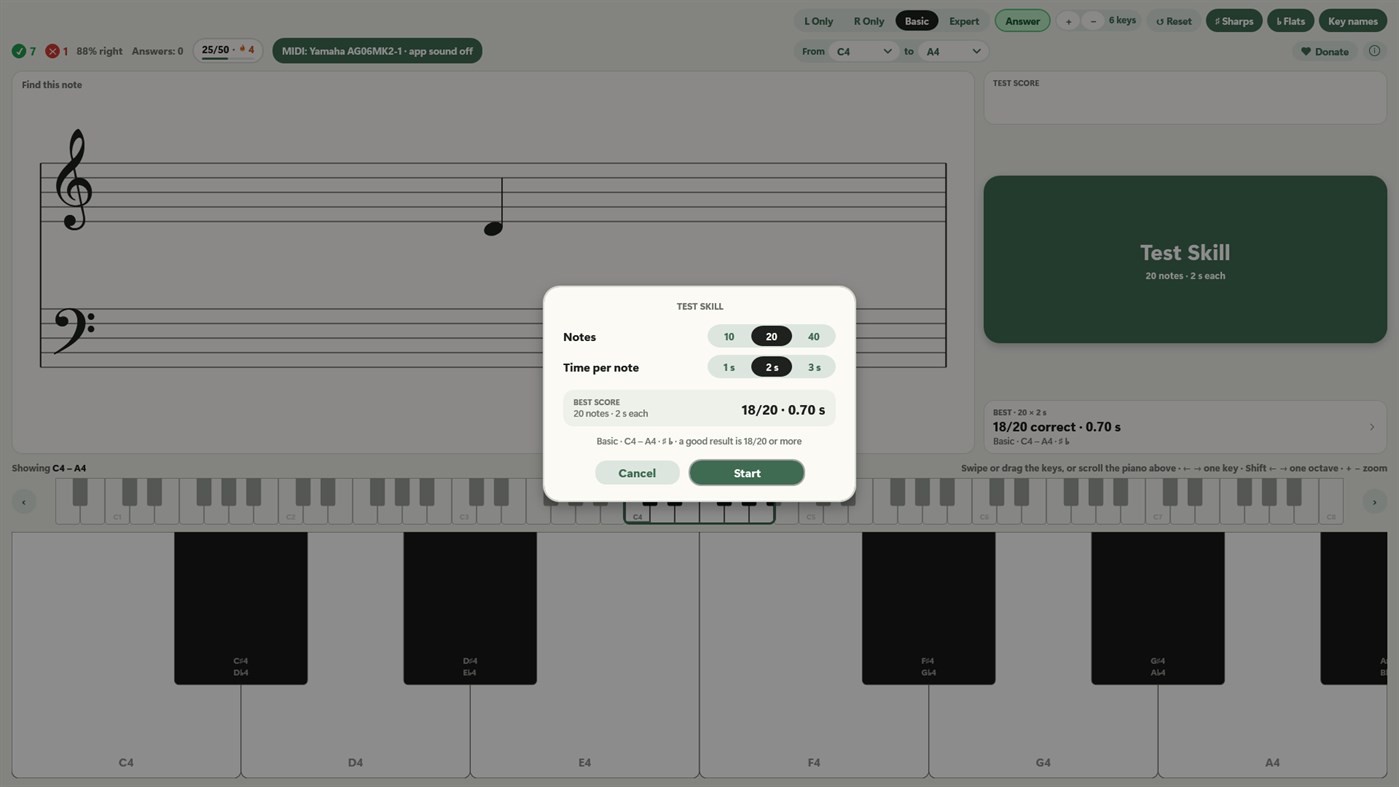
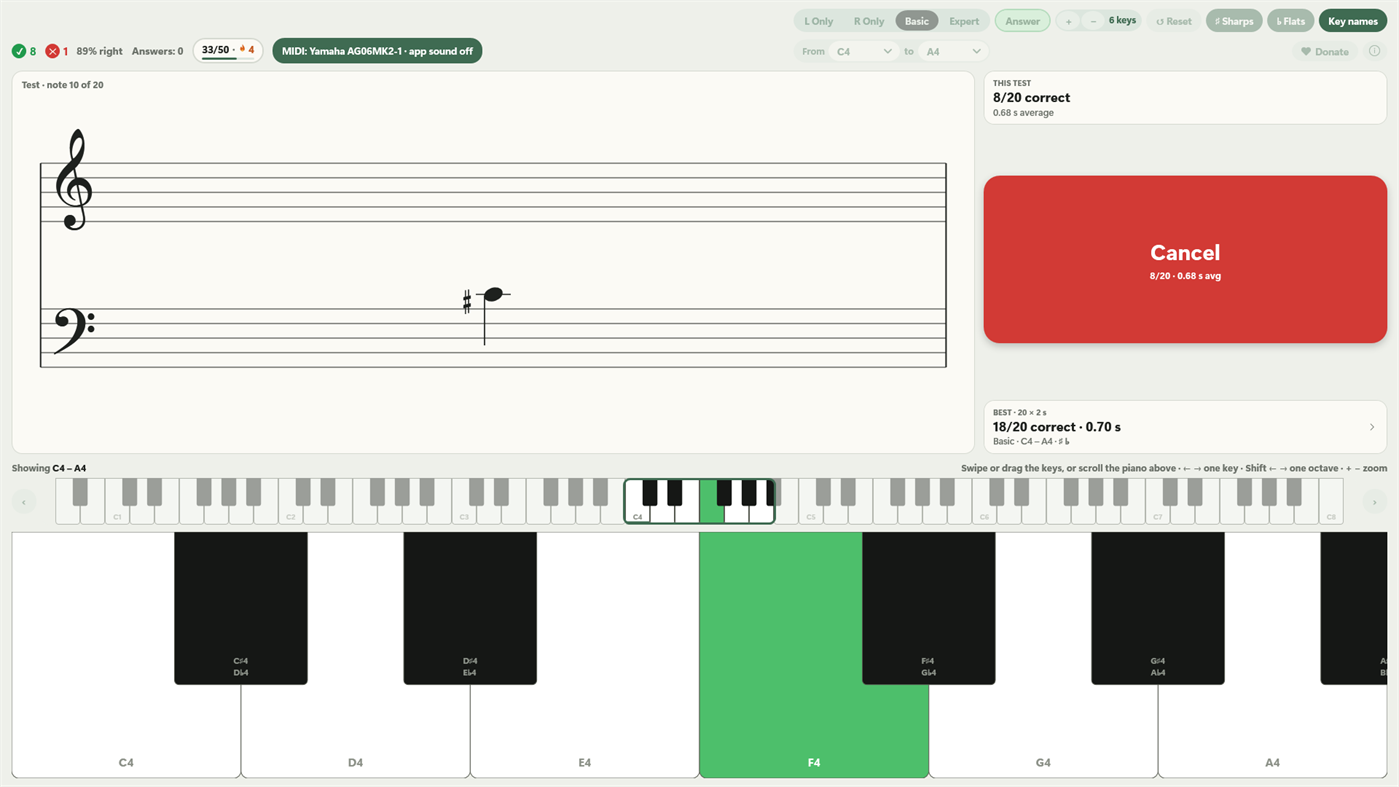
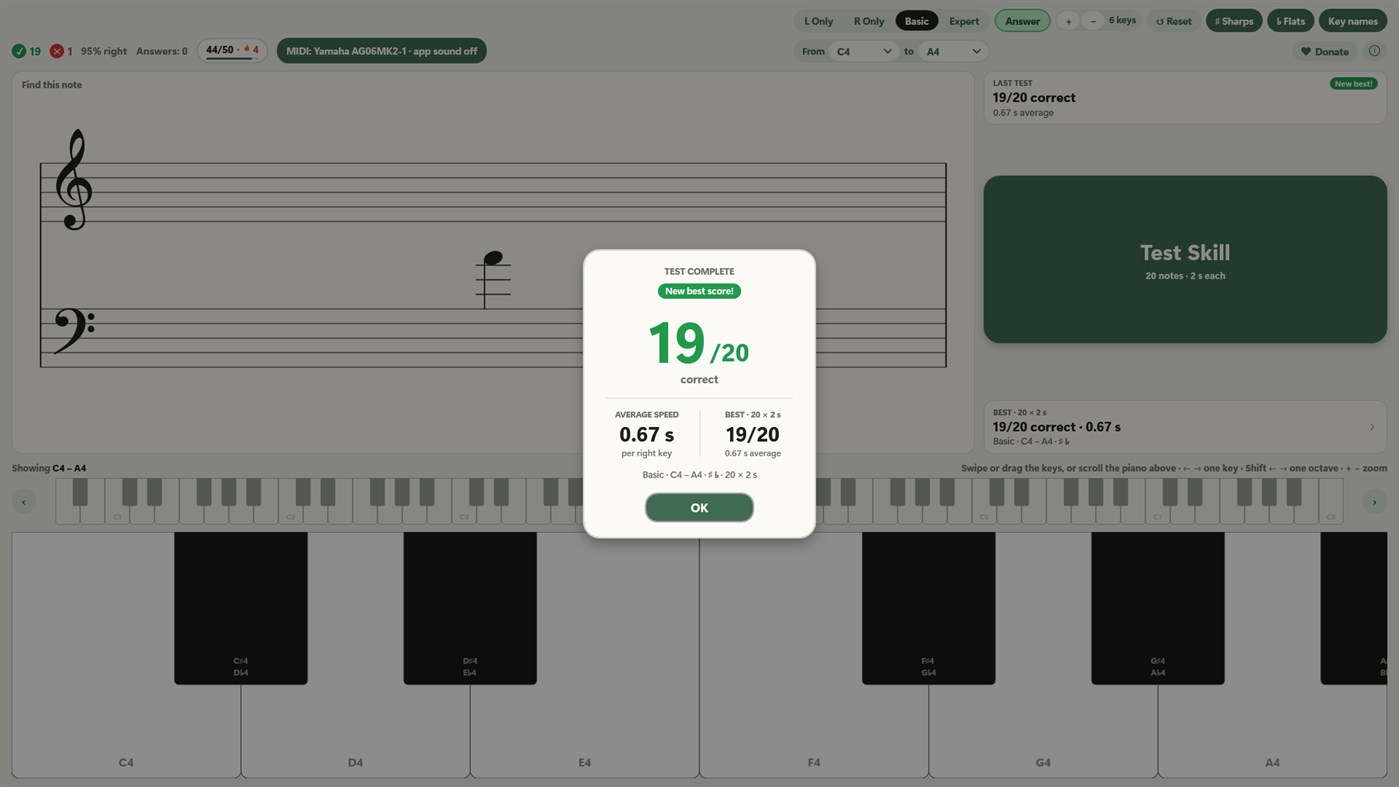
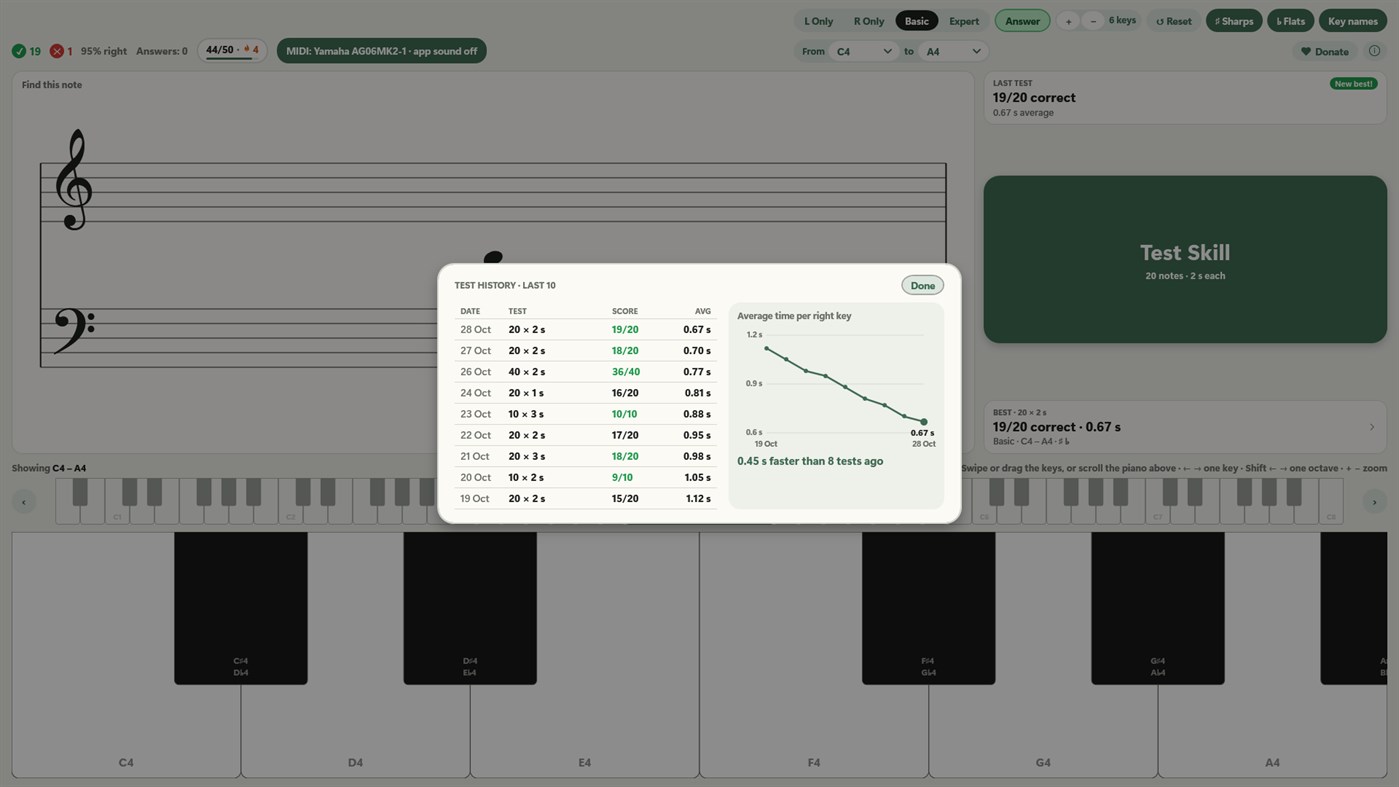
Choose 10, 20 or 40 notes, with 1, 2 or 3 seconds for each. "Ready?", 3, 2, 1… and go. Any key moves on to the next note, and you hear at once whether it was right or wrong. The app counts your right keys and how fast you found them, and keeps a best score for each choice. Test History shows your last 10 tests and how your speed changes.
PRACTISE YOUR WEAK NOTES
The app learns which notes you miss or find slowly, and brings them back more often. The Weak notes tab shows them on a small piano, and one click practises just those notes. After each test you see the notes to practise.
PRACTISE EVERY DAY
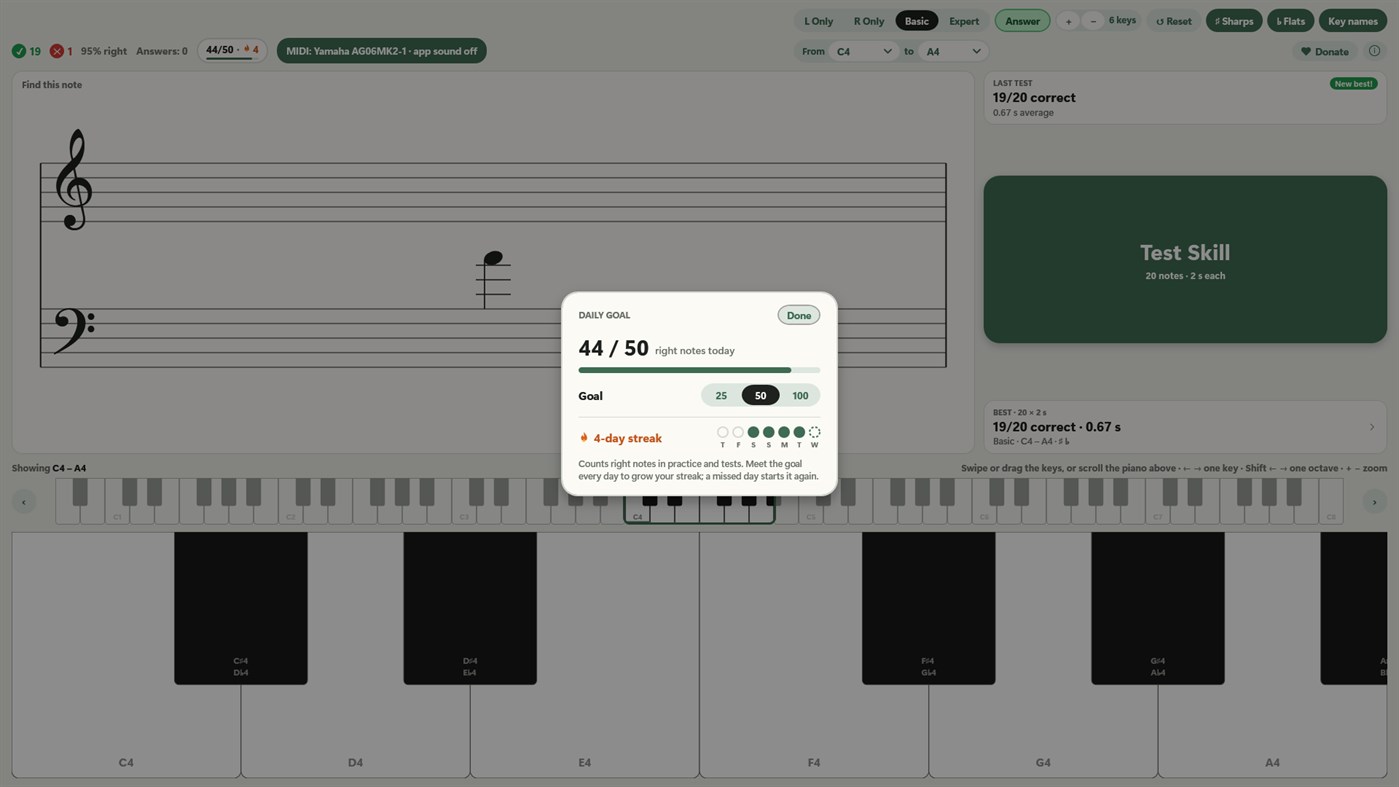
Set a daily goal of 25, 50 or 100 right notes. Every right note counts, in practice and in tests. Meet your goal each day to grow your streak.
HELPFUL TOOLS
• Answer shows the right key when you are stuck.
• A hint tells you when you found the right note in the wrong octave.
• Zoom from 3 keys up to the whole 88-key piano.
• Drag, swipe or scroll the keys to travel along the keyboard.
• Turn sharps and flats on or off, and note names on the keys on or off.
• See your score: right, missed and percentage.
• Share your test result as a picture: copy it into a chat or a post, or save it.
• A quick note-reading tip while the app gets ready, a new one each time you open it.
PLAY YOUR WAY
• With the mouse, or on a touch screen with several fingers for chords.
• With the computer keyboard: the letter keys play the piano keys, and the arrow keys move along the keyboard.
• With a USB MIDI piano or keyboard: plug it in and press real keys. No driver or setup needed.
GOOD TO KNOW
• Works offline. No account, no ads and no in-app purchases.
• Free, with an optional Donate button if you'd like to support the app (PayPal, any amount, opens in your browser). Donations are voluntary and not refundable, and they don't unlock anything: every feature is free for everyone.
• In English, Japanese and Korean (it follows your Windows language), with note names as C D E, ドレミ or 도레미.
• Follows the Windows light and dark mode.
Questions or ideas? Use the support contact on this page. This is a small independent app and feedback is welcome.
From the developer ¡
Are you the developer?
Your news at the top of the page, sent to followers by e-mail
Other platforms 0
| Playing Against Notes: PianoWindows Store1K GoldWindows | Free |
Only in this store right now.
Price History 0
- Current price: Free
- Minimum: Free
- Maximum: Free
Track prices Add to a list to get discount alerts by email or push
Lists 0
-
 Playing Against Notes: Piano
Points 0
-

- +1 Point

Rankings 0
-
- Your rating
Comments 0 ¡
Be the first to comment
Developer 1
- Jaken Chan
- Followers: 0
- Platforms: Windows Apps (1)
- Deals: 0
- Lists: 0 + 0
- Points: 0
- Rankings: 0
- Comments: 0
- Videos: 0
- RSS: Subscribe
What's new
- Version: PC
- Last Updated:
- Weak notes: the app learns which notes you miss or find slowly and brings them back more often. See them in the new Weak notes tab (click the Best card) and practise just those with one click; each test also shows the notes to practise. Share your test result as a picture. The app is now in Japanese and Korean too, with C D E, ドレミ or 도레미 note names. And a note-reading tip while the app gets ready.
Version history2
- New name: Playing Against Notes: Piano. Daily goal and streak: choose 25, 50 or 100 right notes a day and keep your streak going. Flats: turn on ♭ to read D♭, E♭, G♭, A♭ and B♭ as well as (or instead of) sharps. Test Skill: choose 10, 20 or 40 notes and 1, 2 or 3 seconds per note, with a best score for each. Test History: your last 10 tests and a chart of your speed (click the Best card).
- Version 1.0 Build 1 (5 Oct 2026) - Initial Release
Version 1.0 Build 5 (10 Oct 2026)- Added a few playing options/mode, include in-app support info, changed a few layout/position of the buttons. Increase build number for best effort consistency with my IOS app to prevent confusion.
Version 2.1.1 (27 Oct 2026) - Added "Test skill" option as a mini test. Added range of keys to cater to learning pace and starndard.
Additional Information
 https://jakenchan.github.io/piano-learning-privacy/support.html
AppAgg Score
1,270
Estimated AppAgg Score for
Playing Against Notes: Piano
Developer: Jaken Chan
1,270 Gold
Higher scores usually reflect better results across AppAgg’s indicators.
Based on: popularity · ratings · freshness · deals · store data · community signals
Recalculated daily using fresh AppAgg data.
Website badge:  Copied!
Summary
Playing Against Notes: Piano Short URL: Copied!- Windows Store
On AppAgg, you can track the Windows app “Playing Against Notes: Piano” by Jaken Chan, listed under Education. AppAgg Score: 1,270 (Gold). AppAgg Points for the app — confirmed: 0; indirect: 0. Public lists containing the app: 0. Users who have saved it in private lists: 0. AppAgg users have not rated the app yet. Confirmed Points record visits to a store by signed-in AppAgg users; indirect Points are based on store data. AppAgg counts public lists containing an app or game and users who have saved it in private lists. The app was first released on . The app was last updated on . The app is currently available for free. The app is available in these languages: English. Explore the price history, add the app to a list, or follow its developer. Follow future deals and updates for the app via its RSS feed. AppAgg does not host or distribute the app. All trademarks, logos, and screenshots related to the app belong to their respective owners.
You may also like
Recent discussions
 AppSpark Motion Create 26 The graphics are amazing! Now I can design my ball layouts and watch then spin in 3D animation.
 Jim Kirker40
 AppLocalDub – Real-Time Game Dubbing Hello Kırtay Interactive, I am using LocalDub - Real-Time Game Dubbing. I would like to know if Hind...
 rashid game53
 AppNauticPlayer This app is absolute cinema. Honestly, it’s one of the best media players I’ve ever tried, and I’m s...
 Manuel92
 AppScreen Beings This is my app so I’m a little bias but as someone from the ADHD community that teaches ADHD and neu...
 Tarelle Irwin54
 AppAadi vault good it ia a encrypter and good you my work on office
 Aditya Rai50
 AppTyping 365 | Daily Typing Trainer The best typing app ever. With Typing 365 you don’t have to force yourself for couple minutes traini...
 Ahmad Mozaffar50
 AppZefir Calendar — Calendar in the Taskbar excelente app! Superando todas as espectativas!
 Diógenes Magnus50
 AppBlazin IPTV Player This compact IPTV player is amazing. I threw multiple playlists at it and it handles it with no issu...
 Mike Anderson40
 AppCN Vault I Love this app CN Vault is a user-friendly app that helps keep your passwords safe and secure. If y...
 Marjuk Amin50
Recently viewed
AppAgg users ¡More →
Weekly questsSign in to get 3 quests every week and earn XP for them.

