Bookmark saved
Compare0
Developer: Tarelle Irwin (1)
Price: Free
Score: 7,360 Gold
Rankings: 5 (1)  
Comments: 1 Add a comment
Lists: 1 + 0
Points: 1 + 0 ¡
+1 Point

Screenshots 9

#1. Screen Beings (Windows) By: Tarelle Irwin
#2. Screen Beings (Windows) By: Tarelle Irwin
#3. Screen Beings (Windows) By: Tarelle Irwin
#4. Screen Beings (Windows) By: Tarelle Irwin
#5. Screen Beings (Windows) By: Tarelle Irwin
#6. Screen Beings (Windows) By: Tarelle Irwin
#7. Screen Beings (Windows) By: Tarelle Irwin
#8. Screen Beings (Windows) By: Tarelle Irwin
#9. Screen Beings (Windows) By: Tarelle Irwin
Advertisement

Video 1

Description

Screen Beings
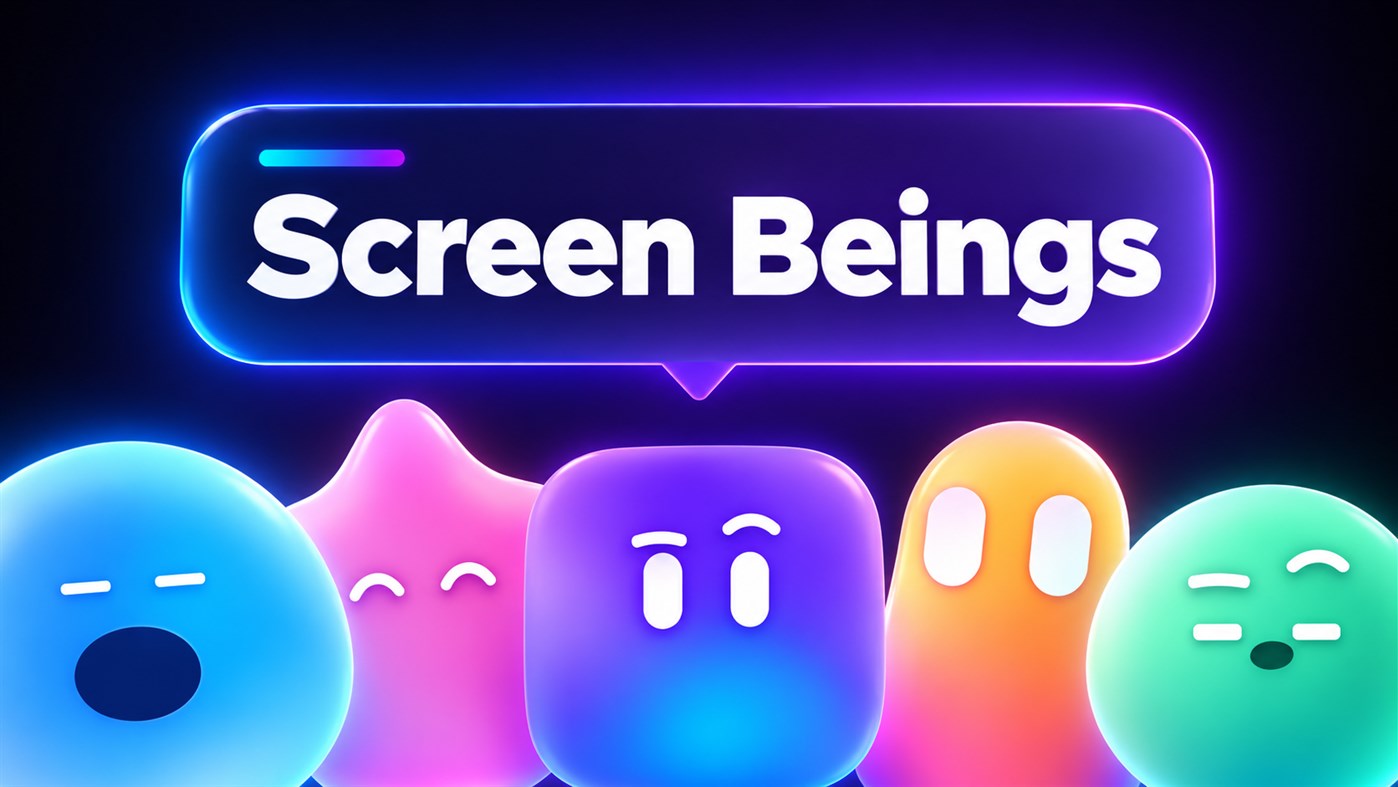
Screen Beings is an accessibility companion for anyone who reads, writes or works on a screen. It is not a window and not a chat box. It is a small being that lives in your screen, moves freely across whatever you are doing, and helps the moment you ask - with one circle of the mouse or one click.

ONE CIRCLE. WHERE YOU DRAW IT DECIDES.
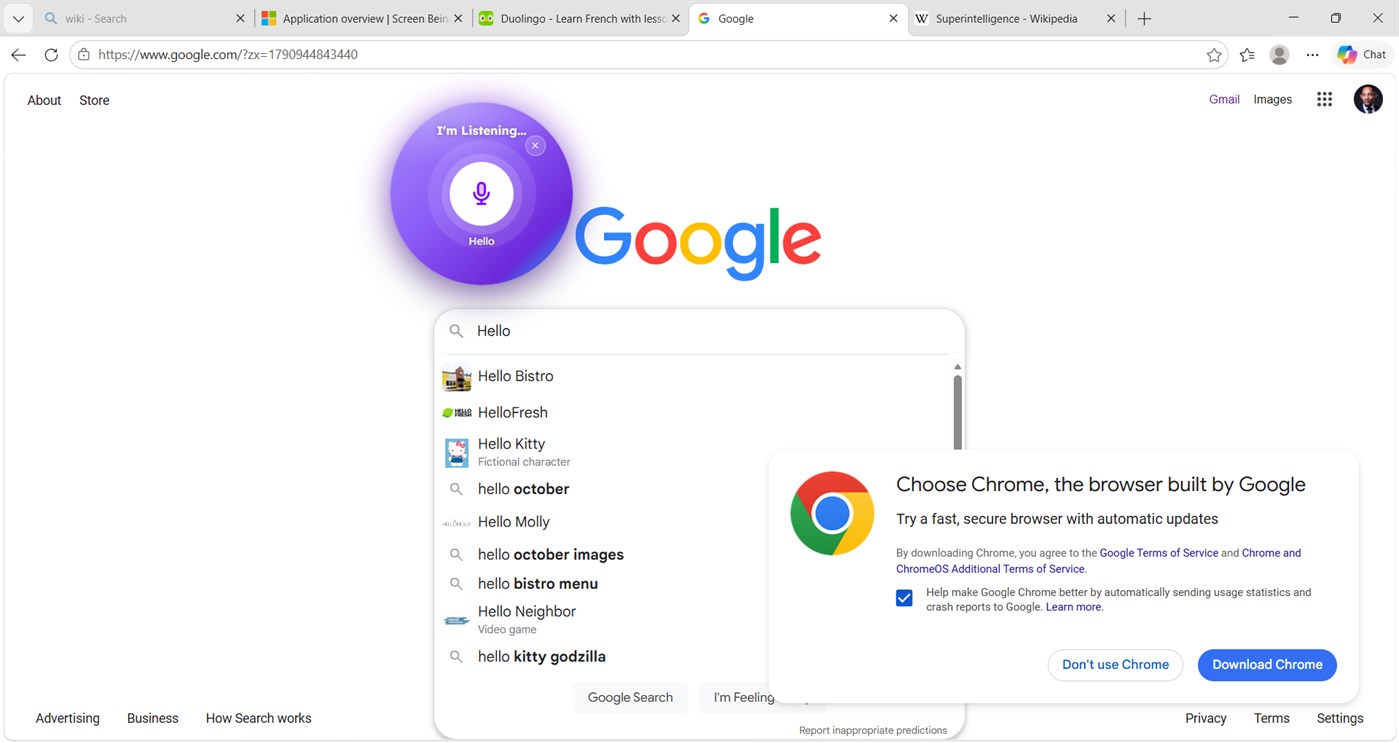
• Click in any text box and draw a small circle: dictation starts. Say it, and it types it.
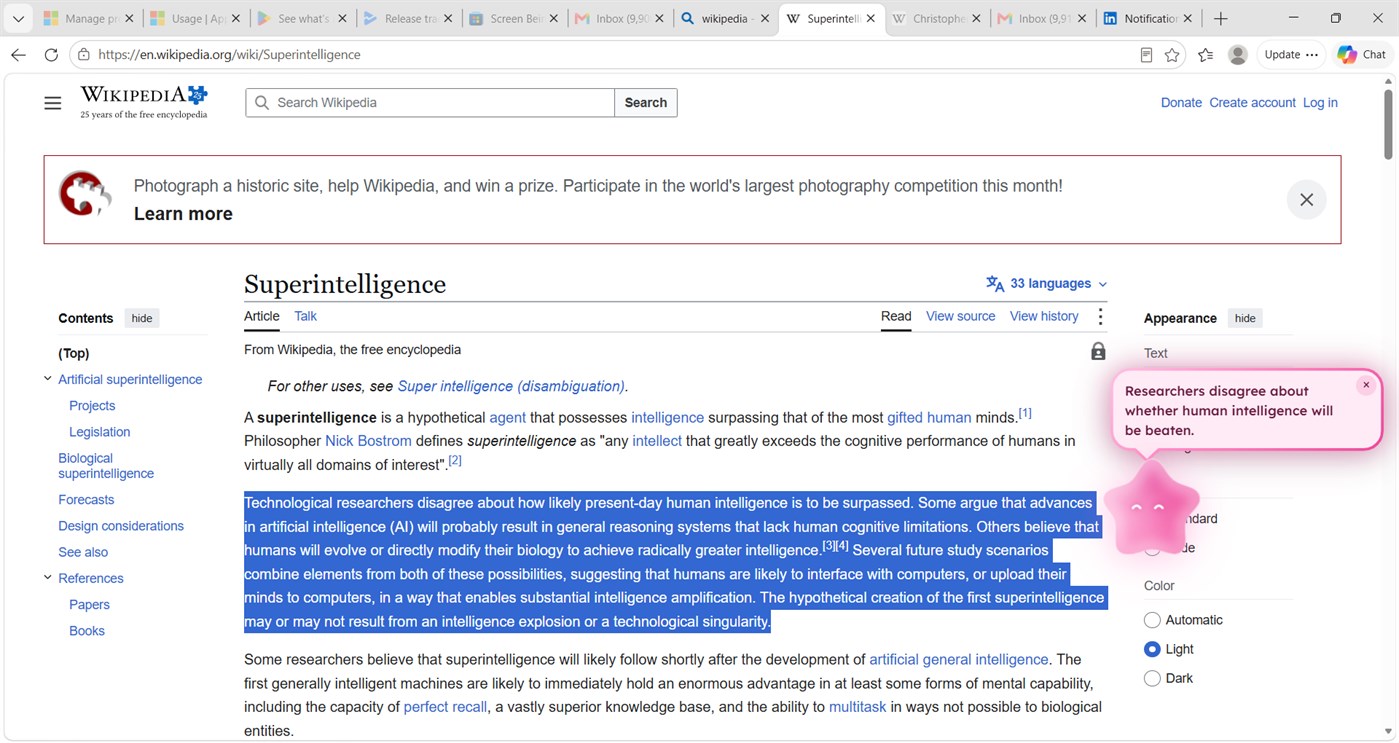
• Highlight any text and circle it: your being comes over and reads it aloud, word by word.
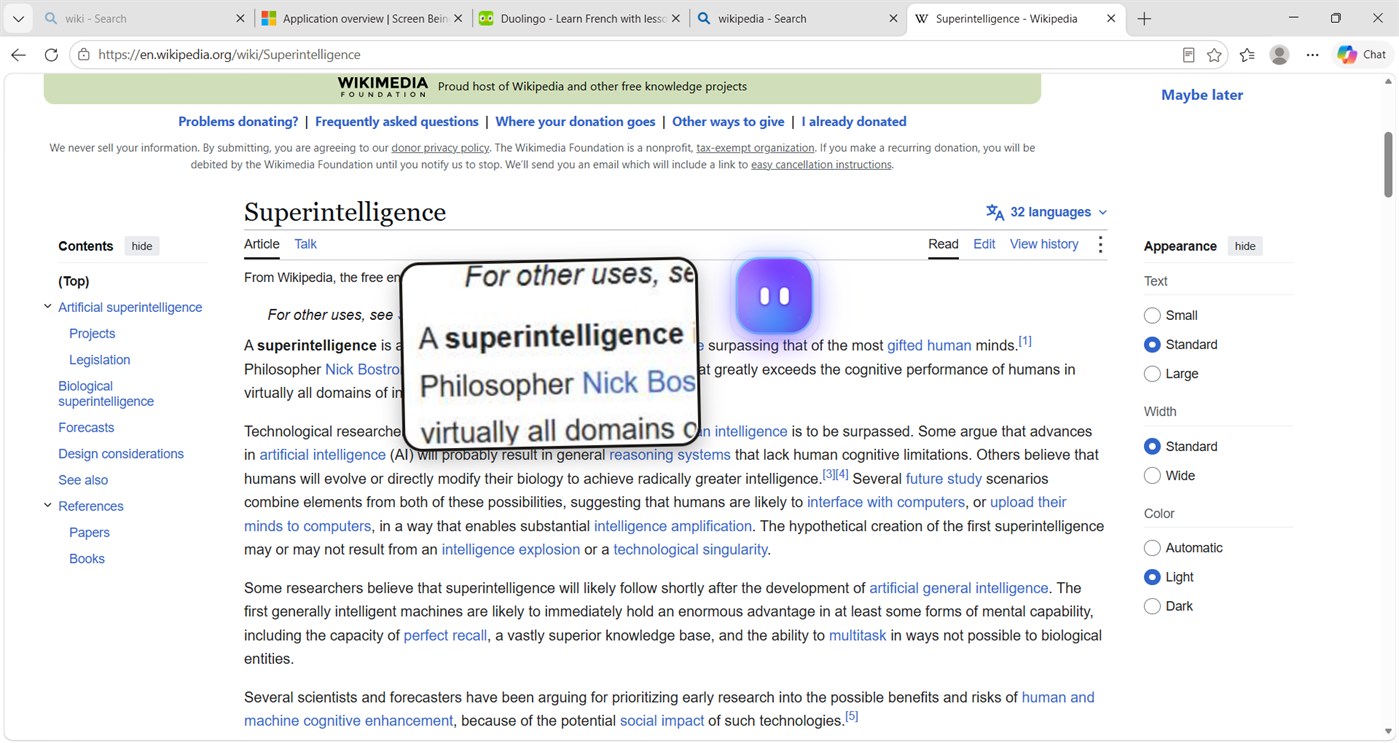
• Draw a big circle anywhere: a magnifier opens where you drew it.
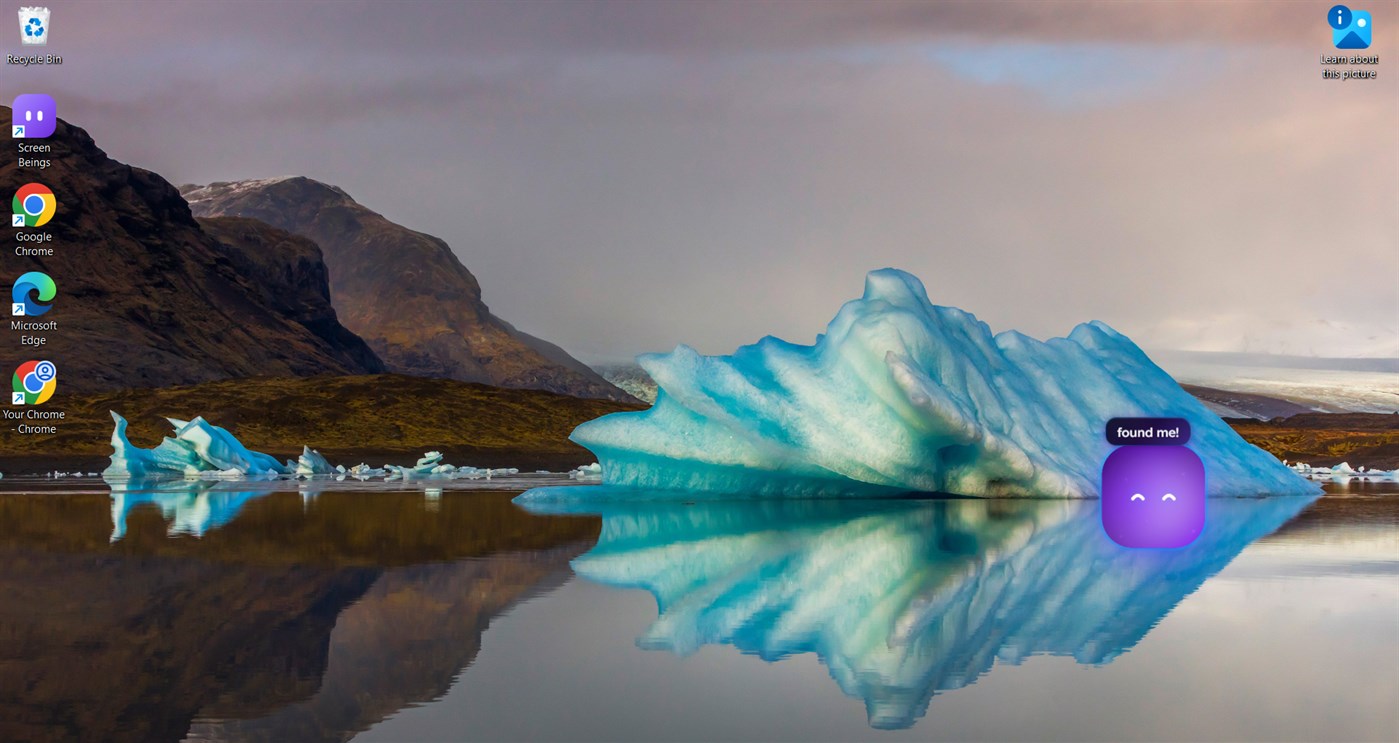
• Draw a small circle anywhere else: your being comes to you.
• Draw a circle again to stop whatever a circle started.
• Spin the mouse on your being: it shrinks and rides beside your cursor until you call it back.

PLAIN WORDS FOR ANYTHING YOU ARE READING
• Click your being, or copy a sentence, and it comes back shorter and in lighter words. A paragraph comes back as its main point.
• A question comes back clearer, with a first step. It never hands over the answer. The point is understanding, not a shortcut.
• A plain-language word book of more than 12,000 words is built in. No internet needed.

ACCESSIBILITY TOOLS, ONE CIRCLE OR TWO CLICKS AWAY
• Read aloud with word-by-word highlighting.
• Zoom: a magnifier lens.
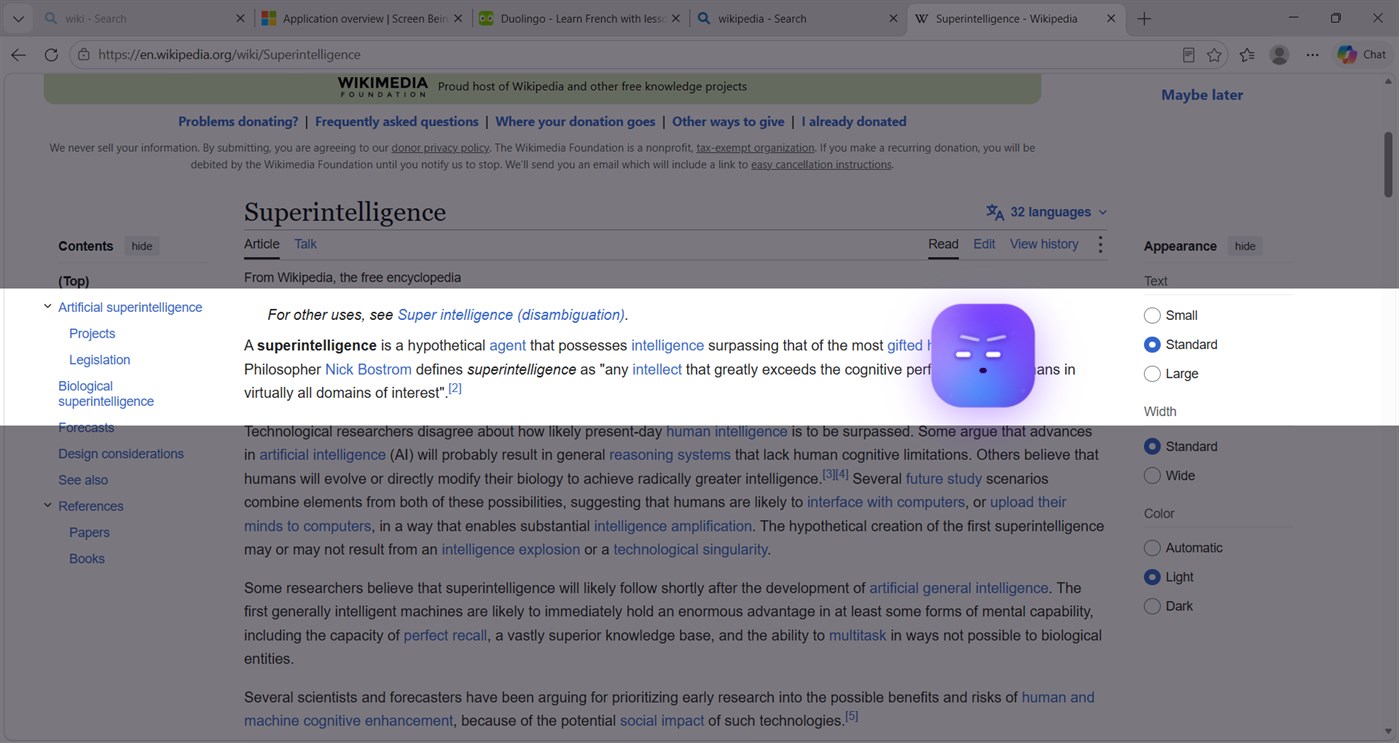
• Highlight: a reading strip that keeps your place on the line.
• Contrast: high contrast, on and off in one click, restored when you are done.
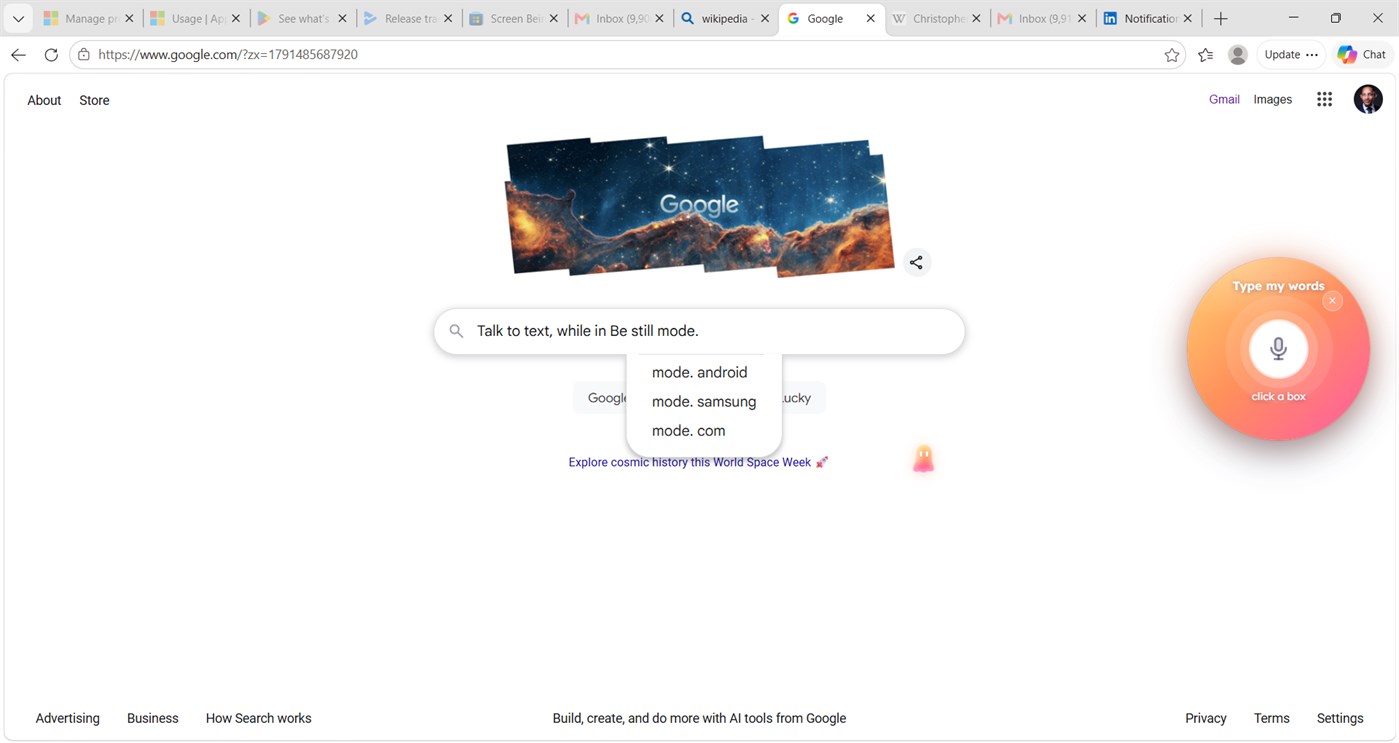
• Talk to text: dictate into any text box, in any app.
• Shake to undo: grab your being and shake it, and an Undo and Redo bubble appears. No keyboard shortcut to remember.

NEVER IN YOUR WAY
• Your being keeps clear of your pointer while you work, and leaves it alone while you type, even when you park it right beside the box you are typing in.
• It stays off the text you are reading and answers beside it, never on top of it.
• Be Still: one spin on your being and it rides tiny beside your cursor. Alt + Space sets everything back to normal.

IT LIVES HERE. YOU ARE VISITING.
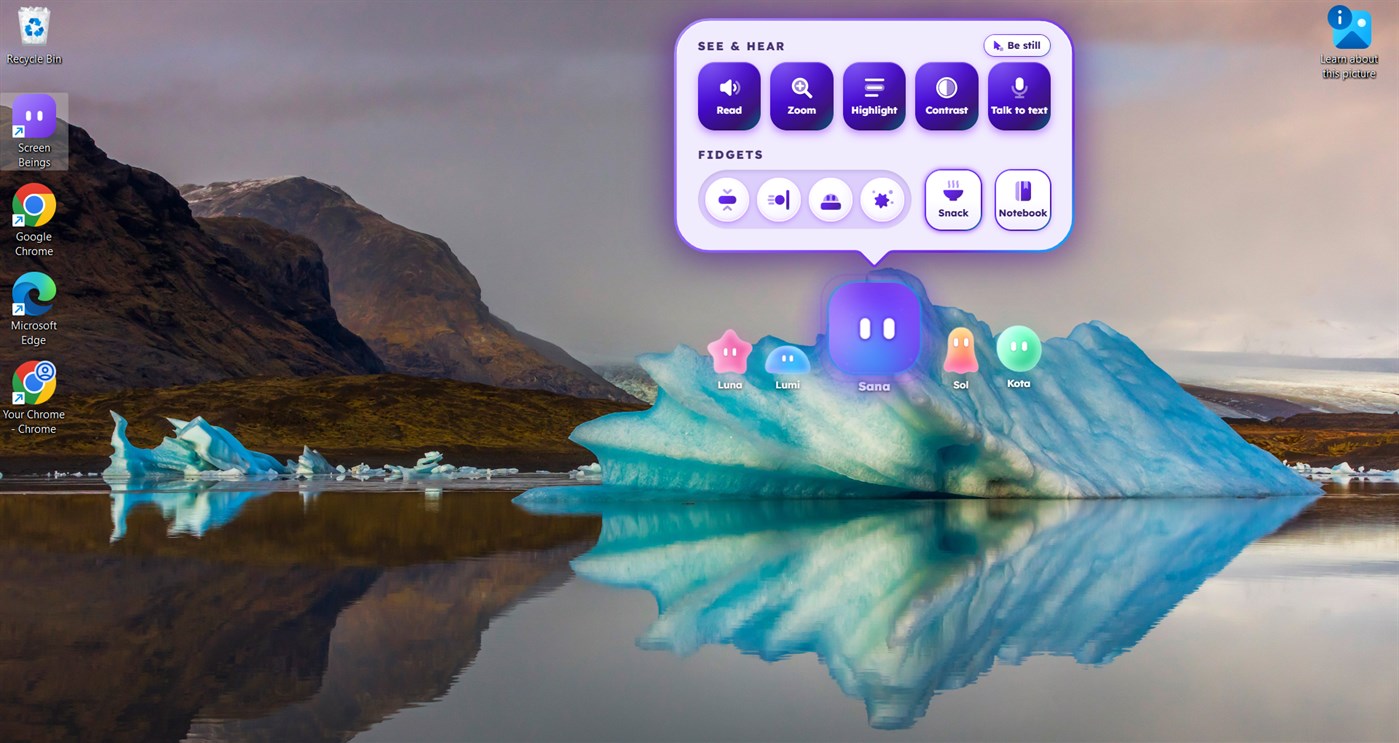
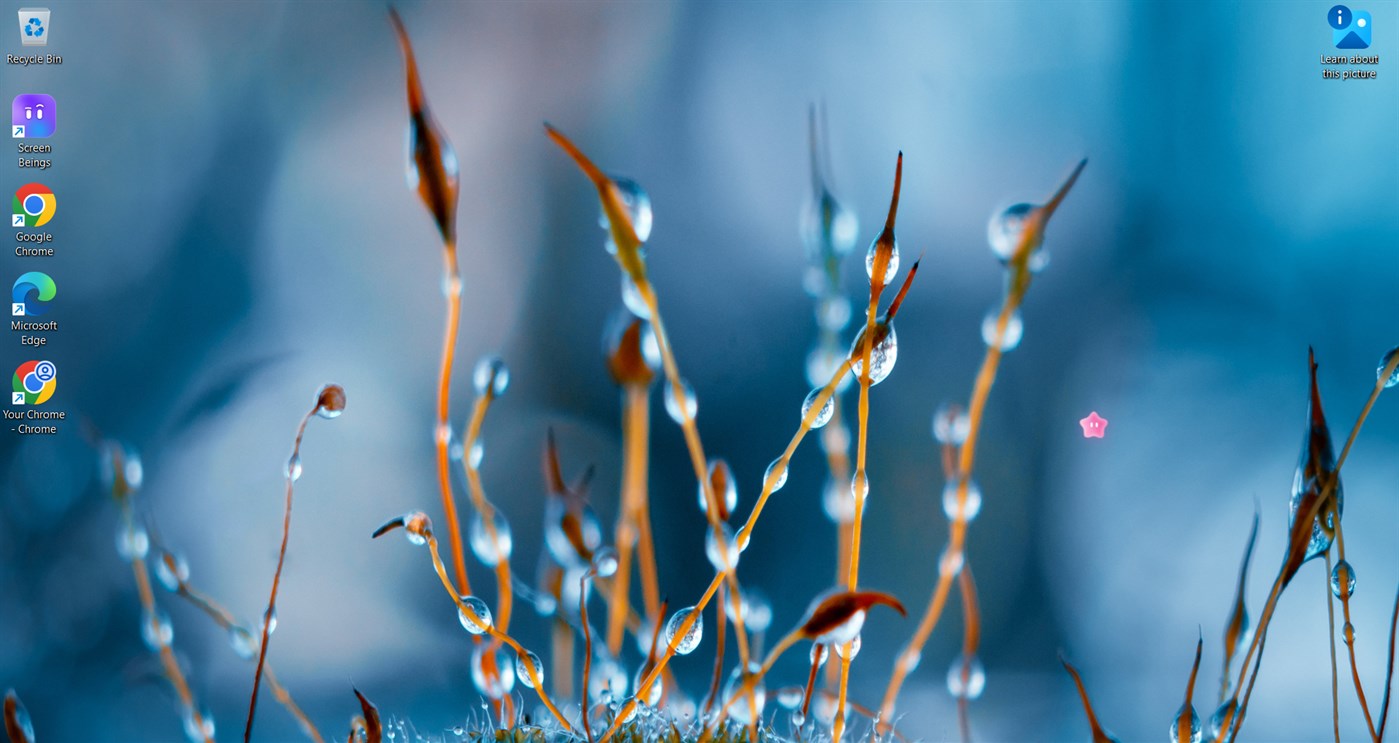
• Five beings: Sana, Luna, Lumi, Sol and Kota, each with its own look and attitude.
• They move freely across your browser, your documents, your whole desktop.
• They have a life of their own: they wander, look around, yawn and stretch (with sound), sneeze, knock on the glass, open doors in the page and walk through them.
• Bump one with your cursor and it has something to say about it.
• They fidget with you: racquetball, squish, hide-and-seek, bubbles, a breathing exercise and more. Feed yours a snack. Switch beings any time.
• This is the part that keeps screen fatigue away: a living thing in your screen gives your eyes somewhere to go between the walls of text.

PRIVATE BY DESIGN
• Everything runs on your computer. No account, no sign-in, no cloud, no AI service.
• Works with the wifi off. Nothing you read, say or type leaves the device.
• No ads. No purchases. No data collection. Free.

FOR EVERYONE
• People who read dense text all day. People who write in chat windows and documents. People who would rather talk than type.
• Built with low vision, dyslexia, ADHD and tired eyes in mind. Useful whether or not any of those words describe you.
• Students and teachers too: a learning Notebook stays on the device, and schools can run an optional classroom mode on their own local network. No vendor servers.

GETTING STARTED
Draw a small circle anywhere and your being comes. Right-click it (or press Alt + T) for its tray: Read, Zoom, Highlight, Contrast, Talk to text, fidgets, Snack, Notebook and the other four beings. Alt + Space sets everything back to normal. A 15-second tour plays the first time.

From the developer ¡

Are you the developer?
Your news at the top of the page, sent to followers by e-mail

Other platforms 0

Screen Beings (Windows Store) Screen BeingsWindows Store7K GoldWindows Free

Only in this store right now.

Price History 0

  • Current price: Free
  • Minimum: Free
  • Maximum: Free
Track prices Add to a list to get discount alerts by email or push
Email¡ · RSS Push¡ · AppAgg Alerts Push¡ · AppAgg Alerts

Lists 1

Points 1

    • +1 Point
  • User: Tarelle Irwin

Rankings 1

Comments 1 ¡

User: Tarelle Irwin
This is my app so I’m a little bias but as someone from the ADHD community that teaches ADHD and neurodivergent youth, I created screen beings to be an accessibility tool instead of an answering mechanism.

Developer 1

What's new

  • Version: PC
  • Last Updated:
  • The circle update.
    • One circle of the mouse does it all: circle a text box to dictate, circle highlighted text to hear it read aloud, draw a big circle to zoom in, a small circle anywhere to call your being, and a circle again to stop.
    • Shake to undo: grab your being and shake it for an Undo and Redo bubble.
    • Never in your way: your being keeps clear of your pointer while you work and leaves it alone while you type.
    • Undo and scrolling show at once in browsers and Google Docs.
    • They yawn and stretch with sound now.
    • Smaller footprint, smoother on battery.
Version history

Additional Information

AppAgg Score

Estimated AppAgg Score for  
Screen Beings
Developer: Tarelle Irwin

7,360 Gold

Higher scores usually reflect better results across AppAgg’s indicators.

Based on:  popularity ·  ratings ·  freshness ·  deals ·  store data ·  community signals

Recalculated daily using fresh AppAgg data.  

Summary

Screen BeingsScreen Beings Short URL: Copied!
  •  
  • Windows Store
On AppAgg, you can track the Windows app “Screen Beings” by Tarelle Irwin, listed under Productivity. AppAgg Score: 7,360 (Gold). AppAgg Points for the app — confirmed: 1; indirect: 0. Public lists containing the app: 1. Users who have saved it in private lists: 0. User rating for the app on AppAgg: 5/5. Number of votes: 1. Comments on the app: 1. Confirmed Points record visits to a store by signed-in AppAgg users; indirect Points are based on store data. AppAgg counts public lists containing an app or game and users who have saved it in private lists. The app was first released on . The app was last updated on . The app is currently available for free. The app is available in these languages: English. Explore the price history, add the app to a list, or follow its developer. Follow future deals and updates for the app via its RSS feed. AppAgg does not host or distribute the app. All trademarks, logos, and screenshots related to the app belong to their respective owners.

 Recent discussions

Recently viewed

 AppAgg users ¡More →

Weekly questsSign in to get 3 quests every week and earn XP for them.
Follow
Sign Up
Sign In
AppAgg
Start using AppAgg. It’s Free!
Sign Up
Sign In