
북마크
이 북마크의 제목을 입력하세요.
북마크가 저장되었습니다
| 개발자: | String Software Pvt Ltd (22) | ||
| 가격: | 무료 신규 | ||
| 종합 점수: | 1,250 골드 | ||
| 순위: | 0 | ||
| 댓글: | 0 댓글 게시 | ||
| 목록: | 0 + 0 | ||
| 포인트: | 0 + 0 ¡ | ||
| +1 포인트 | |||
홈 화면의 나만의 피드 ¡
“신규 및 업데이트” 피드의 플랫폼을 선택하면 홈 화면에 필요한 앱과 게임만 표시됩니다.
스크린샷 8
광고
설명

It is also a powerful password generation and management tool. The built-in password generator and manager help you create strong and unique passwords and store them securely. This allows you to easily maintain high-strength security practices without having to remember complex credentials.
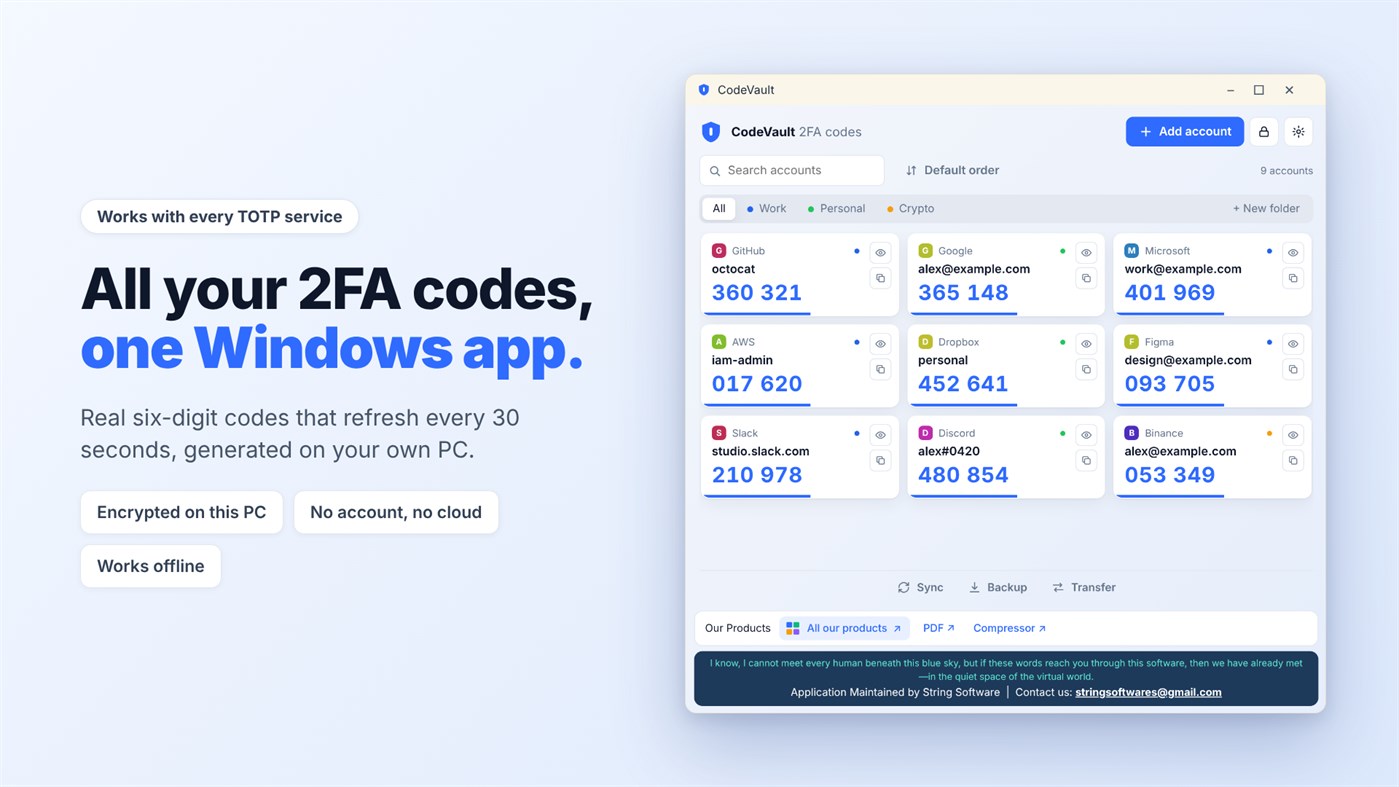
The app is designed with security, simplicity, and performance in mind. Your authentication codes are generated locally on your device, ensuring fast access and reliable protection.
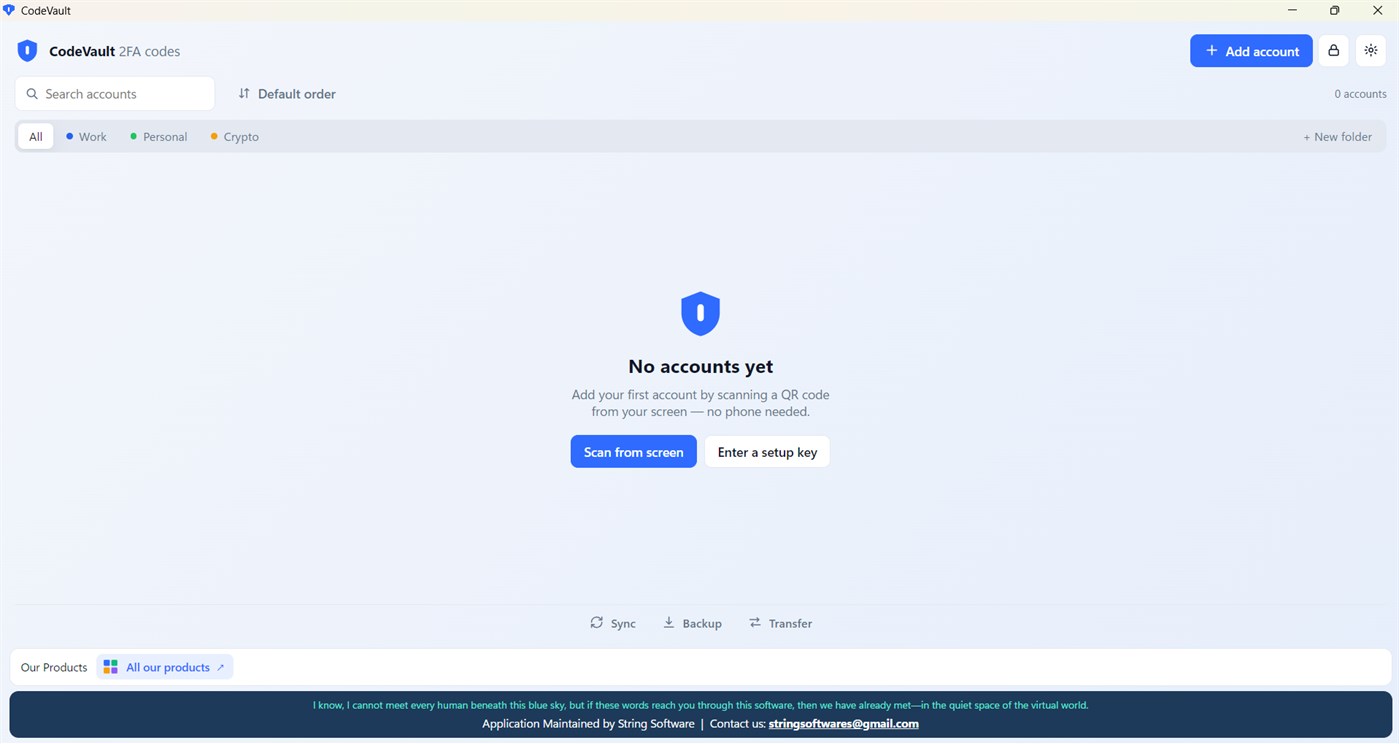
It works with any website or app that supports authenticator codes (TOTP, RFC 6238). Your codes are created on your own PC. You don't need an account, and nothing is sent to a cloud server. It even works without an internet connection.
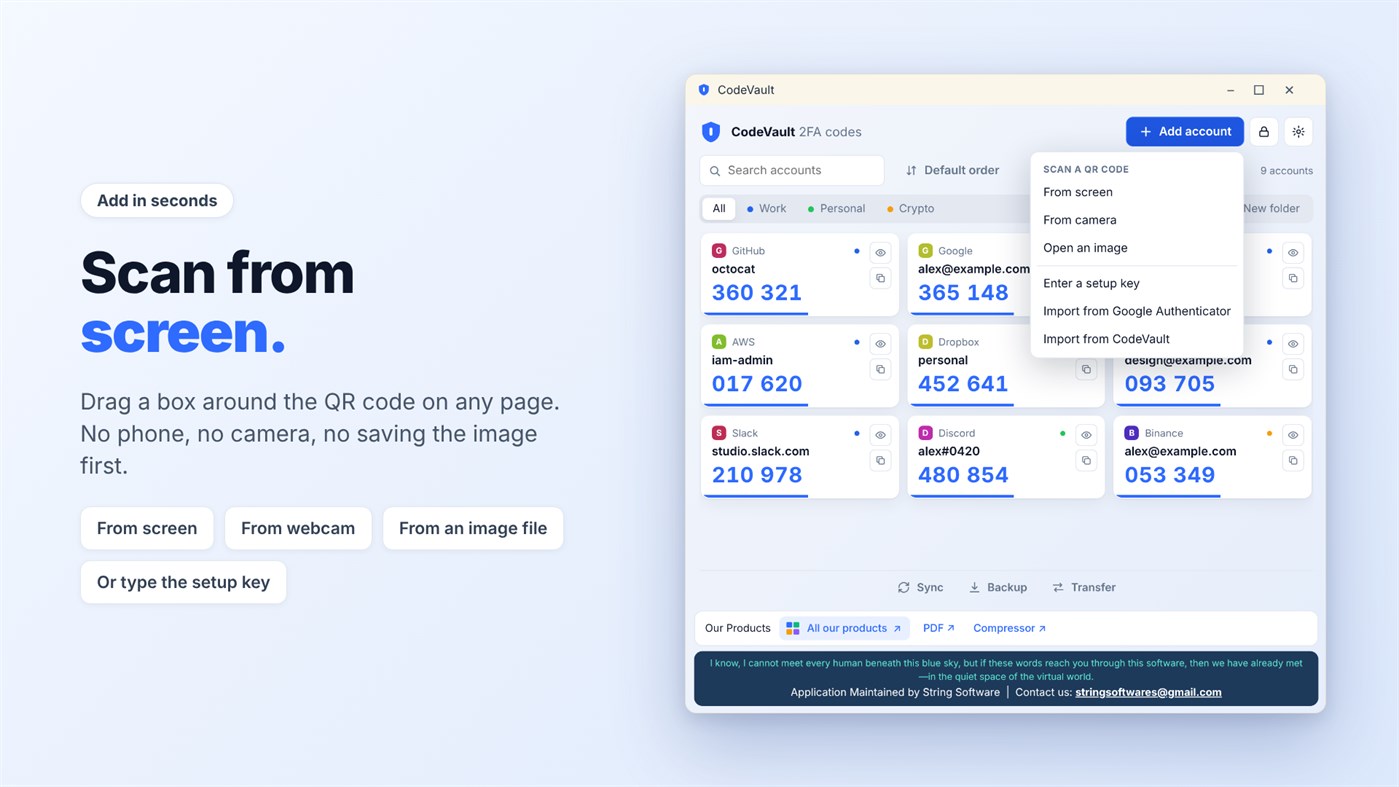
ADD ACCOUNTS IN SECONDS
Drag a box around any QR code on your screen. No phone and no camera are needed. You can also scan with a webcam, open an image, or type the setup key.
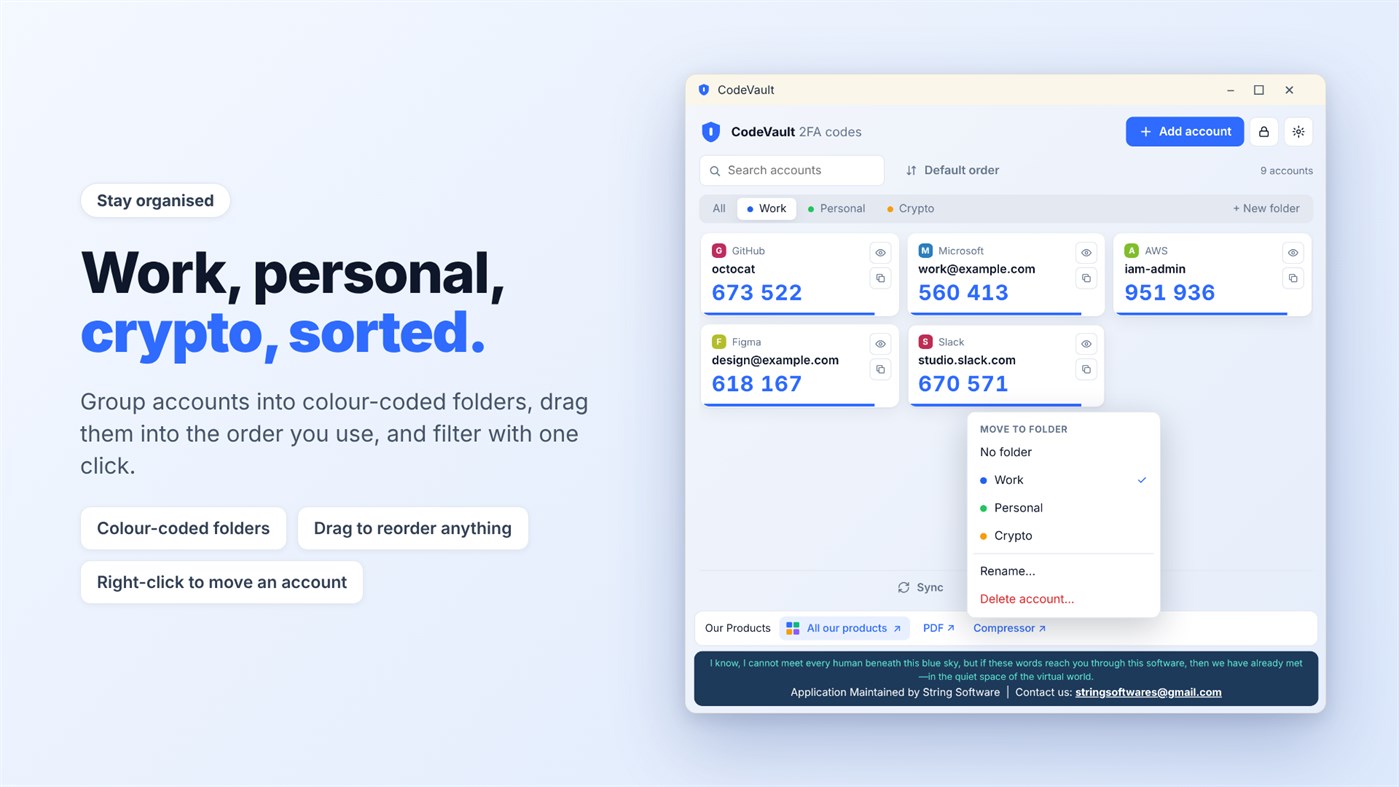
KEEP EVERYTHING ORGANISED
Sort your accounts into colour-coded folders such as Work, Personal and Crypto. Search, drag to reorder, or right-click to move an account.
LOCKED BY YOU
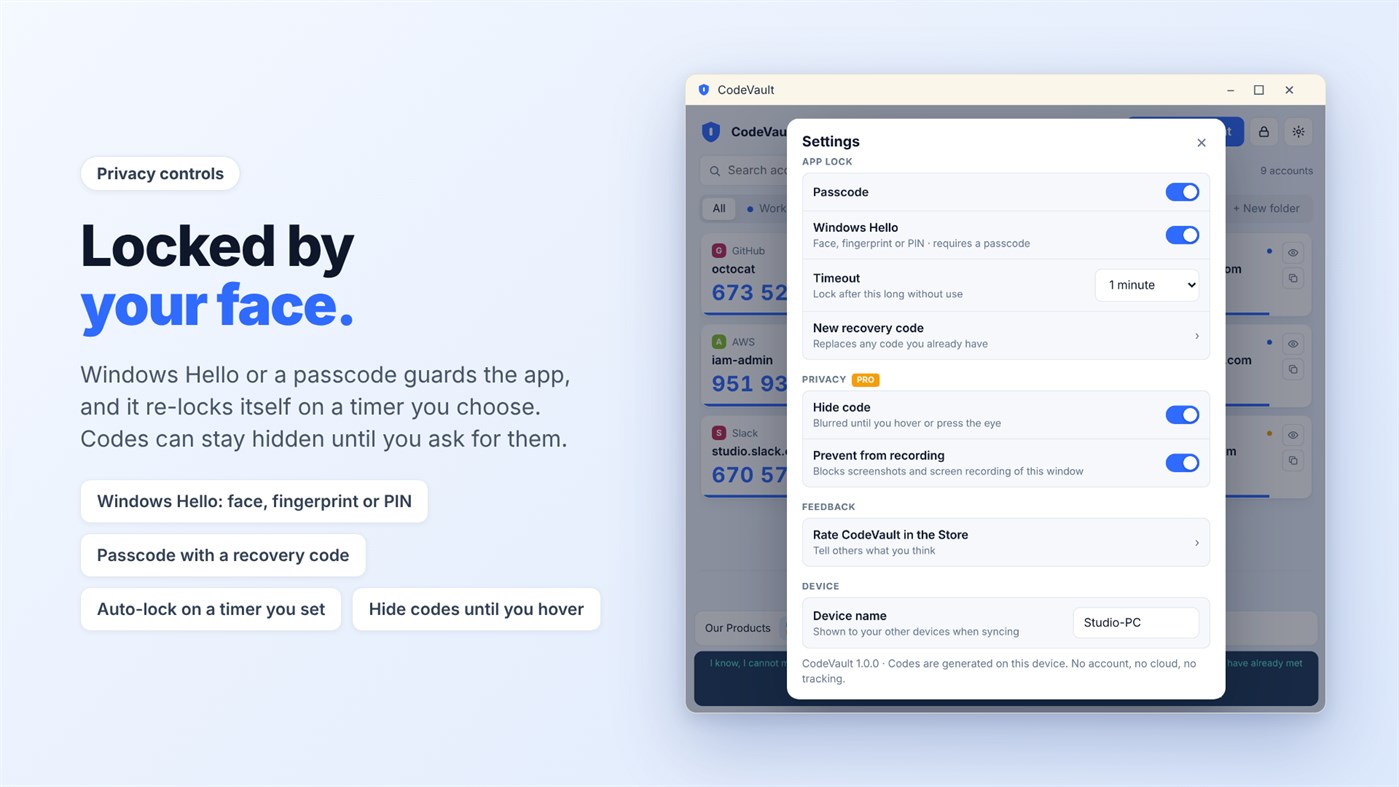
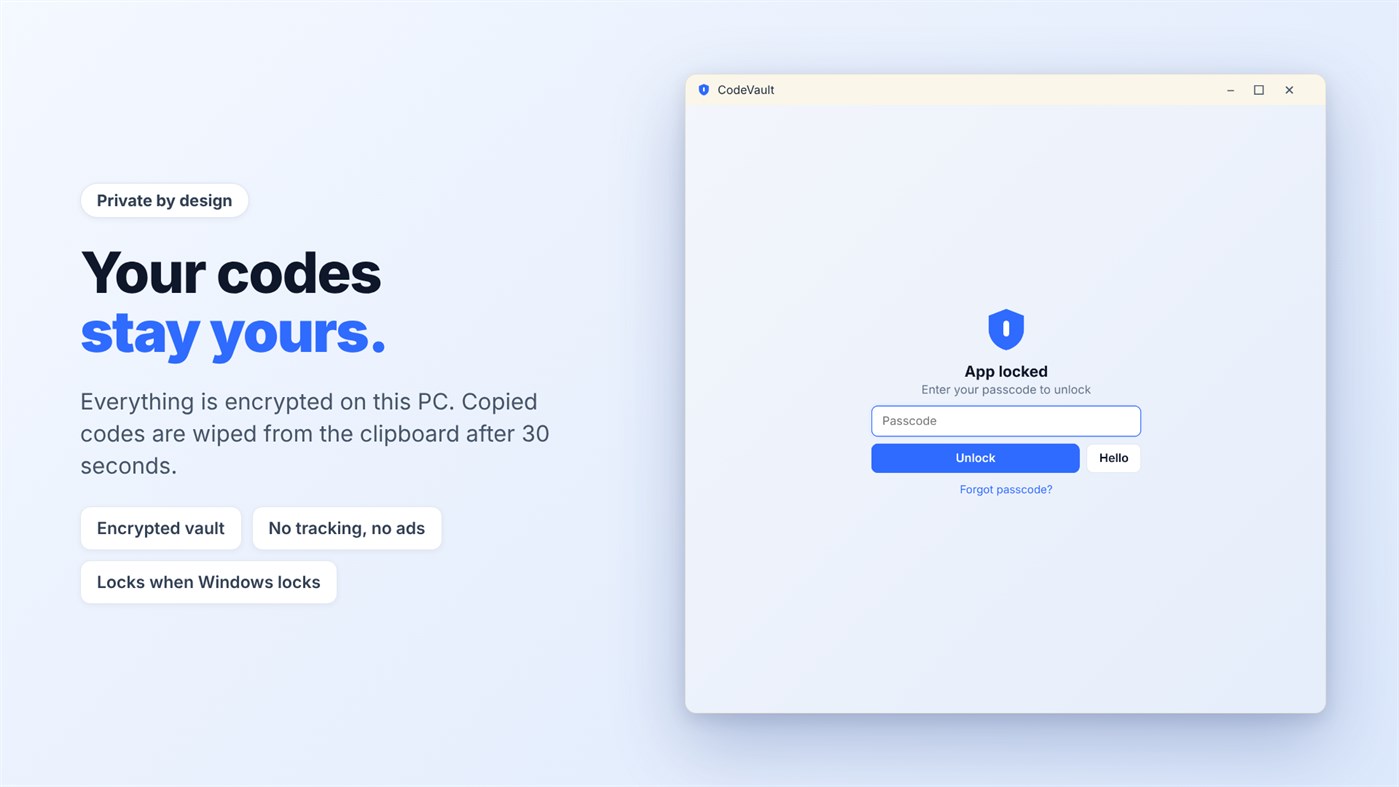
Protect the app with a passcode or Windows Hello (face, fingerprint or PIN). It locks itself after a time you choose. You can hide codes until you hover over them, and copied codes are cleared from the clipboard after 30 seconds.
NEVER LOSE ACCESS
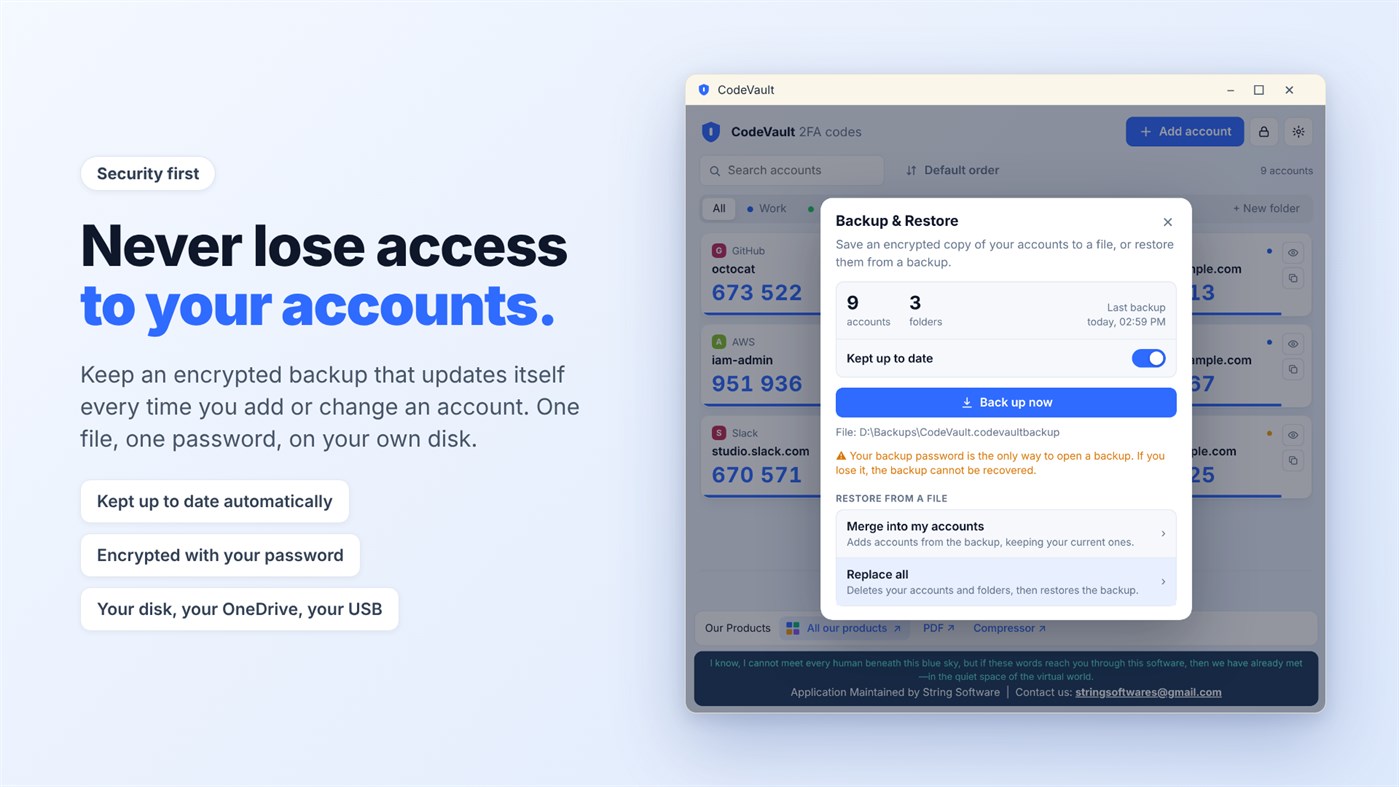
Turn on an encrypted backup that updates itself whenever you add or change an account. The file is protected with your own password and saved wherever you choose, such as your disk, OneDrive or a USB drive.
SYNC WITHOUT A SERVER
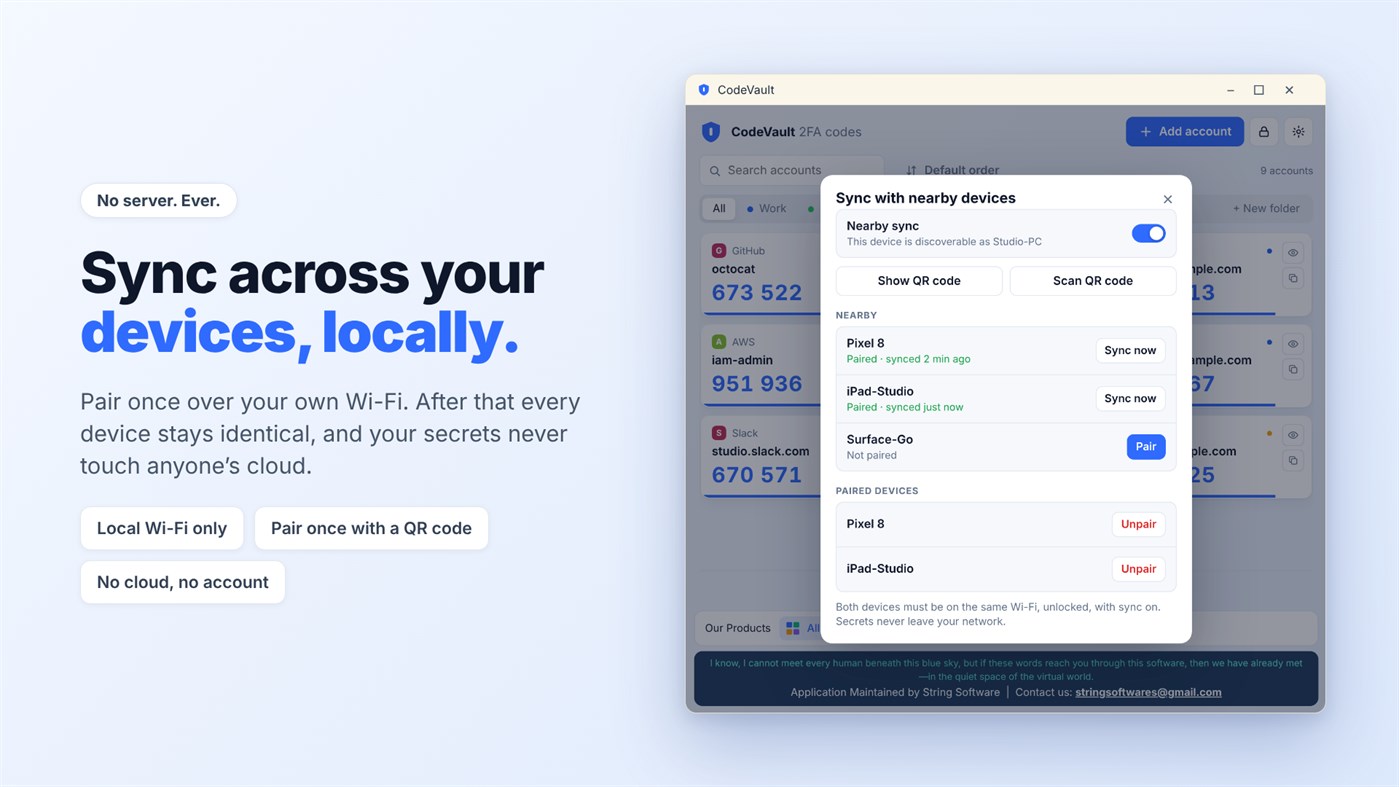
Pair your devices once over your own Wi-Fi, and they stay identical. Your secrets never leave your network.
MOVE IN, MOVE OUT
Import from Google Authenticator, move accounts between your own devices using QR codes, or export everything. Your keys are yours, and there is no lock-in.
개발자 소식 ¡
개발자이신가요?
페이지 맨 위에 소식을 올리고 팔로워에게 이메일로 보내기
다른 플랫폼 0
| CodeVaultWindows Store1K 골드Windows | 무료 |
현재 이 스토어에서만 이용할 수 있습니다.
가격 기록 0
- 현재 가격: 무료
- 최소: 무료
- 최대: 무료
목록 0
-
 CodeVault
포인트 0
-

- +1 포인트

순위 0
-
- 내 평점
댓글 0 ¡
가장 먼저 댓글을 남겨주세요
개발자 22
- String Software Pvt Ltd
- 팔로워: 0
- 플랫폼: Windows 앱 (22)
- 할인: 0
- 목록: 0 + 0
- 포인트: 0 + 0 ¡
- 순위: 0
- 댓글: 0
- 동영상: 0
- RSS: 구독
새로운 기능
- 버전: PC
- 마지막 업데이트:
추가 정보
AppAgg 점수
1,250
AppAgg 예상 점수:
CodeVault
개발자: String Software Pvt Ltd
1,250 골드
점수가 높을수록 대체로 AppAgg의 여러 지표에서 좋은 결과를 보인다는 뜻입니다.
기준: 인기 · 사용자 평점 · 최신성 · 할인 · 스토어 데이터 · 커뮤니티 활동
최신 AppAgg 데이터를 바탕으로 매일 다시 계산됩니다.
웹사이트용 배지:  복사됨!
요약
CodeVault 단축 URL: 복사됨!- Windows Store
AppAgg에서 앱 ‘CodeVault’의 정보를 확인할 수 있습니다. 개발자: String Software Pvt Ltd. 플랫폼: Windows. 카테고리: 보안. AppAgg 점수: 1,250 (골드). 이 앱의 AppAgg 포인트: 확인된 포인트 0, 간접 포인트 0. 이 앱이 포함된 공개 목록: 0개. 비공개 목록에 저장한 사용자: 0명. AppAgg 사용자가 아직 이 앱에 별점을 남기지 않았습니다. 확인된 포인트는 로그인한 AppAgg 사용자가 스토어로 이동한 기록을 반영합니다. 간접 포인트는 스토어 데이터를 바탕으로 합니다. 두 숫자는 공개 목록 수와 비공개 목록에 저장한 사용자 수를 나타냅니다. 이 앱의 최초 출시일은 입니다. 이 앱의 마지막 업데이트 날짜는 입니다. 이 앱은 현재 무료로 이용할 수 있습니다. 이 앱은 다음 언어를 지원합니다: 영어. 가격 기록을 확인하거나 앱을 목록에 추가하고 개발자를 팔로우할 수 있습니다. 이 앱의 향후 할인과 업데이트는 RSS 피드에서 확인할 수 있습니다. AppAgg는 이 앱을 호스팅하거나 배포하지 않습니다. 이 앱과 관련된 모든 상표, 로고 및 스크린샷은 각 소유자에게 귀속됩니다.


