
Mentettek
Válassza ki a nevet, amely a Mentettek menüben fog megjelenni.
Kész!
| Fejlesztő: | Nektony LLC (12) | ||
| Ár: | $34.99 | ||
| Értékelés: | 9,480 Legenda | ||
| Rangsorolások: | 0 | ||
| Hozzászólások: | 0 Megjegyzés közzététele | ||
| Listák: | 1 + 2 | ||
| Pontok: | 6 + 0 ¡ | ||
| +1 Pontok | |||
Ismertető

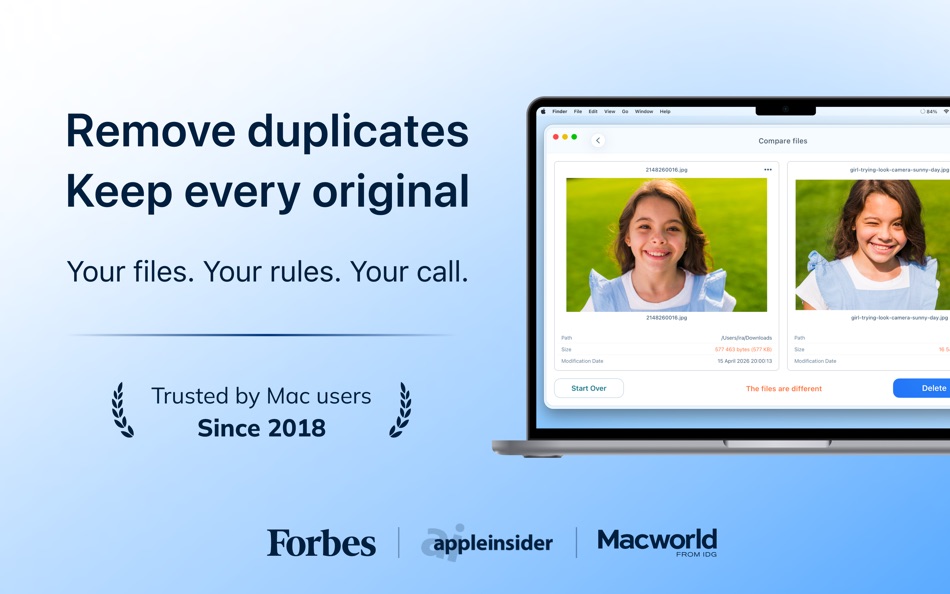
With Duplicate File Finder Pro, you can find duplicate files on a Mac’s hard drive or on any external disk. This duplicate cleaner accurately compares files and folders and finds duplicates, including duplicate photos, duplicate music, and even similar media files.
Steps for removing duplicate photos on a Mac:
Scan a disk, folder, or your Photos Library for duplicates → Select duplicate files and folders → Review and remove duplicates.
Duplicate File Finder Pro provides a wide set of features to find duplicate files and folders on a Mac, organize or delete duplicate photos, and even view Similar folders and merge them.
Duplicate File Finder Pro allows you to:
▸ Find any type of duplicate files: duplicate music, duplicate photos, videos, documents, and so on.
▸ Find duplicates on any drive type (external, network, and cloud storage
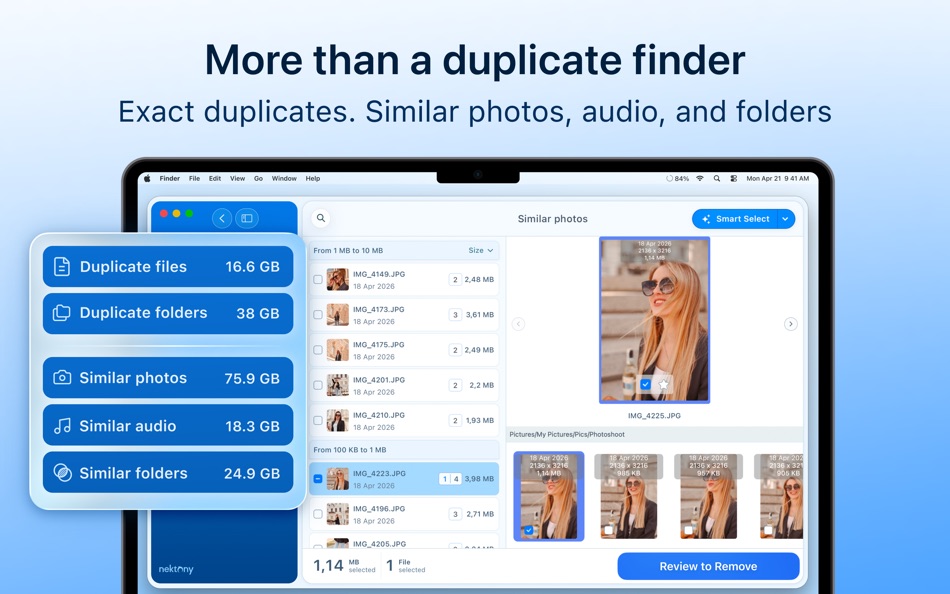
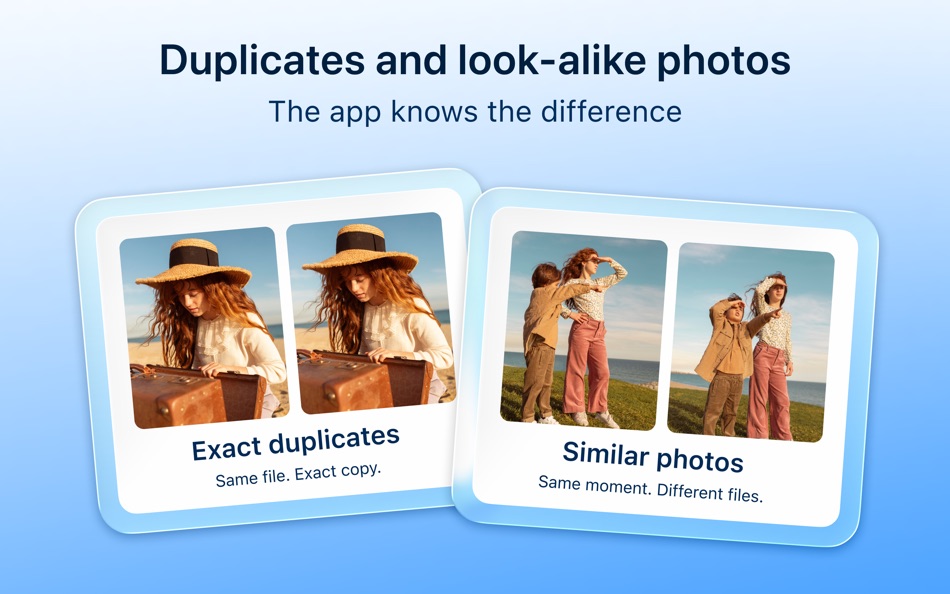
▸ Find duplicate photos and similar images
▸ Find similar audio files
▸ Scan multiple Photos Libraries for duplicate and similar photos
▸ Sort duplicates by categories (type, name, count, path, size)
▸ Remove duplicate files and folders
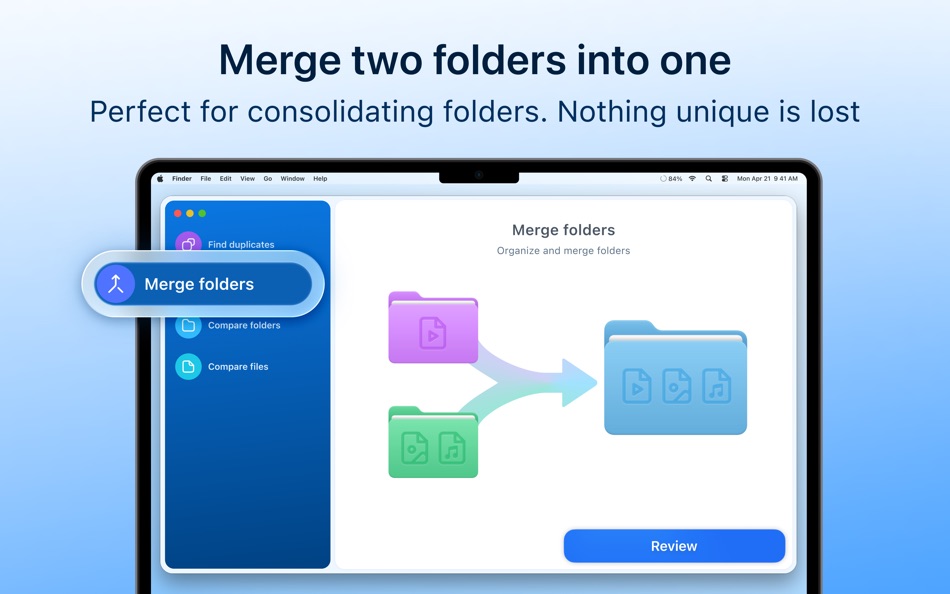
▸ Merge similar folders
▸ Merge any two folders into a new one
▸ Batch merge multiple folders
▸ Choose folders where duplicates should be removed or kept with the “Select by folders” option
▸ Specify the priority folder for the Smart Select option
▸ Add any file, folder, or file extension to the Skip List
▸ Move selected duplicates to a specific folder instead of removing them
▸ Restore deleted duplicates
Check how much space each duplicate takes on your Mac with our duplicate checker. You can also see a list of the biggest similar folders that contain both identical and unique files.
List of the best features of Nektony’s duplicate photo finder:
SEARCH FOR DUPLICATE FILES:
▸ Fast scanning algorithm
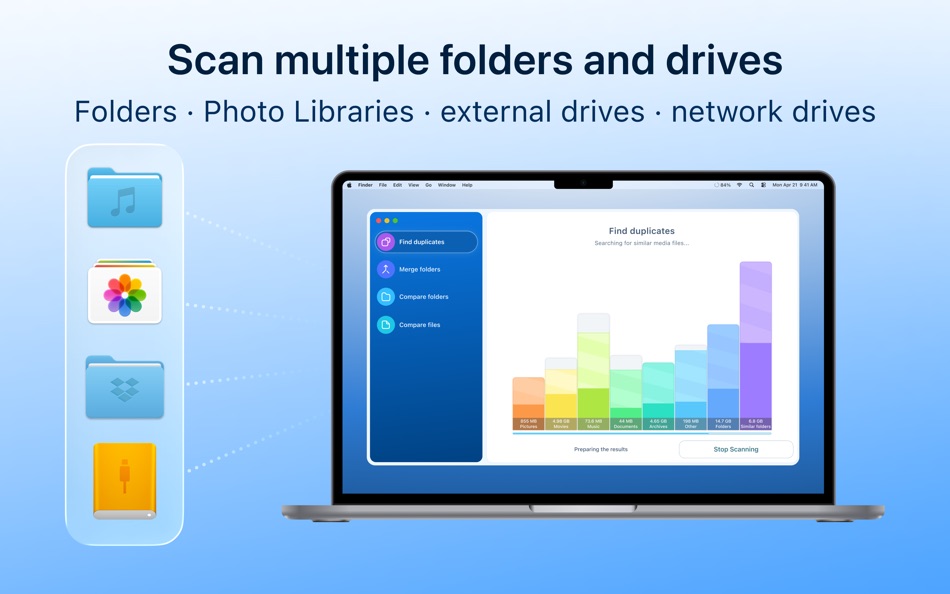
▸ Scanning for duplicates in multiple folders, drives, and Photos Libraries
▸ Support for external drives and mounted network folders
▸ "Recents" for scanned folders
▸ Animated scanning process
▸ Support for scanning hidden folders
FIND DUPLICATES:
▸ Preview duplicates by category
▸ Preview duplicates with Quick Look
▸ List of similar folders
▸ Visual folder similarity map
▸ Quick-find bar
▸ Flexible sorting and filtering
REMOVE DUPLICATES:
▸ Selected files summary
▸ One-click selection of multiple duplicate files
▸ Smart duplicate autoselection with custom rules
▸ "Always select" and "Never select" options
▸ Confirmation list for duplicate removal
▸ Flexible removal: Trash, permanent Delete, or move to folder
REMOVE SIMILAR MEDIA FILES
▸ Find a series of similar photos
▸ Find similar music files
▸ Preview groups of similar photos and audio files
▸ Compare similar photos/audio in each group of series
▸ Click the Star icon to select the best photo/audio and remove other files in each series
MERGE FOLDERS
▸ Merge two similar folders
▸ Merge any multiple folders
▸ Merge any two folders into a new folder
▸ Move unique files from one folder to another
▸ Copy unique files from one folder to another
▸ Tag merged files
Duplicate File Finder Pro is the best duplicate photo finder. Use the application to organize duplicate content or get rid of duplicate files taking up valuable disk space on your Mac.
NOTE: If you have any comments, general questions, or technical issues, please contact us directly at support@nektony.com. We will respond within one business day.
Hirdetés
Képernyőképek


Ártörténet
- Jelenlegi ár: $34.99
- Minimális: $9.99
- Maximális: $34.99
Árak nyomon követése Add listához, hogy e-mailben vagy push értesítésben kapj kedvezményriasztásokat
AppAgg-értékelés
9,480
Becsült AppAgg-értékelés:
Duplicate File Finder Pro
Fejlesztő: Nektony LLC
9,480 Legenda
A magasabb értékelések általában erősebb jeleket jelentenek az AppAgg-en.
Alapja: népszerűség · felhasználói értékelések · frissesség · akciók · áruházi adatok · közösségi aktivitás
Naponta újraszámítjuk a friss AppAgg-adatok alapján.
Rövid URL: Másolva!
Újdonságok
- Változat: 9.2.2
- Utolsó frissítés:
- The app icon now adapts to macOS appearance styles, and Smart Select picks the right duplicates even more accurately.
Ideas or questions are always welcome at support@nektony.com.
További információk
- Kiadás dátuma:
- Kategória:
macOS-alkalmazások›Segédprogramok - Operációs rendszer:
macOS,macOS 11.0 és újabb - Méret:
22 Mb - Támogatott nyelv:
Chinese,English,French,German,Italian,Russian,Spanish,Ukrainian - Tartalom besorolása:
4+ - Mac App Store Értékelés: ¡
0
 https://nektony.com/duplicate-finder-free
Fejlesztő
- Nektony LLC
- Követők: 0
- Platformok: iOS Alkalmazások (2) macOS Alkalmazások (10)
- Kedvezmények: 0
- Listák: 2 + 3
- Pontok: 34 + 919 ¡
- Rangsorolások: 0
- Hozzászólások: 0
- Videók: 0
- RSS: Feliratkozás
Listák (1)
- Duplicate File Finder Pro

Pontok (6)




Rangsorolások (0)
0
Hozzászólások (0)
Legyen Ön az első, aki hozzászól
Röviden
Duplicate File Finder Pro Rövid URL: Másolva!- Mac App Store
Kövesd az AppAggon ezt az alkalmazást: „Duplicate File Finder Pro”. Fejlesztő: Nektony LLC; platform: macOS; kategória: Segédprogramok. AppAgg-értékelés: 9,480 (Legenda). Az alkalmazás AppAgg-pontjai: megerősített — 6; közvetett — 0. Az alkalmazást tartalmazó nyilvános listák száma: 1. Felhasználók, akik privát listákra mentették: 2. Az AppAgg felhasználói még nem értékelték az alkalmazást. A megerősített pontok a bejelentkezett AppAgg-felhasználók áruházi átkattintásait rögzítik. A közvetett pontok az áruházak adatain alapulnak. A két számláló a nyilvános listák számát és a privát listára mentő felhasználók számát mutatja. Az alkalmazás első megjelenése: . Az alkalmazás legutóbbi frissítése: . Az alkalmazás jelenlegi ára $34.99. Az alkalmazás legalacsonyabb rögzített ára $9.99 (), legmagasabb ára $34.99 () volt. Az alkalmazás támogatott nyelvei: Chinese, English, French, German, Italian, Russian, Spanish, Ukrainian. Nézd meg az árelőzményeket, add az alkalmazást egy listához, vagy kövesd a fejlesztőt. Kövesd az alkalmazás jövőbeli akcióit és frissítéseit az RSS-hírcsatorna segítségével. Az AppAgg nem tárolja a szerverein és nem terjeszti ezt az alkalmazást. Az alkalmazáshoz kapcsolódó valamennyi védjegy, logó és képernyőkép a jogos tulajdonosé.

