
Đã lưu
Chọn tên sẽ hiển thị trong menu Đã lưu của bạn.
Làm xong!
| Nhà phát triển: | Enpass Technologies Private Limited (3) | ||
| Giá bán: | * Miễn phí | ||
| Xếp hạng: | 0 | ||
| Bình luận: | 0 Đăng bình luận | ||
| Danh sách: | 2 + 1 | ||
| Điểm: | 0 + 360 (3.9) ¡ | ||
| +1 Điểm | |||
Mô tả

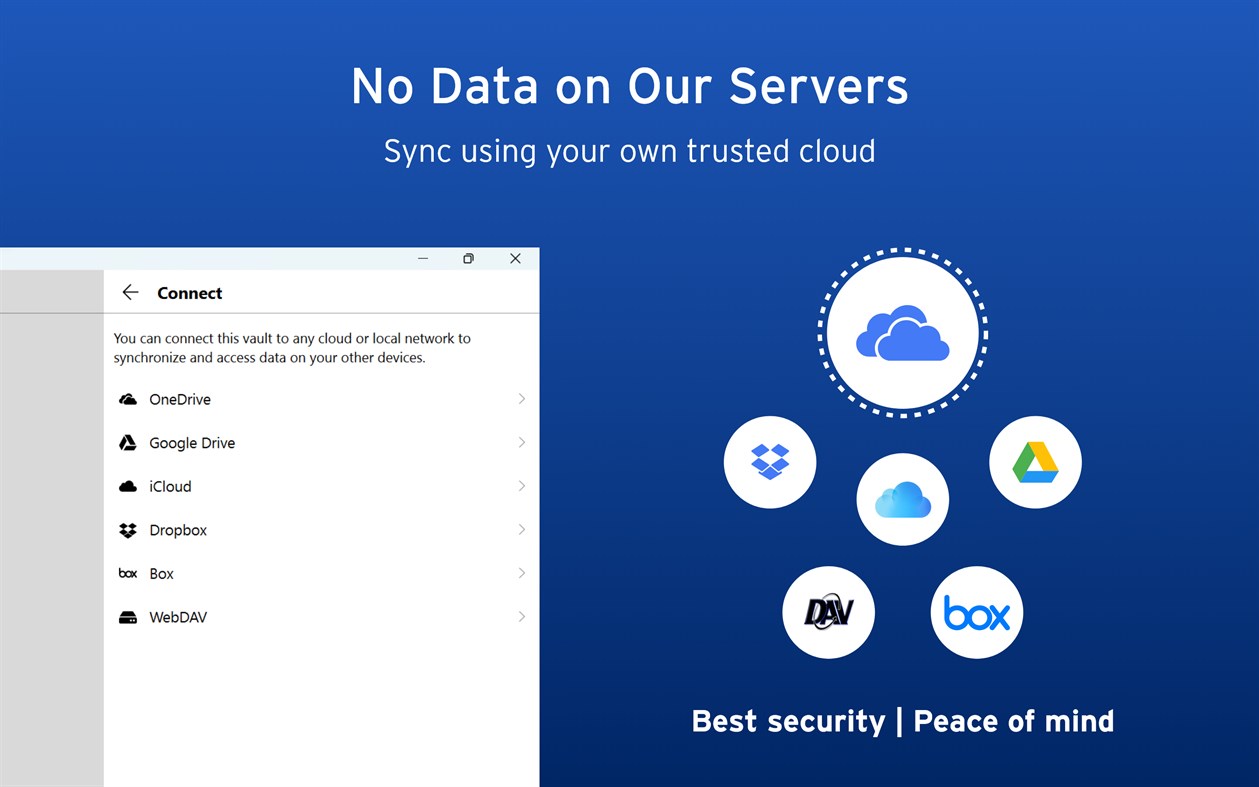
Enpass believes your data belongs to you. Instead of keeping everyone’s passwords on a central server like most password managers, with Enpass YOU choose where your encrypted vaults are stored and synced.
● Enpass works with OneDrive, iCloud, Google Drive, Box, Dropbox, NextCloud, WebDAV, or completely offline.
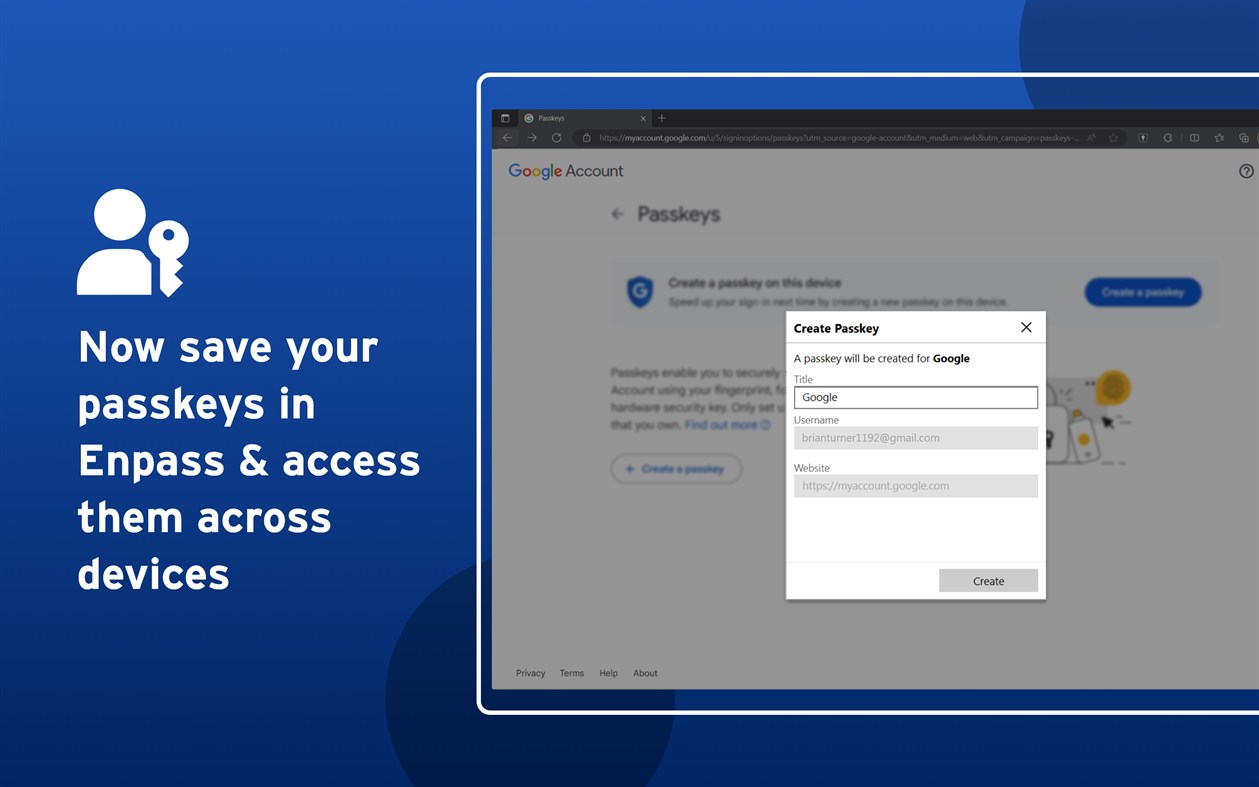
● And with support for storing and syncing passkeys across devices, Enpass is ready for the password-less future.
WHY ENPASS IS SAFER
● Most password managers store every user’s vaults in their own central server, making a tempting single target for hackers
But with Enpass, hackers would have to
- Target you personally
- Know which cloud services you’ve chosen for your vaults
- Have the credentials to those cloud accounts
- Get past each account's multi-factor authentication
- And know your Enpass master password
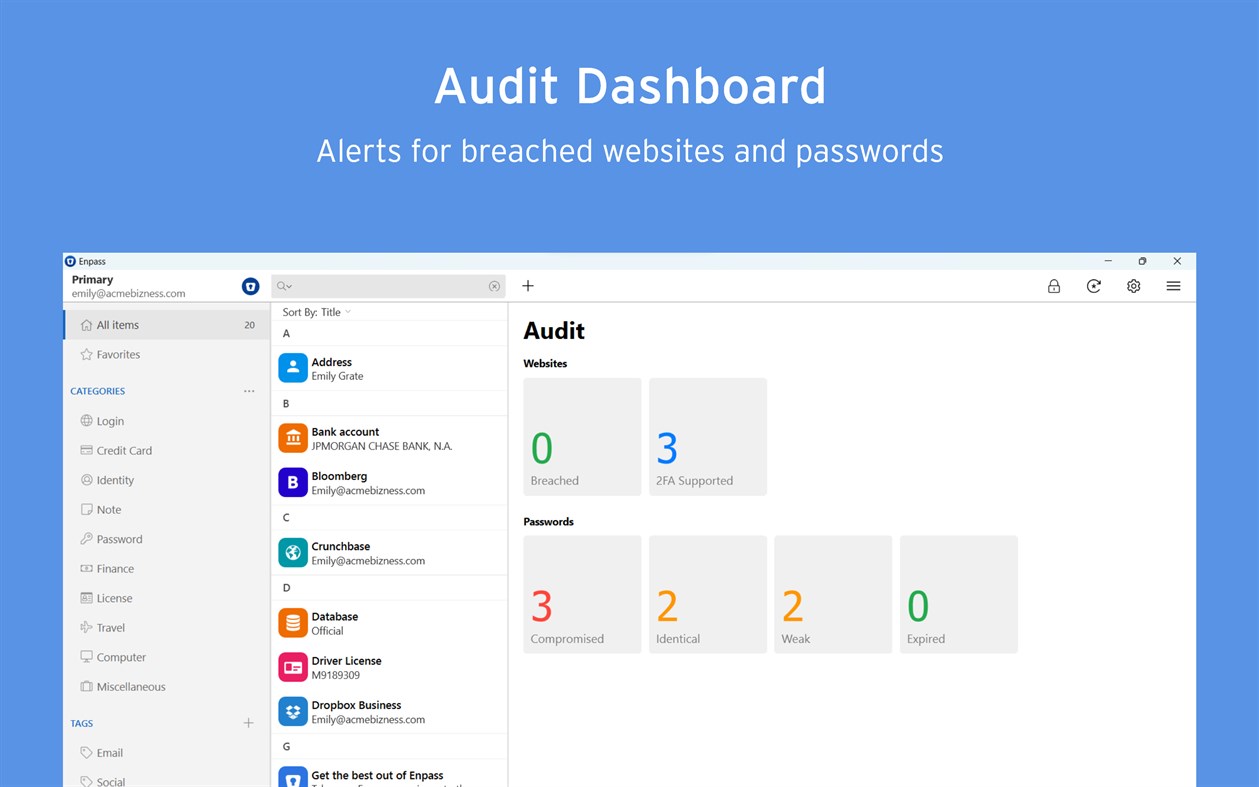
● Enpass also includes password audit & breach monitoring — user-friendly tools to help keep you safe
WHY ENPASS IS BETTER
● Store and sync passkeys — ready for the password-less future
● Unlimited vaults — completely separate work passwords from personal, and more
● Share individual vaults — with a parter or project team; help manage passwords for kids or elderly relatives
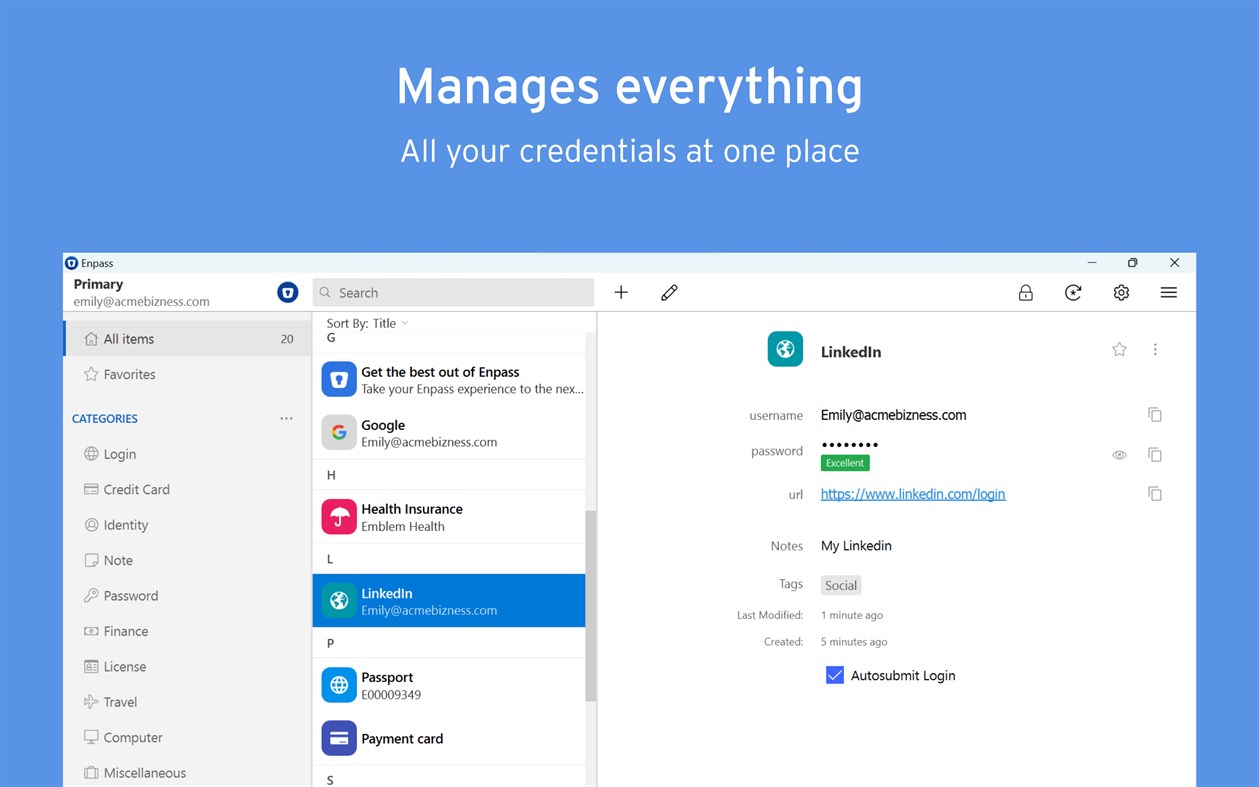
● Wildly customizable — make your own templates, categories, and tags to organize your credentials and private files
● Customize each Item — add, remove, and rearrange fields, or make your own (even multi-line fields)
● Customizable browser extension — make auto-fill and auto-save work the way YOU like, and make your own keyboard shortcuts
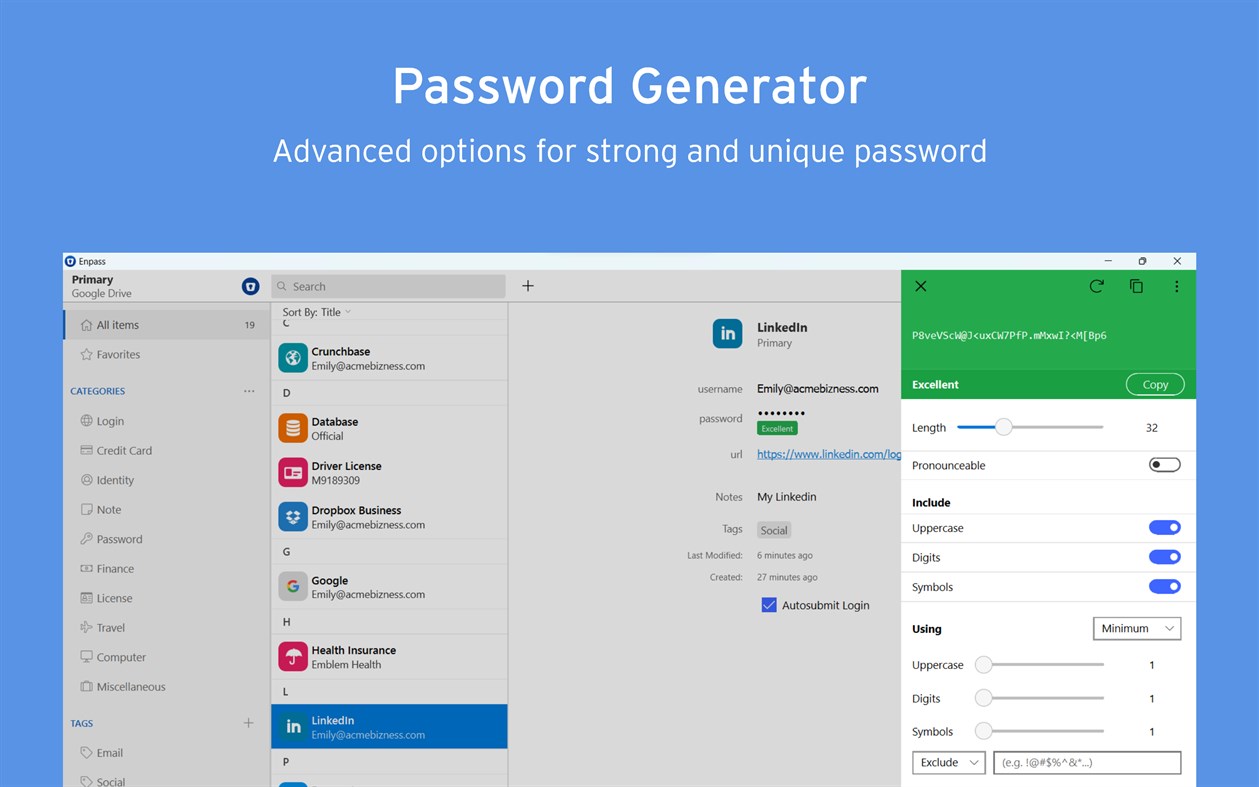
● Customizable password generator — tweak up to 10 parameters when creating strong new passwords
● Attachments — include documents and images with your saved credentials
● Built-in authenticator (TOTP) — no need for a separate app to get those 6-digit codes
AND ENPASS IS AFFORDABLE
● Enpass desktop is FREE for individual users (mobile syncs up to 25 items for free)
● Enpass Premium starts at just $1.99/mo, Enpass Family at $2.99/mo
● Enpass Business starts at $2.99/user/mo (or $9.99/mo flat for small teams)
● Visit enpass.io/pricing for more details. **
ENPASS IS ALSO BETTER FOR BUSINESS
● Decentralized storage & sync makes Enpass compliance-friendly
● Powerful security and recovery tools, and one-click sharing for teams
● Automatic provisioning and offboarding
● Easy integration with Google Workspace and Microsoft 365
ENPASS IS EVERYWHERE
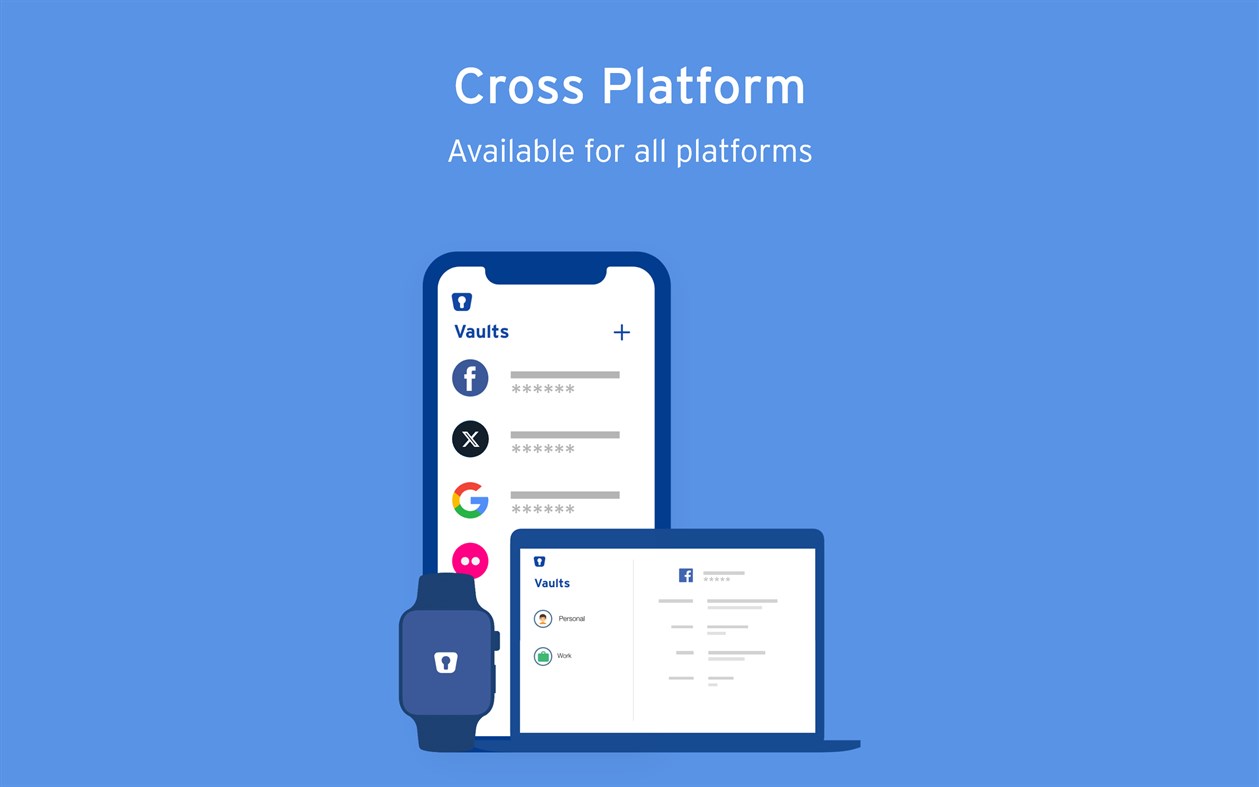
● Enpass works across Windows, Android, iOS, watchOS, Mac, Linux, and all major browsers
SECURITY
● Zero-knowledge AES-256 encryption on 100% of user data
● Certified compliance with ISO/IEC 27001:2013 standards
● Quick unlock with Windows Hello face or fingerprint authentication
● Quick unlock with a PIN
● Unlock with a keyfile as second-factor authentication
CONVENIENCE
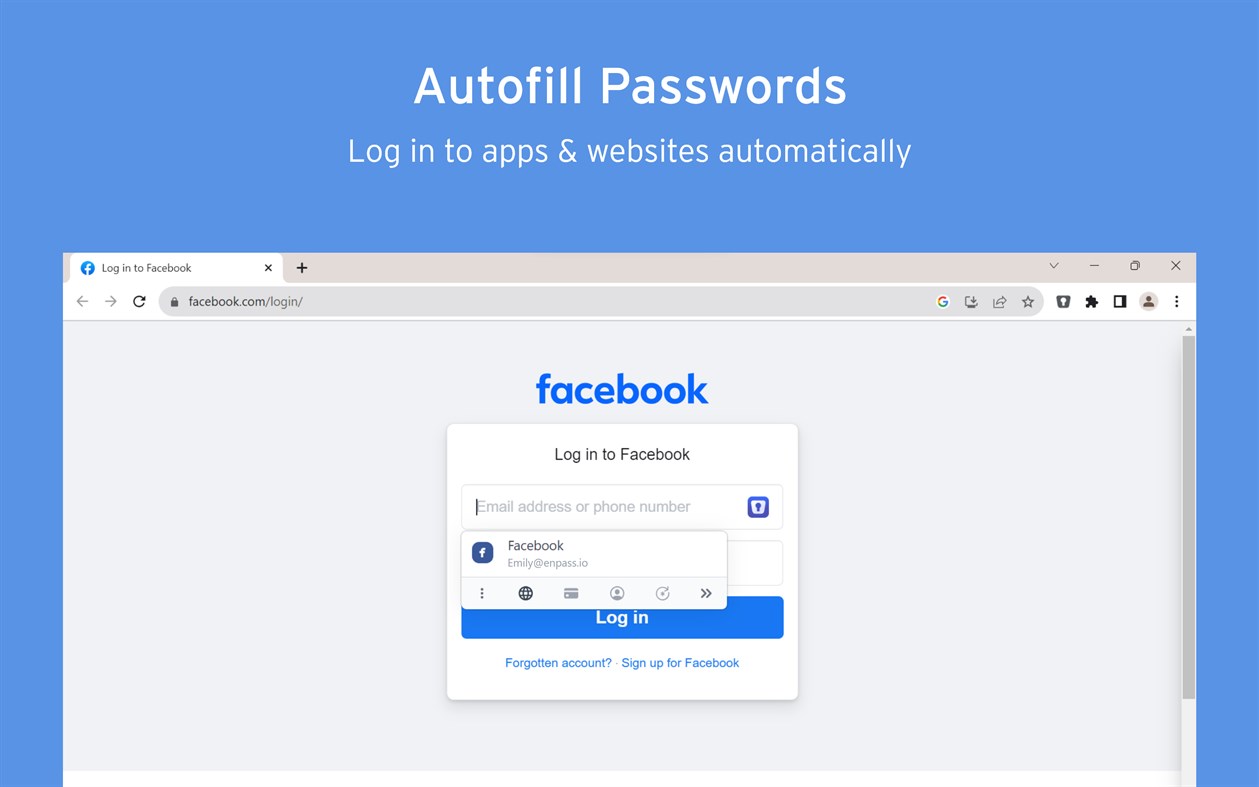
● Auto-fills passwords, authentication codes, credit cards, and webforms
● Auto-saves new or changed credentials
● Stores and syncs passkeys across devices
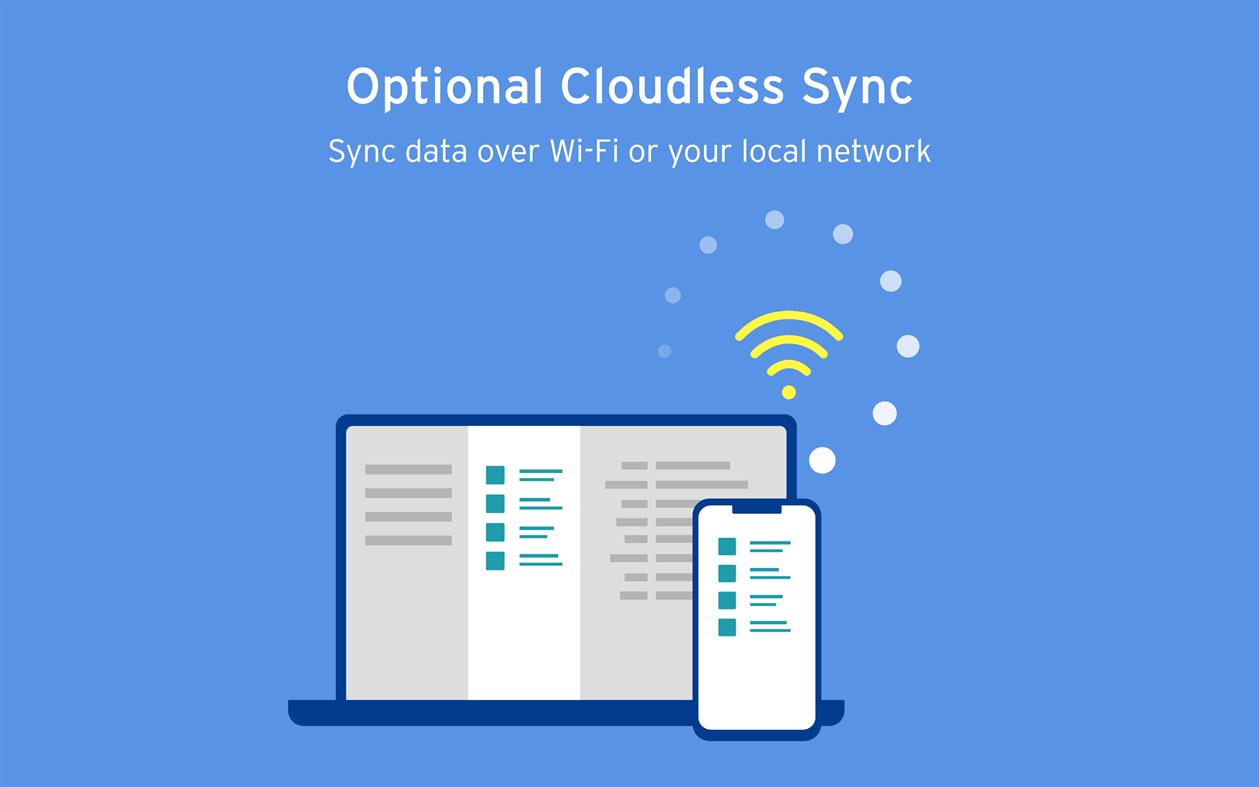
● Syncs via your personal cloud accounts or via Wi-Fi
● Launch on startup
● System-wide mini-window pop-up, accessible via keyboard shortcut
PASSWORD SAFETY
● Highly customizable password generator
● Automatically checks for weak or compromised passwords
● Automatically monitors for website breaches
● Retains password history for each Item
USABILITY
● Extensions for Edge, Firefox and all Chromium-based browsers
● Easy import from other password managers and CSVs
● Customize tags, categories, fields, and more
● File attachments (add ID cards & other documents to items)
● Copy to Clipboard
● Dark Mode
** Premium subscription can be purchased at enpass.io/pricing or through your mobile device’s app store.
● Terms of Use: https://www.enpass.io/legal/terms
● Privacy Policy: https://www.enpass.io/legal/privacy
ENPASS SUPPORT
Email: support@enpass.io
Twitter: @EnpassApp
Facebook: Facebook.com/EnpassApp
Forums: https://discussion.enpass.io
Ad
Ảnh chụp màn hình
Lịch sử giá
-
* Trong ứng dụng mua hàng - Giá hiện tại: Miễn phí
- Tối thiểu: Miễn phí
- Tối đa: Miễn phí
Theo dõi giá
Thông tin bổ sung
- Ngày phát hành:
- Danh mục:
Windows Ứng dụng›Năng suất - HĐH:
HoloLens,Mobile,PC,Surface Hub - Kích thước:
46 Mb - Ngôn ngữ được hỗ trợ:
Afrikaans,Arabic,Catalan,Chinese,Croatian,Czech,Danish,Dutch,English,Finnish,French,Galician,German,Greek,Hebrew,Hungarian,Indonesian,Italian,Japanese,Korean,Lithuanian,Malay,Norwegian,Persian/Farsi,Polish,Portuguese,Romanian,Russian,Slovak,Slovenian,Spanish,Swedish,Thai,Turkish,Ukrainian,Vietnamese - Xếp hạng nội dung:
EVERYONE - Windows Store Xêp hạng:
3.9(360) - X: EnpassApp
- Facebook: EnpassApp
- Trang web:
 https://www.enpass.io
Tính năng mới
- Phiên bản: PC
- Cập nhật:
Nhà phát triển
- Enpass Technologies Private Limited
- Nền tảng: iOS Ứng dụng (1) macOS Ứng dụng (1) Windows Ứng dụng (1)
- Danh sách: 6 + 3
- Điểm: 2 + 1,652 ¡
- Xếp hạng: 0
- Bình luận: 0
- Giảm giá: 0
- Video: 0
- RSS: Đăng ký
Danh sách (2)
- Enpass Password Manager


Điểm (0)
0 ☹️
Xếp hạng (0)
0 ☹️
Bình luận (0)
Hãy là người đầu tiên nhận xét 🌟
«Enpass Password Manager». Nền tảng: Windows. Thể loại: Năng suất. Nhà phát triển: «Enpass Technologies Private Limited». Bản phát hành đầu tiên: . Cập nhật lần cuối: . Giá hiện tại: miễn phí. Tiêu đề này chưa nhận được xếp hạng hoặc đánh giá trên AppAgg. Danh sách: công khai 2, riêng tư 1. Cửa hàng: Windows Store. Đánh giá cửa hàng: 3.9. Phiếu bầu: 360. Ngôn ngữ có sẵn: Afrikaans, Arabic, Catalan, Chinese, Croatian, Czech, Danish, Dutch, English, Finnish, French, Galician, German, Greek, Hebrew, Hungarian, Indonesian, Italian, Japanese, Korean, Lithuanian, Malay, Norwegian, Persian/Farsi, Polish, Portuguese, Romanian, Russian, Slovak, Slovenian, Spanish, Swedish, Thai, Turkish, Ukrainian, Vietnamese. AppAgg theo dõi lịch sử giá, xếp hạng và phản hồi của người dùng cho «Enpass Password Manager». Theo dõi ưu đãi và cập nhật trong tương lai qua RSS. AppAgg không lưu trữ ứng dụng hoặc phân phối phần mềm. Tất cả các nhãn hiệu, logo và ảnh chụp màn hình đều thuộc về chủ sở hữu tương ứng.
Enpass Password Manager URL ngắn: Đã sao chép!- 🌟 Chia sẻ
- Windows Store
Tương tự
-
- Password Manager - MegaPass
- Windows Ứng dụng: Năng suất Bởi: Megaish
- $1.89
- Danh sách: 1 + 1 0 0
- Điểm: 1 + 15 (3.8) Phiên bản: PC Protect your personal data with MegaPass the easy, secure password manager for Windows. MegaPass stores all your passwords and sensitive info locally on your device using advanced ... ⥯
-
- Keeper® Password Manager
- Windows Ứng dụng: Năng suất Bởi: Keeper Security Inc
- * Miễn phí
- Danh sách: 0 + 1 0 0
- Điểm: 2 + 1,439 (4.9) Phiên bản: PC Keeper Password Manager keeps your passwords, passkeys and data secure on any device. The Keeper app maximizes your password security and strengthens your password protection, keeping ... ⥯
-
- #1 Password Manager
- Windows Ứng dụng: Năng suất Bởi: CompaNova LLC
- * Miễn phí
- Danh sách: 0 0 0
- Điểm: 0 + 52 (4.1) Phiên bản: PC #1 Password Manager is a feature-rich, most secure and safe Windows 11 application for managing passwords and other sensitive personal data. It uses the best practices and most ... ⥯
-
- LdN Password Manager
- Windows Ứng dụng: Năng suất Bởi: Leduy Nguyen
- Miễn phí
- Danh sách: 0 0 0
- Điểm: 1 Phiên bản: PC LdN Password Manager let you manage your passwords safely. All passwords and related confidential information are saved on you computer hard drive in a highly encrypted form. It has a ... ⥯
-
- mPass - Secure Password Manager
- Windows Ứng dụng: Năng suất Bởi: DevCrux Solutions
- * Miễn phí
- Danh sách: 0 0 0
- Điểm: 0 + 3 (3.7) Phiên bản: PC mPass Password Manager allows you to keep and manage your logins, passwords, and other private info safe and secure in one encrypted database and access them anywhere on any device. ... ⥯
-
- mSecure - Password Manager and Digital Wallet
- Windows Ứng dụng: Năng suất Bởi: mSeven Software
- * Miễn phí
- Danh sách: 0 0 0
- Điểm: 0 + 331 (3.9) Phiên bản: PC Don t take any chances with your passwords and private information. mSecure is the most secure and straightforward solution to managing your sensitive information across your devices. ... ⥯
-
- Fill Forms - Password Manager
- Windows Ứng dụng: Năng suất Bởi: EasyWork
- $7.99
- Danh sách: 0 0 0
- Điểm: 0 Phiên bản: PC Fill Form is a sample program for save and fill in User names, Pins, Passwords and other texts. Fill Form can work with all browsers. It is standalone application, not integrated to ... ⥯
-
- Password Blocks
- Windows Ứng dụng: Năng suất Bởi: bAPPs
- Miễn phí
- Danh sách: 0 + 1 0 0
- Điểm: 0 + 2 (5.0) Phiên bản: PC Password Blocks is a light, quick, and easy to use password manager. You can create/edit groups and accounts easily with the functions presented on the app. You can also choose colors ... ⥯
-
- Destiny Item Manager (DIM)
- Windows Ứng dụng: Năng suất Bởi: Destiny Item Manager
- Miễn phí
- Danh sách: 0 0 0
- Điểm: 0 + 178 (4.8) Phiên bản: PC Destiny 1 and 2 Item Manager. Get weapon suggestions and which perks to use, create loadouts, and so much more. ⥯
-
- Password Database
- Windows Ứng dụng: Năng suất Bởi: gjbsolutions
- Miễn phí
- Danh sách: 0 0 0
- Điểm: 0 Phiên bản: PC This App is a simple SQLite Password Database. It keeps your passwords locally and encrypts them with your master password. ⥯
-
- Password Admin
- Windows Ứng dụng: Năng suất Bởi: Vdev Limited
- Miễn phí
- Danh sách: 0 0 0
- Điểm: 0 + 1 (5.0) Phiên bản: PC An elegant app to manage your passwords for bank accounts, credit cards, email, websites, PC, locks, codes and notes. App uses AES 256 encryption and data can be backed up to OneDrive. ⥯
-
- Headphones Manager
- Windows Ứng dụng: Năng suất Bởi: Articent Group LLC
- * Miễn phí
- Danh sách: 0 0 0
- Điểm: 1 + 116 (4.2) Phiên bản: PC Experience audio like never before with Headphones Manager, the ultimate app designed to optimize and personalize your headphone usage. Whether you're a music enthusiast or a gamer ... ⥯
-
- PDF Manager - Merge, Split, Trim
- Windows Ứng dụng: Năng suất Bởi: User Camp
- $9.99
- Danh sách: 1 + 1 0 0
- Điểm: 1 + 479 (4.5) Phiên bản: PC Merge, split, extract, and combine PDFs with PDF Manager! An "Essential App" as selected by the Microsoft Store. PDF Manager is a powerful, easy-to-use app for merging and editing PDF ... ⥯
-
- Organize:Me - To-Do List & Personal Task Manager
- Windows Ứng dụng: Năng suất Bởi: taskfabric
- * $29.99
- Danh sách: 0 0 0
- Điểm: 0 + 1 (2.0) Phiên bản: PC New on Windows Store Your personal task manager - if you need to handle more than just a simple list! Organize:Me is easy to use for beginners and perfect for personal use. And if you ... ⥯