
Đã lưu
Chọn tên sẽ hiển thị trong menu Đã lưu của bạn.
Làm xong!
| Nhà phát triển: | GT Office PDF Studio (1) | ||
| Giá bán: | * Miễn phí | ||
| Xếp hạng: | 0 | ||
| Bình luận: | 0 Đăng bình luận | ||
| Danh sách: | 4 + 3 | ||
| Điểm: | 7 + 54,636 (4.4) ¡ | ||
| Windows Store | |||
Mô tả

Trio Office can open & edit many kinds of files. For more detail, please refer to the following format list:
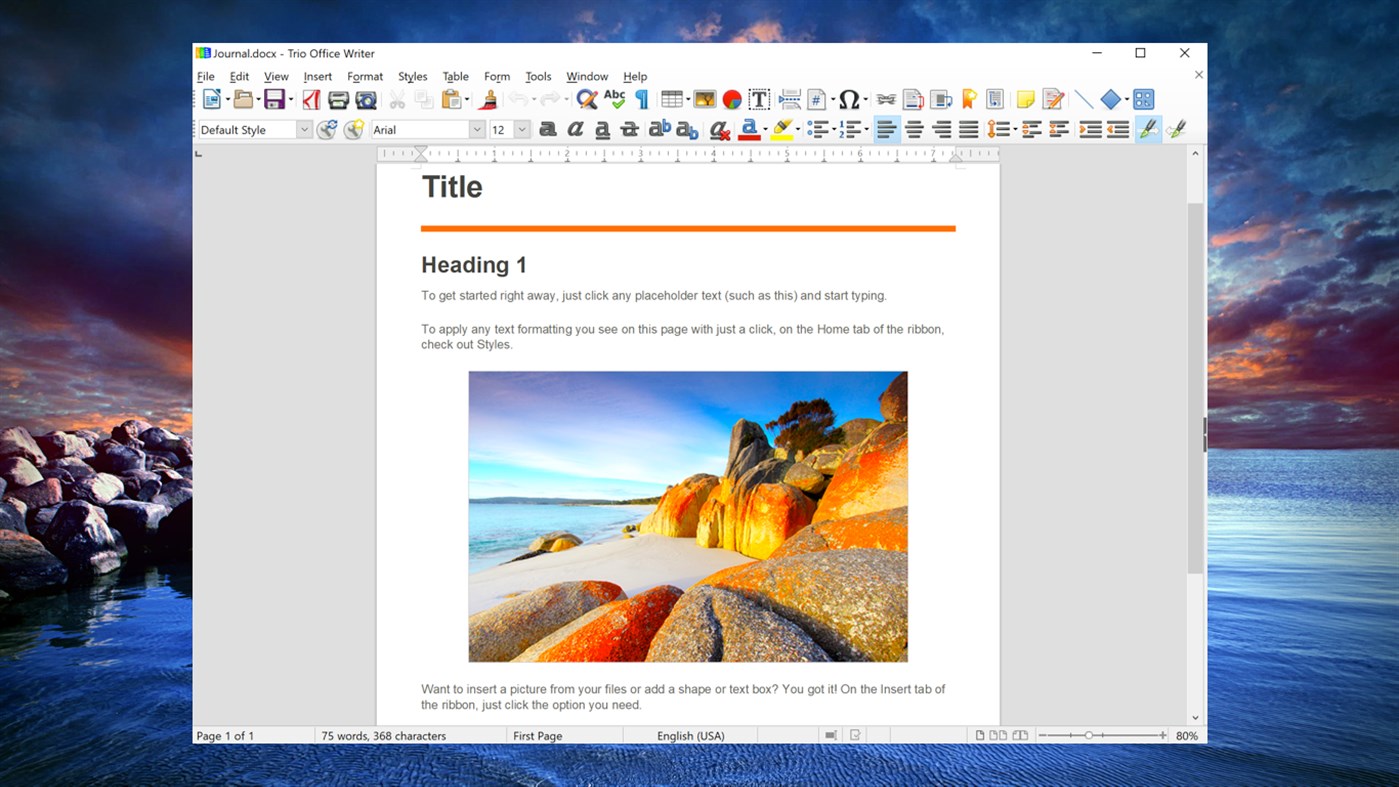
Opening DOC, DOCX documents
In addition to OpenDocument formats (.odt, .ott, .oth, .odm, and .fodt), Word Writer can open the formats used by OpenOffice.org 1.x (.sxw, .stw, and .sxg), the following text document formats, and a variety of legacy formats not listed below:
* Word 2007 - 2019 (.docx)
* Word 6.0/95/97/2000/XP (.doc and .dot)
* Word 2003 XML (.xml)
* Word 2007 XML (.docx, .docm, .dotx, .dotm)
* WinWord 5 (.doc)
* WordPerfect Document (.wpd)
* WPS 2000/Office 1.0 (.wps)
* .rtf, .txt, and .csv
* StarWriter formats (.sdw, .sgl, .vor)
* DocBook (.xml)
* Unified Office Format text (.uot, .uof)
* Ichitaro 8/9/10/11 (.jtd and .jtt)
* Hangul WP 97 (.hwp)
* T602 Document (.602, .txt)
* AportisDoc (Palm) (.pdb)
* Pocket Word (.psw)
* eBook (.pdb)
* Apple Pages 4 (.pages)
* HTML Document (.htm, .html)
Opening XLS, XLSX spreadsheets
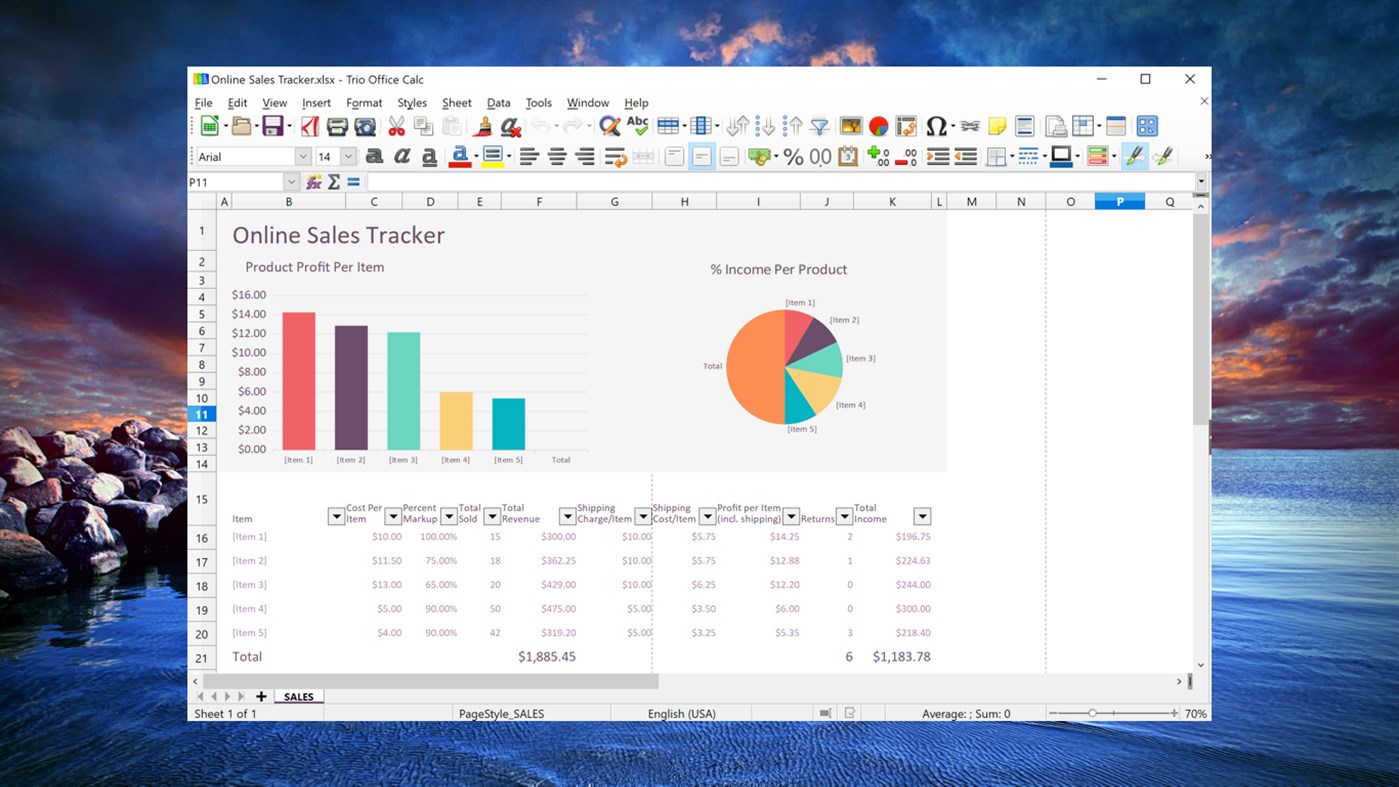
In addition to OpenDocument formats (.ods, .ots, and .fods), Calc can open the formats used by OpenOffice.org 1.x (.sxc and .stc) and the following spreadsheet formats:
* Excel 2007 - 2019 (.xlsx)
* Excel 97/2000/XP (.xls, .xlw, and .xlt)
* Excel 4.x - 5.0/95 (.xls, .xlw, and .xlt)
* Excel 2003 XML (.xml)
* Excel 2007 XML (.xlsx, .xlsm, .xltx, .xltm)
* Excel 2007 binary (.xlsb)
* Lotus 1-2-3 (.wk1, .wks, and .123)
* Data Interchange Format (.dif)
* Rich Text Format (.rtf)
* Text CSV (.csv and .txt)
* StarCalc formats (.sdc and .vor)
* dBASE (.dbf)
* SYLK (.slk)
* Unified Office Format spreadsheet (.uos, .uof)
* .htm and .html files, including Web page queries
* Pocket Excel (pxl)
* Quattro Pro 6.0 (.wb2)
* Apple Numbers 2 (.numbers)
Opening PPT, PPTX presentations
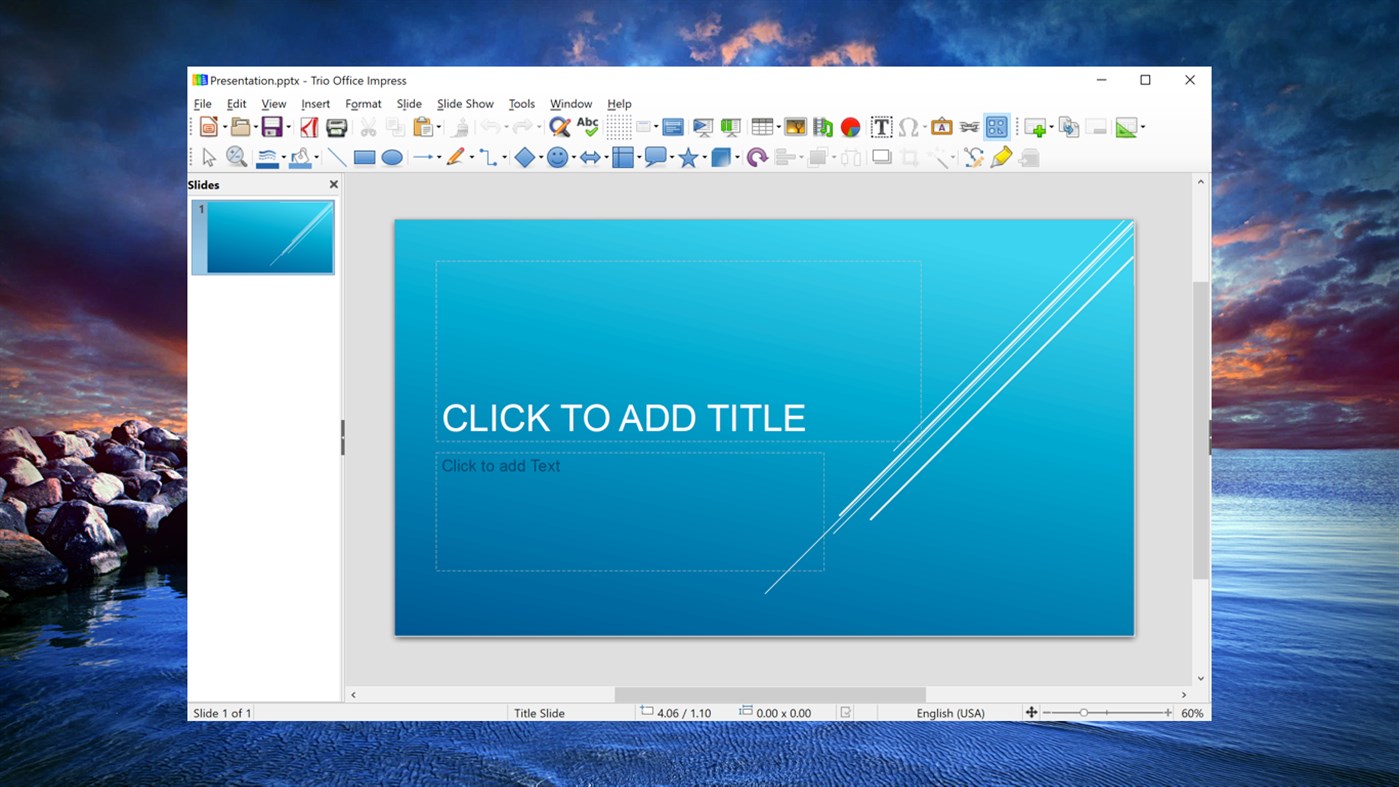
In addition to OpenDocument formats (.odp, .odg, .otp, and .fopd), Impress can open the formats used by OpenOffice.org 1.x (.sxi and .sti) and the following presentation formats:
* PowerPoint 2007 - 2019 (.pptx)
* PowerPoint 97/2000/XP (.ppt, .pps, and .pot)
* PowerPoint 2007 (.pptx, .pptm, .potx, .potm)
* StarDraw and StarImpress (.sda, .sdd, .sdp, and .vor)
* Unified Office Format presentation (.uop, .uof)
* CGM - Computer Graphics Metafile (.cgm)
* Apple Keynote 5 (.key)
Opening PDF
* Portable Document Format (.pdf)
Opening graphic files
In addition to OpenDocument formats (.odg and .otg), Draw can open the formats used by OpenOffice.org 1.x (.sxd and .std) and the following graphic formats:
* Adobe Photoshop (.psd)
* AutoCAD Interchange Format (.dxf)
* BMP JPEG JPG
* Corel Draw (.cdr)
* Corel Presentation Exchange (.cmx)
* DXF MET PGM RAS SVM XBM
* EMF PBM PLT SDA TGA XPM
* EPS PCD PNG SDD TIF
* Publisher 98-2010 (*.pub)
* Visio 2000-2013 (*.vdx; *.vsd; *.vsdm; *.vsdx)
* PCX PSD SGV
* TIFF GIF PCT PPM SGF VOR
* WordPerfect Graphics (*.wpg)
Opening formula files
In addition to OpenDocument Formula (.odf) files, Math can open the format (.sxm), StarMath, (.smf), and MathML (.mml) files.
When opening a Word document that contains an embedded equation editor object, if the option for it is checked in Tools > Options > Load/Save > Office, the object will be automatically converted to a Trio Office Math object.
***File formats Trio Office can save to
Saving DOC, DOCX documents
In addition to OpenDocument formats (.odt and .ott), Word Writer can save in these formats:
* OpenOffice.org 1.x Text Document (.sxw)
* OpenOffice.org 1.x Text Document Template (.stw)
* Word 2007 - 2019 (.docx)
* Word 6.0, 95, and 97/2000/XP (.doc)
* Word 2003 XML (.xml)
* Rich Text Format (.rtf)
* StarWriter 3.0, 4.0, and 5.0 (.sdw)
* StarWriter 3.0, 4.0, and 5.0 Template (.vor)
* Text (.txt)Text Encoded (.txt)
* Unified Office Format text (.uot, .uof)
* HTML Document (OpenOffice.org Writer) (.html and .htm)
* DocBook (.xml)
* AportisDoc (Palm) (.pdb)
* Pocket Word (.psw)
Saving XLS, XLSX spreadsheets
In addition to OpenDocument formats (.ods and .ots), Calc can save in these formats:
* OpenOffice.org 1.x Spreadsheet (.sxc)
* OpenOffice.org 1.x Spreadsheet Template (.stc)
* Excel 2007 - 2019 (.xlsx)
* Excel 97/2000/XP (.xls and .xlw)
* Excel 97/2000/XP Template (.xlt)
* Excel 5.0 and 95 (.xls and .xlw)
* Excel 2003 XML (.xml)
* Data Interchange Format (.dif)
* dBase (.dbf)SYLK (.slk)Text CSV (.csv and .txt)
* StarCalc 3.0, 4.0, and 5.0 formats (.sdc and .vor)
* Unified Office Format spreadsheet (.uos)
* HTML Document (OpenOffice.org Calc) (.html and .htm)
* Pocket Excel (.pxl)
Saving PPT, PPTX presentations
In addition to OpenDocument formats (.odp, .otp, and .odg), Impress can save in these formats:
* OpenOffice.org 1.x Presentation (.sxi)
* OpenOffice.org 1.x Presentation Template (.sti)
* PowerPoint 2007 - 2019 (.pptx)
* PowerPoint 97/2000/XP (.ppt)
* PowerPoint 97/2000/XP Template (.pot)
* StarDraw, StarImpress (.sda, .sdd, and .vor)
* Unified Office Format presentation (.uop)
Impress can also export to MacroMedia Flash (.swf) and any of the graphics formats listed for Draw.
Saving drawings
Draw can only save in the OpenDocument Drawing formats (.odg and .otg), the OpenOffice.org 1.x formats (.sxd and .std) and StarDraw format (.sda, .sdd, and .vor).
However, Draw can also export to BMP, EMF, EPS, GIF, JPEG, MET, PBM, PCT, PGM, PNG, PPM, RAS, SVG, SVM, TIFF, WMF, and XPM.
Saving PDF
* Portable Document Format (.pdf)
Word Editor/Web can save in these formats
* HTML document (.html and .htm), as HTML 4.0 Transitional
* OpenOffice.org 1.0 HTML Template (.stw)
* OpenOffice.org 2.x HTML Template (.oth)
* StarWriter/Web 4.0 and 5.0 (.vor)
* Text (OpenOffice.org Writer/Web) (.txt)
* Text Encoded (OpenOffice.org Writer/Web) (.txt)
Trio Office Full Version: In-app Purchases Features
• Print Documents
• Insert Pictures, Tables and Shapes
• Templates
• Export as PDF and EPUB format
• No Advertisement
• 7*24 Support
Subscription plan: billed annually at $7.99/year
Lifetime license: one-time purchase for $19.99
Trio Office is a 3rd party software that is not associated with, endorsed by or affiliated with Microsoft.
Ad
Ảnh chụp màn hình
Lịch sử giá
-
* Trong ứng dụng mua hàng - Giá hiện tại: Miễn phí
- Tối thiểu: Miễn phí
- Tối đa: Miễn phí
Theo dõi giá
Tính năng mới
- Phiên bản: PC
- Cập nhật:
Thông tin bổ sung
- Ngày phát hành:
- Danh mục:
Windows Ứng dụng›Năng suất - HĐH:
PC - Kích thước:
530 Mb - Ngôn ngữ được hỗ trợ:
Catalan,Chinese,Croatian,Czech,Dutch,English,Finnish,French,German,Greek,Hungarian,Indonesian,Italian,Japanese,Korean,Polish,Portuguese,Romanian,Russian,Slovak,Spanish,Swedish,Thai,Turkish,Ukrainian,Vietnamese - Xếp hạng nội dung:
EVERYONE - Windows Store Xêp hạng:
4.4(54,636)
Nhà phát triển
- GT Office PDF Studio
- Nền tảng: Windows Ứng dụng (1)
- Danh sách: 4 + 3
- Điểm: 7 + 54,636 ¡
- Xếp hạng: 0
- Bình luận: 0
- Giảm giá: 0
- Video: 0
- RSS: Đăng ký
Danh sách (4)
- Trio Office: DOCX & XLSX Editor


Điểm (7)
-

- 1 Lap Escuela
- +1
-
- 14 Samson vusi Mthethwa
- +1
-
- 1 Мария Сироткина
- +1
-
- 1 최은미
- +1
-
- 1 Franc Boshe
- +1





Xếp hạng (0)
0 ☹️
Bình luận (0)
Hãy là người đầu tiên nhận xét 🌟
«Trio Office: DOCX & XLSX Editor». Nền tảng: Windows. Thể loại: Năng suất. Nhà phát triển: «GT Office PDF Studio». Bản phát hành đầu tiên: . Cập nhật lần cuối: . Giá hiện tại: miễn phí. Tiêu đề này chưa nhận được xếp hạng hoặc đánh giá trên AppAgg. Danh sách: công khai 4, riêng tư 3. Điểm được theo dõi: xác nhận 7, gián tiếp 54,636. Cửa hàng: Windows Store. Đánh giá cửa hàng: 4.4. Phiếu bầu: 54,636. Ngôn ngữ có sẵn: Catalan, Chinese, Croatian, Czech, Dutch, English, Finnish, French, German, Greek, Hungarian, Indonesian, Italian, Japanese, Korean, Polish, Portuguese, Romanian, Russian, Slovak, Spanish, Swedish, Thai, Turkish, Ukrainian, Vietnamese. AppAgg theo dõi lịch sử giá, xếp hạng và phản hồi của người dùng cho «Trio Office: DOCX & XLSX Editor». Theo dõi ưu đãi và cập nhật trong tương lai qua RSS. AppAgg không lưu trữ ứng dụng hoặc phân phối phần mềm. Tất cả các nhãn hiệu, logo và ảnh chụp màn hình đều thuộc về chủ sở hữu tương ứng.
Trio Office: DOCX & XLSX Editor URL ngắn: Đã sao chép!- 🌟 Chia sẻ
- Windows Store
Tương tự
-
- XLSX Editor PLUS
- Windows Ứng dụng: Năng suất Bởi: PeroSoftware.com
- * Miễn phí
- Danh sách: 0 0 0
- Điểm: 0 + 752 (4.3) Phiên bản: PC XLSX Editor PLUS is a modern and powerful spreadsheet program. It supports opening, editing and creating Microsoft Excel (.xlsx, .xls, .csv), Word (.docx, .doc, .rtf) and PowerPoint ... ⥯
-
- PDF to Offices - Docx, xlsx
- Windows Ứng dụng: Năng suất Bởi: File converter
- $4.99
- Danh sách: 0 0 0
- Điểm: 0 Phiên bản: PC This is a lightweight app to convert PDF file into Word (docx), Excel (xlsx), images, and even a html web. The converting process is really quick along with a good quality of result. ... ⥯
-
- XLSX Spreadsheet
- Windows Ứng dụng: Năng suất Bởi: File Viewer Pro Inc.
- * Miễn phí
- Danh sách: 0 0 0
- Điểm: 0 + 193 (3.2) Phiên bản: PC This Spreadsheet app supports more than 400 spreadsheet functions that can be used to create formulas that manipulate data, calculate numbers, and generate strings. Work in data ... ⥯
-
- XLSX Spreadsheet Editor
- Windows Ứng dụng: Năng suất Bởi: HUXSoft.com
- * Miễn phí
- Danh sách: 0 0 0
- Điểm: 0 + 127 (4.5) Phiên bản: PC XLSX Spreadsheet Editor is a versatile, user-friendly tool for creating, editing, and managing Excel-compatible spreadsheets. It supports essential features like advanced formulas, ... ⥯
-
- WPS Office Suite
- Windows Ứng dụng: Năng suất Bởi: Kingsoft Office Software Corporation Limited
- * Miễn phí
- Danh sách: 5 0 0
- Điểm: 6 + 6,510 (4.3) Phiên bản: PC WPS Office (UWP) - The Lightweight, All-in-One Free Office Suite Trusted by over 600 Million Users Worldwide | Best Free Office Alternative [ ️ IMPORTANT NOTE] This UWP version is ... ⥯
-
- DOCX Editor Express
- Windows Ứng dụng: Năng suất Bởi: LISAppStudio.com
- * Miễn phí
- Danh sách: 0 0 0
- Điểm: 0 + 32 (4.3) Phiên bản: PC View, edit, and create Microsoft Word documents with ease. DOCX Editor Express simplifies document creation with its intuitive interface and comprehensive editing tools. Effortlessly ... ⥯
-
- DocX View & Edit
- Windows Ứng dụng: Năng suất Bởi: YTDApp
- * Miễn phí
- Danh sách: 0 0 0
- Điểm: 0 + 25 (3.0) Phiên bản: PC Word file Editor is an alternative to conventional Microsoft Word. It's a fast, friendly, and reliable tool to read, edit, and convert word documents (.doc, .docx, ...) . The app ... ⥯
-
- KDAN PDF Pro - Expert PDF Reader & Editor
- Windows Ứng dụng: Năng suất Bởi: Kdan Mobile Software Ltd.
- * $119.99
- Danh sách: 0 0 0
- Điểm: 3 + 163 (4.7) Phiên bản: PC Are you in search of versatile and user-friendly PDF software? KDAN PDF, formerly KDAN PDF Reader, is robust software that makes it simple to view, edit, and share PDF files. Its ... ⥯
-
- Cool File Viewer - open rar, docx and more
- Windows Ứng dụng: Năng suất Bởi: Cool File Viewer
- * Miễn phí
- Danh sách: 12 + 2 0 5 (1)
- Điểm: 36 + 51,157 (4.5) Phiên bản: PC Cool File Viewer allows you to view any file on your PC. Simply select any file via the program window without first having to decide which application should be used to open a file. ... ⥯
-
- BiSheng Office Reader
- Windows Ứng dụng: Năng suất Bởi: BiShengOffice
- Miễn phí
- Danh sách: 0 0 0
- Điểm: 1 Phiên bản: PC office reader suite product by BiSheng Office . support all types of office files and support office files to pdf ⥯
-
- OfficeSuite Office Pack & PDF Editor - MobiOffice
- Windows Ứng dụng: Năng suất Bởi: MobiSystems
- * Miễn phí
- Danh sách: 0 + 1 0 0
- Điểm: 4 + 6,903 (4.7) Phiên bản: PC Get your work done with OfficeSuite - a complete office solution that lets you work with Documents, Presentations, Speadsheets, PDF, & Mail. Compatible with Microsoft Office, Word, ... ⥯
-
- sFree Office for Docs and PDF
- Windows Ứng dụng: Năng suất Bởi: CoolLeGet Inc
- Miễn phí
- Danh sách: 0 + 2 0 0
- Điểm: 1 + 3,686 (4.5) Phiên bản: PC sFree Office for Docs and PDF (Origin Name: Coolle Office Suite Pro) offers an alternative to Word, Excel & PowerPoint. sFree Office Suite uses the binary files of a modified version ... ⥯
-
- Real Office
- Windows Ứng dụng: Năng suất Bởi: Xiaoya Lab.
- * Miễn phí
- Danh sách: 0 0 0
- Điểm: 0 + 3,952 (4.6) Phiên bản: PC Real Office is a comprehensive office suite for creating, viewing and editing Microsoft Office, OpenOffice and many other types of documents. It is an economical alternative to the ... ⥯
-
- PDF Converter Pro : PDF To DOCX
- Windows Ứng dụng: Năng suất Bởi: finetuneapps
- * $2.99
- Danh sách: 0 + 1 0 0
- Điểm: 6 + 353 (3.9) Phiên bản: PC PDF Converter Pro: PDF to DOCX is a powerful and versatile conversion tool designed exclusively for the Microsoft Windows Store. This easy-to-use application is specifically tailored ... ⥯