
Guardados
Elige el nombre que se mostrará en tu menú Guardados.
¡Hecho!
| Desarrollador: | ibis inc. (8) | ||
| Precio: | $15.99 | ||
| Puntuación: | 64,300 Leyenda | ||
| Clasificaciones: | 0 | ||
| Comentarios: | 0 Publicar comentario | ||
| Listas: | 6 + 2 | ||
| Puntos: | 4 + 4,082 (4.7) ¡ | ||
| +1 Puntos | |||
Descripción

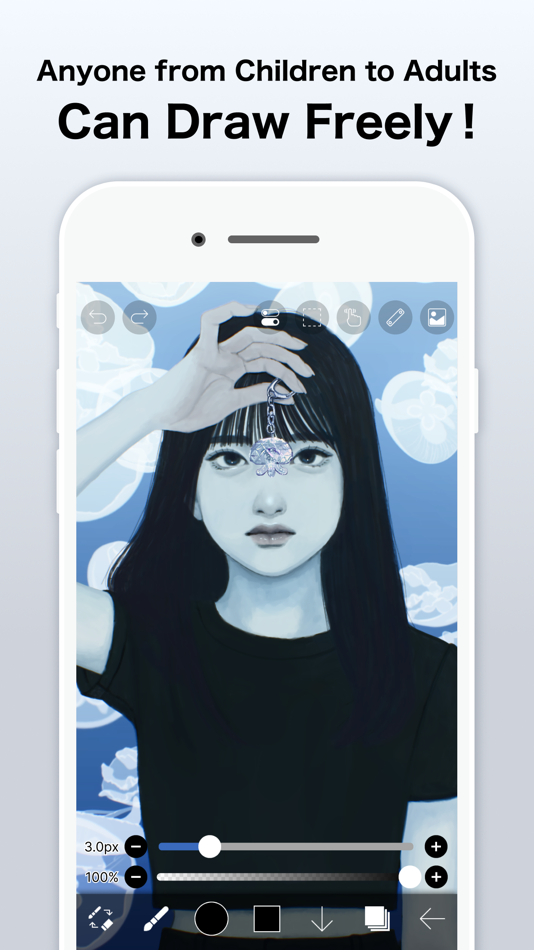
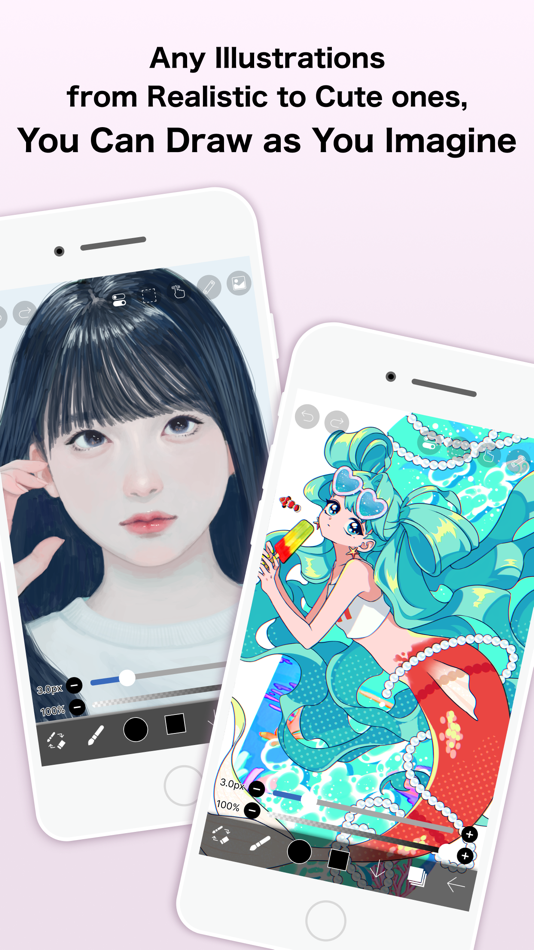
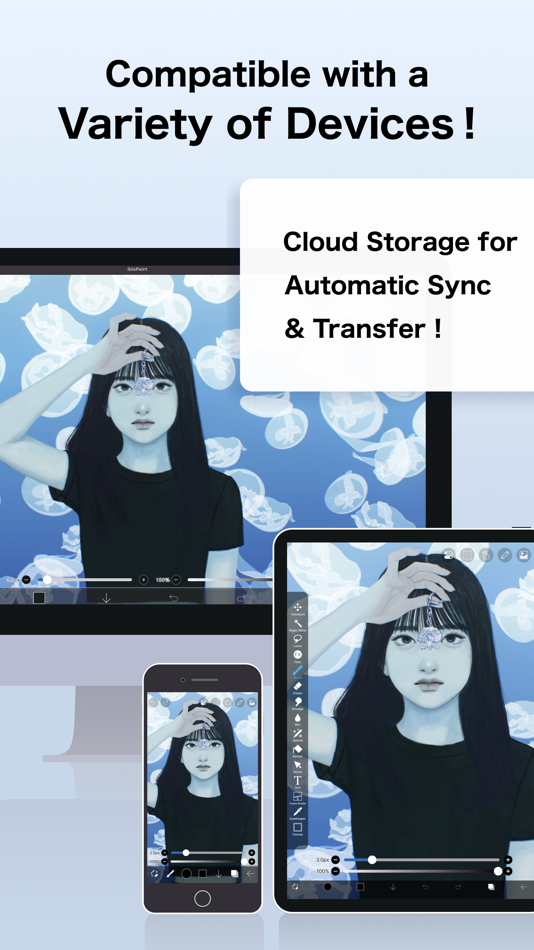
ibisPaint is a full-featured illustration and animation app for smartphones and tablets, with over 500 million cumulative downloads across the series.
"Drawing looks hard" — this app is made especially for people who think that. A creative experience that doesn't compromise, an interface simple enough to use without hesitation, and a comfortable familiarity that grows the more you use it. ibisPaint keeps serving as an easy entry point for anyone to start "drawing," while continually expanding what's possible — from a single illustration to frame-by-frame animation, and on to videos with background music and audio.
This app is the ad-free version of ibisPaint X. Unlocking all features additionally requires purchasing Premium Membership (an in-app purchase); in that case, downloading ibisPaint X and purchasing Premium Membership there works out cheaper.
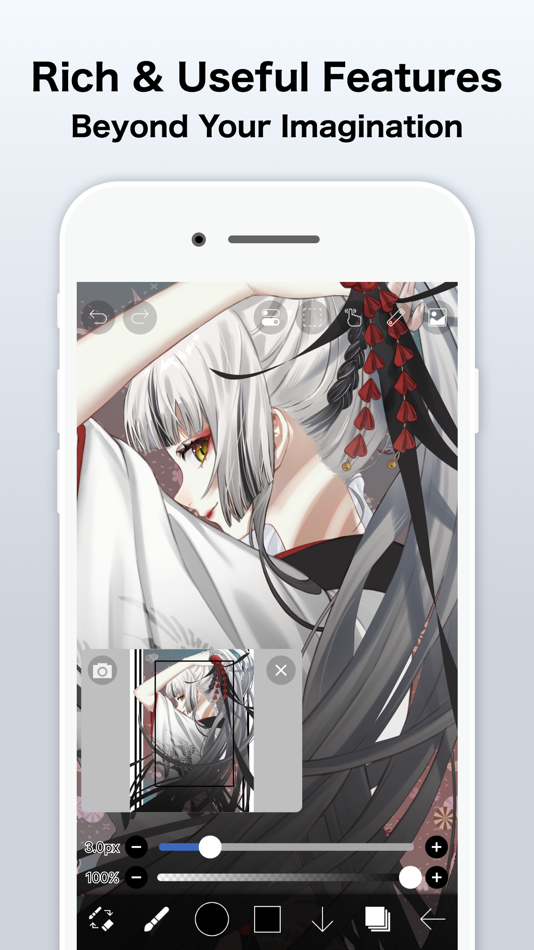
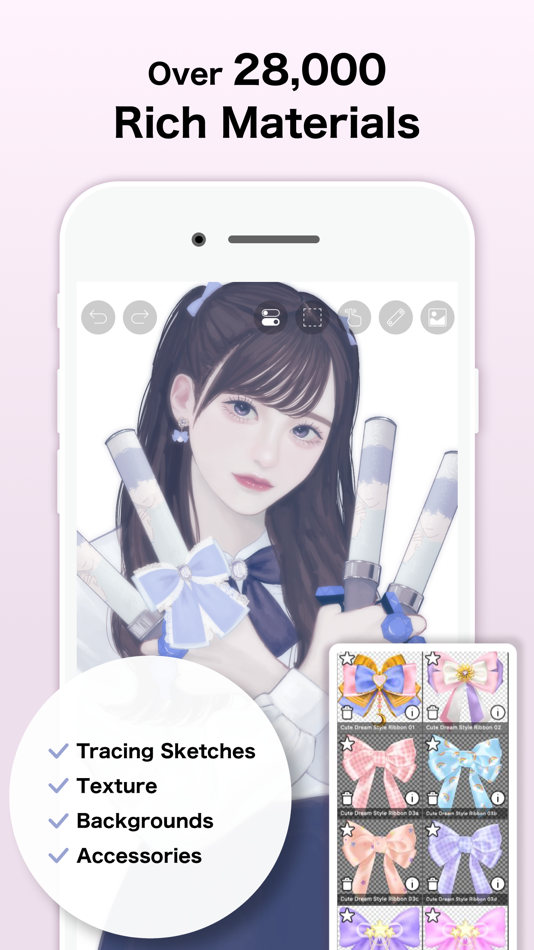
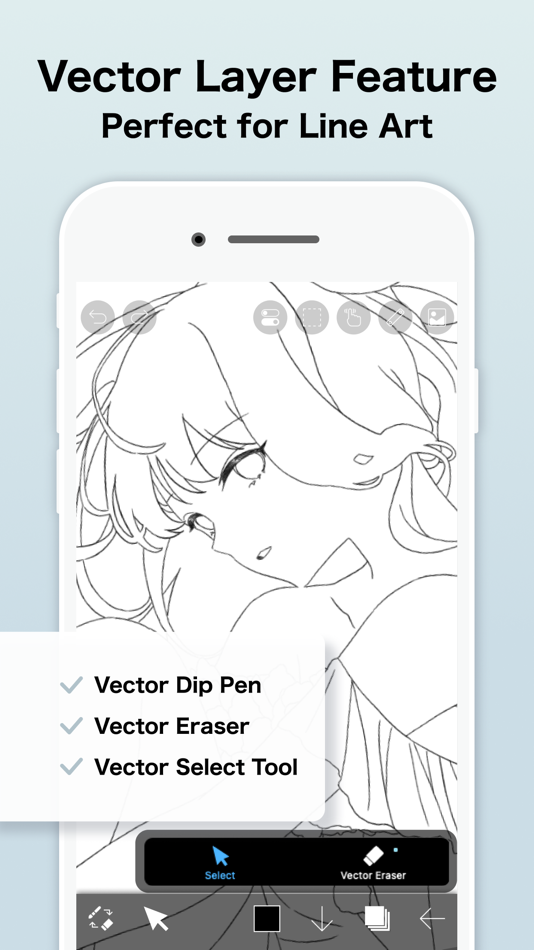
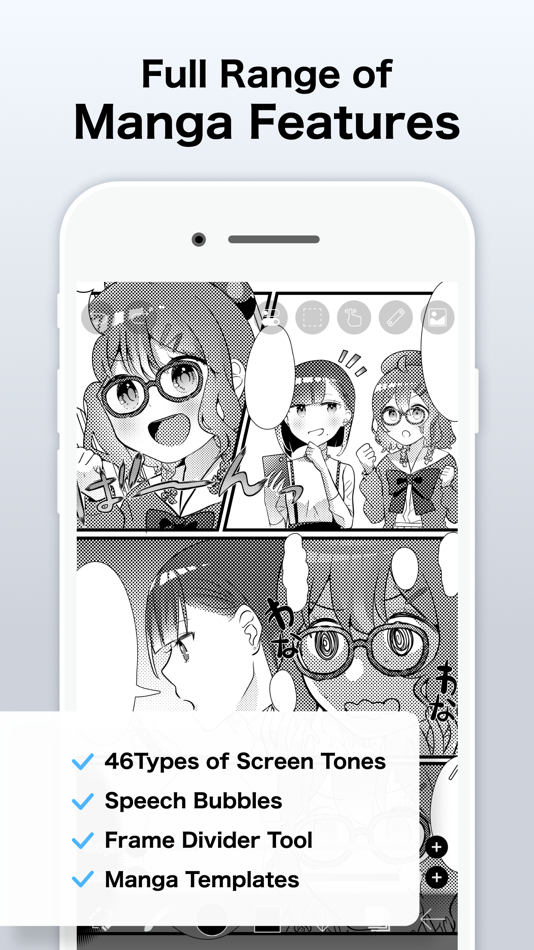
With over 130,000 brushes, 30,000+ materials, 3,000+ fonts, 86 image filters, 46 screentones, 27 layer blending modes, vector tools, a reference window, radial and symmetry rulers, animated filters, and an AI Disturbance feature, ibisPaint packs in serious functionality that rivals PC illustration software. It's a one-stop app that goes beyond drawing illustrations — into animation production, and even recording and sharing your creative process as a time-lapse video. It's chosen by people of all ages, countries, and experience levels around the world.
*Drawing Tutorial YouTube Channel
We post lots of videos on how to make the most of ibisPaint. Please subscribe!
https://youtube.com/ibisPaint
*Supported Digital Styluses
https://ibispaint.com/stylus/supported_digital_stylus.jsp?platformType=1
*About Purchase Plans
https://ibispaint.com/lecture/index.jsp?no=26
* If you do not cancel auto-renewal at least 24 hours before the free trial ends, you will be automatically charged upon renewal.
*About App Access Permissions
This app may access various device features to provide the service and improve usability. No access permission is required to use this app — all of the following are optional. You may decline any of these optional permissions. Even if declined, the app's core features remain available, but some features that require the relevant permission may be limited.
•Photos/videos in your photo library
To import artwork files and images, and to save the artwork files, images, and videos you create
•Microphone audio input
To connect and communicate with supported peripherals such as digital styluses
•Bluetooth communication
To connect and communicate with supported peripherals such as digital styluses
•Push notifications
To deliver notifications related to your artwork, app update information, and important announcements
*Questions & Bug Reports
We're unable to respond to questions or bug reports left in reviews. Please contact our support desk below instead.
https://ssl.ibis.ne.jp/en/support/Entry?svid=25
*ibisPaint Terms of Service
https://ibispaint.com/agreement.jsp
Anuncio
Capturas de pantalla



Historial de precios
- Precio actual: $15.99
- Mínimo: $5.99
- Máximo: $15.99
Realizar un seguimiento de los precios Añádelo a una lista para recibir alertas de descuentos por email o push
Puntuación de AppAgg
64,300
Puntuación estimada de AppAgg para
ibis Paint
Desarrollador: ibis inc.
64,300 Leyenda
Una puntuación más alta suele reflejar mejores resultados en los indicadores de AppAgg.
Basado en: popularidad · valoraciones de usuarios · actualidad · ofertas · datos de tiendas · actividad de la comunidad
Se recalcula a diario con datos actualizados de AppAgg.
Insignia para tu sitio web:  Copiado!
Novedades
- Versión: 14.1.2
- Última actualización:
- Thank you for using ibisPaint!
The summary of this update is as follows.
[Improvements, Changes]
- Changed the orientation in which you place the Q6W tablet so that its keys are on the left when the screen is in portrait.
[Fixed Bugs and Problems]
- Fixed an issue where, when there was a Selection Area, a shape drawn with Smart Shape on a Vector Layer could be distorted after being applied.
- Fixed an issue where the app could crash when returning to My Gallery with a keyboard shortcut while a tutorial was displayed.
- Fixed an issue where Text Layers and Frame Layers were not changed correctly when changing the image resolution of an artwork containing them.
- Fixed an issue where the message explaining why a command could not be run was not displayed for certain combinations of layer type and keyboard shortcut.
- Fixed a bug where the app could crash when applying "Translate Scale" in the Transform tool on a vector layer while a selection was active.
- Fixed a bug that could cause a crash when drawing after canceling a stroke with the Shape Tool and then turning the Shape Tool off.
- Fixed an issue where turning on Cloud Sync while logged out did not redirect you to the login screen.
- Fixed an issue where, while logged out, performing an operation on a cloud artwork that had not been downloaded did not redirect you to the login screen.
- Fixed an issue where small kana such as "っ" and "ゃ" appeared too high in vertical text in the Text tool. If you want this applied to an existing text, please re-edit the text or modify the style.
[New Features in ver. 14.1.0]
- Added the ability to customize Stabilizer and Force Fade settings individually for each brush.
- Added two Real time stabilization modes: Constant and Fast Strokes.
- Improved the brush tool’s stroke-tracking responsiveness and made the fade length consistent. You can return to the previous drawing feel from the Settings window via "Brush Prediction" . You can also configure this per brush with the brush parameter “Disable Prediction”.
- Added the brush parameters "Fade Start Time" and "Fade End Time".
- Added the ability to add audio to animation artworks.
- Added keyboard shortcuts for playing/stopping an animation and for adding and deleting clips in animation artworks.
- Added a "3D Layer" feature that lets you place 3D materials.
- Added a “Smart Shapes” feature that automatically corrects freehand drawings into “straight lines,” “Bézier curves,” and other shapes.
- Added "Relief HQ" filter to "Style" filter category.
- Added "Smart Credits" — a points system required to access some of the advanced features in ibisPaint (referred to as "Smart Features"). Credits can be purchased from each Smart feature, and your balance can be viewed in the Settings window.
- Added keyboard shortcuts for actions such as displaying the ruler and adding vector layers.
- Added keyboard shortcuts to switch between custom brushes.
- Added a "Solo Mode" feature that displays only the specified layer.
- Added a Premium feature that moves deleted artworks to “Recently Deleted Artworks” and retains them for 30 days.
- Added "Oil Paint" filter to "Artistic" filter category.
- Enhanced the Trim feature. You can now enter Position, Width, and Height as numerical values, specify a crop area that extends beyond the original canvas, and trim while rotating the canvas.
- You can now undo and redo adjustments while using the Transform Tool.
- The mouse cursor now changes depending on the situation. This setting can be changed in the "Cursor" section of the Settings window.
- When using a stylus with hover functionality, the cursor is now displayed at the hover position. This setting can be changed in the "Cursor" section of the Settings window.
- Improved the design of rulers to be less obtrusive while drawing, and added the ability to change the ruler color.
- Added "Touch History Completion", which captures more touch points (enable from the Settings window).
Información adicional
- Fecha de lanzamiento:
- Categoría:
Aplicaciones para iOS›Gráficos y diseño - Sistemas operativos:
iPad,iPhone,iOS 15.0 y versiones posteriores - Tamaño:
118 Mb - Idiomas admitidos:
Arabic,Chinese,Dutch,English,French,German,Hebrew,Hindi,Indonesian,Italian,Japanese,Korean,Portuguese,Russian,Spanish,Thai,Turkish,Vietnamese - Clasificación de contenido:
4+ - App Store Valoración: ¡
4.7(4,082) - Sitio:
 https://ibispaint.com/
Desarrollador
- ibis inc.
- Seguidores: 0
- Plataformas: Android Aplicaciones (3) iOS Aplicaciones (3) macOS Aplicaciones (1) Windows Aplicaciones (1)
- Ofertas: 0
- Listas: 15 + 8
- Puntos: 48 + 3,332,554 ¡
- Clasificaciones: 1 (1)
- Comentarios: 0
- Vídeos: 2
- RSS: Suscribirse
Listas (6)
- ibis Paint


Puntos (4)
-

- 247 Giorgos Nikolaidis
- +1
-
- 1 Yelianys Castillo
- +1
-
- 422 Денис
- +1
-
- 452 Nick F
- +1



Clasificaciones (0)
0
Comentarios (0)
Sé el primero en comentar
Resumen
ibis Paint URL corta: Copiado!- App Store
En AppAgg puedes seguir «ibis Paint», una aplicación de ibis inc. para iOS en la categoría Gráficos y diseño. Puntuación de AppAgg: 64,300 (Leyenda). Puntos de AppAgg de la aplicación — confirmados: 4; indirectos: 4,082. Listas públicas que incluyen la aplicación: 6. Usuarios que la han guardado en listas privadas: 2. Los usuarios de AppAgg aún no han valorado esta aplicación. Los puntos confirmados registran las visitas a la tienda de usuarios con sesión iniciada en AppAgg; los indirectos se basan en datos de las tiendas. Los dos contadores muestran las listas públicas y los usuarios que han guardado la aplicación o el juego en listas privadas. La aplicación se publicó por primera vez el . La última actualización de la aplicación fue el . La aplicación cuesta actualmente $15.99. El precio más bajo registrado de la aplicación fue $5.99 (); el más alto fue $15.99 (). Valoración actual de la aplicación en App Store: 4.7. Número de votos: 4,082. La aplicación está disponible en estos idiomas: Arabic, Chinese, Dutch, English, French, German, Hebrew, Hindi, Indonesian, Italian, Japanese, Korean, Portuguese, Russian, Spanish, Thai, Turkish, Vietnamese. Consulta el historial de precios, añade la aplicación a una lista o sigue a su desarrollador. Sigue las próximas ofertas y actualizaciones de la aplicación a través de su Canal RSS. AppAgg no aloja ni distribuye esta aplicación. Todas las marcas comerciales, logotipos y capturas de pantalla relacionados con la aplicación pertenecen a sus respectivos propietarios.

