
| ผู้พัฒนา: | Yuta Hoshina (3) | ||
| ราคา: | $0.99 | ||
| การจัดอันดับ: | 0 | ||
| ความเห็น: | 0 เขียนความเห็น | ||
| รายการ: | 0 + 0 | ||
| แต้มแล: | 0 + 0 ¡ | ||
| App Store | |||
Ad
คำอธิบาย

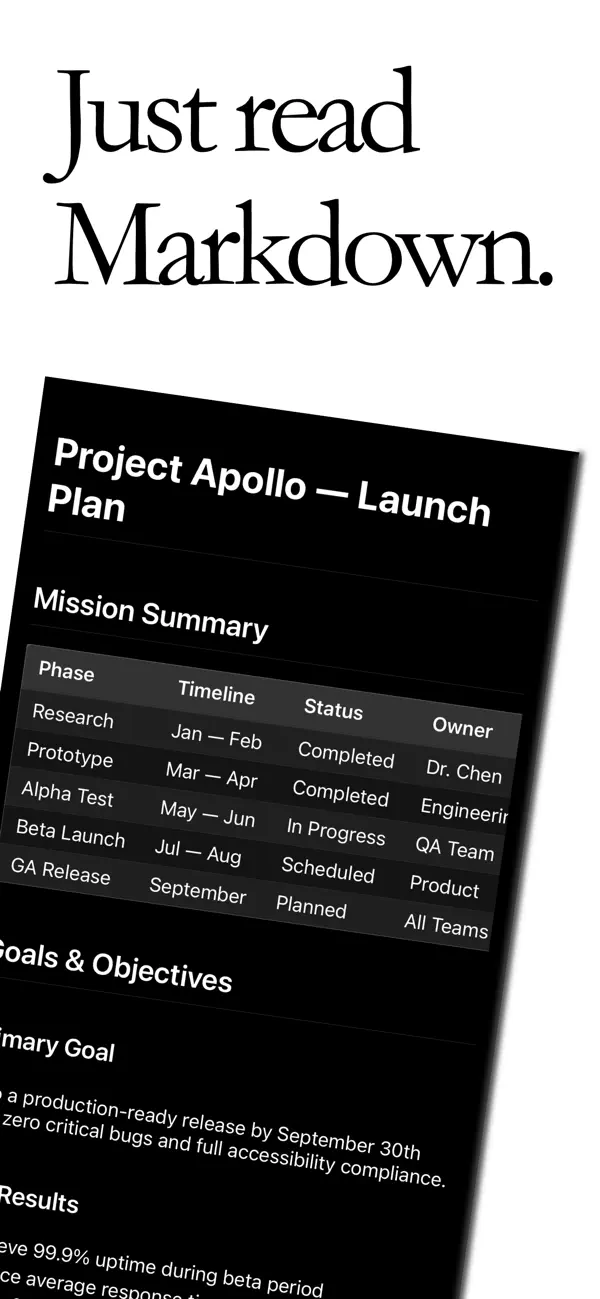
Open your .md files directly from iCloud Drive or local folders and enjoy clean, distraction-free rendering anywhere.
Built for developers, writers, and anyone who keeps documentation in Markdown, Mdly focuses on one thing: reading Markdown comfortably.
Seamless iCloud Experience
Access the same Markdown files across all your Apple devices.
Files created on your Mac appear instantly on iPhone and iPad through iCloud sync.
Powerful Markdown Rendering
Mdly fully supports modern Markdown features:
- Headings, lists, tables, blockquotes
- Syntax-highlighted code blocks
- GitHub-style Markdown rendering
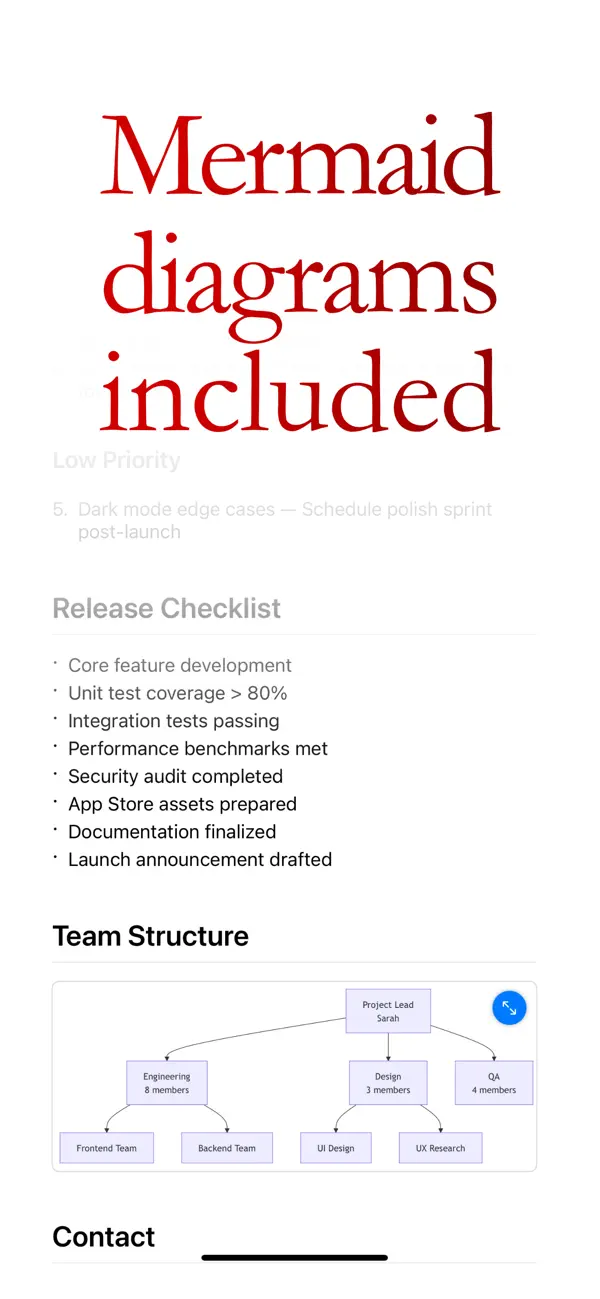
Mermaid Diagram Support
Render Mermaid diagrams inline, including:
- Flowcharts
- Sequence diagram
- Timelines and more
Perfect for viewing technical documentation on the go.
Designed for Reading
Mdly is intentionally read-only — no editing distractions.
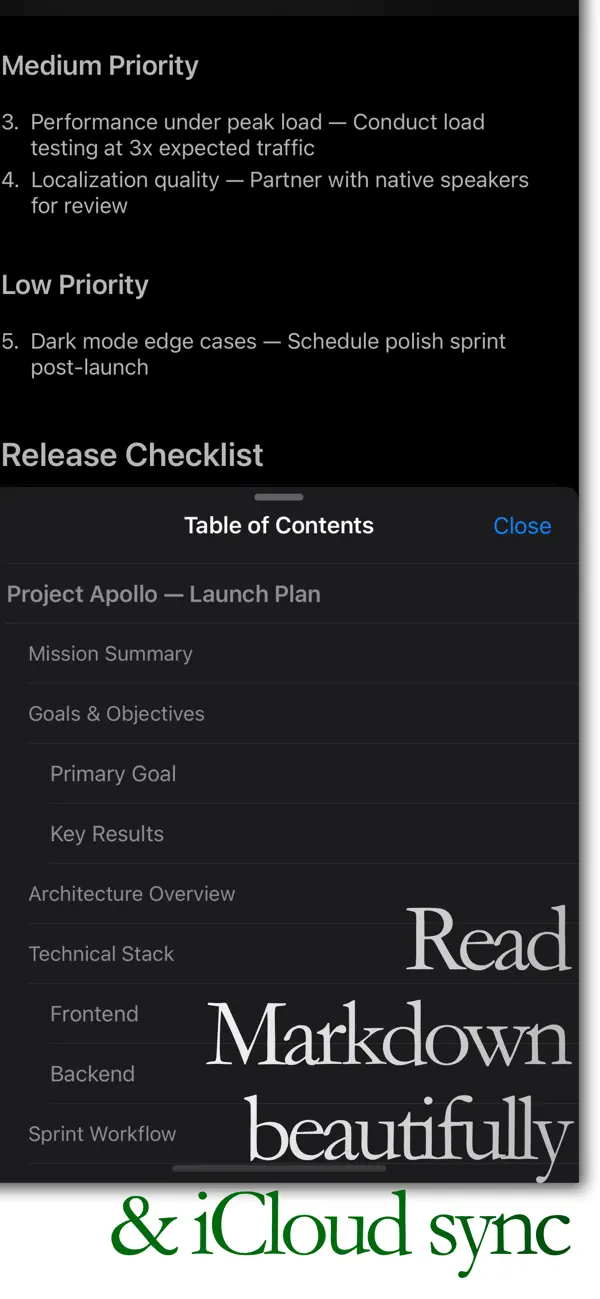
- Slide-up Table of Contents navigation
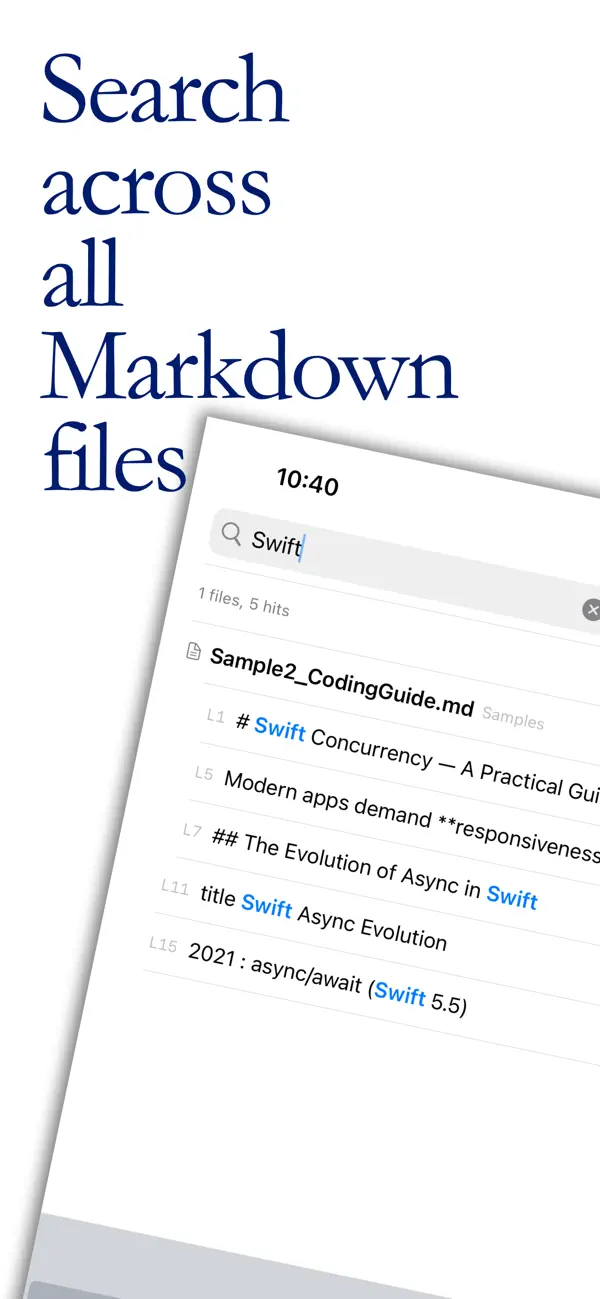
- Full-text search across files
- Recent files access
- Dark and light themes
- Clean typography optimized for long reading
ภาพหน้าจอ
มีอะไรใหม่
- เวอร์ชัน: 1.0
- อัปเดต:
ราคา
- วันนี้: $0.99
- ต่ำสุด: $0.99
- มากที่สุด: $0.99
ติดตามราคา
ผู้พัฒนา
- Yuta Hoshina
- แพลตฟอร์ม: iOS แอป (3)
- รายการ: 0 + 0
- แต้มแล: 0 + 0 ¡
- การจัดอันดับ: 0
- ความเห็น: 0
- ลดราคา: 0
- วิดีโอ: 0
- RSS: ติดตาม
แต้มแล
0 ☹️
การจัดอันดับ
0 ☹️
รายการ
0 ☹️
- Mdly – Markdown Viewer
ความเห็น
แสดงรีวิวเป็นคนแรกเลย 🌟
ข้อมูลเพิ่มเติม
- เวอร์ชัน: 1.0
- หมวดหมู่:
iOS แอป›เครื่องมือ - ระบบปฏิบัติการ:
iPad,iPhone,iOS 18.0 และสูงกว่า - ขนาด:
10 Mb - ภาษาที่สนับสนุน:
English,Japanese - การจัดประเภทเนื้อหา:
4+ - App Store คะแนนโดย:
0 - อัปเดต:
- วันที่วางจำหน่าย:
รายชื่อติดต่อ
- เว็บไซท์:
 https://app.sgrastar.org/mdly/
Mdly – Markdown Viewer URL แบบสั้น: คัดลอกแล้ว!- 🌟 แชร์
- App Store
คุณอาจชอบ
-
- Markdown Editor for Safari
- iOS แอป: เครื่องมือ โดย: Coffee & Fun LLC
- $2.99
- รายการ: 0 + 0 การจัดอันดับ: 0 ความเห็น: 0
- แต้มแล: 5 + 1 (5.0) เวอร์ชัน: 1.3 Create and view markdown files easily from anywhere with our simple and easy, GitHub-flavored markdown editor. Say hello to your new favorite Markdown editor, designed to make your ... ⥯
-
- Markdown Sticky
- iOS แอป: เครื่องมือ โดย: ReNALNE.inc
- * ฟรี
- รายการ: 0 + 0 การจัดอันดับ: 0 ความเห็น: 0
- แต้มแล: 0 + 0 เวอร์ชัน: 1.0 - Real-time Markdown preview - Lightweight, simple, works ⥯
-
- Markdown Mermaid
- iOS แอป: เครื่องมือ โดย: Mark Duenas
- ฟรี
- รายการ: 0 + 0 การจัดอันดับ: 0 ความเห็น: 0
- แต้มแล: 1 + 0 เวอร์ชัน: 1.0 Simple, lightweight and easy to use markdown and mermaid viewer. Use this for reading through documents you download or use a url. ⥯
-
- Markdown Editor and Reader
- iOS แอป: เครื่องมือ โดย: Julian Lau
- ฟรี
- รายการ: 0 + 0 การจัดอันดับ: 0 ความเห็น: 0
- แต้มแล: 2 + 1 (1.0) เวอร์ชัน: 1.3.0 Create Markdown files or import exiting .md files and preview them directly in the App and share the files with other people. ⥯
- ใหม่
- Website to Markdown for Safari
- iOS แอป: เครื่องมือ โดย: Alfredo Grassau
- $2.99
- รายการ: 0 + 0 การจัดอันดับ: 0 ความเห็น: 0
- แต้มแล: 0 + 0 เวอร์ชัน: 1.0.3 Website to Markdown for Safari is a powerful Safari web extension that lets you instantly convert webpages into clean, structured Markdown. Whether you re researching, writing, or ... ⥯
-
- Code-Viewer
- iOS แอป: เครื่องมือ โดย: 修勇 黄
- ฟรี
- รายการ: 1 + 0 การจัดอันดับ: 0 ความเห็น: 0
- แต้มแล: 1 + 1 (1.0) เวอร์ชัน: 2.1.2 source code viewer ⥯
- ใหม่
- Accessible JSON Viewer
- iOS แอป: เครื่องมือ โดย: MATTHEW ANTHONY DOVI
- ฟรี
- รายการ: 0 + 0 การจัดอันดับ: 0 ความเห็น: 0
- แต้มแล: 1 + 0 เวอร์ชัน: 1.0 Accessible JSON Viewer installs a Safari extension that automatically turns JSON responses into a clean, readable, and accessible view. When you open a URL that returns JSON, the page ... ⥯
-
- Advanced JSON Viewer
- iOS แอป: เครื่องมือ โดย: Acrogenesis LLC
- $1.99
- รายการ: 0 + 0 การจัดอันดับ: 0 ความเห็น: 0
- แต้มแล: 0 + 3 (3.3) เวอร์ชัน: 2.2 Advanced JSON Viewer transforms raw JSON data into an elegant, interactive viewing experience right in Safari and now supports opening and saving JSON files directly from your device. ... ⥯
- ใหม่
- HTML Editor & Viewer
- iOS แอป: เครื่องมือ โดย: Hardik Khanesa
- ฟรี
- รายการ: 0 + 0 การจัดอันดับ: 0 ความเห็น: 0
- แต้มแล: 0 + 1 (5.0) เวอร์ชัน: 1.0 HTML Viewer & Editor is a fast and lightweight HTML editor for iPhone and iPad, built specifically for developers who need a reliable web development tool on the go. Write, edit, and ... ⥯
-
- Graffity Viewer
- iOS แอป: เครื่องมือ โดย: GRAFFITY TECHNOLOGIES COMPANY LIMITED
- ฟรี
- รายการ: 0 + 0 การจัดอันดับ: 0 ความเห็น: 0
- แต้มแล: 0 + 0 เวอร์ชัน: 3.5.0 You can use Graffity Viewer to preview AR content for Graffity Console project. ⥯
- ใหม่
- IDFA Viewer+
- iOS แอป: เครื่องมือ โดย: sarah yamaoka
- ฟรี
- รายการ: 0 + 0 การจัดอันดับ: 0 ความเห็น: 0
- แต้มแล: 0 + 0 เวอร์ชัน: 1.0 IDFA Viewer is a free app that allows you to easily check, copy, and share your device s advertising identifier (IDFA) on iOS. Request tracking authorization within the app, and once ... ⥯
-
- STL File Viewer Pro
- iOS แอป: เครื่องมือ โดย: Andeesh Mehdi Syed
- ฟรี
- รายการ: 0 + 0 การจัดอันดับ: 0 ความเห็น: 0
- แต้มแล: 0 + 46 (4.5) เวอร์ชัน: 5.0 View, Rotate & Inspect Your 3D STL Files with Ease! Open any STL file in seconds no sign-up, no clutter, just your 3D model ready to explore. STL File Viewer lets you load, rotate, ... ⥯
- ใหม่
- Marky Mark Markdown Editor
- iOS แอป: เครื่องมือ โดย: 4Utopia, Inc.
- $4.99
- รายการ: 0 + 1 การจัดอันดับ: 0 ความเห็น: 0
- แต้มแล: 1 + 0 เวอร์ชัน: 1.0 Transform your markdown writing experience with Marky Mark - a modern WYSIWYG editor designed for iOS and macOS. KEY FEATURES: Live Preview - See your formatted text as you type with ... ⥯
-
- HTML5 Viewer Pro - Editor Code
- iOS แอป: เครื่องมือ โดย: DREAMER NETWORK CO., LTD
- ฟรี
- รายการ: 0 + 0 การจัดอันดับ: 0 ความเห็น: 0
- แต้มแล: 0 + 0 เวอร์ชัน: 1.0.1 HTML5 Viewer Pro is an optimized text editor focused on coding. It is a handy tool for development on iOs. It contains necessary features for coding, includes syntax highlighting, auto ⥯