
| Entwickler: | Splitfire AB (28) | ||
| Preis: | Kostenlos | ||
| Klassifizierungen: | 0 | ||
| Rezensionen: | 0 Rezension schreiben | ||
| Listen: | 0 + 1 | ||
| Punkte: | 2 + 0 ¡ | ||
| App Store | |||
Beschreibung

Screenshots

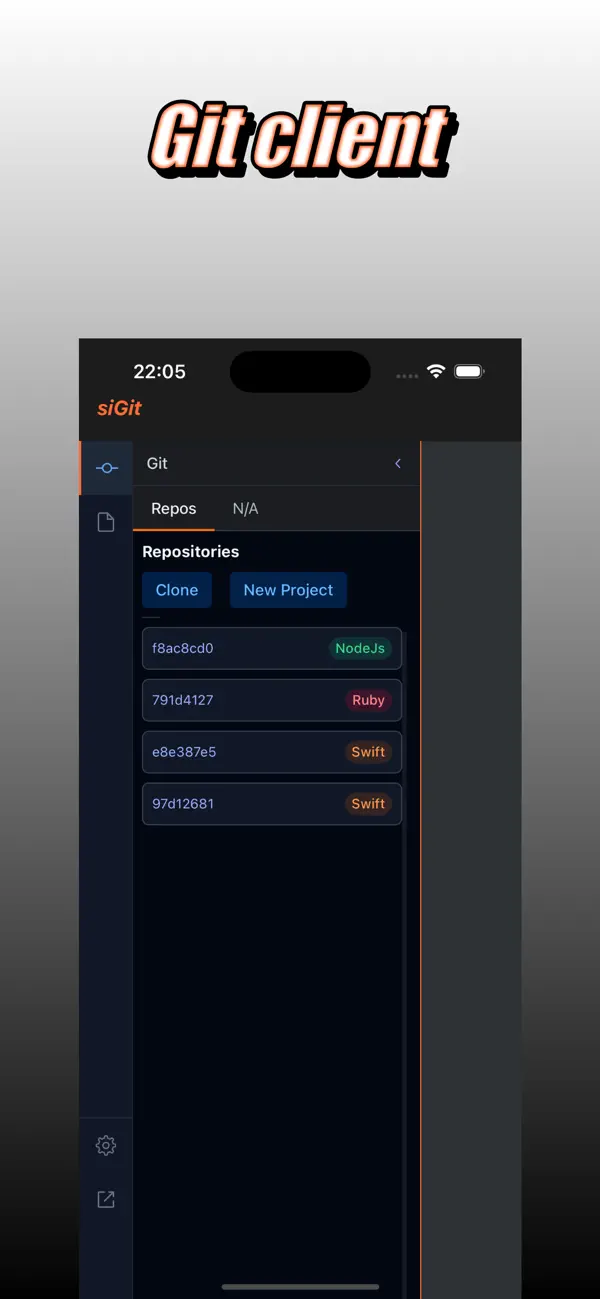
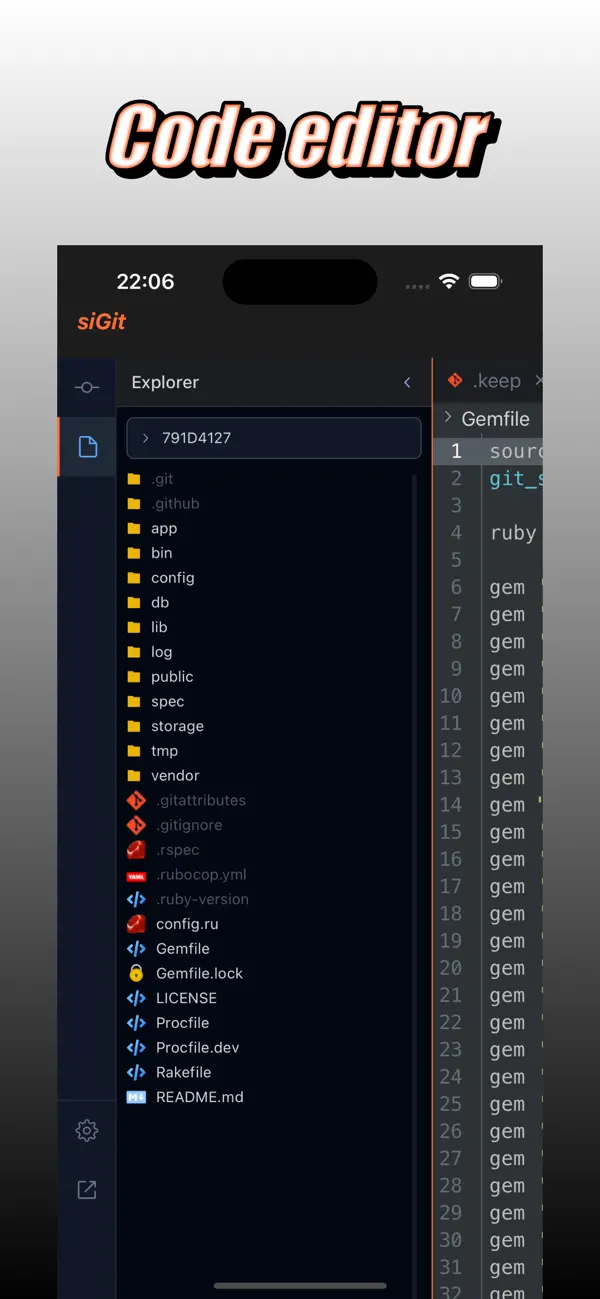
Preis
- Heute: Kostenlos
- Mindestens: Kostenlos
- Maximale: Kostenlos
Preise beobachten
Entwickler
- Splitfire AB
- Plattformen: Android Apps (14) iOS Apps (13) macOS Apps (1)
- Listen: 0 + 1
- Punkte: 34 + 0 ¡
- Klassifizierungen: 0
- Rezensionen: 0
- Rabatte: 1
- Videos: 1
- RSS: Abonnieren
Punkte
-

- 10,982 Simon Chan
- +1
-
- 729 Erin
- +1


Klassifizierungen
0 ☹️
Listen
0 ☹️
- siGit Git Client & Code Editor
Rezensionen
Schreiben Sie die erste Bewertung 🌟
Weitere informationen
- Version: 1.0.1
- Kategorie:
iOS Apps›Entwickler-Tools - Betriebssysteme:
iPad,iPhone,macOS,iOS 13.0 oder höher - Größe:
19 Mb - Unterstützte Sprachen:
English - Altersfreigabe:
17+ - App Store Bewertung:
0 - Aktualisiert:
- Veröffentlichungsdatum:
Kontakte
- Webseite:
 https://smbcloud.xyz/
siGit Git Client & Code Editor Kurz-URL: Kopiert!- 🌟 Teilen
- App Store
Das könnte Ihnen auch gefallen
-
- Code Editor
- iOS Apps: Entwickler-Tools Von: Rainbow Factory LTD - Sticky Notes
- Kostenlos
- Listen: 0 + 1 Klassifizierungen: 0 Rezensionen: 0
- Punkte: 2 + 88 (4.4) Version: 26.0.2 Introducing the Visual Code Editor for iOS, the ultimate solution for coding on-the-go. This powerful app is designed to provide you with a seamless coding experience that is both ... ⥯
-
- Code - Editor Git and Terminal
- iOS Apps: Entwickler-Tools Von: Morella Folesani
- Kostenlos
- Listen: 0 + 0 Klassifizierungen: 0 Rezensionen: 0
- Punkte: 0 + 29 (4.0) Version: 1.0.1 Code, Work Anywhere! This app has an entire developer suite embedded in this app, and it's fully native! ## Code Editor - Various Themes - Colored Syntax - Autocompletion - Minimap - ... ⥯
-
- Code Editor - Compiler & IDE
- iOS Apps: Entwickler-Tools Von: Rhythm Software
- Kostenlos
- Listen: 0 + 0 Klassifizierungen: 0 Rezensionen: 0
- Punkte: 1 + 39 (3.2) Version: 1.1.7 Code editor is optimized text editor focused on coding. It contains necessary features including syntax highlight, code assist, auto-complete, compile and execute, etc. Features: - ... ⥯
-
- Code Editor for HTML CSS JS
- iOS Apps: Entwickler-Tools Von: Sajed Nahian
- Kostenlos
- Listen: 0 + 0 Klassifizierungen: 0 Rezensionen: 0
- Punkte: 1 + 10 (1.9) Version: 1.4.0 Prisma is the best code editor for web developers and people learning web development. Get syntax highlighting, custom URLs, and unlimited projects. Share your projects with your ... ⥯
-
- Git client - Working Copy
- iOS Apps: Entwickler-Tools Von: Anders Borum
- Kostenlos
- Listen: 6 + 4 Klassifizierungen: 0 Rezensionen: 0
- Punkte: 4 + 3,554 (4.9) Version: 6.7.2 Access Git repositories on the go. Clone, edit, commit and push while allowing other apps access to repositories. Git is a important part of our work-life and iOS can take part in ... ⥯
-
- Web IDE: AI Code Editor
- iOS Apps: Entwickler-Tools Von: Tahmiez Sandaim
- Kostenlos
- Listen: 0 + 0 Klassifizierungen: 0 Rezensionen: 0
- Punkte: 0 + 6 (5.0) Version: 2026.15 Turn your iPhone or iPad into a powerful, portable IDE for building websites and web apps. Web IDE combines a professional code editor with AI-assisted tools so you can learn, create, ... ⥯
-
- Textastic Code Editor
- iOS Apps: Entwickler-Tools Von: Alexander Blach
- Kostenlos
- Listen: 14 + 12 Klassifizierungen: 0 Rezensionen: 0
- Punkte: 19 + 2,395 (4.7) Version: 10.9.3 Textastic is a comprehensive and versatile text and code editor for iPad and iPhone. It supports syntax highlighting for more than 80 programming and markup languages. Connect to SFTP, ⥯
-
- Combine - Code Editor & Git
- iOS Apps: Entwickler-Tools Von: Margins Technologies LLC
- * Kostenlos
- Listen: 0 + 0 Klassifizierungen: 0 Rezensionen: 0
- Punkte: 1 + 5 (5.0) Version: 1.4.14 Professional coding with zero compromises. Turn your iPhone or iPad into a professional development studio. Code offline anywhere, run code, preview web projects live, seamlessly ... ⥯
-
- GitDrive - Git client & server
- iOS Apps: Entwickler-Tools Von: Lei Li
- Kostenlos
- Listen: 1 + 0 Klassifizierungen: 0 Rezensionen: 0
- Punkte: 1 + 42 (4.3) Version: 1.1.0 The repository pushed from your PC to GitDrive will be automatically synced to iCloud. As a result, it turns the iOS device already in the palm of your hand into a Git-enabled mobile ... ⥯
-
- PolyGit Git Client
- iOS Apps: Entwickler-Tools Von: Matcha Software LLC
- Kostenlos
- Listen: 0 + 0 Klassifizierungen: 0 Rezensionen: 0
- Punkte: 1 + 107 (4.5) Version: 53.0 Update your repositories from anywhere. PolyGit is a Git client designed for simplicity and ease of use. Your entire commit history is accessible with just a few taps. Git has never ... ⥯
-
- QuickCode: Code Editor
- iOS Apps: Entwickler-Tools Von: Mark Howard
- Kostenlos
- Listen: 0 + 0 Klassifizierungen: 0 Rezensionen: 0
- Punkte: 3 + 3 (5.0) Version: 1.1 Welcome to QuickCode, the ultimate code editor designed for users who want to code on the go with power and ease. Featuring a sleek and intuitive interface, QuickCode offers a ... ⥯
-
- CoddyAI: AI Code Editor
- iOS Apps: Entwickler-Tools Von: MEHMET CANKER (TR)
- * Kostenlos
- Listen: 0 + 0 Klassifizierungen: 0 Rezensionen: 0
- Punkte: 0 + 0 Version: 65.0.0 In today s fast-paced digital era, coding on-the-go is essential for developers. AI Code Editor is your ultimate solution for mobile coding, offering a seamless and intuitive ... ⥯
-
- Simple Code Editor for Web
- iOS Apps: Entwickler-Tools Von: Hardi Darweish
- $0.99
- Listen: 0 + 0 Klassifizierungen: 0 Rezensionen: 0
- Punkte: 0 + 0 Version: 1.0 Simple Code Editor for Web is your on-the-go coding companion designed to make web development seamless and efficient. Whether you are a seasoned developer, a student learning to code, ⥯
-
- MobileCode Code Editor
- iOS Apps: Entwickler-Tools Von: Mark Mendell
- Kostenlos
- Listen: 0 + 0 Klassifizierungen: 0 Rezensionen: 0
- Punkte: 0 + 5 (4.2) Version: 1.5 MobileCode is a code editor that completely rethinks how coding should work. Why are we tapping around on lines way too long for our screen? Why are we punished severely for typos? Why ⥯