
기술
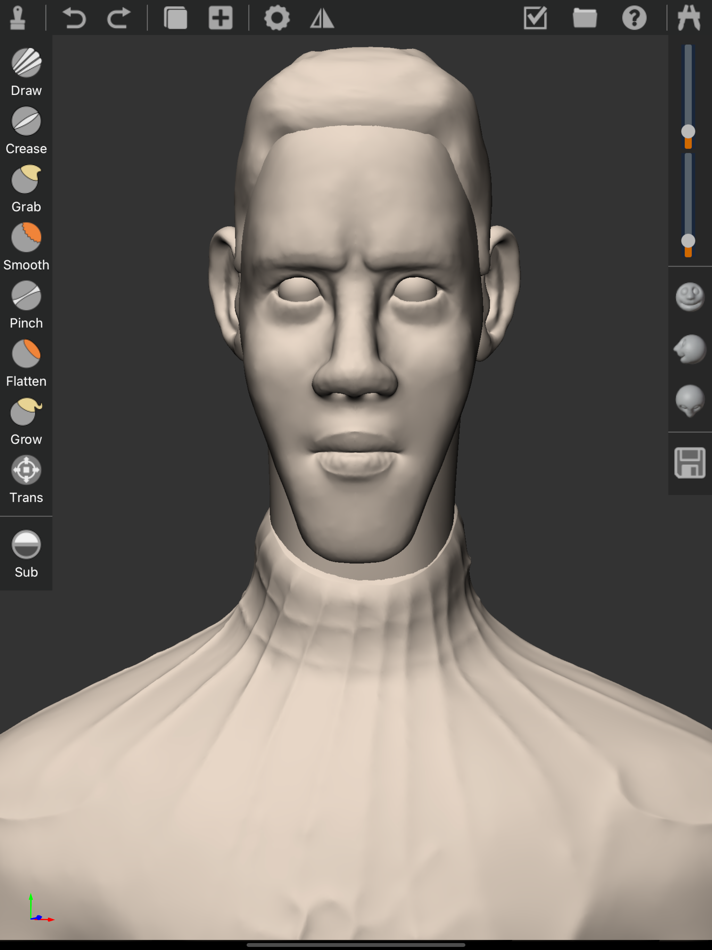
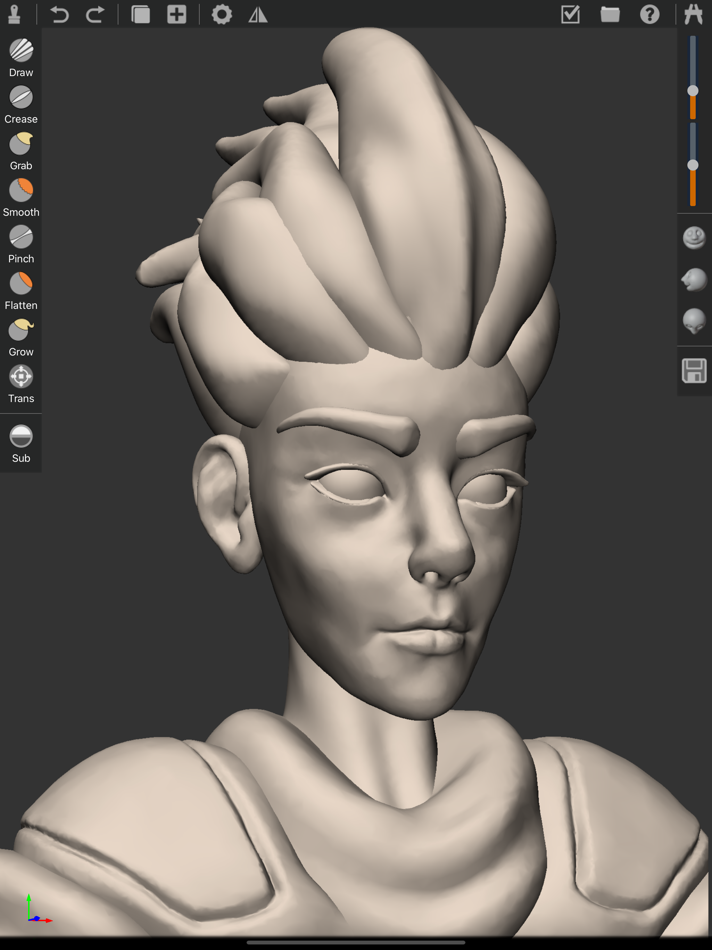
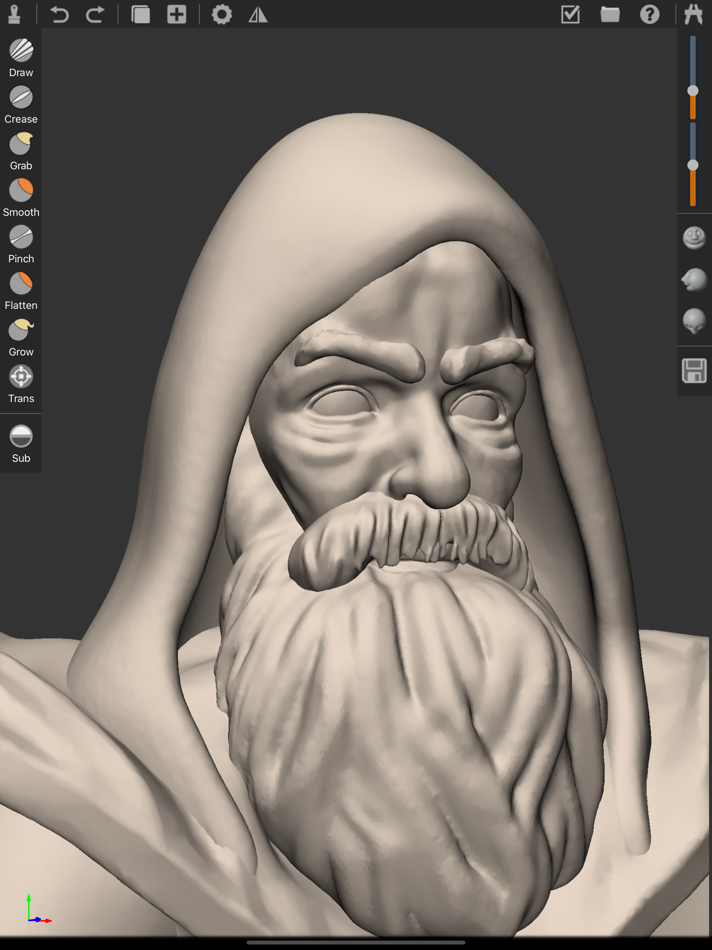
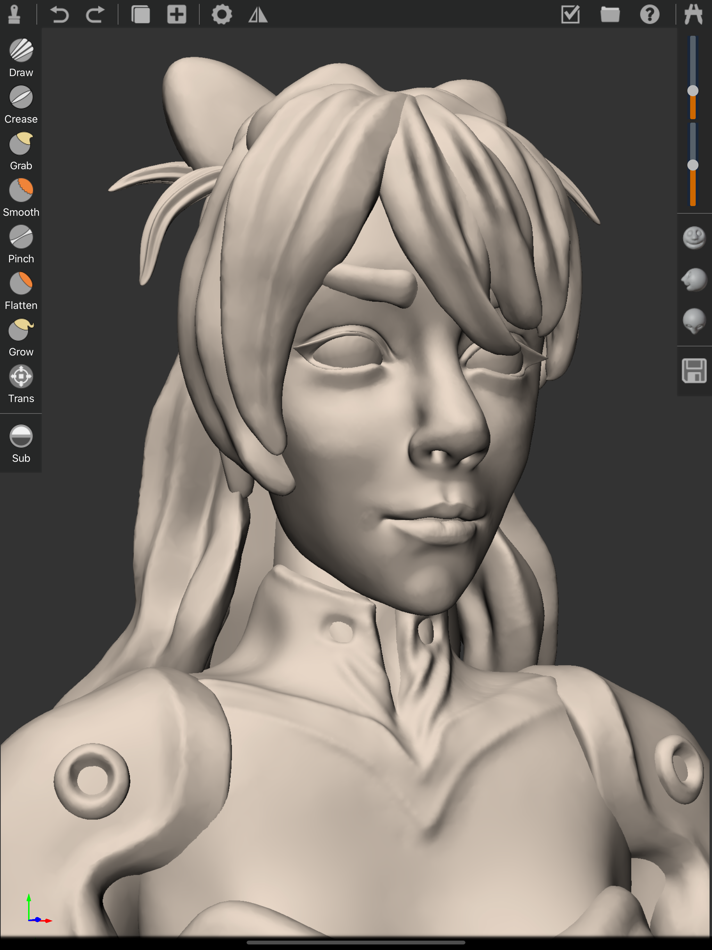
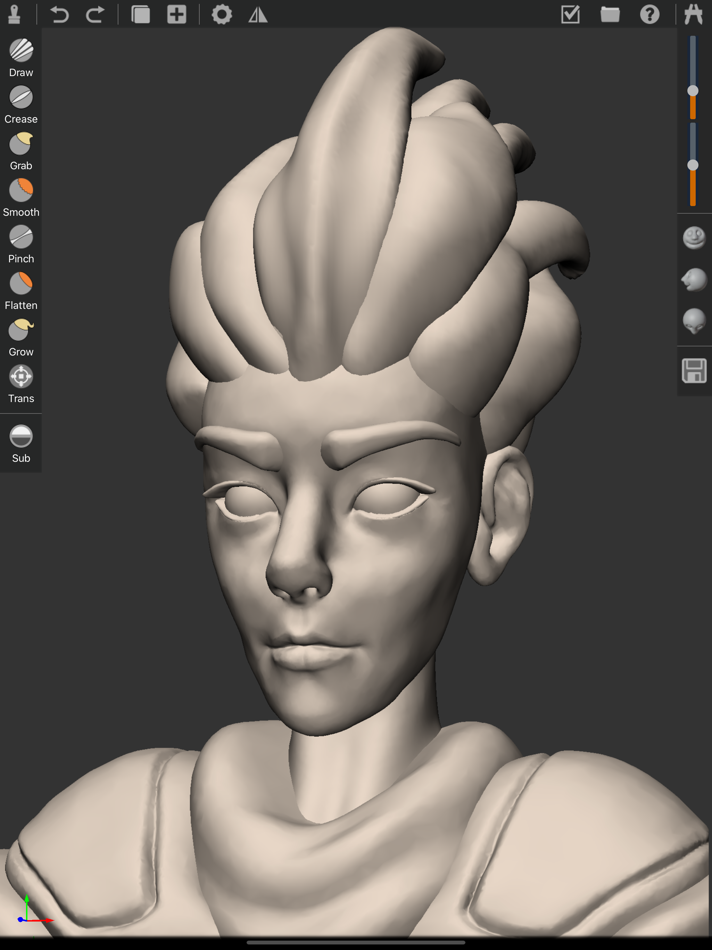
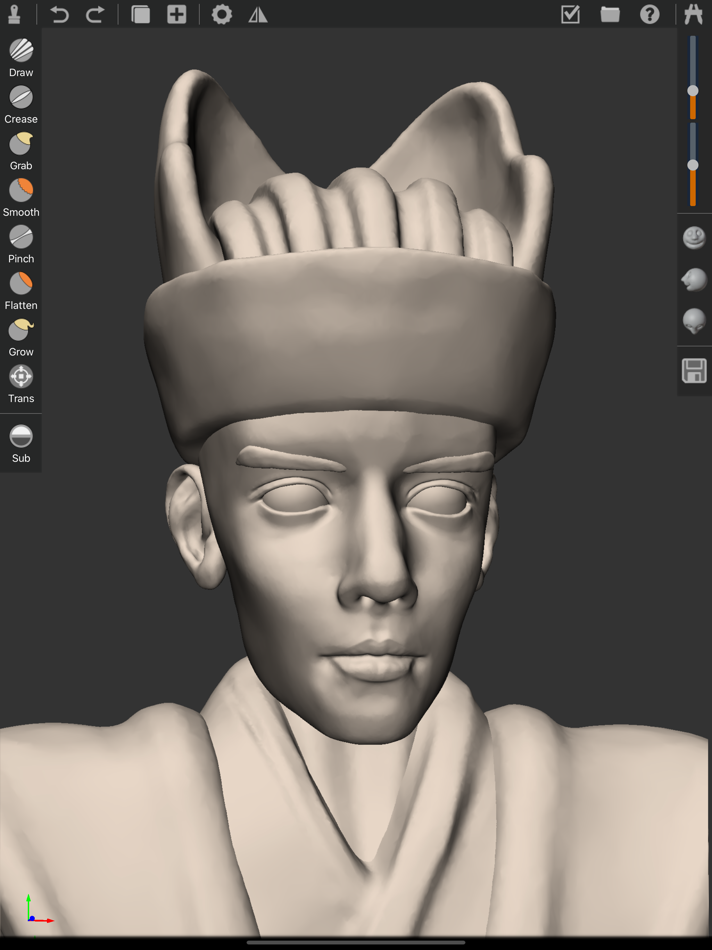
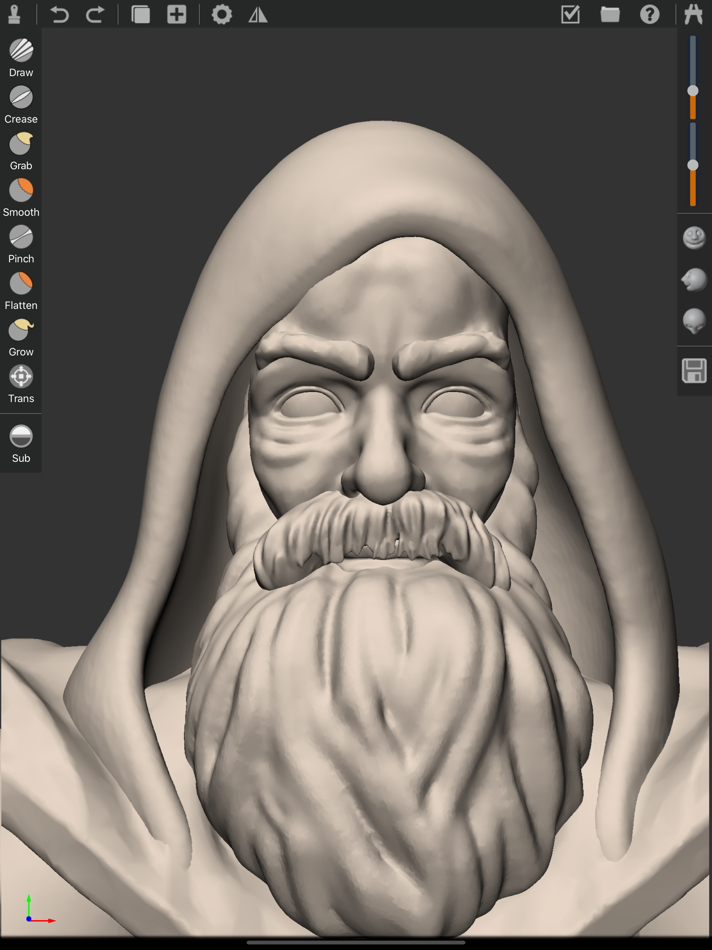
TorSculpt includes lots of 3d sculpting functions below.
Draw mode
You can Draw subdivision meshes on model and also use add or subtract effect on the draw mode.
Crease mode
Use crease mode you can easily sculpt character's mouth and eyes or any other model's part that include crease effect. you can use the add and subtract effect while using this mode.
Smooth mode
Smooth mode is very often to be used while you sculpting any models, it's usually used together with Draw or crease model.
Grab mode
Use Grab mode you can change the model like grab on surface, this mode only change the vertex and triangles position and not add any subdivide surface.
Pinch Mode
Pinch mode can make the vertex of the model surface more sharp, some times you can use this functions to push out the model's surface looks more clear.
Flatten mode
Flatten mode means using this effect will make the model's surface flatten.
Grow mode
Grow mode is different than Grab mode. You know grab mode only change the position of the vertexes, but the Grow mode also subdivide the surface. So you can use this mode to make the model grow something like grow a tail.
Trans mode
Trans mode means you can change the model's position and rotation and scale when you sculpting a model. This mode is so important for sculpting because 3D scene include lots of objects and different object has different position and rotation and scale.
Radius and Strength
When you sculpting 3d model you can use any sculpt mode above and you can also change the sculpting radius and strength of each mode.
Front Right Top view
This is so friendly functions for 3d sculpting and it will make your sculpting more accuracy because you can easily change the view to the front and right and top view directly.
Load Save project
Don't forget to save your project while you sculpt any model. You can load any project you saved and re-sculpt it any time. your project will save to standard obj format and you can use this format in any other 3d software.
Objects manage
You can add or delete any object in your project use Objects manage function. You can also duplicate and mask and mirror object in this panel.
Undo Redo
If you do some changes and you do not want that change you can use this function so that you can easily recover the status you want.
스크린샷
가격
- 오늘: $0.99
- 최소: $0.99
- 최대: $0.99
가격 추적
포인트
-

- 3,646 Alberto Menendez Prados
- +1

순위
0 ☹️
목록
0 ☹️
리뷰
첫 번째 리뷰를 남겨보세요 🌟
추가 정보
주소록
 https://torsculpt.wordpress.comTorSculpt 단축 URL: 복사됨!
- 🌟 공유하기
- App Store
당신은 또한 같은 수 있습니다
-
- Sculpt Station 3D : Printables
- iOS 앱: 그래픽 및 디자인 게시자: Modelab Inc
- * 무료
- 목록: 0 + 0 순위: 0 리뷰: 0
- 포인트: 0 + 2 (3.0) 버전: 1.13 Sculpt Station 3D: Build Print-Ready Models in Seconds Not a designer? Not a problem. Sculpt Station 3D makes it simple to create real-world, printable objects directly on your phone ... ⥯
-
- Nomad Sculpt
- iOS 앱: 그래픽 및 디자인 게시자: Hexanomad
- $19.99
- 목록: 11 + 10 순위: 0 리뷰: 0
- 포인트: 10 + 10,034 (4.8) 버전: 2.7 Sculpting tools Clay, flatten, smooth, mask and many other brushes will let you shape your creation. You can also use the trim boolean cutting tool with lasso, rectangle and other ... ⥯
-
- Capria
- iOS 앱: 그래픽 및 디자인 게시자: Studio Schematics, LLC
- $0.99
- 목록: 0 + 1 순위: 0 리뷰: 0
- 포인트: 8 + 0 버전: 1.3 Capria: The Camera That Captures More Than What Meets the Eye Some moments defy a single frame stories unfold not just in what we see, but in the interplay of perspective, time, and ... ⥯
- -50%
- Qlone 3D Scanner EDU
- iOS 앱: 그래픽 및 디자인 게시자: EyeCue Vision Tech
- $29.99
$59.99-50% - 목록: 1 + 1 순위: 0 리뷰: 0
- 포인트: 5 + 43 (4.2) 버전: 3.16.0 Recognized as one of the 10 Best AR Apps for Classrooms by EdSurge, Qlone, the all-in-one tool for 3D scanning and AR. We have made it easy and fast to 3D scan real objects, modify ... ⥯
-
- Crayon: 3D Sketching
- iOS 앱: 그래픽 및 디자인 게시자: Crayon AR, LLC
- 무료
- 목록: 0 + 0 순위: 0 리뷰: 0
- 포인트: 9 + 0 버전: 2.0.4 Crayon transforms your imagination into reality through immersive 3D drawing and modeling. Using your hands or the Logitech Muse, create and customize designs like never before. ... ⥯
-
- 3D Modelling, Design: Modelify
- iOS 앱: 그래픽 및 디자인 게시자: mustafa kendigzel
- * 무료
- 목록: 0 + 0 순위: 0 리뷰: 0
- 포인트: 1 + 0 버전: 1.2.5 Modelify Turn Photos into 3D Models Transform your photos into stunning, high-quality 3D models with ease. Modelify uses advanced AI and LiDAR scanning technology to bring your images ... ⥯
-
- Remeshy: 3D Scan Cleanup
- iOS 앱: 그래픽 및 디자인 게시자: Toba Ibrahim
- * 무료
- 목록: 0 + 0 순위: 0 리뷰: 0
- 포인트: 0 + 0 버전: 0.01 Remeshy brings professional-grade automatic retopology and 3D mesh optimization directly to your iPad. Perfect for 3D artists, game developers, VFX professionals, and hobbyists, it ... ⥯
-
- 3Draw Modeling
- iOS 앱: 그래픽 및 디자인 게시자: 诚 张
- * 무료
- 목록: 1 + 0 순위: 0 리뷰: 0
- 포인트: 1 + 3 (4.0) 버전: 2.825 3Draw Your Pocket 3D Studio Key Features: Advanced 3D Toolkit Instantly create 6 primitives (Cube/Sphere/Cylinder etc.) with adjustable dimensions & subdivisions 20+ Pro Tools: Edge ... ⥯
-
- CozyBlanket
- iOS 앱: 그래픽 및 디자인 게시자: Sparseal SL
- 무료
- 목록: 0 + 1 순위: 0 리뷰: 0
- 포인트: 0 + 74 (3.4) 버전: 2.1.7 CozyBlanket includes in-app purchases to fully unlock its import/export options and advanced features. For the best experience, Apple Pencil is recommended, but not required. ## A ... ⥯
- 새로운
- Paintrix: Create Digital Art
- iOS 앱: 그래픽 및 디자인 게시자: htapps
- * 무료
- 목록: 0 + 0 순위: 0 리뷰: 0
- 포인트: 2 + 0 버전: 1.1 Paintrix Studio is a powerful digital art app built for iPad and Apple Pencil. Create stunning artwork with handcrafted brushes, rich layers, and professional-grade tools. Bring your ... ⥯
-
- ZBrush
- iOS 앱: 그래픽 및 디자인 게시자: MAXON Computer GmbH
- 무료
- 목록: 0 + 0 순위: 0 리뷰: 0
- 포인트: 0 + 130 (3.9) 버전: 2026.1.1 Created by artists for artists, ZBrush for iPad offers many of the same tools and features found in ZBrush's desktop version used by the professionals in film, game, concept art, toys, ⥯
-
- Photo Editing - Body & Face
- iOS 앱: 그래픽 및 디자인 게시자: KIARA GAILLARD
- 무료
- 목록: 0 + 0 순위: 0 리뷰: 0
- 포인트: 0 + 100 (4.7) 버전: 1.0 Instant Photo Enhancer - Effortless Face & Body Editing Transform your photos in seconds with an all-in-one editing tool designed for simplicity and stunning results. Smooth skin, ... ⥯
-
- d3D Sculptor Pro
- iOS 앱: 그래픽 및 디자인 게시자: DeJean Sargeant
- 무료
- 목록: 0 + 0 순위: 0 리뷰: 0
- 포인트: 0 + 9 (3.6) 버전: 9.25 d3D Sculptor is a digital sculpting tool that combines 3D modeling, texturing and painting. d3D offers tools to push, pull, extrude, move, rotate, stretch, or otherwise manipulate a ... ⥯
-
- Proton 4D - 3D Maker & Editor
- iOS 앱: 그래픽 및 디자인 게시자: MELIORAPPS INTERACTIVE, SRL
- 무료
- 목록: 0 + 0 순위: 0 리뷰: 0
- 포인트: 0 + 5 (2.6) 버전: 1.0 Proton4D is a powerful and user-friendly 3D modeling tool for artists and enthusiasts. It offers a smooth and intuitive experience, leveraging the graphics processing power of your ... ⥯