
| ผู้พัฒนา: | Kartik Nakrani (2) | ||
| ราคา: | ฟรี | ||
| การจัดอันดับ: | 0 | ||
| ความเห็น: | 0 เขียนความเห็น | ||
| รายการ: | 0 + 0 | ||
| แต้มแล: | 0 + 16 (4.8) ¡ | ||
| App Store | |||
คำอธิบาย

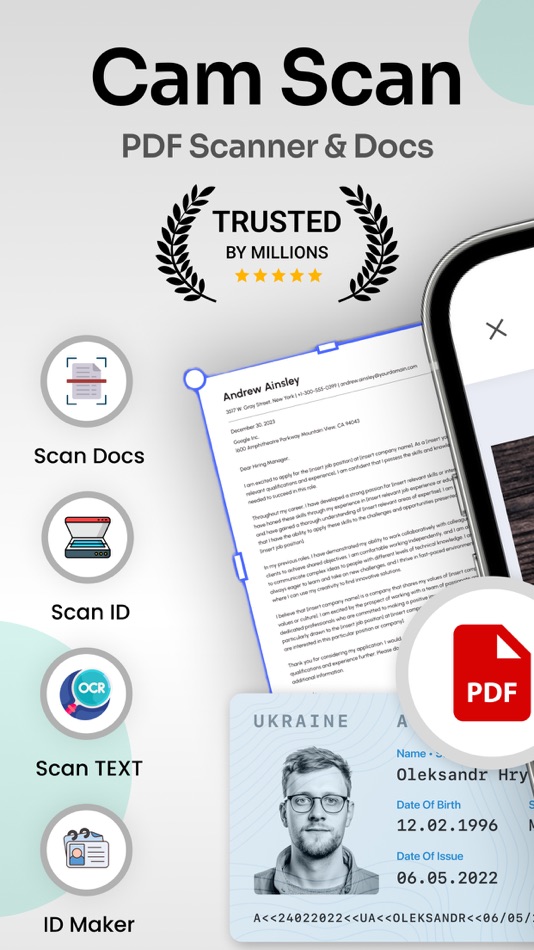
Use the PDF Scanner : Photo Editor app to handle your paperwork with ease. Say goodbye to huge and heavy copy machines and get this ultra-fast scanner app now. Among these indispensable tools, the PDF scanner emerges as an invaluable solution, revolutionizing the way we interact with paper documents and ushering in the era of digital transformation.
HOW IT WORKS
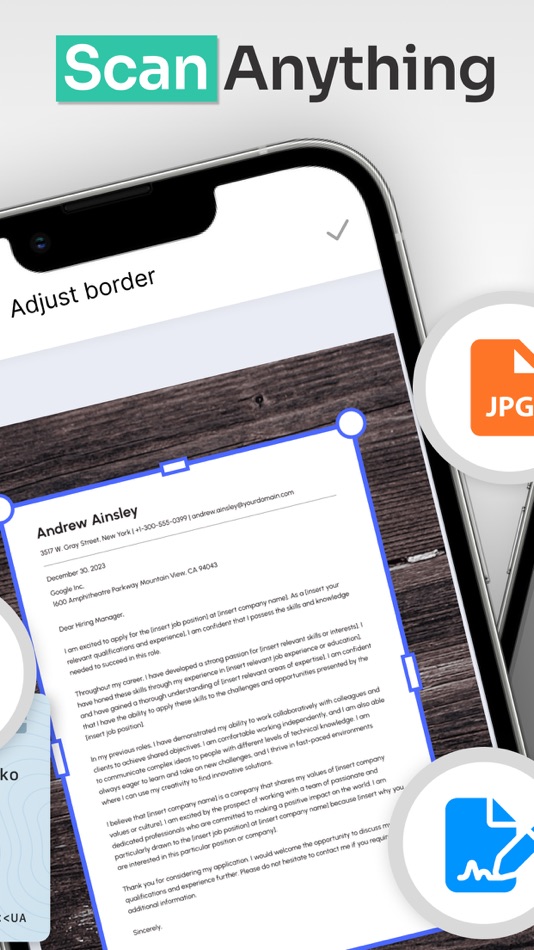
• With the PDF scanner : Photo Editor app, you can make anything scannable.
• Use the PDF scanner to quickly create a photo scan or PDF scan.
• Scan any document and convert to PDF.
SCAN ANYTHING, ANYWHERE, ANYTIME
• Capture forms, receipts, notes, and business cards with this mobile PDF scanner.
• The PDF scanner : Photo editor app even lets you scan multi-page documents and save with a single tap.
ENHANCE
• Touch up scans or photos from your camera roll.
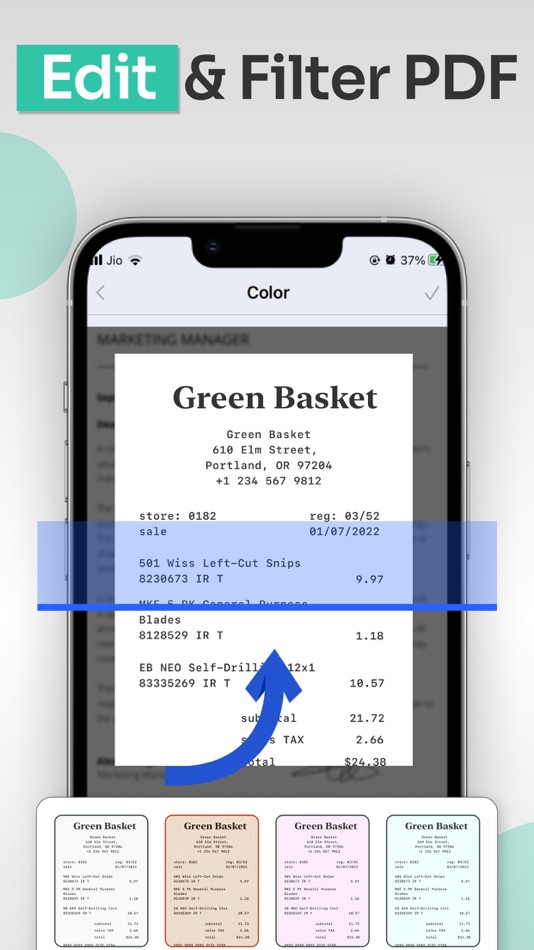
• Whether it’s a PDF or photo scan, you can preview, reorder, crop, rotate, and adjust color.
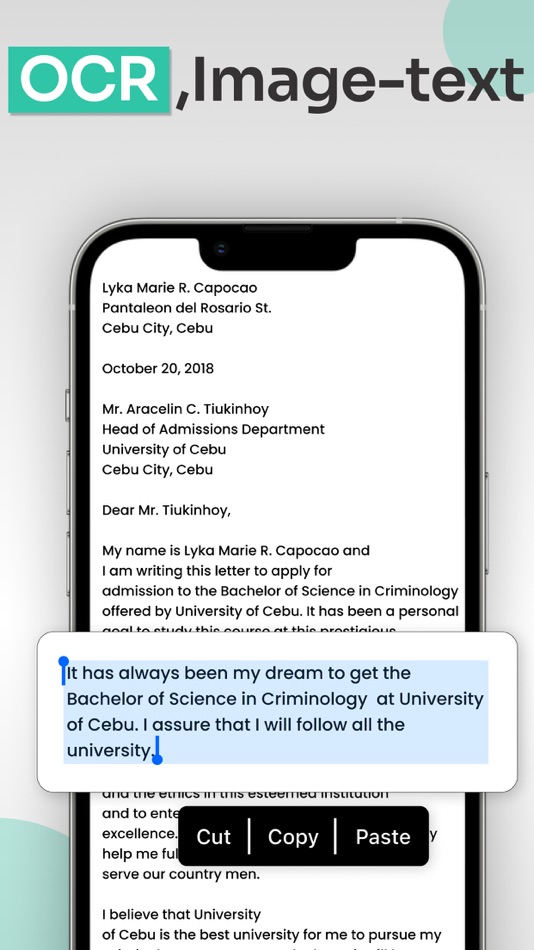
The PDF scanner is engineered to ensure the highest level of accuracy during the document digitization process. Equipped with advanced Optical Character Recognition (OCR) technology, this tool meticulously converts scanned images into editable text & Filters. Furthermore, the PDF scanner can recognize various fonts, filters and layouts, making it adept at transforming diverse documents, such as contracts, invoices, and even handwritten notes, into digital format without compromising accuracy.
FEATURES
* Quickly Digitize Documents
The PDF Scanner : Photo Editor app uses the camera on your mobile device to scan and digitize all kinds of paper documents: receipts, notes, invoices, whiteboard discussions, business cards, certificates, etc.
* Optimize Scan Quality
Smart cropping and auto enhancing ensure the text and graphics in your scans are clear and sharp with premium colors, filters and resolutions.
* Extract Text
The optical character recognition (OCR) feature of this scanner app enables you to recognize text in images or PDFs. You can extract the text for later searching, editing, saving or sharing.
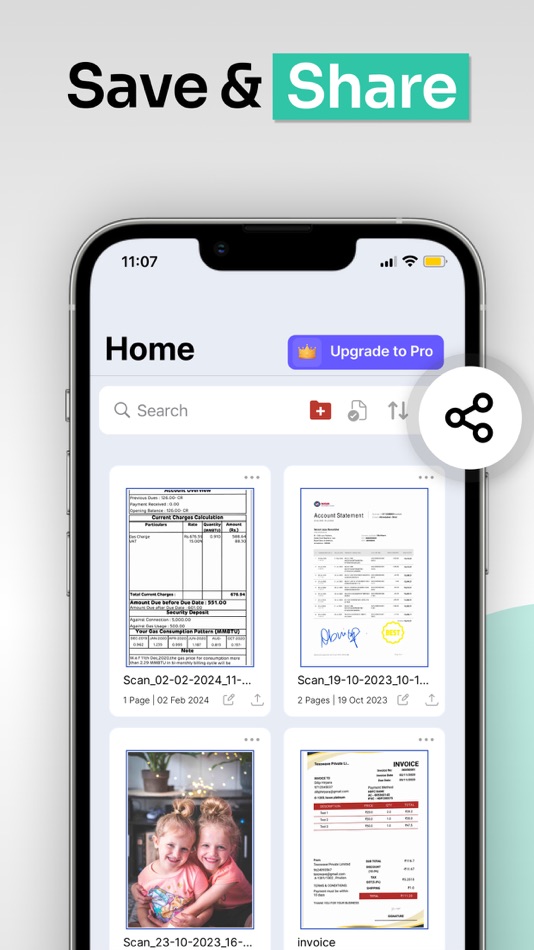
* Share PDF Files
With this PDF scanner, you can easily share documents in PDF or format with friends in multiple ways: share with social media, send attachments or download links through email, etc.
* Advanced Document Editing
Make annotations on documents using a full set of editing tools in this PDF scanner. You can also add a customized watermark to mark your own documents. This feature allows you to search for keywords within the PDF or copy and edit the recognized text.
* PDF Creation and Editing
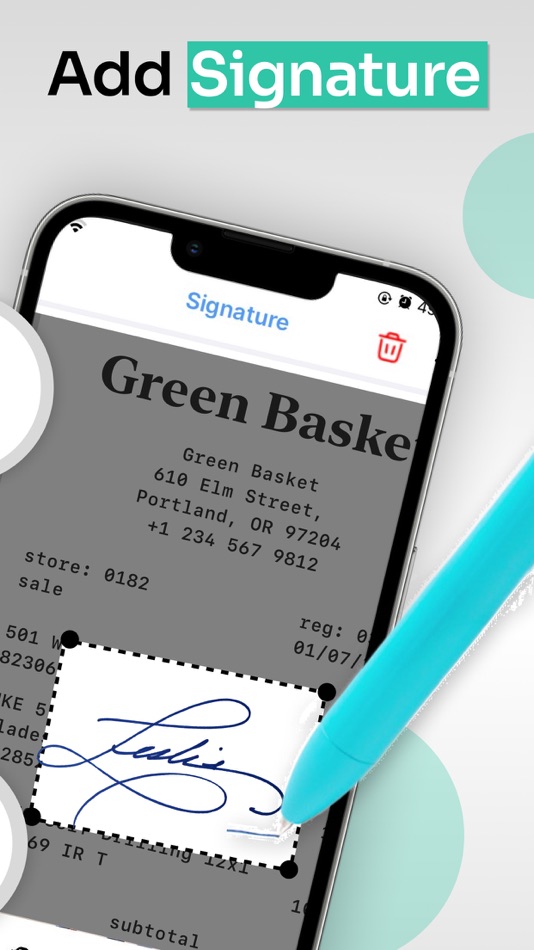
The scanned images are converted into PDF format, and the app typically provides options to combine multiple scans into a single PDF file. You can also rearrange, rotate, or delete pages within the PDF, as well as add annotations, signatures, Text, Filters or watermarks.
Disclaimer for automatic renewable subscription:-
The payment will be charged to your Apple ID Account at confirmation of purchase.
The subscription renews automatically unless the auto-renew is turned off at least 24 hours before the end of the current billing period.
Your account will be charged for renewal within 24-hours prior to the end of your selected subscription.
Your subscriptions can be managed and auto-renewal can be turned off by going to your App Store Account Settings.
privacy policy :- https://sites.google.com/view/techmediaapp/privacy-policy
terms of service :- https://sites.google.com/view/techmediaapp/terms-conditons
ภาพหน้าจอ
ราคา
- วันนี้: ฟรี
- ต่ำสุด: ฟรี
- มากที่สุด: ฟรี
ติดตามราคา
ผู้พัฒนา
- Kartik Nakrani
- แพลตฟอร์ม: iOS แอป (2)
- รายการ: 0 + 0
- แต้มแล: 0 + 29 ¡
- การจัดอันดับ: 0
- ความเห็น: 0
- ลดราคา: 0
- วิดีโอ: 0
- RSS: ติดตาม
แต้มแล
0 ☹️
การจัดอันดับ
0 ☹️
รายการ
0 ☹️
ความเห็น
แสดงรีวิวเป็นคนแรกเลย 🌟
ข้อมูลเพิ่มเติม
- เวอร์ชัน: 3.8.3
- หมวดหมู่:
iOS แอป›ประสิทธิภาพการผลิต - ระบบปฏิบัติการ:
iPad,iPhone,iOS 15.6 และสูงกว่า - ขนาด:
63 Mb - ภาษาที่สนับสนุน:
English - การจัดประเภทเนื้อหา:
4+ - App Store คะแนนโดย:
4.8(16) - อัปเดต:
- วันที่วางจำหน่าย:
รายชื่อติดต่อ
 https://sites.google.com/view/techmediaapp/homeConvert Image to PDF :ScanLuxe URL แบบสั้น: คัดลอกแล้ว!
- 🌟 แชร์
- App Store
คุณอาจชอบ
-
- Image Pdf Master
- iOS แอป: ประสิทธิภาพการผลิต โดย: Sajan Mahato
- * ฟรี
- รายการ: 0 + 0 การจัดอันดับ: 0 ความเห็น: 0
- แต้มแล: 2 + 0 เวอร์ชัน: 1.2 Image PDF Master is the all-in-one PDF and image tool built for students, professionals, and creators. Instantly convert, merge, split, and resize PDFs and photos with lightning-fast, ... ⥯
-
- PDF Maker - Convert to PDF
- iOS แอป: ประสิทธิภาพการผลิต โดย: Kupertino Labs
- ฟรี
- รายการ: 1 + 0 การจัดอันดับ: 0 ความเห็น: 0
- แต้มแล: 0 + 846 (4.6) เวอร์ชัน: 2.2.0 PDF Maker is a tool to convert any file from DOC, XLS, JPG, TXT, PPT, SVG to PDF easily. Make PDF files right on your iPhone using PDF Converter. Features: Pick DOCX, PPTX, XLSX file ... ⥯
-
- Image PDF Maker - Image to PDF
- iOS แอป: ประสิทธิภาพการผลิต โดย: 永文 胡
- $2.99
- รายการ: 0 + 0 การจัดอันดับ: 0 ความเห็น: 0
- แต้มแล: 0 + 0 เวอร์ชัน: 1.2 Image PDF Maker APP can convert images to PDF for sharing or printing. You can use the system or other APP to open the PDF for editing. Steps to use this APP: Step 1: Click the top ... ⥯
-
- PDF Scanner : Convert to PDF
- iOS แอป: ประสิทธิภาพการผลิต โดย: Kevin Rupareliya
- * ฟรี
- รายการ: 0 + 0 การจัดอันดับ: 0 ความเห็น: 0
- แต้มแล: 0 + 0 เวอร์ชัน: 1.0 Photo to PDF Converter Fast, Secure & User-Friendly PDF Creator , Create PDFs in Seconds No Fuss, Just Productivity. Turn your photos into professional-quality PDF files with just a ... ⥯
-
- Convert to PDF, Word, PPT, Doc
- iOS แอป: ประสิทธิภาพการผลิต โดย: Dexati
- ฟรี
- รายการ: 0 + 0 การจัดอันดับ: 0 ความเห็น: 0
- แต้มแล: 0 + 162 (4.8) เวอร์ชัน: 1.2 Doc Converter comes in three main features: PDF Converter - Convert any document to PDF using PDF Converter. We support wide variety of document formats(100+) to convert to PDF. You ... ⥯
-
- Convert to PDF : PDF Scanner
- iOS แอป: ประสิทธิภาพการผลิต โดย: Muhammad Shafique
- ฟรี
- รายการ: 0 + 0 การจัดอันดับ: 0 ความเห็น: 0
- แต้มแล: 0 + 18 (4.0) เวอร์ชัน: 1.3.1 Discover PDF Converter App, a versatile document converter tool designed to meet all your document conversion needs. Whether you're a professional, student, or casual user, Word to Pdf ⥯
-
- Convert Image To PDF tools
- iOS แอป: ประสิทธิภาพการผลิต โดย: Abdullah Albalawi
- ฟรี
- รายการ: 0 + 0 การจัดอันดับ: 0 ความเห็น: 0
- แต้มแล: 1 + 2,360 (4.6) เวอร์ชัน: 1.3.79 Convert images to PDF easily and without losing image quality. It works offline and without ads. features: - Unlimited image to PDF conversion. - Displays the file size after ... ⥯
-
- Convert to PDF - Image to PDF
- iOS แอป: ประสิทธิภาพการผลิต โดย: Bijal Patel
- ฟรี
- รายการ: 0 + 0 การจัดอันดับ: 0 ความเห็น: 0
- แต้มแล: 0 + 179 (4.7) เวอร์ชัน: 1.9 Now, to convert any image into all popular formats has become so convenient. Image converter can convert any image into ... ⥯
-
- Convert to PDF Image Converter
- iOS แอป: ประสิทธิภาพการผลิต โดย: Mobile Ocean
- ฟรี
- รายการ: 0 + 0 การจัดอันดับ: 0 ความเห็น: 0
- แต้มแล: 1 + 17 (4.9) เวอร์ชัน: 1.2 Transform Your Images into PDFs with PictoPDF! Do you want a simple, effective and elegant solution to convert your images into PDFs? Look no further! Here's PictoPDF - your solution ... ⥯
- ใหม่
- Convert To PDF: UltraPDF
- iOS แอป: ประสิทธิภาพการผลิต โดย: Nam Hoang
- * ฟรี
- รายการ: 0 + 0 การจัดอันดับ: 0 ความเห็น: 0
- แต้มแล: 1 + 1 (5.0) เวอร์ชัน: 1.1 The Ultimate PDF Converter & Document Scanner UltraPDF revolutionizes how you create, manage, and share PDF documents. Whether you're a student, professional, or business owner, our ... ⥯
-
- Convert to pdf: photos to pdf
- iOS แอป: ประสิทธิภาพการผลิต โดย: Ess X LLC
- ฟรี
- รายการ: 0 + 0 การจัดอันดับ: 0 ความเห็น: 0
- แต้มแล: 1 + 17 (4.5) เวอร์ชัน: 1.1 Turn your photos into professional PDFs in seconds. Powerful, fast, and built for students and professionals who demand quality. Start with generous free features, or unlock Pro ... ⥯
-
- PDF File Editor Convert To PDF
- iOS แอป: ประสิทธิภาพการผลิต โดย: Muhammad Asfandyar Burki
- * ฟรี
- รายการ: 0 + 0 การจัดอันดับ: 0 ความเห็น: 0
- แต้มแล: 1 + 1 (5.0) เวอร์ชัน: 1.8 Easily convert, edit, and manage your documents anytime, anywhere. PageFlip makes it simple to transform PDFs into other file formats or turn different files into PDFs with just a few ... ⥯
-
- IMG2PDF: Convert Image to PDF
- iOS แอป: ประสิทธิภาพการผลิต โดย: Monali Paghadal
- ฟรี
- รายการ: 0 + 0 การจัดอันดับ: 0 ความเห็น: 0
- แต้มแล: 0 + 12 (4.7) เวอร์ชัน: 1.0.3 The IMG2PDF: Convert Image to PDF easily converts your images into a single PDF file. Use the cropping and scaling tools to optimize your images for your PDF file. Press + to pick ... ⥯
-
- Photo to PDF & Convert to PDF
- iOS แอป: ประสิทธิภาพการผลิต โดย: Tugberk Can Ozen
- ฟรี
- รายการ: 0 + 0 การจัดอันดับ: 0 ความเห็น: 0
- แต้มแล: 0 + 23 (4.7) เวอร์ชัน: 1.0.1 Photo to PDF & Convert to PDF allows you to quickly, easily, and securely convert your photos and images to PDF. Select multiple photos from your gallery, arrange them with ... ⥯