
| Developer: | YoungHo Kim (6) | ||
| Price: | Free | ||
| Rankings: | 0 | ||
| Reviews: | 0 Write a Review | ||
| Lists: | 2 + 0 | ||
| Points: | 6 + 0 ¡ | ||
| Mac App Store | |||
Description

Let's begin!
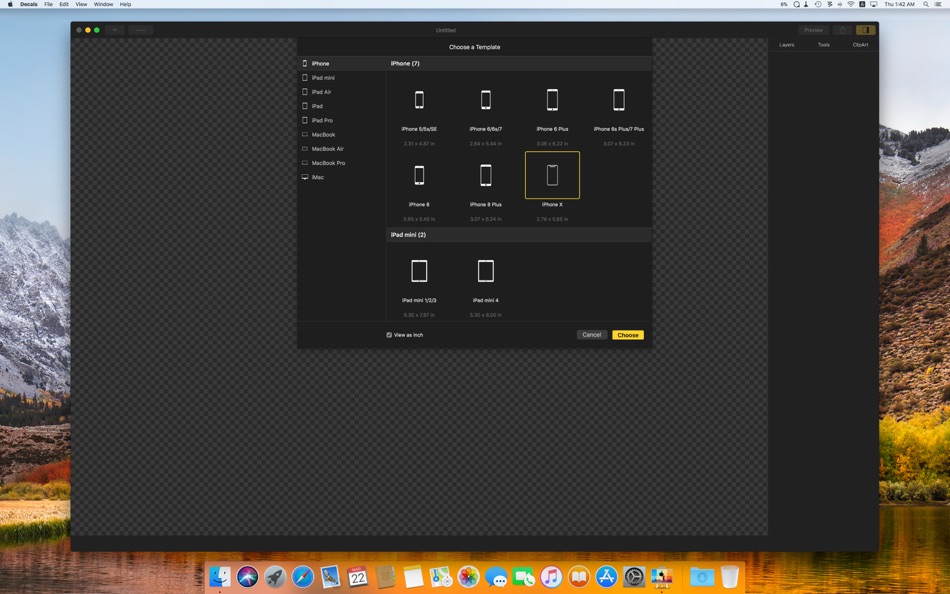
Decals comes fully armed and ready. To make a Decals Sticker for your iPhone, iPad, iPad mini, iPad Air, iPad Pro, MacBook, MacBook Pro, or iMac, a heap of information is required. But Decals comes equipped with information on countless Apple products so that all you need to do is simply select the desired ones - difficulties in operation is something that is inconceivable in Decals. So, shall we get started?
Supported models: iPhone 5, 5s, SE, 6, 6 Plus, 6s, 6s Plus, 7, 7 Plus, 8, 8 Plus, X, iPad 1, 2, 3, 4, 5, iPad mini 1, 2, 3, 4, iPad Air 1, 2, iPad Pro 9.7”, 10.5”, 12.9”, MacBook 12” Early 2015~2017, MacBook 13” Late 2008, MacBook 13” Early 2009~Mid 2009, MacBook 13” Late 2009 ~ Mid 2010, MacBook Air 11” Late 2010~Early 2015, MacBook Air 13” Late 2008~2017, MacBook Pro 13” Mid 2009~Mid 2012, MacBook Pro 13” Late 2012~Early 2015, MacBook Pro 13” 2016~2017, MacBook Pro 15” Late 2008~Mid 2012, MacBook Pro 15” Mid 2012~2015, MacBook Pro 15” 2016~2017, iMac 20” Mid 2007~Early 2009, iMac 21.5” Late 2012~2017, iMac 27” Late 2009~Mid 2011, iMac 27” Late 2012~iMac Pro.
Creating a Decals Sticker is as easy as pie.
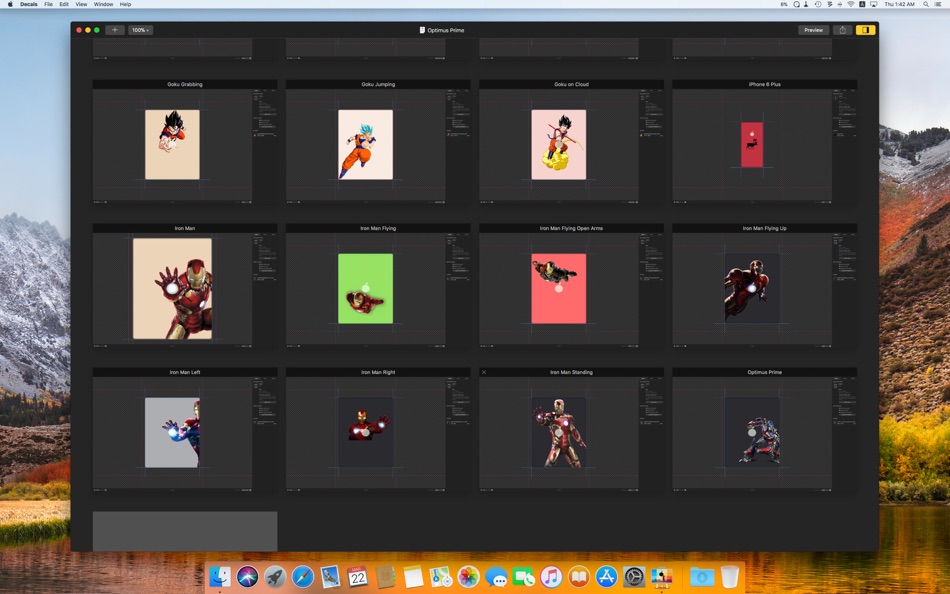
So, you'd like to create a Decals Sticker sticker for your lovely iPhone, iPad, MacBook, MacBook Air, MacBook Pro, iMac. All you need to do is select the desired image on your device and drag it. Adjust the size and position then print, and voila! Plus, there is no need to worry about image formats since a myriad of formats, including GIF, JPEG, JPEG 2000, PNG, TIF, PDF, PSD, ICNS, ICO, BMP, SVG, are supported.
Over 1,000 clip art ready for immediate use.
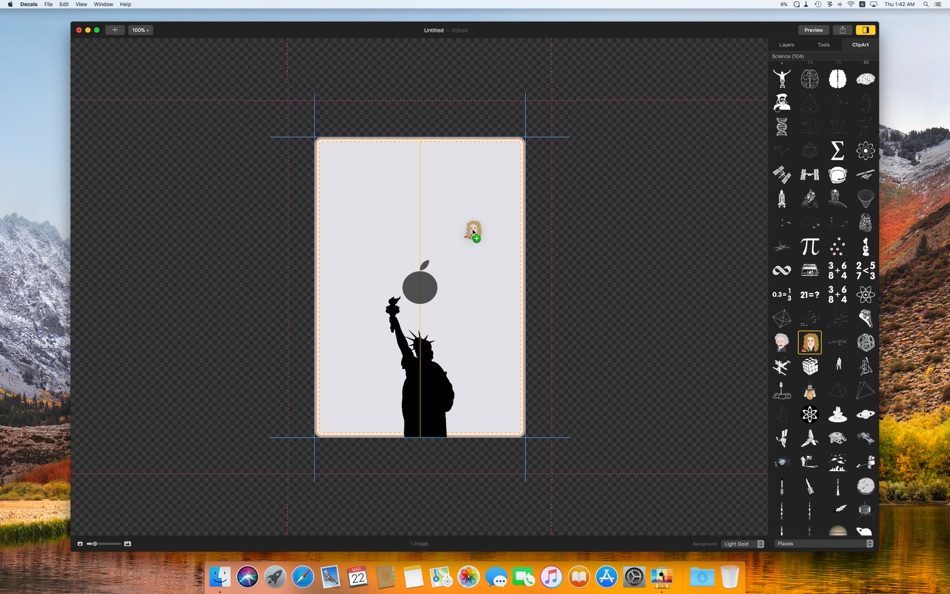
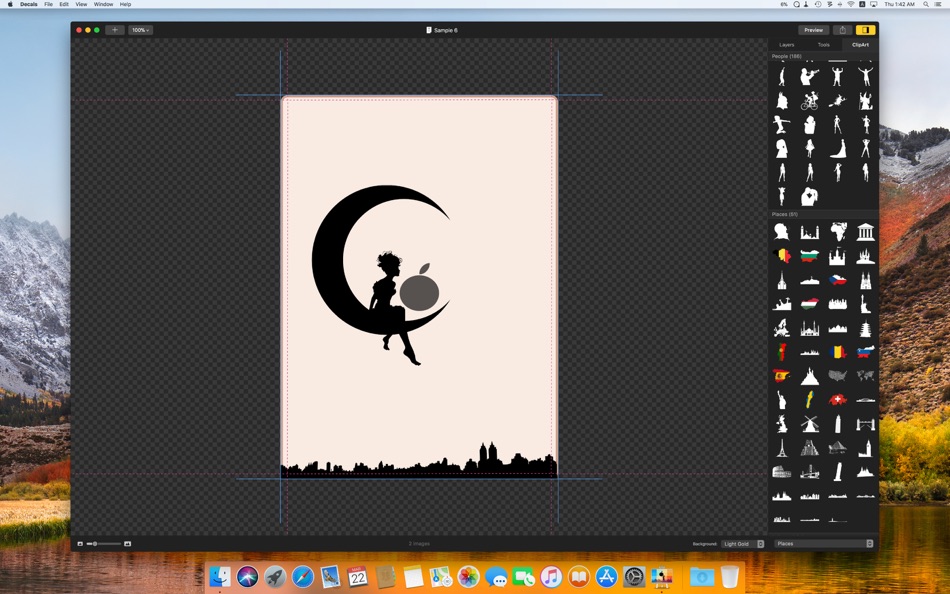
Over 1,000 stylish clip art images are provided by Decals. Simply drag the desired image. Drag a number of different images into a stunning collage and create the Decal Sticker that is truly unique. Try it now!
The Chameleon Canvas
The canvas in Decals is like a chameleon. With a multitude of available background colors matching your iPhone, iPad, MacBook, or iMac you can immediately get the feel of how your Decals Sticker will look. And apart from the obvious ability to enlarge or reduce in size, this canvas provides guidelines that show you the size of the selected device and the printing area, to enable you to work to the finest detail. You'll be feelin' it in no time!
Any position is possible.
When creating a Decals Sticker the image is centered around the Apple logo on your iPhone, iPad, MacBook, or iMac. The images you will be using for the sticker can easily be positioned behind, inside, or on top of the logo. Then Decals takes care of the rest. It is so simple that you won't have time to break a sweat.
Preview the final result.
The preview feature in Decals is real - it is not a mere preview but the exact image of how it would look once printed. Through the preview feature little mistakes can be easily prevented and you can make sure that the result is just as you imagined it. Simply click.
Printing.
To print, all you need to do is place the Sticker Paper Sheet in your printer. Once printed simply cut out and stick. Piece of cake!
By the way, App Store reviews are very helpful to us. If you think Decals is worthy, would you mind taking a moment to write a nice review? We’d greatly appreciate it. Thanks for using Decals.
Screenshots

What's new
- Version: 1.0.3
- Updated:
- What's New in Version 1.0.3
- Improved performance on High Sierra
What's New in Version 1.0.2
- Improved document version information
- Fixed minor UI bugs
What's New in Version 1.0.1
- Fixed minor UI bugs
Price History
- Today: Free
- Minimum: Free
- Maximum: $4.99
Track prices
Developer
- YoungHo Kim
- Platforms: iOS Apps (3) macOS Apps (3)
- Lists: 5 + 2
- Points: 16 + 18 ¡
- Rankings: 0
- Reviews: 0
- Discounts: 0
- Videos: 0
- RSS: Subscribe
Points
-

- 1,139 m374
- +1
-
- 5 Guillermo
- +1
-
- 1 Oleksandr
- +1
-
- 16 HoMeCracKeR
- +1
-
- 117 Денис
- +1
-
- 10,388 Simon Chan
- +1


Rankings
0 ☹️
Lists

Reviews
Be the first to review 🌟
Additional Information
- Version: 1.0.3
- Category:
macOS Apps›Graphics & Design - OS:
macOS,macOS 10.13 and up - Size:
70 Mb - Supported Languages:
English - Content Rating:
4+ - Mac App Store Rating:
0 - Updated:
- Release Date:
Contacts
- Website:
 http://www.littlehj.com
«Decals» is a Graphics & Design app for macOS, developed by «YoungHo Kim». It was first released on and last updated on . This app is currently free. This app has not yet received any ratings or reviews on AppAgg. It has been added to 2 public lists and 0 private lists created by users. AppAgg has tracked 6 confirmed points plus 0 indirect points for this app. Available languages: English. AppAgg continuously tracks the price history, ratings, and user feedback for «Decals». Subscribe to this app or follow its RSS feed to get notified about future discounts or updates.
Decals Short URL: Copied!- 🌟 Share
- Mac App Store
You may also like
-
- Folder Colorizer Pro
- macOS Apps: Utilities By: Softorino Inc.
- $3.99
- Lists: 0 + 1 Rankings: 0 Reviews: 0
- Points: 0 + 0 Version: macOS App Version 4.11.10 Make Your Mac Folders Stand Out! Folder Colorizer PRO lets you change folder colors on Mac in just 1 click. Add emojis, custom images, decals & more. Organize smarter. Make it yours. ... ⥯
-
- Design & Craft Studio Space
- macOS Apps: Graphics & Design By: Maham Jahangir
- * Free
- Lists: 0 + 0 Rankings: 0 Reviews: 0
- Points: 0 + 0 Version: 1.0.5 Crixy: Design & Craft Studio Space 40,000+ Ready-to-Use Designs Important Note & Disclaimer: This app is an independent product and is not affiliated with, endorsed by, or connected to ⥯
-
- AI Cut Machine Design - Studio
- macOS Apps: Graphics & Design By: Usama Daood
- * Free
- Lists: 0 + 0 Rankings: 0 Reviews: 0
- Points: 0 + 0 Version: 1.0 AI Cricut Design Studio is the ultimate macOS app for crafting enthusiasts, transforming your creative ideas into professionally designed graphics tailored for Cricut machines. With ... ⥯
- New
- Design 3D Studio For DIY Edit
- macOS Apps: Graphics & Design By: Suleman Tariq
- * Free
- Lists: 0 + 0 Rankings: 0 Reviews: 0
- Points: 0 + 0 Version: 1.1 3D Design Mockup Tshirt Space 3D Tshirt Designer and Sublimation Editor Bring your creative ideas to life with 3D Design Mockup Tshirt Space the ultimate app for DIY enthusiasts ... ⥯