
| Developer: | Farida Yarullina (18) | ||
| Price: | * Free | ||
| Rankings: | 0 | ||
| Reviews: | 0 Write a Review | ||
| Lists: | 0 + 0 | ||
| Points: | 3 + 0 ¡ | ||
| Mac App Store | |||
Description
Features:
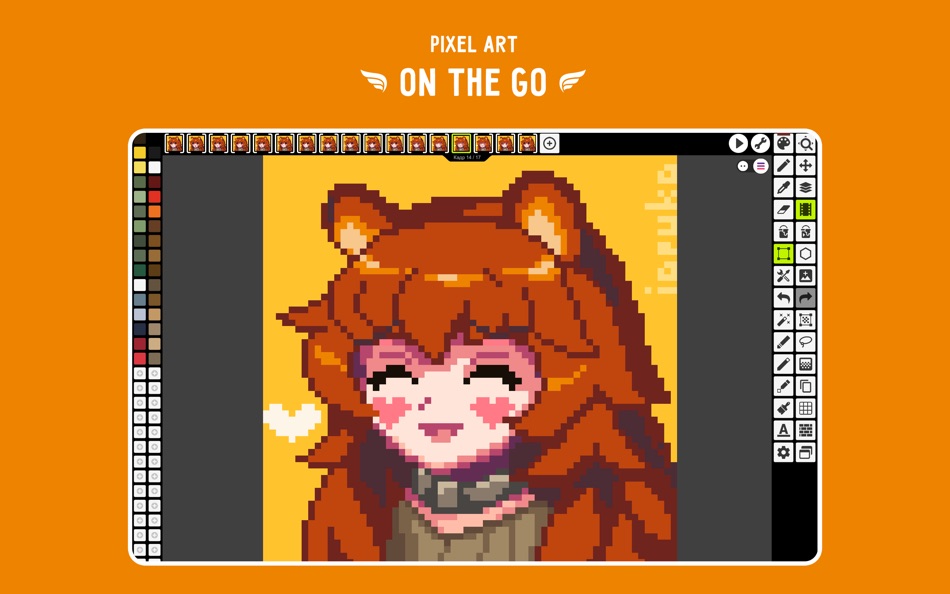
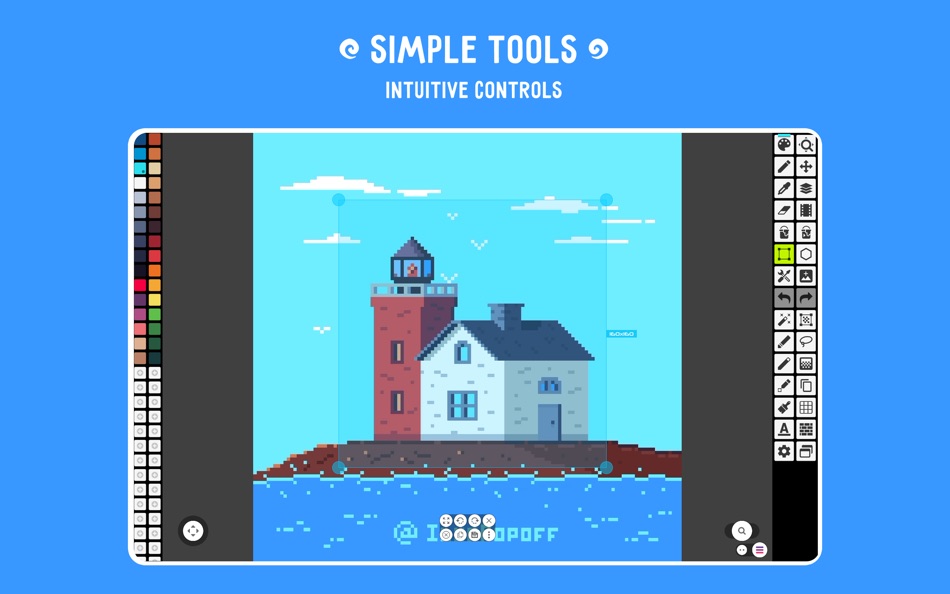
• It's super simple, intuitive and user friendly
• It's cross-platform, use it on mobile and desktop with Google Drive sync
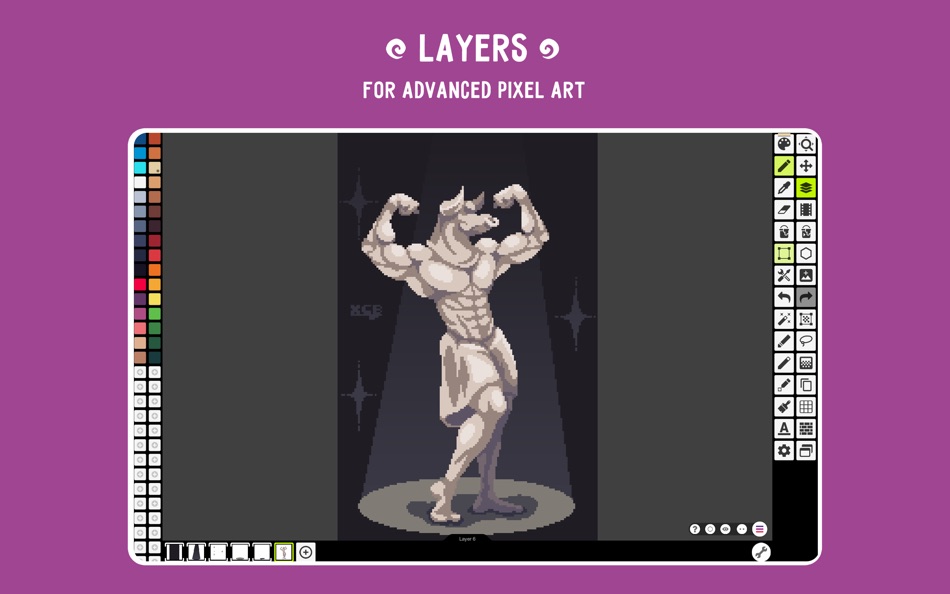
• Use layers for advanced pixel art
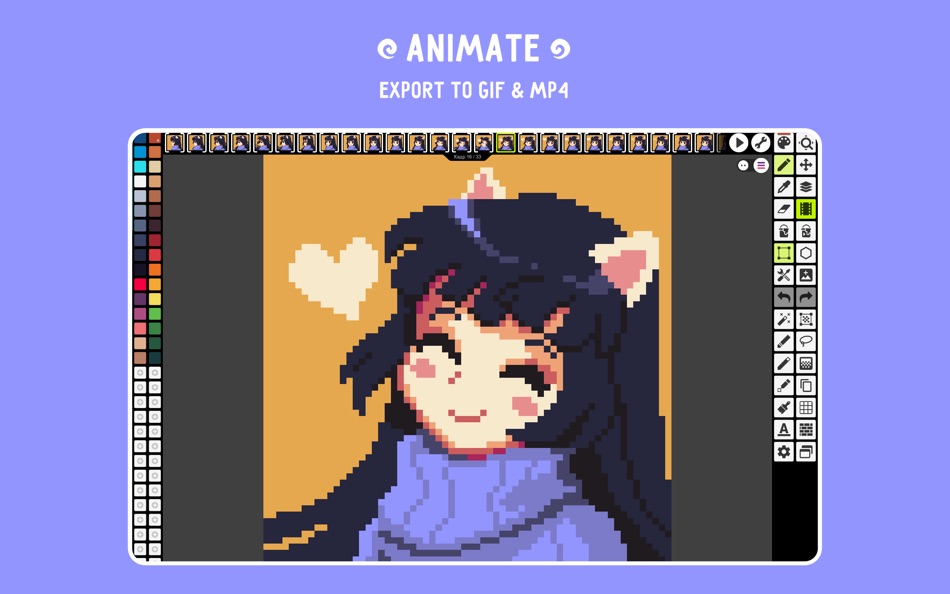
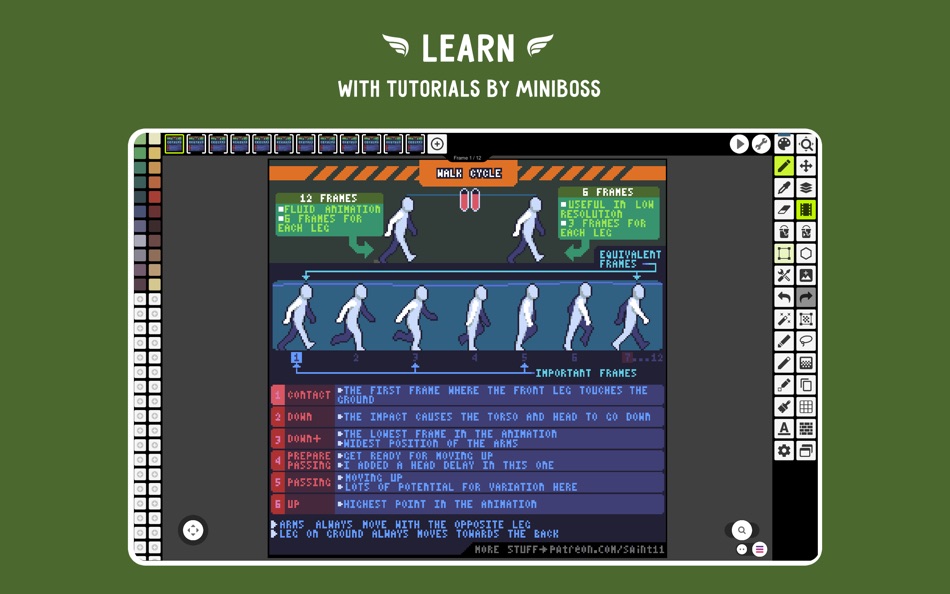
• Create frame-by-frame animations
• Save animations to GIF or sprite sheets
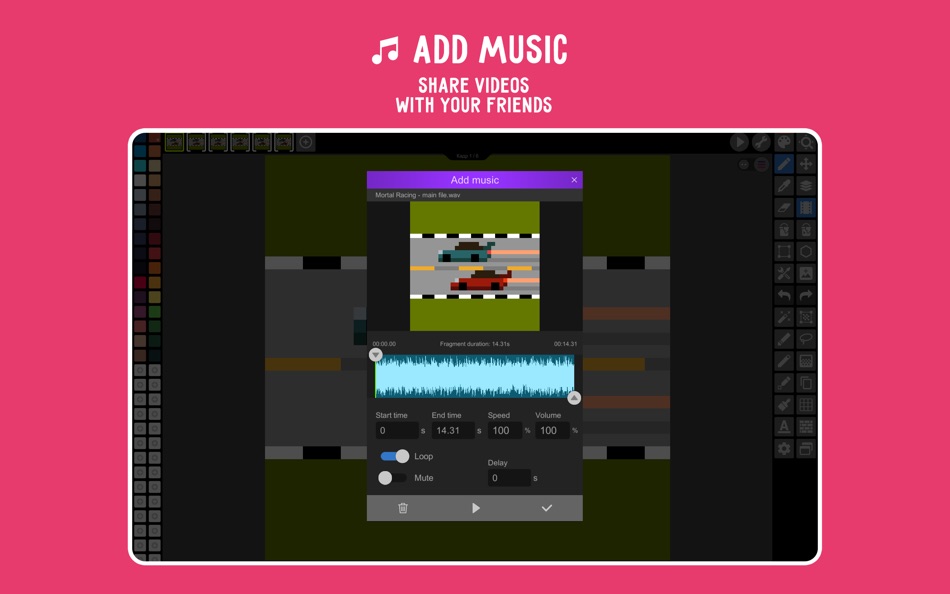
• Extend animations with music and export videos to MP4
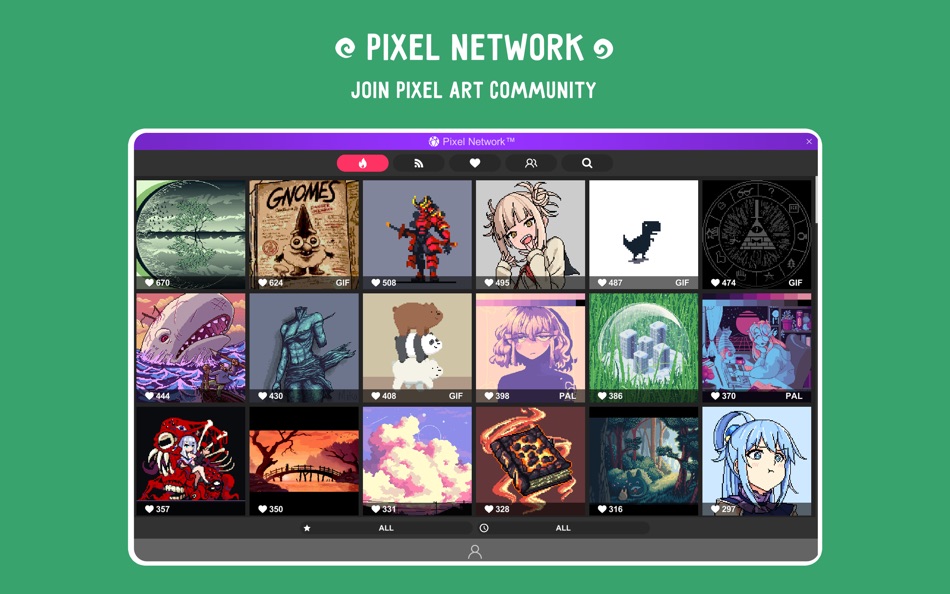
• Share arts with friends and Pixel Network community
• Create custom palettes, use built-in or download palettes from Lospec
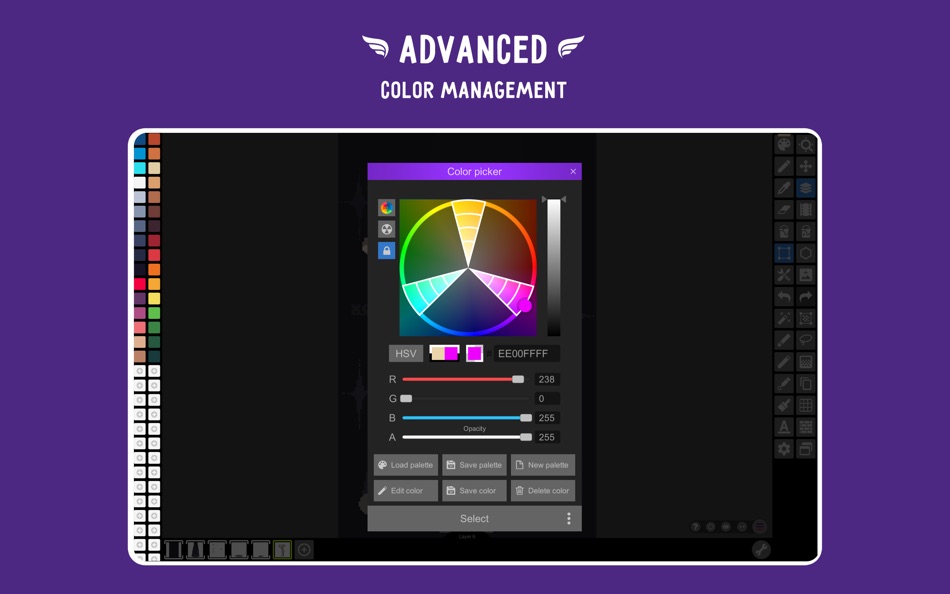
• Advanced color picker with RGBA and HSV modes
• Simple zoom and move with gestures and joysticks
• Use Portrait mode for mobile and Landscape for tablets and PC
• Customizable toolbar and a lot of other settings
• We support Apple Pencil!
• We support all popular formats: PNG, JPG, GIF, BMP, PSP (Pixel Studio Project), ASE (Aseprite)
• Autosave and backup - don't lose your work!
• Discover a ton of other useful tools and features!
More features:
• Shape Tool for primitives
• Gradient Tool
• Built-in and custom brushes
• Sprite Library for your image patterns
• Tile Mode for brushes
• Symmetry drawing (X, Y, X+Y)
• Dot Pen for precise drawing with a cursor
• Text Tool with different fonts
• Dithering Pen for shadows and flares
• Pixel art rotation with Fast RotSprite algorithm
• Onion Skin for advanced animation
• Apply palettes to images
• Grab palettes from images
• Mini-map and Pixel Perfect preview
• Unlimited canvas size
• Canvas resizing and rotation
• Customizable background color
• Customizable grid
• Multithreaded image processing
• JASC Palette (PAL) format support
• Aseprite files support (import only)
You can support us by purchasing PRO (it's one-time purchase):
• No ads
• Google Drive sync (cross-platform)
• Dark Theme
• 256-color palettes
• Tile mode for making seamless textures
• Extended max project size
• Unlimited color adjustment (Hue, Saturation, Lightness)
• Unlimited export to MP4
• Extended storage in Pixel Network
System requirements:
• 2GB+ of RAM for large projects and animations
• Powerful CPU (AnTuTu score 100.000+)
Sample images made by lorddkno, Redshrike, Calciumtrice, Buch, Tomoe Mami are used under CC BY 3.0 license.
SUBSCRIPTION INFORMATION
• Payment will be charged to iTunes Account at confirmation of purchase
• Subscription automatically renews unless auto-renew is turned off at least 24 hours before the end of the current period
• Account will be charged for renewal within 24 hours prior to the end of the current period, and identify the cost of the renewal
• Subscriptions may be managed by the user and auto-renewal may be turned off by going to the user's Account Settings after purchase
• Any unused portion of a free trial period, if offered, will be forfeited when the user purchases a subscription to that publication, where applicable
Privacy Policy: https://github.com/hippogamesunity/PixelStudioHub/wiki/Privacy-Policy
Terms of Use: https://github.com/hippogamesunity/PixelStudioHub/wiki/Terms-of-Use
Screenshots
Price History
-
* In-App Purchases - Today: Free
- Minimum: Free
- Maximum: Free
Track prices
Developer
- Farida Yarullina
- Platforms: iOS Apps (8) iOS Games (9) macOS Apps (1)
- Lists: 2 + 1
- Points: 10 + 5,892 ¡
- Rankings: 0
- Reviews: 0
- Discounts: 0
- Videos: 0
- RSS: Subscribe


Rankings
0 ☹️
Lists
0 ☹️
Reviews
Be the first to review 🌟
Additional Information
- Version: 5.33
- Category:
macOS Apps›Graphics & Design - OS:
macOS,macOS 10.13.0 and up - Size:
30 Mb - Supported Languages:
English - Content Rating:
4+ - Mac App Store Rating:
0 - Updated:
- Release Date:
«Pixel Studio for pixel art» is a Graphics & Design app for macOS, developed by «Farida Yarullina». It was first released on and last updated on . This app is currently free. This app has not yet received any ratings or reviews on AppAgg. AppAgg has tracked 3 confirmed points plus 0 indirect points for this app. Available languages: English. AppAgg continuously tracks the price history, ratings, and user feedback for «Pixel Studio for pixel art». Subscribe to this app or follow its RSS feed to get notified about future discounts or updates.
Pixel Studio for pixel art Short URL: Copied!- 🌟 Share
- Mac App Store
You may also like
-
- Osmosi AI : Color Studio
- macOS Apps: Graphics & Design By: Studio Schematics, LLC
- * Free
- Lists: 1 + 1 Rankings: 0 Reviews: 0
- Points: 6 + 9 (5.0) Version: 16.6 Osmosi AI Design by Intent Color is hard. From palette selection to persuading clients and stakeholders, opinions diverge fast. Even with just four hues, digital color space yields ... ⥯
-
- Studio A.I. - AI Art
- macOS Apps: Graphics & Design By: Stahl Labs
- * Free
- Lists: 0 + 0 Rankings: 0 Reviews: 0
- Points: 0 + 0 Version: 1.3.0 Turn your words into stunning art with Studio AI using generative AI! You just need to describe your image, pick a style and sit back for your idea to come to life. Let your creativity ⥯
-
- Pixel Tools
- macOS Apps: Graphics & Design By: Save The Machine
- $4.99
- Lists: 0 + 0 Rankings: 0 Reviews: 0
- Points: 1 + 0 Version: 1.4.6 The ideal companion for designers and anyone that needs to make pixel precise measurements, get the numeric value of a color, or magnify a portion of any screen. Pixel Tools does the ... ⥯
-
- Design Studio : Craft Space
- macOS Apps: Graphics & Design By: MAJESTIC STUDIO
- Free
- Lists: 0 + 0 Rankings: 0 Reviews: 0
- Points: 0 + 281 (4.2) Version: 2.8 Design studio created just for businesses. This app lets those who are seeking to create their brand identity build their brand label on a mobile device while saving time. We include ... ⥯
-
- t-Studio Render
- macOS Apps: Graphics & Design By: t-Studio AB
- * Free
- Lists: 0 + 0 Rankings: 0 Reviews: 0
- Points: 0 + 0 Version: 0.9.12 t-Studio Render blends classical rendering techniques with a cutting-edge AI model uniquely crafted for digital fashion design, offering an unmatched level of photorealism. ... ⥯
-
- Art Master
- macOS Apps: Graphics & Design By: Splash Colors
- * Free
- Lists: 1 + 1 Rankings: 0 Reviews: 0
- Points: 34 + 0 Version: 3.1.1 Art Master Your All-in-One Image Viewer & Graphic Converter for Mac Fast Reliable Powerful Art Master is the easiest and fastest way to open, view, and convert images and graphics on ... ⥯
-
- Art Text 4 - AI Graphic Design
- macOS Apps: Graphics & Design By: Belight Software, ltd
- * Free
- Lists: 4 + 2 Rankings: 0 Reviews: 0
- Points: 8 + 0 Version: 4.5.6 Design eye-catching text based graphics, logos, postcards and greetings with Art Text - a graphic design app that powers up typography and lettering in your desktop publishing, social ... ⥯
-
- Pixel Verse - Pixel Art Editor
- macOS Apps: Graphics & Design By: Taalaybek Aslanbek uulu
- * Free
- Lists: 1 + 0 Rankings: 0 Reviews: 0
- Points: 3 + 0 Version: 1.3.2 Unleash Your Pixel Artistry with PixelVerse! PixelVerse is your all-in-one studio for creating stunning pixel art, captivating animations, and game-ready sprites. Perfect for beginners ⥯
-
- Pixel Paver Pro - NFT Maker
- macOS Apps: Graphics & Design By: Mike Hempfling
- $4.99
- Lists: 0 + 0 Rankings: 0 Reviews: 0
- Points: 1 + 0 Version: 1.1 Create amazing NFT art with this easy to use pixel art creator! Quickly design and save your own NFTs. Export to your photo library when you are ready to upload to a NFT marketplace ... ⥯
-
- Verto Studio 3D
- macOS Apps: Graphics & Design By: Verto Studio LLC
- Free
- Lists: 0 + 0 Rankings: 0 Reviews: 0
- Points: 1 + 0 Version: 2.5.1 Verto Studio 3D is an innovative, fully-functional 3D modeling program designed to rival over-complicated studio modeling programs. It strives to push the boundaries of what is capable ⥯
-
- Art Raffle
- macOS Apps: Graphics & Design By: Alan Thomson
- Free
- Lists: 0 + 0 Rankings: 0 Reviews: 0
- Points: 1 + 116 (5.0) Version: 1.41 If you have a hard time choosing tangle patterns for your Zentangle® project, let the universe decide. Eni Oken's Art Raffle is based on her successful "Bijou Raffle" lesson: pull out ... ⥯
-
- Pixel Accelerator
- macOS Apps: Graphics & Design By: 涛 吴
- $4.99
- Lists: 0 + 0 Rankings: 0 Reviews: 0
- Points: 1 + 0 Version: 1.4.1 # Introduction Pixel Accelerator is a smart PNG, JPG, JPEG, HEIC, HEIF image compression utility. This simple tool uses lossless compression techniques to reduce the file size of your ... ⥯
-
- Art of Weird
- macOS Apps: Graphics & Design By: Norbyte
- Free
- Lists: 0 + 0 Rankings: 0 Reviews: 0
- Points: 1 + 147 (4.7) Version: 5.2.1 An art app with everything from realistic oil painting tools to the truly weird and bizarre, such as Worm Pen, Pods, and more. You will explore a different side of your artistic ... ⥯
-
- Art Graphic Illustration
- macOS Apps: Graphics & Design By: 虎龙 段
- $12.99
- Lists: 0 + 0 Rankings: 0 Reviews: 0
- Points: 0 + 0 Version: 8.8 Think, plan & create a flexible vector-based creative workspace/sketchpad where you can take your ideas from concept to reality. EASY-TO-USE TOOLS Removes backgrounds from photos so ... ⥯