
| Entwickler: | Oyvind Snekkestad (4) | ||
| Preis: | $1.99 | ||
| Klassifizierungen: | 0 | ||
| Rezensionen: | 0 Rezension schreiben | ||
| Listen: | 0 + 0 | ||
| Punkte: | 0 + 0 ¡ | ||
| Mac App Store | |||
Beschreibung

Features:
- One-time purchase, no subscription ever
- Local storage on your Mac; your maps stay on your device
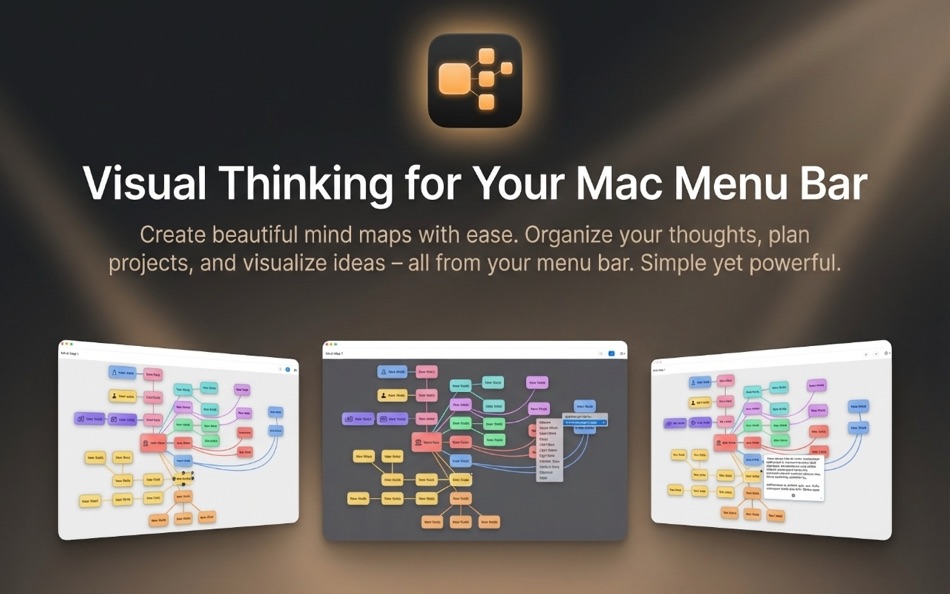
- Quick-access menu bar app for instant idea capture
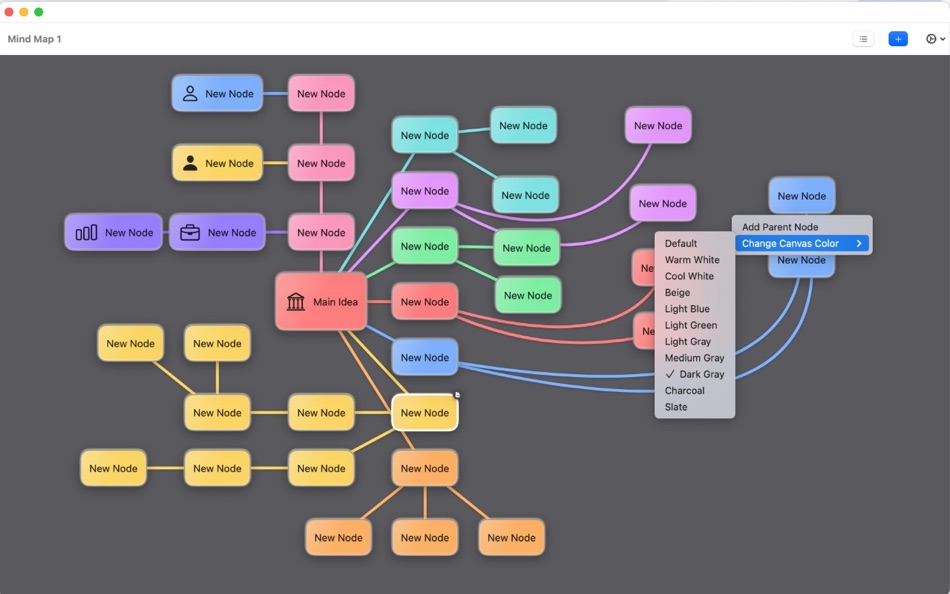
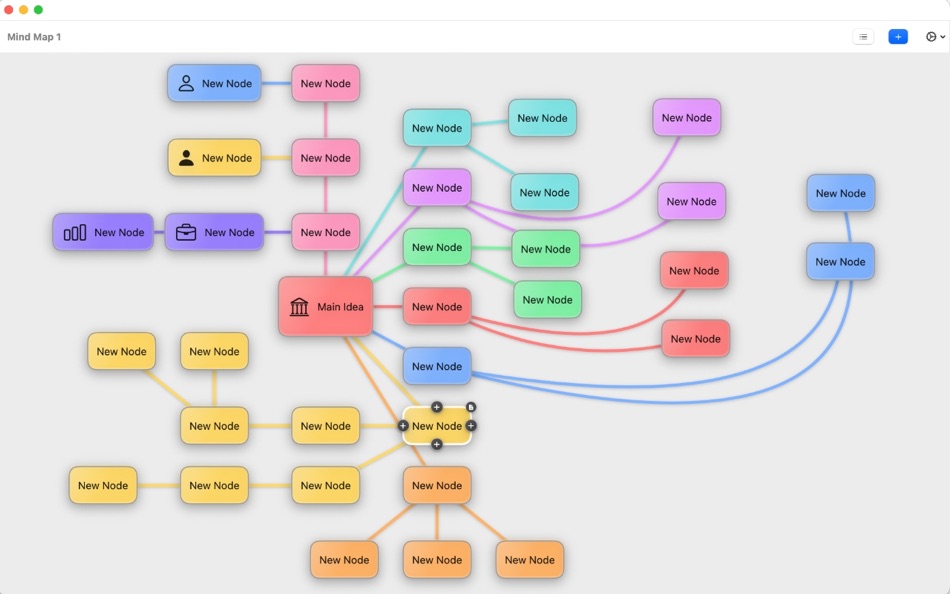
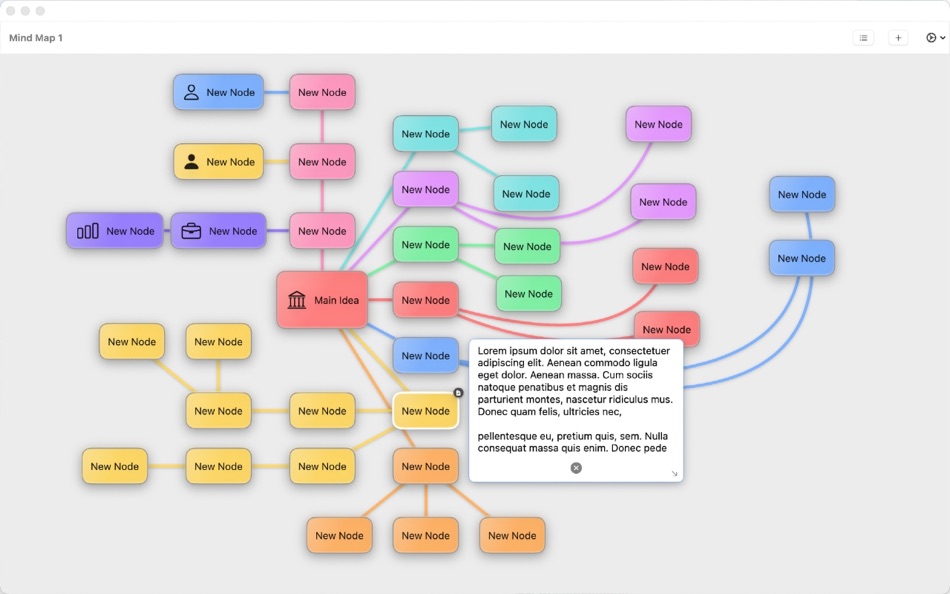
- Build colorful nodes with gradients, icons, and notes (notes on every node)
- 200 ready-to-use icons for rapid visual tagging
- Change mind map canvas colors to match your style or project
- Easily bend connection lines to route around other nodes
- Zoom, pan, and reorder tabs for multiple maps
- Context menus for fast actions (add nodes, parents, colors, icons)
- Keyboard-friendly shortcuts to stay in flow
- Clean, minimal design that’s easy to learn
Why it’s different:
- Always-on menu bar access keeps you in your workflow
- No logins, no cloud dependency—ideal for private or offline work
- Pay once, own it; updates without recurring fees
Who it’s for:
- Quick planners, product thinkers, writers, students, and anyone who wants a fast, visual way to organize ideas without subscription clutter.
Screenshots
Neue Funktionen
- Version: 1.0.2
- Aktualisiert:
- Double-click canvas name to rename instantly • Minor improvements and bug fixes
Preis
- Heute: $1.99
- Mindestens: $1.99
- Maximale: $1.99
Preise beobachten
Entwickler
- Oyvind Snekkestad
- Plattformen: iOS Apps (1) macOS Apps (3)
- Listen: 0 + 0
- Punkte: 0 + 0 ¡
- Klassifizierungen: 0
- Rezensionen: 0
- Rabatte: 0
- Videos: 0
- RSS: Abonnieren
Punkte
0 ☹️
Klassifizierungen
0 ☹️
Listen
0 ☹️
- Menu Mindmap
Rezensionen
Schreiben Sie die erste Bewertung 🌟
Weitere informationen
- Version: 1.0.2
- Kategorie:
macOS Apps›Produktivität - Betriebssysteme:
macOS,macOS 14.0 oder höher - Größe:
2 Mb - Unterstützte Sprachen:
English - Altersfreigabe:
4+ - Mac App Store Bewertung:
0 - Aktualisiert:
- Veröffentlichungsdatum:
Menu Mindmap Kurz-URL: Kopiert!- 🌟 Teilen
- Mac App Store
Das könnte Ihnen auch gefallen
-
- Menu AI: Ask AI in menu bar.
- macOS Apps: Produktivität Von: INII Co., Ltd.
- * Kostenlos
- Listen: 0 + 0 Klassifizierungen: 0 Rezensionen: 0
- Punkte: 0 + 0 Version: 1.2.0 Menu AI - Ask AI in menu bar. Menu AI is a powerful AI chat assistant that lives in your menu bar, providing instant access to both GPT and Claude AI capabilities. With its sleek and ... ⥯
-
- Menu Bar Quick Calc
- macOS Apps: Produktivität Von: Mark Huber
- Kostenlos
- Listen: 0 + 0 Klassifizierungen: 0 Rezensionen: 0
- Punkte: 0 + 0 Version: 1.0 Menu Bar Calculator is a lightweight, always-accessible calculator that lives in your Mac's menu bar. Perfect for quick calculations without interrupting your workflow. Features: ... ⥯
-
- Menu Bar Calendar
- macOS Apps: Produktivität Von: Sindre Sorhus
- Kostenlos
- Listen: 1 + 1 Klassifizierungen: 0 Rezensionen: 0
- Punkte: 4 + 0 Version: 1.6.2 Quickly access a monthly calendar from your menu bar. You can click a date in the calendar to reveal it in the Calendar app or Google Calendar. The calendar displays dates and days in ... ⥯
-
- Menu Minder - To Do Reminders
- macOS Apps: Produktivität Von: Limit Point Software
- Kostenlos
- Listen: 0 + 0 Klassifizierungen: 0 Rezensionen: 0
- Punkte: 1 + 1 (4.0) Version: 2.1.4 Never forget anything ever again. Menu Minder is an app for organizing reminders. Keep your plans in order and make sure you are reminded of the tasks and plans you have set for ... ⥯
-
- Mindmap Notes
- macOS Apps: Produktivität Von: 光建 张
- * Kostenlos
- Listen: 0 + 0 Klassifizierungen: 0 Rezensionen: 0
- Punkte: 1 + 0 Version: 1.2.1 Mindmap Notes is a tool to helps you take notes with mind maps. It is simple and efficient. With Mindmap Notes, you create attractive mind maps just by clicking and dragging. Which let ⥯
-
- Menu Bar Timer
- macOS Apps: Produktivität Von: Efe Ertugrul
- $0.99
- Listen: 0 + 0 Klassifizierungen: 0 Rezensionen: 0
- Punkte: 1 + 0 Version: 2.4.5 Menu Bar Timer adds a Stopwatch or a Timer to your menu bar so you can keep track of time whatever you've been working on without an extra app icon on your dock. You can choose ... ⥯
-
- Menu QuickNote
- macOS Apps: Produktivität Von: Oyvind Snekkestad
- * Kostenlos
- Listen: 0 + 0 Klassifizierungen: 0 Rezensionen: 0
- Punkte: 0 + 0 Version: 1.1.2 Menu QuickNote - Quick Notes for Your Mac Menu Bar Transform your note-taking experience with Menu QuickNote, the elegant and lightweight app that puts beautiful, colorful notes right ... ⥯
-
- Menu bar Launcher
- macOS Apps: Produktivität Von: Pawan Dixit
- $1.99
- Listen: 1 + 1 Klassifizierungen: 0 Rezensionen: 0
- Punkte: 1 + 0 Version: 1.4 This is a simple menu bar utility to keep your frequent Files and Apps right into the menu bar so that you can quickly launch them when you want to work on them without locating then ... ⥯
-
- Menu Bar Reminder: Dojo
- macOS Apps: Produktivität Von: Florian Schweizer
- Kostenlos
- Listen: 0 + 1 Klassifizierungen: 0 Rezensionen: 0
- Punkte: 2 + 0 Version: 1.1 Add a single reminder to your menu bar - always visible. You can enter any text that you'd like to have on the menu bar and it will be shown to you at all times. You can also activate ... ⥯
-
- Menu Timers - High Precision
- macOS Apps: Produktivität Von: DevStorm
- Kostenlos
- Listen: 0 + 0 Klassifizierungen: 0 Rezensionen: 0
- Punkte: 1 + 0 Version: 1.0 Time your important tasks straight from the menu bar with this utility app! With millisecond precision, any task can be precisely measured. Features always on screen. The app lives in ... ⥯
-
- Menu Bar Hub: work.bench
- macOS Apps: Produktivität Von: Dimitri Giani
- * Kostenlos
- Listen: 0 + 0 Klassifizierungen: 0 Rezensionen: 0
- Punkte: 0 + 0 Version: 1.2 work.bench is the ultimate menu bar utility for macOS that revolutionizes your workflow. Designed exclusively for Mac with a beautiful notch-inspired interface, work.bench brings ... ⥯
-
- Menu Muncher
- macOS Apps: Produktivität Von: 经纬 宛
- $1.99
- Listen: 0 + 0 Klassifizierungen: 0 Rezensionen: 0
- Punkte: 0 + 0 Version: 1.5 Q: How should I use this software? A: After opening the software for the first time, two icons will be generated on the leftmost side of the status bar, please drag the word "吃" (hold ... ⥯
-
- Black Menu for Wikipedia
- macOS Apps: Produktivität Von: Carlos Jeurissen
- Kostenlos
- Listen: 0 + 0 Klassifizierungen: 0 Rezensionen: 0
- Punkte: 1 + 2 (5.0) Version: 6.7.1 Black Menu for Wikipedia lets you access the best of the Wikipedia Universe, in a simple, easy, and convenient way. This extension has a comprehensive menu of Wikimedia Foundation ... ⥯
-
- Cool Menu
- macOS Apps: Produktivität Von: SolutionShare Technologies Private Limited
- $3.99
- Listen: 1 + 0 Klassifizierungen: 0 Rezensionen: 0
- Punkte: 3 + 0 Version: 1.57 Cool Menu is an assortment of 10 super useful features that are not available on macOS. Instead of multiple menubar apps for each feature wasting your menubar s precious real estate, ... ⥯