
기술

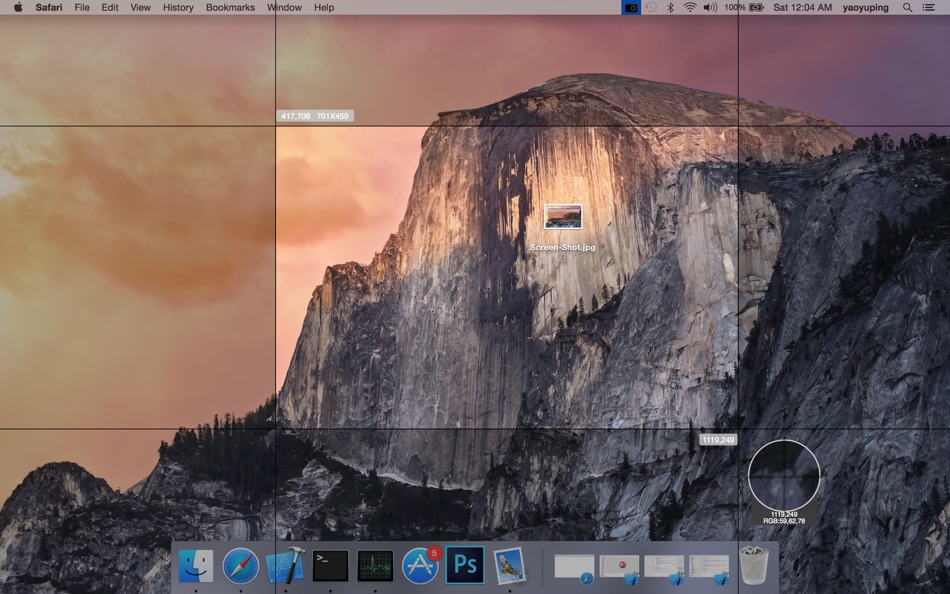
Select Area
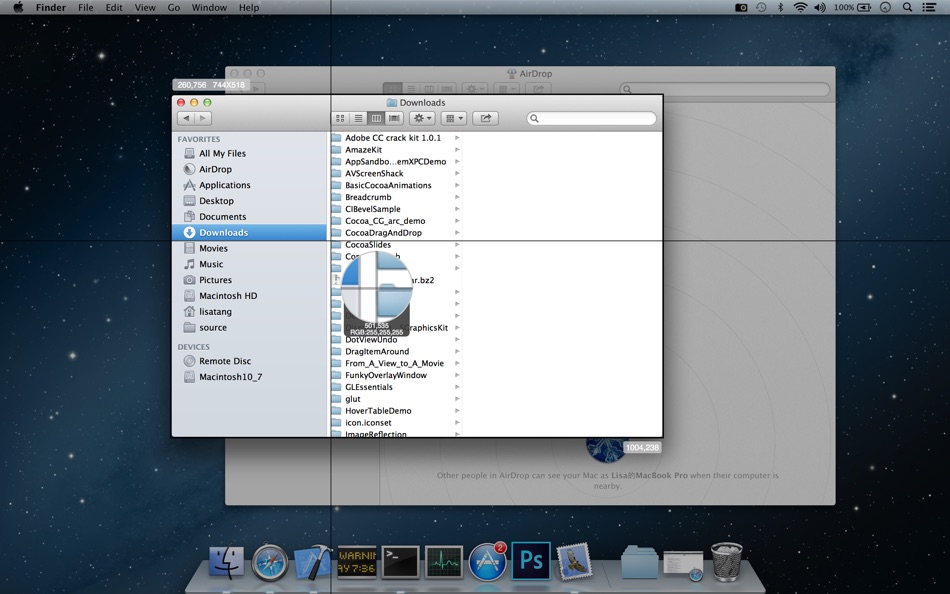
• Auto-identify windows, menus etc
• Magnifying glass help you accurate select area
• Magnifying glass will show the color of the mouse location
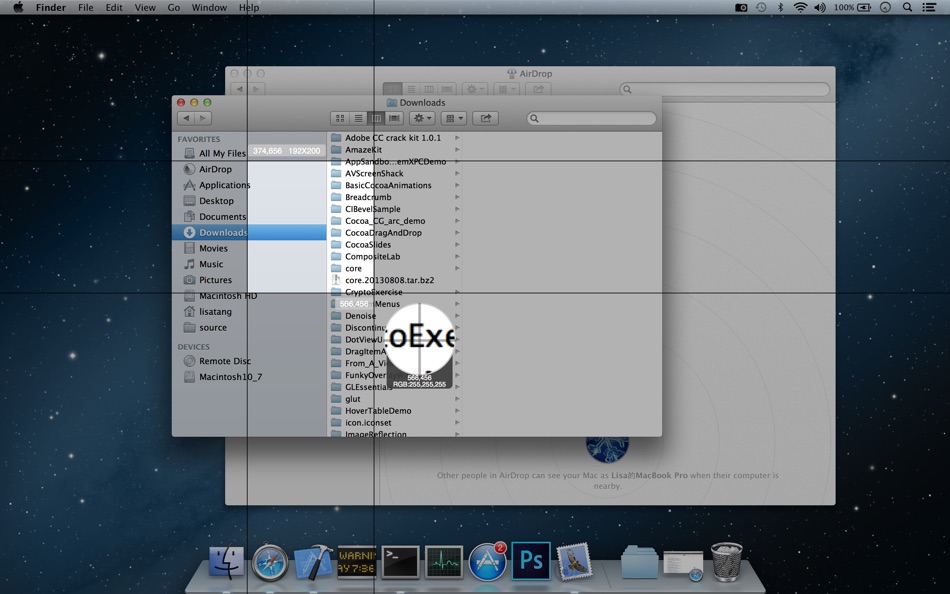
• It will show the select area info, include location, width, height etc. You can use it as a ruler
• You can adjust the area after selected
• You can cancel select by Press ‘esc’
ScreenShot
• You can save image as png, jpg, bmp, tiff etc
ScreenShot Image Edit
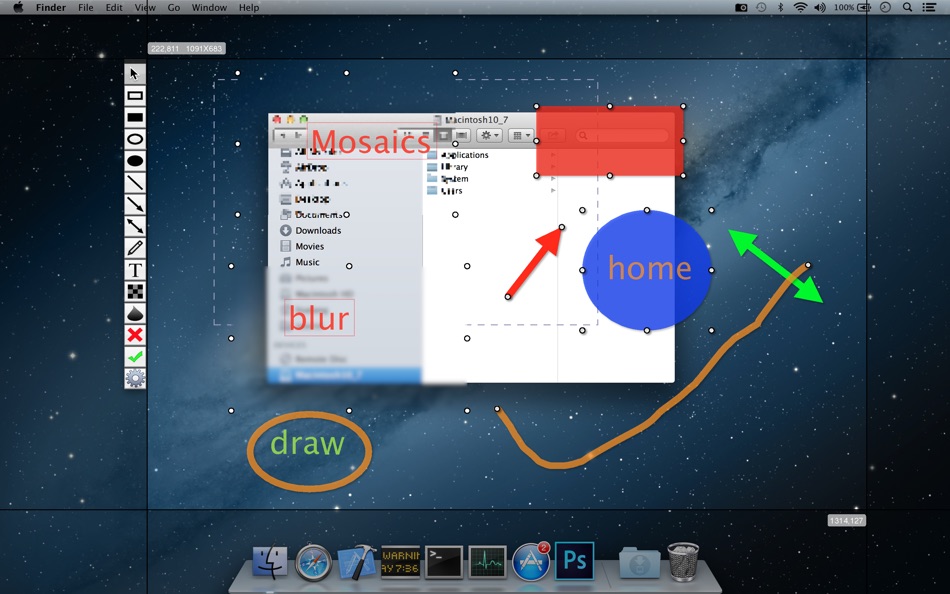
• Support draw text, mosaics, blur(Gaussian blur), rectangle, circle, arrow etc
• Support change the graph color, adjust the graph size, adjust the graph line width etc
• Support opacity
• Support undo and redo
Start Login
• You can select start login or not
Shortcuts
• You can capture or screenshot by shortcuts at any time and any where, you don’t need to switch to the app
Support Multiple Screens
Support Retina
스크린샷
가격
- 오늘: 무료
- 최소: 무료
- 최대: 무료
가격 추적
개발자
포인트
0 ☹️
순위
0 ☹️
목록
0 ☹️
리뷰
첫 번째 리뷰를 남겨보세요 🌟
추가 정보
Screenshoter Lite 단축 URL: 복사됨!- 🌟 공유하기
- Mac App Store
당신은 또한 같은 수 있습니다
-
- Screenshoter Mail.Ru
- macOS 앱: 그래픽 및 디자인 게시자: VK LLC
- 무료
- 목록: 0 + 0 순위: 0 리뷰: 0
- 포인트: 0 + 0 버전: 14.01.2021 Mail.ru Screenshotter is a user friendly program that lets you create screenshots of your computer, add various elements, and send them to others. It is available for devices running ... ⥯
-
- Screenshot Clicker
- macOS 앱: 유틸리티 게시자: 世洁 沈
- $1.99
- 목록: 0 + 0 순위: 0 리뷰: 0
- 포인트: 0 + 0 버전: 1.2.5 Automating repetitive tasks can save time and energy. It can be used for gaming or keeping the system active. Features: - Can capture full-screen screenshots and search for targets to ... ⥯