
| 개발자: | Robert Atherton (3) | ||
| 가격: | 무료 | ||
| 순위: | 0 | ||
| 리뷰: | 0 리뷰 작성 | ||
| 목록: | 0 + 0 | ||
| 포인트: | 0 + 0 ¡ | ||
| Mac App Store | |||
기술

The application is useful when using a SHA hash to keep track of the integrity of files that are distributed with others.
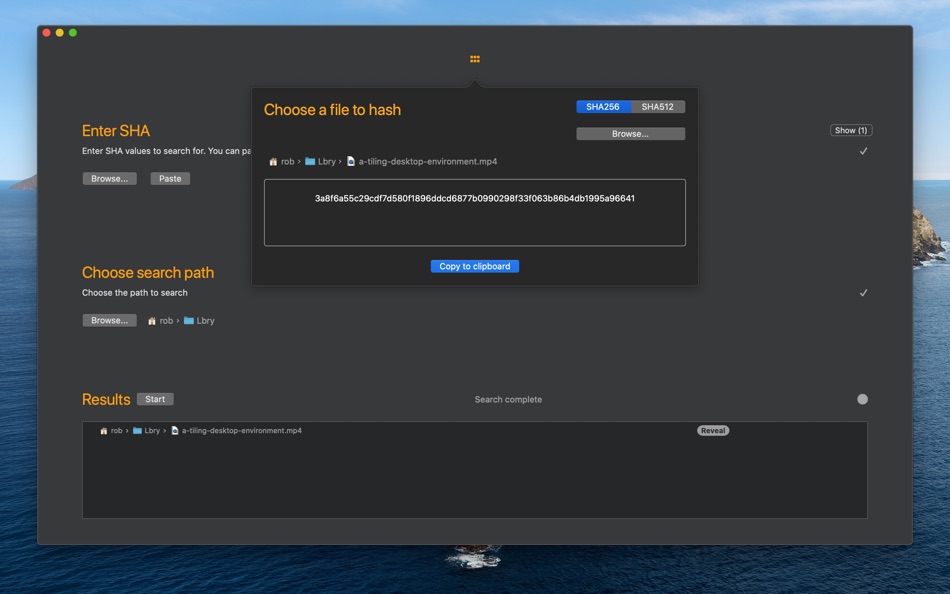
ShaSearch can also be used to create SHA hashes of any file type. A SHA hash is a one way function which creates takes a file of any size and creates a fixed sized hash or digest which is practically infeasible to invert. In this way a SHA hash of a document or file creates a digital fingerprint of the data which can be compared against another file later and will only match if the files are identical, or in other words, have not been tampered with.
In this way the app can be used to search your Mac for duplicates of a specific file or compare every byte of a file for equality against another.
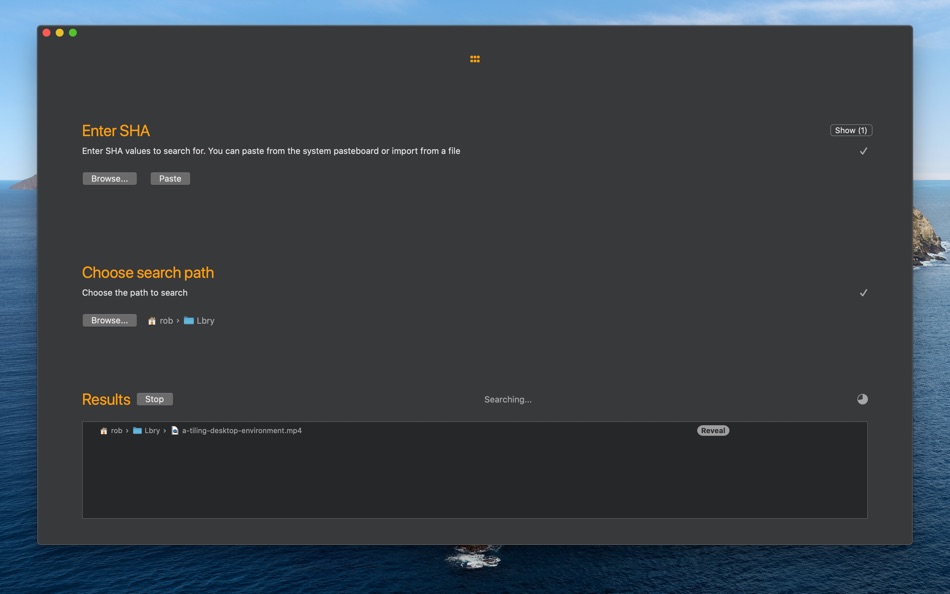
· Search for files with a matching SHA hash
· Search for multiple hashes in one operation
· Import hashes from system clipboard, text or csv files
· Open a Finder window on matched files
· Generate SHA256, SHA384 and SHA512 hashes for any file type
· Hash entire folders in one command and produce a csv file as output
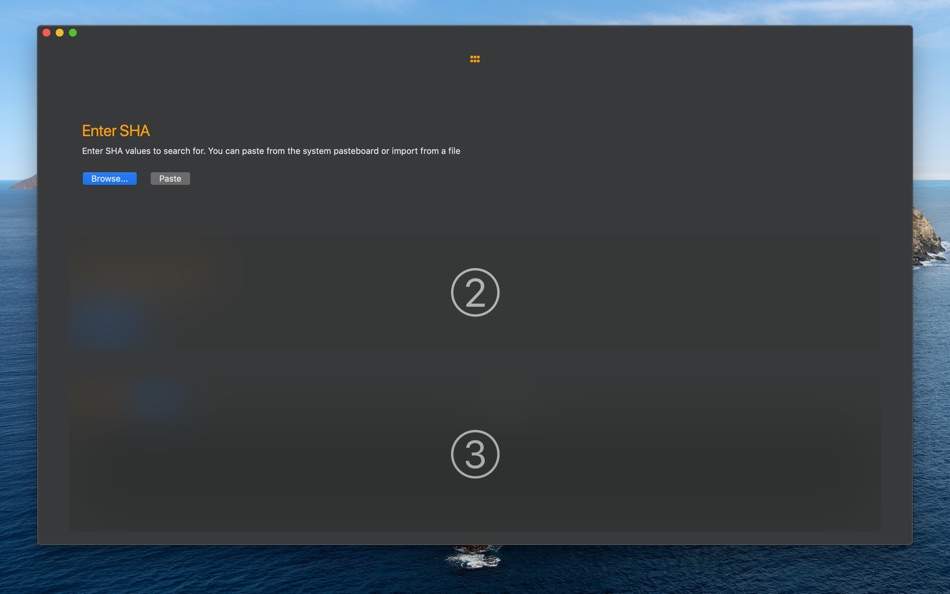
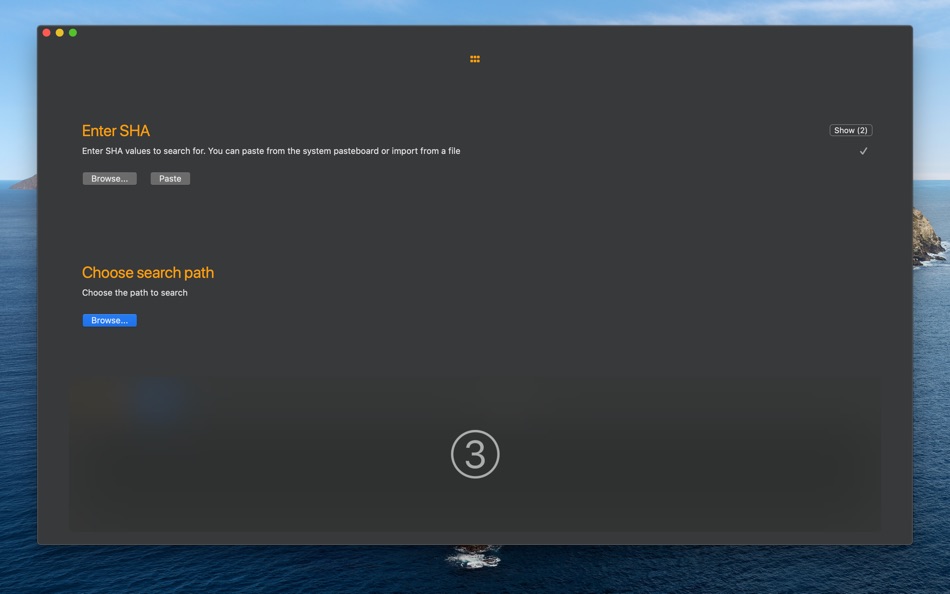
The hashes or digests to be searched for can be provided to the application in a couple of ways depending on your use case. A simple way would be to copy the hash into the pasteboard and then paste into the application in the normal way. A more sophisticated system might involve importing hashes from a text file or csv file. In this case the application will search the provided file for hashes and add each one it finds. Duplicate hashes will be ignored.
NOTE: ShaSearch does not perform encryption of the data and is not a complete data validation and integrity tool. It should only be used as part of a larger data and information security strategy.
스크린샷
가격
- 오늘: 무료
- 최소: 무료
- 최대: 무료
가격 추적
개발자
포인트
0 ☹️
순위
0 ☹️
목록
0 ☹️
리뷰
첫 번째 리뷰를 남겨보세요 🌟
추가 정보
주소록
 https://www.rase.rocks/shasearchShaSearch 단축 URL: 복사됨!
- 🌟 공유하기
- Mac App Store
당신은 또한 같은 수 있습니다
-
- Search Everything
- macOS 앱: 유틸리티 게시자: Sascha Simon
- 무료
- 목록: 0 + 0 순위: 0 리뷰: 0
- 포인트: 3 + 0 버전: 2.3.1 Search Everything is the perfect app for finding files and folders lightning fast. The app features: Blazing Fast Search Search Everything indexes all files and folders, then searches ... ⥯
-
- Search and Replace
- macOS 앱: 유틸리티 게시자: Thomas Günzel
- $1.99
- 목록: 0 + 0 순위: 0 리뷰: 0
- 포인트: 0 + 0 버전: 1.2.6 Don't worry about those many files where you have to change a few things! There's no need to open every single file and edit them manually, Search and Replace does it all for you! ... ⥯
-
- SHA-256 Finder
- macOS 앱: 유틸리티 게시자: INGI Consulting ApS
- $0.99
- 목록: 0 + 0 순위: 0 리뷰: 0
- 포인트: 0 + 0 버전: 1.2 SHA-256 Finder allows you to calculate the SHA-256 checksum (also known as the SHA-256 hash) of any file and text. SHA-256 Finders user interface is plain and simple. Simply select a ... ⥯
-
- Search Any File
- macOS 앱: 유틸리티 게시자: 仁超 张
- $6.99
- 목록: 0 + 1 순위: 0 리뷰: 0
- 포인트: 8 + 0 버전: 5.5.5 Search Any File is a powerful file search tool designed to quickly find files stored on various storage devices. Whether your files are stored on a local hard drive, external storage ... ⥯
- -40%
- Search IP: Public and Private
- macOS 앱: 유틸리티 게시자: LionsApp di Nallbati Elton
- $2.99
$4.99-40% - 목록: 0 + 0 순위: 0 리뷰: 0
- 포인트: 0 + 0 버전: 1.5 Search IP is the application that allows you to know your Public and Private IP, and check your connection to the Internet. In addition you can discover the IP address of any Web Site ... ⥯
-
- Search Key
- macOS 앱: 유틸리티 게시자: Grapefruit Games
- 무료
- 목록: 0 + 0 순위: 0 리뷰: 0
- 포인트: 1 + 0 버전: 1.8 Search with customizable keyword shortcuts in the Safari address bar. e.g: type "w laika" to search Wikipedia for "laika" Add as many custom search keywords as you like, using the ... ⥯
-
- Search Web Archives for Safari
- macOS 앱: 유틸리티 게시자: Alfredo Grassau
- $2.99
- 목록: 0 + 0 순위: 0 리뷰: 0
- 포인트: 0 + 1 (5.0) 버전: 1.0.11 Search Web Archives for Safari is a lightweight Safari extension that lets you quickly check if a webpage has been archived. Perfect for researchers, journalists, or anyone needing to ... ⥯
- -100%
- Noob Search
- macOS 앱: 유틸리티 게시자: Sigurdur Tomasson
- ▼ 무료
$8.99-100% - 목록: 0 + 1 순위: 0 리뷰: 0
- 포인트: 7 + 0 버전: 2.7.2 Noob Search requests access to your folders and files when typing in file path to path input. This is required to be able to list files and folders for suggestions as well as granting ... ⥯
-
- YOU.com Search Extension
- macOS 앱: 유틸리티 게시자: SuSea, Inc.
- 무료
- 목록: 0 + 0 순위: 0 리뷰: 0
- 포인트: 1 + 0 버전: 1.2.0 Switch between your current search engine and YOU.com with this extension. Search less, find more. At YOU.com, we believe that you should control your search experience without ... ⥯
-
- Braver Search
- macOS 앱: 유틸리티 게시자: Brenden Bishop
- 무료
- 목록: 0 + 0 순위: 0 리뷰: 0
- 포인트: 1 + 4 (5.0) 버전: 1.1 Enhance your Safari browsing experience with Braver Search get Brave's superior private search while keeping all of Safari's powerful ecosystem features. No need to compromise between ... ⥯
-
- Smart Keyword Search
- macOS 앱: 유틸리티 게시자: Reinoud Elhorst
- 무료
- 목록: 0 + 0 순위: 0 리뷰: 0
- 포인트: 1 + 0 버전: 1.6.1 Smart Keyword Search is a Safari extension, that fixes one of the "missing features" in Safari. Many browsers allow one to customize the Omnibox (this is the address bar, which also ... ⥯
-
- Select & Search
- macOS 앱: 유틸리티 게시자: 程远 钱
- $0.99
- 목록: 0 + 0 순위: 0 리뷰: 0
- 포인트: 0 + 0 버전: 1.0 Select & Search transforms how you search the web in Safari. No more copying and pasting text into search engines simply select any text on a webpage and instantly search across ... ⥯
-
- PrivacyWall Search
- macOS 앱: 유틸리티 게시자: PrivacyWall
- 무료
- 목록: 0 + 0 순위: 0 리뷰: 0
- 포인트: 0 + 0 버전: 3.0 #Be #Different Add PrivacyWall as your default search engine in Safari to enable faster searching and stop trackers from using your searches to follow you around the web with intrusive ⥯
-
- Content Based Tab Search
- macOS 앱: 유틸리티 게시자: Tuan Nguyen
- $2.99
- 목록: 0 + 0 순위: 0 리뷰: 0
- 포인트: 0 + 0 버전: 1.1 Quickly find tabs in the current window based on text content. Keyboard shortcuts: * Cmd + Shift + F: Toggle the extension * Slash (/): Focus on search input when the extension's popup ⥯