
Bookmarks
| Developer: | Baseplate (1) | ||
| Price: | * Free | ||
| Score: | 700 Silver | ||
| Rankings: | 0 | ||
| Comments: | 0 Add a comment | ||
| Lists: | 0 0 | ||
| Points: | 0 | ||
| +1 Point | |||
Summary
Meet Baseplate, an app from Baseplate in the Developer tools category.
Released , still pretty fresh.
Free to download. After that it’s up to you (there are in-app purchases).
The Microsoft Store is built into Windows, so it installs in a couple of clicks.
Its AppAgg Score is 700. Silver, and that’s not bad at all.
Rated “EVERYONE 10+”: for older kids and up.
Only one language, and it’s English.
Nobody on AppAgg has rated it yet. Your chance to be first is right now.
It’s the developer’s only app on AppAgg. For now.
Want to hear about updates and new apps first? Follow the developer or subscribe to the RSS feed. Push alerts come through the AppAgg Alerts app for Android and iOS.
Other platforms 0
Price History 0
- Current price: Free
- Minimum: Free
- Maximum: Free
Your own feed on the home page
Screenshots 4
Description

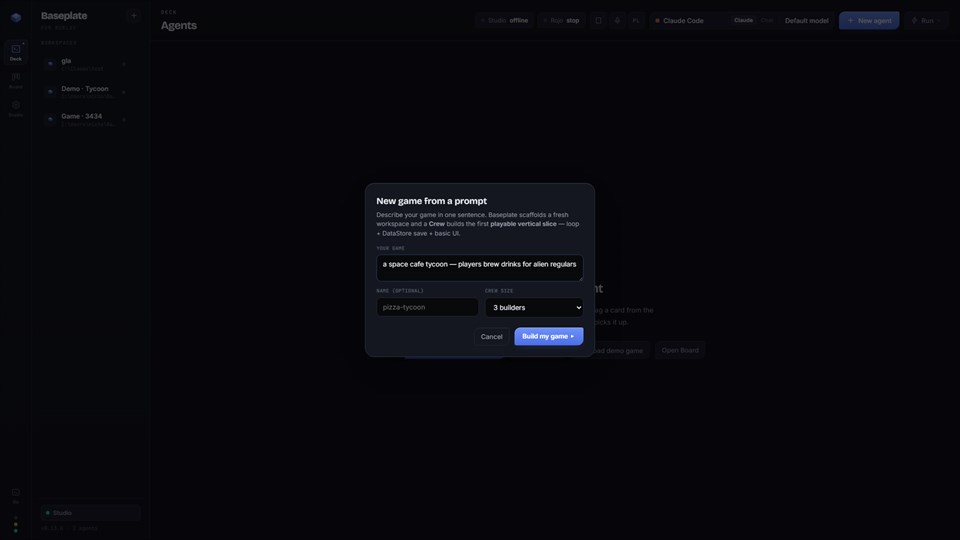
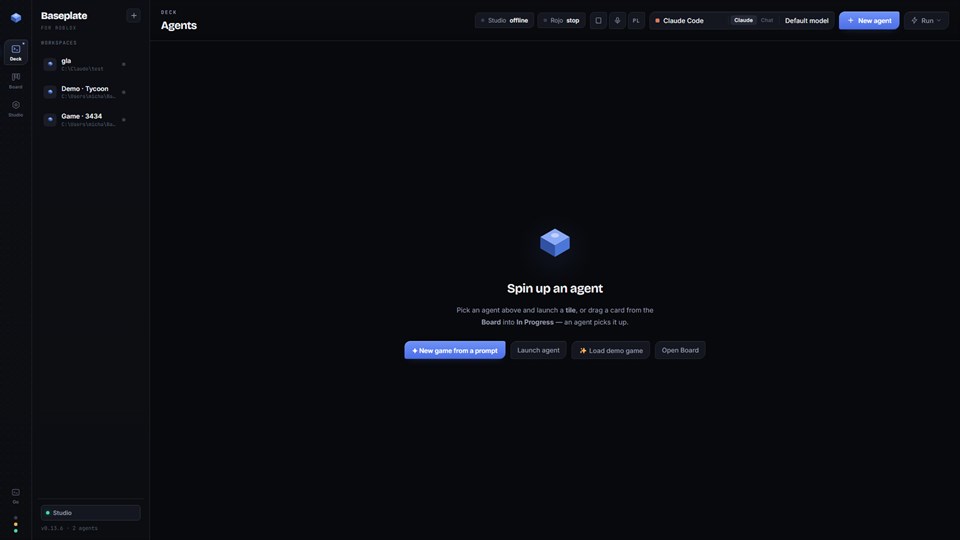
Start with Improve my game: choose a bug fix, a small feature, a free local scan, or guided Open Cloud setup. The guide helps you connect your source folder and AI tool, keeps your task draft, and shows what to do next. Open Cloud is optional; saving a key is separate from verifying access to your game.
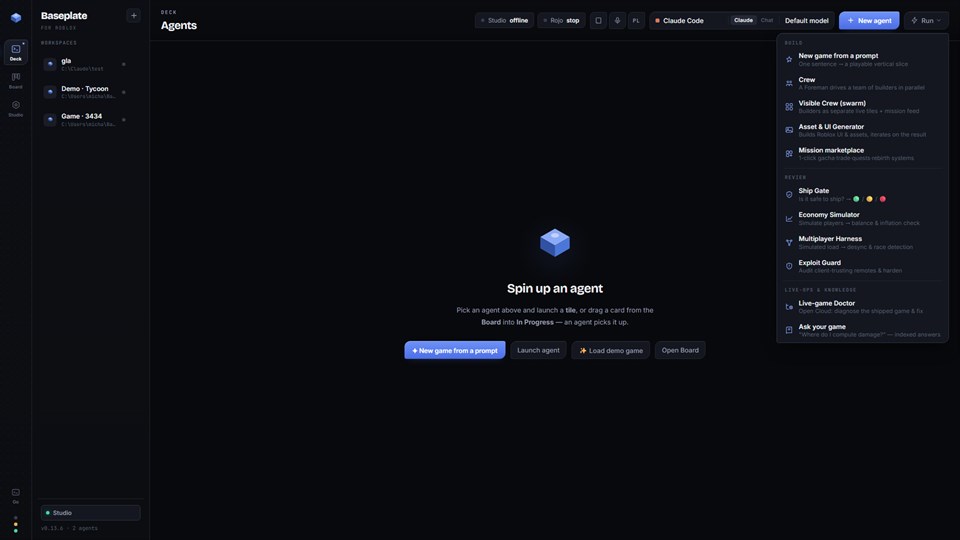
Verified Playtest workflows help supported agents run structured checks through Roblox Studio MCP, collect evidence, and distinguish verified results from unverified output. Built-in review tools cover shipping checks, economy simulation, multiplayer scenarios, exploit-focused audits, and project knowledge.
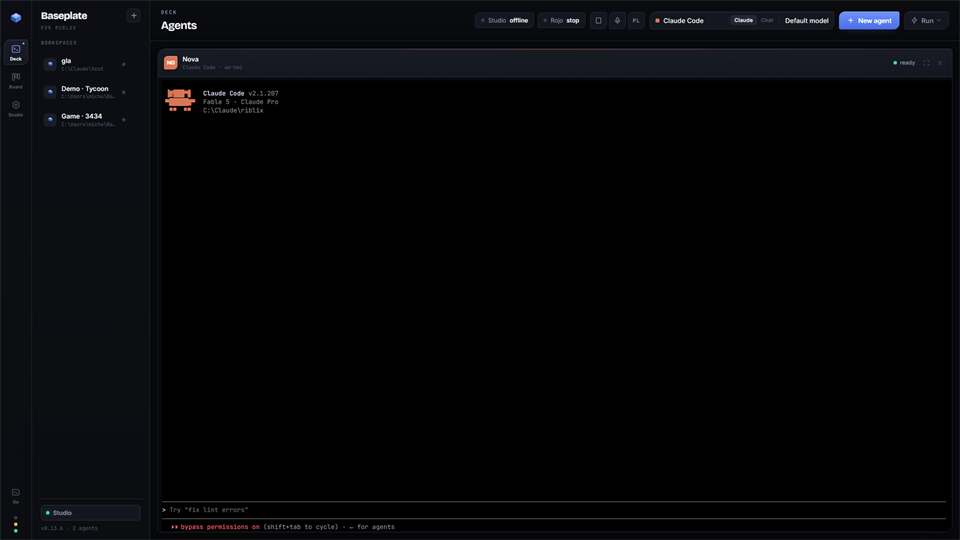
The Free plan can be used without a Baseplate account or paid license. Agent features require a separately installed supported CLI and an eligible provider account; Baseplate does not include AI usage. Live Studio playtesting requires Roblox Studio and the official Roblox Studio MCP. Gemini CLI needs an API key or a supported organization license; Antigravity offers a Native alternative for personal Google accounts. Optional Pro and Studio subscriptions are sold outside Microsoft Store. Your project stays on your computer; when you use an AI provider, the prompts and project context you choose to send are processed under that provider's terms.
From the developer
Lists 0
-
 Baseplate
Points 0
-

- +1 Point

Rankings 0
-
- Your rating
Developer 1
- Baseplate
- Followers: 0
- Platforms: Windows Apps (1)
- Deals: 0
- Lists: 0 0
- Points: 0
- Rankings: 0
- Comments: 0
- Videos: 0
- RSS: Subscribe
What's new
- Version: PC
- Last Updated:
- 0.23.1 — Codex reliability and security maintenance
- Controlled access can inspect the connected Studio, read logs, show a plan and begin a playtest check without unnecessary tool-approval failures.
- Follow-up Codex messages preserve earlier tool results and screenshots instead of overwriting them.
- Compatible dependency updates address published security advisories. MCP tool inputs have a complexity limit before validation.
- Checked upgrades from 0.23.0 preserve projects, settings and encrypted credentials.
Actions that require approval still need it. Store installations update through Microsoft Store. AI features require your own installed CLI and eligible provider account; provider authentication and usage limits still apply.
- 0.23.0 — Turn findings into verified work
- Prepare a Guide task from Verify with context and checks. Baseplate checks that the report, project and sources still match before starting.
- Full access requires confirmation in the desktop app. Recovery into Native CLI keeps your chosen restrictions; denied tool actions remain visible.
- More reliable paid access through signed, time-limited confirmations and server-side device checks. Temporary verification failures keep your key available for recovery.
- Prepared work and successful recorded Studio playtests are separate milestones. A replay is evidence, not a guarantee that every part of a game works.
- Checked upgrades from 0.22 preserve projects, settings and encrypted credentials. Store installations update through Microsoft Store.
AI features require your own installed CLI and eligible provider account. Provider authentication, subscriptions and usage limits still apply. Gemini CLI requires an API key or supported organization access; Antigravity supports Native/MCP rather than structured Chat or Playtest Copilot.
Additional Information
- Release Date:
- Category:
Windows Apps›Developer tools - OS:
PC - Size:
303 Mb - Supported Languages:
English - Content Rating:
EVERYONE 10+ - Windows Store Rating: ¡
0 - Website:
 https://baseplatedev.com/
AppAgg Score
Estimated AppAgg Score for
Baseplate
Developer: Baseplate
Higher scores usually reflect better results across AppAgg’s indicators.
Based on: popularity · ratings · freshness · deals · store data · community signals
Recalculated daily using fresh AppAgg data.
Comments 0 ¡
Share
Baseplate Short URL: Copied!- Windows Store
You may also like
Recent discussionsMore →
 AppGame4Class Game4Class makes lesson review fun and interactive. I like how easily students can join from their o...
 Mehdi Gateway62
 AppAniMate Waifu - AI Anime Desktop Pet This is the best anime desktop pets I have ever had, The dancing feature is amazing.
 shaw chaney34
 AppSpark Motion Create 26 The graphics are amazing! Now I can design my ball layouts and watch then spin in 3D animation.
 Jim Kirker40
 AppLocalDub – Real-Time Game Dubbing Hello Kırtay Interactive, I am using LocalDub - Real-Time Game Dubbing. I would like to know if Hind...
 rashid game53
 AppNauticPlayer This app is absolute cinema. Honestly, it’s one of the best media players I’ve ever tried, and I’m s...
 Manuel92
 AppScreen Beings - Interactive Accessibility Companion This is my app so I’m a little bias but as someone from the ADHD community that teaches ADHD and neu...
 Tarelle Irwin54
 AppAadi vault good it ia a encrypter and good you my work on office
 Aditya Rai50
 AppTyping 365 | Daily Typing Trainer The best typing app ever. With Typing 365 you don’t have to force yourself for couple minutes traini...
 Ahmad Mozaffar50
 AppZefir Calendar — Calendar in the Taskbar excelente app! Superando todas as espectativas!
 Diógenes Magnus50
 AppBlazin IPTV Player This compact IPTV player is amazing. I threw multiple playlists at it and it handles it with no issu...
 Mike Anderson40

