
Kirjanmerkit
| Kehittäjä: | Manuel Steinhilber (3) | ||
| Hinta: | Ilmainen Uusi | ||
| Arvio: | 1 100 Hopea | ||
| Sijoitukset: | 0 | ||
| Kommentit: | 0 Lähetä kommentti | ||
| Listat: | 0 0 | ||
| Pisteet: | 0 | ||
| +1 Piste | |||
Lyhyesti
Command Tool on kehittäjän Manuel Steinhilber sovellus kategoriassa ”Kehittäjien työkalut”.
Uutuus: ilmestyi , joten olet ensimmäisten joukossa.
Ilmainen: ei mainoksia, ei sovelluksen sisäisiä ostoksia. Vain sinä ja sovellus.
Microsoft Store on rakennettu suoraan Windowsiin, joten asennus hoituu parilla klikkauksella.
AppAgg-arvio on 1 100. Taso Hopea, eikä se ole yhtään hullumpi.
Ikäraja ”EVERYONE”, joten sopii lapsillekin.
Osaa jo 13 kieltä, mutta suomea se ei ole vielä oppinut.
Täällä on toistaiseksi täysin hiljaista: ei arvioita, ei kommentteja. Riko hiljaisuus.
Kehittäjällä on AppAggissa vielä 2 muuta sovellusta. Kannattaa vilkaista.
Haluatko kuulla päivityksistä ja uusista sovelluksista ensimmäisenä? Seuraa kehittäjää tai tilaa RSS-syöte. Push-ilmoitukset saat AppAgg Alerts -sovelluksella, joka toimii Android- ja iOS-laitteissa.
Muut alustat 0
Hintahistoria 0
- Nykyinen hinta: Ilmainen
- Vähintään: Ilmainen
- Enintään: Ilmainen
Oma syöte etusivulla
Näyttökuvat 10
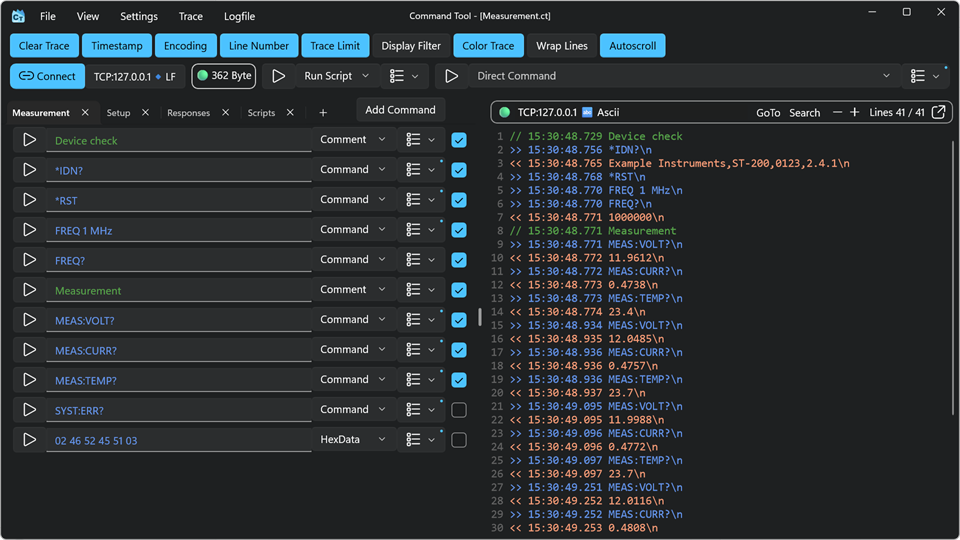
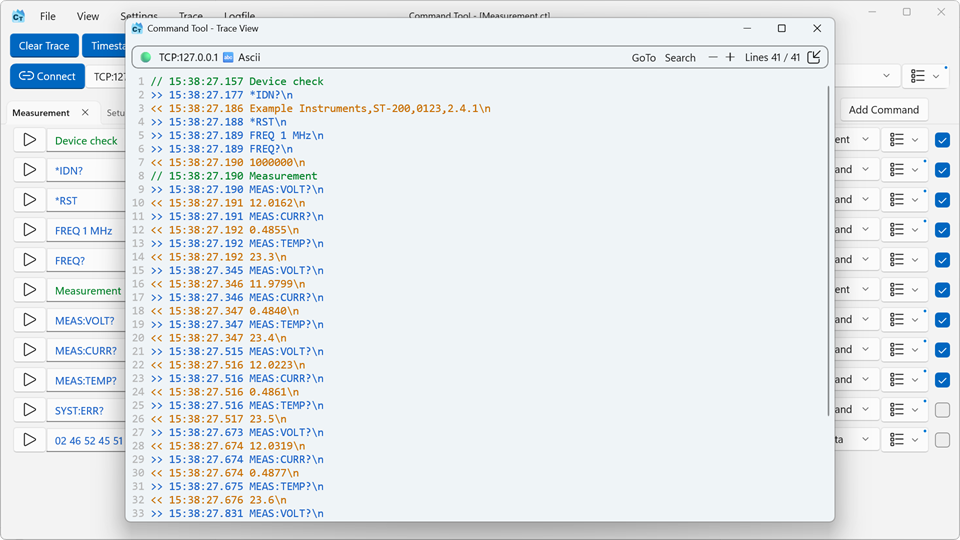
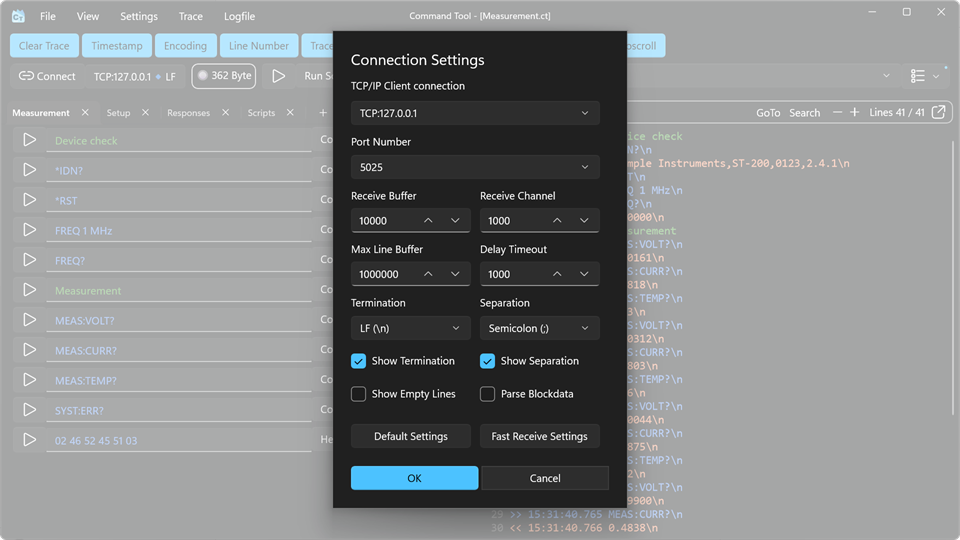
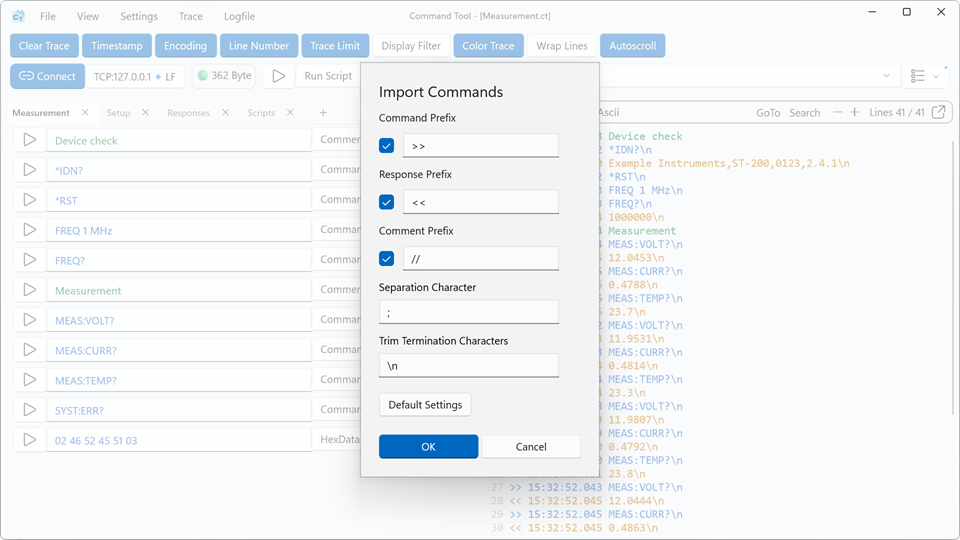
Kuvaus

🔗 Connections
• TCP client and server, UDP, serial ports
• VISA instruments (NI-VISA, Keysight or R&S VISA): USB, LAN, GPIB
• Text, hexadecimal and block data
📋 Commands
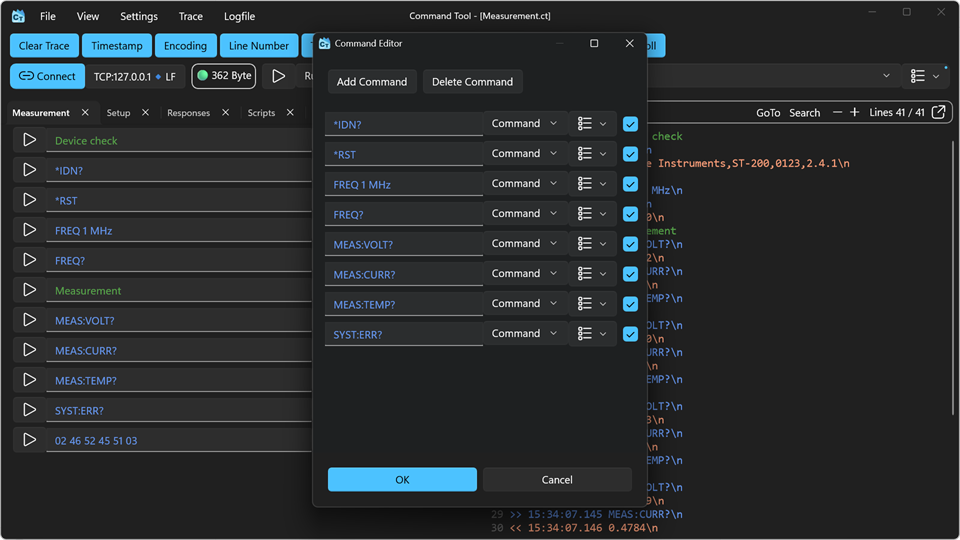
• Command tables in tabs, send with one click
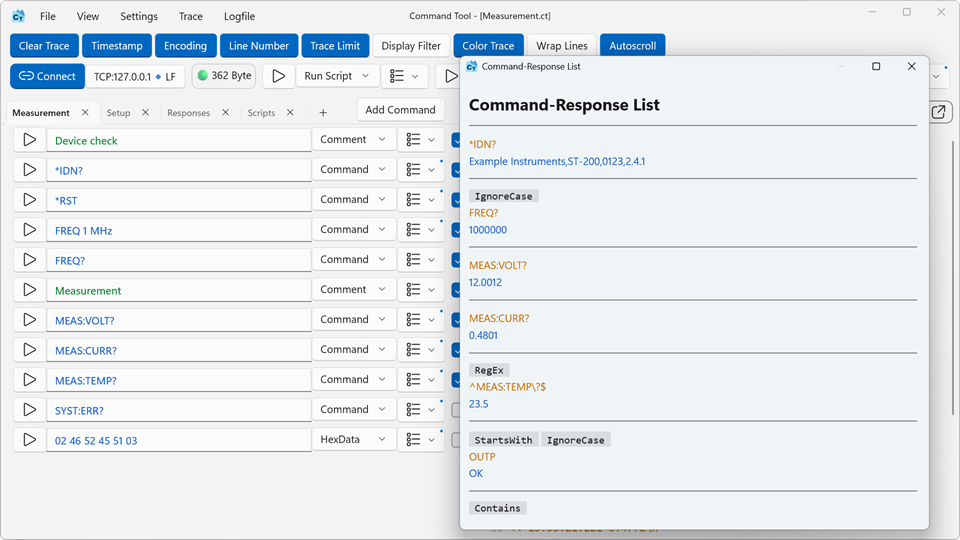
• Templates for parameters, responses checked with regular expressions
⚡ Automation
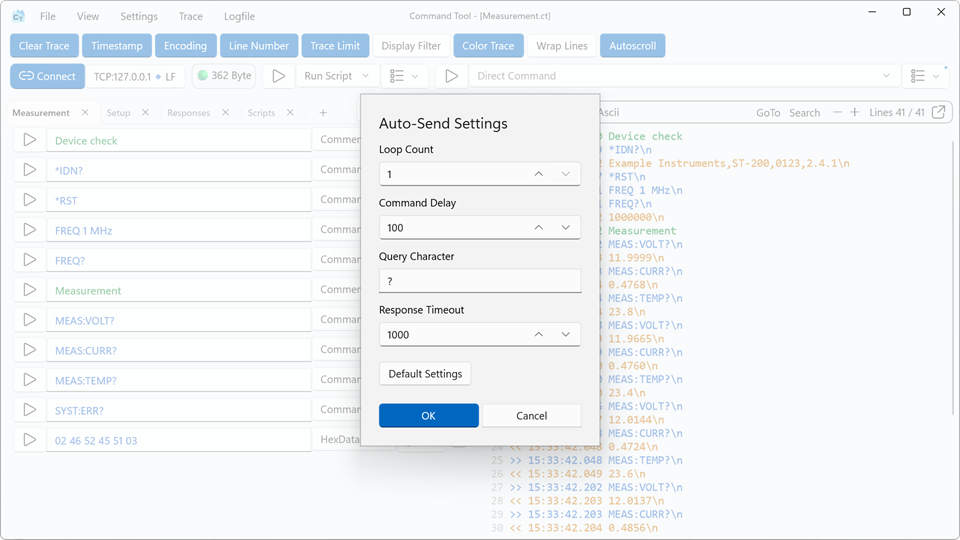
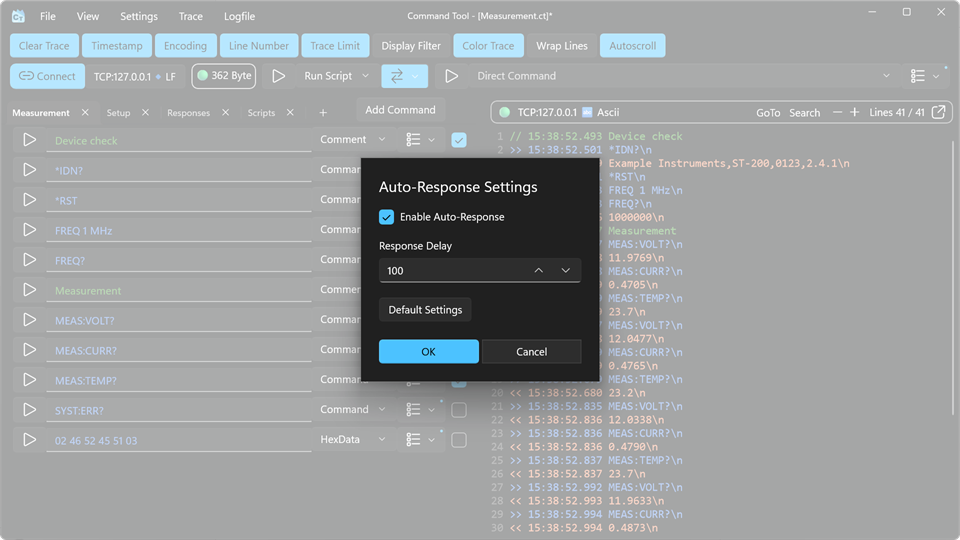
• Auto Send in loops, Auto Response to simulate a device
• Write your own scripts in C#, Python or Lua, with dialogs and progress
🖥️ Trace and logfiles
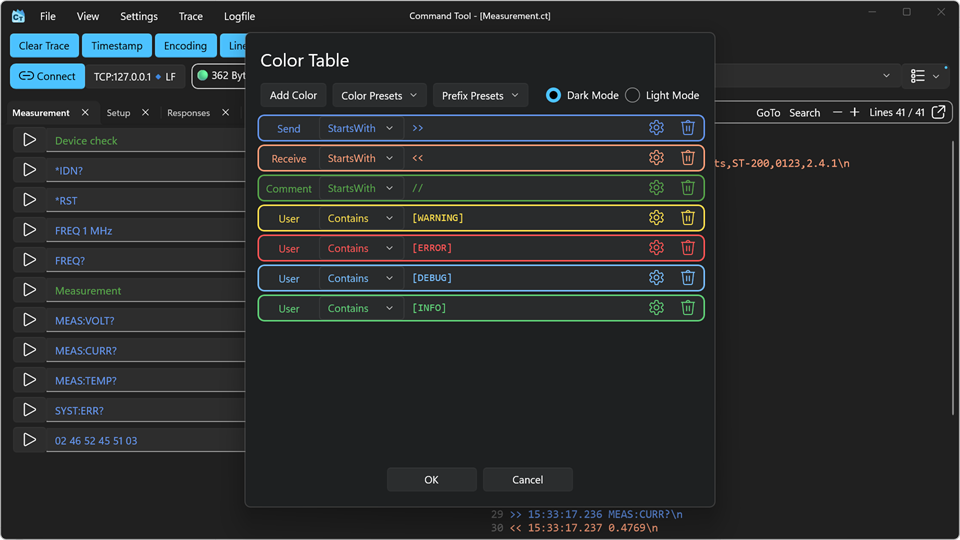
• Fast, colored trace with timestamps, search and display filter
• Many encodings: ASCII, UTF-8, hexadecimal, Base64 and more
• Logfiles as text, HTML or binary data, log viewer with live monitoring
🌍 More highlights
• 13 languages, dark mode and compact mode
• Trace and command tables in their own windows
• Open files by drag and drop, recent files in the File menu
Kehittäjältä
Listat 0
-
 Command Tool
Pisteet 0
-

- +1 Piste

Sijoitukset 0
-
- Arviosi
Kehittäjä 3
- Manuel Steinhilber
- Seuraajat: 0
- Alustat: Windows Sovellukset (3)
- Tarjoukset: 0
- Listat: 0 0
- Pisteet: 0
- Sijoitukset: 0
- Kommentit: 0
- Videot: 0
- RSS: Tilaa
Uutta
- Versio: PC
- Viimeksi päivitetty:
- Version 1.2.0
Data rate in the connection bar (a click switches to the bytes) and in the info line of the trace
Serial ports: no more lost data with large transfers
Serial ports: a device that does not take data no longer blocks the app
Larger receive buffer for VISA serial ports and UDP
Option "Append LF" shown correctly in all languages
- Version 1.1.0
Menu in the title bar
Language menu with countries
Color panel: show only your own colors
Same settings for the portable and the Store version - Connects over TCP (client and server), UDP and serial ports
Command tables in tabs with one-click sending
Colored trace of all sent and received data with timestamps
Auto Send of command lists in loops
Auto Response to simulate a device
Scripts in C#, Python and Lua with dialogs and own windows
Debugging of C# scripts with breakpoints in Visual Studio
Templates for parameters and regular expressions for responses
Hexadecimal, block data and many encodings (ASCII, UTF-8, Base64, ...)
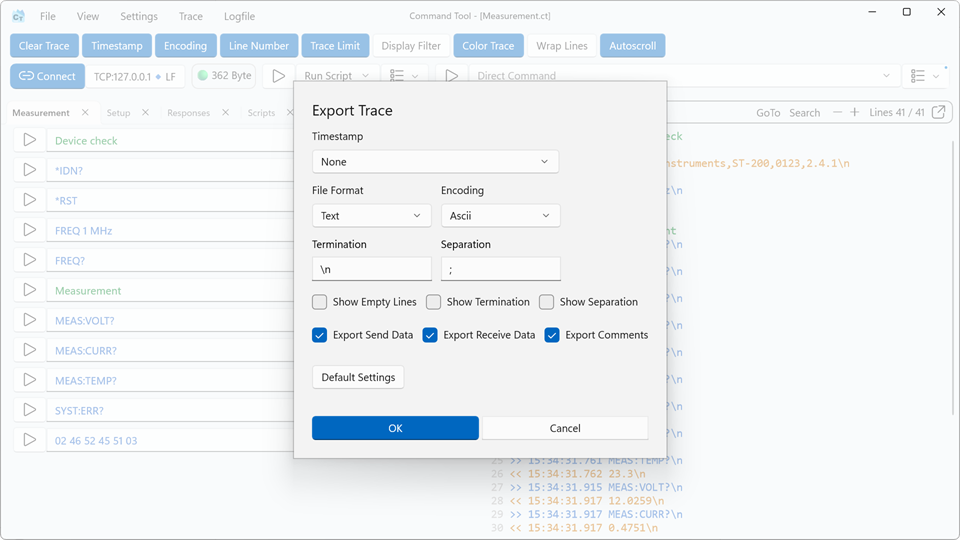
Logfiles as text, HTML, binary data or trace files, export of the trace
Log and trace viewer with live monitoring of growing logfiles
Search, go to line, display filter and color table
13 languages, dark mode and compact mode
Lisätietoja
AppAgg-arvio
Laskennallinen AppAgg-arvio:
Command Tool
Kehittäjä: Manuel Steinhilber
Korkeampi arvio kertoo yleensä paremmista tuloksista AppAggin seuraamissa mittareissa.
Perustuu: suosioon · käyttäjäarvioihin · tuoreuteen · tarjouksiin · kauppadataan · yhteisön aktiivisuuteen
Lasketaan uudelleen päivittäin tuoreiden AppAgg-tietojen perusteella.
Kommentit 0 ¡
Jaa
Command Tool Lyhennetty URL: Kopioitu!- Windows Store

