
Bogmærker
| Udvikler: | Gunatit Solutions (1) | ||
| Pris: | Gratis Ny | ||
| Score: | 1.110 Sølv | ||
| Ranglister: | 0 | ||
| Kommentarer: | 0 Skriv kommentar | ||
| Lister: | 0 0 | ||
| Point: | 0 | ||
| +1 Point | |||
Kort fortalt
ControlsTwin er en app fra Gunatit Solutions i kategorien »Udviklerværktøjer«.
Nyhed: den udkom , så du er blandt de første.
Gratis: ingen reklamer og ingen køb i appen. Kun dig og appen.
Microsoft Store er bygget ind i Windows, så installationen klares med et par klik.
AppAgg-scoren er 1.110. Sølv, og det er slet ikke dårligt.
Kun 38 megabyte. Der er plads, selv på en fyldt harddisk.
Aldersgrænse »EVERYONE«: også fint for børn.
Taler kun ét sprog, og det er ikke dansk.
Total stilhed her indtil videre: ingen bedømmelser, ingen kommentarer. Bryd tavsheden.
Det er udviklerens eneste app på AppAgg. Indtil videre.
Vil du høre om opdateringer og nye apps først? Følg udvikleren eller abonner på vores RSS-feed. Push-beskeder kommer via appen AppAgg Alerts til Android og iOS.
Andre platforme 0
Prishistorik 0
- Nuværende pris: Gratis
- Minimum: Gratis
- Maksimum: Gratis
Dit eget feed på forsiden
Skærmbilleder 10
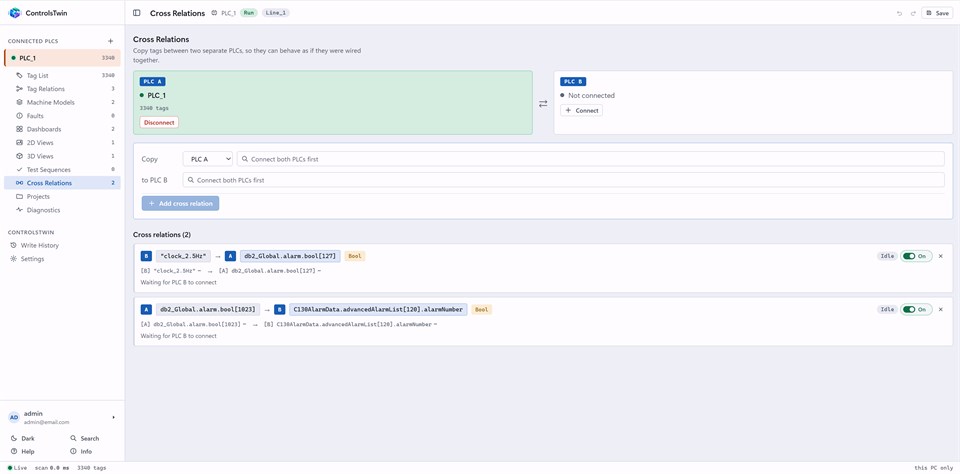
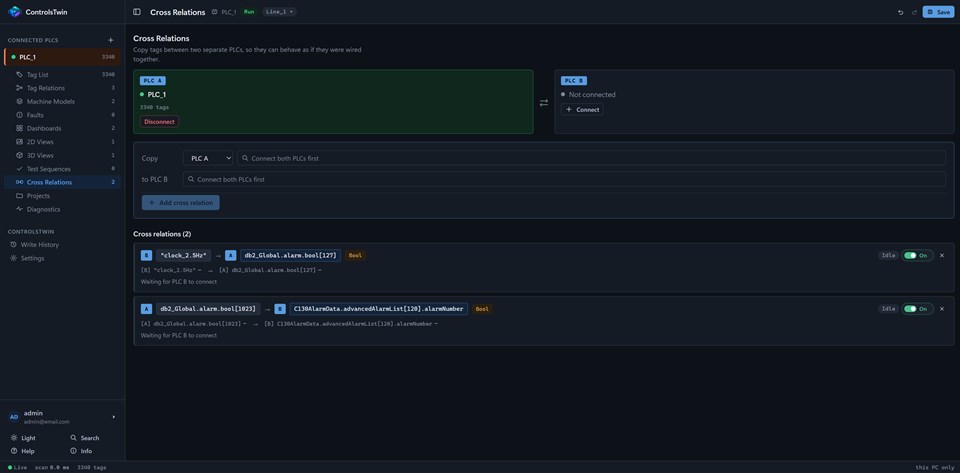
Beskrivelse

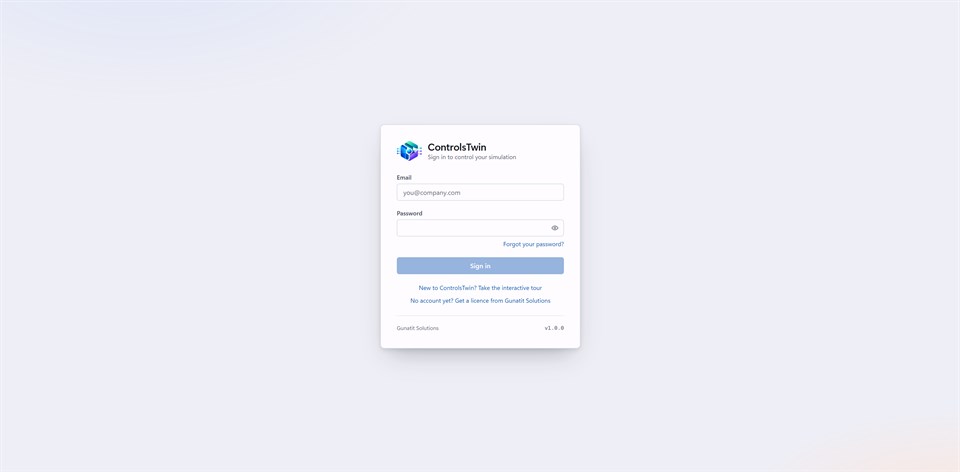
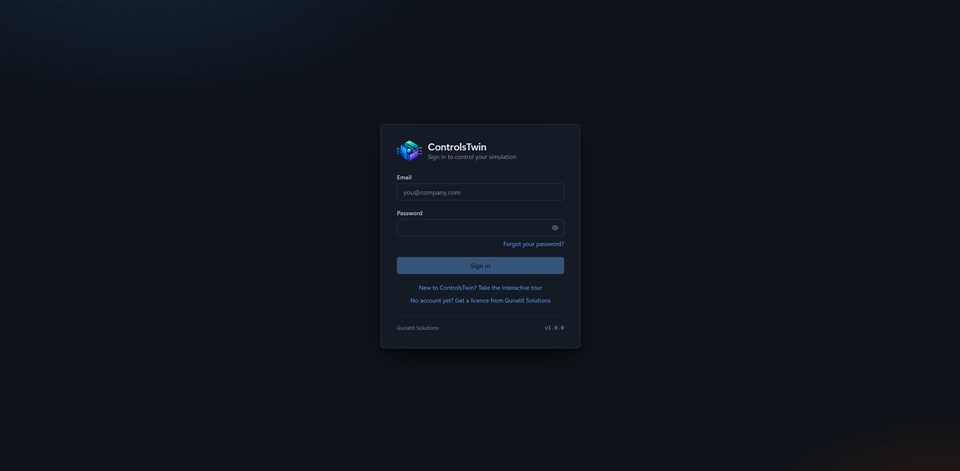
S7-PLCSIM Advanced is sold and licensed by Siemens, is not available in the Microsoft Store, and must be installed on the same PC. ControlsTwin licences are sold by Gunatit Solutions: a licence is for one named user and can be in use on one PC at a time. Signing in needs an internet connection. Without S7-PLCSIM Advanced, ControlsTwin tells you what is missing and offers an interactive tour of its screens.
ControlsTwin helps automation engineers test a Siemens PLC program in simulation, on their own PC, before they go to site. Download your program from TIA Portal into S7-PLCSIM Advanced as usual. ControlsTwin connects to that simulated PLC and reads its tags. You then surround your program with simple machine models, faults and test sequences, and see how your logic responds to the situations you set up.
WHAT YOU CAN DO
• See every tag with its live value, search tags and write values.
• Add ready-made machine models that respond to the PLC: cylinder, valve, motor or pump, conveyor with parts, tank level, analog sensor and output, first-order process for PID tests, and counter or encoder.
• Switch on faults to check that your program notices them: a jam, a trip, a sensor that never comes on, or a tag that is stuck, frozen, inverted, chattering, noisy or has a broken wire. A red warning shows on every screen while a fault is on.
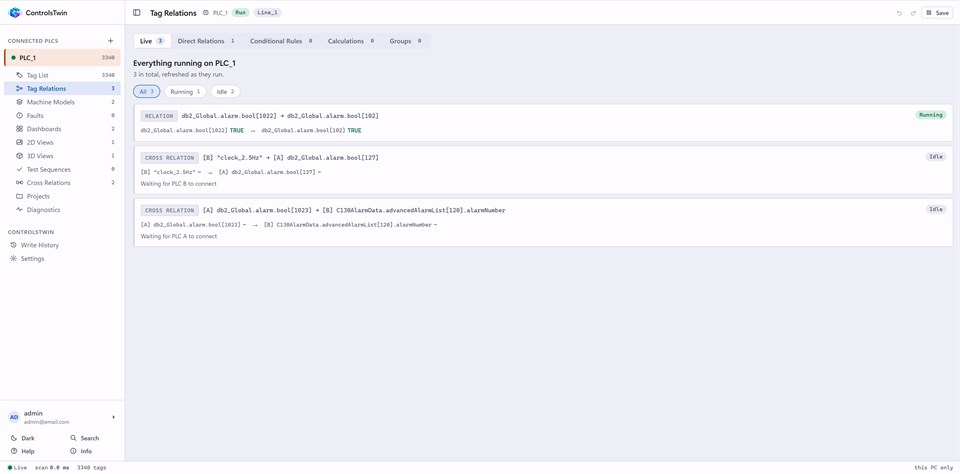
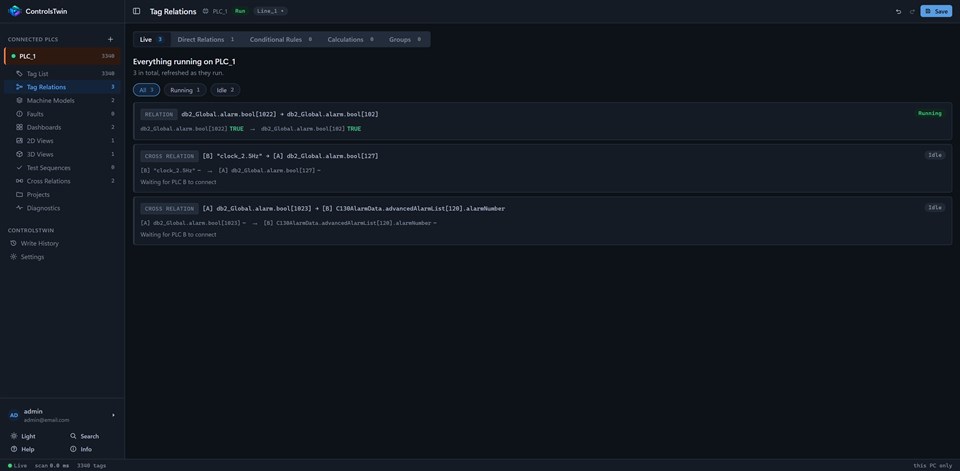
• Build rules that run continuously: direct relations, conditional rules with up to eight AND/OR conditions and an ELSE value, edge triggers, and calculations that write a formula's result to a tag.
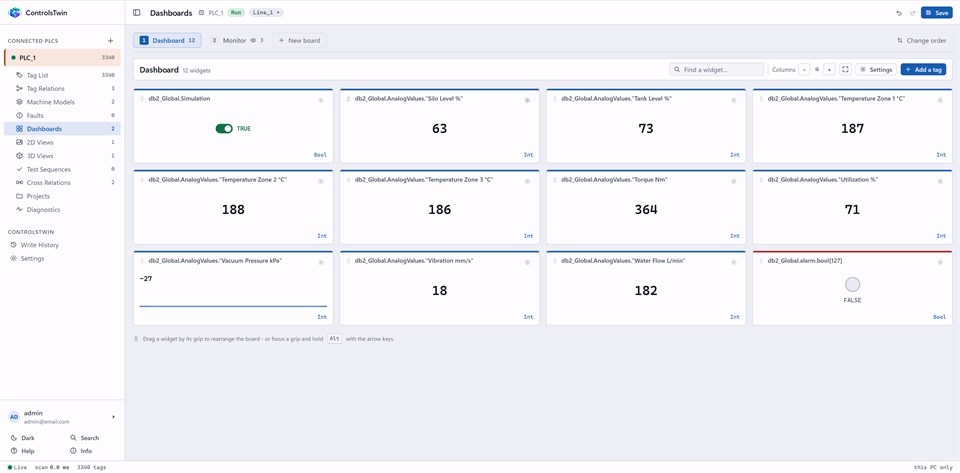
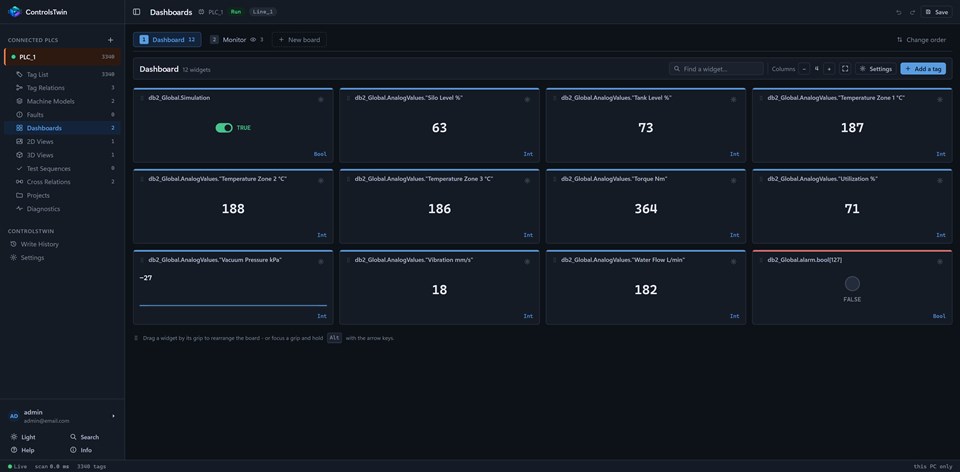
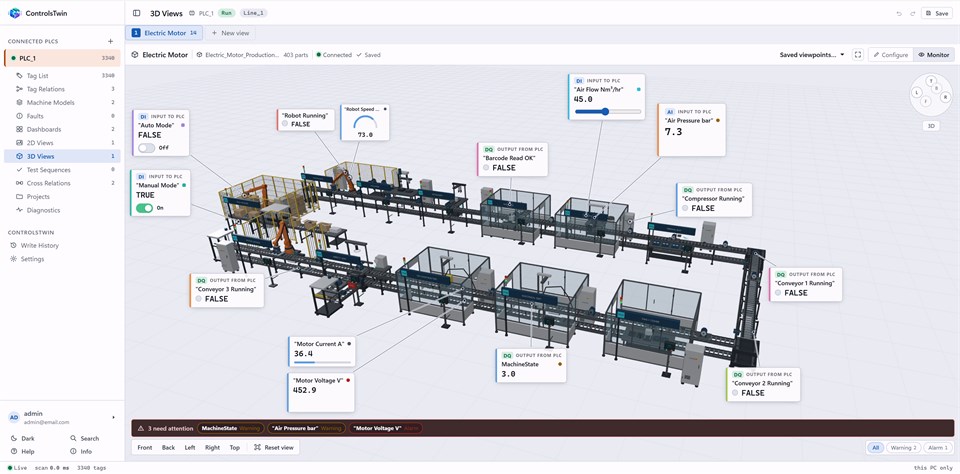
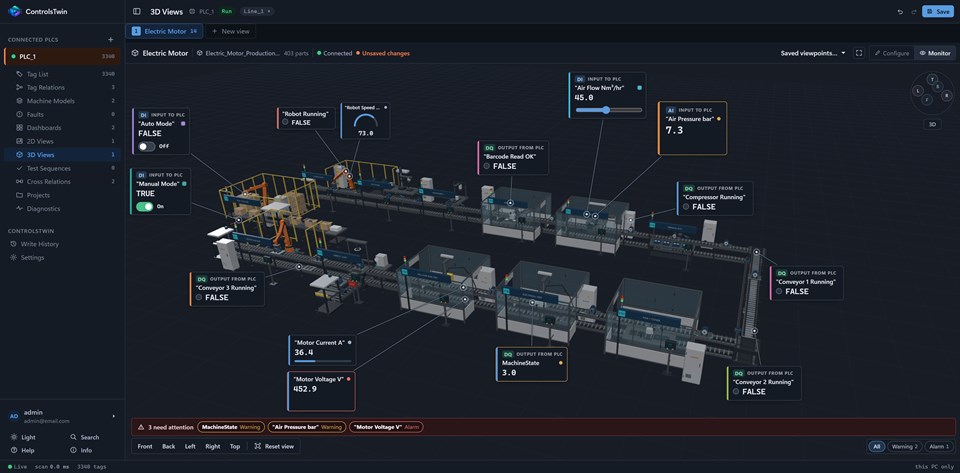
• Arrange live readings on dashboards (including trend charts), on a photo of the machine (2D views) or on a 3D model (3D views).
• Run test sequences that end in a plain pass or fail.
• Link tags between PLCs, and look back at every value written in a write history that survives restarts.
• Keep everything in one project file, with autosave and one-click backups.
• Start quickly with the built-in user manual and two reference projects.
HOW IT RUNS
ControlsTwin runs on your PC and opens in your web browser. It works only on that PC: it accepts no connections from other computers and never connects to a real PLC. Projects are saved in Documents\ControlsTwin Projects. S7-PLCSIM Advanced has its own Siemens system requirements; for example, Siemens does not support it on Windows Home editions.
SIMULATION ONLY
ControlsTwin is a simulation and engineering aid. Its machine models are simplified approximations, and its results reflect idealized conditions: real machines, PLCs and processes will behave differently. Never use ControlsTwin, or the simulation it works with, to read from or write to a real PLC or to control real equipment. Check everything on the real equipment with qualified people and your own safety and commissioning procedures.
LICENCE
ControlsTwin is free to download. To use it, you need a ControlsTwin licence account from Gunatit Solutions; see the publisher's website and support contact on this page. The ControlsTwin licence agreement is shown the first time you open the app and must be accepted before use.
Siemens, SIMATIC, S7-PLCSIM and TIA Portal are trademarks of Siemens AG. Gunatit Solutions is not affiliated with or endorsed by Siemens AG.
Fra udvikleren
Lister 0
-
 ControlsTwin
Point 0
-

- +1 Point

Ranglister 0
-
- Din bedømmelse
Udvikler 1
- Gunatit Solutions
- Følgere: 0
- Platforme: Windows Apps (1)
- Tilbud: 0
- Lister: 0 0
- Point: 0
- Ranglister: 0
- Kommentarer: 0
- Videoer: 0
- RSS: Abonner
Nyheder
- Version: PC
- Sidst opdateret:
Yderligere oplysninger
- Udgivelsesdato:
- Kategori:
Windows-apps›Udviklerværktøjer - Operativsystem:
PC - Størrelse:
38 Mb - Understøttede sprog:
Engelsk - Indholdsklassificering:
EVERYONE - Windows Store Bedømmelse: ¡
0 - Websted:
 https://www.gunatitsolutions.com/
AppAgg-score
Estimeret AppAgg-score for
ControlsTwin
Udvikler: Gunatit Solutions
En højere score afspejler som regel bedre resultater på de områder, AppAgg måler.
Baseret på: popularitet · brugervurderinger · aktualitet · tilbud · butiksdata · fællesskabsaktivitet
Genberegnes dagligt ud fra aktuelle AppAgg-data.
Kommentarer 0 ¡
Del
ControlsTwin Kort webadresse: Kopieret!- Windows Store

