
Bookmarks
| Developer: | Gunatit Solutions (1) | ||
| Price: | Free New | ||
| Score: | 1,110 Silver | ||
| Rankings: | 0 | ||
| Comments: | 0 Add a comment | ||
| Lists: | 0 0 | ||
| Points: | 0 | ||
| +1 Point | |||
Summary
ControlsTwin is an app by Gunatit Solutions in the Developer tools category.
New release: it came out , so you’re among the first.
Free, no ads, no in-app purchases. Just you and the app.
The Microsoft Store is built into Windows, so it installs in a couple of clicks.
Its AppAgg Score is 1,110. Silver, and that’s not bad at all.
Just 38 megabytes, it’ll fit even on a full drive.
Rated “EVERYONE”, so it’s fine for kids too.
Only one language, and it’s English.
Total silence here so far: no ratings, no comments. Break the silence.
It’s the developer’s only app on AppAgg. For now.
Want to hear about updates and new apps first? Follow the developer or subscribe to the RSS feed. Push alerts come through the AppAgg Alerts app for Android and iOS.
Other platforms 0
Price History 0
- Current price: Free
- Minimum: Free
- Maximum: Free
Your own feed on the home page
Screenshots 10
Description

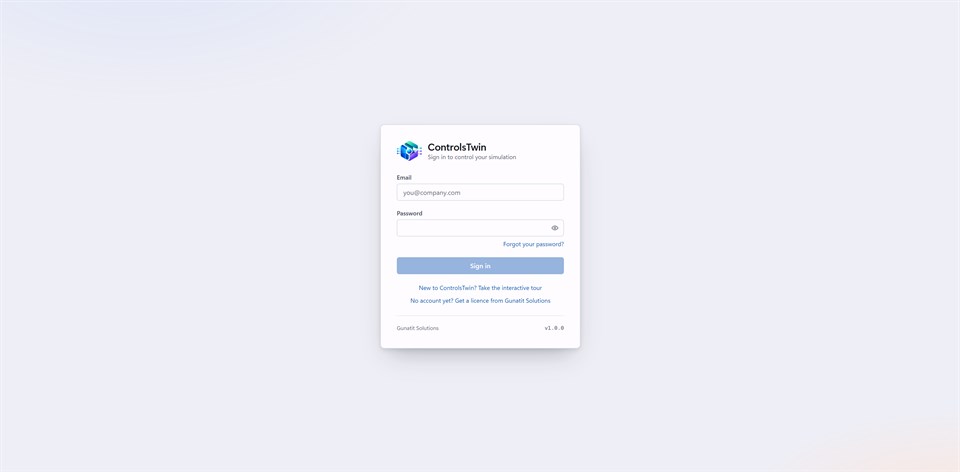
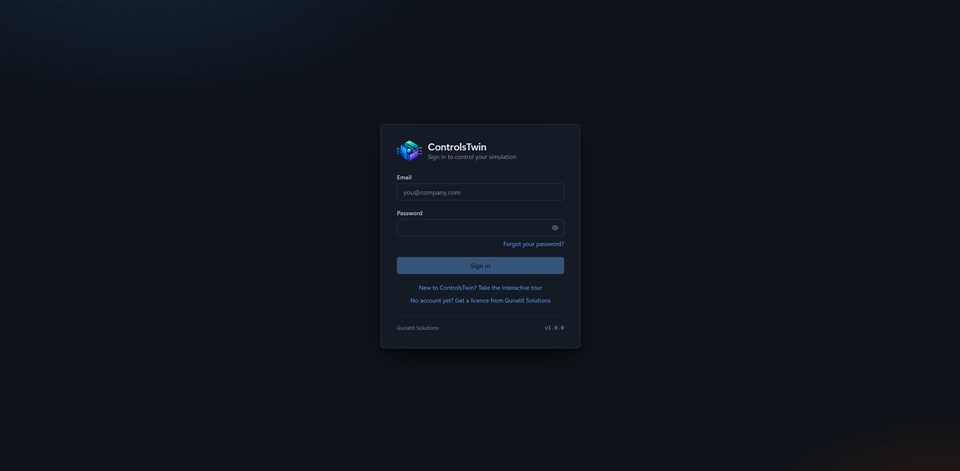
S7-PLCSIM Advanced is sold and licensed by Siemens, is not available in the Microsoft Store, and must be installed on the same PC. ControlsTwin licences are sold by Gunatit Solutions: a licence is for one named user and can be in use on one PC at a time. Signing in needs an internet connection. Without S7-PLCSIM Advanced, ControlsTwin tells you what is missing and offers an interactive tour of its screens.
ControlsTwin helps automation engineers test a Siemens PLC program in simulation, on their own PC, before they go to site. Download your program from TIA Portal into S7-PLCSIM Advanced as usual. ControlsTwin connects to that simulated PLC and reads its tags. You then surround your program with simple machine models, faults and test sequences, and see how your logic responds to the situations you set up.
WHAT YOU CAN DO
• See every tag with its live value, search tags and write values.
• Add ready-made machine models that respond to the PLC: cylinder, valve, motor or pump, conveyor with parts, tank level, analog sensor and output, first-order process for PID tests, and counter or encoder.
• Switch on faults to check that your program notices them: a jam, a trip, a sensor that never comes on, or a tag that is stuck, frozen, inverted, chattering, noisy or has a broken wire. A red warning shows on every screen while a fault is on.
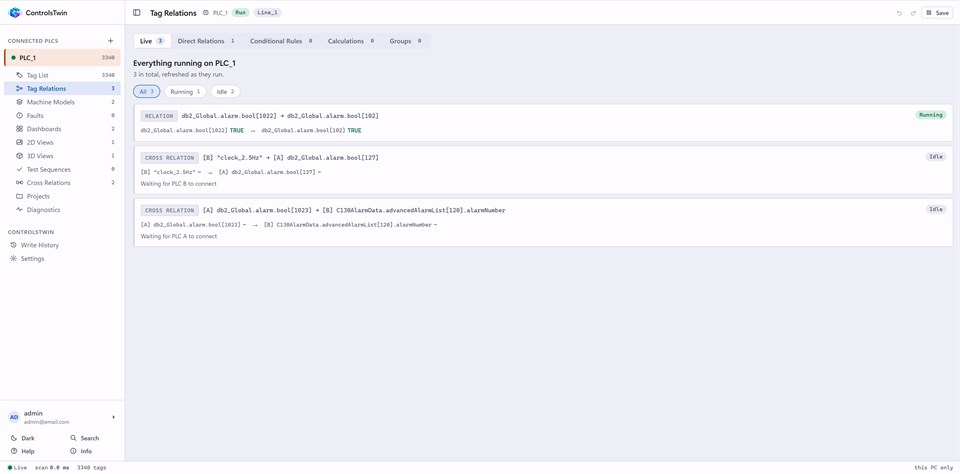
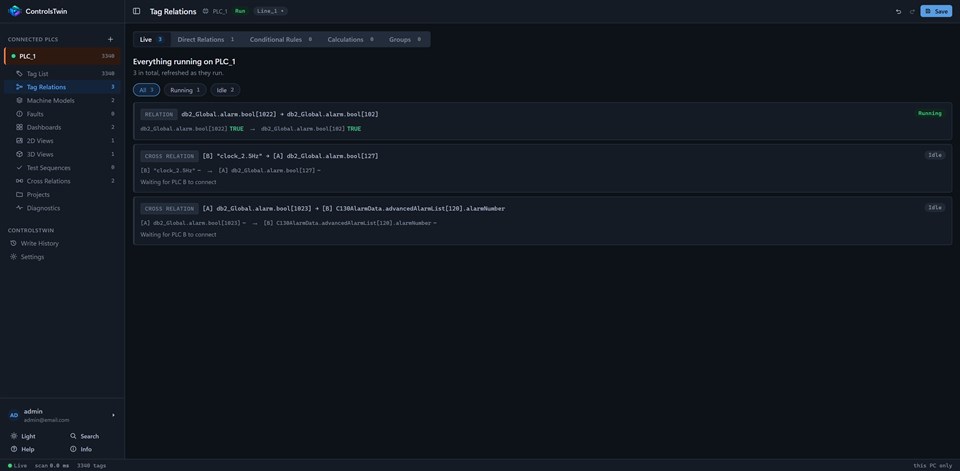
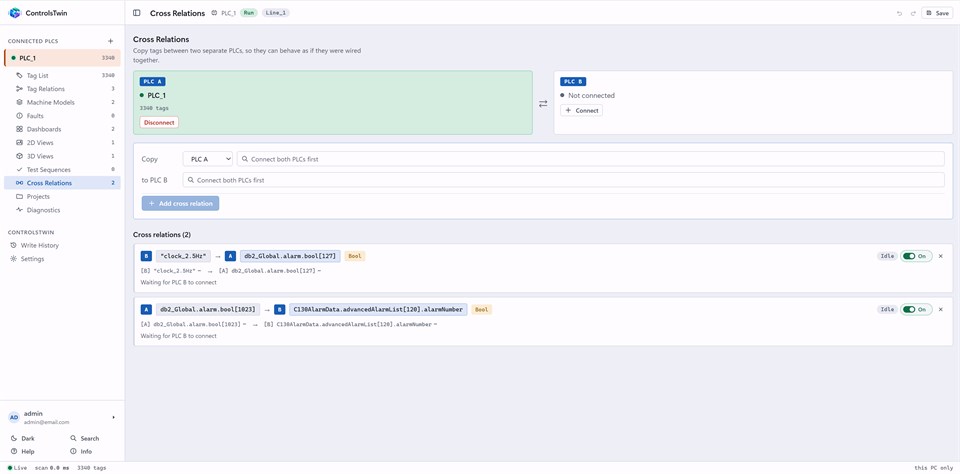
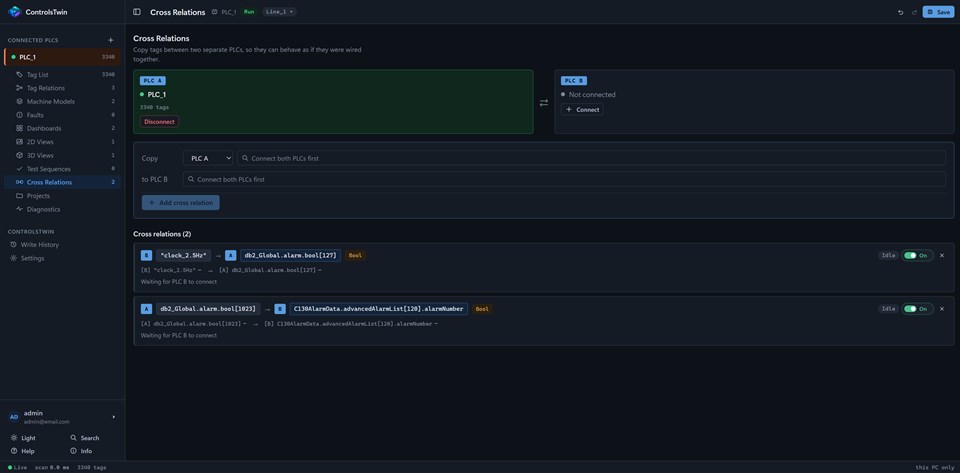
• Build rules that run continuously: direct relations, conditional rules with up to eight AND/OR conditions and an ELSE value, edge triggers, and calculations that write a formula's result to a tag.
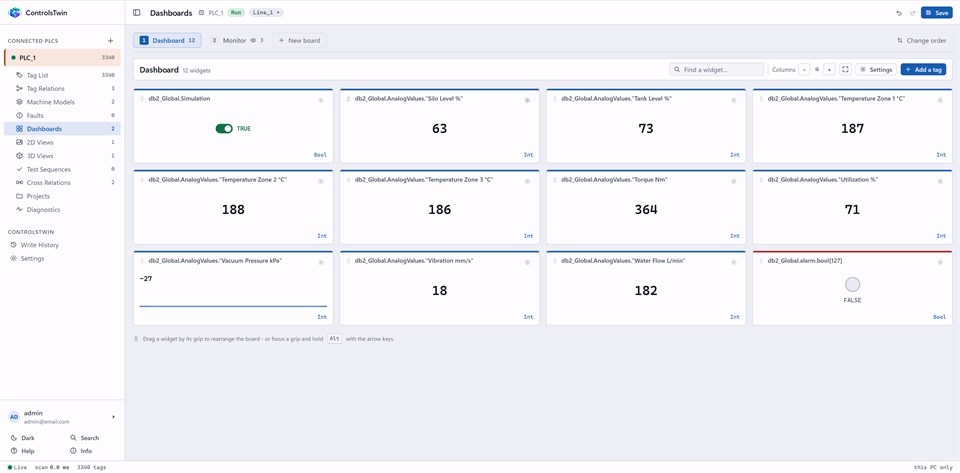
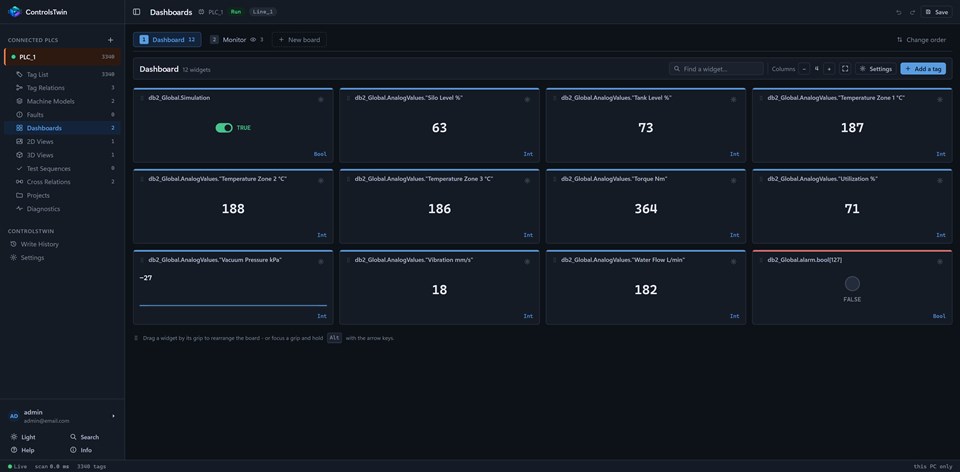
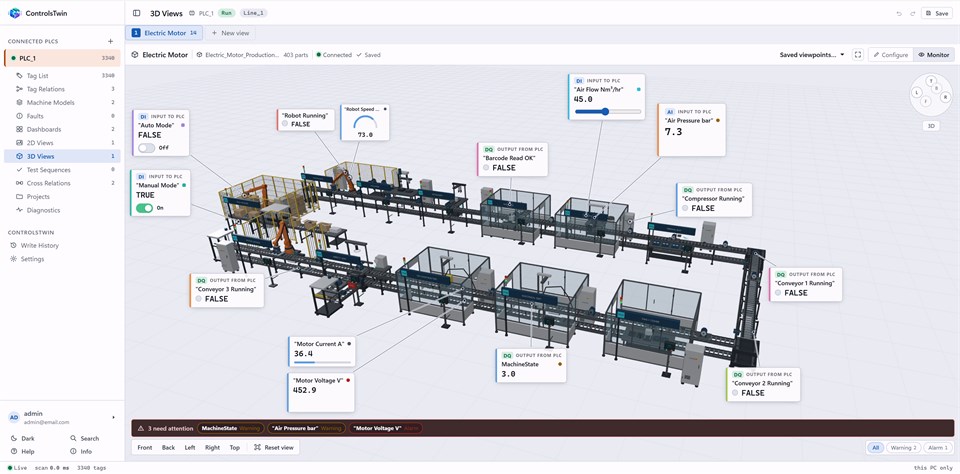
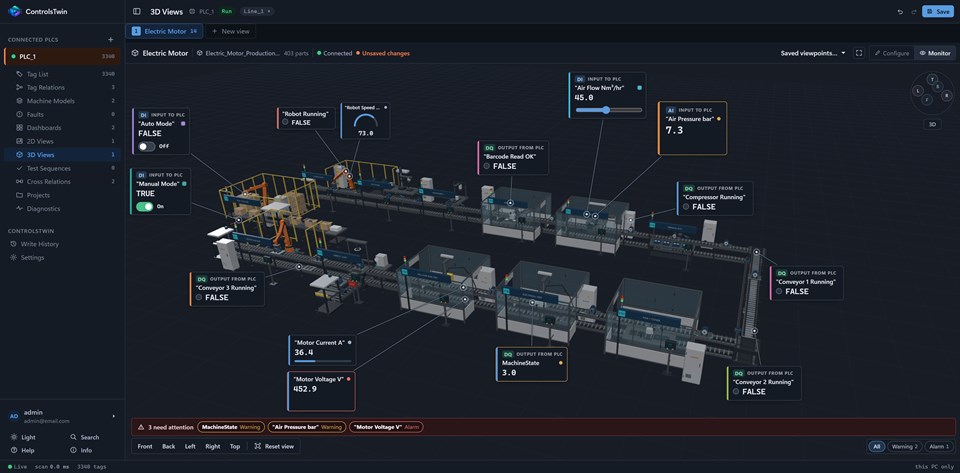
• Arrange live readings on dashboards (including trend charts), on a photo of the machine (2D views) or on a 3D model (3D views).
• Run test sequences that end in a plain pass or fail.
• Link tags between PLCs, and look back at every value written in a write history that survives restarts.
• Keep everything in one project file, with autosave and one-click backups.
• Start quickly with the built-in user manual and two reference projects.
HOW IT RUNS
ControlsTwin runs on your PC and opens in your web browser. It works only on that PC: it accepts no connections from other computers and never connects to a real PLC. Projects are saved in Documents\ControlsTwin Projects. S7-PLCSIM Advanced has its own Siemens system requirements; for example, Siemens does not support it on Windows Home editions.
SIMULATION ONLY
ControlsTwin is a simulation and engineering aid. Its machine models are simplified approximations, and its results reflect idealized conditions: real machines, PLCs and processes will behave differently. Never use ControlsTwin, or the simulation it works with, to read from or write to a real PLC or to control real equipment. Check everything on the real equipment with qualified people and your own safety and commissioning procedures.
LICENCE
ControlsTwin is free to download. To use it, you need a ControlsTwin licence account from Gunatit Solutions; see the publisher's website and support contact on this page. The ControlsTwin licence agreement is shown the first time you open the app and must be accepted before use.
Siemens, SIMATIC, S7-PLCSIM and TIA Portal are trademarks of Siemens AG. Gunatit Solutions is not affiliated with or endorsed by Siemens AG.
From the developer
Lists 0
-
 ControlsTwin
Points 0
-

- +1 Point

Rankings 0
-
- Your rating
Developer 1
- Gunatit Solutions
- Followers: 0
- Platforms: Windows Apps (1)
- Deals: 0
- Lists: 0 0
- Points: 0
- Rankings: 0
- Comments: 0
- Videos: 0
- RSS: Subscribe
What's new
- Version: PC
- Last Updated:
Additional Information
- Release Date:
- Category:
Windows Apps›Developer tools - OS:
PC - Size:
38 Mb - Supported Languages:
English - Content Rating:
EVERYONE - Windows Store Rating: ¡
0 - Website:
 https://www.gunatitsolutions.com/
AppAgg Score
Estimated AppAgg Score for
ControlsTwin
Developer: Gunatit Solutions
Higher scores usually reflect better results across AppAgg’s indicators.
Based on: popularity · ratings · freshness · deals · store data · community signals
Recalculated daily using fresh AppAgg data.
Comments 0 ¡
Share
ControlsTwin Short URL: Copied!- Windows Store
You may also like
Recent discussionsMore →
 AppGame4Class Game4Class makes lesson review fun and interactive. I like how easily students can join from their o...
 Mehdi Gateway62
 AppAniMate Waifu - AI Anime Desktop Pet This is the best anime desktop pets I have ever had, The dancing feature is amazing.
 shaw chaney34
 AppSpark Motion Create 26 The graphics are amazing! Now I can design my ball layouts and watch then spin in 3D animation.
 Jim Kirker40
 AppLocalDub – Real-Time Game Dubbing Hello Kırtay Interactive, I am using LocalDub - Real-Time Game Dubbing. I would like to know if Hind...
 rashid game53
 AppNauticPlayer This app is absolute cinema. Honestly, it’s one of the best media players I’ve ever tried, and I’m s...
 Manuel92
 AppScreen Beings - Interactive Accessibility Companion This is my app so I’m a little bias but as someone from the ADHD community that teaches ADHD and neu...
 Tarelle Irwin54
 AppAadi vault good it ia a encrypter and good you my work on office
 Aditya Rai50
 AppTyping 365 | Daily Typing Trainer The best typing app ever. With Typing 365 you don’t have to force yourself for couple minutes traini...
 Ahmad Mozaffar50
 AppZefir Calendar — Calendar in the Taskbar excelente app! Superando todas as espectativas!
 Diógenes Magnus50
 AppBlazin IPTV Player This compact IPTV player is amazing. I threw multiple playlists at it and it handles it with no issu...
 Mike Anderson40

