
Bookmarks
Choose a title for this bookmark.
Bookmark saved
| Developer: | jeongdo (2) | ||
| Price: | $6.99 | ||
| Score: | 770 Silver | ||
| Rankings: | 0 | ||
| Comments: | 0 Add a comment | ||
| Lists: | 0 + 0 | ||
| Points: | 0 + 0 ¡ | ||
| +1 Points | |||
Description

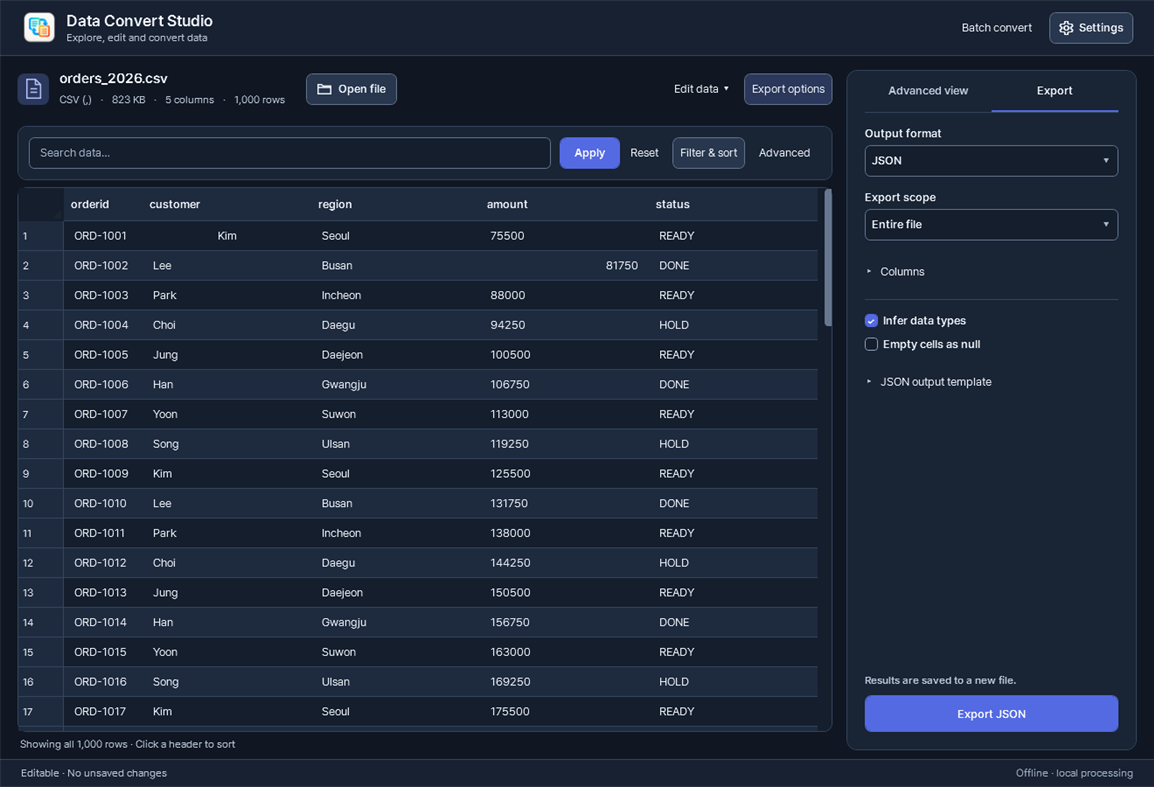
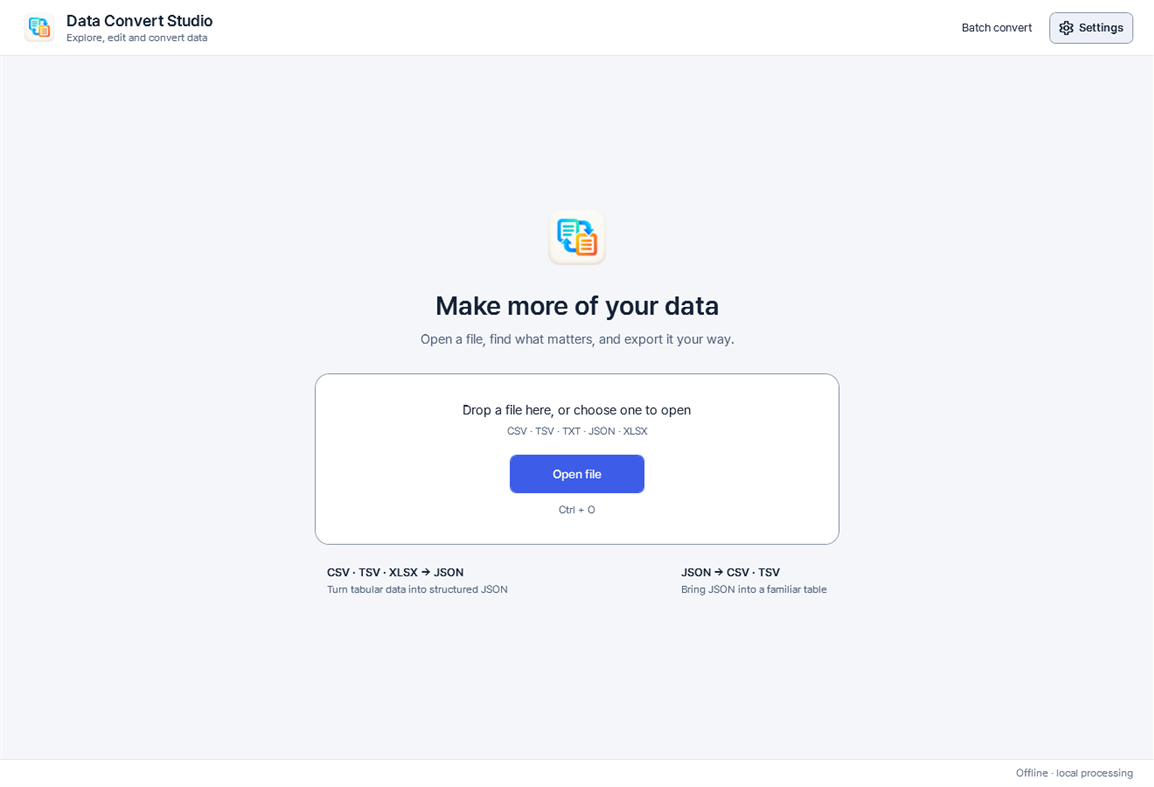
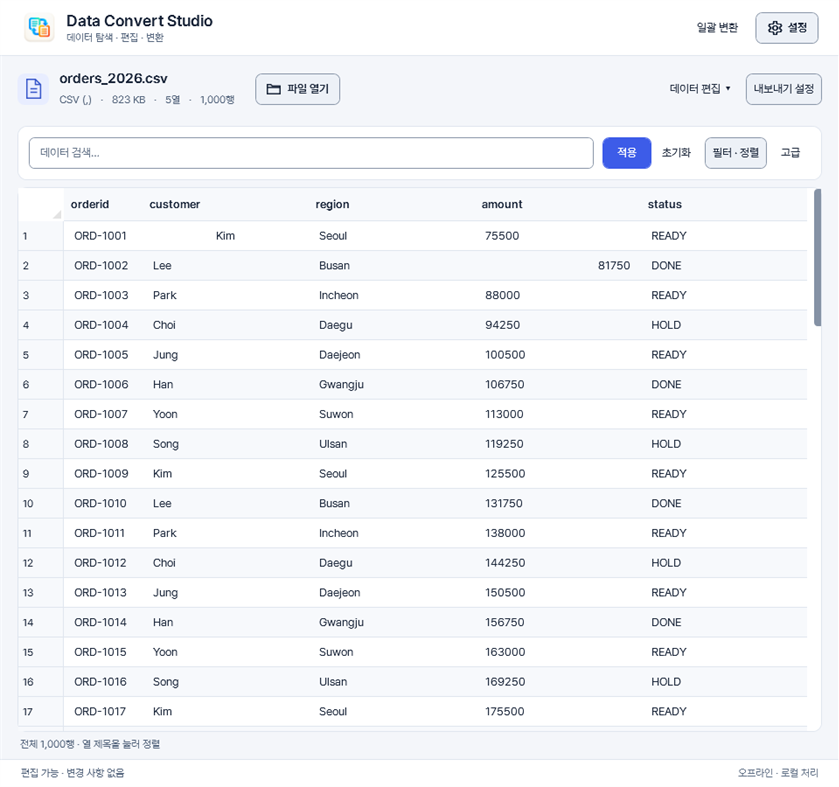
Data Convert Studio brings CSV and JSON work into one focused desktop workspace. Open a file, inspect its rows, find the data you need and export it in a useful format—without uploading your files to a server.
FIND WHAT MATTERS
Search across your data, use regular expressions, combine column filters and sort by text, numbers or dates. View duplicate or unique rows and save your frequently used views. Export the entire file or the filtered and sorted result.
EDIT CSV WITH CONFIDENCE
Correct cells, paste multiple cells, add or delete rows and columns, rename columns and change their order. Undo and redo your changes, then save or save a separate copy. The app checks for source-file changes before saving. Direct editing supports CSV, TSV and delimited text; JSON and XLSX are read-only in the grid.
CONVERT IN BOTH DIRECTIONS
Convert CSV, TSV, comma-, tab-, pipe- or semicolon-delimited text to JSON. Convert a JSON object or an array of objects to CSV or delimited text. Choose columns, rename and reorder fields, configure type inference and empty values, or customize JSON output with templates. Nested objects become dotted columns; nested arrays remain compact JSON cells.
WORK THROUGH MULTIPLE FILES
Batch-convert files with one, two or four workers. Cancel a run or retry failed items. Open your output folder directly when the job is complete. Existing output is preserved if conversion fails.
LOCAL AND FOCUSED
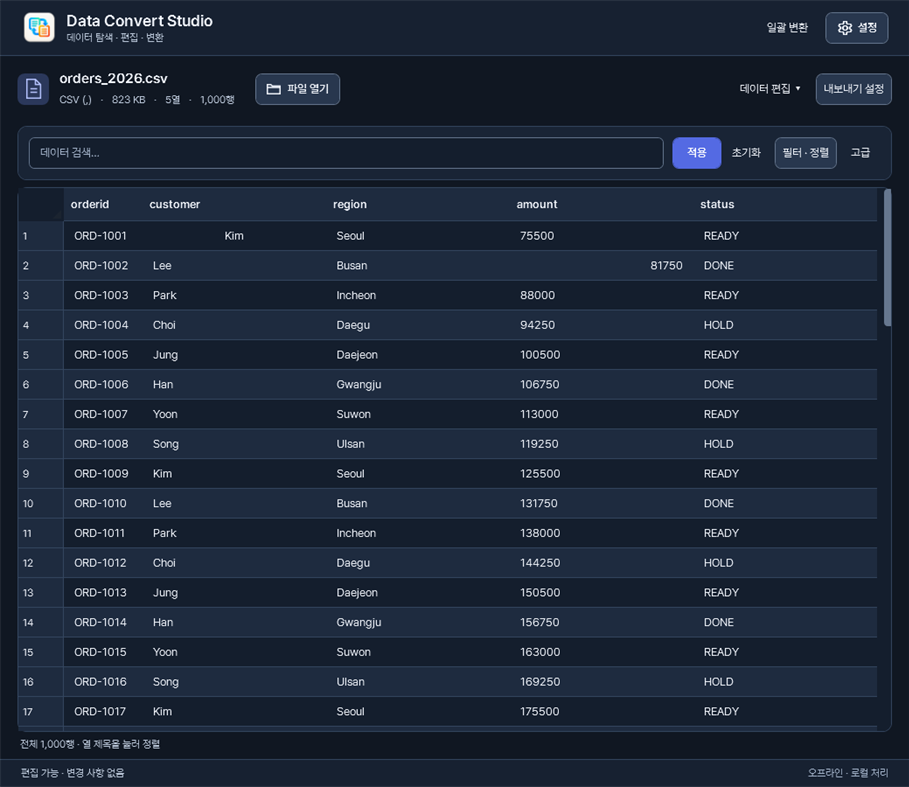
No account, analytics or file uploads. Large-file processing and a virtual grid keep exploration responsive. Light and dark themes, recent files and optional remembered export settings make repeat work easier.
Also imports the first worksheet of an XLSX workbook to JSON. Excel export, XLS files and full workbook formatting or formula behavior are not supported.
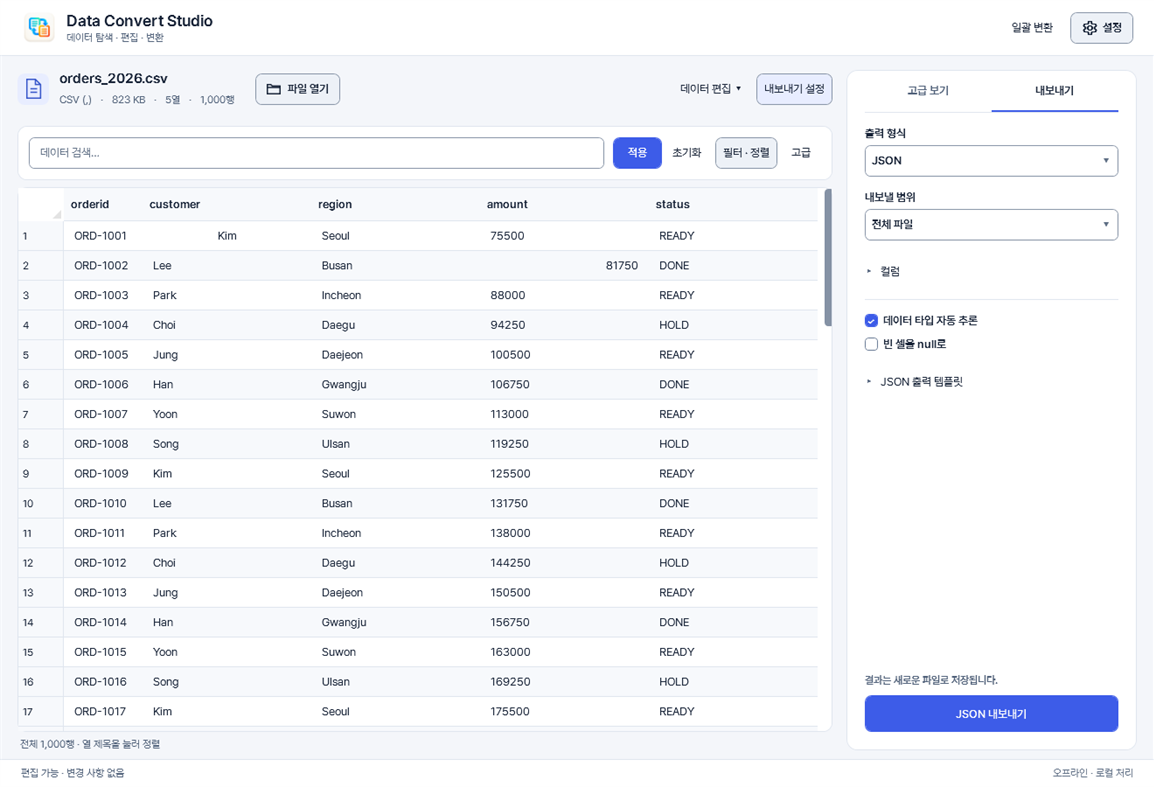
The interface supports English, Korean, Japanese, Simplified Chinese, Traditional Chinese, Spanish, Brazilian Portuguese, German, French and Italian.
One-time purchase. No subscription or in-app purchases.
Advertisement
Screenshots
AppAgg Score
770
Estimated AppAgg Score for
Data Convert Studio
Developer: jeongdo
770 Silver
Higher scores usually reflect better results across AppAgg’s indicators.
Based on: popularity · ratings · freshness · deals · store data · community signals
Recalculated daily using fresh AppAgg data.
Website badge:  Copied!
Price History
- Current price: $6.99
- Minimum: $6.99
- Maximum: $6.99
Track prices Add to a list to get discount alerts by email or push
Available on other platforms
| Data Convert StudioWindows StoreYou are here | $6.99 |
Only in this store right now.
What's new
- Version: PC
- Last Updated:
Additional Information
- Release Date:
- Category:
Windows Apps›Developer tools - OS:
PC - Size:
69 Mb - Supported Languages:
Chinese,English,French,German,Italian,Japanese,Korean,Portuguese,Spanish - Content Rating:
EVERYONE - Windows Store Rating: ¡
0
Developer
- jeongdo
- Followers: 0
- Platforms: Windows Apps (2)
- Deals: 0
- Lists: 0 + 0
- Points: 0 + 0 ¡
- Rankings: 0
- Comments: 0
- Videos: 0
- RSS: Subscribe
Lists (0)
0
- Data Convert Studio
Points (0)
0
Rankings (0)
0
Comments (0) ¡
Be the first to comment
Summary
Data Convert Studio Short URL: Copied!- Windows Store
On AppAgg, you can track the Windows app “Data Convert Studio” by jeongdo, listed under Developer tools. AppAgg Score: 770 (Silver). AppAgg Points for the app — confirmed: 0; indirect: 0. Public lists containing the app: 0. Users who have saved it in private lists: 0. AppAgg users have not rated the app yet. Confirmed Points record visits to a store by signed-in AppAgg users; indirect Points are based on store data. AppAgg counts public lists containing an app or game and users who have saved it in private lists. The app was first released on . The app was last updated on . The app currently costs $6.99. The app is available in these languages: Chinese, English, French, German, Italian, Japanese, Korean, Portuguese, Spanish. Explore the price history, add the app to a list, or follow its developer. Follow future deals and updates for the app via its RSS feed. AppAgg does not host or distribute the app. All trademarks, logos, and screenshots related to the app belong to their respective owners.
You may also like
Recent discussions
 AppNauticPlayer This app is absolute cinema. Honestly, it’s one of the best media players I’ve ever tried, and I’m s...
  Manuel16
  AppScreen Beings - Desktop Pet & Study Companion This is my app so I’m a little bias but as someone from the ADHD community that teaches ADHD and neu...
  Tarelle Irwin6
  AppAadi vault good it ia a encrypter and good you my work on office
  Aditya Rai5
  AppTyping 365 | Daily Typing Trainer The best typing app ever. With Typing 365 you don’t have to force yourself for couple minutes traini...
  Ahmad Mozaffar5
  AppZefir Calendar — Calendar in the Taskbar excelente app! Superando todas as espectativas!
  Diógenes Magnus5
  AppLockinRa LockinRa 리뷰 LockinRa는 작업 관리, 집중력 도구, AI 코칭을 하나의 데스크톱 앱으로 통합한 무료 Windows 생산성 프로그램입니다. 클라우드 동기화 없이 로컬 ...
  abhilok reddy6
  AppCN Vault I Love this app CN Vault is a user-friendly app that helps keep your passwords safe and secure. If y...
  Marjuk Amin5
