
저장됨
저장됨 메뉴에 표시할 이름을 선택하세요.
완료!
기술

DevDesk is completely free: it has no trial, time-limited features, subscriptions, or in-app purchases.
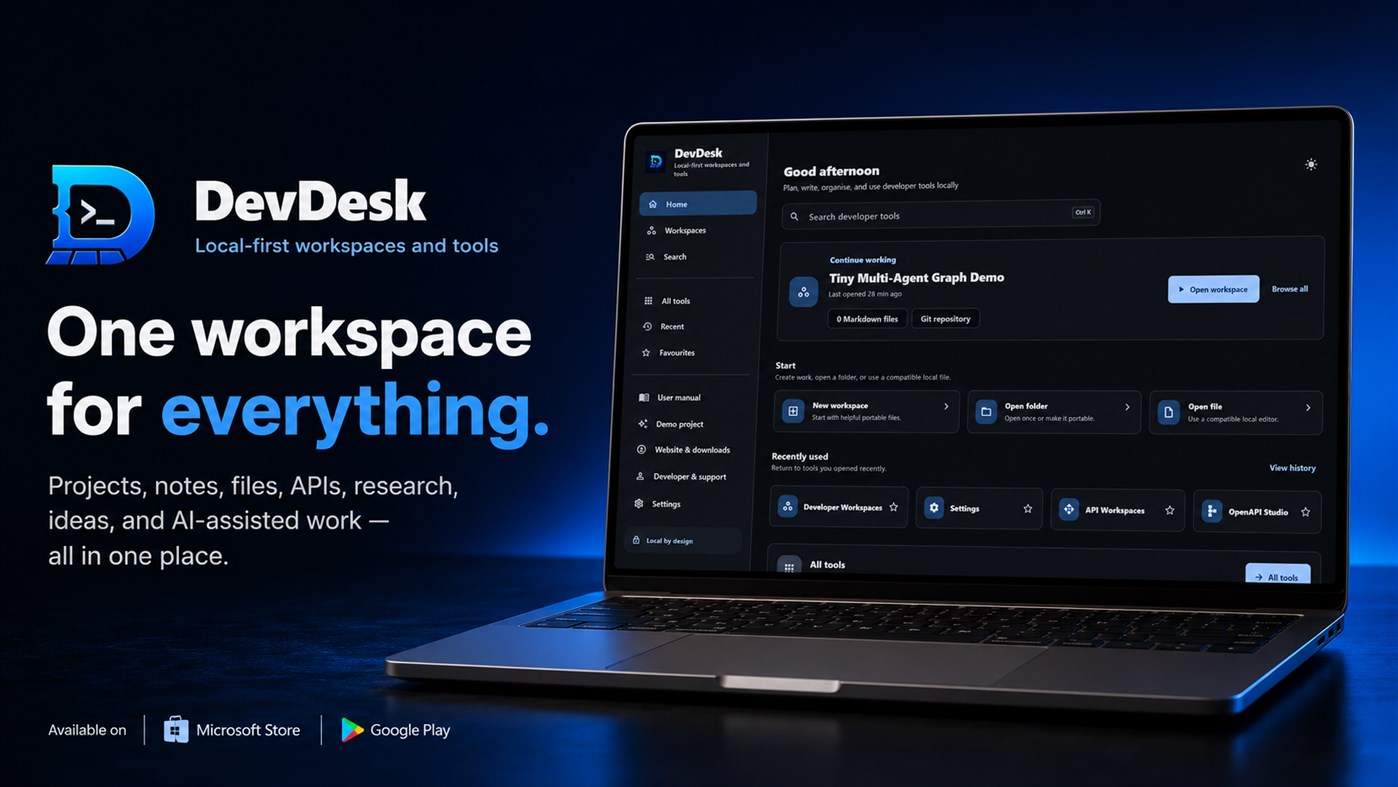
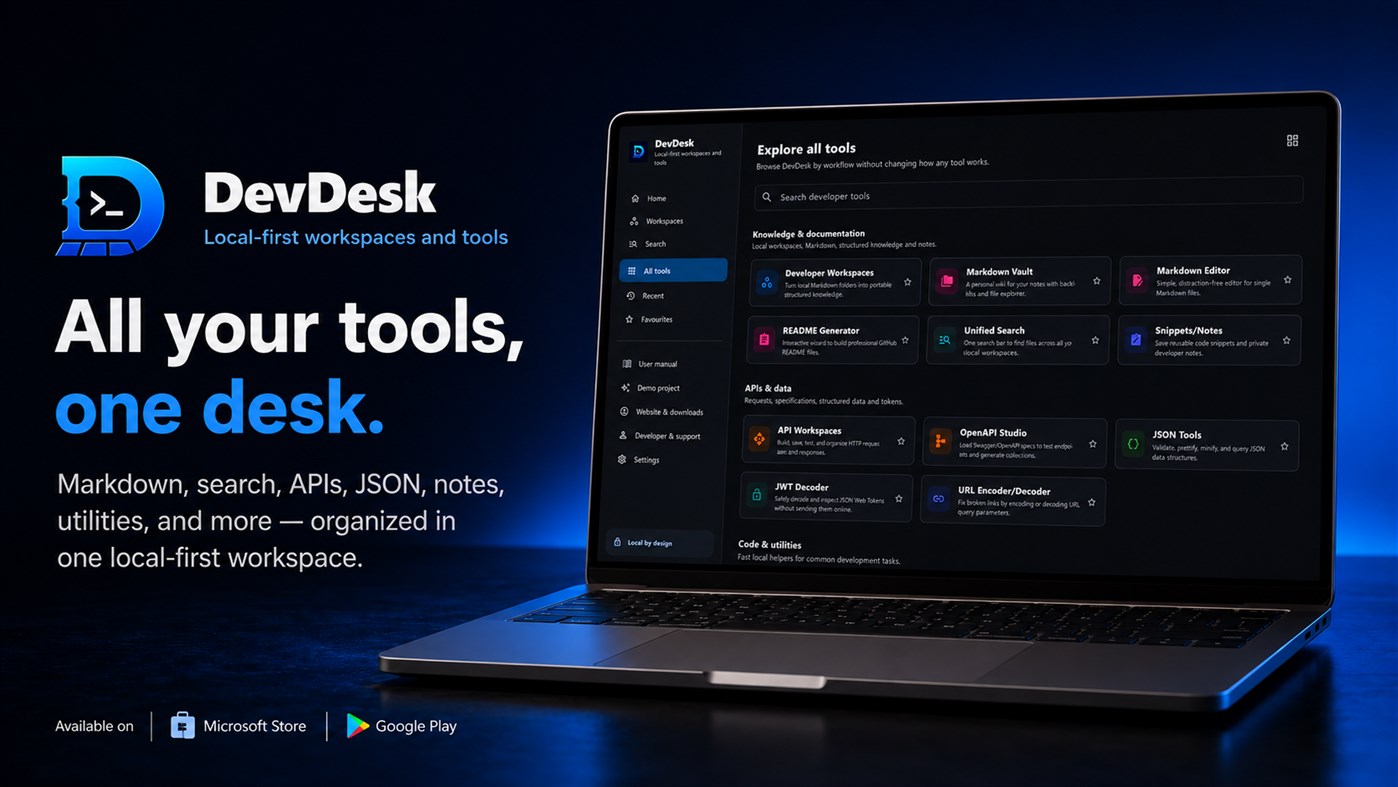
DevDesk Workspace brings your notes, research, projects and developer tools together without taking ownership of your files.
Choose or create a normal folder and turn it into a complete portable workspace. Create notes, tasks, assignments, research sources, goals, meetings, decisions and project documentation using familiar, readable files.
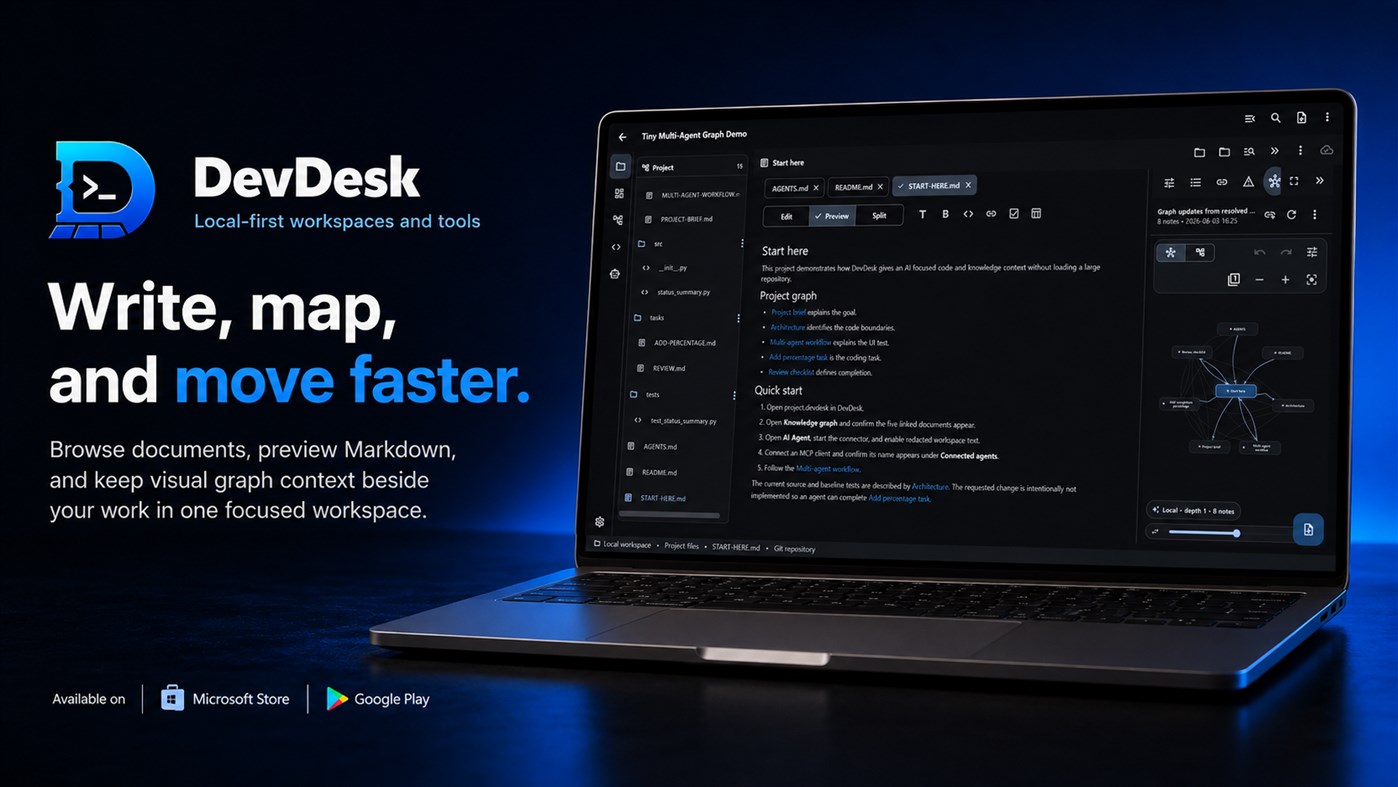
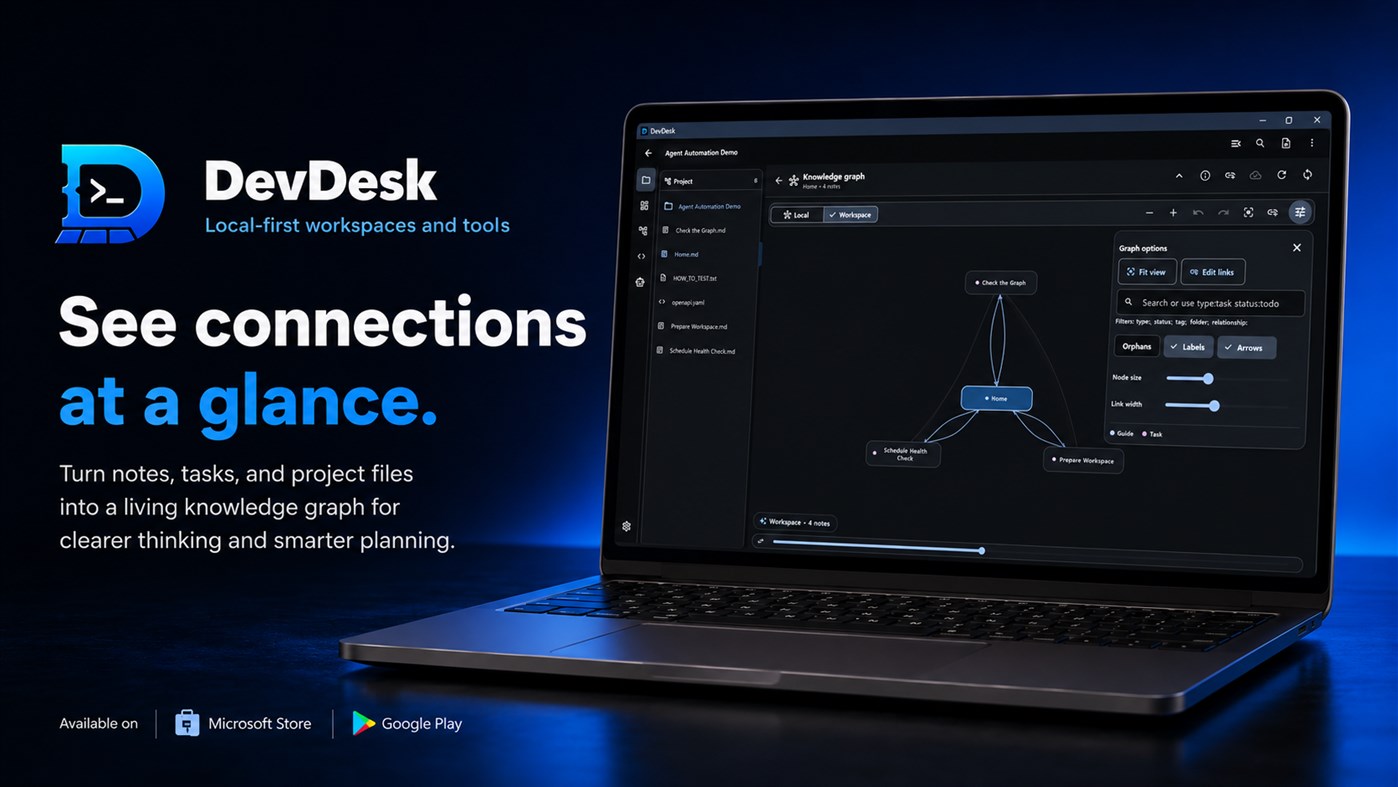
View the same work as a list, board, calendar, timeline, outline or relationship graph. DevDesk helps you organise complex information without forcing you to maintain separate copies across multiple applications.
Made for Students
Organise subjects, assignments, study notes, deadlines, research material and project plans. Connect related topics visually and move between outlines, timelines, boards and calendars depending on how you prefer to work.
Made for Researchers and Writers
Manage sources, connected Markdown notes, drafts, ideas and research relationships in one workspace. Use outlines and visual connections to understand how information fits together while keeping the original files accessible.
Made for Developers
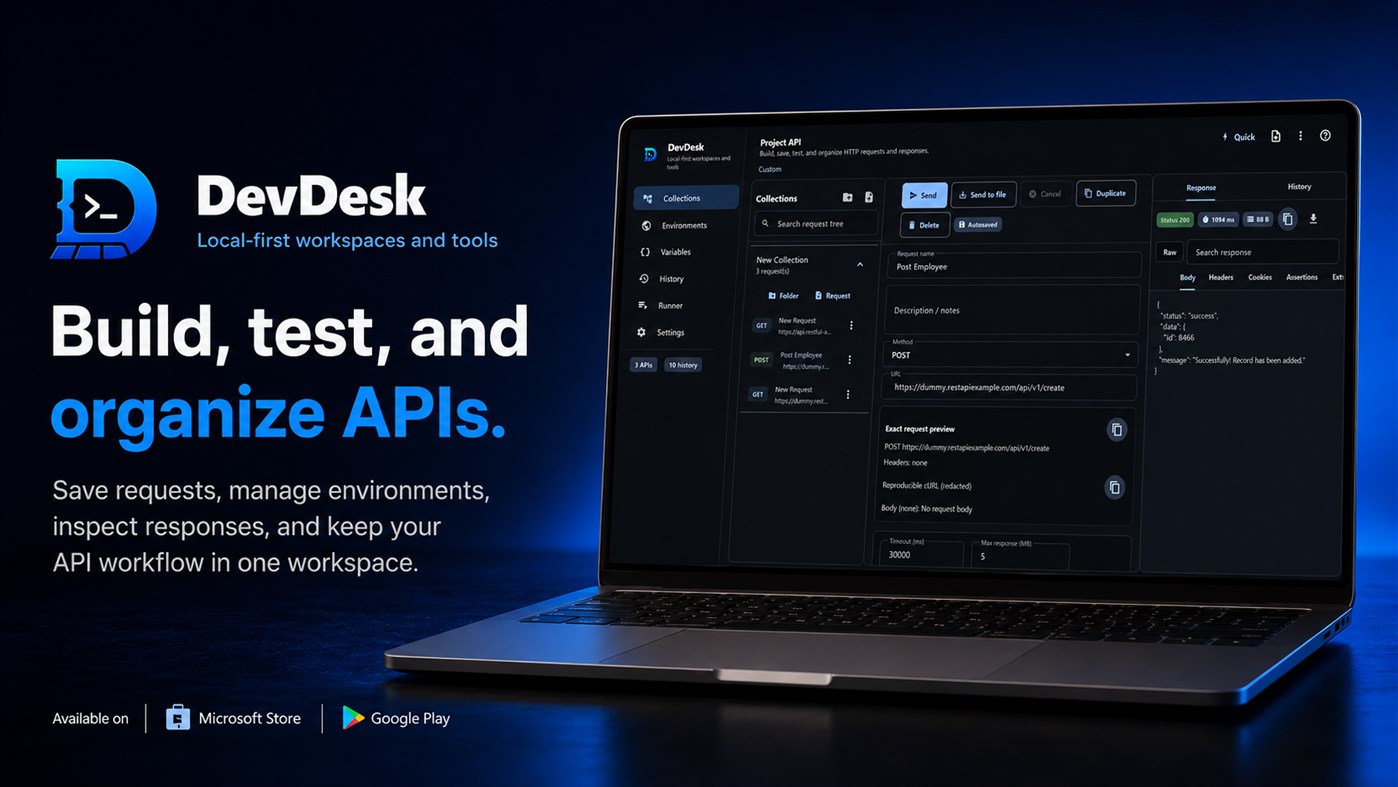
Keep project documentation beside the technical tools it describes. Test APIs, manage request collections and environments, inspect JSON and OpenAPI files, compare changes and work with workspace-scoped Git without constantly switching applications.
Your Files Stay Yours
DevDesk is built around ordinary files stored in a folder you choose. Copy the folder, back it up normally, place it inside Git or open supported files using another application.
No account is required to begin working. Sensitive values such as API secrets remain protected on the device instead of becoming part of portable project files.
Safe, Reviewable Assistance
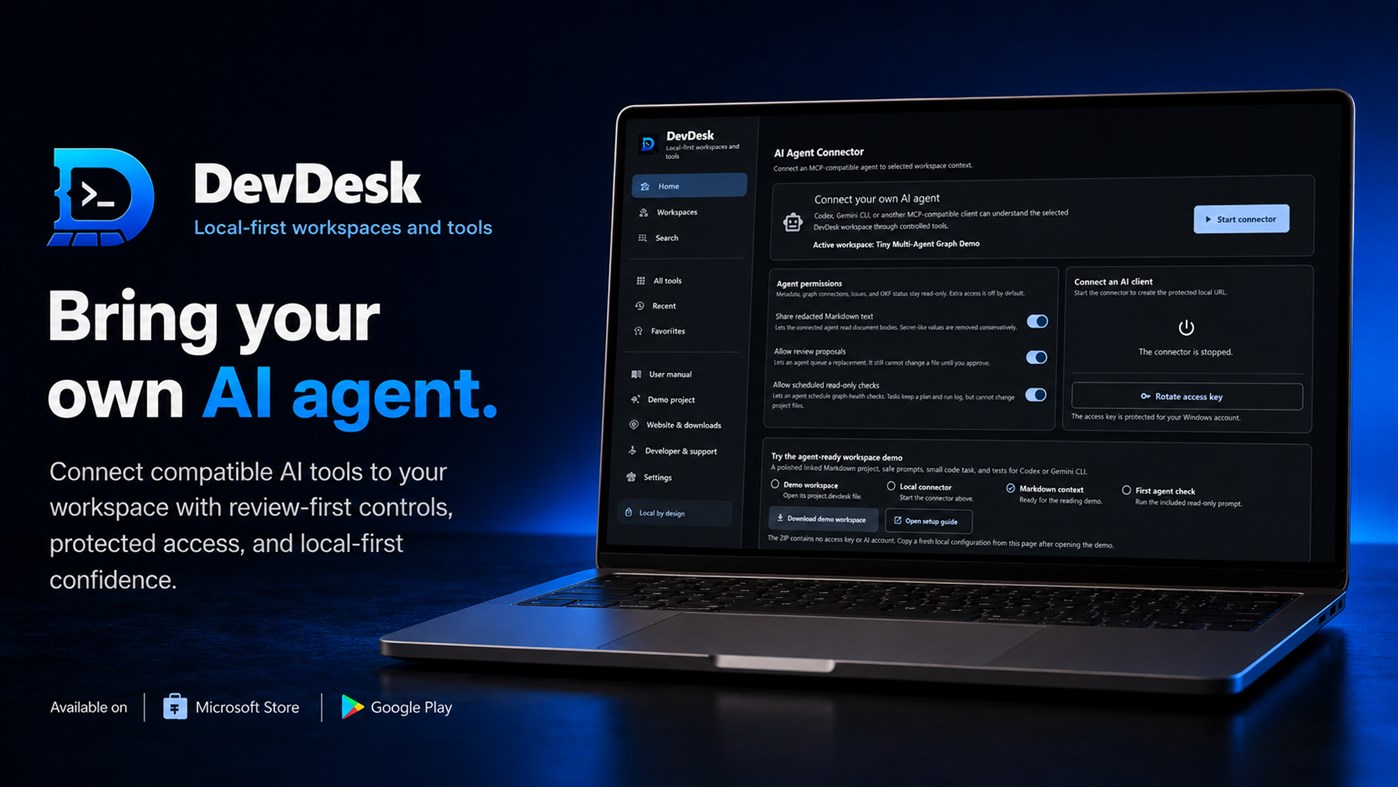
DevDesk supports manual work, review-first changes and bounded automation. Proposed file changes can be inspected before they are applied, helping you stay in control of your workspace.
Whether you are preparing an assignment, organising a research project, documenting software or testing an API, DevDesk gives your work one connected and portable home.
Keep the folder. Gain the workspace.
Use optional Open Knowledge Format (OKF) structure checks when a Markdown folder needs clearer concepts, metadata, sources, lifecycle information, and portable indexes. DevDesk explains required findings separately from warnings and optional advice. Preview-first conversion preserves ordinary Markdown and unknown metadata, while future unsupported OKF versions remain diagnostic and read-only.
On Windows, the optional AI Agent Connector lets your own Codex, Gemini CLI, or other MCP-compatible client ask DevDesk for controlled workspace context. The connector can expose selected metadata, graph connections, workspace issues, and OKF status through the local Windows loopback address. Markdown text access and review proposals are separate opt-in permissions. Agents cannot directly approve changes, delete files, run a terminal, or push Git through this connector. DevDesk does not include an AI model, AI subscription, or cloud AI account.
There is no DevDesk cloud account, no forced file lock-in, and no silent project upload. Network activity happens only when you deliberately send API requests, fetch supported public content, validate links, or open external pages. If you want a workspace that combines productivity views with developer-grade context—while keeping your files yours—DevDesk is built for that.
Ad
스크린샷
가격 내역
- 현재 가격: 무료
- 최소: 무료
- 최대: 무료
AppAgg 평가
710
AppAgg 예상 평가:
DevDesk
개발자: Baishalya
710 실버
평가가 높을수록 보통 AppAgg에서 더 강한 신호를 의미합니다.
기준: 인기 · 사용자 평점 · 최신성 · 딜 · 스토어 데이터 · 커뮤니티 활동
최신 AppAgg 데이터를 바탕으로 매일 다시 계산됩니다.
단축 URL: 복사됨!
새로운 기능
- 버전: PC
- 마지막 업데이트:
추가 정보
 https://baisalya.github.io/Baisalya-Roul/devdesk/
목록 (0)
0
- DevDesk
포인트 (0)
0
순위 (0)
0
댓글 (0)
가장 먼저 댓글을 남겨주세요
요약
DevDesk 단축 URL: 복사됨!- 공유하기
- Windows Store
«DevDesk». 플랫폼: Windows. 카테고리: 개발자 도구. 개발자: «Baishalya». 첫 번째 릴리스: . 마지막 업데이트: . 현재 가격: 무료. 이 타이틀은 아직 AppAgg에서 평가나 리뷰를 받지 못했습니다. 사용 가능한 언어: English. AppAgg는 «DevDesk»의 가격 기록, 평점 및 사용자 피드백을 추적합니다. AppAgg는 애플리케이션을 호스팅하거나 소프트웨어를 배포하지 않습니다. 모든 상표, 로고 및 스크린샷은 해당 소유자의 자산입니다. 향후 할인 및 업데이트 받기: RSS에서 확인할 수 있습니다
유사 항목
-
- Dev Center
- Windows 앱: 개발자 도구 게시자: Microsoft Corporation
- 무료
- 목록: 0 0 0
- 포인트: 2 + 85 7K · 골드 버전: PC The Microsoft Dev Center app allows you to quickly view details about the health and performance of your Windows Store apps on any Windows 10 device. Note: You must have an active ...
-
- LingPO Desk
- Windows 앱: 개발자 도구 게시자: S. Antipin
- 무료
- 목록: 0 0 0
- 포인트: 0 + 0 560 · 브론즈 버전: PC LingPO Desk is a local desktop editor for PO translation files. Open a project folder, load multiple locales, and work with them in one shared table. Compare translations side by side,
-
- kaze dev helper
- Windows 앱: 개발자 도구 게시자: kazegamja
- $19.99
- 목록: 0 0 0
- 포인트: 0 + 0 1K · 실버 버전: PC Kaze Dev Helper (KDH) is the ultimate, lightweight, all-in-one productivity suite tailored specifically for software engineers, database administrators (DBAs), system architects, and ...
-
- Red David Dev Tools
- Windows 앱: 개발자 도구 게시자: Red David
- $21.49
- 목록: 0 0 0
- 포인트: 0 + 0 600 · 실버 버전: PC App personalized with tools for UWP development, styles and code references.
-
- App Dev Analytics
- Windows 앱: 개발자 도구 게시자: MajinSoft
- * $18.99
- 목록: 0 0 0
- 포인트: 0 + 0 590 · 브론즈 버전: PC Analyze your unexplored Microsoft Store App Sales reports and improve your performance! Discover in no-time what's happening with grouping, filters and charts that provide you every ...
-
- XML Copy Editor
- Windows 앱: 개발자 도구 게시자: Dev Packager
- $6.09
- 목록: 0 0 0
- 포인트: 0 + 0 600 · 실버 버전: PC XML Copy Editor is a fast XML Validator and XML Editor. This app supports syntax highlighting, Tag completion etc., among other features.
-
- Data Insight
- Windows 앱: 개발자 도구 게시자: dev-go
- $9.99
- 목록: 0 0 0
- 포인트: 0 + 0 740 · 실버 버전: PC GUI for ElasticSearch、Qdrant、Milvus、Weaviate
-
- Multi-Model AI Proxy for GitHub CoPilot and Visual Studio 2026 / Code
- Windows 앱: 개발자 도구 게시자: hayman.dev LTD
- 무료
- 목록: 0 0 0
- 포인트: 0 + 0 1K · 실버 버전: PC Use models from OpenRouter, DeepSeek v4, Mimo (Xiaomi),, x.AI, Qwen and Z.ai (ZhiPu GLM), natively in Visual Studio's 2026 / Code's GitHub CoPilot chat window! The Multi-Model AI Proxy
-
- Karve
- Windows 앱: 개발자 도구 게시자: XAKPC Dev Labs
- $29.99
- 목록: 0 0 0
- 포인트: 0 + 0 1K · 실버 버전: PC Your .http files are already part of your codebase. Karve gives them a proper workspace. Karve brings the .http and .rest files scattered across your repositories into one native ...
-
- Cloudgate Hub
- Windows 앱: 개발자 도구 게시자: Cloudgate Dev
- 무료
- 목록: 0 0 0
- 포인트: 0 + 0 1K · 실버 버전: PC Cloudgate is a subscription-based complete low-code application development platform that enables developers and teams to build, automate, integrate, and deploy applications from a ...
-
- JavaScript Studio
- Windows 앱: 개발자 도구 게시자: Melvin Dev
- 무료
- 목록: 1 + 2 0 0
- 포인트: 1 + 89 2K · 골드 버전: PC Use your JavaScript, CSS, html skills to create apps wherever you go. These days many of us we use a smartphone anytime, as a developers sometimes we create code using some text editor
-
- Interop Tools (Preview)
- Windows 앱: 개발자 도구 게시자: IT Dev Team
- 무료
- 목록: 0 0 0
- 포인트: 0 + 13 1K · 실버 버전: PC Note: This release requires provider extensions to make Interop Tools fully work, learn more at http://insidewindows.net/category/interop-tools/ Interop Tools is an app that allows you
-
- Number Generator
- Windows 앱: 개발자 도구 게시자: Aspec Dev
- 무료
- 목록: 0 0 0
- 포인트: 0 + 0 500 · 브론즈 버전: PC A simple random number generator.
-
- UET PWA SDK Sample App
- Windows 앱: 개발자 도구 게시자: antonakos.dev
- 무료
- 목록: 0 0 0
- 포인트: 0 + 0 500 · 브론즈 버전: PC A sample app to test UET PWA SDK.

