
Bookmarks
Choose a title for this bookmark.
Bookmark saved
| Developer: | Web Platinum (48) | ||
| Price: | Free New | ||
| Score: | 770 Silver | ||
| Rankings: | 0 | ||
| Comments: | 0 Add a comment | ||
| Lists: | 0 + 0 | ||
| Points: | 0 + 0 ¡ | ||
| +1 Points | |||
Screenshots
Advertisement
Description

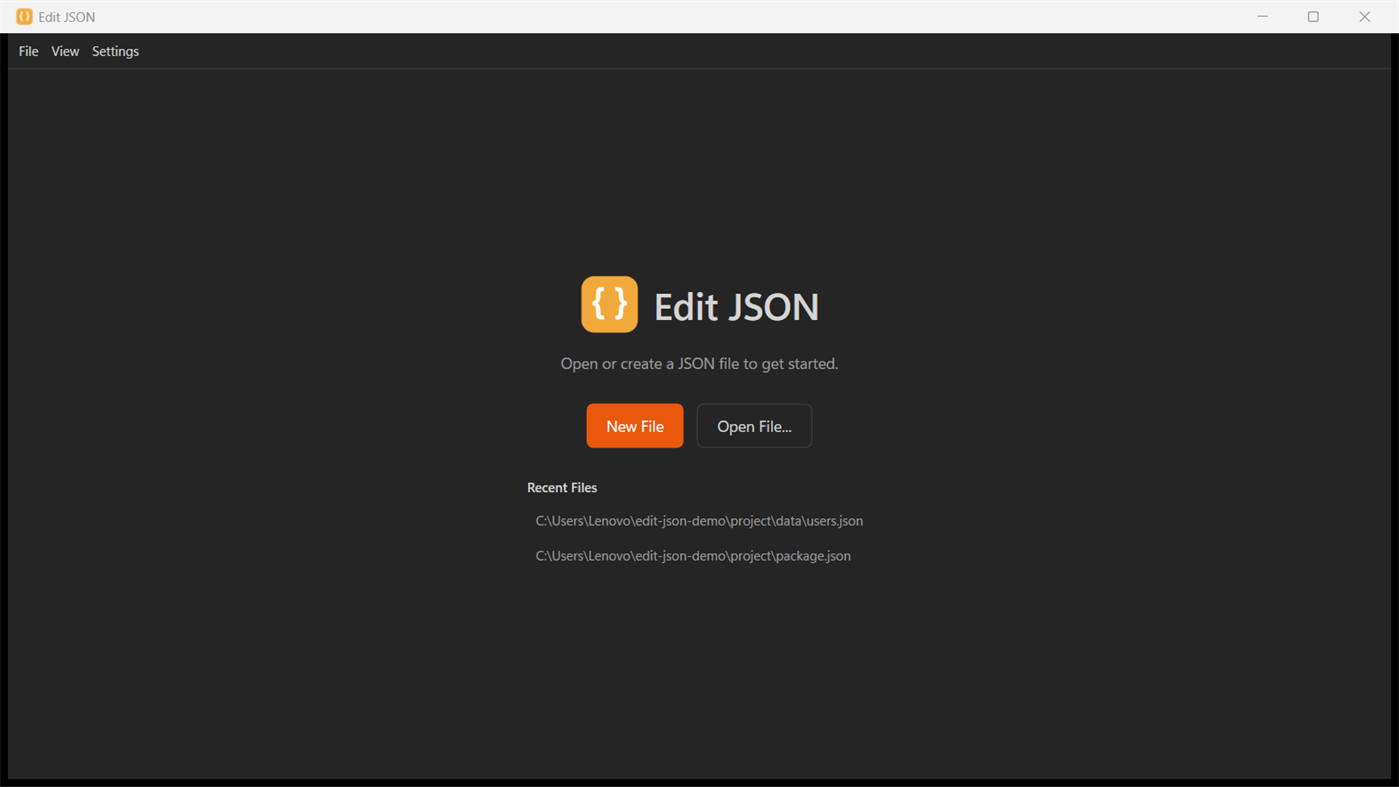
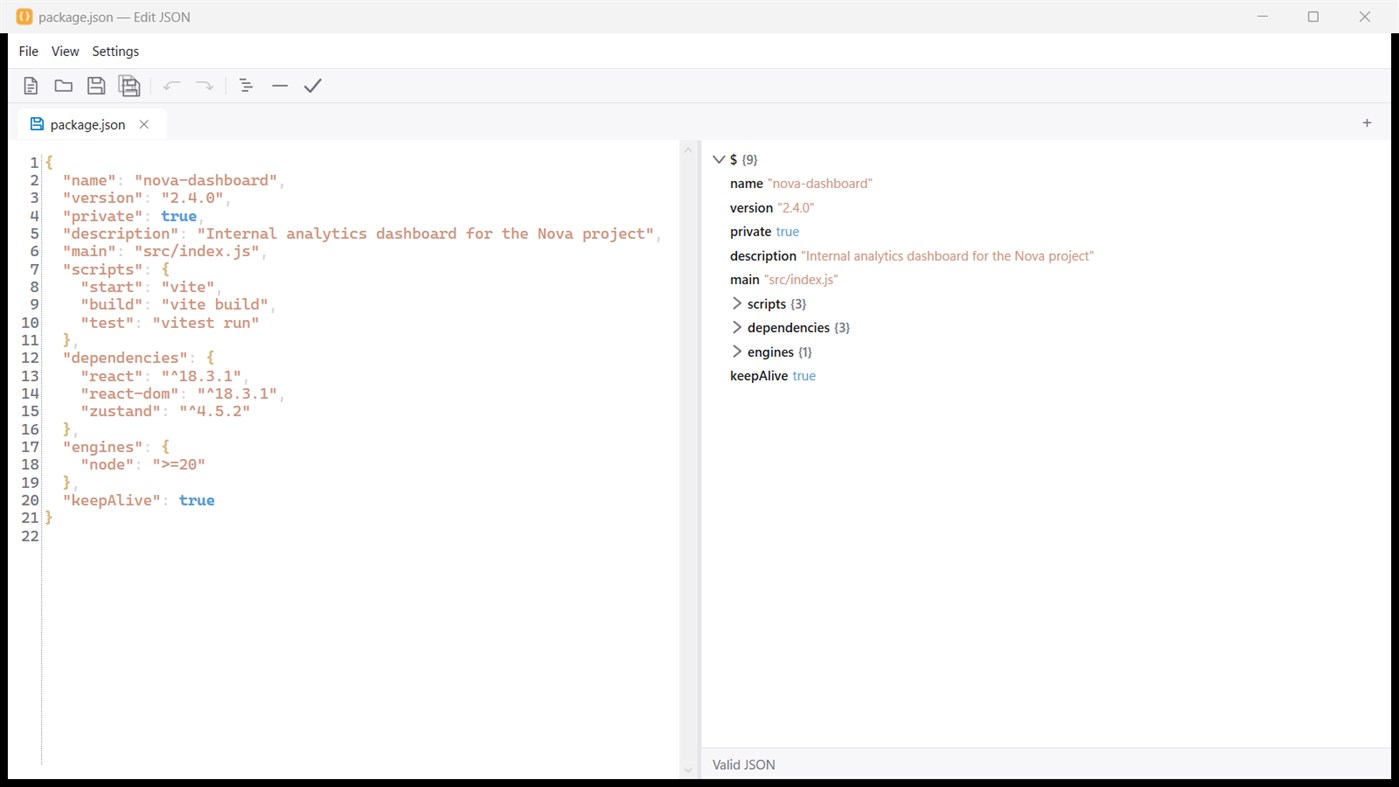
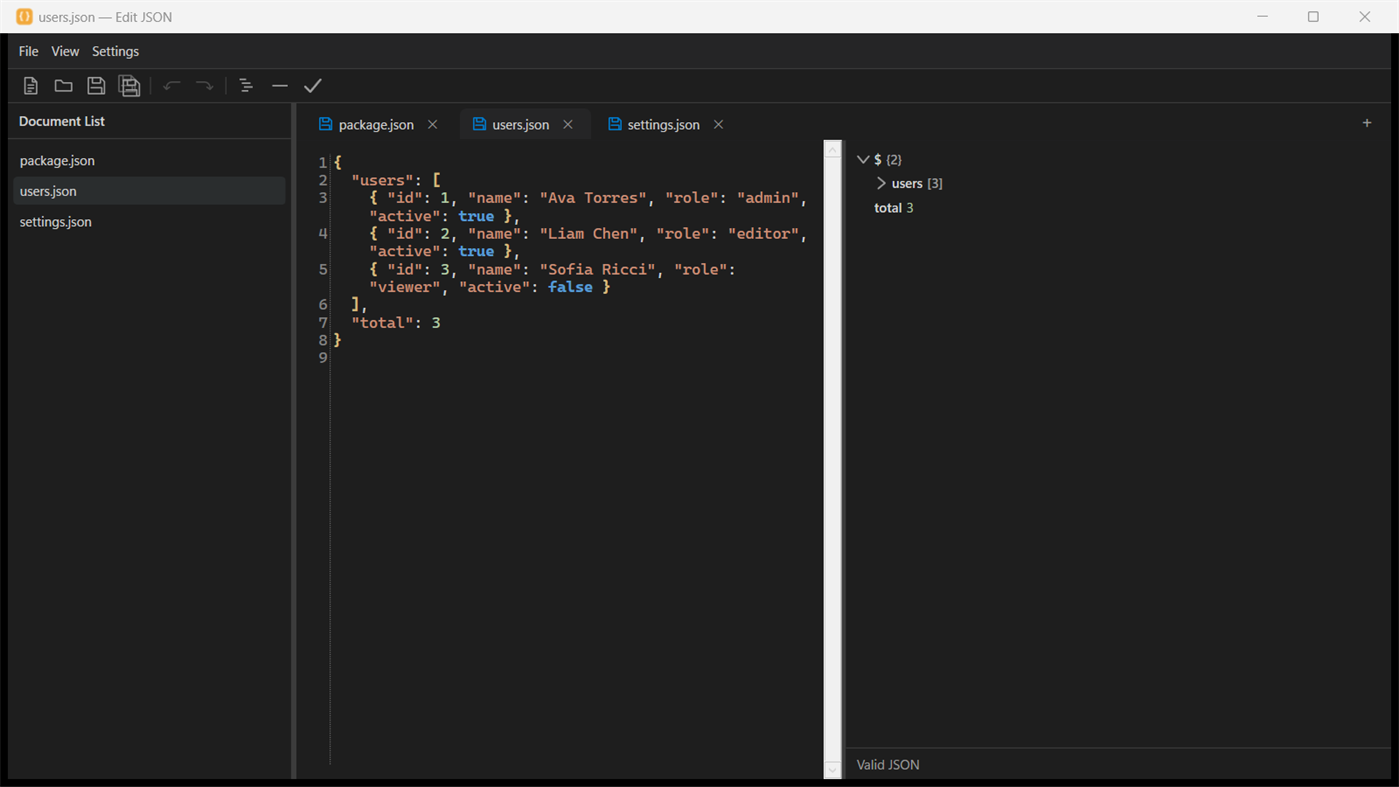
Write in a clean, syntax-highlighted source pane on the left, and browse a live structure tree on the right that mirrors your document's objects, arrays and values as you type, so you always know exactly where you are in a large or deeply nested file.
Whether you're editing config files, API responses, package manifests, or data exports, Edit JSON keeps things simple: open a file, edit it, and save. Work on several documents at once in tabs, format or minify with one click, validate JSON and see exactly what's wrong when it isn't valid, and reopen recent files with a single click, so you can pick up right where you left off.
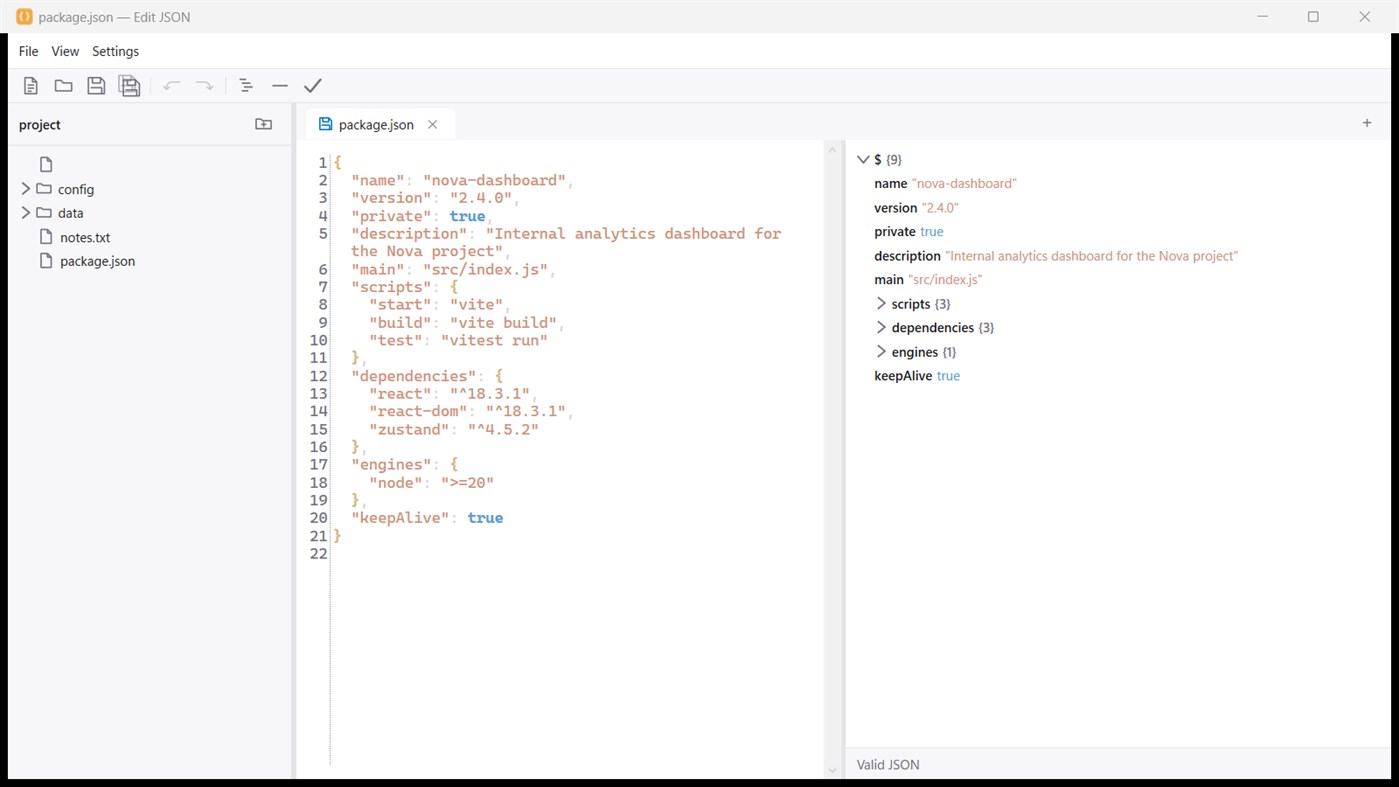
Opening another file while Edit JSON is running adds a tab in the same window instead of a new one, and your full session, every open tab, including unsaved ones, is restored automatically the next time you launch the app. Working on a project? Open a folder as a workspace to browse and jump between its JSON files in a sidebar file tree, or switch to a document list view of your open tabs instead. Each tab also shows a small save status indicator, so you always know what still needs saving.
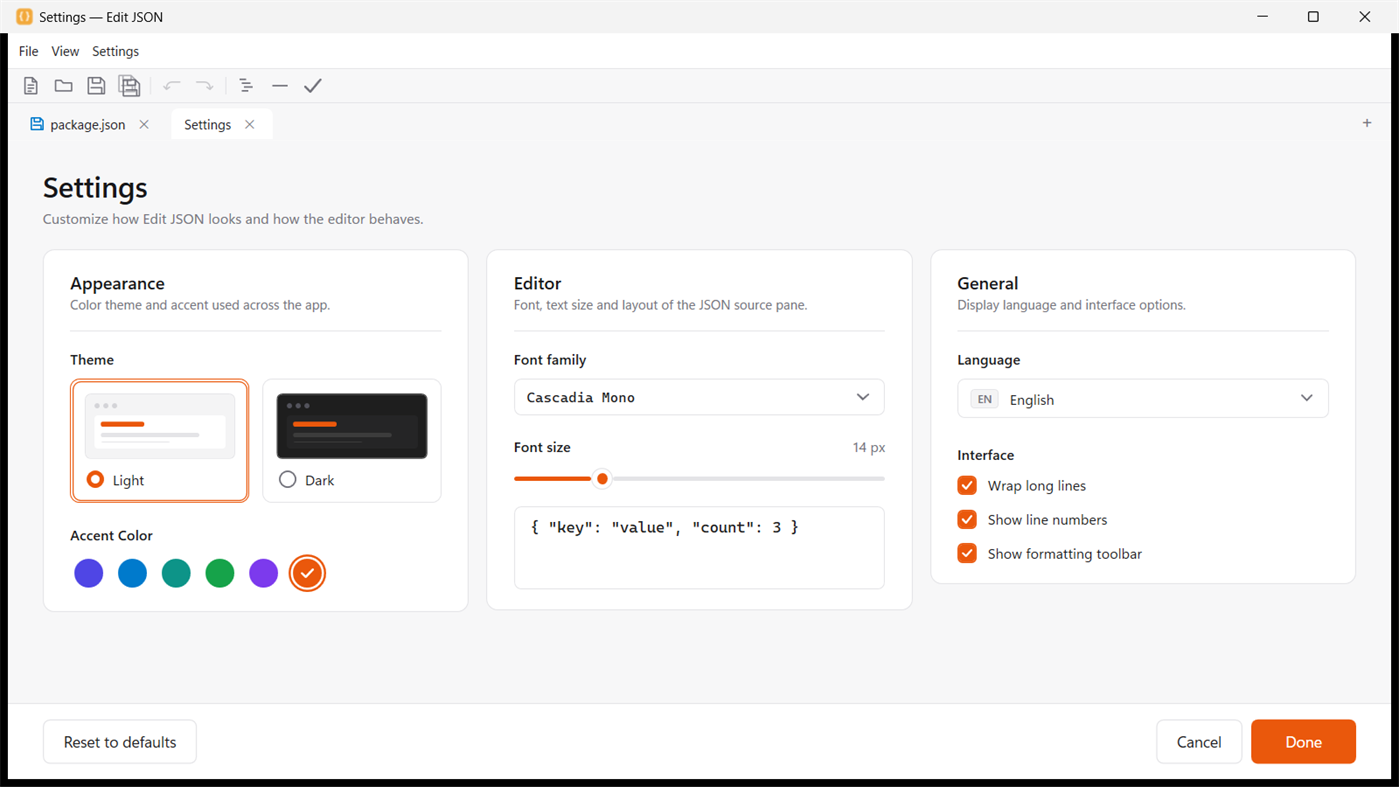
Make it yours in Settings: choose a light or dark theme and an accent color, pick the editor font and text size, turn word wrap and line numbers on or off, and switch the interface language at any time.
Key features: fast, native performance for a responsive editor that starts instantly, a live structure tree that updates as you type, dedicated JSON syntax highlighting that keeps source text easy to scan, one-click format, minify and validate, tabs for working on several files at once, a recent files list for quickly reopening the documents you use most, a clean, single window interface designed for distraction free editing, and native support for both x64 and ARM64, including Copilot+ PCs.
Edit JSON is free, ad free, and has no in app purchases, just a solid, native tool for anyone who works with JSON on Windows.
Other platforms
| Edit JSONWindows Store770 SilverYou are here | Free |
Only in this store right now.
Price History
- Current price: Free
- Minimum: Free
- Maximum: Free
Track prices Add to a list to get discount alerts by email or push
Lists (0)
0
- Edit JSON
Points (0)
0
Rankings (0)
-

- Your rating

Comments (0) ¡
Be the first to comment
Developer
- Web Platinum
- Followers: 0
- Platforms: Windows Apps (11) Windows Games (36) Xbox Games (1)
- Deals: 0
- Lists: 0 + 0
- Points: 0 + 4 ¡
- Rankings: 0
- Comments: 0
- Videos: 0
- RSS: Subscribe
What's new
- Version: PC
- Last Updated:
Additional Information
- Release Date:
- Category:
Windows Apps›Developer tools - OS:
PC - Size:
72 Mb - Supported Languages:
English - Content Rating:
EVERYONE - Windows Store Rating: ¡
0 - Website:
 https://wplatinum.com
AppAgg Score
770
Estimated AppAgg Score for
Edit JSON
Developer: Web Platinum
770 Silver
Higher scores usually reflect better results across AppAgg’s indicators.
Based on: popularity · ratings · freshness · deals · store data · community signals
Recalculated daily using fresh AppAgg data.
Website badge:  Copied!
Summary
Edit JSON Short URL: Copied!- Windows Store
On AppAgg, you can track the Windows app “Edit JSON” by Web Platinum, listed under Developer tools. AppAgg Score: 770 (Silver). AppAgg Points for the app — confirmed: 0; indirect: 0. Public lists containing the app: 0. Users who have saved it in private lists: 0. AppAgg users have not rated the app yet. Confirmed Points record visits to a store by signed-in AppAgg users; indirect Points are based on store data. AppAgg counts public lists containing an app or game and users who have saved it in private lists. The app was first released on . The app was last updated on . The app is currently available for free. The app is available in these languages: English. Explore the price history, add the app to a list, or follow its developer. Follow future deals and updates for the app via its RSS feed. AppAgg does not host or distribute the app. All trademarks, logos, and screenshots related to the app belong to their respective owners.
You may also like
Recent discussions
 AppLocalDub – Real-Time Game Dubbing Hello Kırtay Interactive, I am using LocalDub - Real-Time Game Dubbing. I would like to know if Hind...
  rashid game5
  AppNauticPlayer This app is absolute cinema. Honestly, it’s one of the best media players I’ve ever tried, and I’m s...
  Manuel16
  AppScreen Beings - Desktop Pet & Study Companion This is my app so I’m a little bias but as someone from the ADHD community that teaches ADHD and neu...
  Tarelle Irwin6
  AppAadi vault good it ia a encrypter and good you my work on office
  Aditya Rai5
  AppTyping 365 | Daily Typing Trainer The best typing app ever. With Typing 365 you don’t have to force yourself for couple minutes traini...
  Ahmad Mozaffar5
  AppZefir Calendar — Calendar in the Taskbar excelente app! Superando todas as espectativas!
  Diógenes Magnus5
  AppLockinRa LockinRa 리뷰 LockinRa는 작업 관리, 집중력 도구, AI 코칭을 하나의 데스크톱 앱으로 통합한 무료 Windows 생산성 프로그램입니다. 클라우드 동기화 없이 로컬 ...
  abhilok reddy6
  AppCN Vault I Love this app CN Vault is a user-friendly app that helps keep your passwords safe and secure. If y...
  Marjuk Amin5
