
Kirjanmerkit
| Kehittäjä: | netDesk.IT - Massimo Pagano (4) | ||
| Hinta: | $3.69 Uusi | ||
| Arvio: | 600 Hopea | ||
| Sijoitukset: | 0 | ||
| Kommentit: | 0 Lähetä kommentti | ||
| Listat: | 0 0 | ||
| Pisteet: | 0 | ||
| +1 Piste | |||
Lyhyesti
Hide Users on kehittäjän netDesk.IT - Massimo Pagano sovellus kategoriassa ”Kehittäjien työkalut”.
Uutuus: ilmestyi , joten olet ensimmäisten joukossa.
$3.69. AppAggissa ei kertaakaan alennuksessa, ei ikinä. Aseta hintavahti. Me emme unohda, vaikka sinä unohtaisit.
Microsoft Store on rakennettu suoraan Windowsiin, joten asennus hoituu parilla klikkauksella.
AppAgg-arvio on 600. Taso Hopea, eikä se ole yhtään hullumpi.
Ikäraja ”EVERYONE”, joten sopii lapsillekin.
Osaa jo 5 kieltä, mutta suomea se ei ole vielä oppinut.
Kukaan AppAggissa ei ole vielä arvioinut sitä. Nyt on tilaisuutesi olla ensimmäinen.
Kehittäjällä on AppAggissa vielä 3 muuta sovellusta. Kannattaa vilkaista.
Haluatko kuulla tarjouksista, päivityksistä ja uusista sovelluksista ensimmäisenä? Aseta hintavahti, seuraa kehittäjää tai tilaa RSS-syöte. Push-ilmoitukset saat AppAgg Alerts -sovelluksella, joka toimii Android- ja iOS-laitteissa.
Näyttökuvat 5
Muut alustat 0
Hintahistoria 0
- Nykyinen hinta: $3.69
- Vähintään: $3.69
- Enintään: $3.69
Oma syöte etusivulla
Kuvaus

What it does
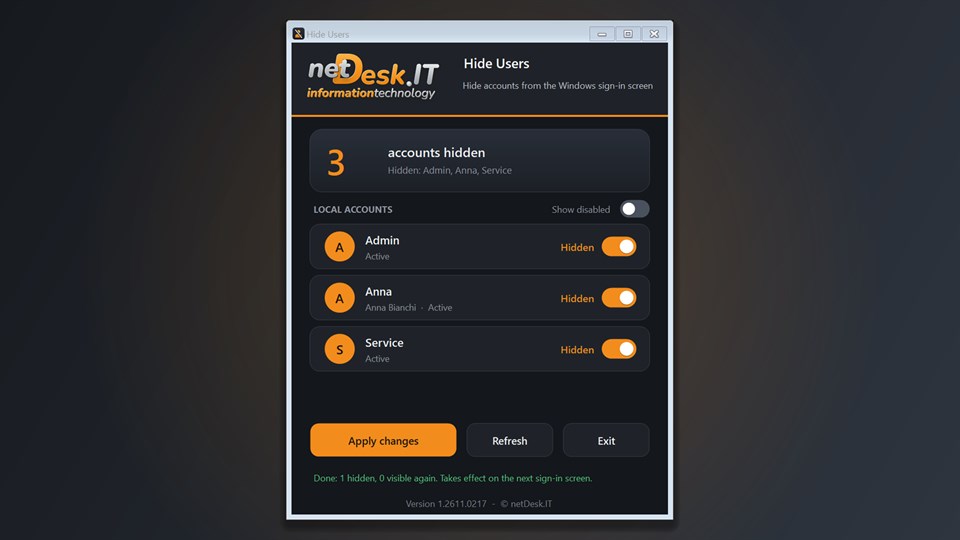
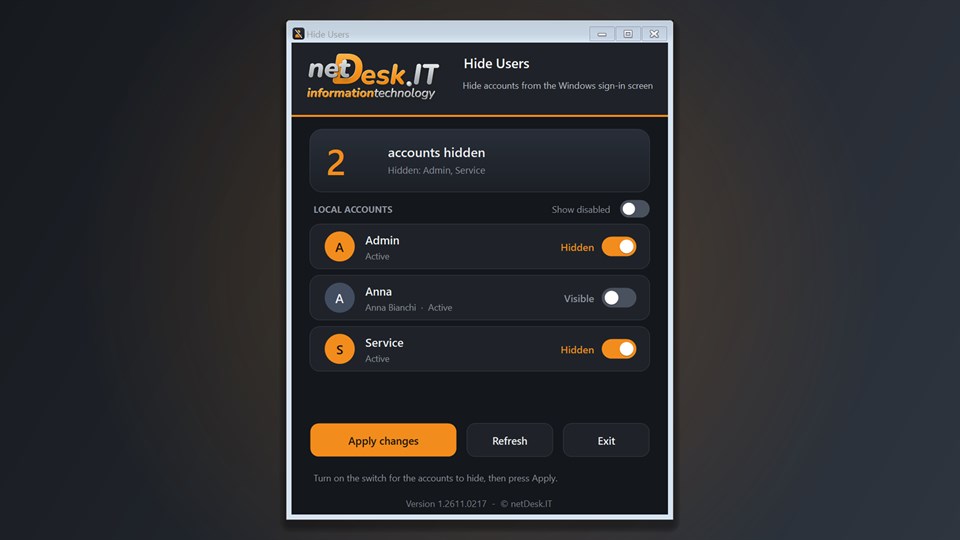
• List of local accounts: for each one you see the name, the full name and the status (active, disabled or no longer present).
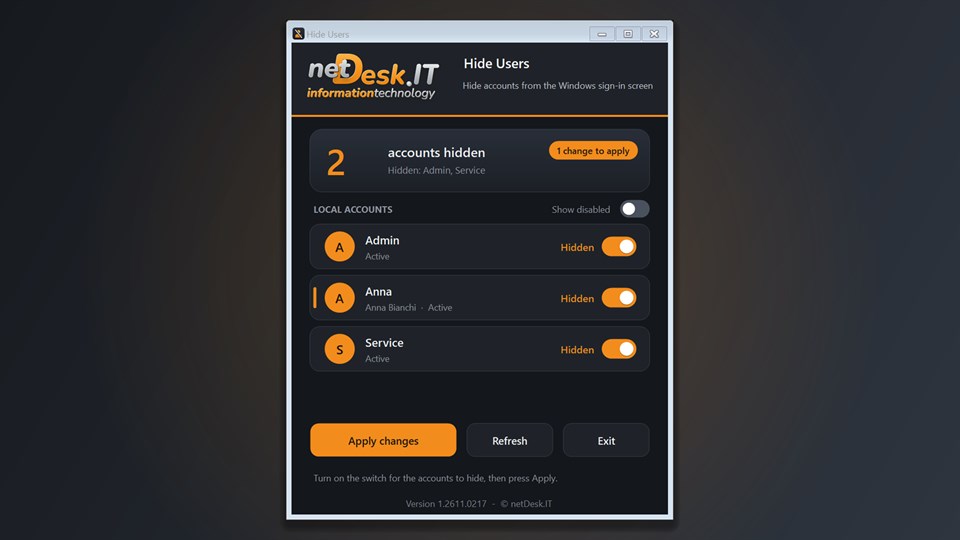
• One switch per account: turn it on to hide the account, turn it off to show it again.
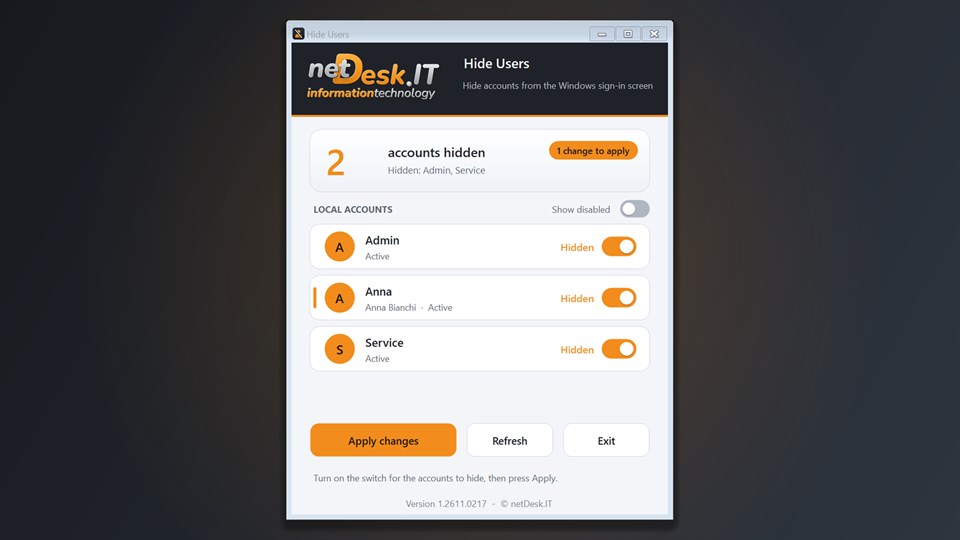
• Several changes at once: choose as many accounts as you like, a summary shows the changes still to apply, and one button confirms them.
• A safeguard: at least one enabled administrator account always stays visible. If a change would hide them all, Hide Users does not apply it and explains why; it also warns you if no enabled account would appear on the sign-in screen.
• Adaptive window: it grows to show all the accounts without a scroll bar, within the limits of the screen, and it can be resized.
• Easy to undo: to make an account visible again, just turn its switch off.
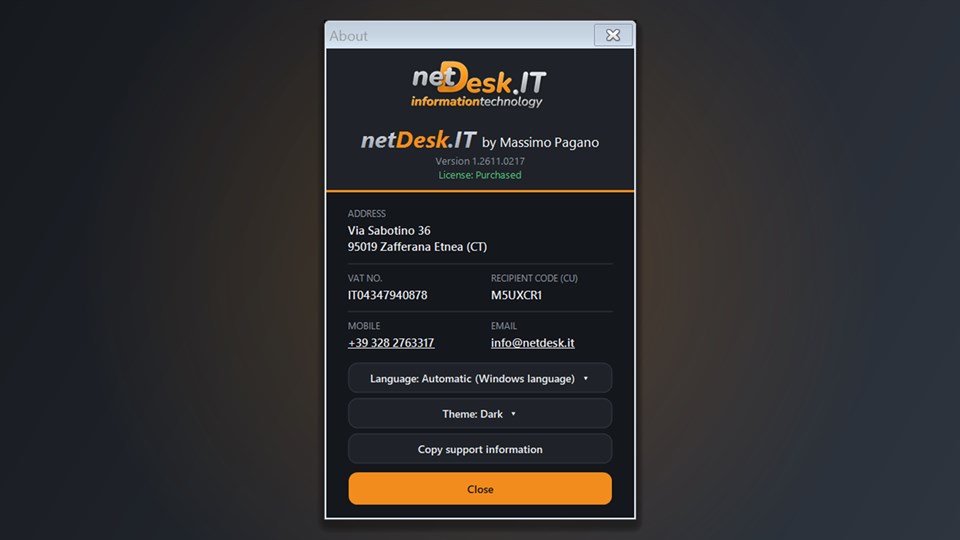
• 5 languages: Italian, English, French, German and Spanish. The app starts in the Windows language and you can change it from the About window.
How to sign in to a hidden account
If the sign-in screen offers it, choose “Other user” and type the user name and password: this depends on the Windows configuration (sign-in policies, PIN, Microsoft account). The change takes effect from the next sign-in screen.
Privacy and security
The app has no network features and sends no data to anyone. Changing the list of hidden accounts requires administrator privileges: if you start Hide Users as a normal user, you can view the list and the app offers to reopen as administrator (Windows asks for confirmation); if you decline, the list stays read-only and nothing is changed.
Who it is for
For anyone who manages a shared PC, a fixed workstation, a counter or a home PC and wants a tidier sign-in screen, without service or administration accounts in view.
Note: hiding an account is not a security measure. It tidies the sign-in screen; protection still depends on passwords.
7-day free trial; after it, hiding or showing accounts requires buying the app from the Store. Accounts already hidden stay hidden until you buy it.
Kehittäjältä
Listat 0
-
 Hide Users
Pisteet 0
-

- +1 Piste

Sijoitukset 0
-
- Arviosi
Kehittäjä 4
- netDesk.IT - Massimo Pagano
- Seuraajat: 0
- Alustat: Windows Sovellukset (4)
- Tarjoukset: 0
- Listat: 0 0
- Pisteet: 0
- Sijoitukset: 0
- Kommentit: 0
- Videot: 0
- RSS: Tilaa
Uutta
- Versio: PC
- Viimeksi päivitetty:
- • Hide local accounts from the Windows sign-in screen.
• One switch per account, with a summary of the changes to apply.
• Interface in 5 languages.
Lisätietoja
- Julkaisupäivämäärä:
- Luokka:
Windows-sovellukset›Kehittäjien työkalut - Käyttöjärjestelmä:
PC - Koko:
675 Kb - Tuetut kielet:
Englanti,Espanja,Italia,Ranska,Saksa - Sisällön ikärajoitus:
EVERYONE - Windows Store Arvio: ¡
0 - Verkkosivusto:
 https://www.netdesk.it
AppAgg-arvio
Laskennallinen AppAgg-arvio:
Hide Users
Kehittäjä: netDesk.IT - Massimo Pagano
Korkeampi arvio kertoo yleensä paremmista tuloksista AppAggin seuraamissa mittareissa.
Perustuu: suosioon · käyttäjäarvioihin · tuoreuteen · tarjouksiin · kauppadataan · yhteisön aktiivisuuteen
Lasketaan uudelleen päivittäin tuoreiden AppAgg-tietojen perusteella.
Kommentit 0 ¡
Jaa
Hide Users Lyhennetty URL: Kopioitu!- Windows Store

