
Segnalibri
| Sviluppatore: | netDesk.IT - Massimo Pagano (4) | ||
| Prezzo: | $3.69 Novità | ||
| Punteggio: | 600 Argento | ||
| Classifiche: | 0 | ||
| Commenti: | 0 Pubblica commento | ||
| Liste: | 0 0 | ||
| Punti: | 0 | ||
| +1 Punto | |||
In breve
Hide Users è un’app di netDesk.IT - Massimo Pagano della categoria «Strumenti di sviluppo».
Novità: è uscita , quindi sei tra i primi.
$3.69. Mai in offerta su AppAgg, neanche una volta. Imposta un avviso di prezzo. Noi non ce ne dimentichiamo, anche se tu sì.
Il Microsoft Store è integrato in Windows, quindi si installa in un paio di clic.
Il suo Punteggio AppAgg è 600. Livello Argento, e non è affatto male.
Classificazione «EVERYONE»: va bene anche per i bambini.
Parla 5 lingue, italiano compreso.
Su AppAgg nessuno l’ha ancora votata. Tocca a te aprire le danze.
Lo sviluppatore ha 3 altre app su AppAgg. Vale la pena dare un’occhiata.
Vuoi sapere prima di tutti di offerte, aggiornamenti e nuove app? Imposta un avviso di prezzo, segui lo sviluppatore o iscriviti al feed RSS. Le notifiche push arrivano tramite l’app AppAgg Alerts per Android e iOS.
Screenshot 5
Altre piattaforme 0
Cronologia dei prezzi 0
- Prezzo attuale: $3.69
- Minimo: $3.69
- Massimo: $3.69
Il tuo feed personale nella home
Descrizione

What it does
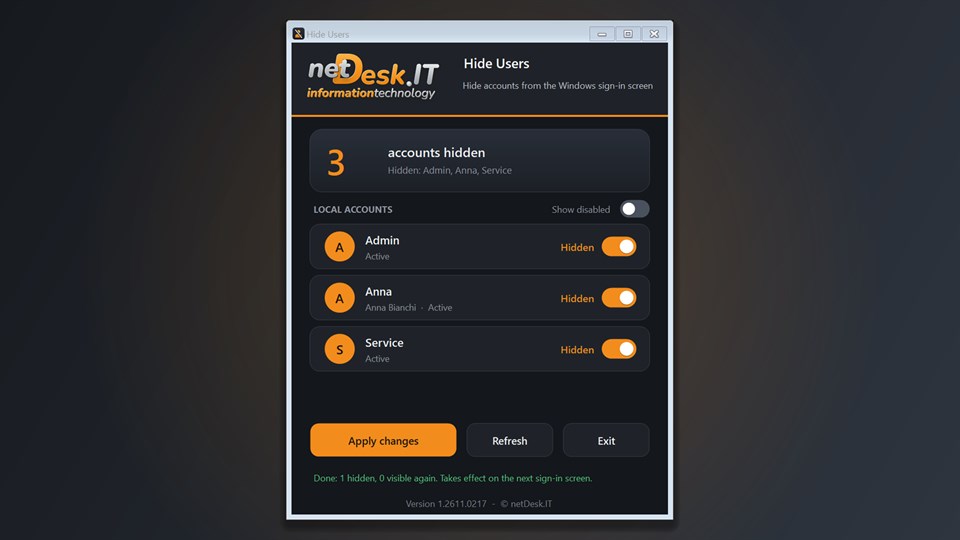
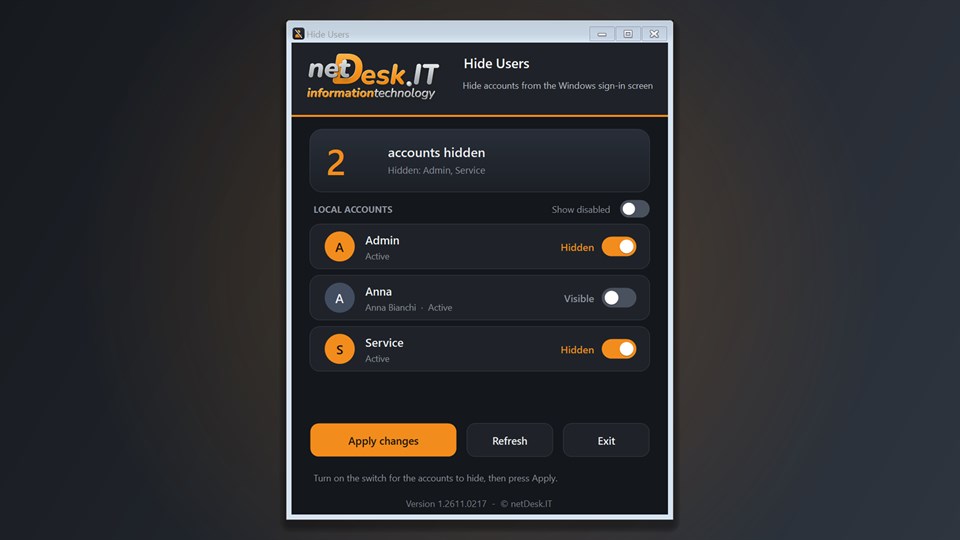
• List of local accounts: for each one you see the name, the full name and the status (active, disabled or no longer present).
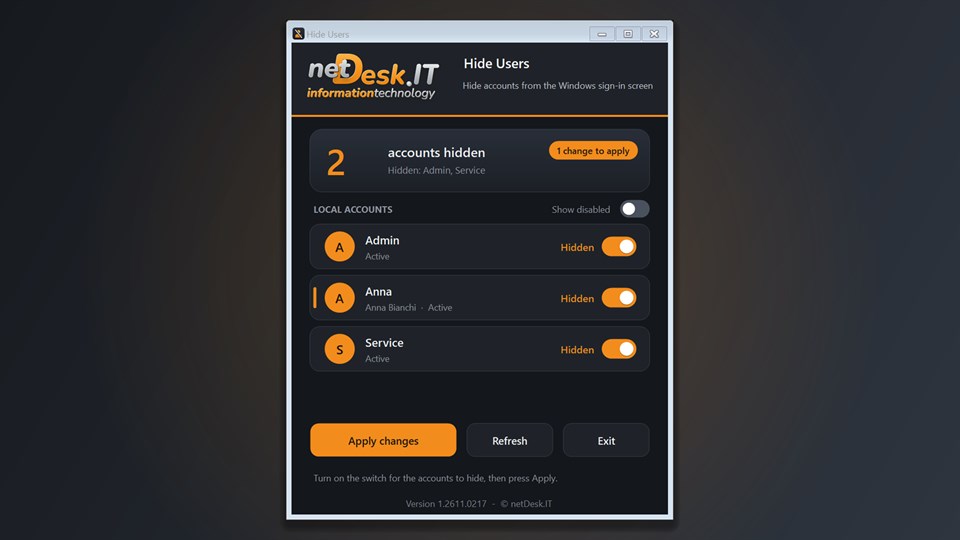
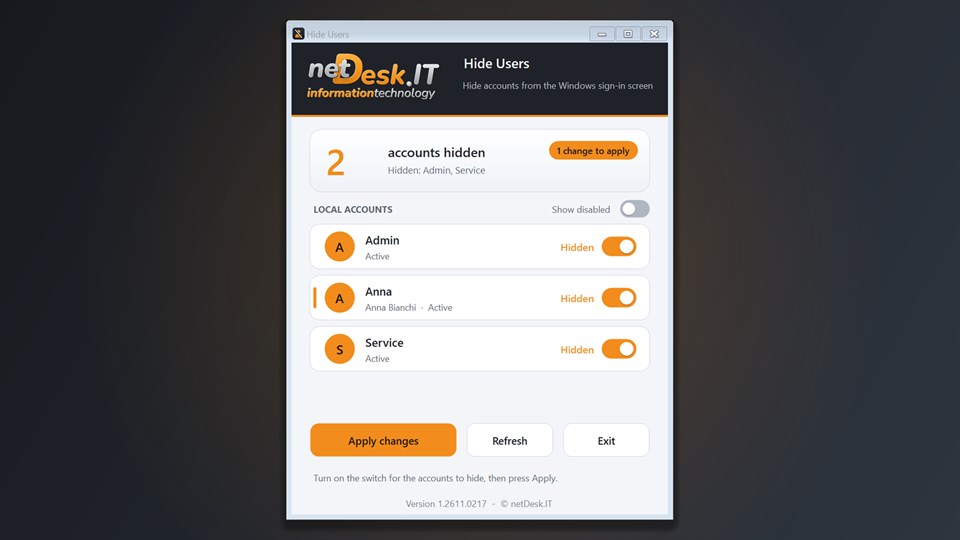
• One switch per account: turn it on to hide the account, turn it off to show it again.
• Several changes at once: choose as many accounts as you like, a summary shows the changes still to apply, and one button confirms them.
• A safeguard: at least one enabled administrator account always stays visible. If a change would hide them all, Hide Users does not apply it and explains why; it also warns you if no enabled account would appear on the sign-in screen.
• Adaptive window: it grows to show all the accounts without a scroll bar, within the limits of the screen, and it can be resized.
• Easy to undo: to make an account visible again, just turn its switch off.
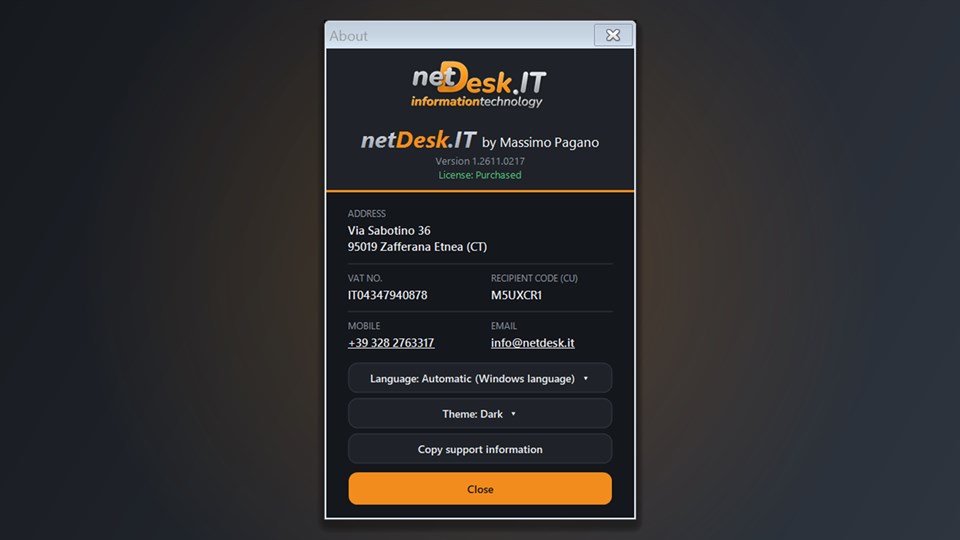
• 5 languages: Italian, English, French, German and Spanish. The app starts in the Windows language and you can change it from the About window.
How to sign in to a hidden account
If the sign-in screen offers it, choose “Other user” and type the user name and password: this depends on the Windows configuration (sign-in policies, PIN, Microsoft account). The change takes effect from the next sign-in screen.
Privacy and security
The app has no network features and sends no data to anyone. Changing the list of hidden accounts requires administrator privileges: if you start Hide Users as a normal user, you can view the list and the app offers to reopen as administrator (Windows asks for confirmation); if you decline, the list stays read-only and nothing is changed.
Who it is for
For anyone who manages a shared PC, a fixed workstation, a counter or a home PC and wants a tidier sign-in screen, without service or administration accounts in view.
Note: hiding an account is not a security measure. It tidies the sign-in screen; protection still depends on passwords.
7-day free trial; after it, hiding or showing accounts requires buying the app from the Store. Accounts already hidden stay hidden until you buy it.
Dallo sviluppatore
Liste 0
-
 Hide Users
Punti 0
-

- +1 Punto

Classifiche 0
-
- La tua valutazione
Sviluppatore 4
- netDesk.IT - Massimo Pagano
- Follower: 0
- Piattaforme: Windows App (4)
- Offerte: 0
- Liste: 0 0
- Punti: 0
- Classifiche: 0
- Commenti: 0
- Video: 0
- RSS: Iscriviti
Novità
- Versione: PC
- Ultimo aggiornamento:
- • Hide local accounts from the Windows sign-in screen.
• One switch per account, with a summary of the changes to apply.
• Interface in 5 languages.
Informazioni aggiuntive
- Data di uscita:
- Categoria:
App per Windows›Strumenti di sviluppo - Sistemi operativi:
PC - Dimensioni:
675 Kb - Lingue supportate:
Italiano,Francese,Inglese,Spagnolo,Tedesco - Classificazione contenuti:
EVERYONE - Windows Store Valutazione: ¡
0 - Sito web:
 https://www.netdesk.it
Punteggio AppAgg
Punteggio AppAgg stimato per
Hide Users
Sviluppatore: netDesk.IT - Massimo Pagano
Un punteggio più alto riflette in genere risultati migliori negli indicatori di AppAgg.
Basato su: popolarità · valutazioni degli utenti · freschezza · offerte · dati degli store · attività della community
Ricalcolato ogni giorno con dati AppAgg aggiornati.
Commenti 0 ¡
Condividi
Hide Users URL breve: Copiato!- Windows Store

