
Segnalibri
| Sviluppatore: | Abhi9 (2) | ||
| Prezzo: | Gratis Novità | ||
| Punteggio: | 770 Argento | ||
| Classifiche: | 0 | ||
| Commenti: | 0 Pubblica commento | ||
| Liste: | 0 0 | ||
| Punti: | 0 | ||
| +1 Punto | |||
In breve
Ti presentiamo Markdown Lens, un’app di Abhi9 della categoria «Strumenti di sviluppo».
È uscita , è più giovane del latte nel tuo frigo.
Gratis: niente pubblicità, niente acquisti in-app. Solo tu e l’app.
Il Microsoft Store è integrato in Windows, quindi si installa in un paio di clic.
Il suo Punteggio AppAgg è 770. Livello Argento, e non è affatto male.
Classificazione «EVERYONE»: va bene anche per i bambini.
Parla una sola lingua, e non è l’italiano.
L’hai usata? La tua recensione sarebbe la prima qui.
Lo sviluppatore ha 1 altra app su AppAgg. Vale la pena dare un’occhiata.
A proposito, questo sviluppatore ha 1 offerta in corso.
Vuoi sapere prima di tutti di aggiornamenti e nuove app? Segui lo sviluppatore o iscriviti al feed RSS. Le notifiche push arrivano tramite l’app AppAgg Alerts per Android e iOS.
Altre piattaforme 0
Cronologia dei prezzi 0
- Prezzo attuale: Gratis
- Minimo: Gratis
- Massimo: Gratis
Il tuo feed personale nella home
Screenshot 5
Descrizione

Made for developers reading README files, writers and students keeping notes, and teams sharing documentation.
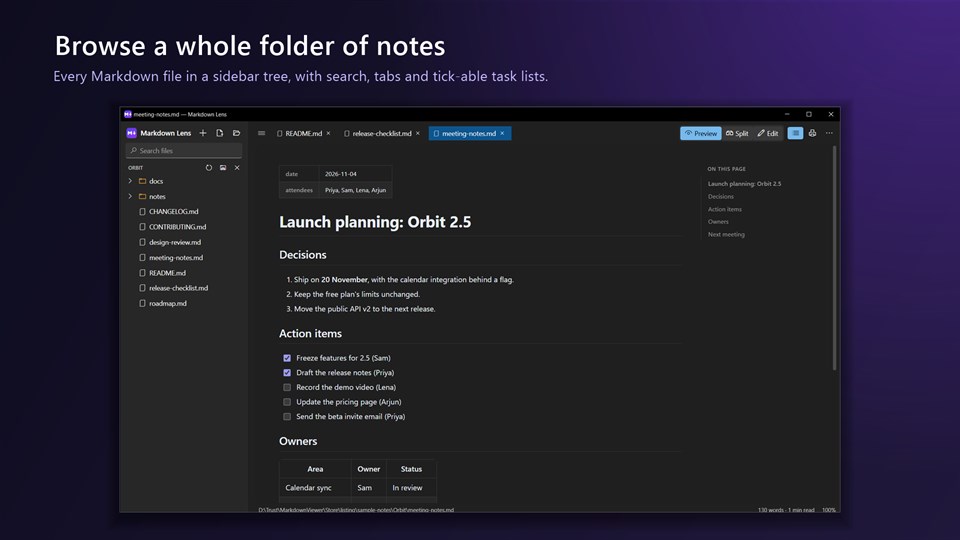
BROWSE A WHOLE FOLDER
• Open any folder and every Markdown file in it appears in a sidebar tree
• Search file names across the folder as you type
• Tabs keep many documents open; your tabs come back next time
• Double-click any .md file in File Explorer to open it
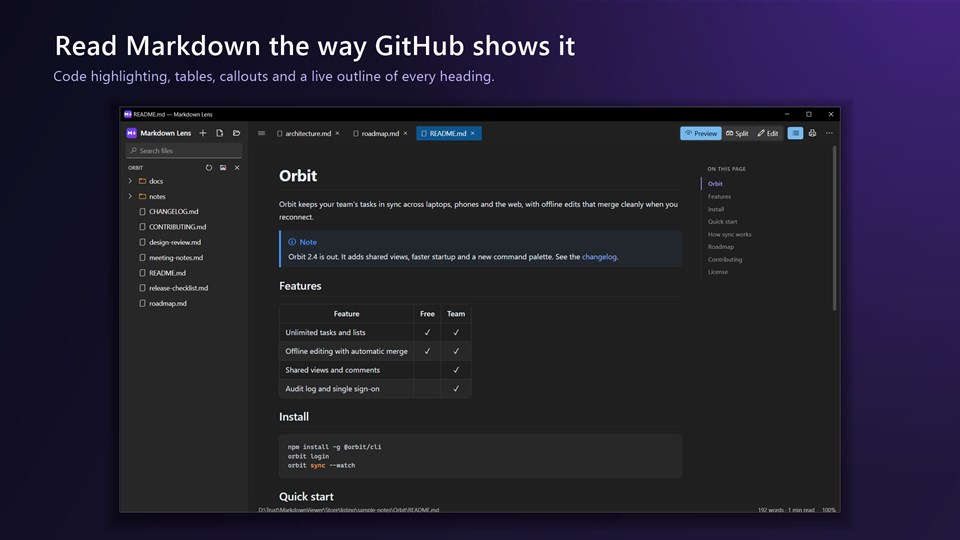
READ IT THE WAY GITHUB SHOWS IT
• GitHub Flavored Markdown: tables, task lists, strikethrough and autolinks
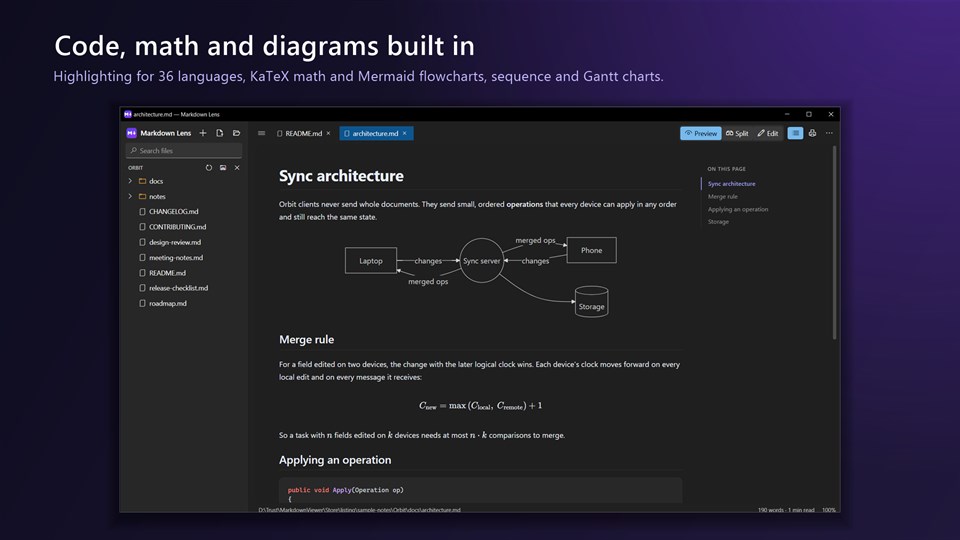
• Code highlighting for 36 popular languages, with a copy button on every block
• Math with KaTeX: $inline$ and $$display$$ formulas
• Mermaid diagrams: flowcharts, sequence diagrams, Gantt charts, class diagrams and more
• GitHub-style callouts: Note, Tip, Important, Warning and Caution
• A live outline of your headings that highlights the section you're reading
• Front matter shown as a neat table
• Relative images and links work, including links to other Markdown files
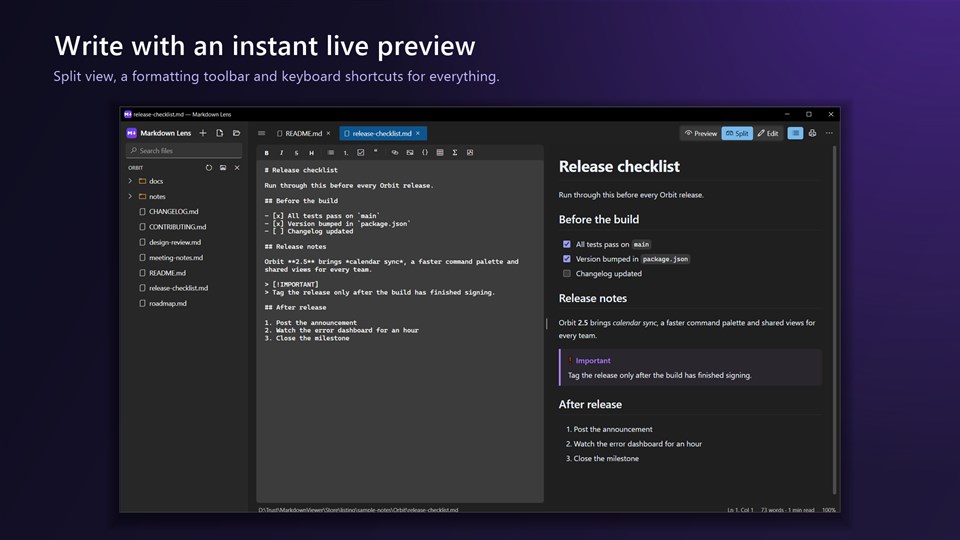
WRITE WITH A LIVE PREVIEW
• Preview, Split and Edit views (Ctrl+1, Ctrl+2, Ctrl+3)
• Formatting toolbar for bold, headings, lists, tasks, links, images, tables, math and diagrams
• Shortcuts: Ctrl+B bold, Ctrl+I italic, Ctrl+K link
• Tick a task checkbox in the preview and it's ticked in the file
• Files changed by another app reload automatically, never over your unsaved edits
• Keeps each file's original text encoding
SHARE IT
• Export to PDF, always in clean, print-ready light colours
• Export a standalone HTML page
• Copy as formatted text to paste into Word, Outlook or Gmail
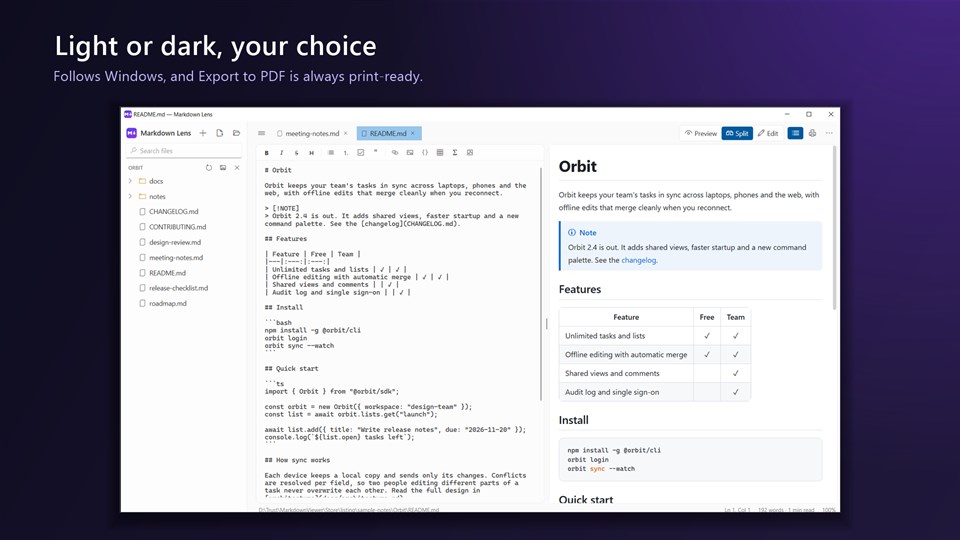
LIGHT OR DARK
• Follows your Windows theme, or choose light or dark yourself
PRIVATE AND OFFLINE
• Everything is built in and works without an internet connection
• No account, no ads, no tracking: your files never leave your PC
Dallo sviluppatore
Liste 0
-
 Markdown Lens
Punti 0
-

- +1 Punto

Classifiche 0
-
- La tua valutazione
Sviluppatore 2
- Abhi9
- Follower: 0
- Piattaforme: Windows App (2)
- Offerte: 1
- Liste: 0 0
- Punti: 0
- Classifiche: 0
- Commenti: 0
- Video: 0
- RSS: Iscriviti
Novità
- Versione: PC
- Ultimo aggiornamento:
Informazioni aggiuntive
- Data di uscita:
- Categoria:
App per Windows›Strumenti di sviluppo - Sistemi operativi:
PC - Dimensioni:
69 Mb - Lingue supportate:
Inglese - Classificazione contenuti:
EVERYONE - Windows Store Valutazione: ¡
0
Punteggio AppAgg
Punteggio AppAgg stimato per
Markdown Lens
Sviluppatore: Abhi9
Un punteggio più alto riflette in genere risultati migliori negli indicatori di AppAgg.
Basato su: popolarità · valutazioni degli utenti · freschezza · offerte · dati degli store · attività della community
Ricalcolato ogni giorno con dati AppAgg aggiornati.
Commenti 0 ¡
Condividi
Markdown Lens URL breve: Copiato!- Windows Store

