
Gespeichert
Wähle den Namen, der im Menü Gespeichert angezeigt werden soll.
Fertig!
| Entwickler: | Zero Byte (5) | ||
| Preis: | Kostenlos | ||
| Einschätzung: | 1,040 Silber | ||
| Klassifizierungen: | 0 | ||
| Kommentare: | 0 Kommentar posten | ||
| Listen: | 0 + 0 | ||
| Punkte: | 0 + 0 ¡ | ||
| +1 Punkte | |||
Beschreibung

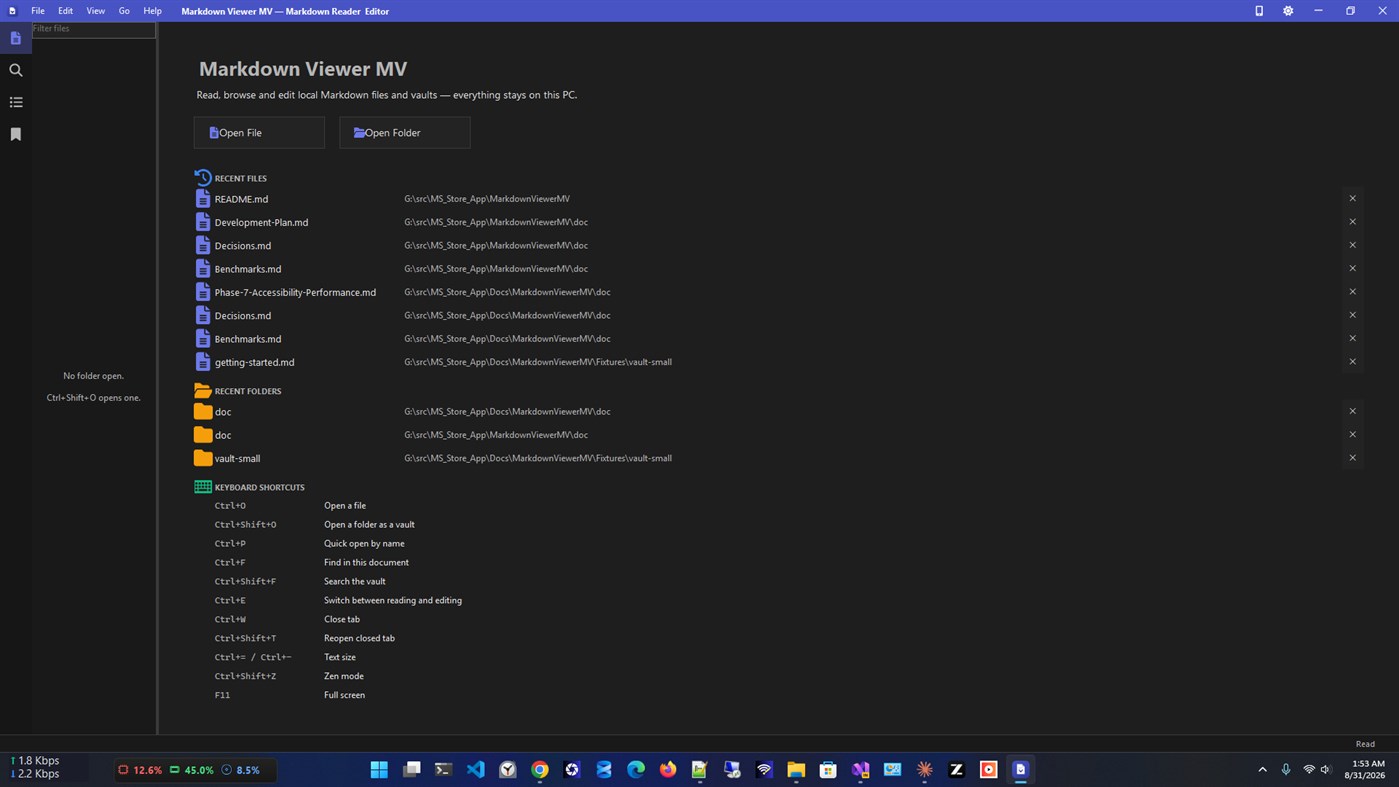
Open a single file or an entire folder of notes and get a reading experience that respects your content. No accounts. No cloud. No telemetry. Everything stays on your device.
Read beautifully.
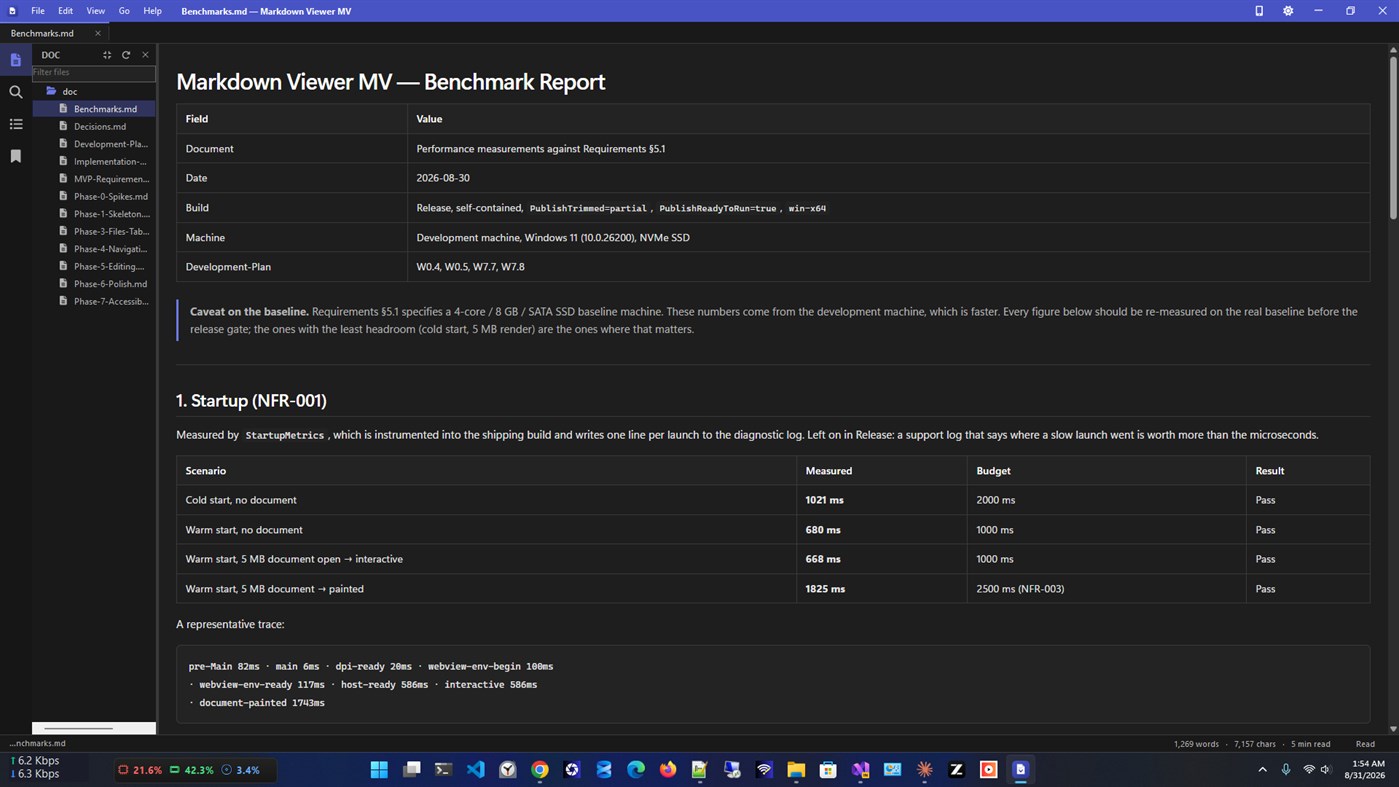
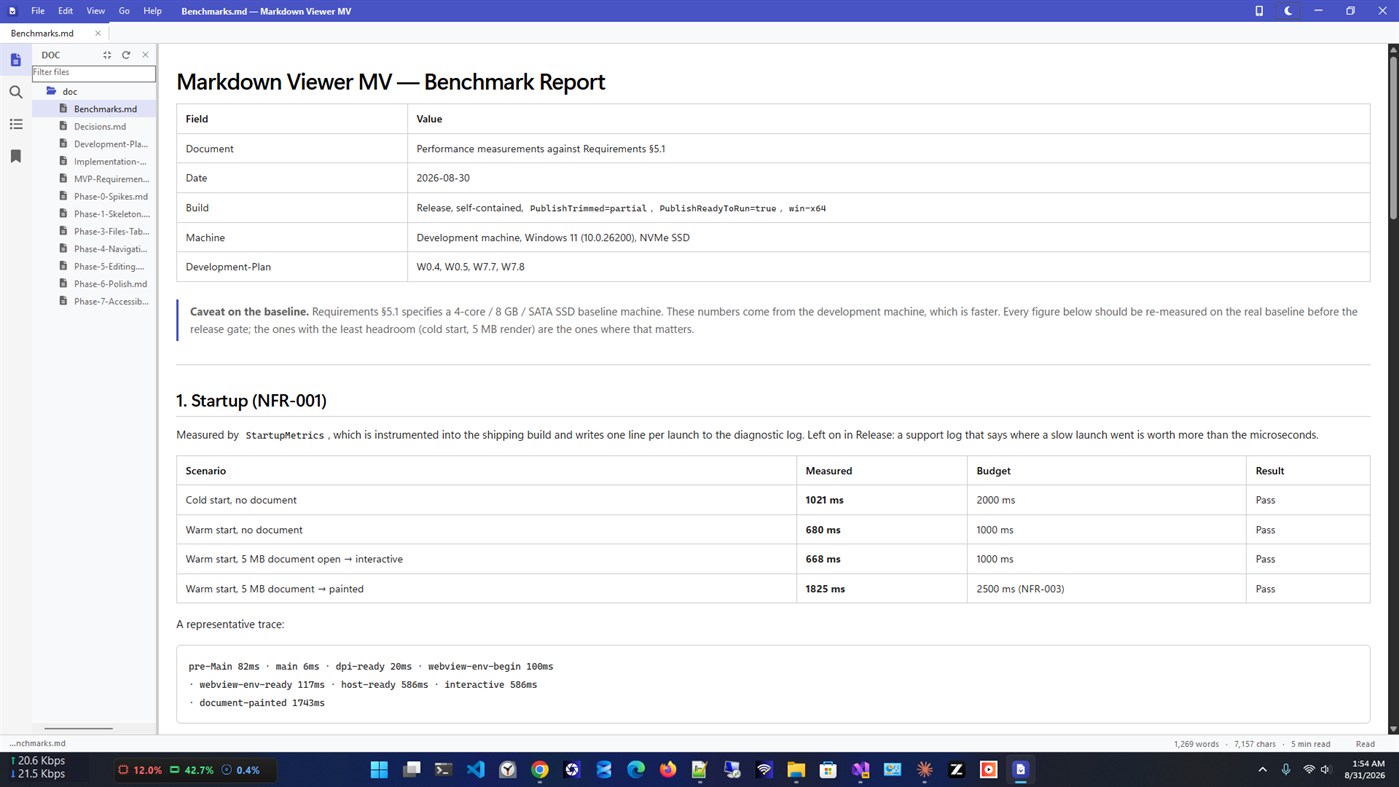
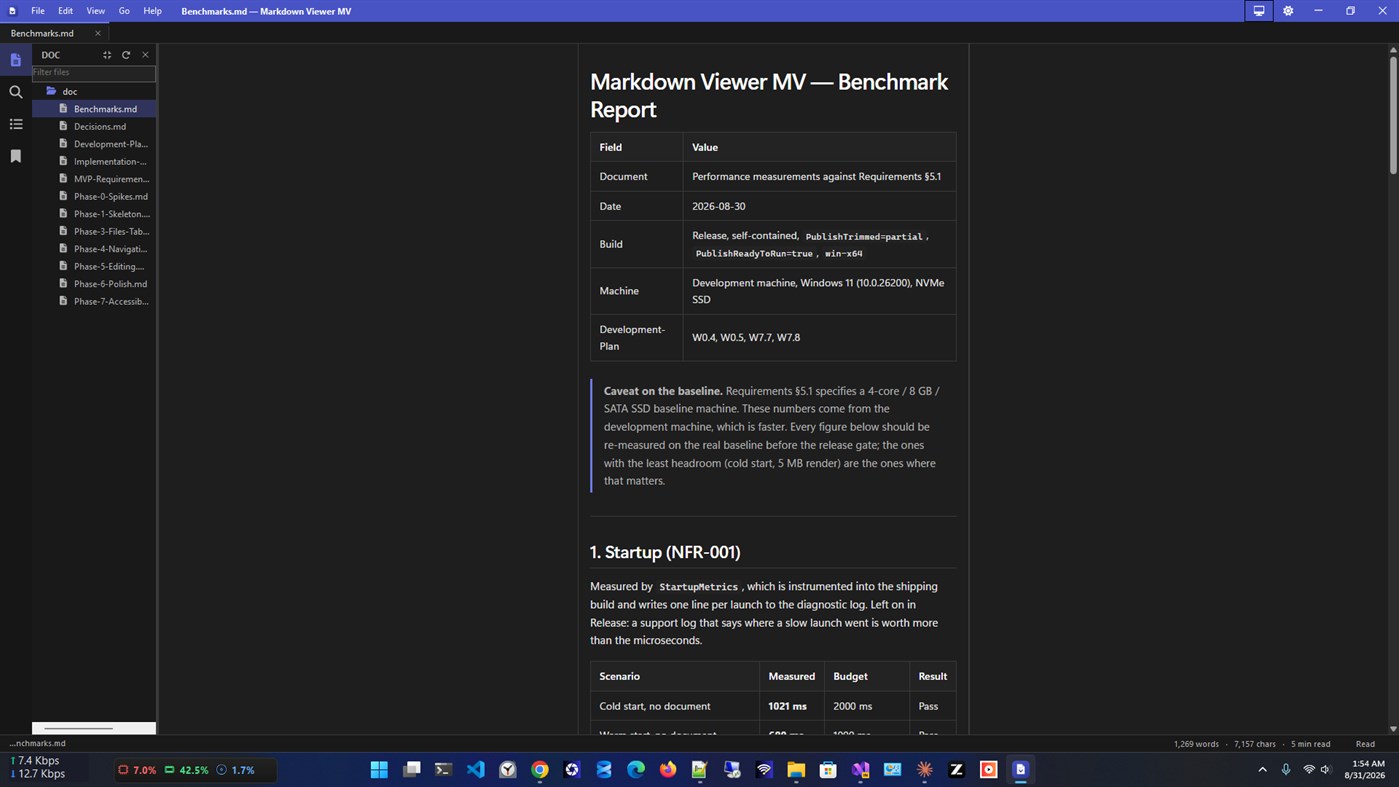
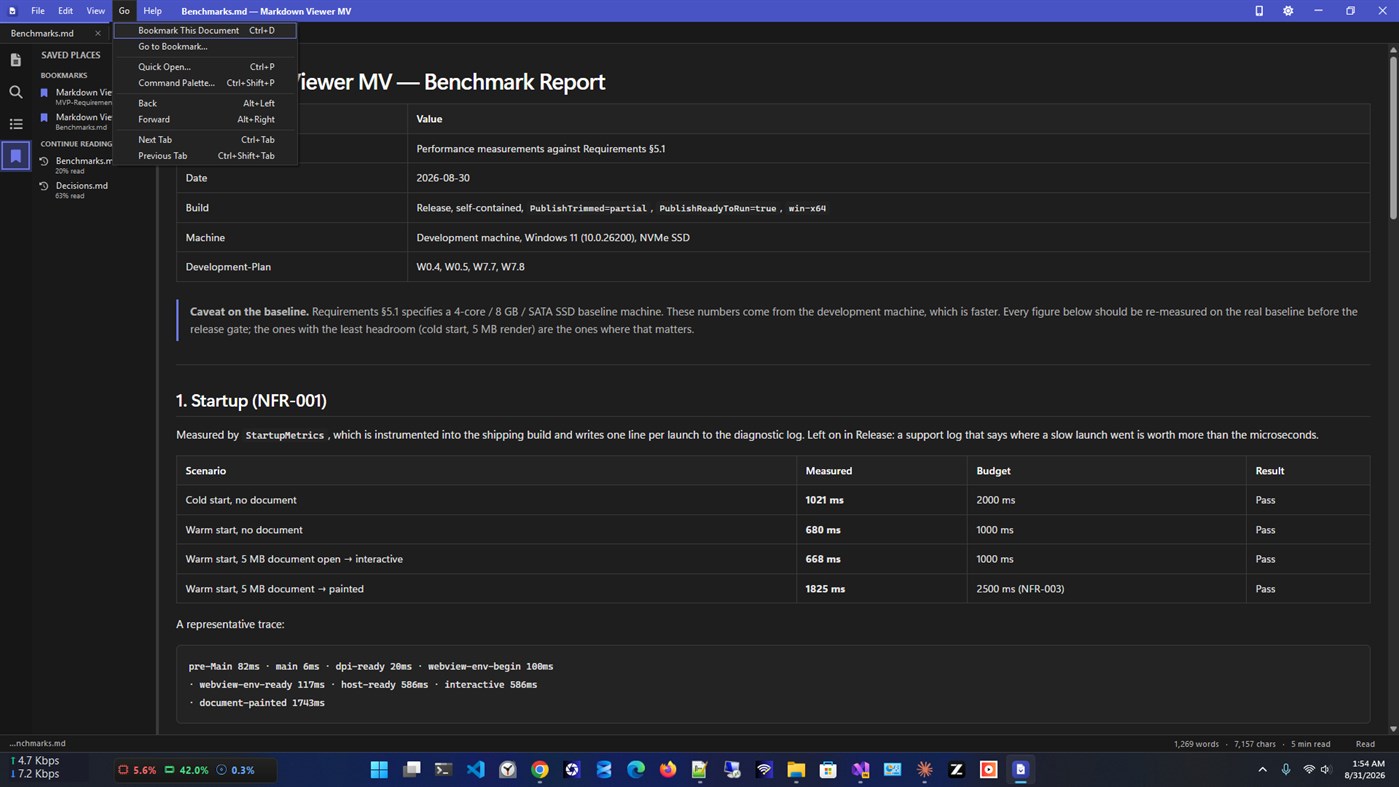
Markdown Viewer MV renders CommonMark and GitHub-Flavored Markdown with a carefully tuned typography system — deliberate heading scales, generous line spacing, and a reading width optimized for long-form content. Syntax-highlighted code blocks, rendered tables, task lists, footnotes, YAML front matter, Mermaid diagrams, and inline images all render exactly as intended.
Browse your notes as a vault.
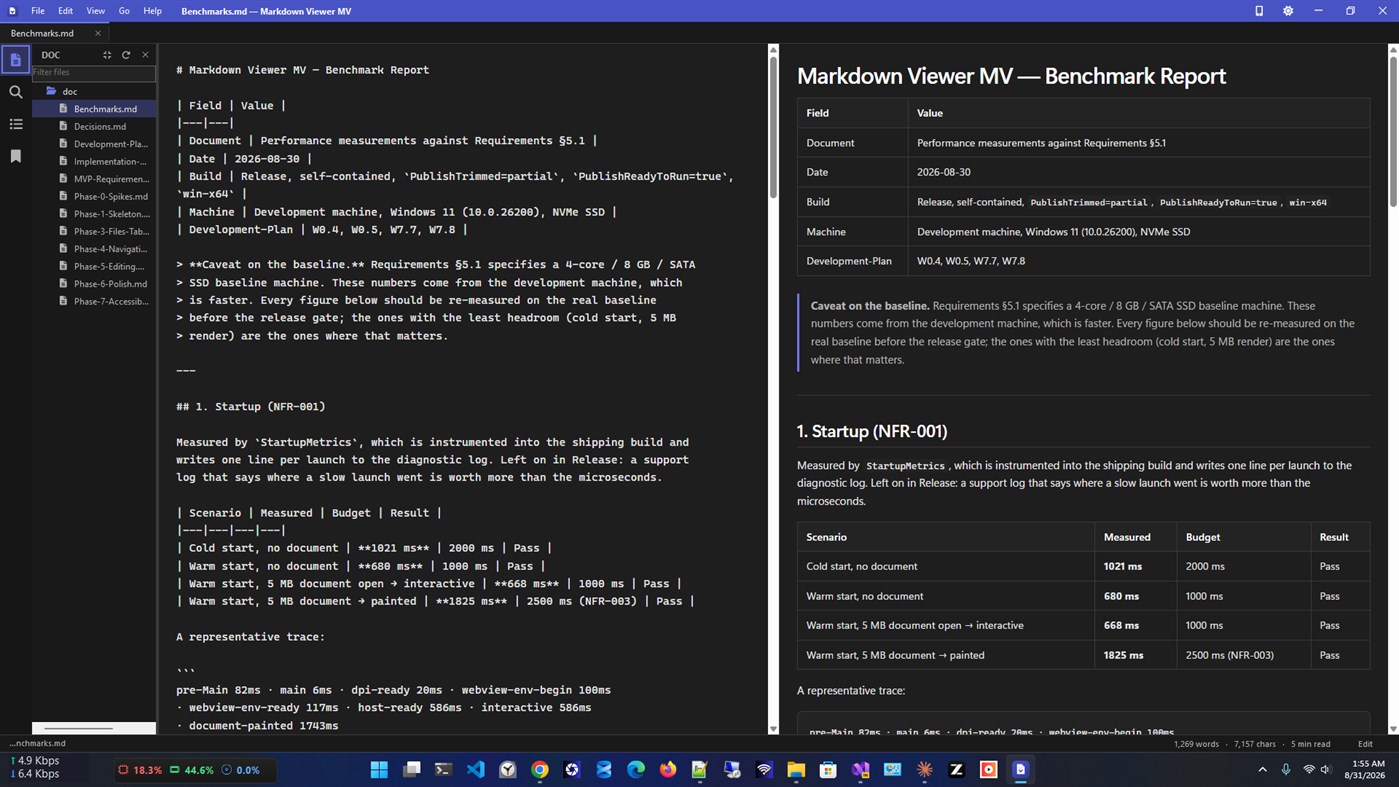
Open any folder as a vault and explore it in a live file tree. Markdown Viewer MV never writes sidecar files, index files, or hidden folders into your notes — your folder stays exactly as you left it.
Work across multiple documents.
Open as many files as you need in tabs. Reorder, close, and reopen them. Your session — open tabs, active document, and scroll positions — is restored automatically every time you launch.
Edit when you need to.
Toggle into Edit mode with a single shortcut. A clean plain-text editor with live preview, formatting shortcuts, and atomic save means your files are never at risk. The original encoding, BOM, and line endings are always preserved.
Find anything, fast.
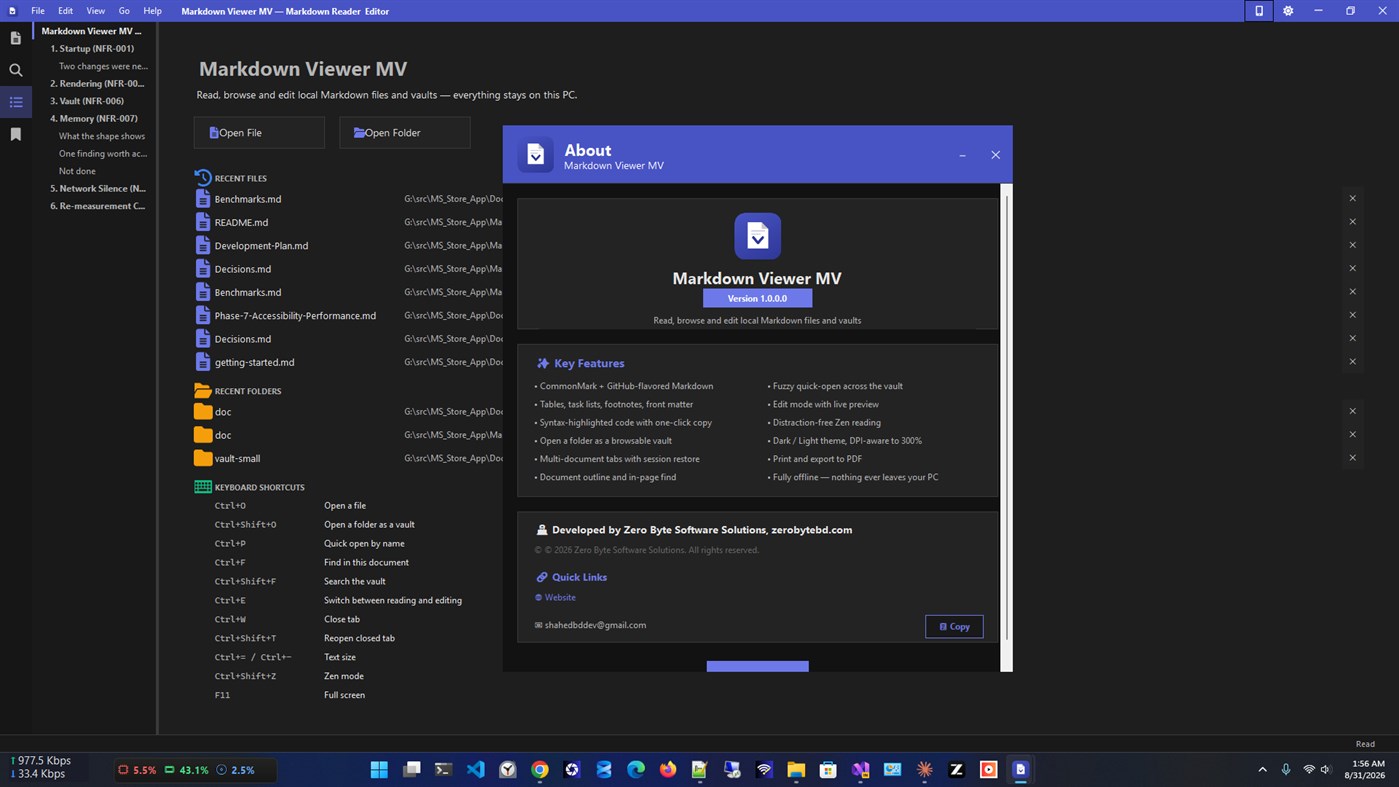
Navigate by document outline, search within a document, or fuzzy-search filenames across your entire vault — all from the keyboard.
Designed for Windows.
Light, Dark, and System themes that react live to your Windows settings. Per-monitor DPI awareness. Windows accent color integration. Taskbar Jump List. File-type association for .md and .markdown. It feels like it belongs here.
Private by design.
Markdown Viewer MV makes zero network requests. There is no telemetry, no analytics, no ads, and no third-party SDKs with network access. The privacy policy is one sentence: nothing leaves your device.
Key features at a glance:
• CommonMark + GFM rendering — tables, task lists, strikethrough, autolinks
• Syntax highlighting for 15+ languages including C#, Python, JavaScript, SQL, and more
• Vault browsing with a live file tree — your folder is never modified
• Multi-document tabs with session restore
• Document outline panel with active-section tracking
• In-document find and vault-wide filename search
• Edit mode with live preview and atomic save
• Light / Dark / System themes with live switching
• Font size zoom, reading width control, Zen mode, and full-screen
• Print and export to PDF via the system print pipeline
• Full keyboard operation and Narrator support
• Zero network requests — verified as a release gate
Markdown Viewer MV is built and published by Zero Byte Software Solutions.
Website: zerobytebd.com
Werbung
Screenshots
Preisentwicklung
- Aktueller Preis: Kostenlos
- Mindestens: Kostenlos
- Maximale: Kostenlos
Preise beobachten Zur Liste hinzufügen und Rabattbenachrichtigungen per E-Mail oder Push erhalten
AppAgg-Einschätzung
1,040
Geschätzte AppAgg-Einschätzung für
Markdown Viewer MV
Entwickler: Zero Byte
1,040 Silber
Höhere Einschätzungen bedeuten meist stärkere Signale auf AppAgg.
Basierend auf: Popularität · Nutzerbewertungen · Aktualität · Angeboten · Shop-Daten · Community-Aktivität
Wird täglich anhand aktueller AppAgg-Daten neu berechnet.
Kurz-URL: Kopiert!
Neue Funktionen
- Version: PC
- Zuletzt aktualisiert:
Weitere informationen
- Veröffentlichungsdatum:
- Kategorie:
Windows-Apps›Entwicklungstools - Betriebssysteme:
PC - Größe:
35 Mb - Unterstützte Sprachen:
English - Altersfreigabe:
EVERYONE - Windows Store Bewertung:
0 - Webseite:
 https://zerobytebd.com/
Entwickler
- Zero Byte
- Follower: 0
- Plattformen: Windows Apps (5)
- Rabatte: 0
- Listen: 0 + 0
- Punkte: 0 + 0 ¡
- Klassifizierungen: 0
- Kommentare: 0
- Videos: 0
- RSS: Abonnieren
Listen (0)
0
- Markdown Viewer MV
Punkte (0)
0
Klassifizierungen (0)
0
Kommentare (0)
Seien Sie der Erste, der einen Kommentar abgibt
Kurzinfo
Markdown Viewer MV Kurz-URL: Kopiert!- Teilen
- Windows Store
„Markdown Viewer MV“ ist eine App in der Kategorie Entwicklungstools für Windows. Die App wurde von „Zero Byte“ entwickelt, erstmals am veröffentlicht und zuletzt am aktualisiert. Die App ist derzeit kostenlos verfügbar. Die App hat auf AppAgg noch keine Bewertungen erhalten. Die App ist in folgenden Sprachen verfügbar: English. AppAgg verfolgt Preisverlauf, Bewertungen und Nutzerrezensionen der App „Markdown Viewer MV“. AppAgg hostet oder vertreibt diese App nicht. Alle Marken, Logos und Screenshots im Zusammenhang mit der App gehören ihren jeweiligen Eigentümern. Verfolgen Sie künftige Angebote und Aktualisierungen der App über RSS-Feed.
Ähnliches
-
- Simple Markdown Viewer
- Windows Apps: Entwicklungstools Von: MobileAnarchy
- $1.99
- Listen: 0 0 0
- Punkte: 0 + 0 1K · Gold Version: PC Markdown files are plain text, which is exactly why they outlive every app that made them. Simple Markdown Viewer gives them somewhere good to be read. Open a .md file and it renders ...
-
- Markdown Document Viewer
- Windows Apps: Entwicklungstools Von: Industrial Mathematics
- Kostenlos
- Listen: 0 + 1 0 0
- Punkte: 1 + 8 670 · Silber Version: PC With this application "Markdown Document Viewer" you can view Markdown documents. You enter the Markdown document content (by typing, or by copy-paste, or by loading from a file). When
- Neuer
- Markdown Converter
- Windows Apps: Entwicklungstools Von: VOVSOFT
- * Kostenlos
- Listen: 0 0 0
- Punkte: 0 + 0 580 · Bronze Version: PC Markdown Converter is a user-friendly tool designed to effortlessly transform your markdown documents into HTML format. It has an intuitive interface that simplifies the conversion ...
-
- MSI Viewer
- Windows Apps: Entwicklungstools Von: William Kent
- Kostenlos
- Listen: 3 + 1 0 0
- Punkte: 1 + 7 2K · Gold Version: PC View the contents of MSI installer files and merge modules with this app, and extract them without needing to run the installer. View MSI files by launching the app, or by ...
-
- KMarksmith - Markdown Maker
- Windows Apps: Entwicklungstools Von: Kuria Ndungu
- $9.99
- Listen: 1 0 0
- Punkte: 1 + 0 1K · Silber Version: PC KMarksmith Markdown Maker turns your PDF, Word, PowerPoint, and Excel files into clean Markdown locally and privately. No upload, no account, no internet required. Just drag a file ...
-
- SQLite Viewer Web
- Windows Apps: Entwicklungstools Von: Florian Klampfer
- Kostenlos
- Listen: 0 + 1 0 0
- Punkte: 1 + 0 580 · Bronze Version: PC SQLite Viewer Web is a free, web-based SQLite Explorer, inspired by DB Browser for SQLite and Airtable. Features - Works everywhere: Fully web-based and platform-independent - Fast UI ...
-
- Lottie Viewer
- Windows Apps: Entwicklungstools Von: Microsoft Corporation
- Kostenlos
- Listen: 0 + 1 0 0
- Punkte: 0 + 12 5K · Gold Version: PC A utility tool for Lottie-Windows that allows application developers and designers to test the visual accuracy of Lottie / Bodymovin JSON files and identify issues. See: ...
-
- Flow CSV Viewer
- Windows Apps: Entwicklungstools Von: Waveworks
- Kostenlos
- Listen: 0 0 0
- Punkte: 1 + 14 1K · Gold Version: PC Flow CSV Viewer is a light-weight tool for viewing, plotting and analyzing time series data files in CSV format. It's designed to be extremely quick and easy to use. It opens any valid
-
- LogCat Viewer
- Windows Apps: Entwicklungstools Von: Clement Ochieng
- * Kostenlos
- Listen: 0 0 0
- Punkte: 1 + 0 660 · Silber Version: PC LogCat Viewer is a fast, modern Android logcat viewer for Windows 10 and 11. Stream logs live from a connected device over ADB, or open a saved .txt/.log capture then read, filter, and
- Neuer
- DBV Markdown Reader
- Windows Apps: Entwicklungstools Von: davidbuenov
- Kostenlos
- Listen: 0 0 0
- Punkte: 0 + 0 590 · Bronze Version: PC DBV Markdown Reader is a native Markdown (.md) reader and editor for Windows: lightweight, fast, and 100% local no accounts, no ads, no telemetry. Open any .md document instantly ...
- Neuer
- Aalixer Markdown Editor
- Windows Apps: Entwicklungstools Von: Aalixer LLC
- $0.99
- Listen: 0 0 0
- Punkte: 0 + 0 580 · Bronze Version: PC Aalixer Markdown Editor is a fast, distraction-free Markdown editor for Windows. It opens instantly, edits plain text files on your own computer, and shows you exactly what you are ...
- Neuer
- Silky Markdown Reader
- Windows Apps: Entwicklungstools Von: Edward Chew
- $4.99
- Listen: 0 0 0
- Punkte: 0 + 0 560 · Bronze Version: PC Silky Markdown Reader is a high-performance Windows app built for a fast, responsive, and exceptionally smooth reading experience. Files are opened and rendered locally on your device ...
- Neuer
- Metre2 Markdown Editor
- Windows Apps: Entwicklungstools Von: metre2
- Kostenlos
- Listen: 0 0 0
- Punkte: 0 + 0 610 · Silber Version: PC A three-pane Markdown editor for READMEs, notes and drafts, without opening a full IDE. Document list, colour-highlighted Markdown source, and a live-rendered preview - all visible at ...
-
- UWP FontFamily Viewer
- Windows Apps: Entwicklungstools Von: pkpkTec
- Kostenlos
- Listen: 0 0 0
- Punkte: 0 + 0 500 · Bronze Version: PC This app will display a list of the Recommended fonts of the UWP. It will help to select the font you want to use in your app.

